
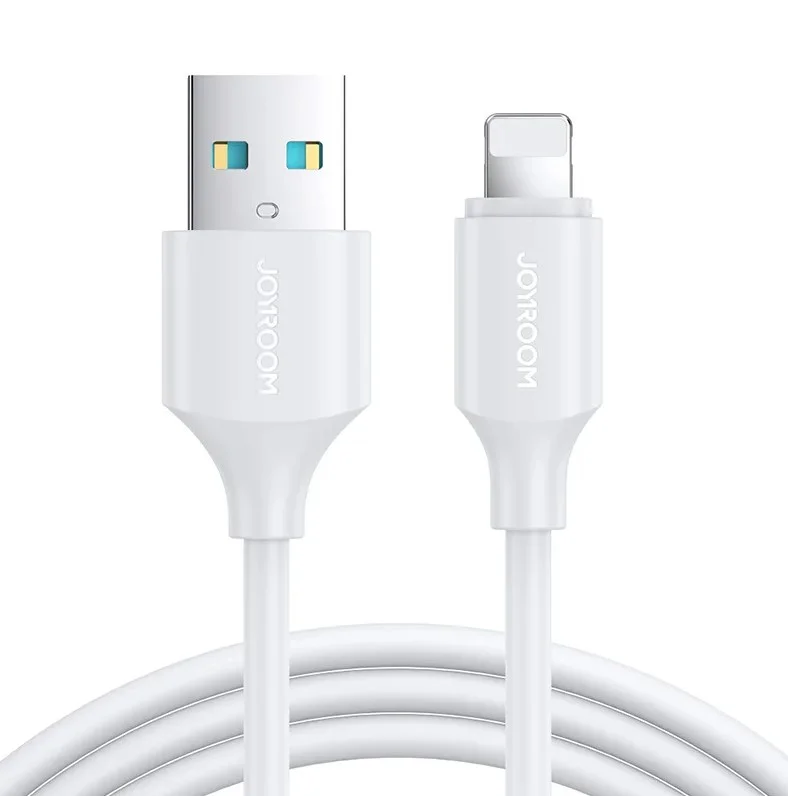
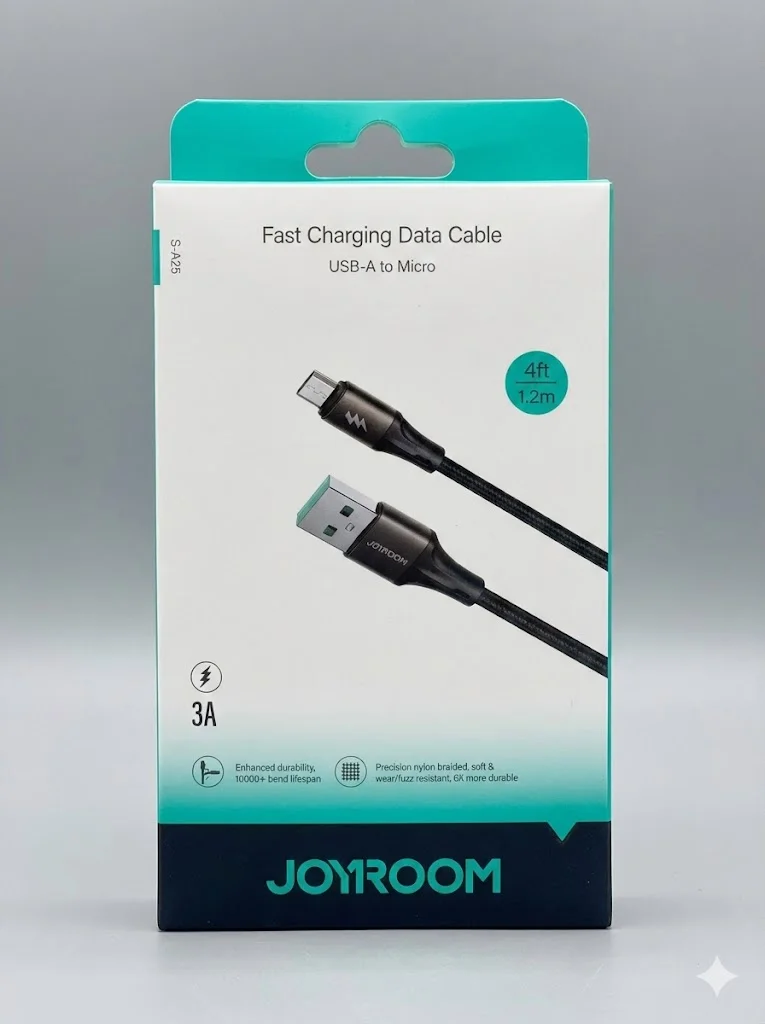
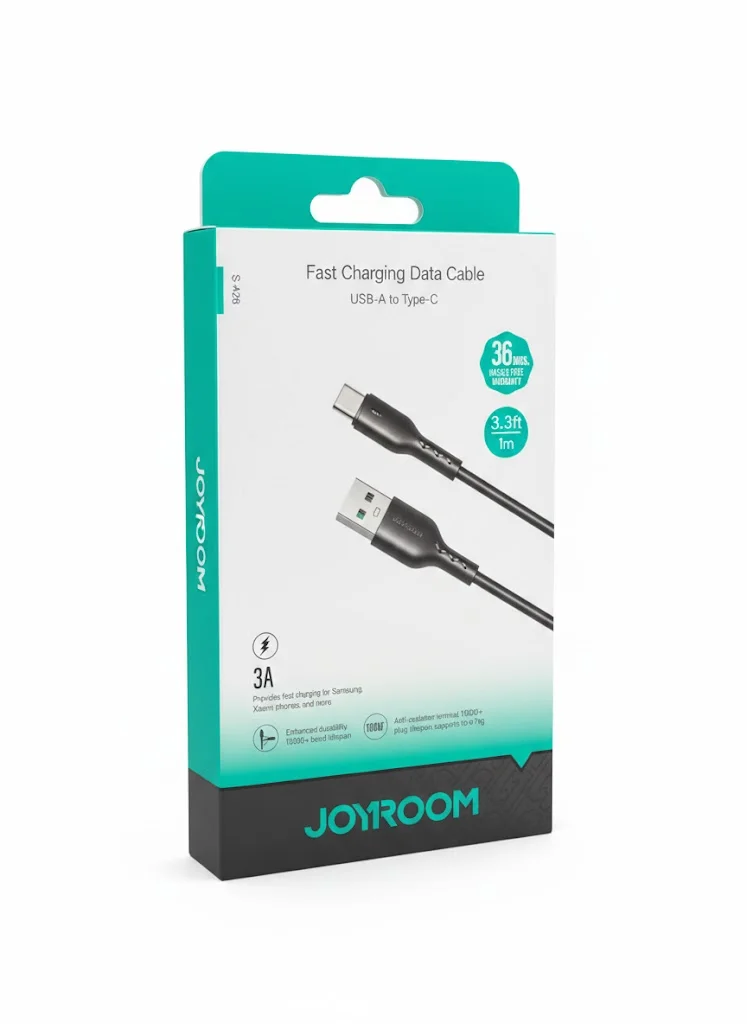
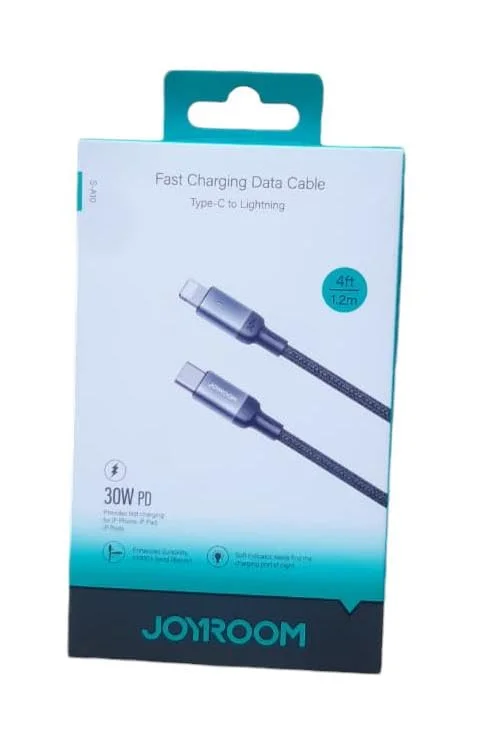
How to Choose the Right Charging Cable
The cable is the weakest link in your charging chain — a poor cable negates the benefit of the most powerful charger. Here's how to choose a charging cable right:
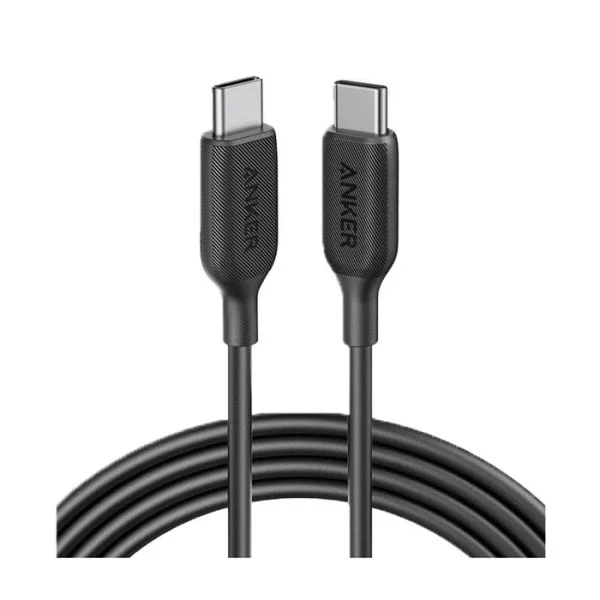
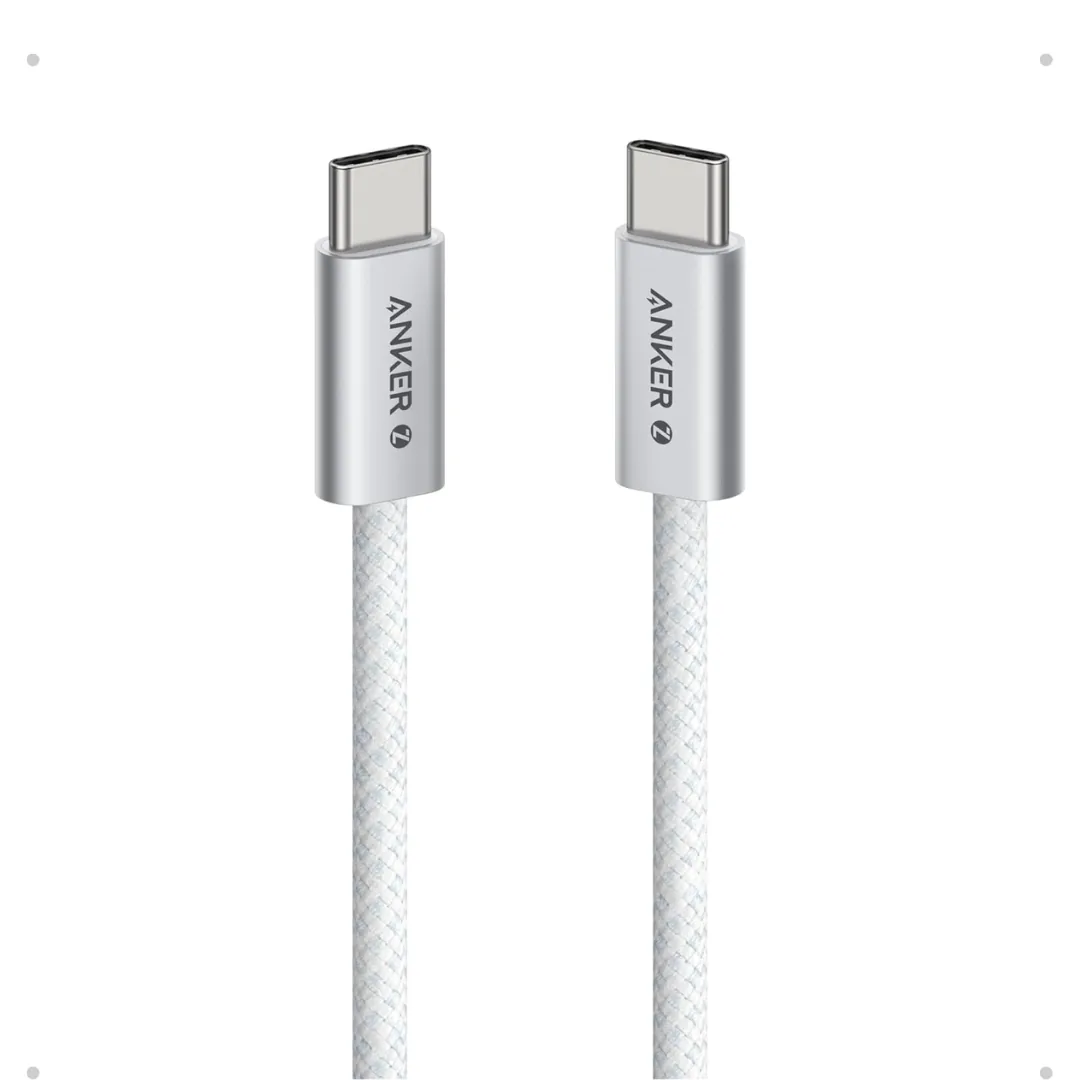
- Type: USB-C to USB-C is the current standard for all modern devices (iPhone 17, Samsung S26, iPad, MacBook)
- Power: Check the cable's watt or current rating; Power Delivery is negotiated by charger and device while the cable must carry the required level
- Current: Confirm whether the model is rated for 3A or 5A and whether electronic identification is required at higher power
- Durability: A braided jacket and reinforced connector may help resist wear, but actual life varies with bending, heat, and use
- Length: 1m for car and desk. 1.8-2m for bed and couch. 0.3m for power banks
Best Fast Charging USB-C Cable in Egypt
A USB-C to USB-C cable works with many modern devices, but power, data speed, and video support vary. Compare options by need:
- Daily use: Compare USB-C cables by power, length, and current product-page price
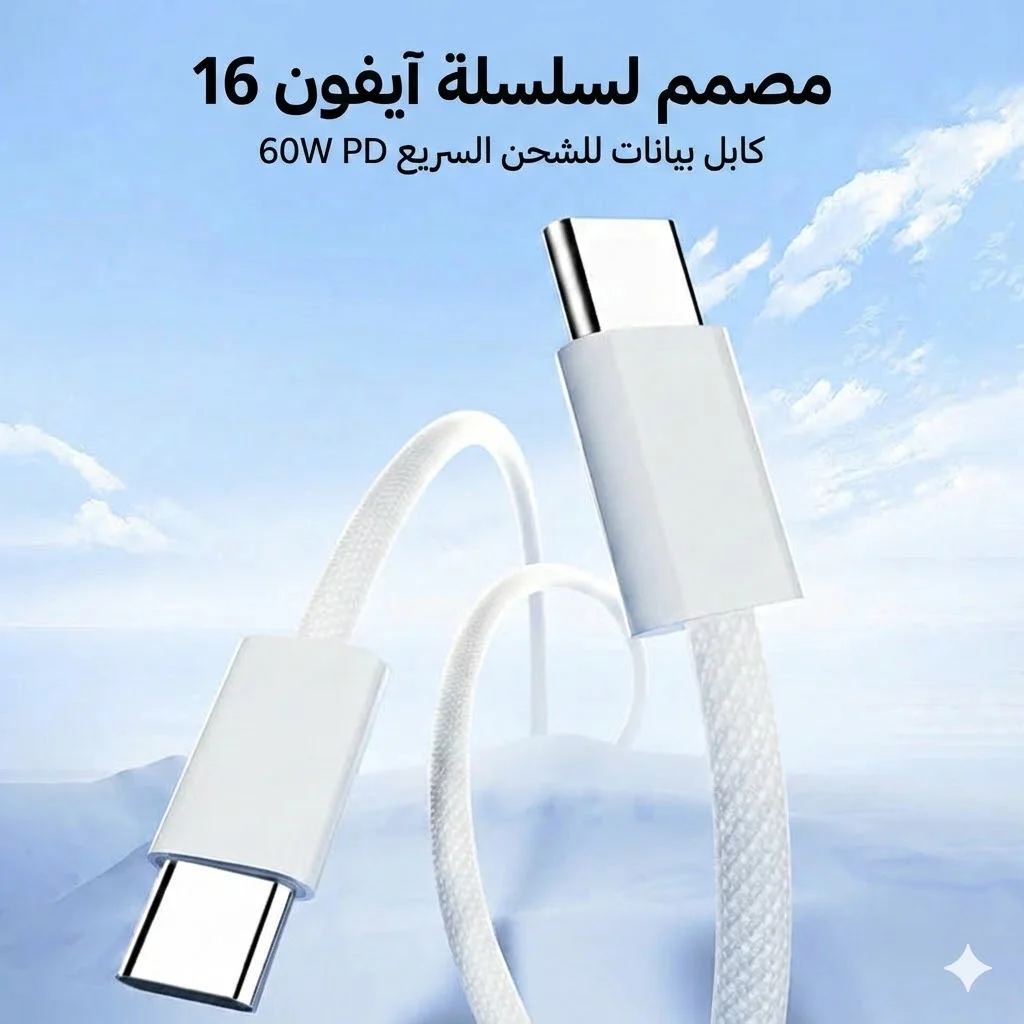
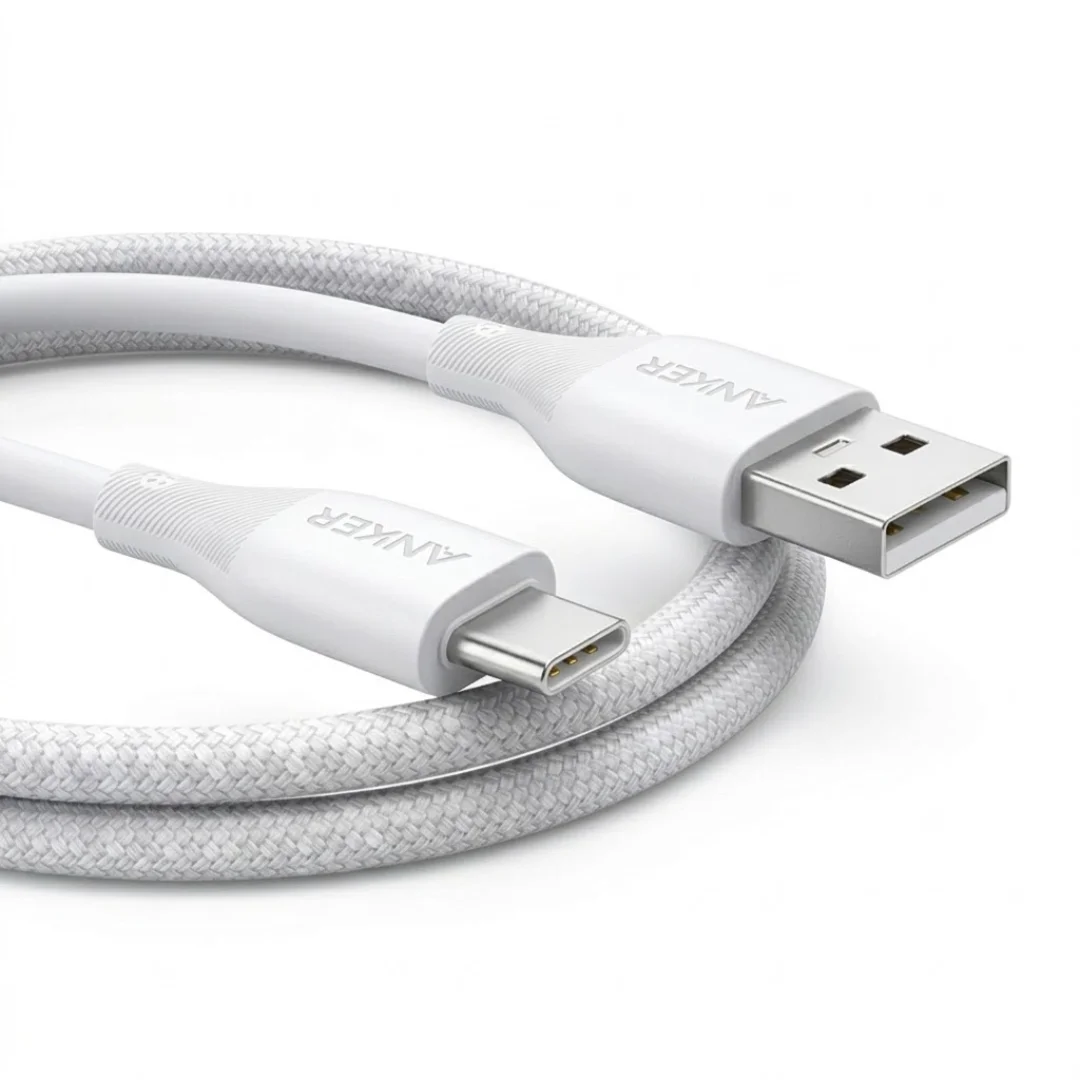
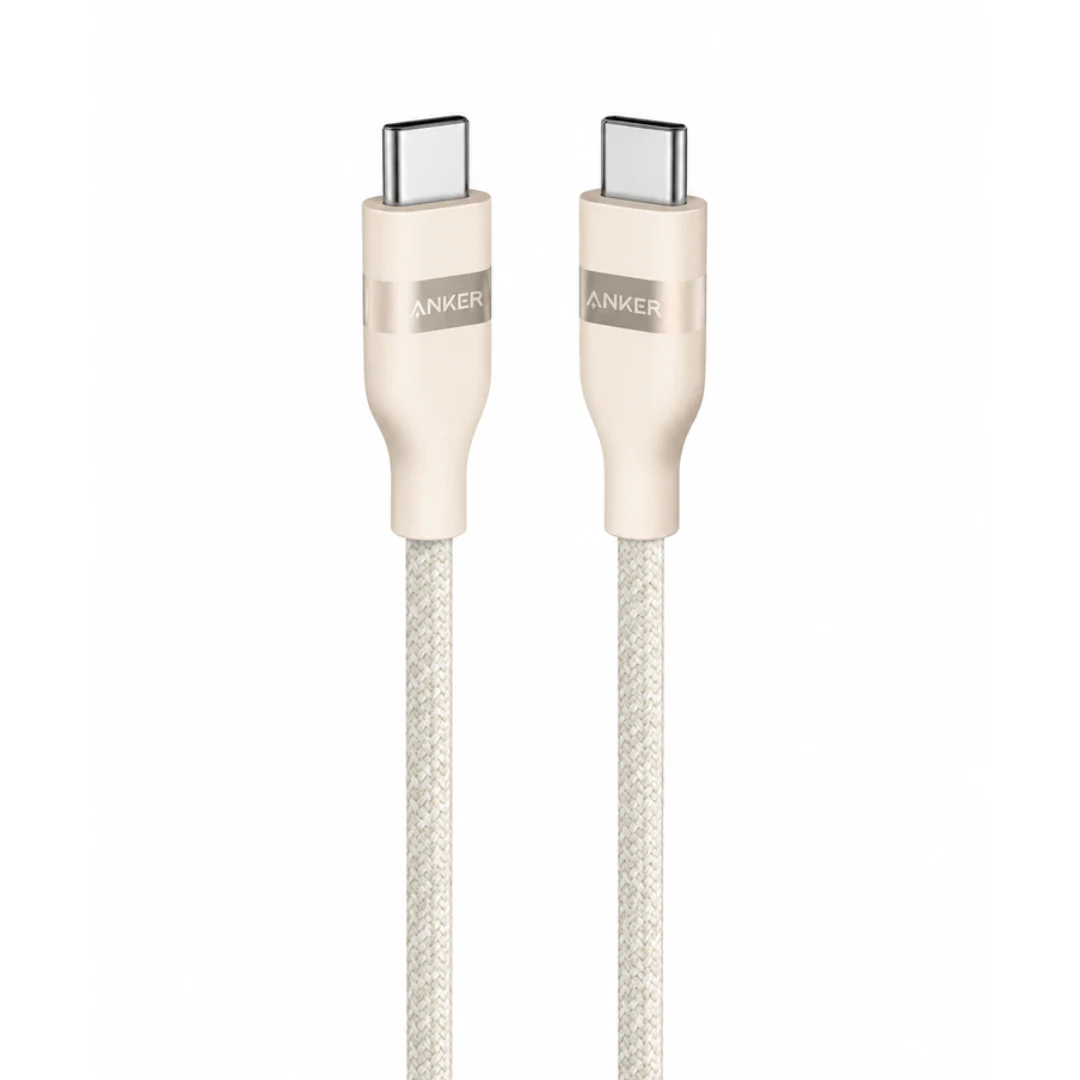
- Braided jacket: Check power and data ratings plus any model-specific durability claim
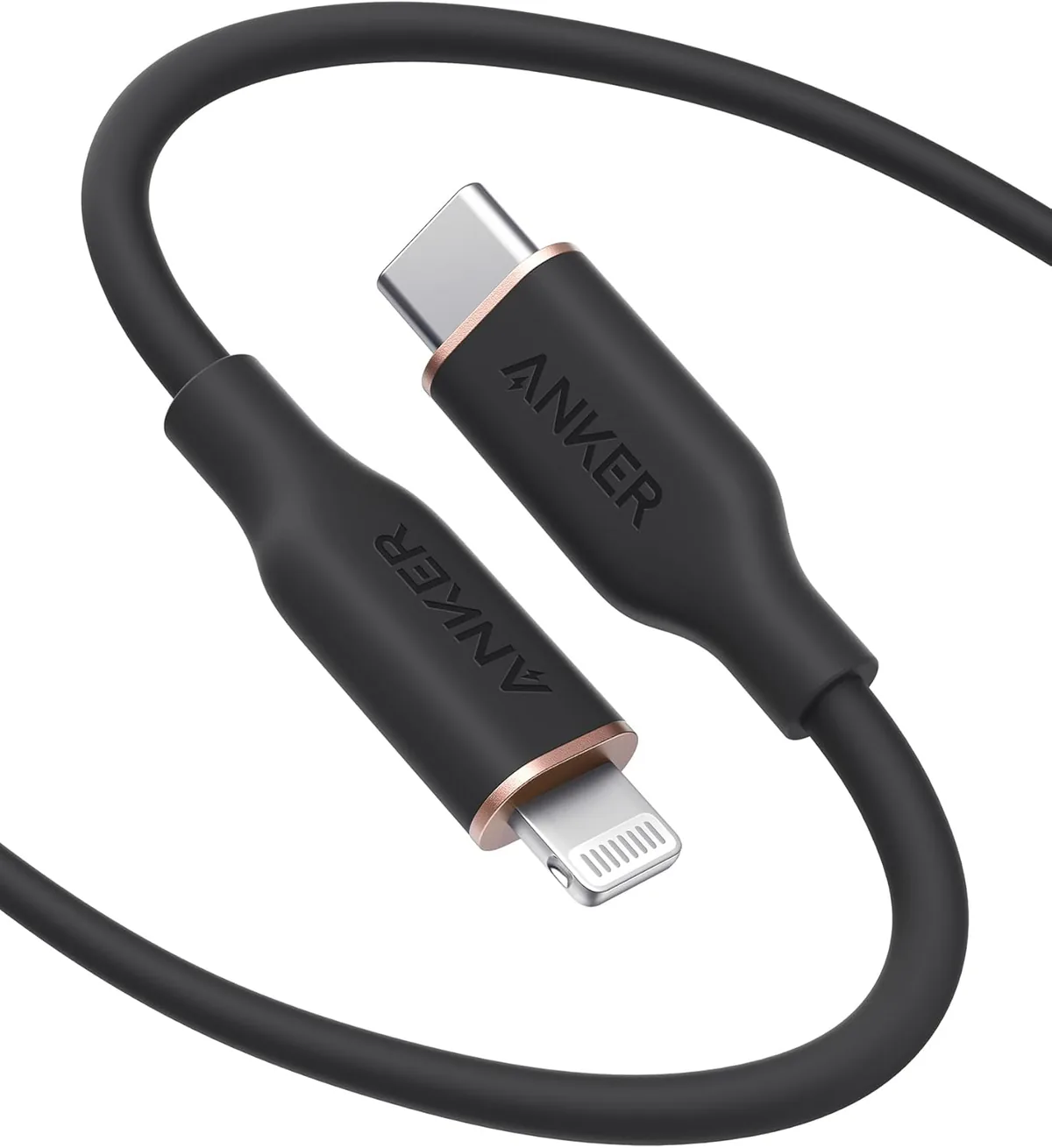
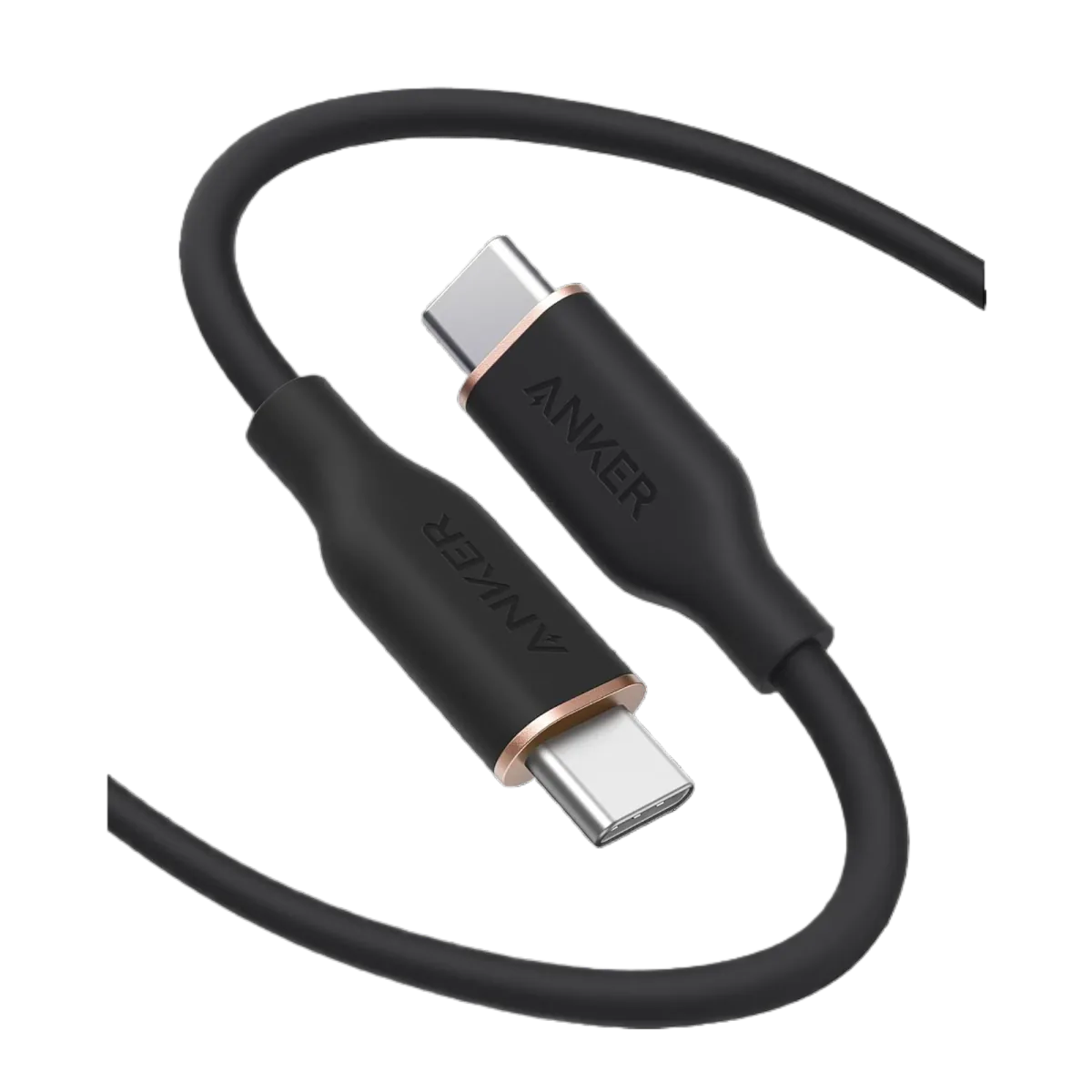
- Silicone jacket: It may feel softer and resist tangling depending on design; check length and power
- High-power laptop use: Match the cable to charger and device and confirm 5A/e-marker support when required
Best iPhone Charging Cable in Egypt
After Apple's switch to USB-C starting from iPhone 15, choosing an iPhone cable is easier. But you need to consider your device type:
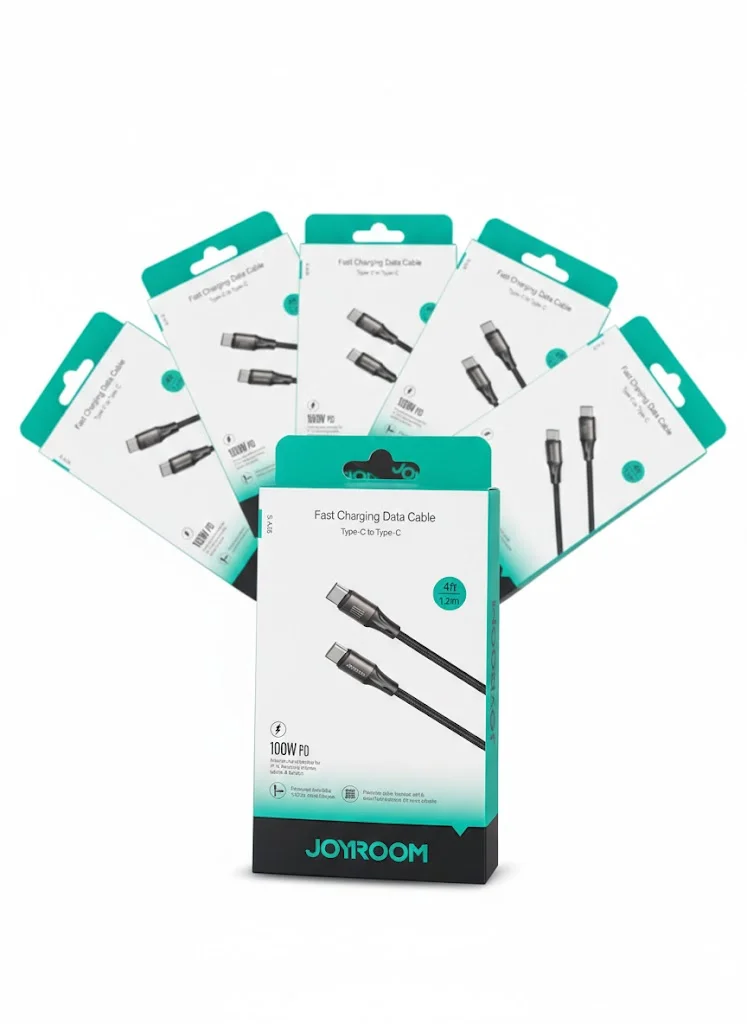
- iPhone 15 and later (USB-C): Choose USB-C to USB-C with suitable power and data support, then check the current price
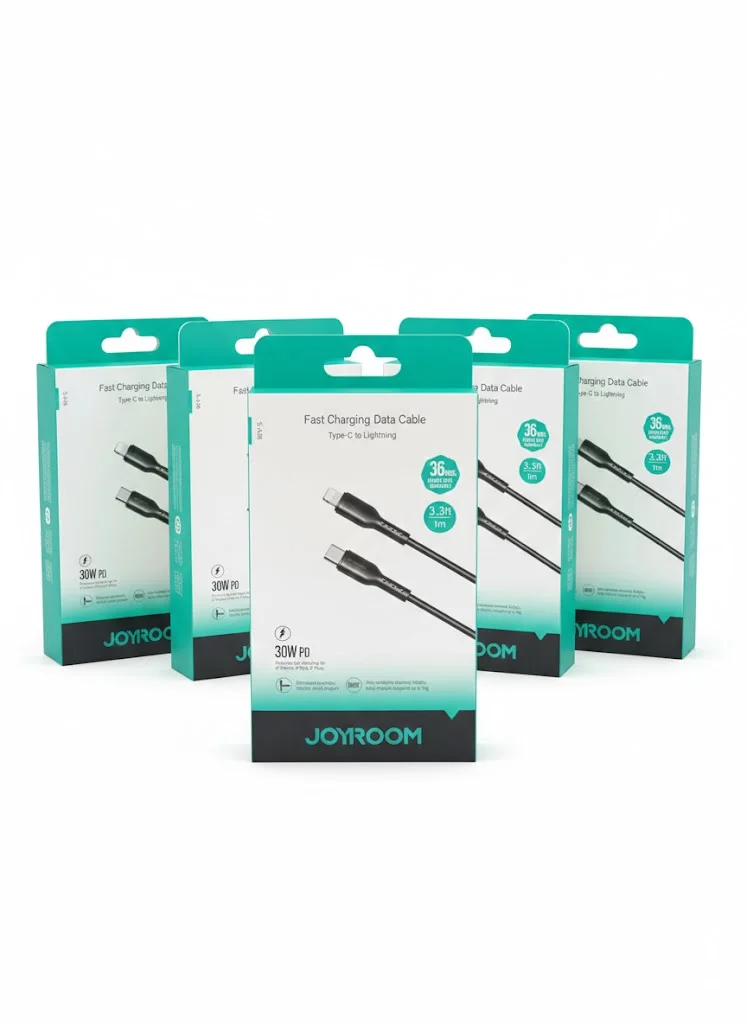
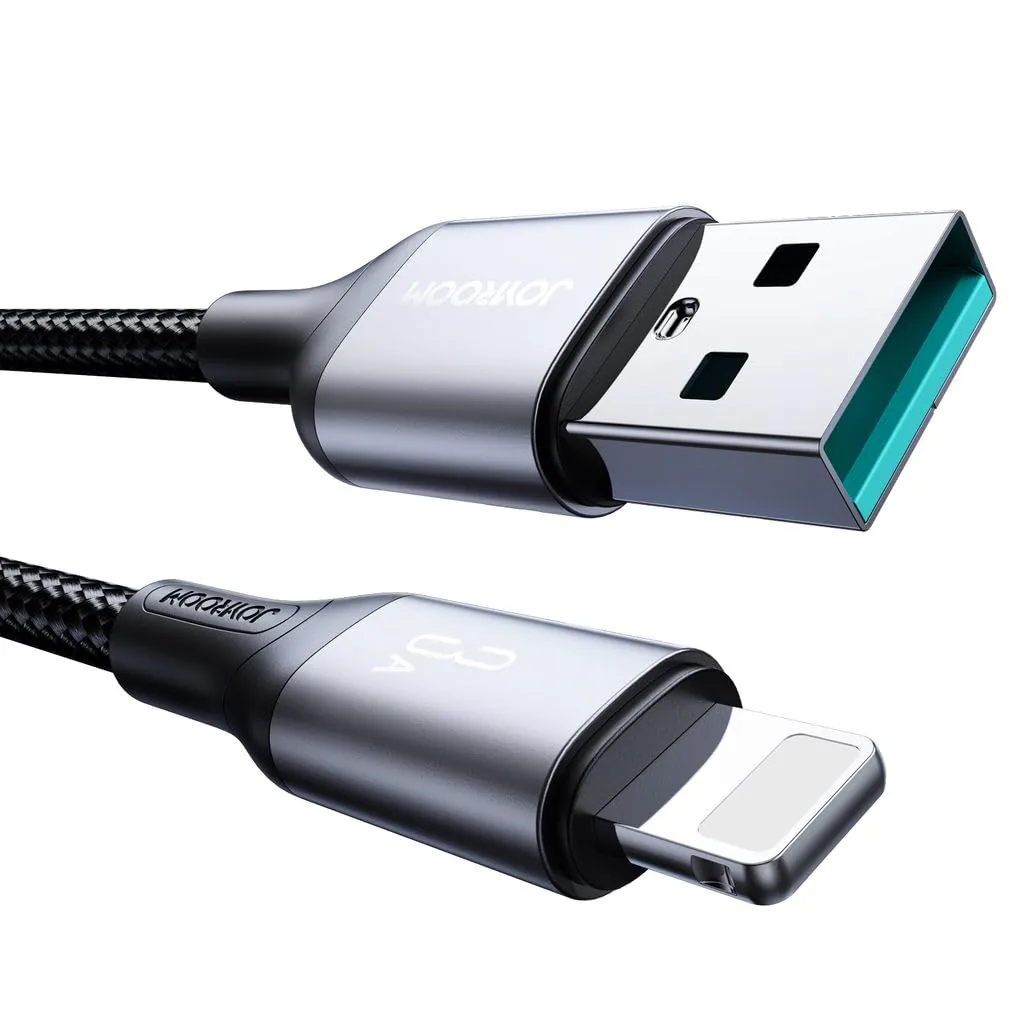
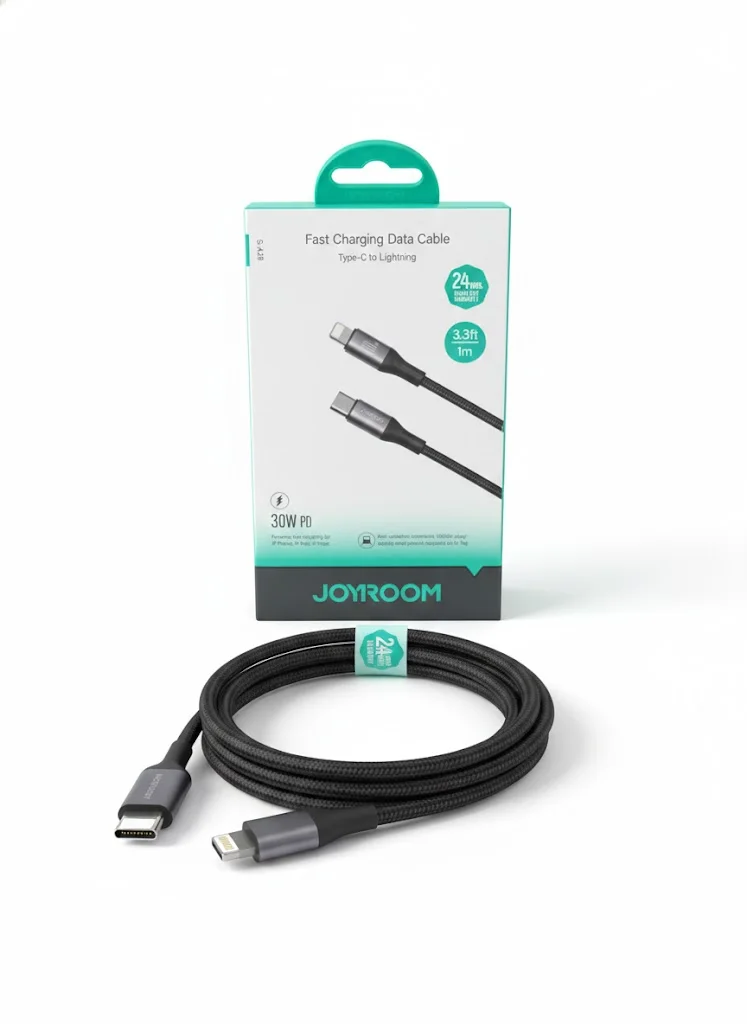
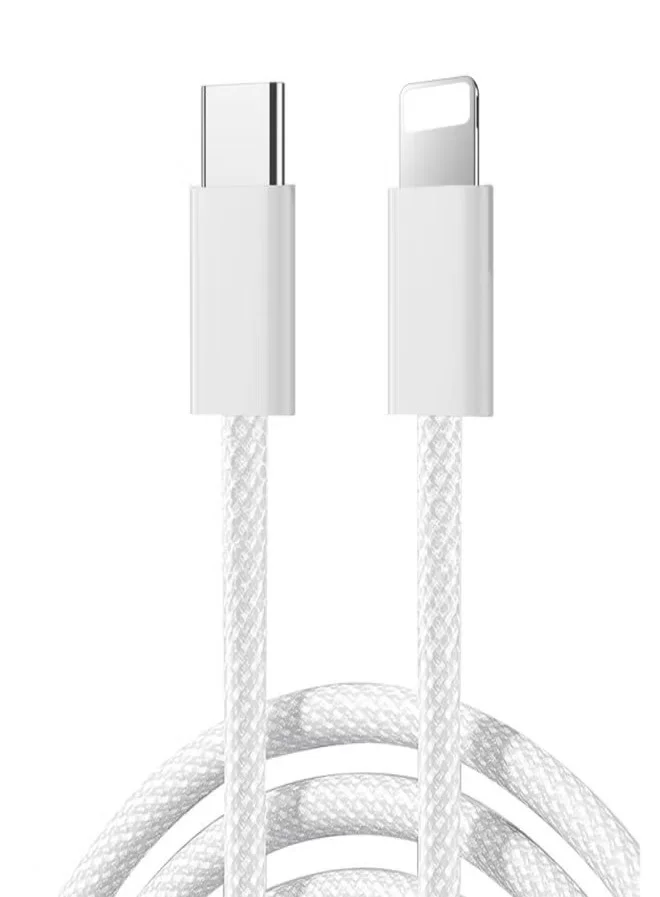
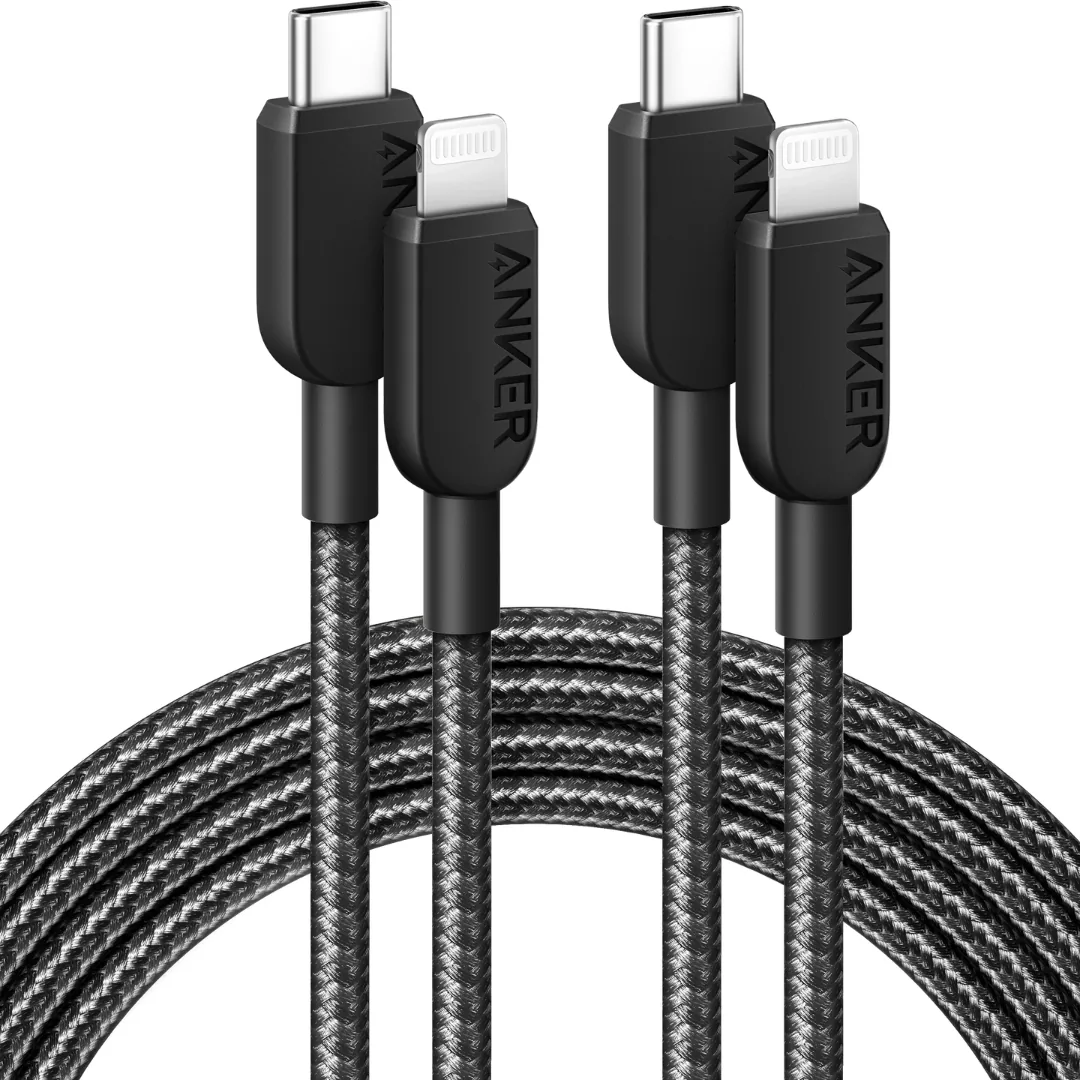
- iPhone 14 and older (Lightning): Choose USB-C to Lightning and verify MFi for the model when applicable
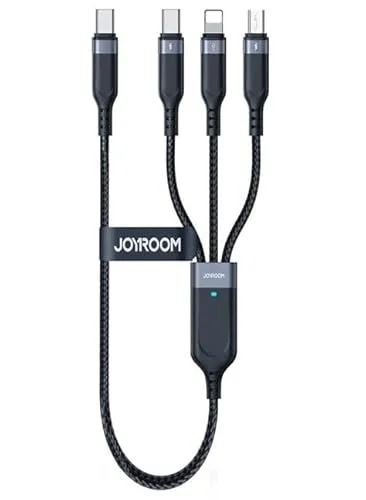
- 3-in-1 cable: Useful for mixed devices, but check the power and data available from each connector
- Long cable: Check listed length and power and avoid tension or sharp bends during use
USB-C vs Lightning — What Does Your Device Need?
Many modern devices use USB-C, while some devices and accessories still use Lightning or other connectors. Check your device port:
| Device | Port | Cable Needed |
|---|---|---|
| iPhone 17 / 16 / 15 | USB-C | USB-C to USB-C |
| iPhone 14 and older | Lightning | USB-C to Lightning |
| Samsung S26 / S25 / S24 | USB-C | USB-C to USB-C |
| iPad Pro (2018+), iPad Air (4th gen, 2020+) | USB-C | USB-C to USB-C |
| MacBook Air / Pro | USB-C | USB-C to USB-C (100W+); 140W fast charging of the 16-inch MacBook Pro over USB-C needs a 240W cable (Nov 2023 models and later) |
| AirPods Pro 2 | USB-C (2023 case) or Lightning (2022 case) — check the case port | USB-C to USB-C or USB-C to Lightning |
Tip: One USB-C to USB-C cable may work with several devices, but its power, data, and video support must match each use.
References: Apple — Fast charge your MacBook Air or MacBook Pro · Apple — Identify your AirPods · Apple — Identify your iPad model
Why Braided Nylon Cables Are Better
Braided, plastic, and silicone jackets differ in feel and wear resistance, but performance and lifespan depend on model design and use:
- Durability: Check any bend-test figure in the exact model specifications rather than applying it to every cable
- Tangle resistance: Braided or silicone jackets may help in daily use depending on thickness and storage
- Heat: Use the cable within its rating and stop if the jacket or connector is damaged
- Appearance: Wear varies with abrasion, bending, and storage
- Lifespan: There is no fixed duration; avoid pulling, sharp bends, and direct heat
Anker PowerLine and Joyroom cable materials vary by model; check the material field and images on the product page.
How to Identify Original vs Fake Charging Cable
To verify a cable before use, combine the model number, label, and packaging rather than relying on appearance alone:
- Model: Match it with the product page and manufacturer information
- Power: Check the watt or current rating and do not test above the listed load
- Condition: Stop using it if the connector is loose, damaged, or unusually hot
- Material: Match the jacket, length, and connectors with the model description
- Verification: Use MFi, QR, or serial checks only when the manufacturer provides them for the model
- Order record: Keep the order number and review the written CairoVolt warranty terms