CairoVolt Team
How to Identify Original Anker Products: The Complete 5-Method Guide
5 easy and guaranteed methods to tell original Anker products from fakes.
In short: No single sign proves authenticity. If the box has a security-code label (a 16- or 20-digit scratch-off code, found only on units sold in physical stores), enter it at anker.com/verify. A missing label does not mean the product is fake, and the serial number is not the security code. Buy with an invoice and a written warranty; treat weight and print quality only as warning signs.
Why Fake Anker Products Exist in Egypt
❗ In short: Fakes are common on OLX and Facebook Marketplace. To check: (1) if there is a security-code label (16 or 20 digits under a scratch-off layer), enter it at anker.com/verify — the label is found only on units sold in physical stores, and a missing label is not proof of a fake (2) compare weight and print with the model's listing as warning signs (3) buy with an invoice and a written warranty.
Anker's huge popularity has flooded Egyptian markets — especially OLX and Facebook Marketplace — with counterfeits that can damage your phone's battery or even endanger your safety. This guide brings all five methods together — from weight and print checks to digital verification and safe buying.
Each method has a dedicated deep-dive: where to find the Anker serial number and what its format looks like, the step-by-step official website verification walkthrough, and why counterfeit Anker chargers are genuinely dangerous.
5 Ways to Verify Anker is Original
1. Security Code on the Box (If Present) ✓
Anker's official check. Some Anker units sold in physical stores carry a security-code label: a 16- or 20-digit code under a scratch-off layer. Scratch it and enter the code at anker.com/verify. Units sold online usually have no label, and a missing label does not mean the product is fake. Note that the serial number is not the security code.
Warning sign: a label that sends you to a site other than anker.com.
Bought from CairoVolt?
Check your CairoVolt warranty serial (for products bought from CairoVolt). Anker's own check uses the security code at anker.com/verify.
🛡️ Check Your Warranty Serial2. Weight & amp; Density
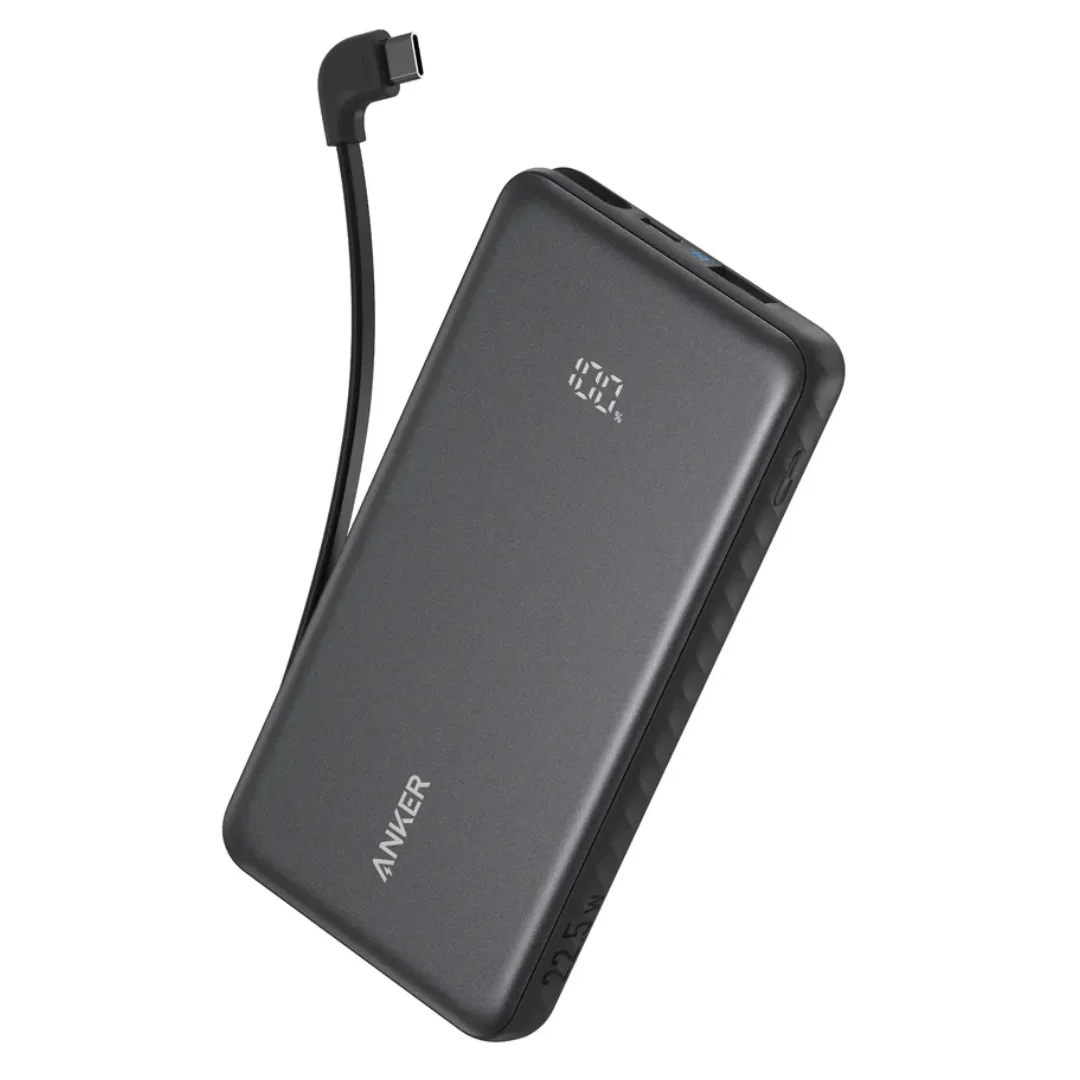
Compare the unit's weight with the weight listed for that exact model (for example, the Anker Zolo A110D has a listed weight of 229g). A large gap is a warning sign worth checking — but weight alone does not prove authenticity, because models differ.
3. Plastic Quality & amp; Print
Compare the casing and printing under good light:
| Detail | Original | Fake |
|---|---|---|
| Plastic | Smooth matte finish | Shiny cheap plastic |
| Printing | Clear, even, no gaps | Faded or slanted |
| Lettering | Uniform and even | Uneven letters |
4. Charging Speed
Genuine Anker supports PowerIQ smart charging. The product is likely fake if you notice:
- Much slower charging than the printed specs
- Abnormal heat while charging
- No "Fast Charging" indication on your phone
5. Buy With an Invoice and a Written Warranty 🏪
The practical way to cut the risk of fakes: buy from a seller that gives you an invoice and a written warranty, and use the manufacturer's verification tool where one exists. CairoVolt, an independent Egyptian store (not an official agent) selling genuine Anker, offers:
- CairoVolt's written store warranty (duration shown on each product page)
- Invoice
- CairoVolt warranty-serial check on our verification page
- 24/7 WhatsApp support
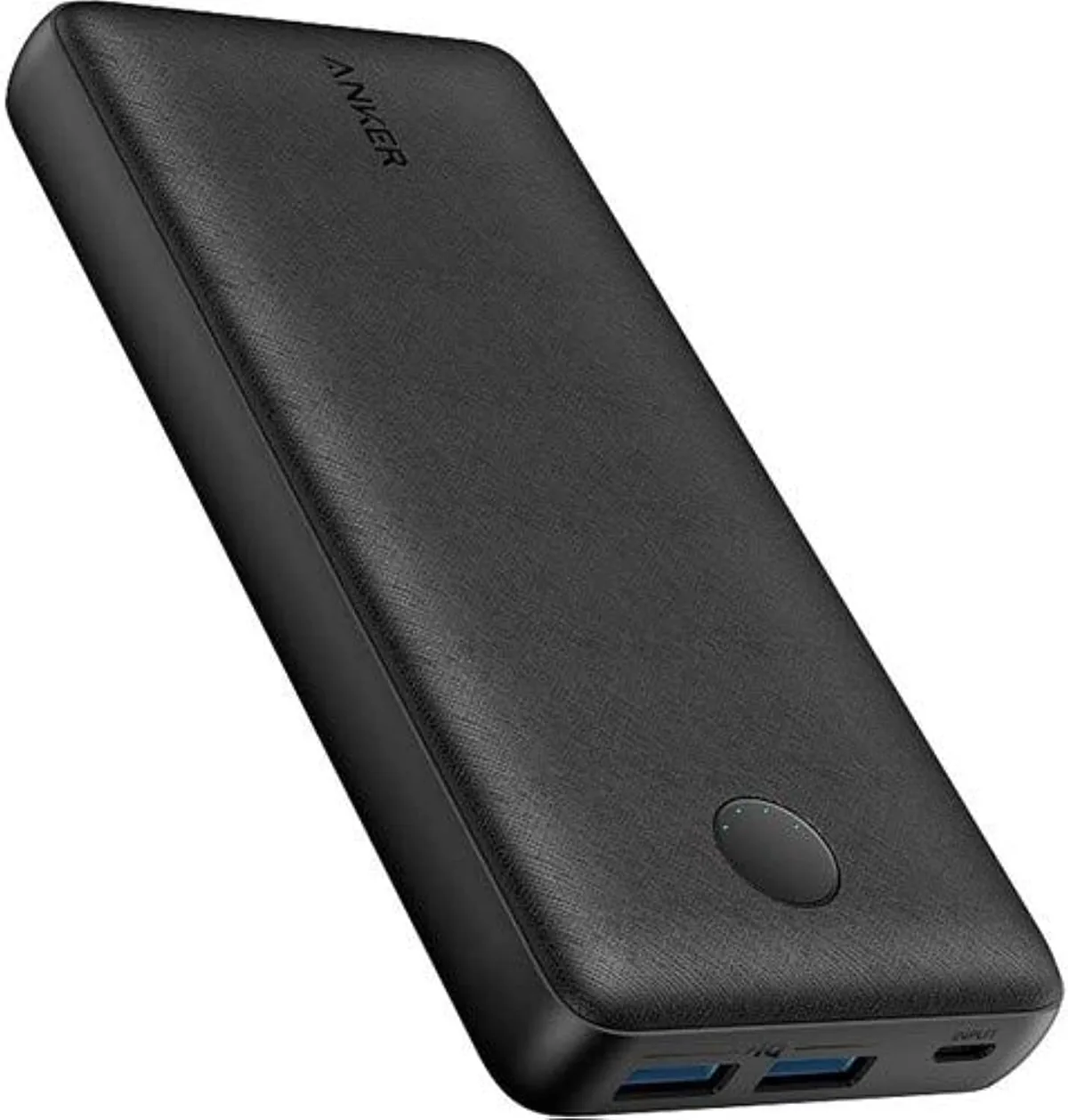
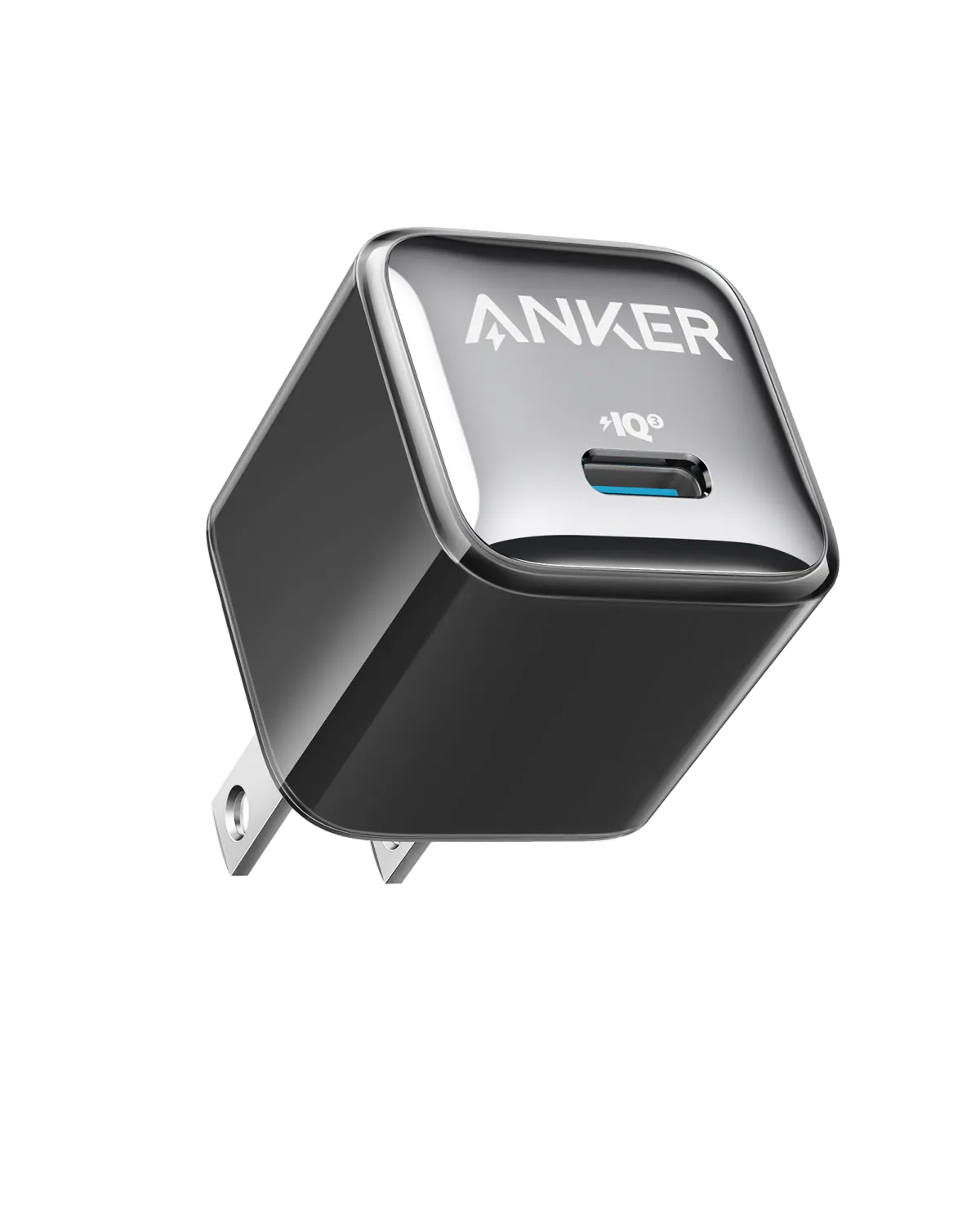
Anker products we stock include the Anker PowerCore 20000, the Anker Zolo A110D and the Anker 20W USB-C charger.
Signs You Can Trust the Seller
- ✓ An invoice and a written warranty
- ✓ Manufacturer security-code labels where the brand uses them (offline-sold units)
- ✓ The store's warranty serial can be checked online
- ✓ WhatsApp support 24/7
- ✓ Instant replacement warranty (not repair)
- ✓ Realistic prices — half the market price is a red flag
What to Do If You Discover a Fake
- Stop using it immediately — it can damage your battery or overheat
- Demand a refund from the seller
- Report it to Anker via their official website
- Buy the genuine replacement from a trusted seller
📚 Trusted sources:
🧮 Interactive Tools
Use these tools to help you make the right decision
Decision path
- Review an Anker product
- Do the model number and rating match manufacturer documentation?
- No: Pause and contact the seller or manufacturer support
- Yes: Is a manufacturer verification tool available for this model?
- Pause and contact the seller or manufacturer support
- Is a manufacturer verification tool available for this model?
- Yes: Follow the tool or manufacturer support instructions
- No: Keep the invoice and the seller's warranty terms
- Follow the tool or manufacturer support instructions
- Keep the invoice and the seller's warranty terms
- Is there damage or unusual heat?
- Yes: Stop use and seek qualified support
- No: Initial checks complete — not an authenticity certificate
- Stop use and seek qualified support
- Initial checks complete — not an authenticity certificate
CairoVolt Team
Tech Editor
Frequently Asked Questions
How do I verify my Anker is original?▼
Is Anker from Amazon Egypt original?▼
Is it dangerous to use a fake Anker charger?▼
Ready to Buy?
Browse available products and review specifications and CairoVolt warranty terms before ordering