 CairoVolt Team
Anker Official Website — Step-by-Step Barcode and Serial Number Verification Guide
Simple steps to verify any Anker product's authenticity via anker.com/verify — what to enter and what the result actually means.
Bottom Line: Anker's official checker at anker.com/verify uses the 16- or 20-digit security code under the scratch-off label on the package, not the serial number. Only offline-sold units carry that label, and Anker says a missing label does not mean the product is counterfeit. The serial and model number (e.g., A1263) only identify the unit.
⚠️ Recall notice: Anker PowerCore 10000 (model A1263)
In June 2025 the US CPSC announced a recall of A1263 units made for the US market between January 2016 and October 2019 over an overheating and fire hazard. If you own an A1263, check its serial at anker.com/a1263-recall before using it.
Bought an Anker product and want to confirm it's genuine? Anker provides an official verification tool directly on their website, and this guide is dedicated purely to that walkthrough — every step on the official site: which code to look for, how to enter it, what each result means, and what to do if verification fails.
If you haven't located the number itself yet, start with where to find the Anker serial number and what its format looks like — and for the full picture of every identification method, see the complete 5-method guide to identifying original Anker products.
Step 1 — Tell the Security Code Apart from the Serial Number
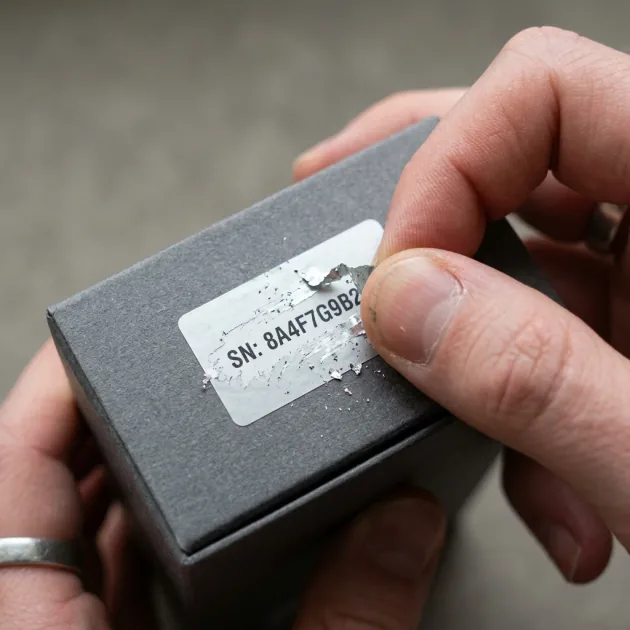
The key point before you open the site: Anker's official page at anker.com/verify does not ask for the serial number or the barcode digits. It asks for a 16- or 20-digit security code hidden under a silver scratch-off coating on a security label on the package.
The Security Code (on the Package)
- It sits on a security label on the outer box, under a coating you scratch off like a prepaid card.
- Anker says only products sold offline carry a security code, and it lists Egypt among the regions where the code applies.
- If the box has no such label, or a label that differs from the example on Anker's page, Anker says the product cannot be verified — and that this does not mean it is counterfeit.
The Serial and Model Number (on the Device)
The serial and model number are usually printed on the device itself and sometimes on the box label. Anker's A1263 recall page, for example, shows the model number on the bottom of the device and notes that the letters "O" and "I" are not used in that model's serial. The model number (such as A1263 or A2147) identifies the product type and the serial identifies the individual unit. Both are useful for recall and warranty checks, but neither is what you type into anker.com/verify.
Step 2 — Accessing the Verification Page
- Open your browser on your phone or computer
- Navigate to: https://www.anker.com/verify
- The page shows a single field for the 16- or 20-digit security code
Step 3 — Entering the Security Code
- Scratch the silver coating off carefully without scratching the digits
- Type the full code exactly as printed
- Click SUBMIT
- Read the result message
Possible Results and What They Mean
These are the messages Anker's page displays (we checked them on anker.com/verify on 4 October 2026):
| Result | Meaning | Action |
|---|---|---|
| "Authentic" — "This is the first time this code has been verified." | The code is valid and this is its first check | Keep your invoice and warranty card |
| "Authentic" — "This code has been verified before on the following date" | The code is valid but was checked before on the date shown | If the box was sealed and that date is not your own check, ask the seller |
| "Unverified Code" — "This is not a genuine code." | The code does not match Anker's records | Re-check every digit; Anker says that if the code was entered exactly as printed, the product is counterfeit — contact the seller |
If Verification Fails — Practical Steps
First: Check Your Input
- Make sure you entered the scratch-off security code, not the serial number, model number or barcode digits
- Check the digit count (16 or 20) and each digit individually
- If the coating came off roughly and some digits are unclear, use your phone camera's zoom
Second: If the Code Is Correct but the Result Is "Unverified Code"
- Contact the seller with photos of the label, the box and your invoice, and ask for a return under their written policy
- If you bought from CairoVolt: email the photos to info@cairovolt.com and we will review the case with you
Third: If the Box Has No Security Label at All
Anker says only products sold offline carry a security code and that a missing label is not proof of a counterfeit. In that case, rely on the checks in the next section.
Why Digital Verification Alone Isn't Enough
The security code confirms that the code itself was issued by Anker, but not every box carries one, and a code can be copied — which is why the "verified before" message matters. Combine the digital check with:
- Invoice and written warranty: buy from a seller that issues an invoice and a written warranty naming its legal identity
- Model and ratings match: match the model number and printed ratings (watts and volts) to Anker's documentation for that model
- Print quality: text and markings on a genuine product are sharp and match the box — fakes often have blurry text or washed-out colors
- Price: a price far below the usual level for that model is a red flag
Packaging or a barcode alone does not prove authenticity. For a deeper look at how the verification system works and how to spot sophisticated fakes, read: Counterfeit Anker Danger — Inside the Anker Verify Security System.
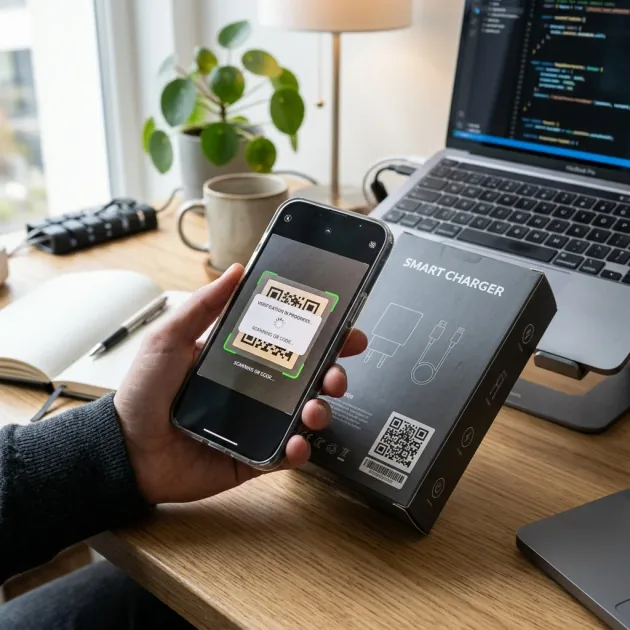
Barcodes and QR Codes on the Box
The barcode and any QR code printed on the box identify the product for stock and sales, but anker.com/verify asks you to type the security code yourself. Do not treat scanning a barcode or QR code as a substitute for the security code, and do not trust a "verification link" that takes you to a site other than anker.com.
Security Labels and Scratch Verification Codes
The security label appears on packaging for products sold offline. It has a silver scratch-off section, similar to a prepaid calling card; scratching it reveals a 16- or 20-digit security code. This code is entirely different from the serial number (S/N) printed on the device to identify the unit.
Anker's page tells you whether the code is being checked for the first time, or whether it was checked before and on which date. If you bought a new, sealed product and the page says the code was already checked on a date that was not yours, that is reason enough to ask the seller before using it.
Visual Hardware Inspection: Inside the Port and Pins
Genuine Anker charging hardware is engineered with precise quality control. If you look closely inside the USB-C port of an original Anker charger, you will find perfectly aligned copper contact pins that are cleanly gold-plated or treated to prevent oxidization. The surrounding internal plastic is completely smooth with no jagged edges. In counterfeit chargers, the internal pins are often crooked or misaligned, and the plastic molding shows rough cuts. Furthermore, the metal electrical wall prongs on genuine chargers are durable, straight, and compliant with safety specifications, whereas counterfeits use cheap, lightweight metals that easily bend or create dangerous electrical sparks when plugged in.
Buy From a Seller With an Invoice and a Written Warranty
In the end, the security-code check on Anker's site is a useful step, but not every box carries a code. So buy from a seller that issues an invoice and a written warranty naming its legal identity, match the model and ratings to Anker's documentation, and use Anker's verification tool when the box carries a label. CairoVolt is an independent retailer, and Anker products bought from us are covered by CairoVolt's written store warranty (duration shown on each product page).
Summary and Smart Shopping Checklist
Checking at anker.com/verify is quick and free — but it needs the security code from the package, not the serial number, and a box without a code is not proof of a fake. Pair it with an invoice, a written warranty and a match between the model and its printed ratings.
🛒 Anker products with CairoVolt's written store warranty (duration shown on each product page):
Anker 30W Car Charger (A2741) · Anker 45W Charger with Display · Anker USB-A to USB-C Cable.
CairoVolt Team
Tech Editor
Frequently Asked Questions
Where do I find the Serial Number on an Anker product?▼
Can a correct serial number come with a fake product?▼
What if the anker.com/verify page isn't loading?▼
What's the difference between the model number and serial number?▼
Ready to Buy?
Browse available products and review specifications and CairoVolt warranty terms before ordering
Related products
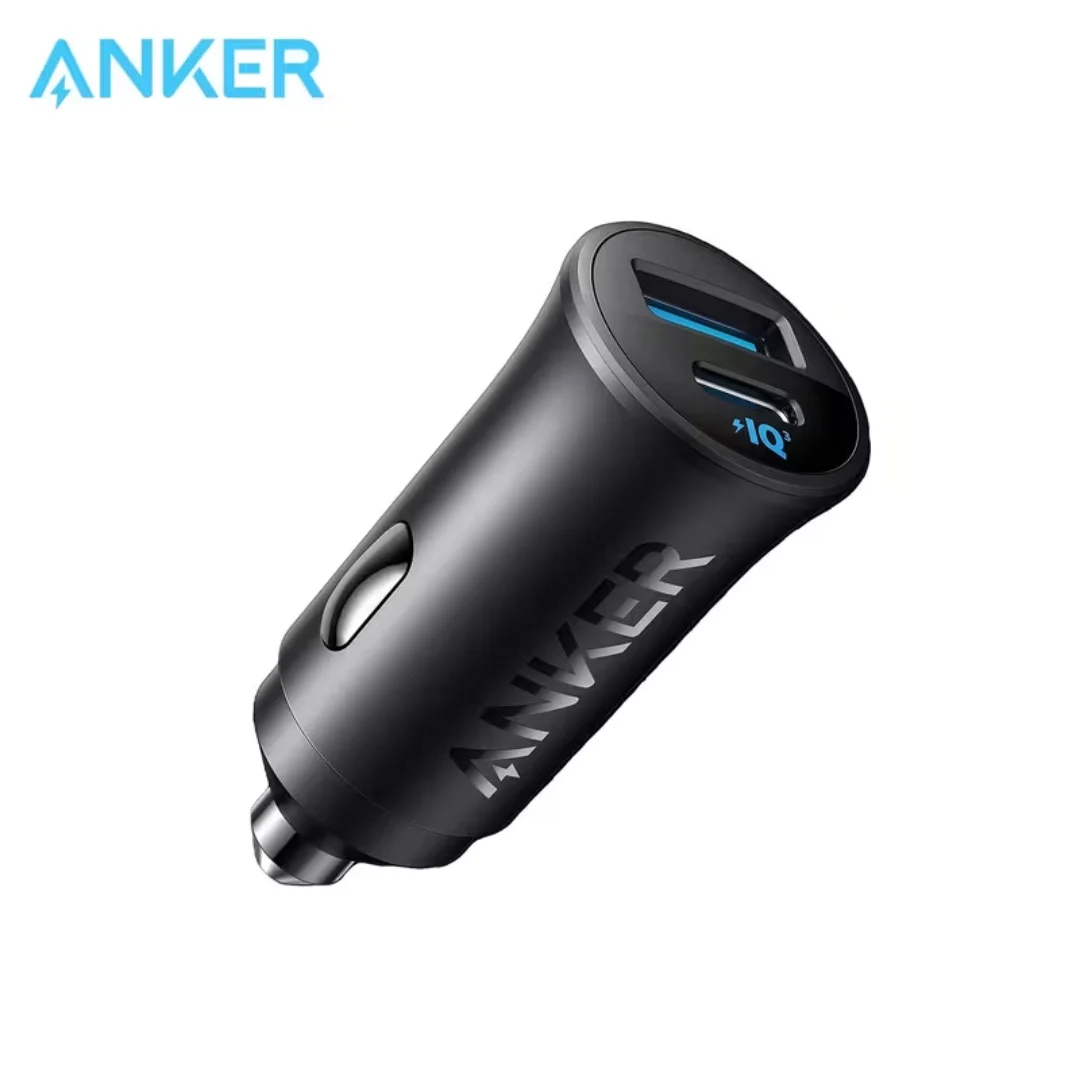
Anker 30W Mini Car Charger (A2741) | USB-C 30W PD + USB-A 22.5W | Ultra-Compact
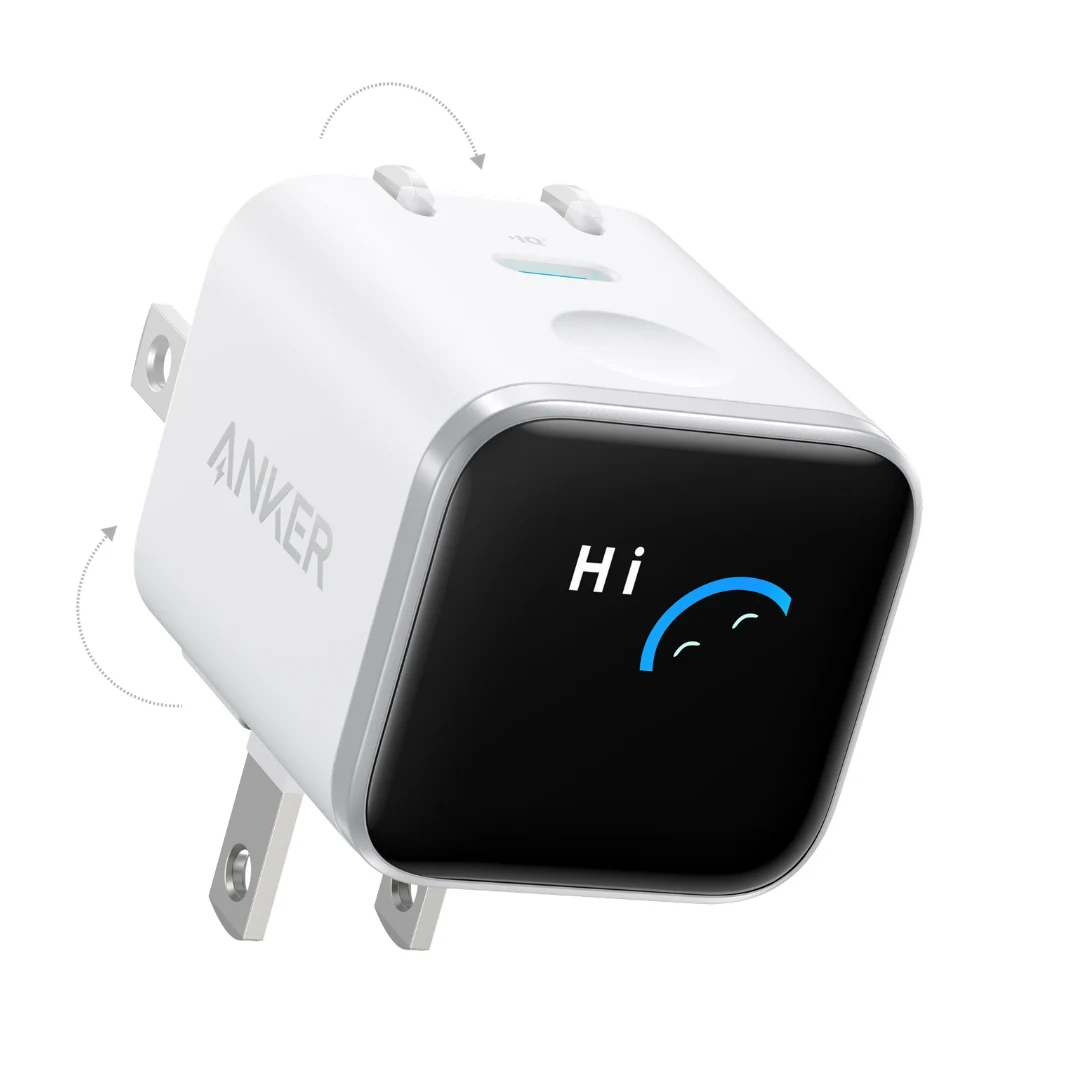
Anker Nano 45W Smart Display GaN Charger (A121D) | 180° Foldable Plug | USB-C PD
Anker USB-A to USB-C Cable (A8050) | Braided Nylon 1.8m | Fast Charging
Anker 25W PPS Charger (A2656111) | Samsung-Compatible USB-C PD
Anker Zolo Power Bank 25,000mAh 165W — Built-In Dual Cables | MacBook Charging
Browse the categories this article covers
Related Articles
Counterfeit Anker Danger — Inside the Anker Verify Security System and Protection Circuits
Read more →
Anker 18-Month Store Warranty in Egypt — Where to Buy and Full Replacement Conditions
Read more →