
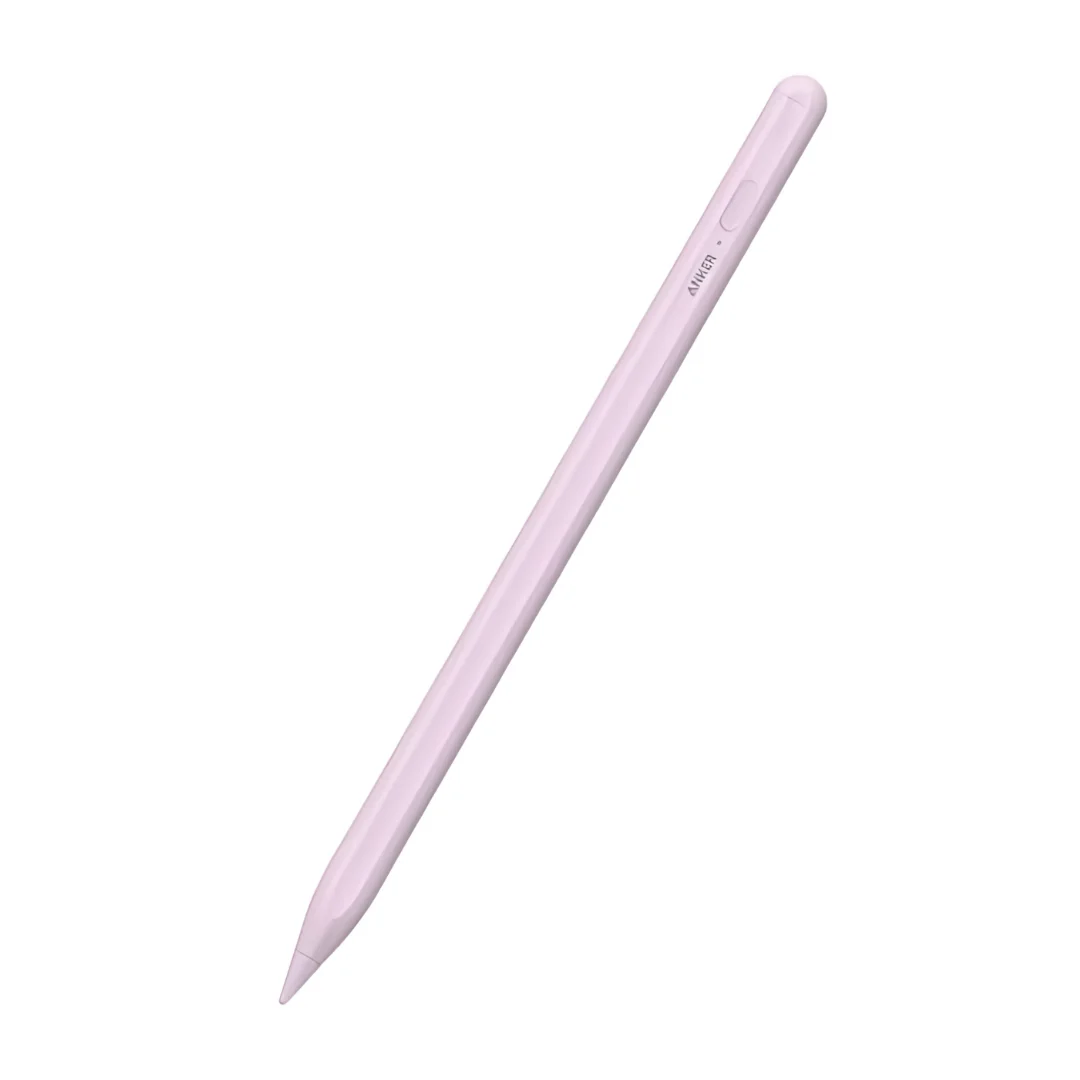
The Anker accessories section at CairoVolt currently features the Anker Pencil Pro A7166 iPad stylus, with manufacturer-listed features that include tilt support, palm rejection, magnetic storage attachment, Bluetooth 5.3, and USB-C charging, at a listed weight of 15.4g.
Why a dedicated iPad stylus?
• - Note-taking: palm rejection helps a compatible iPad distinguish the stylus from a resting hand; results depend on the app.
• - Drawing and shading: tilt support can change a supported brush according to pen angle. The A7166 does not list pressure sensitivity, so choose a setup that explicitly supports it if your work requires it.
• - Practical charging: charging is over USB-C; the magnetic attachment is for storage on suitable iPad bodies, not for charging.
• - Note-taking: palm rejection helps a compatible iPad distinguish the stylus from a resting hand; results depend on the app.
• - Drawing and shading: tilt support can change a supported brush according to pen angle. The A7166 does not list pressure sensitivity, so choose a setup that explicitly supports it if your work requires it.
• - Practical charging: charging is over USB-C; the magnetic attachment is for storage on suitable iPad bodies, not for charging.
Before you buy:
Compatibility depends on the exact iPad model number, iPadOS version, and app. Read the model number in Settings and compare it against Anker's current A7166 compatibility list rather than relying on a broad year range.
Compatibility depends on the exact iPad model number, iPadOS version, and app. Read the model number in Settings and compare it against Anker's current A7166 compatibility list rather than relying on a broad year range.
CairoVolt warranty: coverage, duration, and replacement terms are those shown on the product page and warranty policy. Delivery estimates depend on the confirmed address, with cash on delivery available for eligible orders.
Smart Buying Guide
Confirm compatibility before you pay
Open Settings on the iPad and note the exact model number, then compare it with Anker's current A7166 compatibility list. Similar device names and generation ranges such as "2018 and newer" are not a substitute for the model number. Also confirm that your note-taking or drawing app supports the functions you need.
Tilt vs palm rejection vs pressure sensitivity
•Tilt support: changes a supported brush according to pen angle; listed for the A7166.
•Palm rejection: lets a compatible iPad ignore a resting hand while writing; results depend on the app.
•Pressure sensitivity: varies line weight with pressure and is not listed for the A7166. If it is essential to your drawing workflow, choose a stylus and iPad combination that explicitly supports it.
Charging, storage, and replacement tips
Charging is over USB-C, and the published runtime and charge-time figures are manufacturer examples under stated test conditions. The magnetic attachment is for storage on iPad bodies that support it and does not imply wireless charging. For replacement tips, only fit a tip whose part number is explicitly listed for the A7166.
Frequently Asked Questions
Which iPads work with the Anker A7166 stylus?▼
Open iPad Settings and check the exact model number, then compare it with Anker's current compatibility table for A7166. A year or generation range can be misleading — the model number is the accurate reference.
Does the Anker stylus have Apple Pencil-like pressure sensitivity?▼
The company lists tilt support and palm rejection for A7166, with no stated pressure sensitivity. If pressure sensitivity is required for drawing, choose a stylus and iPad that explicitly support it.
Does the stylus charge magnetically when attached to the iPad?▼
No. Magnetic attachment is for storage only on iPads whose shape allows it. Charging uses the USB-C port specified in the product data.
How long does the battery last in use?▼
Published runtime and charge figures are manufacturer examples under defined test conditions; real results vary with use, temperature, and battery age. Check the product page for current figures.
Can I use Apple Pencil tips on the Anker stylus?▼
Fit only a tip listed with a part number compatible with A7166. Similar shape does not prove mechanical compatibility or iPad screen safety.
Does it work with Procreate, GoodNotes, and note apps?▼
App support varies. Confirm the specific function — writing, tilt, or palm rejection — on your iPad model, OS version, and app.
Warning: How can I spot a counterfeit Anker stylus?▼
Match model number A7166, packaging quality, printed specs, and box contents, and use any official manufacturer verification method available. Keep the invoice and warranty record; appearance or price alone do not prove authenticity.
What warranty covers Anker accessories from CairoVolt?▼
CairoVolt warranty duration, coverage, and replacement terms are written on the product page and warranty policy. Delivery timing is an estimate after address confirmation, and cash on delivery is available for eligible orders.