
How to Choose the Right Phone Charger
Choosing a phone charger starts with the device specifications, not the wattage label alone. Check the manufacturer documentation for your exact model, then compare these points with the product page:
- Power: The device negotiates the input it supports; a higher charger rating does not automatically make every device charge faster.
- Protocol: Confirm USB-C PD, PPS, or other required support across the device, charger, and cable because support is model-specific.
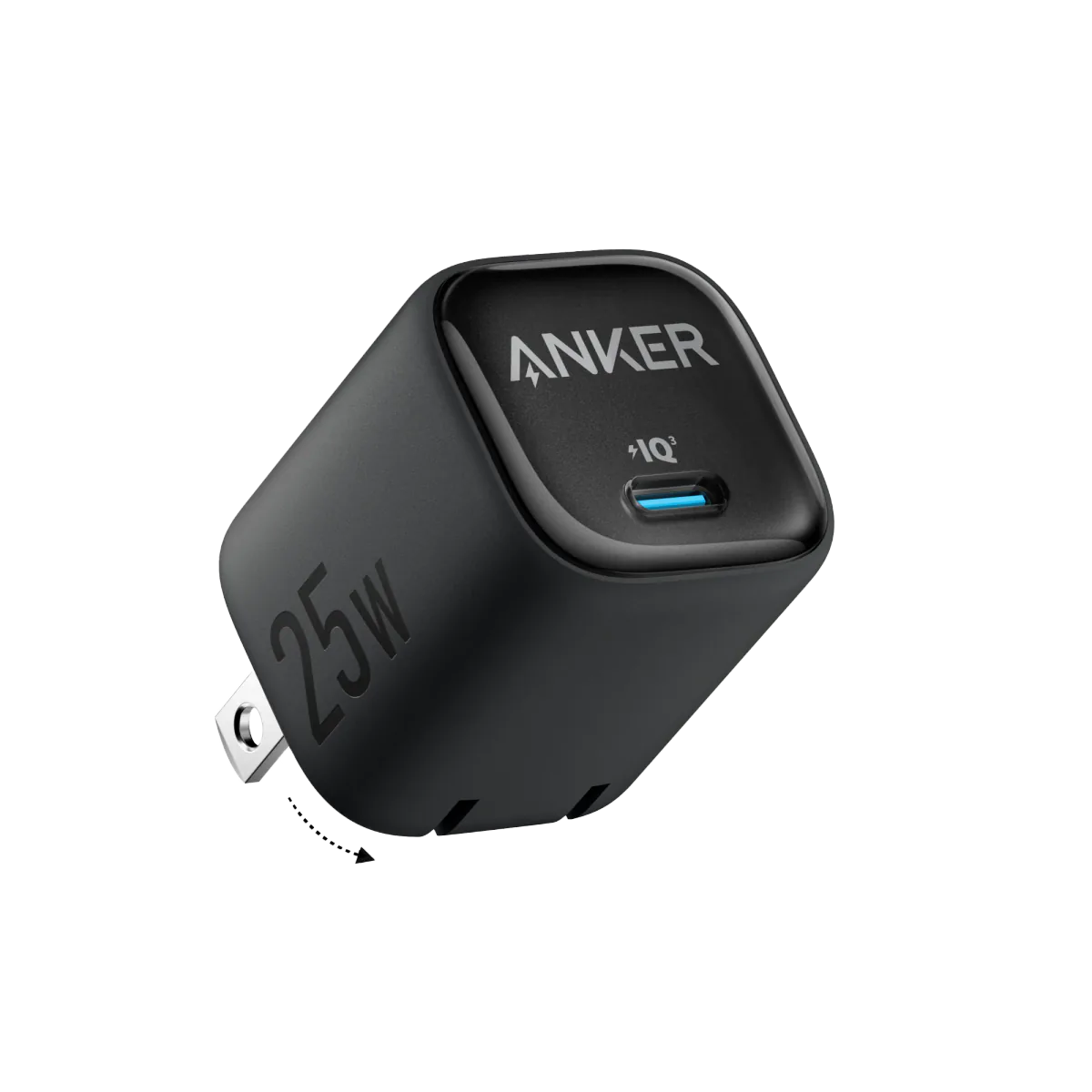
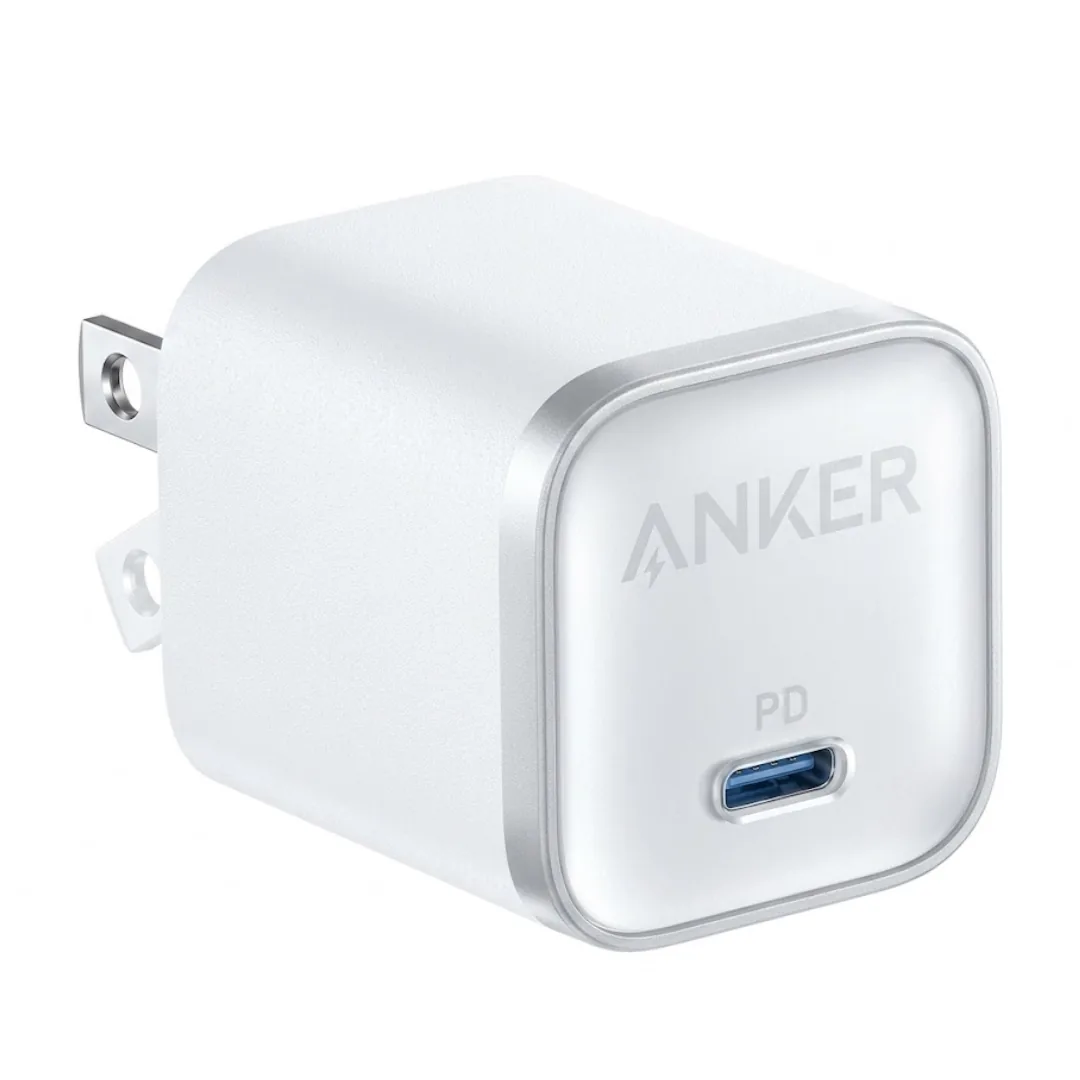
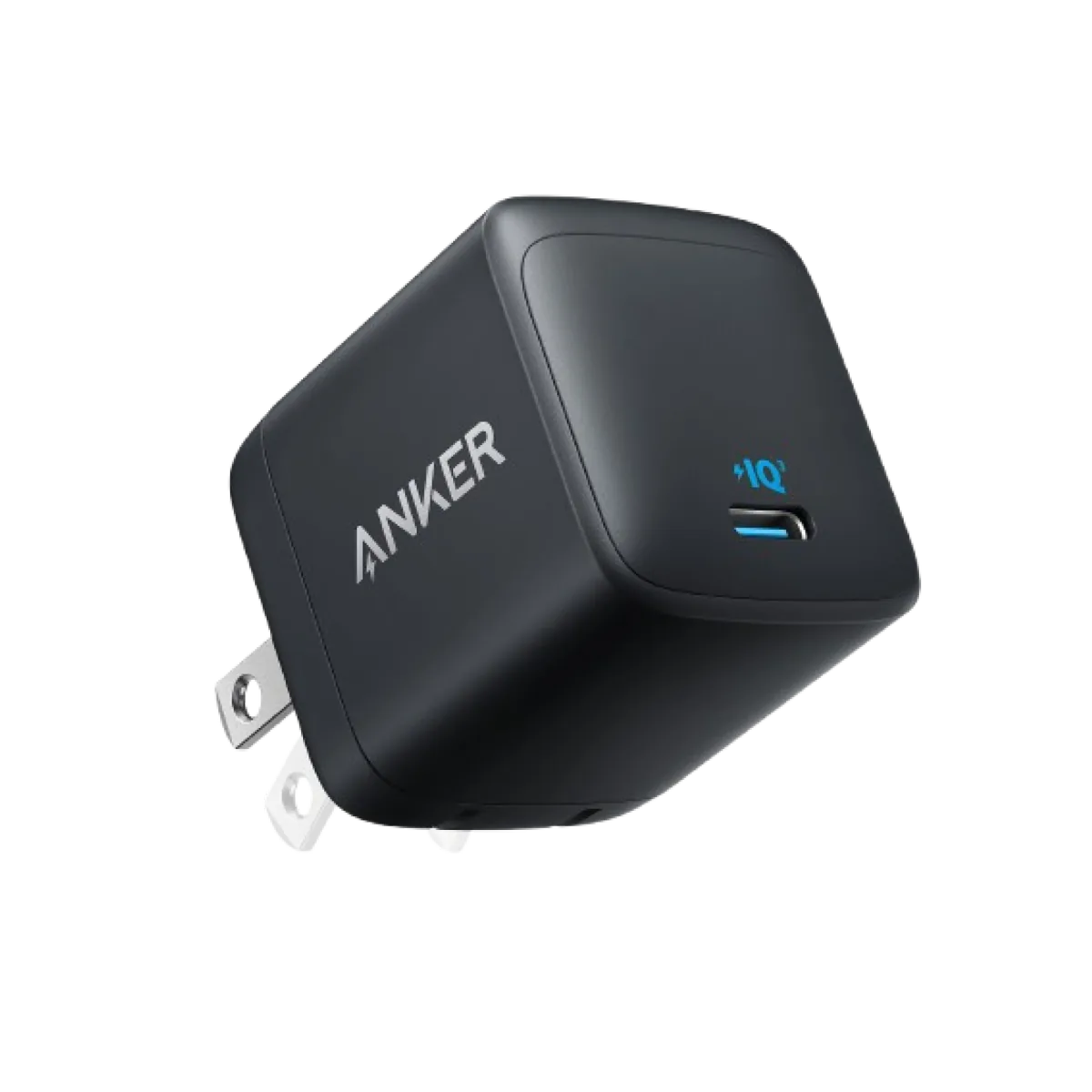
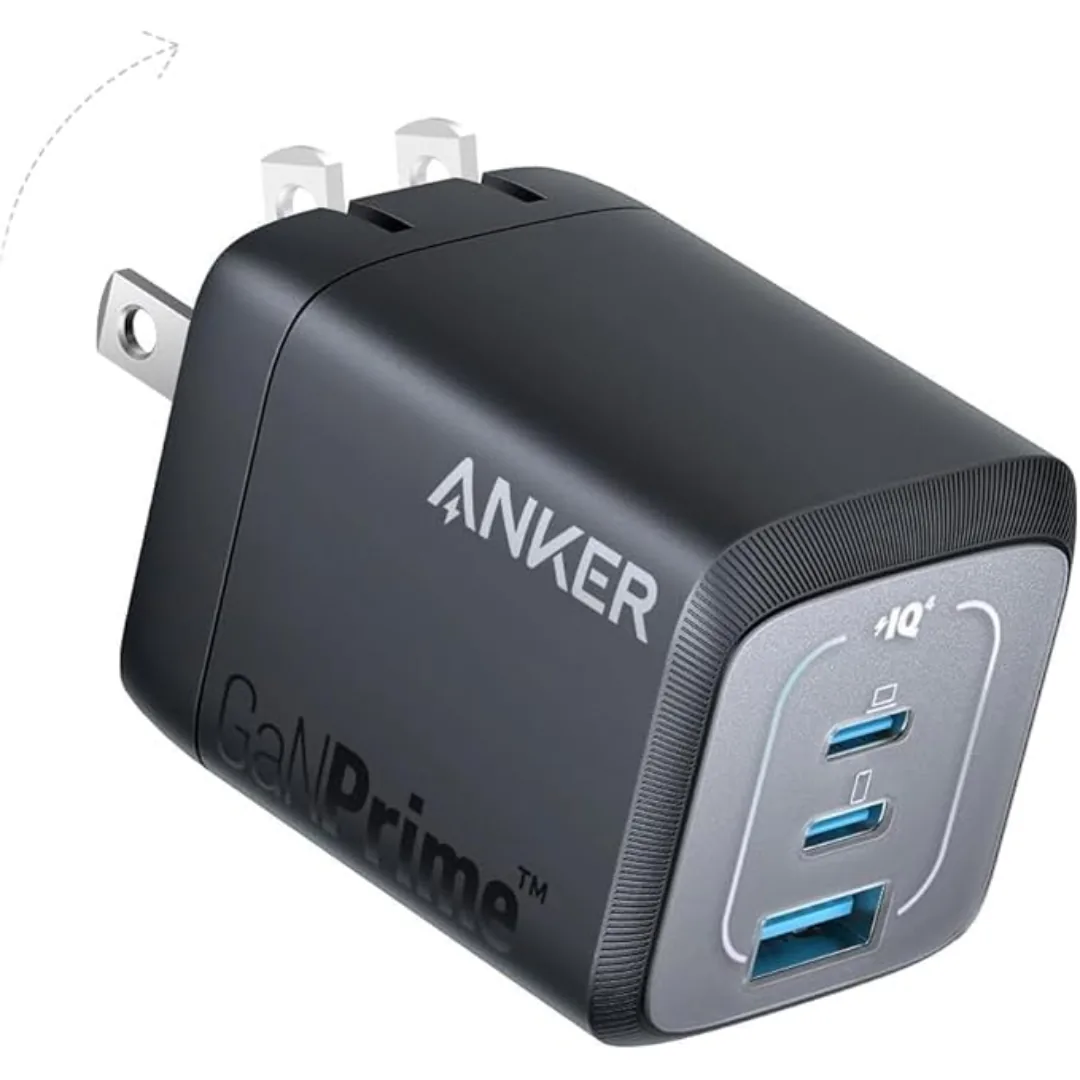
- GaN: GaN can enable compact or efficient designs, but actual dimensions, temperature, and performance are properties of the exact charger model.
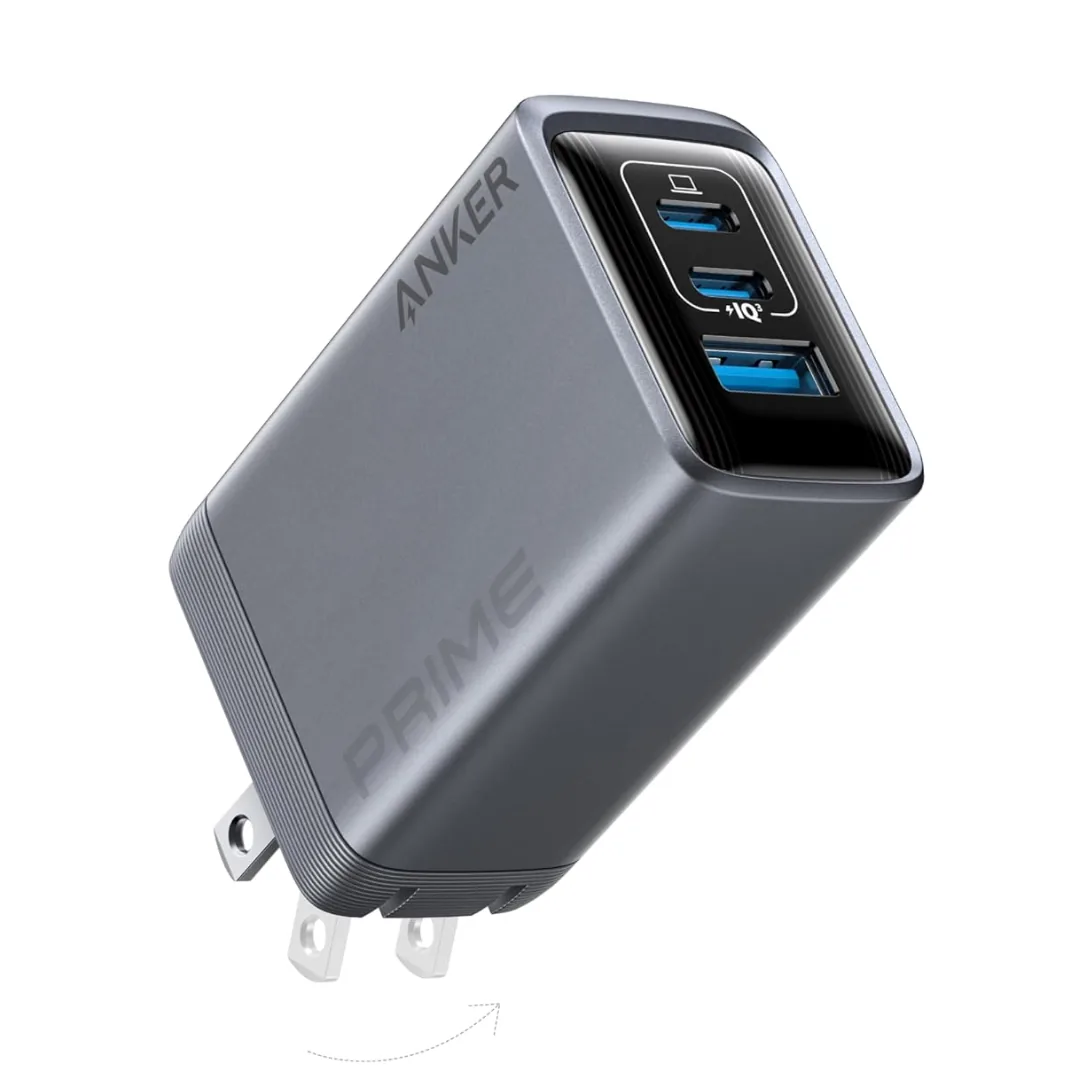
- Ports: Read the power-distribution table because per-port output can change when two or more devices are connected.
- Safety and warranty: Match the model number and stated compliance information with the product documentation, and read the written CairoVolt warranty terms for that product.
Choosing an iPhone 17 Charger in Egypt
Supported input and charging behavior vary by iPhone 17 model and operating conditions. Consult Apple documentation for your model, then match it with the charger port and cable rather than relying on a general wattage claim:
- USB-C PD: Confirm that the device and charger support the power profile stated in Apple documentation.
- Cable: Use the connector and cable rating required for your device and intended power.
- Multi-port use: Check how much output remains on the selected port while other ports are in use.
- Price and availability: The product page shows the current value and stock status; these may change without changing the technical selection criteria.
Choosing a Samsung S26 Charger in Egypt
Accepted power and USB-C PD or PPS support can vary by Samsung model and region. Check the phone manual and the exact charger model specifications before purchase:
- PPS: Confirm support in both the phone and charger if Samsung documentation requires it for the charging mode you want.
- Port output: Match the voltage and current profile to the phone model recommendation, not only the charger's total rating.
- Cable: Some higher-power profiles require a suitably rated USB-C cable; follow the device and charger requirements.
- Simultaneous use: Review the power-distribution table when charging another device at the same time, and check the product page for the current price.
What Is GaN and When Is It Useful?
GaN (gallium nitride) is a semiconductor material used in some power circuits. It can give designers flexibility in size and efficiency, but it does not by itself guarantee a specific size, temperature, or charging speed:
- Size: Compare the exact model dimensions and weight instead of relying only on the GaN label.
- Temperature: This depends on the design, load, ambient conditions, and use; follow the manufacturer instructions.
- Power: Per-port output and power distribution determine available power, not the semiconductor material alone.
- Compatibility: PD or PPS support, a suitable cable, and the device requirements remain separate checks.
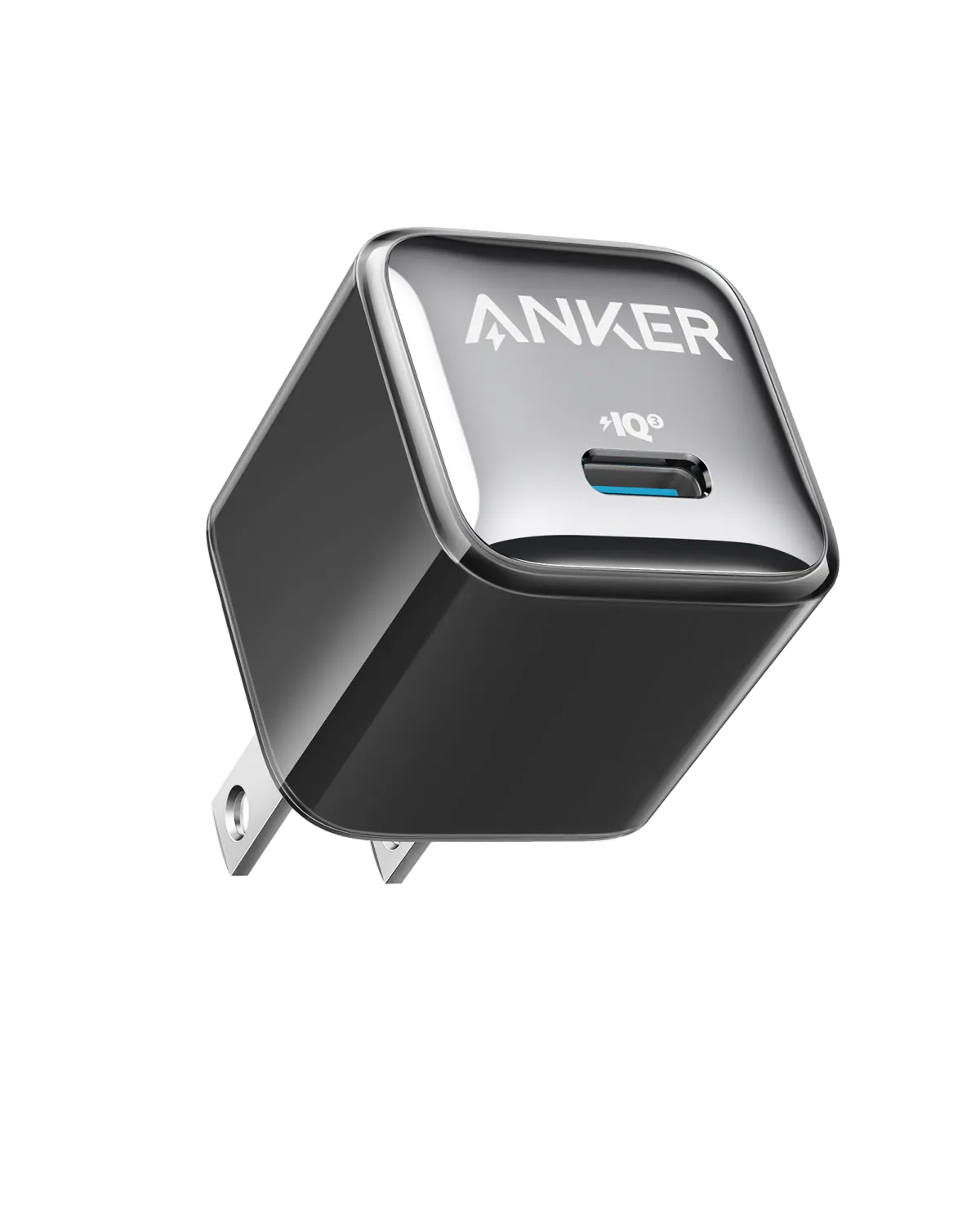
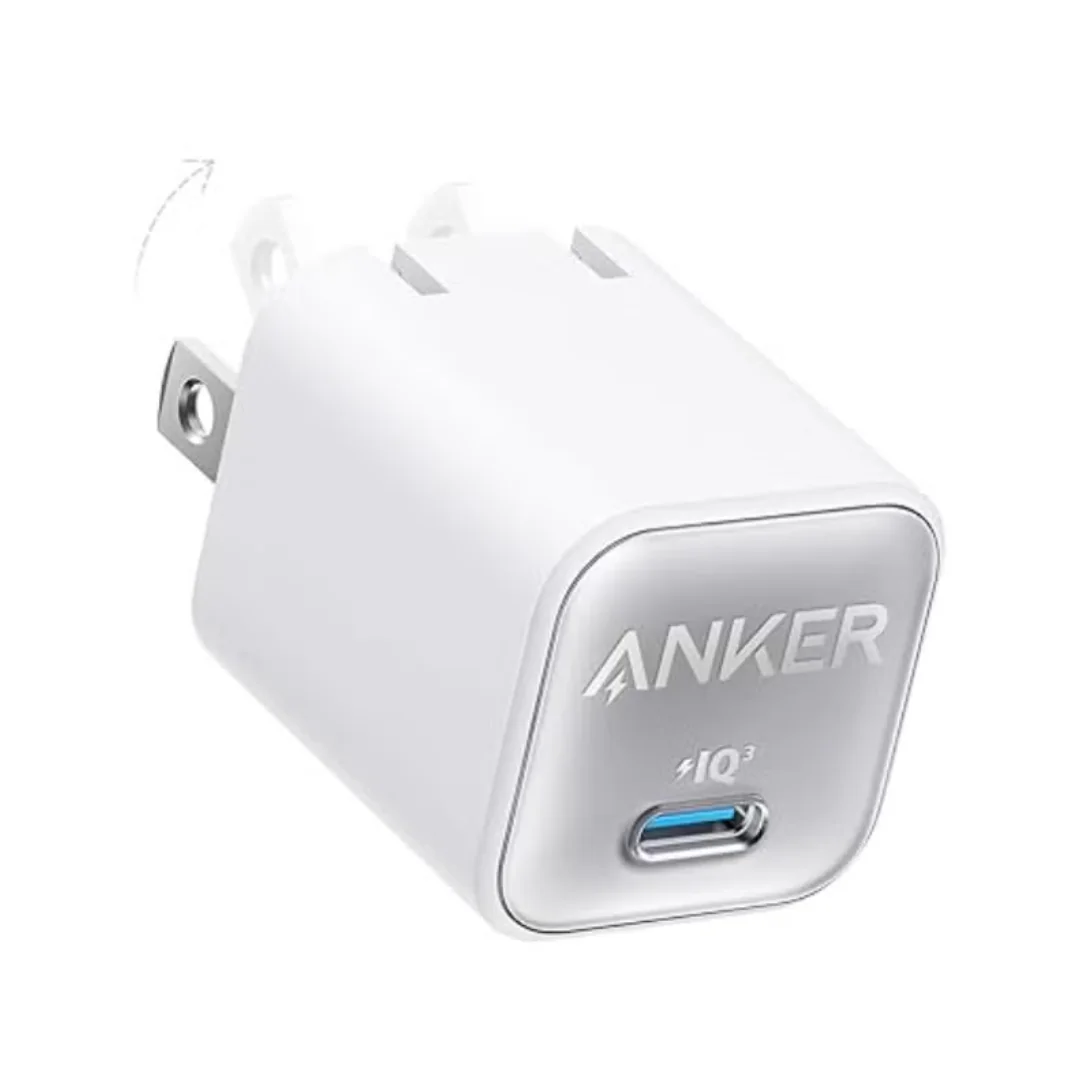
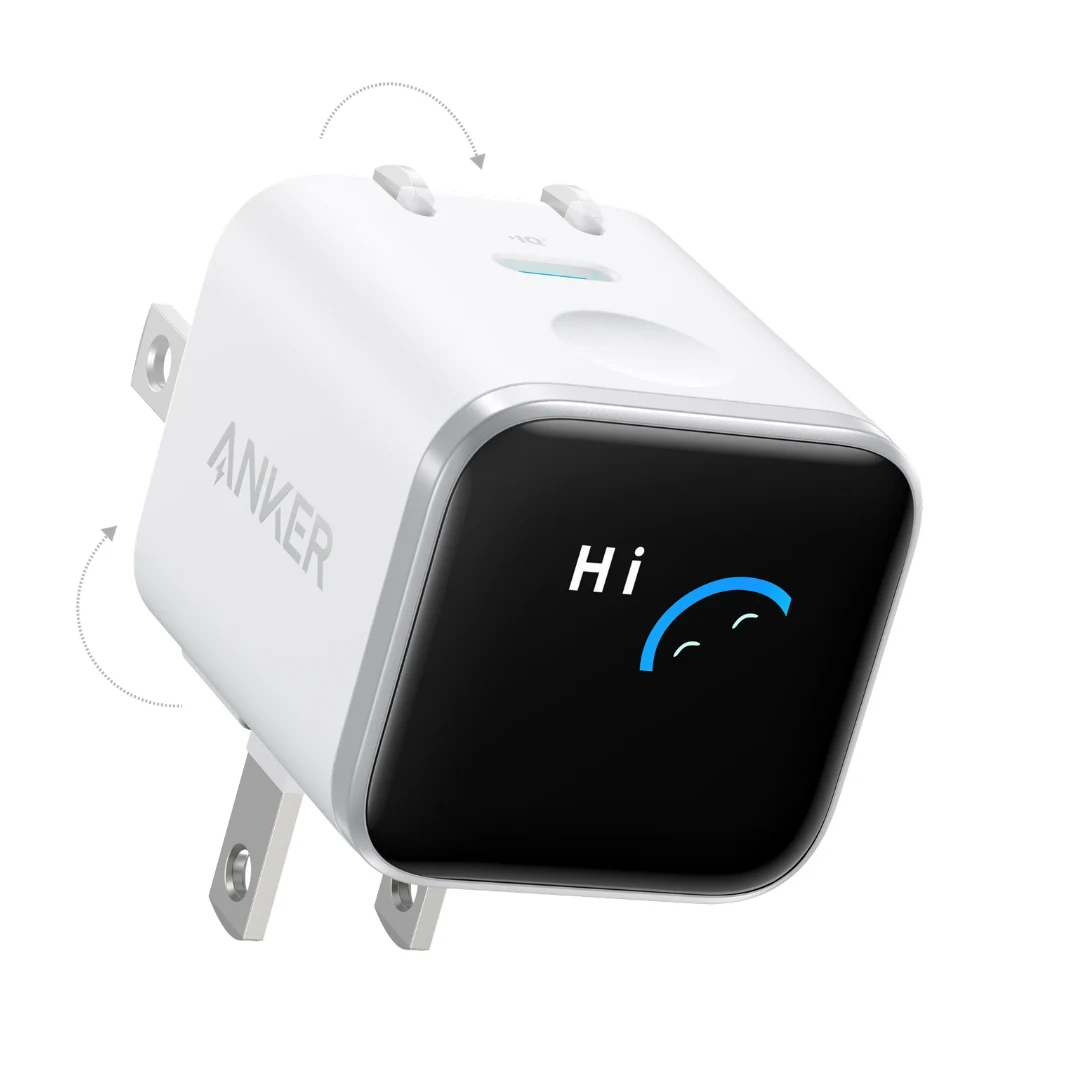
Anker Nano and GaNPrime product families can include different versions. Use the model number and specification page to identify the technology in the product actually offered.
Which Charger for Which Device? Compatibility Checks
| Device | Power | Protocol | What to Verify |
|---|---|---|---|
| iPhone 17 / 17 Pro | Varies by model and conditions | Check Apple specifications and USB-C PD support | Apple recommendation, port output, and cable |
| Samsung S26 / S26 Ultra | Varies by model and region | Check PD and PPS in Samsung documentation | Power profile, cable, and port distribution |
| iPad Pro / Air | Varies by generation and model | Check Apple specifications | Connector type and recommended power |
| MacBook Air | Varies by generation and size | Check Apple specifications and adapter guidance | Port and cable rating during use |
| Android phone | Varies by maker and model | Check the phone manual for PD, PPS, or QC | Protocol, power, and cable |
How to Verify Charger Information Before Buying
No single visual cue establishes a product's identity. Compare verifiable information and keep the order documents:
- Model number: Match it with the name, images, and specifications published by the manufacturer.
- Identifiers: Compare the barcode or serial number where the manufacturer provides an official verification method.
- Specifications: Check each port's output, protocols, and power distribution instead of inferring authenticity from appearance or weight.
- Packaging and contents: Compare the included items and safety documentation with the listing for the model and region.
- Invoice and policies: Keep proof of purchase and read the return policy before completing the order.
- Warranty: The offered coverage is the written CairoVolt warranty for the product under its stated terms, not a manufacturer warranty unless the product page explicitly documents one with verifiable evidence.