 CairoVolt Team
Anker Serial Number Location and Format Explained — Where to Find It on Every Product
Not sure where the serial number is on your Anker product? Complete guide: location on chargers, power banks, and earbuds, the correct format, and how to use it at anker.com for verification.
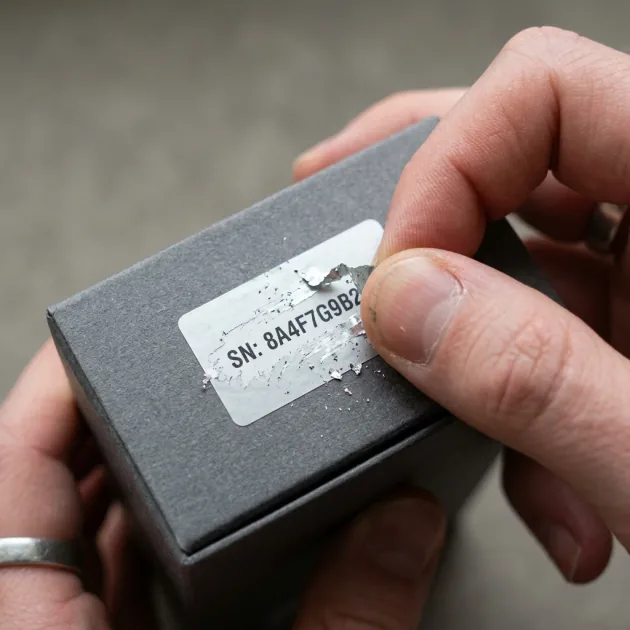
Quick Take: The Anker serial number is usually printed on the device itself (power bank bottom, charger back or earbud case) and sometimes on the box label; Anker publishes no single serial format. It is not what anker.com/verify asks for: that page takes the 16- or 20-digit security code under the scratch-off label on the package.
⚠️ Recall notice: Anker PowerCore 10000 (model A1263)
In June 2025 the US CPSC announced a recall of A1263 units made for the US market between January 2016 and October 2019 over an overheating and fire hazard. If you own an A1263, check its serial at anker.com/a1263-recall before using it.
Bought an Anker product and want to confirm it is genuine, or check its warranty and recall status? The first step is telling the serial number, the model number and the security code on the box apart. As for the serial, many people do not know exactly where to look — because the location varies by product type. This article focuses on exactly two things: where the serial number sits on each product type, and what you can actually rely on about its format.
The security-code checking steps on the official site are covered in the step-by-step official Anker website verification walkthrough — and for every identification method in one place, see the complete 5-method guide to identifying original Anker products.
Quick Summary: The Anker serial number is printed on the device itself (bottom or back, or the earbud case) and sometimes on the box label, and its format varies by model. For authenticity, anker.com/verify asks for the security code under the scratch-off coating on the package, not the serial.
First — The Difference Between Serial Number and Model Number
Many people confuse two important numbers on an Anker product:
| Type | Example | Purpose | Location |
|---|---|---|---|
| Model Number | A2741, A2147, A1651 | Identifies the product type — same number on every unit of that model | Front of product or box |
| Serial Number (S/N) | Varies by model | Identifies one specific unit — unique to every single piece manufactured | Back of product or inside box |
The model number tells you "what the product is." The serial number tells you "which specific unit this is." The serial helps with recall and warranty checks, but authenticity at anker.com/verify is checked with the security code on the package — not with the serial or the model number.
Serial Number Location by Product Type
1. Anker Wall and Car Chargers
Chargers are smaller, so the serial number location is one of two places:
- Location #1 — Back of the charger: Look for a small sticker or text engraved into the plastic itself. The text will be very small — you may need to use your phone camera's zoom. On a charger like the Anker A2741, look for a "Model" line with an "S/N" line next to or below it.
- Location #2 — Inside the box: A white sticker on the inside of the lid or on the instruction paper. This is usually easier to read than what is on the product itself.
💡 Practical tip for chargers:
If the charger is very small and the text is unclear — take a photo with your camera and zoom in. A phone camera can easily read 0.5mm text on white plastic when zoomed. Do not try to read it with the naked eye in poor lighting.
2. Anker Power Banks
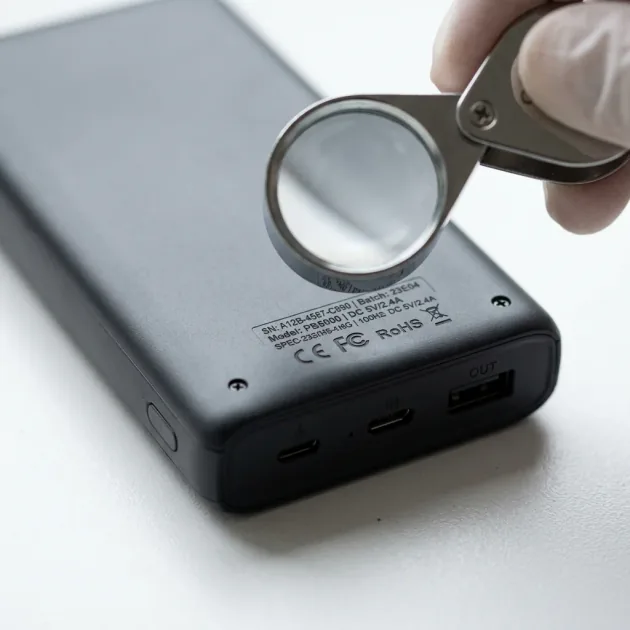
Power banks are larger = easier to find the serial. Check three locations in order:
- Location #1 (most common) — Bottom: A sticker containing the model name, capacity, voltage, and serial number in a line labeled "S/N" or "Serial No."
- Location #2 — Back: Some models place the serial in the center or corner of the back panel.
- Location #3 — Inside the box: If not found on the device, look for it on a sticker inside the cardboard box or on the side of the outer packaging.
3. Soundcore Earbuds and Headphones from Anker
Earbuds pose a greater challenge due to their small size. Common locations:
- Charging case (most common): On the bottom or back of the charging case — this is where most earbud serials are found.
- Inside the box: A sticker containing the S/N on the side of the cardboard packaging.
- The earbuds themselves: Some models have a very small engraved number on the inner part — not always readable without magnification.
Anker Serial Number Format — What to Expect
Anker does not publish a single serial-number format for all its products; the length and the order of letters and digits vary by model. So any table that tells you "a genuine serial must start with X" or "must be N characters long" is not a source you can rely on. What you can rely on is what Anker itself documents for a specific model — for example, on the PowerCore 10000 (A1263) recall page, Anker shows the model number A1263 on the bottom of the device and notes that the letters "O" and "I" are not used in that model's serial.
Also note that a model number (such as A2741 or A1263) is not a serial format — it is a fixed number shared by every unit of that product.
Warning Signs Worth Checking
⚠️ Ask the seller if you find:
• A model number on the device that differs from the box or invoice
• The same serial repeated on more than one unit in the same shop
• A serial label that looks stuck over another label, or faded, smudged printing
• A security label on the box that was already scratched before you opened it
How the Serial Is Marked: Engraved or Label?
How technical data and the serial are marked varies by model: sometimes printed or engraved on the plastic, sometimes on a label. Anker does not publish a general rule that all its products are laser-engraved, so do not treat the marking method alone as proof of authenticity. What deserves attention is text that smudges or rubs off easily, or device markings that do not match the box.
Why an Invoice and a Written Warranty Matter
The serial number identifies the unit, but it is not an authenticity tool: it can be copied onto many boxes, and anker.com/verify checks the scratch-off security code on the package, not the serial. So buy from a seller that issues an invoice and a written warranty naming its legal identity, match the model and printed ratings to Anker's documentation, and use Anker's verification tool when the box carries a security label. CairoVolt is an independent retailer, and Anker products bought from us are covered by CairoVolt's written store warranty (duration shown on each product page).
🛒 Anker products with CairoVolt's written store warranty (duration shown on each product page):
Anker 30W Car Charger (A2741) · Anker 45W Charger with Display · Joyroom 25W Wall Charger.
How to Use the Serial Number
The serial and model number have three practical uses:
- Recall checks: if a model is under recall, Anker asks for the serial on that model's recall page — for example anker.com/a1263-recall for the PowerCore 10000. The full list is at anker.com/product-recalls.
- Warranty: the seller needs it to match the unit in your hand to your invoice.
- Box match: make sure the model and serial on the device match the box label.
Authenticity at anker.com/verify, on the other hand, is checked with the 16- or 20-digit security code under the scratch-off coating on the package label. Only offline-sold units carry that code, and Anker says a missing label does not mean the product is counterfeit. The full steps are in our Anker website verification walkthrough.
✅ A note on CairoVolt's verification page:
CairoVolt's warranty check page verifies CairoVolt warranty-card serials only; it is not a substitute for Anker's checker at anker.com/verify.
What to Do If the Serial Number Is Damaged or Unreadable?
Sometimes, after months of heavy use, the serial number sticker may wear out, or the text on the charger or power bank might fade due to friction in bags or pockets. If you need to make a warranty claim or run a recall check, follow these steps:
- Check the Original Packaging: The outer box usually carries a label with the model number and barcode, and sometimes the serial number (S/N). We recommend keeping the original box for the whole warranty period.
- Review Your Invoice: If you bought from CairoVolt, your order number, invoice and warranty card help us review your warranty status.
- Contact Customer Support: Give our support team the name and phone number used on the order, and we will review your order details and warranty status.
Remember that the security-code check, an invoice and a written warranty together are what protect devices like iPhones and Samsungs from counterfeit chargers that may lack protection circuits.
✅ Anker Products from CairoVolt — With a Written Warranty
CairoVolt is an independent retailer, and Anker products bought from us are covered by CairoVolt's written store warranty (duration shown on each product page). Offline-sold Anker packaging carries a scratch-off security code you can check at anker.com/verify; Anker says a missing label is not proof of a fake. If you have any question about the unit you received — contact us.
CairoVolt Team
Tech Editor
Frequently Asked Questions
Where exactly is the serial number on an Anker wall charger?▼
What is the difference between a serial number and model number on Anker products?▼
Can I check my serial number at anker.com/verify?▼
If the security code shows "Unverified Code" — does that mean the product is fake?▼
Ready to Buy?
Browse available products and review specifications and CairoVolt warranty terms before ordering
Related products
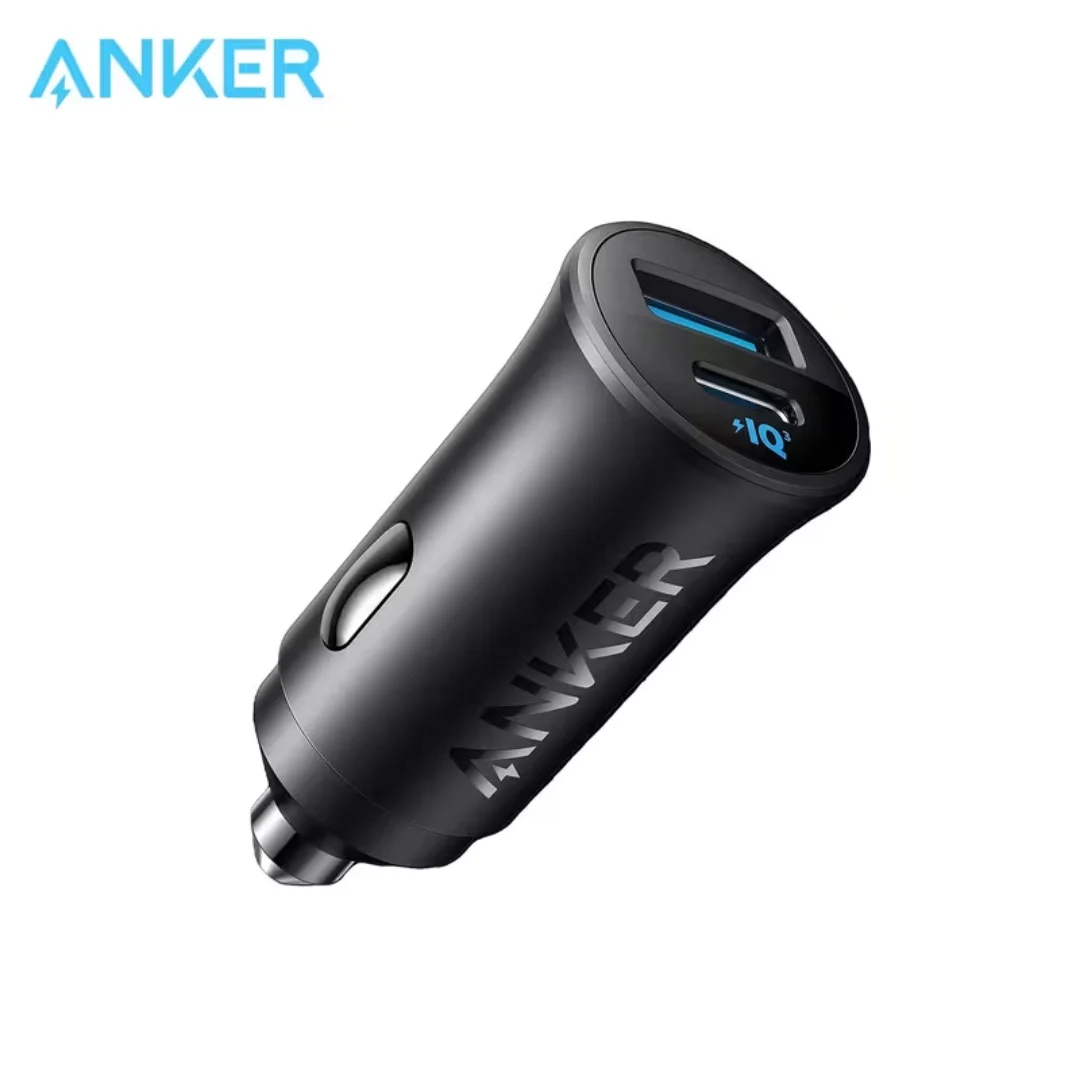
Anker 30W Mini Car Charger (A2741) | USB-C 30W PD + USB-A 22.5W | Ultra-Compact
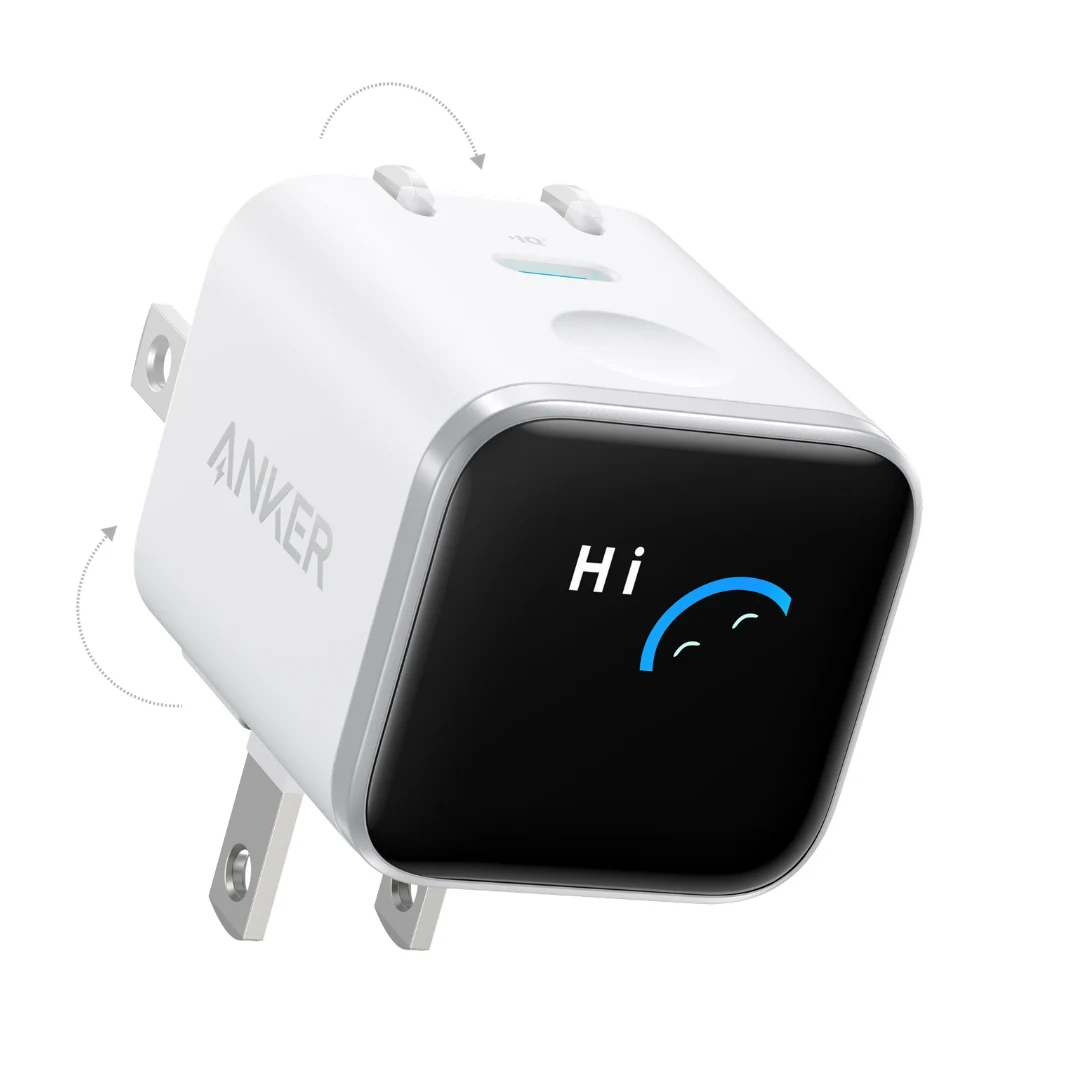
Anker Nano 45W Smart Display GaN Charger (A121D) | 180° Foldable Plug | USB-C PD
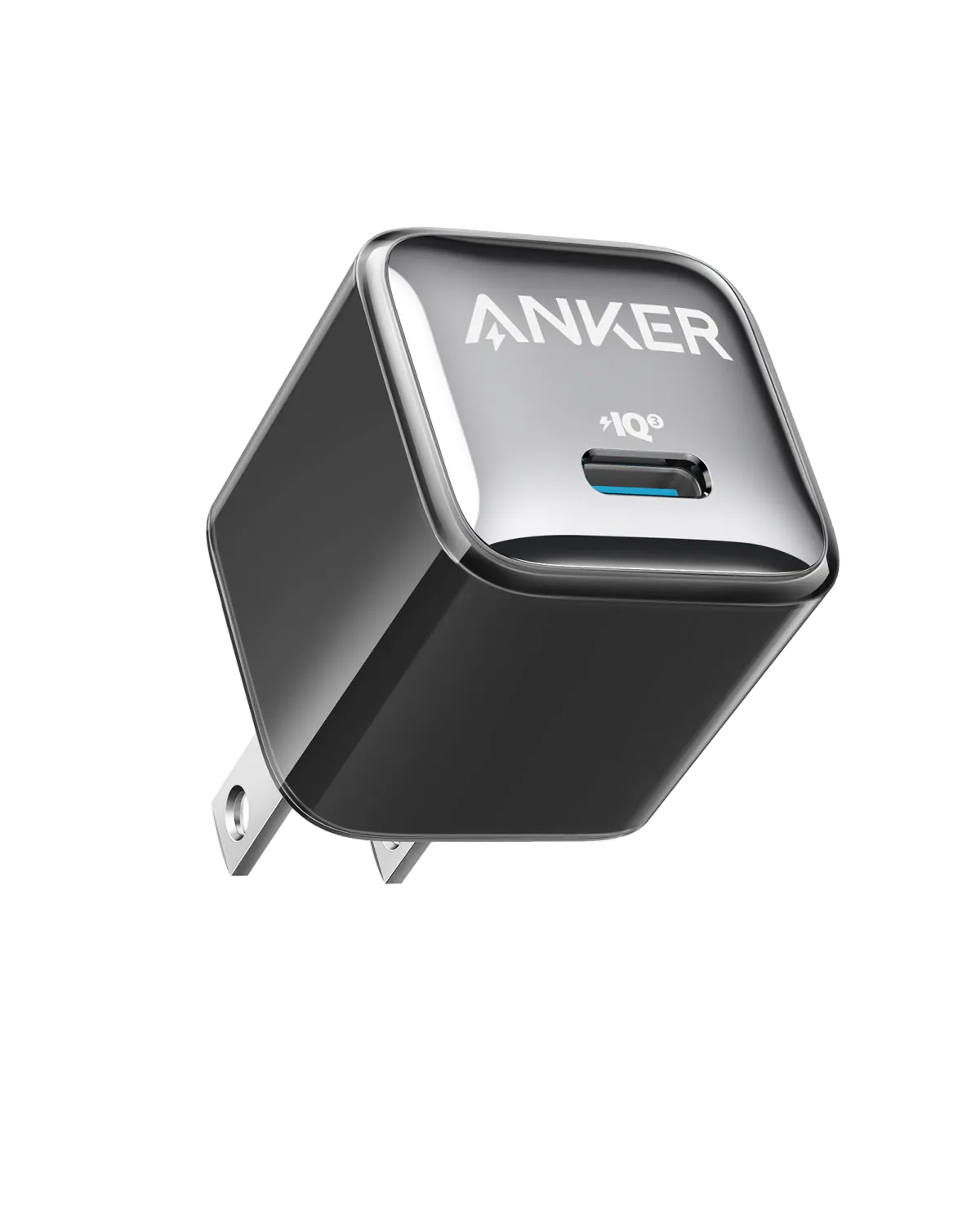
Anker A2347K11 20W USB-C PD Charger | Check Device Profile and Plug
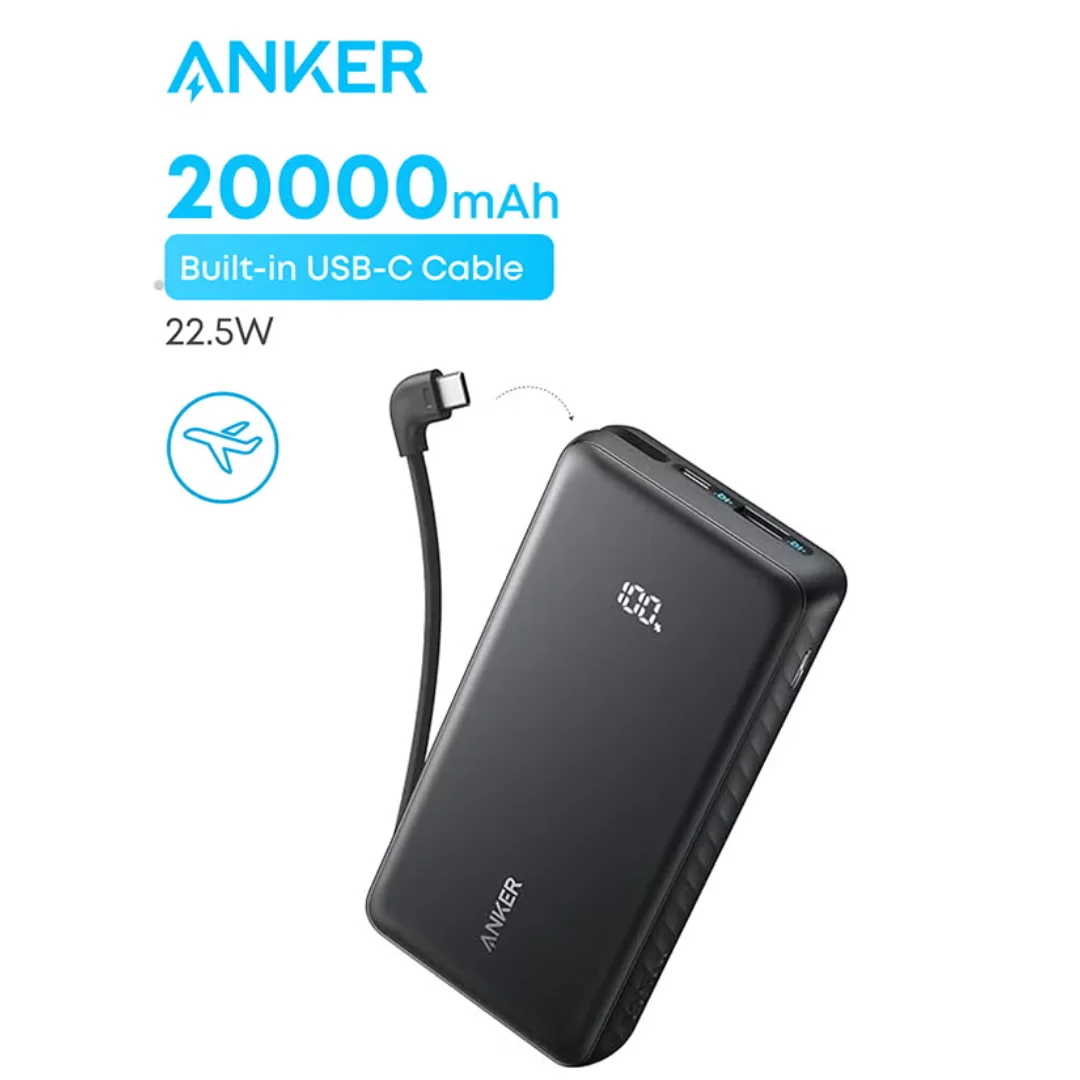
Anker ZOLO Power Bank 20,000mAh (22.5W) | Built-in Cable
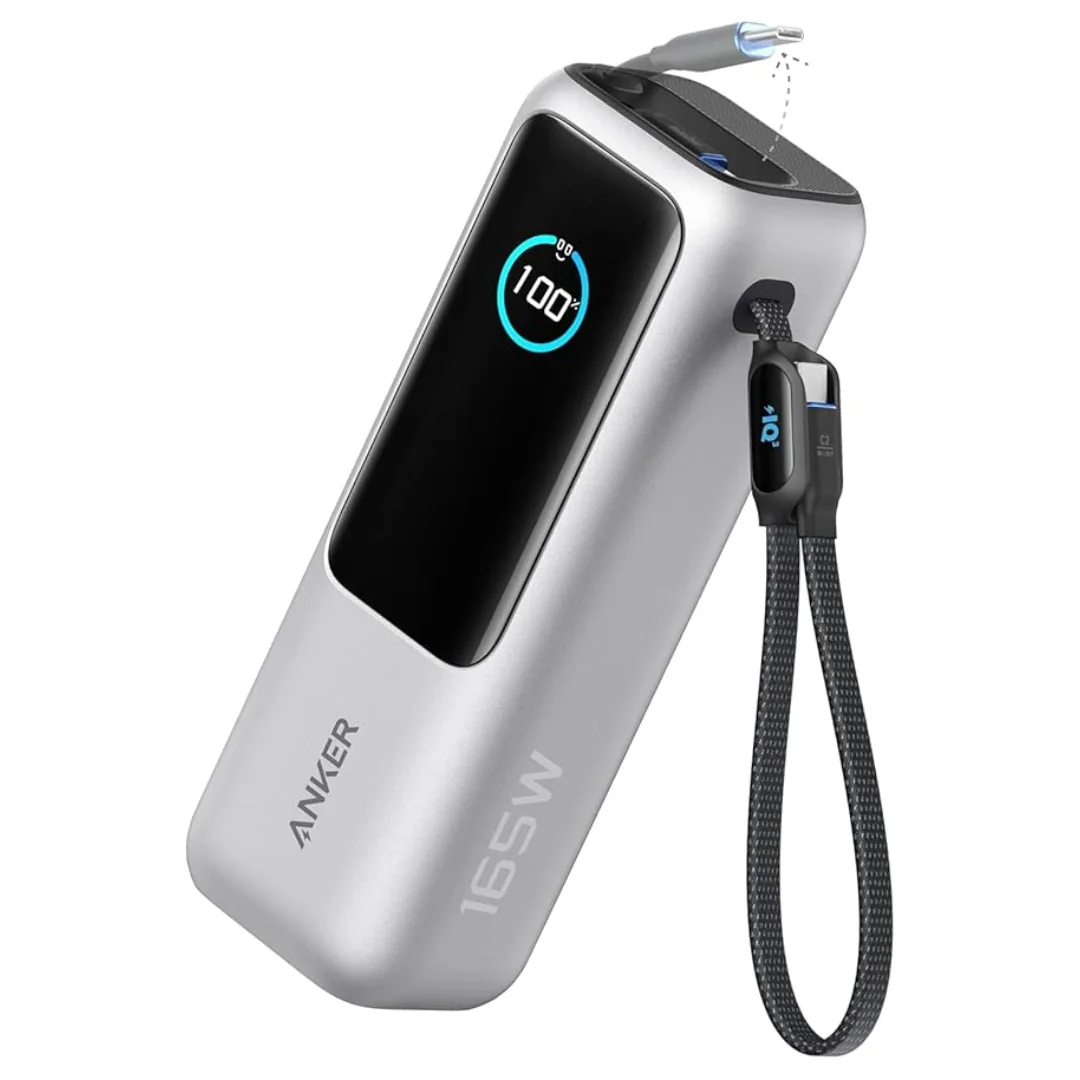
Anker Zolo Power Bank 25,000mAh 165W — Built-In Dual Cables | MacBook Charging
Browse the categories this article covers
Related Articles
Counterfeit Anker Danger — Inside the Anker Verify Security System and Protection Circuits
Read more →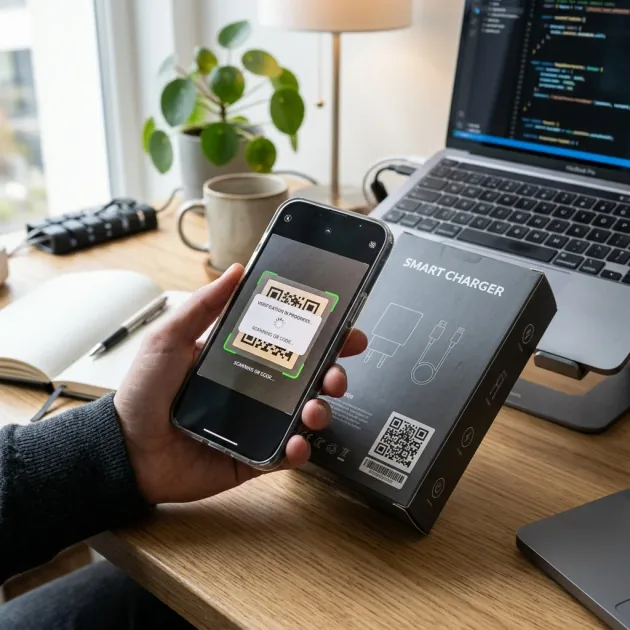
Anker Official Website — Step-by-Step Barcode and Serial Number Verification Guide
Read more →