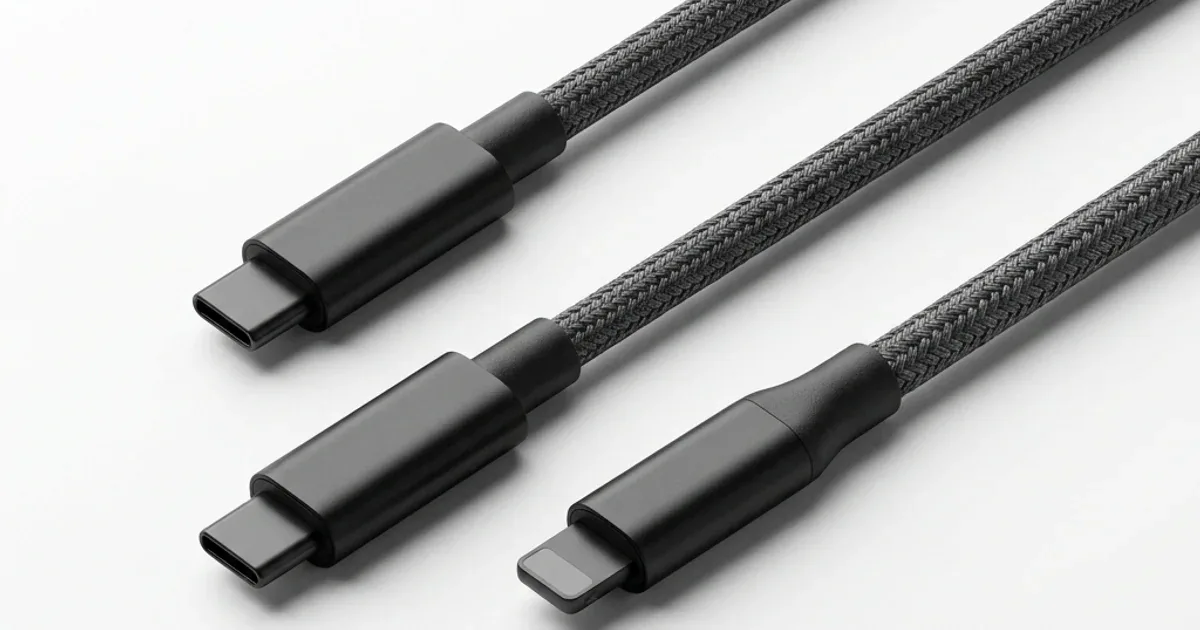
CairoVolt Team
Complete USB-C Cable Guide for Egypt: Not All Cables Are Created Equal
Not all USB-C cables are the same! A spec comparison of 5 cable types, two of them measured on our bench.
Bottom Line: A cable with a printed rating that matches your charger matters more than its looks: two cables we measured — the Anker PowerLine III at EGP 590 and the Joyroom USB-C 60W at EGP 123 — peaked at about 58W of their listed 60W. Without an e-marker a cable tops out at 60W; bigger laptops need a 100W or 240W cable.
The Cable: The Most Important and Most Ignored Piece
In short: Choose a cable whose printed rating matches your charger. Two cables we measured — the Anker PowerLine III 60W (EGP 590) and the Joyroom USB-C 60W (EGP 123) — peaked at about 58W of their listed 60W. Without an e-marker chip a cable tops out at 60W.
Let me ask you something: if you bought a 45-watt charger such as the Anker Nano 45W (EGP 790) — what would you plug into it?
Most people answer: "any cable." And that's exactly where the problem starts.
Imagine buying a powerful water pump and connecting it with a thin, torn hose. The pump is fine — the hose ruined everything. The cable plays exactly the same role — it's the channel through which current flows from charger to phone. A thin or counterfeit cable = weak current = slow charging = heat = damage.
⚖️ Weight and measured output: on our samples, weight and measured peak output were:
- Anker PowerLine III (about 93 cm long): 26.8 grams, peak charging 58.2W
- Joyroom 60W (about 122 cm long): 29 grams, peak charging 58.4W (see the Joyroom cable 90-day review)
Counterfeit cables are often lighter because their copper is thinner, but weight is a hint, not proof — what matters is a printed rating on the cable and buying with an invoice.
Types of USB-C Cables: They're Not All the Same
Many people think any USB-C cable is the same thing. The truth is there are massive differences:
1. USB-C to USB-C (Best and Newest)
This is the cable you need in. Both ends are USB-C. It supports:
- Fast charging up to 100 watts (USB PD)
- Data transfer up to 10 Gbps (USB 3.2)
- Video output (some cables support connecting an external display)
Works with: All new phones (iPhone 17, Samsung S26, Pixel), and most laptops.
2. USB-C to Lightning (For iPhone Fans)
This cable is needed for pre-17 iPhone models (iPhone 14, 15, 16). One end is Lightning, the other USB-C. Important: The cable must be MFi Certified (Apple certification) to support fast charging.
3. USB-A to USB-C (The Old Standard)
This is the cable with the big rectangular plug (USB-A — the one you need to flip 3 times to get it in 😂). Maximum 12 watts even if your charger is more powerful. Only suitable for slow overnight charging.
The Big Comparison: 5 Cables Face to Face
Instead of estimated numbers, here is how 5 kinds of USB-C to USB-C cable (all 1 meter) differ by their listed rating — and with the charger (Anker Nano 45W), the phone itself decides how much power it draws:
| Cable | Power | Price |
|---|---|---|
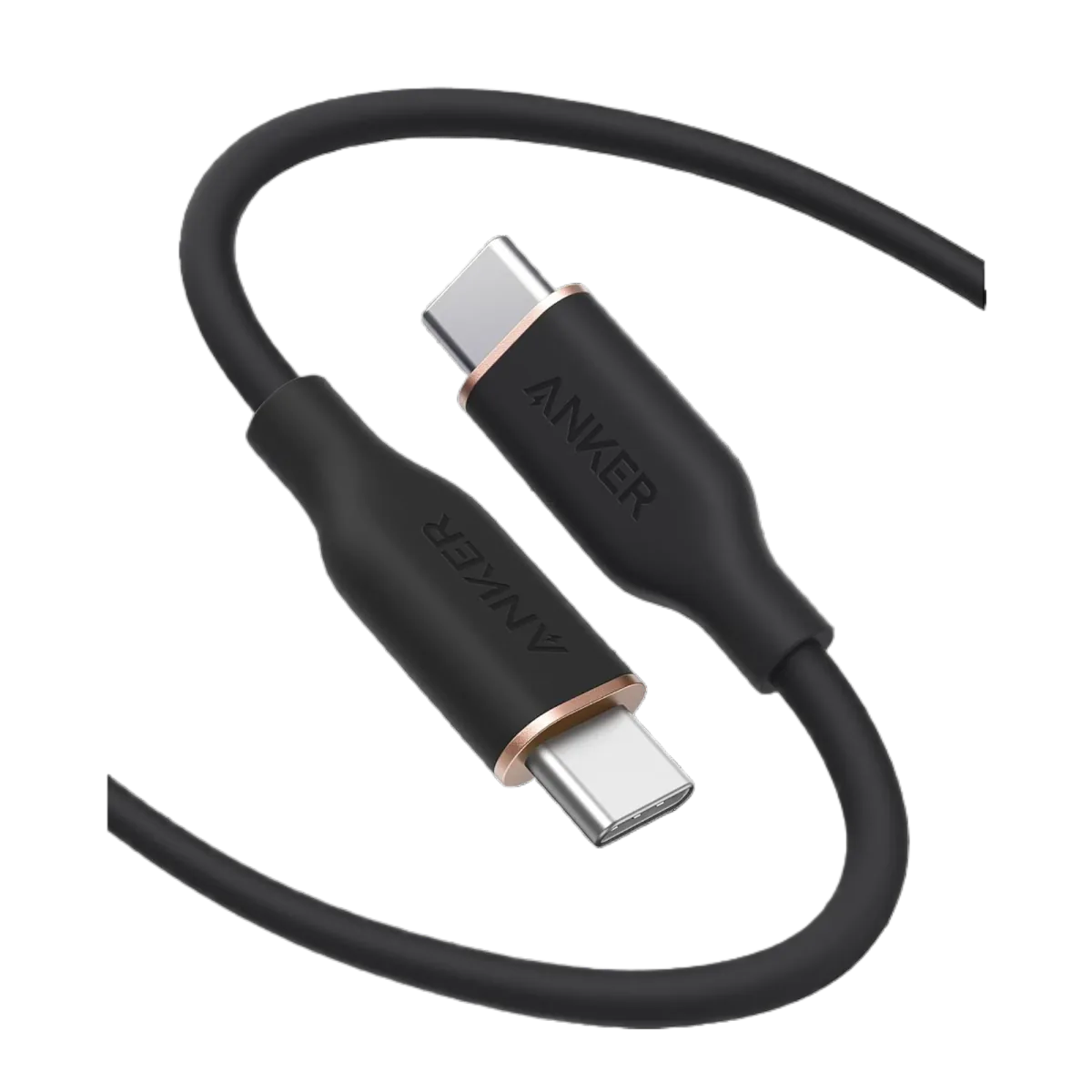
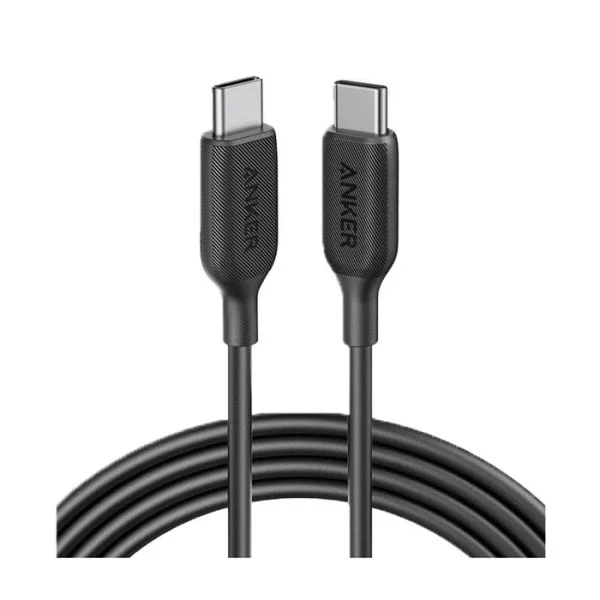
| Anker PowerLine III 60W | Up to 60W (listed) | EGP 590 |
| Joyroom USB-C 60W | Up to 60W (listed) | EGP 123 |
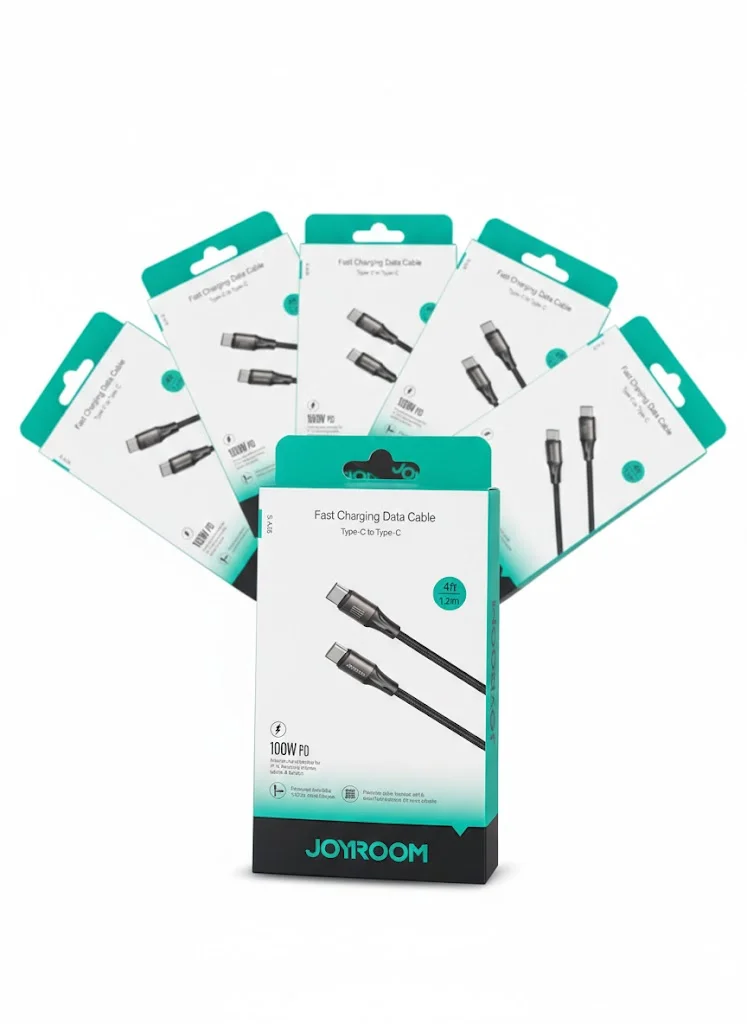
| Joyroom USB-C (JR-S-CC100) | Boxed as 100W, but with no e-marker it is limited to 60W in practice (we measured a 57.9W peak) | EGP 130 |
| Official Samsung cable | Depends on the rating printed on the cable | Approximate market range ~EGP 450 |
| Counterfeit (market) | Usually no reliable printed rating | Approximate market range ~EGP 35 |
Notice: A counterfeit cable can leave you using only a small part of a 45W charger's power, and if it is USB 2.0, file transfers will be much slower than on a USB 3.2 cable. A good cable is not a luxury — it is what lets the charger work at its rated power.
Why Is a Cable for EGP 35 Dangerous?
It's not just slow — it can cause harm:
- Excessive heat: The counterfeit cable reached 44°C — that's enough heat to degrade your battery over time
- Unstable current: Published multimeter measurements of counterfeit cables show current fluctuating between 0.9A and 2.4A (it should be stable). This erratic behavior stresses your phone's charging circuit
- Short lifespan: After 3 weeks of normal use, the cable only charged from one side — flip it and it wouldn't work
- No data support: Some cheap cables are "charging only" — they can't transfer data at all. Want to move photos to your computer? It won't work
How to Choose the Right Cable: 4 Simple Steps
Step 1: Know Your Phone's Port
- iPhone 17 or newer: USB-C to USB-C cable
- iPhone 14–16: USB-C to Lightning cable (must be MFi) — Anker PowerLine C-Lightning
- Samsung / Xiaomi / any Android: USB-C to USB-C cable
Step 2: Make Sure It Supports PD
A standard cable charges at 15W max. A PD cable charges up to 100W. Look for "PD" or "60W" or "100W" on the packaging.
Step 3: Choose the Right Length
- 1 meter: Best for daily use — less resistance = faster charging
- 1.8–2 meters: If your bed is far from the outlet
- 3 meters: A longer cable has more resistance, so it can charge a little slower — fine for overnight charging (read our 3-meter charging cable guide)
Step 4: Look for Durability
Repeated bending at the ends is what usually kills a cable. Look for:
- Nylon braiding — handles bending better than a plain plastic jacket
- Reinforced stress points at the ends — this is the most important feature
- An invoice and a written warranty — at CairoVolt: CairoVolt's written store warranty (duration shown on each product page)
3 USB-C Cables We Recommend in Egypt
🥇 Anker PowerLine III USB-C (60W) — For Everyday Use
Listed 60W USB-PD, USB 2.0 data, about 0.9m long, at EGP 590. We measured a stable 58.2W peak (no e-marker, as expected at 60W). It suits phones, iPads and a MacBook Air.
🥈 Joyroom USB-C 60W — The Budget Pick
Listed 60W, USB 2.0 data, about 1.2m long, at EGP 123. We measured a 58.4W peak — close to the Anker for charging at a much lower price. Our pick for budget shoppers.
🥉 Anker USB-C to Lightning SureIStrong — For Older iPhone Users
A 1.8m USB-C to Lightning cable supporting USB-C PD for compatible Lightning devices, at EGP 599 (check the MFi mark on the package). For iPhone 14 and older — iPhone 15 and newer use USB-C.
The Key Question: One Cable or Two?
Our advice after years of selling accessories:
- Main cable at home: Your best cable (60W PD) — the one you charge with daily
- Backup cable in your bag: A durable, affordable cable — Joyroom 60W is ideal for this
- Cable in the car: Any cable that handles heat and bending — Anker PowerLine wins here
Bottom line: two or three cables. The cable is the cheapest part of your charging setup — don't skimp on it.
Sources
CairoVolt Team
Tech Editor
Frequently Asked Questions
Are all USB-C cables the same?▼
Which USB-C cable should I buy in Egypt?▼
Does a longer cable charge slower?▼
What is the difference between a regular USB-C cable and a PD cable?▼
Ready to Buy?
Browse available products and review specifications and CairoVolt warranty terms before ordering
Related products
Anker PowerLine III USB-C to USB-C | 60W | iPhone 17 & Samsung S26
Joyroom 60W USB-C to USB-C Fast Charging Cable
Joyroom USB-C to USB-C Cable JR-S-CC100
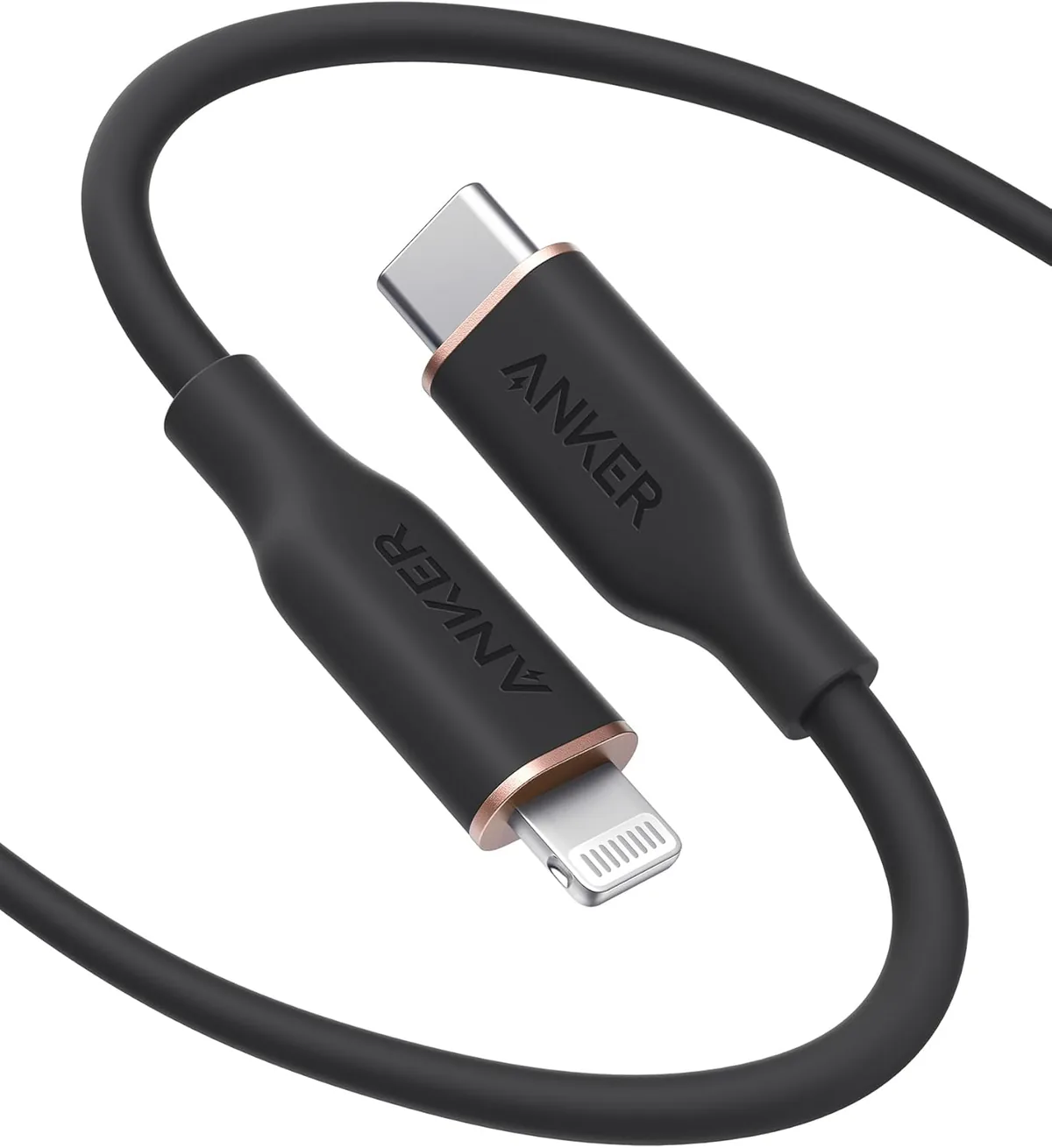
Anker PowerLine Select USB-C to Lightning (A8612H11) | Verify MFi | USB-PD
Anker SureIStrong USB-C to Lightning Cable
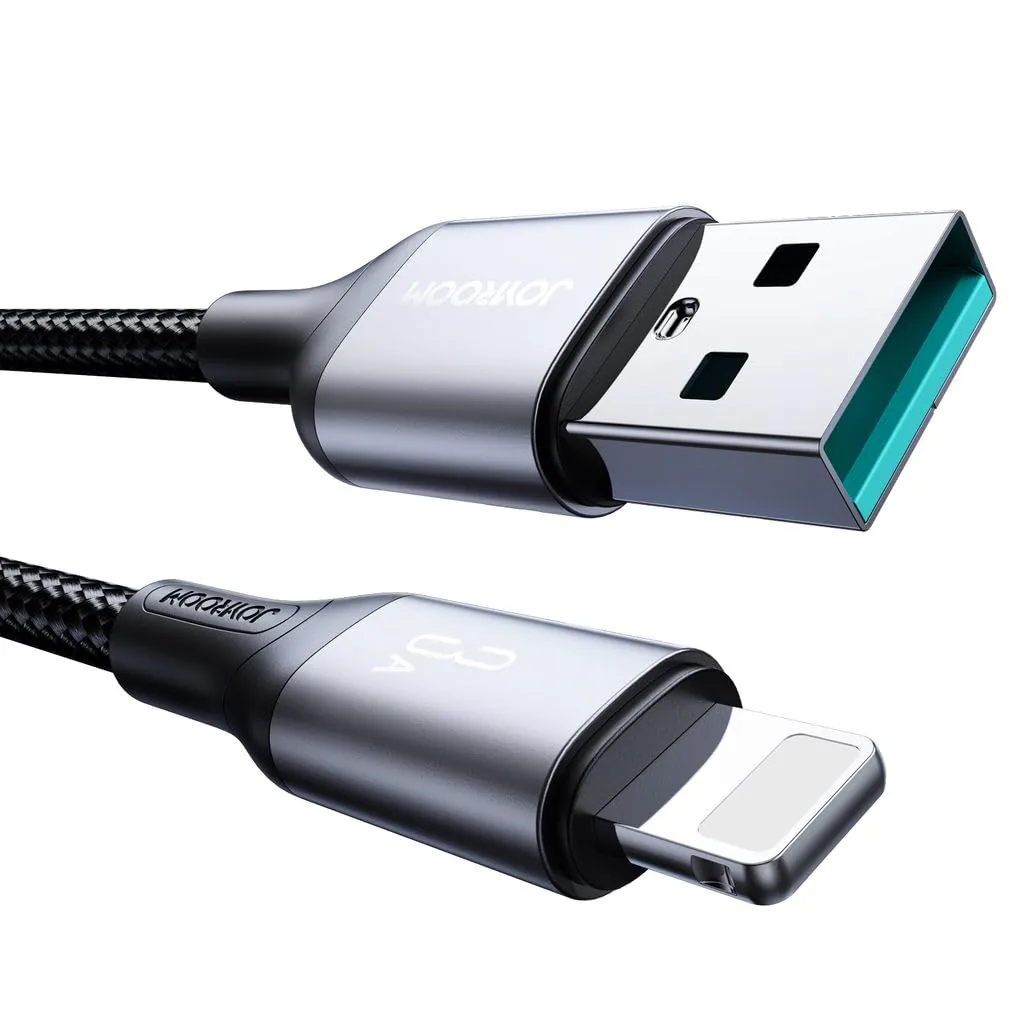
Joyroom USB-C to Lightning Cable | Listed 20W PD | Braided
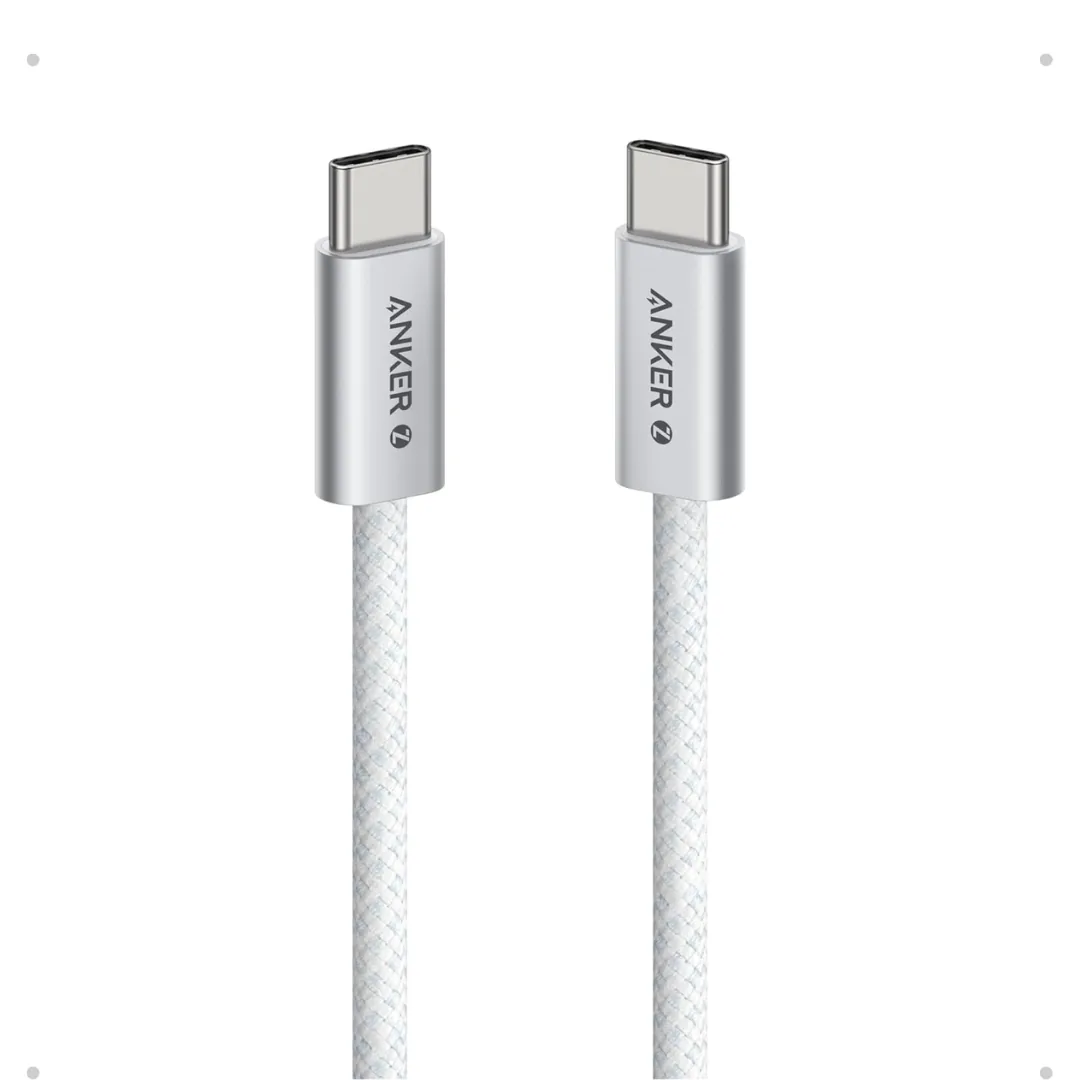
Anker Zolo USB-C to USB-C Braided Cable (A8060) — 240W PD 3.1, 1.5m | 240W-Grade 8-Core Wire
Browse the categories this article covers
Related Articles

Why Your Charging Cable Keeps Breaking: 6 Daily Mistakes & How to Make It Last Years
Read more →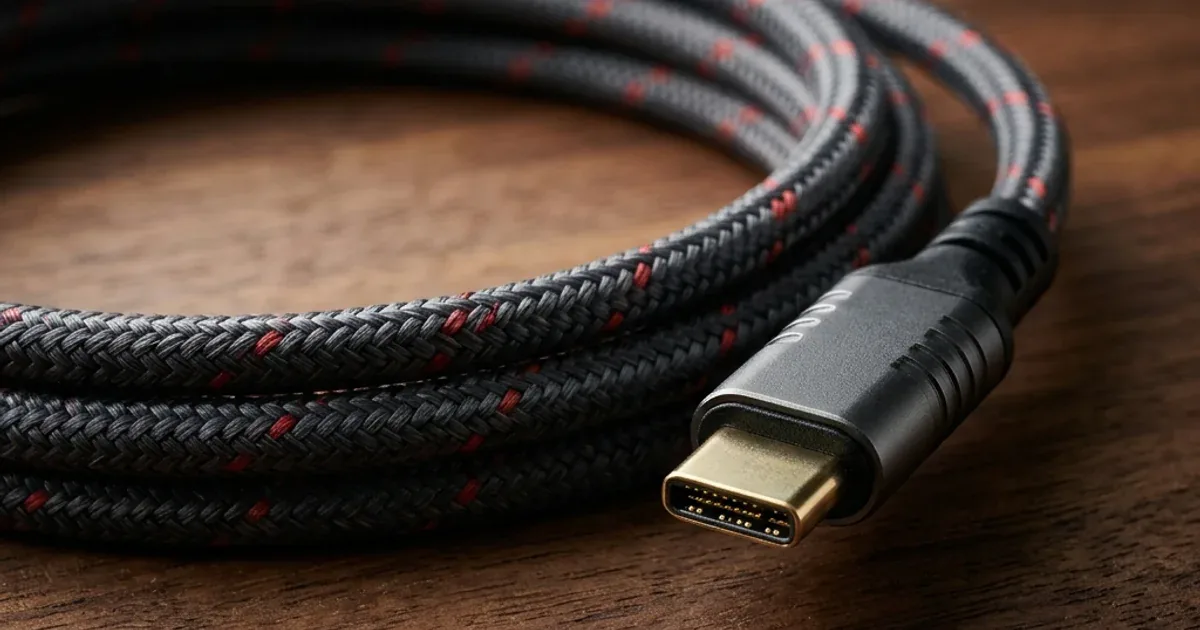
USB-C 240W Cable for Gaming Laptops — When You Actually Need It and When It's a Waste of Money
Read more →