 CairoVolt Team
USB-C to Lightning vs USB-C to USB-C — Which Charges iPhone Faster? Full Comparison
Real-numbers comparison between USB-C to Lightning and USB-C to USB-C cables for iPhone charging — which is actually faster and when you need each type.
TL;DR: iPhone 15 and newer use USB-C, so they need a USB-C to USB-C cable; iPhone 14 and older need USB-C to Lightning. The phone and charger set the speed: per Apple, iPhone 17 Pro reaches 50% in about 20 minutes with a 40W+ adapter. The Anker Zolo A8060 is listed at 240W (EGP 790); SureIStrong for Lightning costs EGP 599.
Your friend just bought a shiny new iPhone 17 Pro Max — and the first thing he did was dig out his old Lightning cable from the drawer. Plugged it into a 30W charger and waited. Forty-five minutes later: 52%. "This charger is a scam!" he announced. No, buddy — the charger is fine. The problem is you're trying to charge a USB-C iPhone with a cable that belongs in a museum. It's like putting regular 80-octane fuel in a BMW — technically it runs, but you're not getting the performance you paid for.
💡 Quick Answer: iPhone 15 and newer have a USB-C port, so they need a USB-C to USB-C cable; iPhone 14 and older can only use USB-C to Lightning. Actual speed is set by the phone and charger, not the cable alone: per Apple, iPhone 17 Pro reaches 50% in about 20 minutes with a 40W or higher adapter, and in our bench an iPhone 15 stayed around 20W on a 30W charger (see Anker Nano 30W for iPhone 15/16). Advice: for iPhone 15/16/17 — the Anker Zolo A8060 (listed 240W, EGP 790). For iPhone 14 or older — the Anker SureIStrong (EGP 599).
🔬 From CairoVolt's Measurements
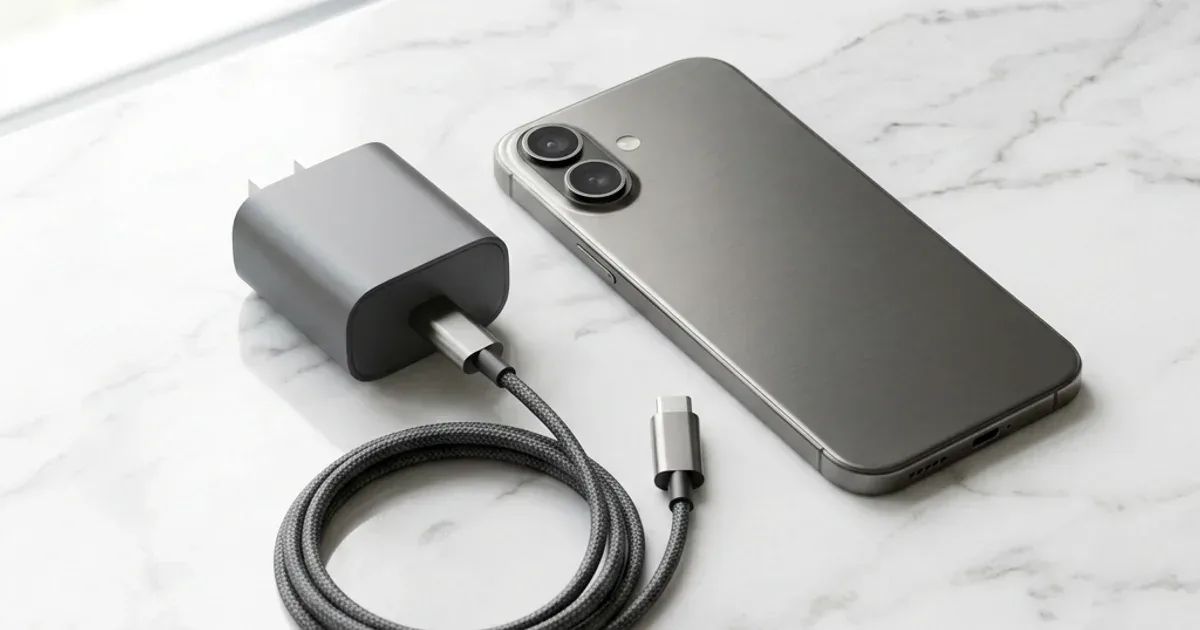
On our Anker Nano 30W (A2147) sample, an iPhone 15 stayed around 20W (~19.7W peak) and went from 0 to 50% in about 27 minutes. Per Apple, iPhone 17 models reach 50% in about 20 minutes with a 40W or higher adapter. In other words, the phone sets the power — a sound cable just must not be the bottleneck.
What's the Core Difference Between the Two Cables? The Engineering
Before diving into numbers, you need to understand the fundamental difference between these two connectors — it's not just about the shape:
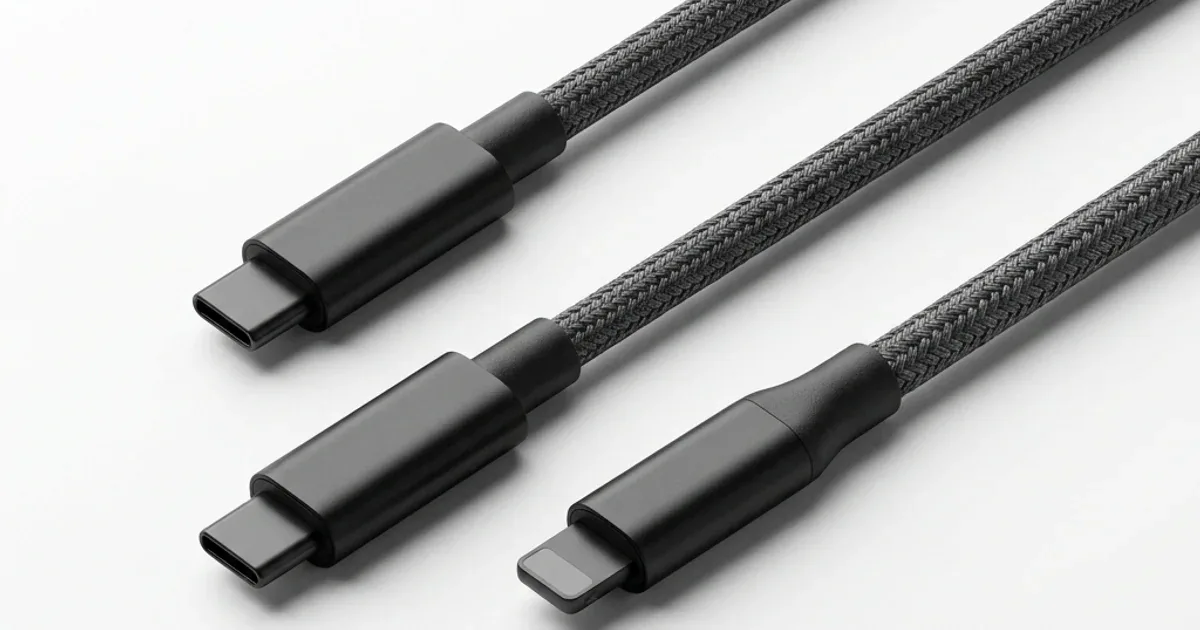
USB-C to Lightning cable: The USB-C end connects to your charger, and the Lightning end plugs into the iPhone. The Lightning port — which Apple invented in 2012 — supports a maximum of USB 2.0 with 480 Mbps data transfer and charging capped at roughly 20W. That's because Lightning has only 8 pins, and its electrical design simply wasn't built for high power delivery.
USB-C to USB-C cable: Same connector on both ends — USB-C. This port has 24 pins supporting USB 3.x or even Thunderbolt 4 at speeds up to 40 Gbps (see USB-C vs Thunderbolt ports), plus advanced charging protocols like PD 3.0 and PPS. In practice: it delivers 30W+ to iPhones and up to 240W for laptops.
| Specification | USB-C to Lightning | USB-C to USB-C |
|---|---|---|
| Pin Count | 8 pins (Lightning) | 24 pins ✅ |
| Maximum Charging Power | ~20W | 30W+ (up to 240W) ✅ |
| Charging Protocol | Apple 2.4A / Limited PD | PD 3.0 + PPS ✅ |
| Data Transfer Speed | USB 2.0 (480 Mbps) | USB 3.x / Thunderbolt (up to 40 Gbps) ✅ |
| iPhone Compatibility | iPhone 5 through iPhone 14 | iPhone 15 and newer only |
| Future | ❌ Discontinued by Apple | Universal standard ✅ |
In simple terms: Lightning is a 2012 connector trying to work in 2026. USB-C is the modern standard that the European Union itself mandated Apple to adopt — which they did starting with iPhone 15 in September 2023.
Real Charging Speed — What Actually Sets It?
A sound cable (USB PD and 3A support) does not set an iPhone's charging speed — the phone and the charger do:
- 📱 iPhone 17, iPhone 17 Pro and Pro Max: per Apple Support, up to 50% in about 20 minutes with a 40W or higher adapter.
- 📱 iPhone 15: in our bench with the Anker Nano 30W (A2147) it stayed around 20W (~19.7W peak) and went from 0 to 50% in about 27 minutes.
- 📱 iPhone 14 and older (Lightning): Apple says they fast charge with a USB-C to Lightning cable and an 18W or higher USB-PD adapter.
So the difference you feel comes from the phone itself: newer models accept more power. We have not run a direct Lightning-versus-USB-C cable test on the same phone — no phone has both ports.
Which iPhone Works with Which Cable? Full Compatibility Chart
This is the question that confuses many people — especially in Egypt where iPhones from every generation coexist. The rule is simple:
| Device | Port | Required Cable | Max Charging Speed |
|---|---|---|---|
| iPhone 5 → iPhone 14 Pro Max | Lightning | USB-C to Lightning | ~20W |
| iPhone 15 / 15 Plus | USB-C (USB 2.0) | USB-C to USB-C | ~27W |
| iPhone 15 Pro / Pro Max | USB-C (USB 3.0) | USB-C to USB-C | ~27W |
| iPhone 16 / 16 Pro / Pro Max | USB-C (USB 3.0) | USB-C to USB-C | ~30W |
| iPhone 17 / 17 Pro / Pro Max | USB-C (USB 3.0) | USB-C to USB-C | ~30W |
| iPad Pro M4 / iPad Air | USB-C (Thunderbolt) | USB-C to USB-C | ~30-45W |
The rule: iPhone 15 or newer → USB-C to USB-C is the only cable that gives you maximum speed. iPhone 14 or older → USB-C to Lightning is your only option — and that's not your fault, it's Apple's for taking 11 years to make the switch.
If You Have an iPhone 15+ — Is There Any Reason to Buy Lightning?
Smart question. And honestly: no. There's no logical reason to buy a USB-C to Lightning cable for an iPhone 15 or newer — the device simply doesn't have a Lightning port. But there are 3 scenarios where you might still need a Lightning cable:
- 📱 You also own an older iPhone: If you use an iPhone 14 for work and iPhone 17 personally — you'll need both cables
- 🎧 AirPods or accessories with Lightning: AirPods Pro (1st generation) and some AirPods models still use a Lightning charging case
- 🎮 Older Apple devices: Older iPad generations, Apple TV Remote, Magic Keyboard/Mouse/Trackpad — all still Lightning
But if all your devices are current — USB-C to USB-C is the only cable you need. One cable charges iPhone 17 + iPad Pro + MacBook Air + Samsung Galaxy + power bank. That's what "universal standard" means — and what the EU has been pushing for since 2014.
Best Cable for Each Type — Our Recommendations in Egypt 2026
For iPhone 15 or Newer (USB-C to USB-C)
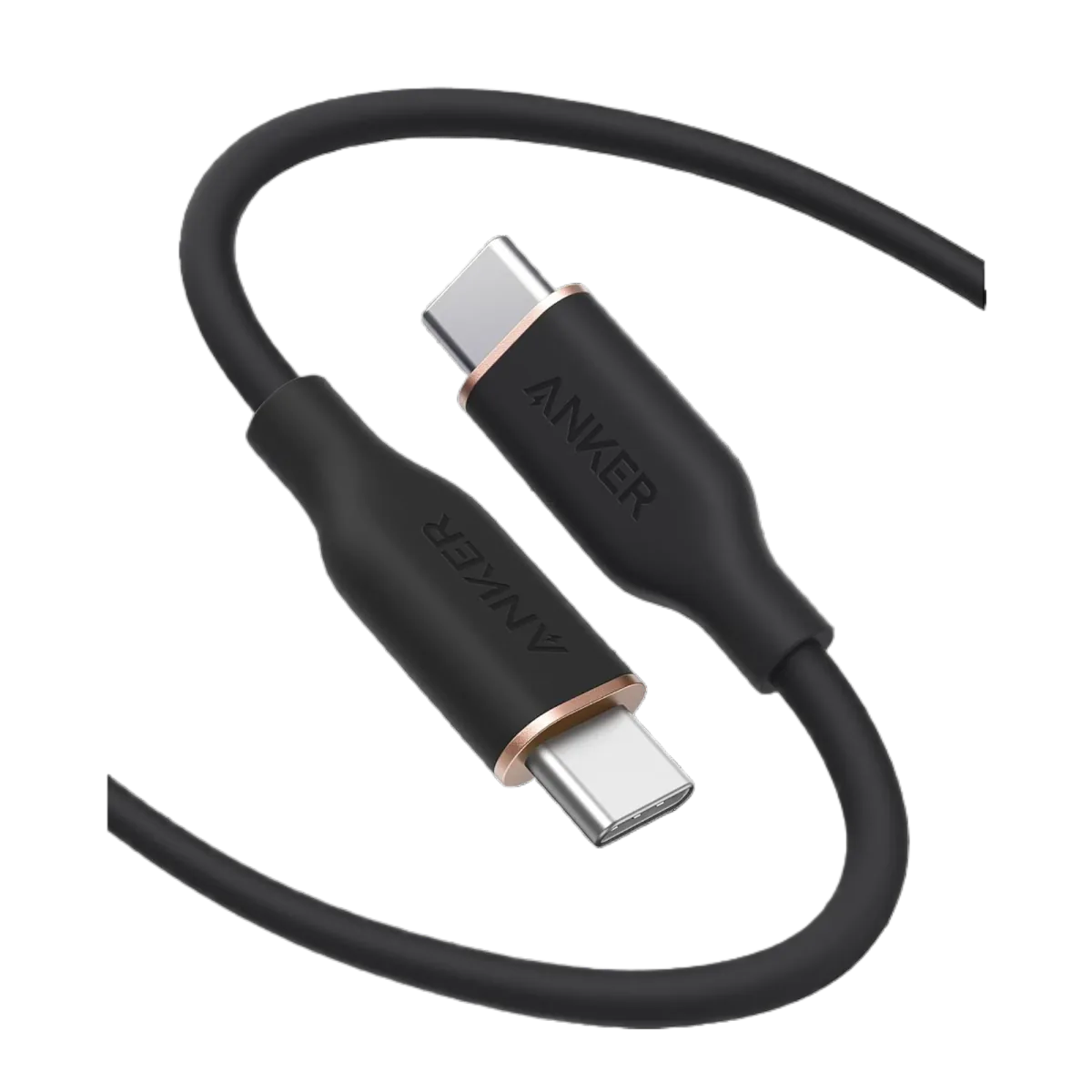
- 🏆 For top performance: Anker Zolo A8060 USB-C — listed 240W PD 3.1, braided. Charges iPhone 17 at the maximum speed the phone accepts + charges laptops too. EGP 790
- 💰 Best value: Joyroom USB-C 60W — 60W is sufficient for any iPhone, braided nylon, EGP 123
- ⚡ For laptop too: Joyroom Type-C 100W — if you charge iPhone and laptop with the same cable, EGP 130 (no e-marker, so it is limited to 60W in practice; we measured a 57.9W peak)
For iPhone 14 or Older (USB-C to Lightning)
- 🏆 For top performance: Anker SureIStrong — USB-C PD for compatible Lightning devices, 1.8m (check the MFi mark on the package). EGP 599
- 👨👩👧👦 For families: Joyroom 3-in-1 — one cable with USB-C + Lightning + Micro USB tips — practical solution if your household has mixed devices. EGP 237
⚠️ Warning: Only buy Lightning cables with MFi (Made for iPhone) certification. Non-MFi cables may work for a week, then iPhone displays "This accessory is not supported" and refuses to charge. Counterfeit MFi cables on OLX can be spotted by crude solder joints on the connector and 40% lighter weight than the original. Read 7 Ways to Spot a Fake Charger.
✅ Available on CairoVolt
All cables mentioned are original, with an invoice and CairoVolt's written store warranty (duration shown on each product page) — whether Lightning or USB-C. Delivery to all Egyptian governorates commonly takes 1–6 business days depending on governorate + WhatsApp support. Want to learn more about USB-C cable types? Read our Complete USB-C Cable Guide for Egypt 2026.
CairoVolt Team
Tech Editor
Frequently Asked Questions
Can I use a USB-C to Lightning cable on iPhone 15 or newer?▼
Does a regular USB-C to USB-C cable charge iPhone 17 as fast as Apple's original cable?▼
Why did Apple take so long to switch from Lightning to USB-C?▼
If I have an iPhone 14 and iPad Air M2 — do I buy one cable or two?▼
Ready to Buy?
Browse available products and review specifications and CairoVolt warranty terms before ordering
Related products
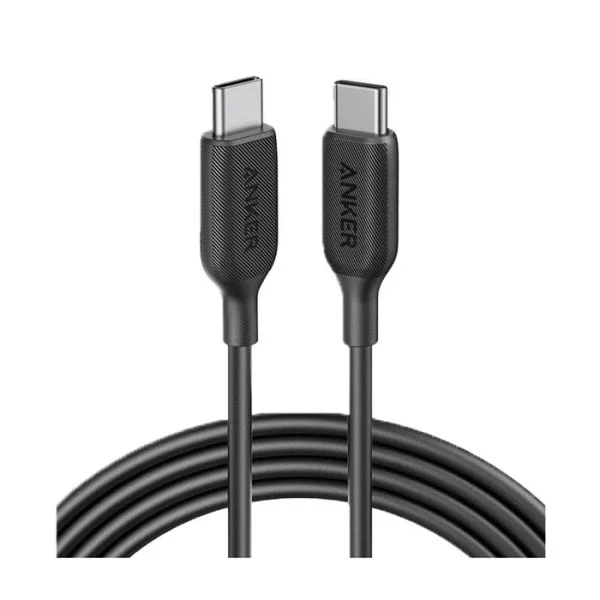
Anker SureIStrong USB-C to Lightning Cable
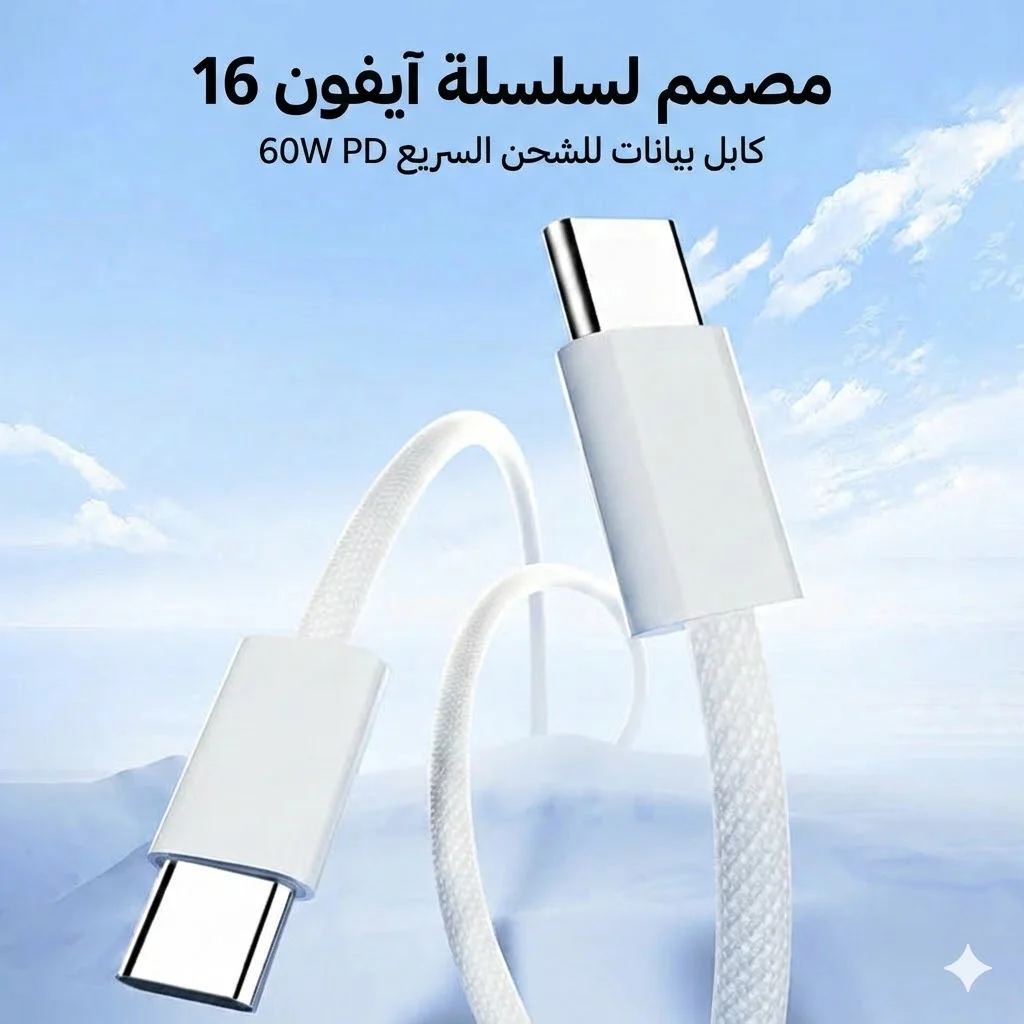
Joyroom 60W USB-C to USB-C Fast Charging Cable
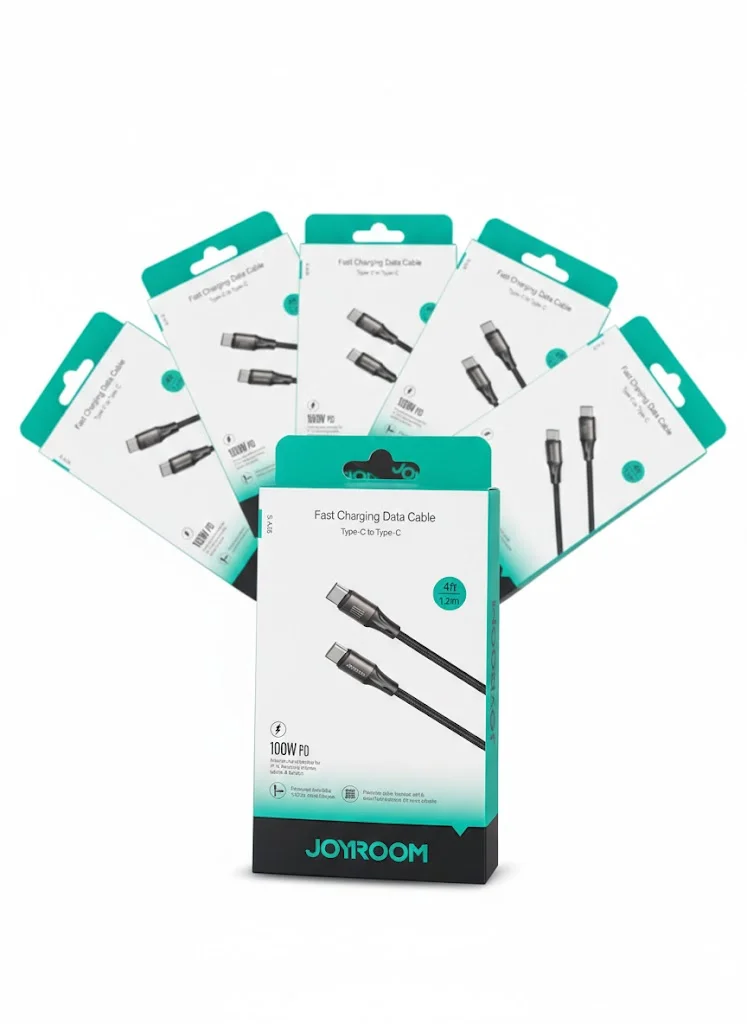
Joyroom USB-C to USB-C Cable JR-S-CC100
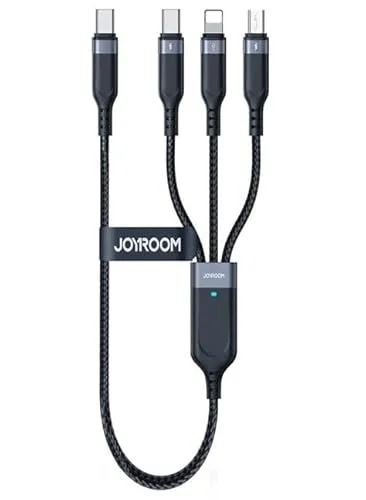
Joyroom 3-in-1 Multi-Connector Charging Cable
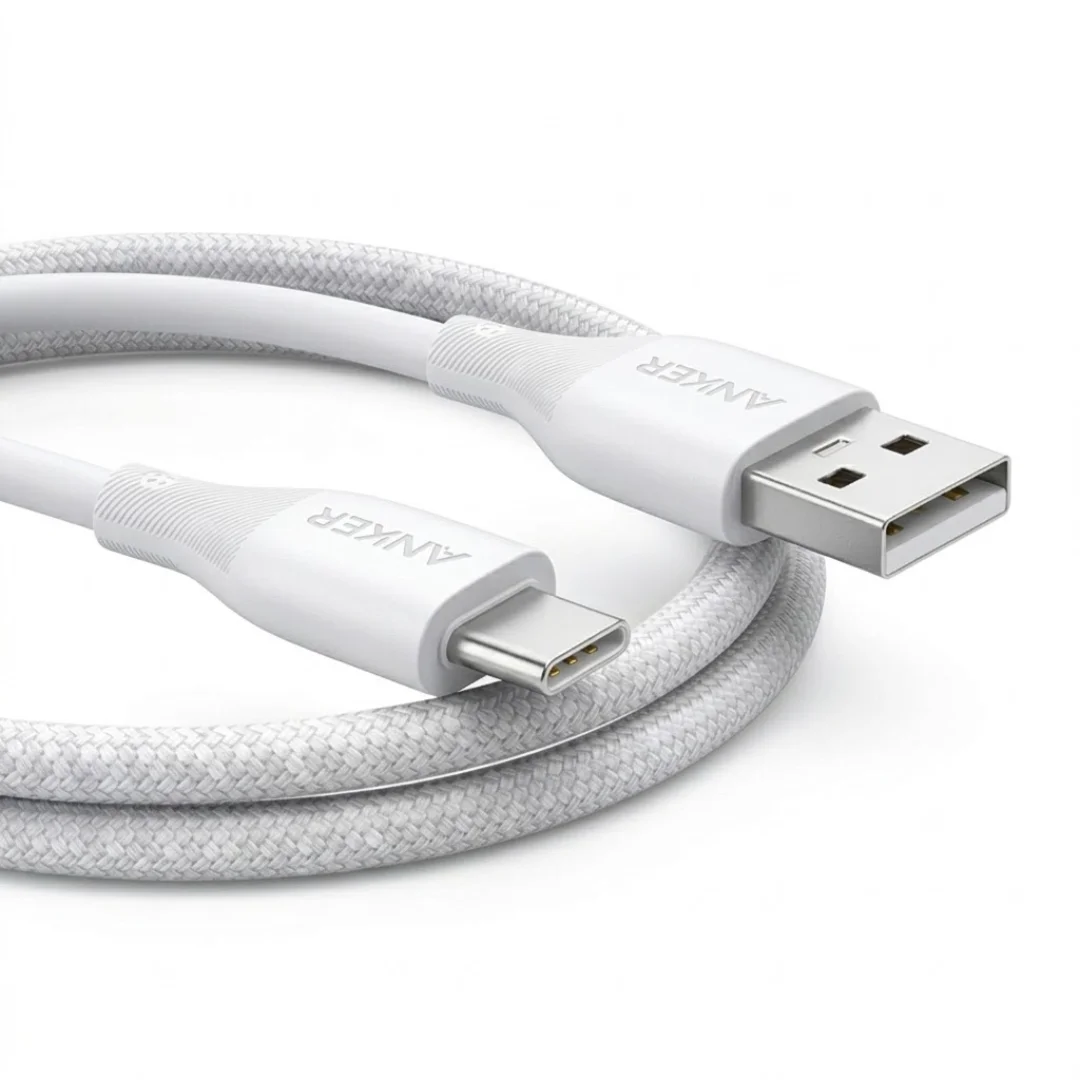
Anker USB-A to USB-C Cable (A8050) | Braided Nylon 1.8m | Fast Charging