In every Egyptian household — the same scene repeats every night. Dad is looking for a charger. The oldest daughter took the charger to her room. The son is charging from the tablet's charger. And mom is charging from the laptop. 4 separate chargers — 4 wall sockets — 4 tangled cables. And the question not many people think about: is this actually the best solution? Or is there a simpler, more cost-effective alternative?
This article compares three types of chargers: 2-port, 4-port, and 6-port. The comparison isn't theoretical — it's by the numbers with real scenarios for Egyptian families of different sizes. So you know exactly what's most suitable and cost-effective for your home.
💡 The Golden Rule: More ports = lower price per port (better value). But more active ports = less wattage per device (slower charging). The solution: get a charger with more ports than you currently need — so wattage distributes well and charging stays fast.
The Basics — What Happens When You Charge Multiple Devices from One Charger?
Every charger has a fixed total wattage budget. A 65W charger, for example — when charging one device, delivers the full 65W. But when charging two devices — it splits the budget between them (say 45W + 20W). And when charging 4 devices — each gets a smaller share. This is called Dynamic Power Allocation.
So a 4-port 65W charger doesn't deliver 65W to each port — it delivers 65W total distributed across all connected devices. This is an important distinction you need to understand before choosing.
The good news: Phones don't need much wattage. A typical phone takes 15-25W for fast charging. So a 65W charger can fast-charge 3 phones simultaneously at acceptable speeds. Laptops are what consume high wattage (45-65W) — and if you connect a laptop, the remaining wattage gets distributed among the other ports.
Detailed Comparison — 2-Port vs 4-Port vs 6-Port
| Criteria | 2-Port Charger | 4-Port Charger | 6-Port Charger |
|---|---|---|---|
| Total Wattage | 30-45W | 65-100W | 100-200W |
| Port Types | 1 USB-C + 1 USB-A | 2 USB-C + 2 USB-A | 2-3 USB-C + 3-4 USB-A |
| Laptop Charging? | ✅ Yes (one port) | ✅ Yes (one port) | ✅ Yes (1-2 ports) |
| Price Range (Egypt) | 600-900 EGP | 1,200-1,800 EGP | 1,800-3,000 EGP |
| Price per Port | ~400 EGP/port | ~375 EGP/port | ~350 EGP/port |
| Size | Very small — two fingers | Medium — palm-sized | Large — cigarette box |
| Best For | 1-2 people | Family of 3-4 | Family of 5+ or office |
Scenario 1 — Solo or Couple Without Kids
Devices: 2 phones + 1 laptop + occasional Bluetooth speaker.
Best solution: 2-port charger (30-45W). A charger like the Anker 511 Nano 3 at 30W fast-charges a phone from the USB-C port — while simultaneously charging another phone or speaker from the USB-A port. It's tiny, roughly coin-sized — fits anywhere. If you need laptop charging — a 45W charger handles a small laptop (like MacBook Air) and a phone simultaneously.
Why not 4 ports? Because you'd be paying more for ports you won't use. And the larger charger takes more space without real benefit. In this case — a 2-port charger is the smartest and most cost-effective choice.
Scenario 2 — Small Family (3-4 People)
Devices: 3-4 phones + tablet + occasional laptop.
Best solution: 4-port charger (65-100W). This is the sweet spot for most Egyptian families. 4 ports cover all devices — and total wattage (65-100W) is enough to fast-charge 3 phones simultaneously at acceptable speeds. The fourth port handles the tablet or laptop.
The math: If you buy 4 separate chargers at 600 EGP each — total cost is 2,400 EGP + 4 wall sockets + 4 cables. One 4-port charger at 1,500 EGP — saves you 900 EGP + only one socket + much better organization. You also save on electricity consumption because one high-efficiency charger is better than 4 average-efficiency chargers.
Scenario 3 — Large Family (5+ People) or Office
Devices: 5+ phones + tablet + laptop + speakers + smartwatch.
Best solution: 6-port charger (100-200W). In a large family or office — 6 ports cover all devices from a single point. High total wattage (100-200W) ensures every device gets fast charging even when all ports are active. Extra ports are useful for devices like smartwatches or speakers that charge at low wattage and don't significantly impact the wattage budget.
Important tip: For larger chargers — look for GaN (Gallium Nitride) technology. GaN makes chargers smaller, more efficient at power conversion, and cooler-running. A 100W GaN charger can be the size of a traditional 45W charger. This is a huge practical difference — especially if you travel and want a powerful but compact charger.
Scenario 4 — Travel and Trips
The situation: You're traveling and need to charge a phone + laptop + tablet from a single socket at a hotel or airport.
The solution: A 2-3 port GaN charger (45-65W) is ideal for travel. Small enough to fit in a bag pocket — yet powerful enough to charge a laptop and phone simultaneously. Hotels in Egypt typically have one or two sockets near the bed — a multi-port charger solves this without needing an extra power strip. And if you travel frequently — keep an Anker 10000mAh power bank in your bag for on-the-go charging.
Common Misconceptions
- ❌ "A 6-port charger damages batteries faster" — False. The charger only delivers the wattage the device requests. A phone requesting 18W gets 18W whether from a 2-port or 6-port charger. Multi-port chargers from reputable brands are completely safe for battery health.
- ❌ "All ports charge at the same speed" — False. In most chargers — the primary USB-C port is the fastest (supporting PD or PPS). Other ports — especially USB-A — charge slower. If you have a device that needs fast charging — always connect it to the primary USB-C port. Quality chargers specify how many watts each port delivers in their specs.
- ❌ "Bigger chargers consume more electricity" — False. A charger draws power proportional to the connected devices — not its size. A 200W charger charging one phone draws only ~20W from the wall. No difference in electricity consumption — the difference is in flexibility and expandability.
Practical Tips for Choosing the Right Charger
1. Count your devices — and add at least one extra port. If you have 3 devices — get a 4-port charger. The extra port gives you flexibility for a guest or new device without needing another charger. If you get a charger with exactly enough ports — you'll need an additional charger as soon as you get a new device.
2. Look for USB-C PD as the primary port. USB-C Power Delivery is the global fast-charging standard — supporting phones, laptops, and tablets. At least one USB-C PD port is essential in any charger you buy.
3. Buy quality cables with the charger. A 65W charger with a cheap cable = slow charging. Anker cables support the charger's full wattage — which can mean 30-50% difference in charging speed. Don't save on the charger and lose on the cable.
4. Connect the charger to a surge protector. A 1,500 EGP charger on a regular power strip without protection = risk. A surge protector at 300 EGP protects the charger and all devices connected to it.
5. Watch out for heat. Multi-port chargers generate more heat than single-port ones — especially when all ports are active. Place it in a ventilated area — don't put it under a pillow or in a closed drawer. Good ventilation keeps the charger running more efficiently and lasting longer. GaN chargers run cooler than traditional ones — another reason to choose GaN.
The Bottom Line — What's Right for You?
- 👤 Solo or couple: 2-port charger (30-45W) — small, practical, and most cost-effective.
- 👨👩👧👦 Family of 3-4: 4-port charger (65-100W) — the sweet spot in price and performance.
- 👨👩👧👦👴 Family of 5+ or office: 6-port charger (100-200W) — the comprehensive solution for all devices.
✅ Available at CairoVolt
Anker chargers available in all sizes — from 2-port to 6-port. All feature GaN technology and multi-layer protection. And Anker cables support full fast-charging speeds. 18-month warranty + delivery to all governorates.
🛒 Related Products from CairoVolt:
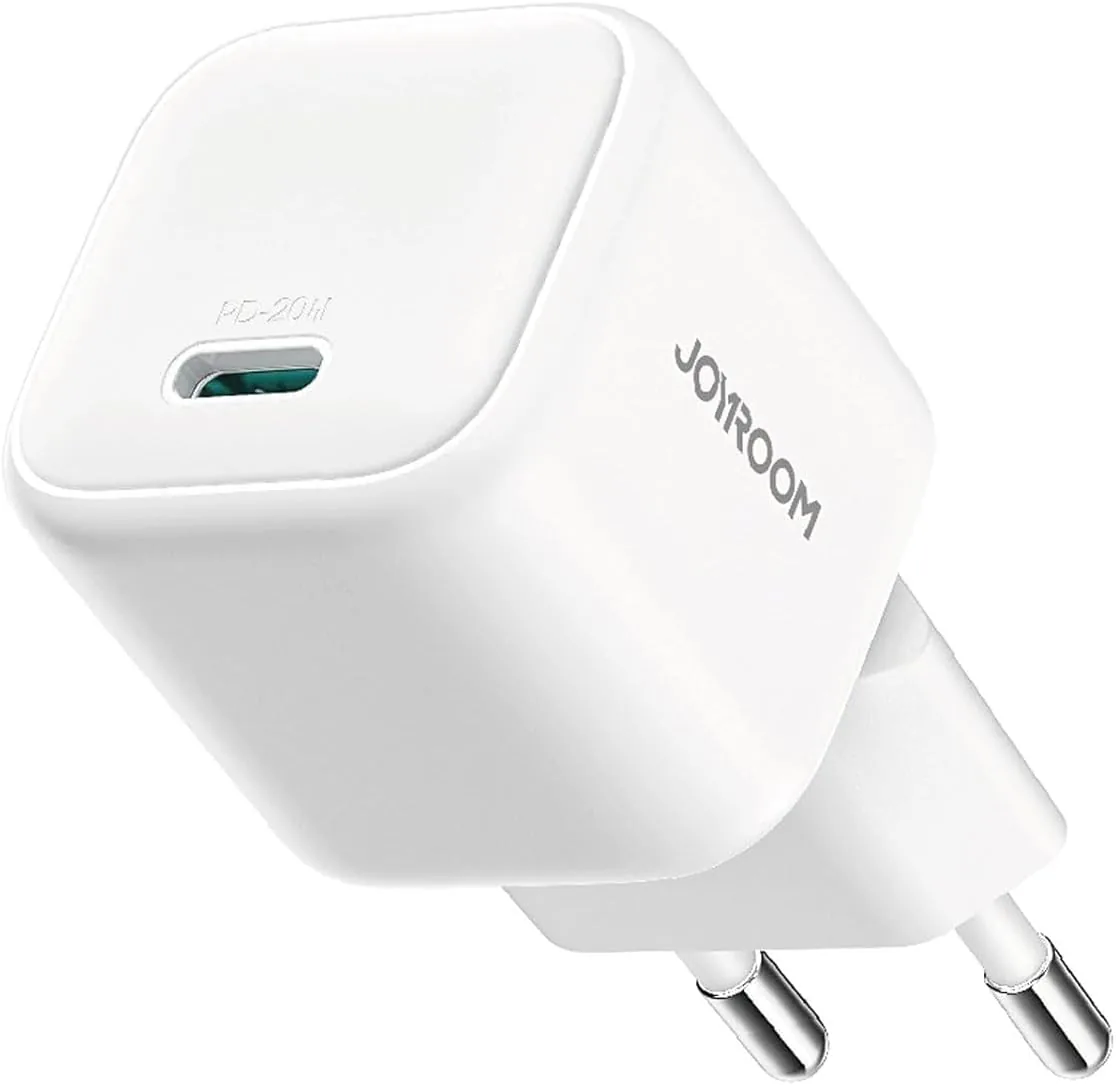
Based on this article, here are our picks: Anker GaN 30W Charger · Anker 30W Charger · Anker PowerPort 25W Charger · Joyroom 30W Charger.

CairoVolt Editorial Team
Content team reviewing specifications and buying guides
The CairoVolt team reviews model numbers, specifications, and compatibility, and updates information when better data is available. Estimates are labeled as calculations, and readers can report information that needs correction.
Frequently Asked Questions
Do multi-port chargers damage batteries?▼
When all ports are active — how much does charging slow down?▼
Do bigger chargers consume more electricity?▼
What's the best number of ports for an average Egyptian family?▼
Ready to Buy?
Browse available products and review specifications and CairoVolt warranty terms before ordering
Products Mentioned in This Article
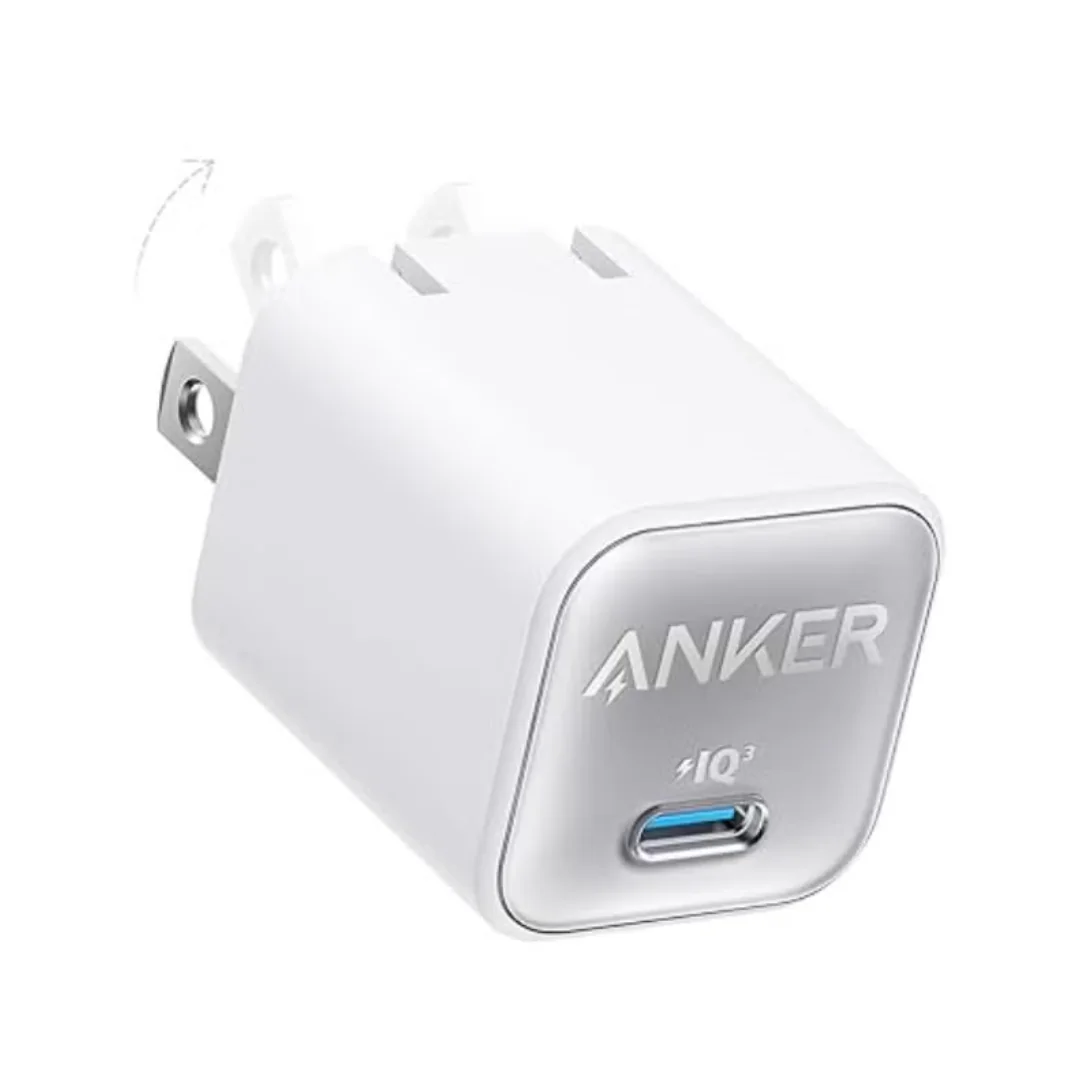
Anker 511 Nano 3 GaN Charger 30W (A2147) | USB-C PD | IQ3
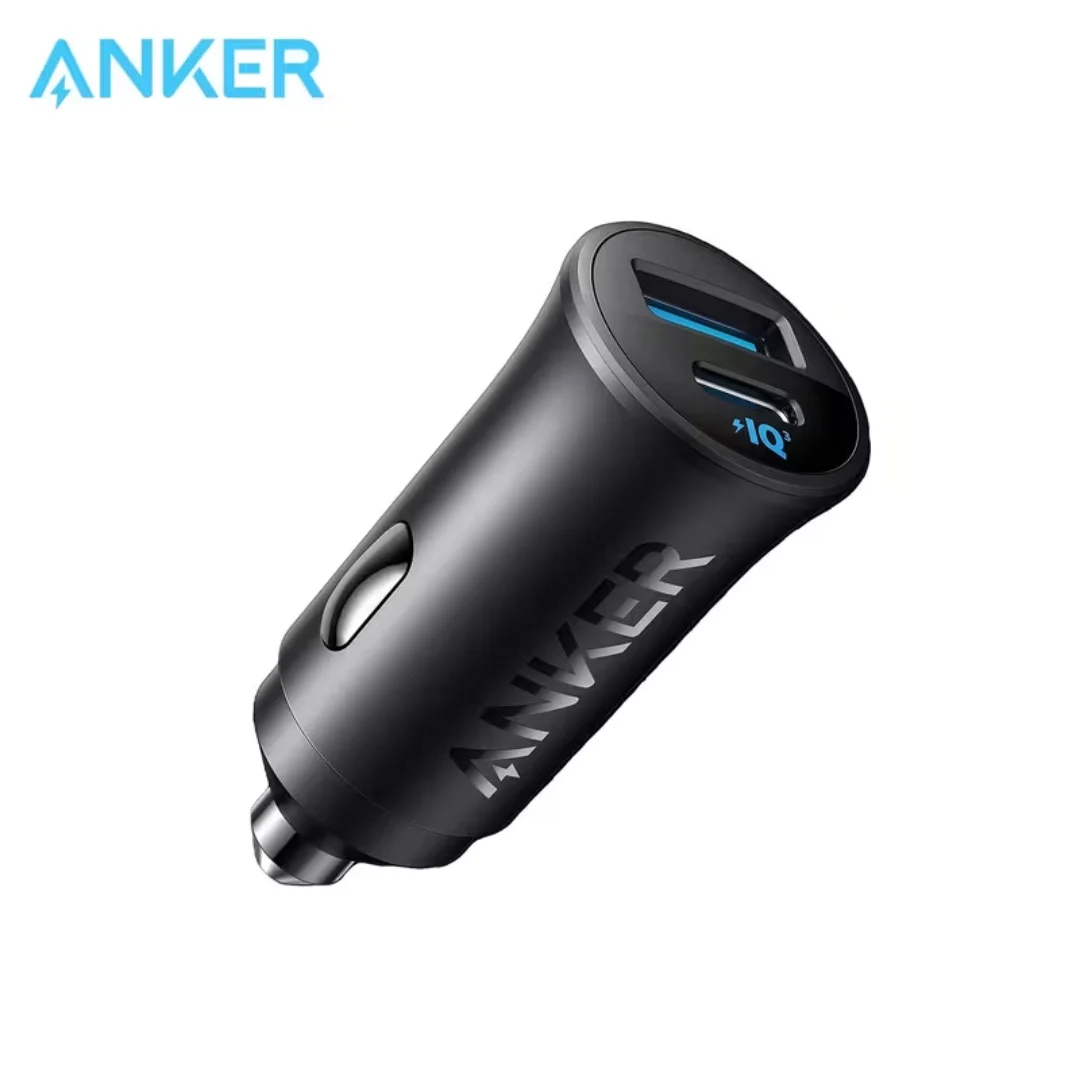
Anker 30W Mini Car Charger (A2741) | USB-C 30W PD + USB-A 22.5W | Ultra-Compact
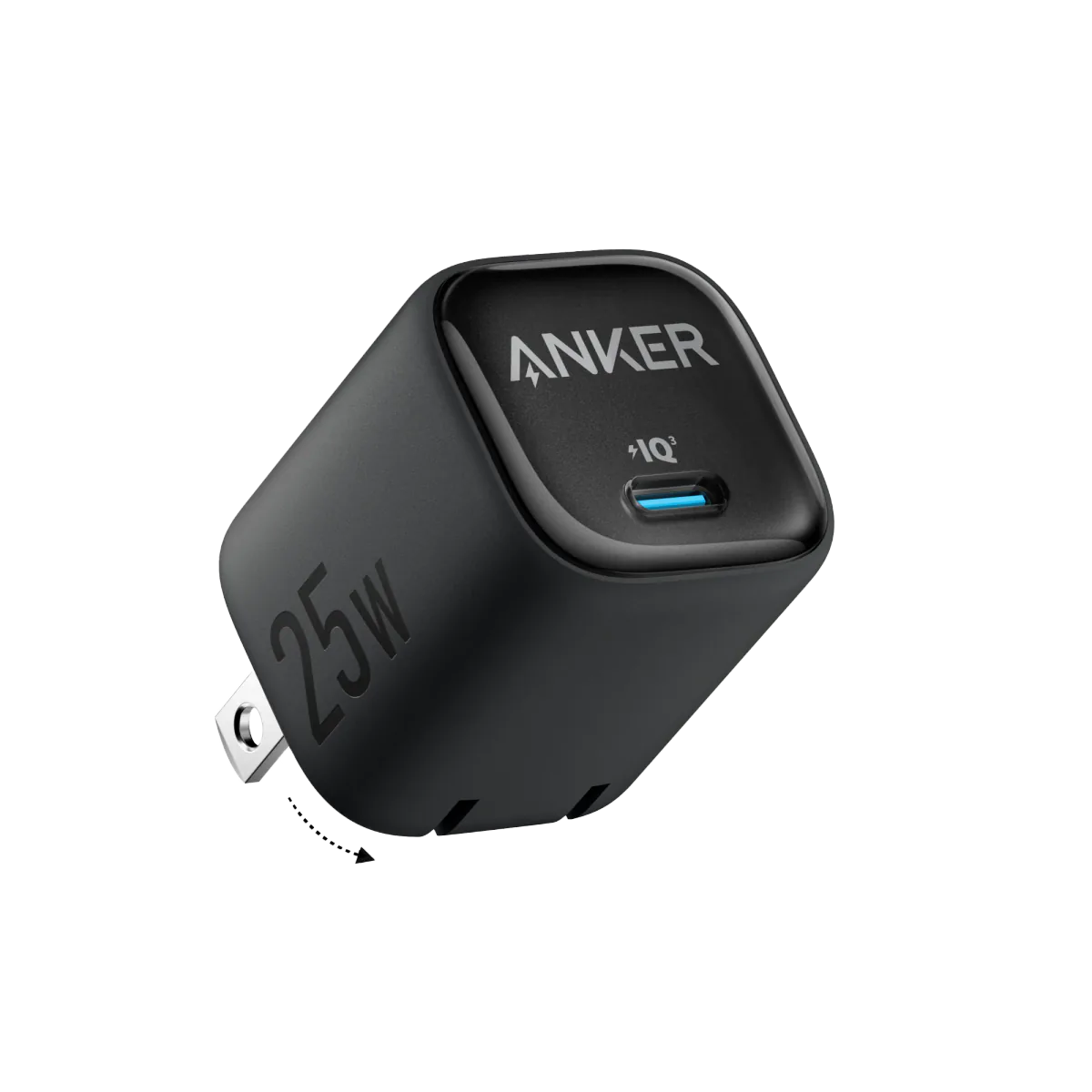
Anker 25W PPS Charger (A2322K11) | Samsung-Compatible USB-C PD
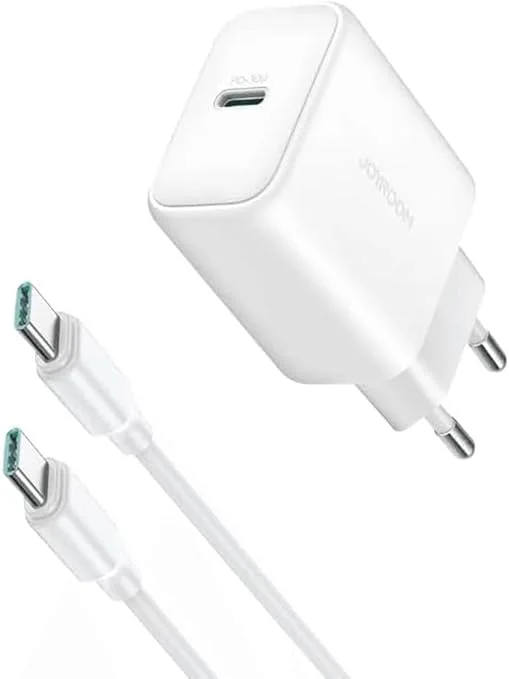
Joyroom 30W PD+QC Wall Charger | Dual USB-C and USB-A Ports
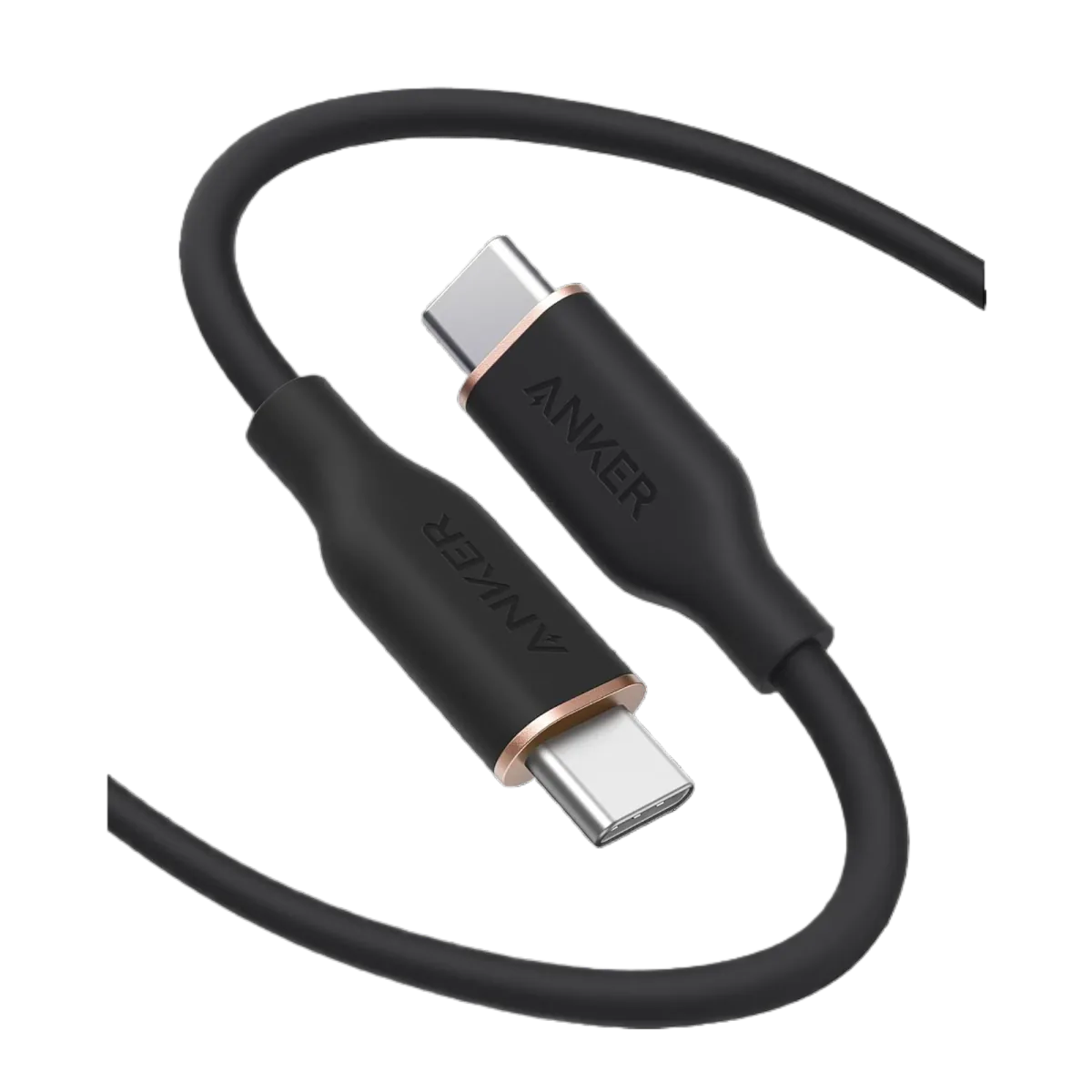
Anker PowerLine III USB-C to USB-C | 60W | iPhone 17 & Samsung S26