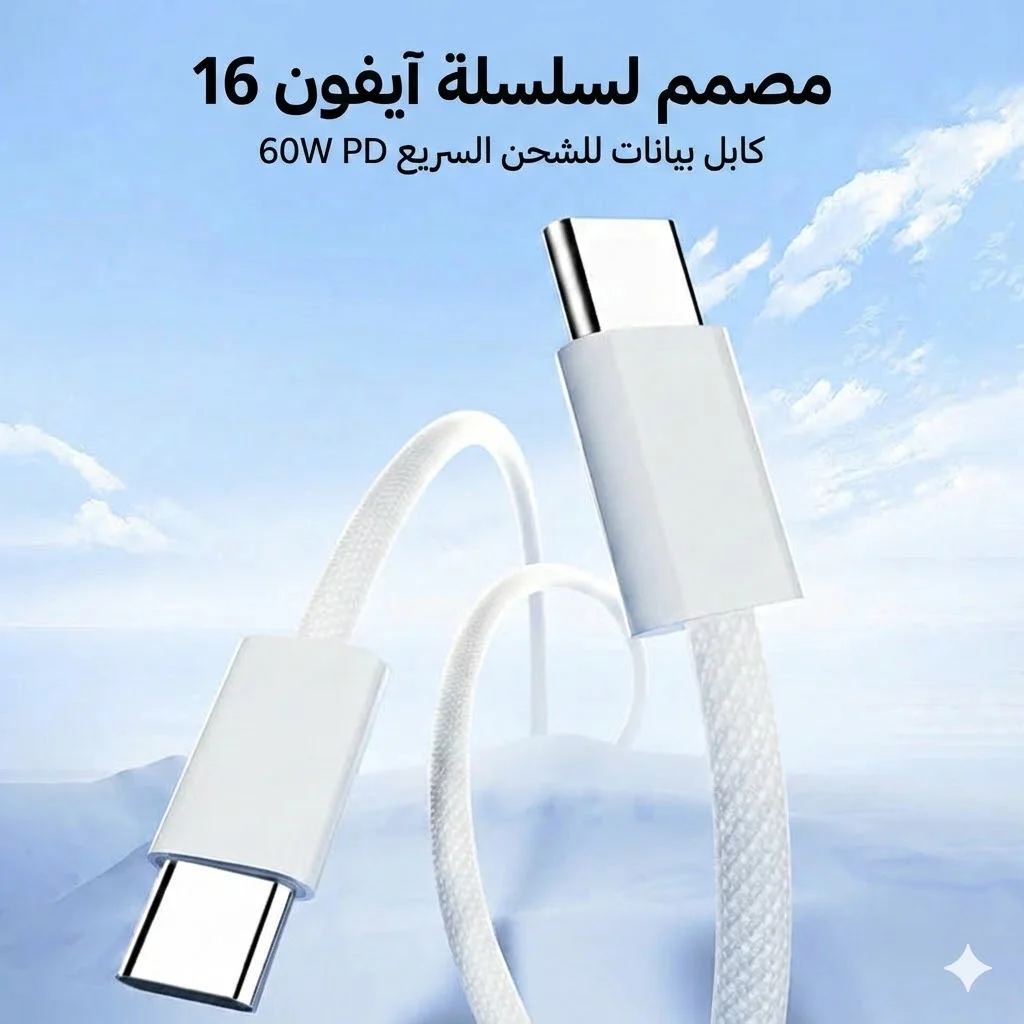
Fast Charging Not Working Despite Original Charger? 7 Hidden Causes and Fixes
Original charger, original cable, but fast charging isn't showing or it's slow? The problem usually isn't the charger — there are 7 hidden causes nobody tells you about.
In short: Top 7 causes: (1) Cable doesn't support the required wattage (10W cable on 30W charger). (2) USB-C port clogged with lint. (3) Phone above 38°C — system throttles charging automatically. (4) "Fast Charging" setting disabled (Samsung/Xiaomi). (5) Heavy apps running during charging. (6) Battery above 80% — charging slows by design (CC/CV). (7) Charger and phone speak different protocols (PD vs QC vs VOOC). Quick fix: try a certified replacement cable + clean the port + turn off the screen while charging.
You bought a genuine 30W or 45W charger — at full price — plugged it into your phone, and the first thing you did was check the screen for "Fast Charging" or "Super Fast Charging." But what appeared: "Charging" — with no speed indication. Or worse: charging is so slow the phone takes 3 hours to reach 100% instead of an hour and a half. The charger is genuine. The cable came in the box. Where's the problem?
The issue is that "fast charging" isn't just about connecting a powerful charger to your phone. It's a complex system with 5 elements that must all work together: charger + cable + port + battery + software. If even one element is incompatible or malfunctioning — the phone drops to standard charging speed (5W) without telling you why. This article explains the 7 most common causes — and the fix for each one.
💡 Quick Fix: Try these steps in order: (1) Switch to a certified USB-C cable rated 60W+. (2) Clean the port. (3) Turn off the screen and leave the phone alone. (4) Verify "Fast Charging" is enabled in settings. If none of that works — read the 7 causes below.
Cause 1: The Cable — The Unsung Hero (and Prime Suspect)
This is one of the most common causes — and most people never suspect it. A cable that "works" doesn't necessarily "fast charge." Fast charging requires a cable that supports the required current and power:
| Cable Type | Max Power | Supports Fast Charging? |
|---|---|---|
| USB-A to USB-C (cheap) | 10-12W | ❌ No |
| USB-A to USB-C (quality) | 18W (QC 3.0) | ⚠️ Partially |
| USB-C to USB-C (no e-marker) | 60W | ✅ Yes |
| USB-C to USB-C (with e-marker) | 100-240W | ✅ Yes — Best |
The common problem: You have a genuine 45W charger but you're using a USB-A to USB-C cable from an old drawer. That cable maxes out at 10-12W — so the charger outputs 45W but the cable only passes through 10W. Result: slow standard charging. The fix: use a USB-C to USB-C cable rated for 60W minimum — like the Anker USB-C 100W cable.
Cause 2: Clogged Port — Lint Is the Enemy of Fast Charging
We covered this in detail in our USB-C port cleaning guide — but the summary: if the port has compressed dust or lint, the cable doesn't fully insert. This means the contact pins don't connect 100% — so the phone identifies the charger as a weak power source and charges at 5W instead of 30W or 45W.
The sign: The cable goes in but doesn't make a clear "click" — or disconnects if you move the phone. The fix: clean the port with a wooden toothpick — takes 30 seconds and solves the problem in 70% of cases.
Cause 3: Heat — Your Phone Is Protecting Itself Without Telling You
This is the cause nobody thinks about — especially in Egyptian summers. Every modern phone has a thermal throttling system that activates automatically:
- 🌡️ Below 25°C: Fast charging runs at maximum speed (100% power).
- 🌡️ 25-35°C: Fast charging works but may throttle slightly (80-90%).
- 🔥 35-40°C: Fast charging noticeably reduced (50-70%) — you may notice slow charging.
- 🔥 Above 40°C: System cancels fast charging entirely, reverting to 5W — to protect the battery from thermal damage.
Common heat-triggering situations:
- ☀️ Phone was in sunlight or on the car dashboard (surface can reach 50°C+).
- 🎮 You were playing a heavy game (PUBG, Genshin Impact) before plugging in — the processor is still hot.
- 📹 You were recording 4K video for an extended period.
- 🛏️ Phone is under a pillow or in a thick case preventing ventilation.
The fix: Let the phone cool for 5-10 minutes before charging. Remove the case during fast charging. Don't charge in direct sunlight. Once it cools — plug in the charger and you'll see "Fast Charging" appear immediately.
Cause 4: Fast Charging Setting Is Disabled on the Phone
A simple cause that surprises many people. Some phones — especially Samsung and Xiaomi — have a setting that must be enabled for fast charging to work:
- 📱 Samsung: Settings → Battery & Device Care → Battery → Charging Settings → Enable "Fast Charging" + "Super Fast Charging."
- 📱 Xiaomi / Redmi / POCO: Settings → Battery → Boost Charging Speed (sometimes called "Charge Turbo").
- 📱 OPPO / Realme: Usually auto-enabled — but check Settings → Battery → ensure no "Charging Limit" is set at 80%.
- 📱 iPhone (USB-C): No separate setting — fast charging activates automatically with any 20W+ USB-C PD charger. But "Optimized Battery Charging" may pause at 80% if the phone has learned your habits.
Cause 5: Heavy Apps Running During Charging
If you're charging your phone while simultaneously playing PUBG, live streaming, or downloading a 2GB update — the phone consumes power during charging. Result: if the charger inputs 30W and the phone consumes 10W for gaming — only 20W net goes to the battery. The charging appears "slow" — not because the charger is weak, but because the phone is consuming power as fast as it arrives.
The numbers:
| Activity | Approx. Consumption | Net Charging (with 30W charger) |
|---|---|---|
| Screen off (Idle) | 0.5-1W | ~29W ✅ |
| Browsing & WhatsApp | 3-5W | ~25W ✅ |
| YouTube / Netflix | 5-8W | ~22W ⚠️ |
| Heavy gaming (PUBG/Genshin) | 8-15W | ~15W ❌ Slow |
| 4K video recording + GPS | 10-18W | ~12W ❌ Very slow |
The fix: For the fastest charge — turn off the screen and leave the phone alone. This makes a 30-40% difference in charging time. You don't need to power off the phone — just locking the screen is sufficient.
Cause 6: Battery Above 80% — The System Slows Down Intentionally (CC/CV)
This isn't a bug — it's physics and intentional design. All lithium batteries charge using a CC/CV (Constant Current / Constant Voltage) system:
- ⚡ From 0% to ~80%: CC phase (constant current) — fast charging runs at maximum power. This is where you feel the speed.
- 🐢 From ~80% to 100%: CV phase (constant voltage) — current gradually decreases. The closer the battery gets to 100%, the slower charging becomes. Going from 80% to 100% can take as long as going from 0% to 60%.
This is designed to protect the battery — not a malfunction. If the phone continued fast charging all the way to 100%, the battery would degrade much faster. If you notice charging "slowed down" after 80% — that's 100% normal and requires no intervention.
Cause 7: Charger and Phone Speak Different Protocols
This is the most technical cause — and it happens more often than you'd think. Fast charging isn't one single standard — it's dozens of different protocols:
| Protocol | Company | Compatible Devices |
|---|---|---|
| USB-PD (Power Delivery) | Universal standard (USB-IF) | iPhone + Samsung + most devices |
| QC (Quick Charge) | Qualcomm | Devices with Snapdragon processors |
| VOOC / SuperVOOC / DASH | OPPO / OnePlus / Realme | OPPO devices only — proprietary cable |
| Turbo Charge / HyperCharge | Xiaomi | Xiaomi devices only — proprietary cable |
| SuperCharge | Huawei / Honor (Honor X8b charger) | Huawei devices only |
The common problem: You have an OPPO Reno with SuperVOOC 65W — and bought a USB-PD 65W charger. The charger is "65 watts" and the phone is "65 watts" — but the protocols are different! The phone won't recognize fast charging because SuperVOOC requires an OPPO charger + OPPO proprietary cable. Result: standard 10W charging instead of 65W. Same story with Xiaomi HyperCharge and Huawei SuperCharge.
The fix: USB-PD is the universal standard that works with the widest range of devices. An Anker 511 Nano 3 30W USB-PD charger will fast-charge iPhones, Samsungs, and Pixels at maximum speed. But if you have OPPO or Xiaomi — you need their original charger for maximum speed (though USB-PD will still charge them at a reasonable 15-20W — just not maximum).
Quick Diagnostic Checklist — Follow These Steps in Order
- 1️⃣ Verify the cable is USB-C to USB-C (not USB-A to USB-C) and rated for 60W minimum.
- 2️⃣ Clean the port with a wooden toothpick — even if it looks clean.
- 3️⃣ Turn off the screen and leave the phone alone — don't game while charging.
- 4️⃣ Remove the case — thick cases trap heat.
- 5️⃣ Check settings: Open battery settings and verify "Fast Charging" is enabled.
- 6️⃣ Verify protocol compatibility: If you have OPPO/Xiaomi/Huawei — use their original charger.
- 7️⃣ If battery is above 80% — the slowdown is normal (CC/CV). Judge speed from 0-80%.
If you've done all of this and fast charging still isn't working — there may be an issue with the charging IC on the motherboard. That requires a qualified technician.
✅ Available at CairoVolt
Anker chargers support USB-PD + QC — fast-charging iPhones and Samsungs at maximum speed. Anker USB-C cables support 100W — they won't be your bottleneck. CairoVolt's written store warranty (duration shown on each product page) + delivery to all governorates.
🛒 Related Products from CairoVolt:
Based on this article, here are our picks: Anker GaN 30W Charger · Anker Nano 45W Charger · Anker PowerPort 25W Charger · Anker PowerLine USB-C Cable.

CairoVolt Editorial Team
Content team reviewing specifications and buying guides
The CairoVolt team reviews model numbers, specifications, and compatibility, and updates information when better data is available. Estimates are labeled as calculations, and readers can report information that needs correction.
Frequently Asked Questions
Why isn't fast charging working even though my charger and cable are genuine?▼
Does the cable affect charging speed even with a powerful charger?▼
Why does charging slow down after 80%?▼
Will a USB-PD charger fast-charge an OPPO or Xiaomi phone?▼
Ready to Buy?
Browse available products and review specifications and CairoVolt warranty terms before ordering
Related products
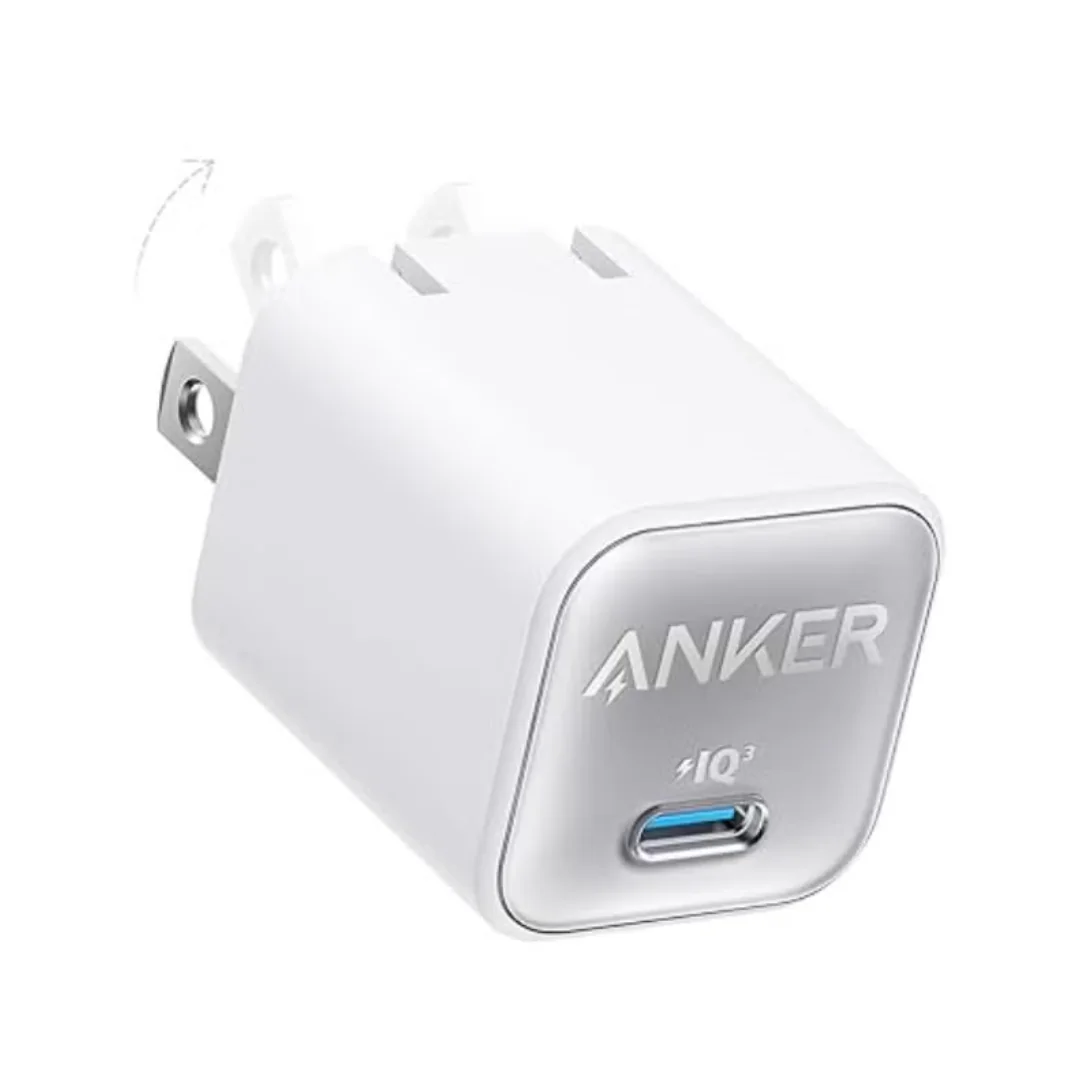
Anker 511 Nano 3 GaN Charger 30W (A2147) | USB-C PD | IQ3
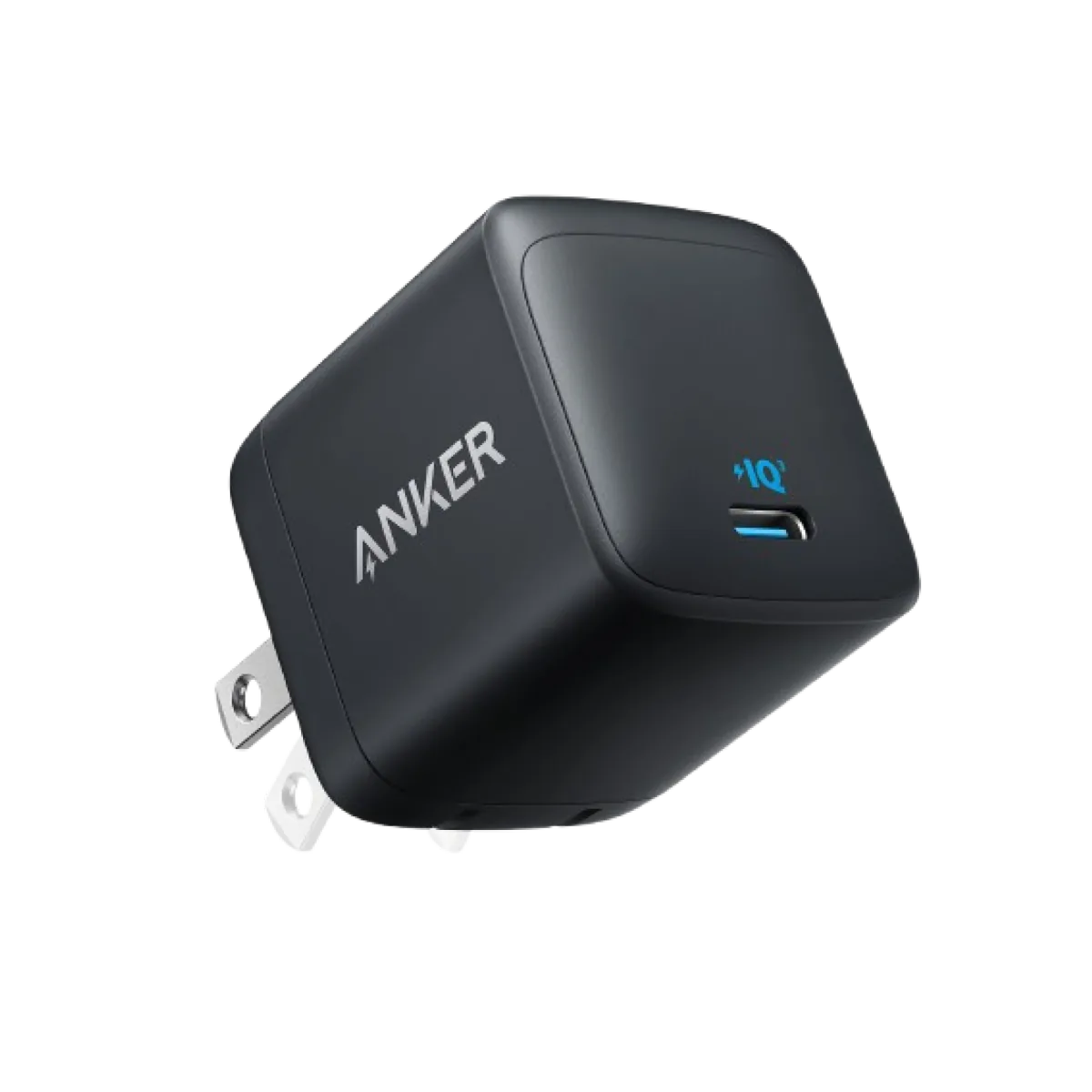
Anker Nano 45W GaN USB-C Charger | MacBook Air + iPhone 17
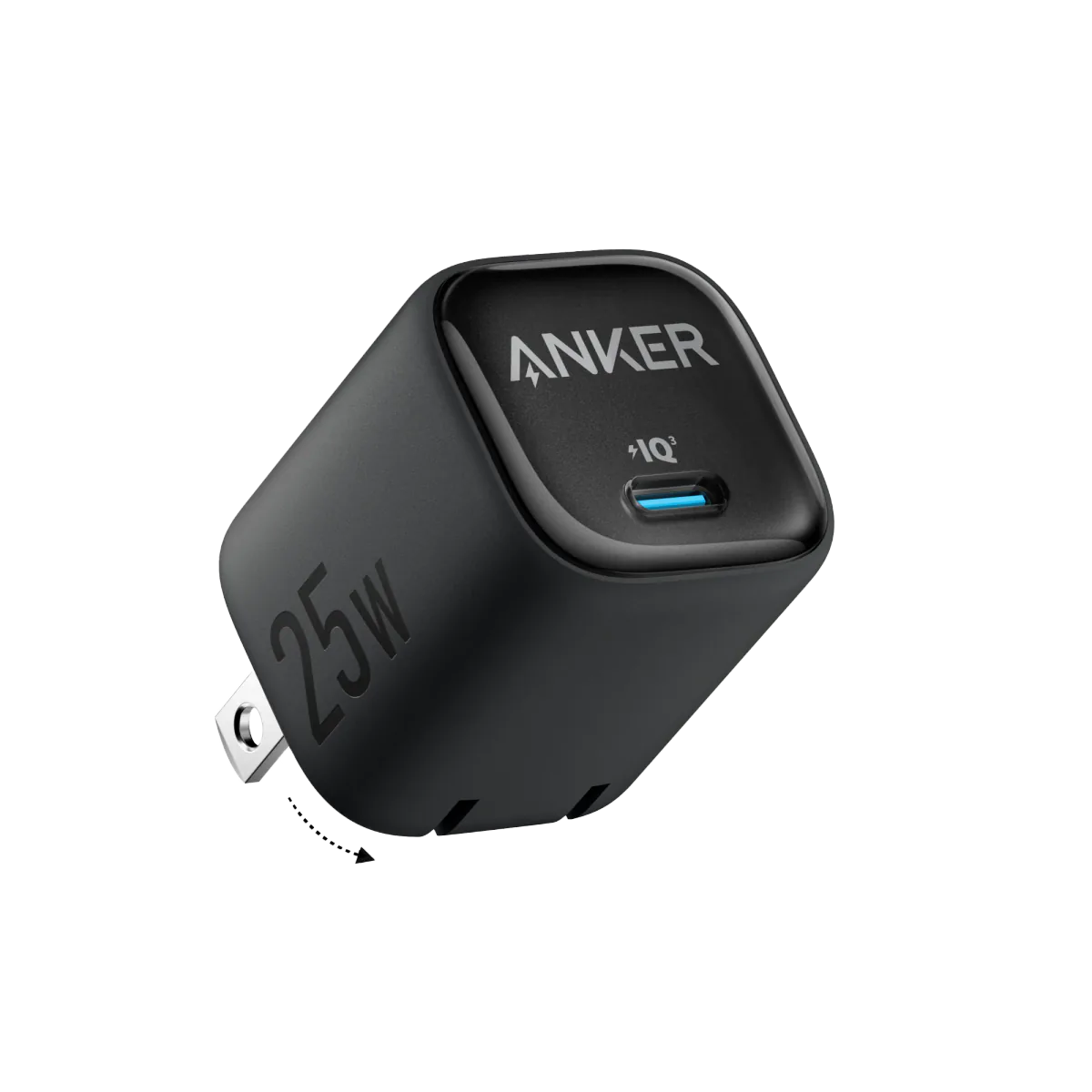
Anker 25W PPS Charger (A2656111) | Samsung-Compatible USB-C PD
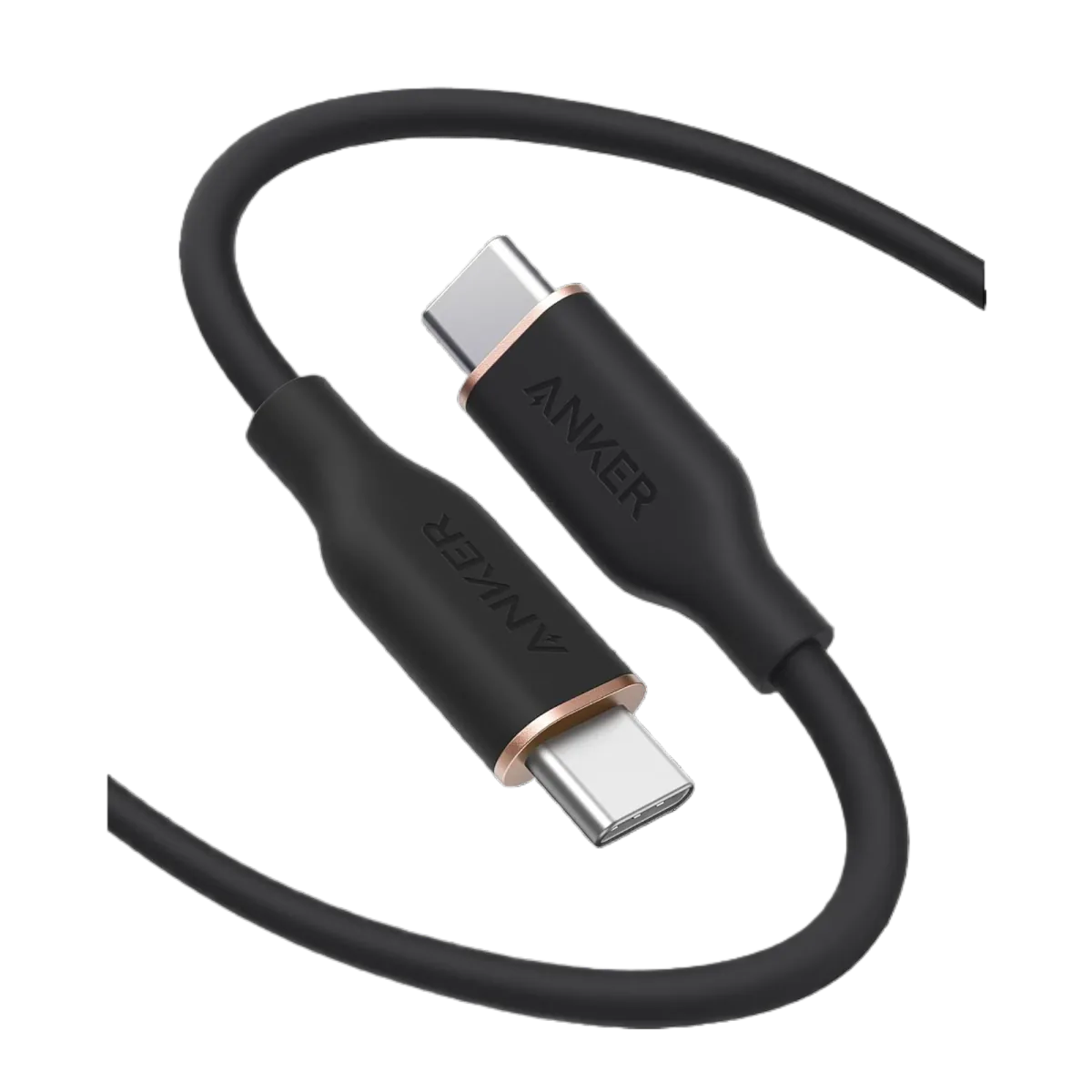
Anker PowerLine III USB-C to USB-C | 60W | iPhone 17 & Samsung S26
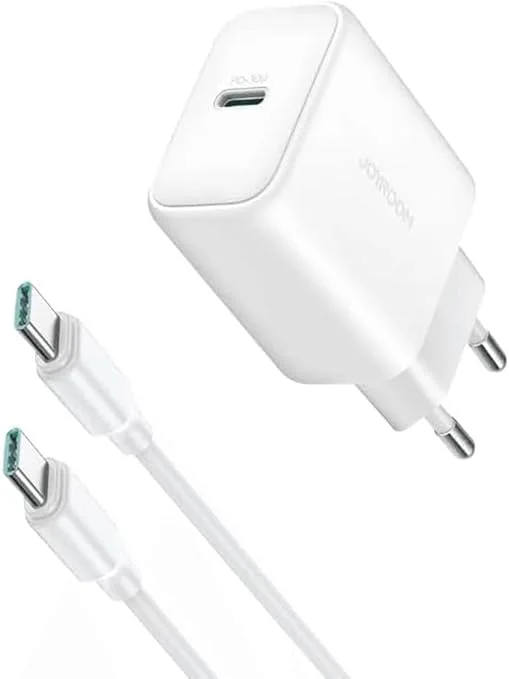
Joyroom 30W PD+QC Wall Charger | Dual USB-C and USB-A Ports