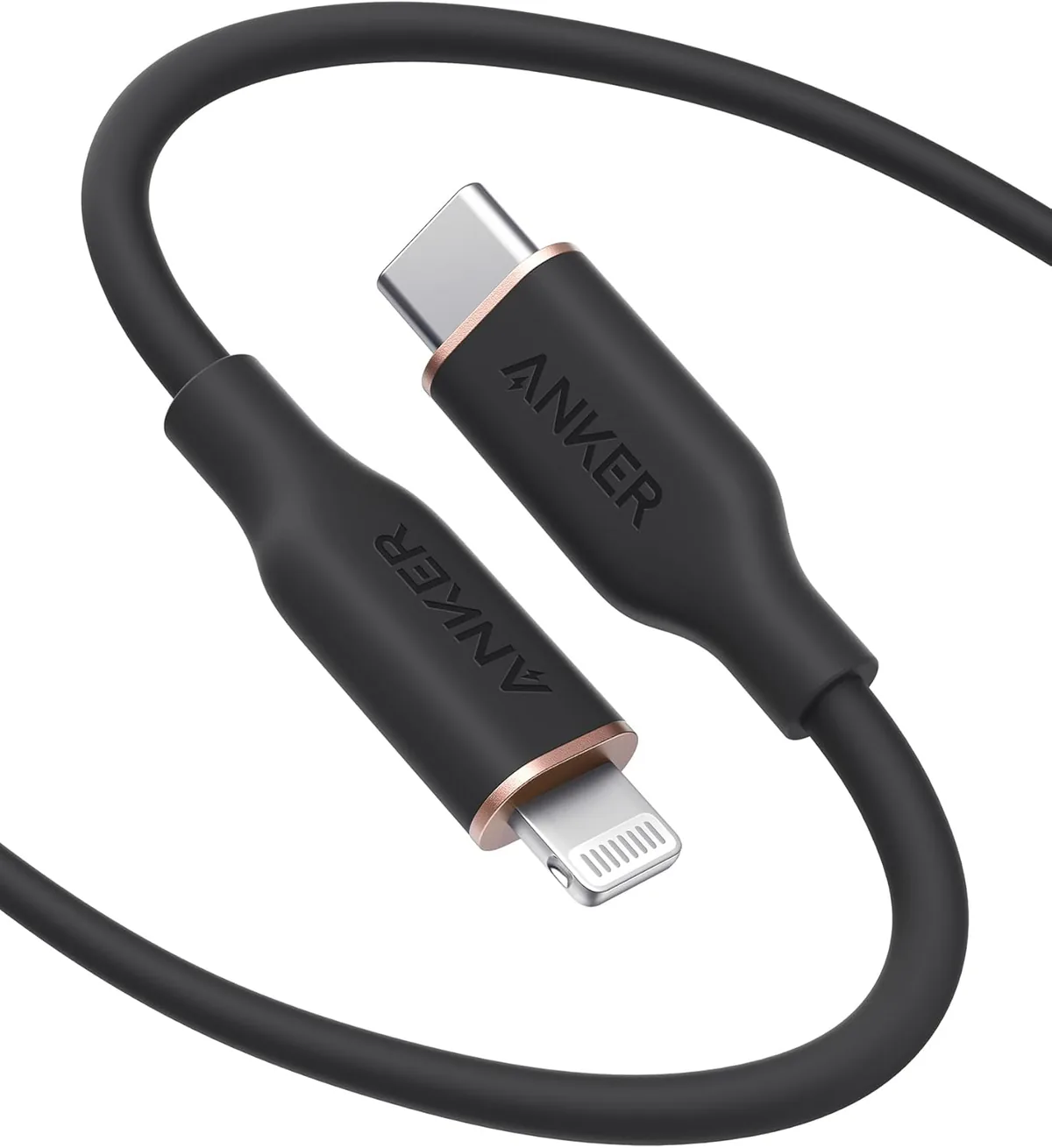
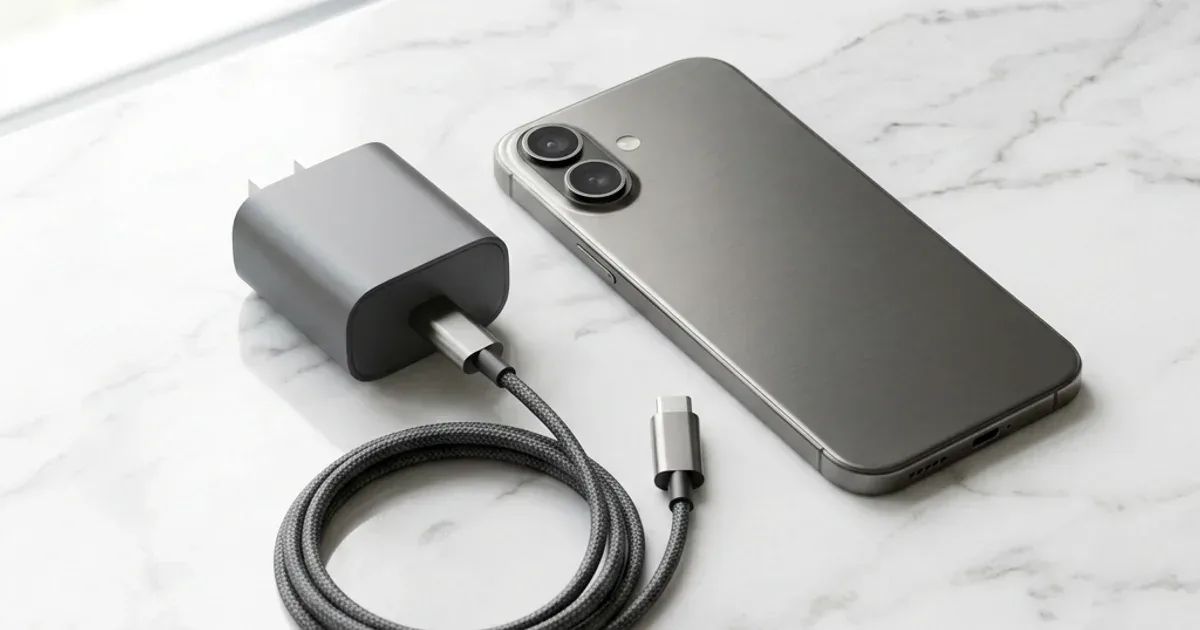
CairoVolt Team
Why Is Your Phone Charging Slowly? 8 Hidden Causes & Instant Fixes
Phone charging slowly? 8 hidden causes and an instant fix for each.
In short: The first thing to try when your phone charges slowly is the cable, not the charger: a damaged or counterfeit cable is one of the most common causes, and swapping it is the easiest, cheapest check. Then review phone settings (power saving and background apps), clean the charging port, keep the phone cool, and only then consider a stronger charger.
The Problem We've All Experienced
In short: Try a different cable first — a damaged or counterfeit cable is one of the most common causes of slow charging, and the damage is often invisible. If that doesn't help, read on for the other causes.
It's 7 AM. Your alarm is ringing. You reach for your phone on the charger and find it at 43% — even though it's been plugged in all night.
If this sounds familiar, you're not alone. It's the most common question we hear at CairoVolt:
"I bought this charger from you a week ago and it's charging slowly — it must be defective!"
📋 The most common causes of slow charging — ordered from easiest to hardest to check:
- The cable (damaged, thin, or counterfeit)
- Phone settings (power saving mode, background apps)
- The charger (underpowered or incompatible)
- A dirty charging port
- An actual battery issue
That means in many "the charger is bad" complaints, the real problem isn't even the charger! Let's break down each cause.
Cause 1: The Cable — The First Suspect to Check
This is what most people overlook. The cable is the weakest link in the charging chain. A thin, worn, or counterfeit cable can cut charging speed sharply.
A Scenario That Repeats All the Time
Picture this common situation: someone bought an Anker 20W charger a month ago. It was fine for two weeks, then became very slow — the natural first conclusion: "the charger must be broken." But when the charger and cable are actually checked:
- The charger: 100% fine — tested with a new cable and charged at full speed
- The cable: internally broken — the outer sheath looked fine but the copper wires inside were worn from constant bending
Swapping the cable for an Anker PowerLine USB-C cable — the phone charges at its normal speed again. The usual reaction: "It was the cable?! I almost bought a whole new charger."
How to tell if the cable is the problem
- Try a different cable (borrow one from someone)
- If charging speeds up — problem solved
- Get a quality cable: Anker USB-C 60W or Joyroom USB-C 60W (more affordable, same performance)
Cause 2: Phone Settings Are Eating Your Charge
Sometimes charging isn't slow — your phone is consuming power faster while charging. How?
- Power Saving Mode: Some phones reduce charging speed in power saving mode (especially Samsung)
- Adaptive/Optimized Charging: iPhone and Pixel deliberately slow down overnight charging to protect battery health — this is a feature, not a bug
- Background apps: Heavy games + GPS + video streaming = phone consuming more than it's gaining
- Max brightness: Screen at full brightness consumes 2–3W — that could be a quarter of your charger's output
Fix: Enable airplane mode while fast charging. You'll notice a huge difference immediately.
Cause 3: Charger Is Underpowered or Incompatible
If you're still using the old 5W charger that came in the box — that's like filling a swimming pool with a garden hose. The charger works, but it's painfully slow for 2025–2026 phones.
| Charger | iPhone 17: 0→50% (est.) | Samsung S26: 0→50% (est.) |
|---|---|---|
| Old 5W charger | 95 min ❌ | 110 min ❌ |
| Anker 20W | 30 min | 40 min |
| Anker Nano 45W GaN | 22 min ✅ | 26 min ✅ |
| Joyroom 20W | 31 min | 42 min |
These figures are estimates and vary with model, temperature and battery level. Apple's official figure: iPhone 17 reaches 50% in about 20 minutes with a 40W or higher adapter (Apple Support). Bottom line: the gap between a 5W charger and a fast charger is large.
Cause 4: Dirty Charging Port
This one's a bit embarrassing but incredibly common 😅. Your phone lives in your pocket, collecting dust and lint in the charging port. Over time, the cable doesn't seat properly and the connection weakens.
Fix: Use a wooden toothpick (not metal!) and gently clean the port. Or use compressed air. You'll be surprised at how much gunk comes out.
Cause 5: Heat — The Silent Enemy
Batteries hate heat. When your phone gets hot, the operating system automatically throttles charging speed to protect the battery. This happens a lot in Egypt:
- Phone in a car under direct sunlight (interior temperatures reach 60°C)
- Charging while gaming (PUBG + charging = double heat)
- A thick case preventing ventilation
Fix: Remove the case while charging. Don't charge in hot locations. Let the phone cool down after gaming.
Cause 6: Using USB-A Cable Instead of USB-C
Many people use the old USB-A cable (the big rectangular plug) because it "still works." The problem is USB-A maxes out at 12 watts, even if your charger is 45W.
So if you have a 45W charger with a USB-A cable — you're only charging at 12W. That's like buying a Ferrari and filling it with the cheapest fuel.
Fix: Use a USB-C to USB-C cable with a USB-C charger. An Anker USB-C 60W cable will make a massive difference.
Cause 7: The Battery Itself Needs Replacing
Every lithium battery has a lifespan. After about 500 charge cycles (~2 years), it starts losing capacity. If Battery Health is below 80%, charging will be slower and the battery will drain faster.
How to check:
- iPhone: Settings → Battery → Battery Health & Charging
- Samsung: Settings → Battery → Battery Usage → Battery Health
If it's below 80% — replace the battery at an authorized service center. It's much cheaper than buying a new phone.
Cause 8: Charging From a Laptop or TV USB Port
A standard USB-A port on a laptop or TV usually outputs only 2.5 to 4.5 watts (USB 2.0 or 3.0). That's slower than even the old 5W charger. Charging from a laptop "out of laziness" can take many hours for a full charge (and it does not harm the phone — see is charging from a laptop harmful?).
Fix: Always use a wall charger. Even the budget Joyroom 20W charger is 8x faster than a laptop USB port.
Summary: Where to Start?
Before buying anything new, try the free fixes first:
- Swap the cable — try a different one (the easiest thing to rule out)
- Clean the charging port — wooden toothpick + compressed air
- Enable airplane mode while charging
- Remove the case if the phone gets hot
- If nothing helps — it's time for a charger upgrade
And remember: not every "slow charge" is a problem. If your phone reaches 0 to 50% in under 30 minutes — that's perfectly normal and excellent.
Sources
CairoVolt Team
Tech Editor
Frequently Asked Questions
What is the most common cause of slow phone charging?▼
Is charging from a laptop USB port slow?▼
Why does my phone charge slowly when it's hot?▼
Does a USB-A cable charge slower than USB-C?▼
Ready to Buy?
Browse available products and review specifications and CairoVolt warranty terms before ordering
Related products
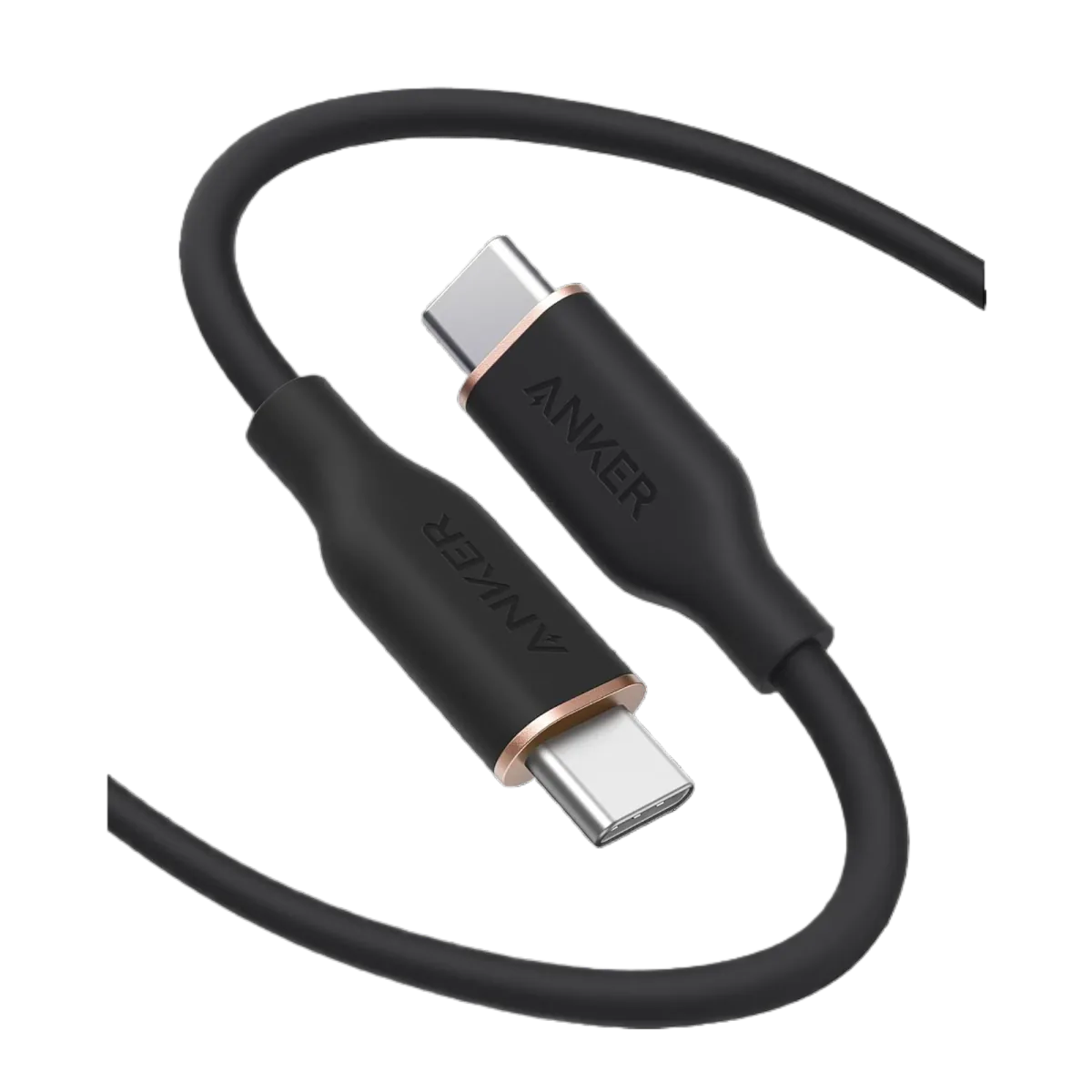
Anker PowerLine III USB-C to USB-C | 60W | iPhone 17 & Samsung S26
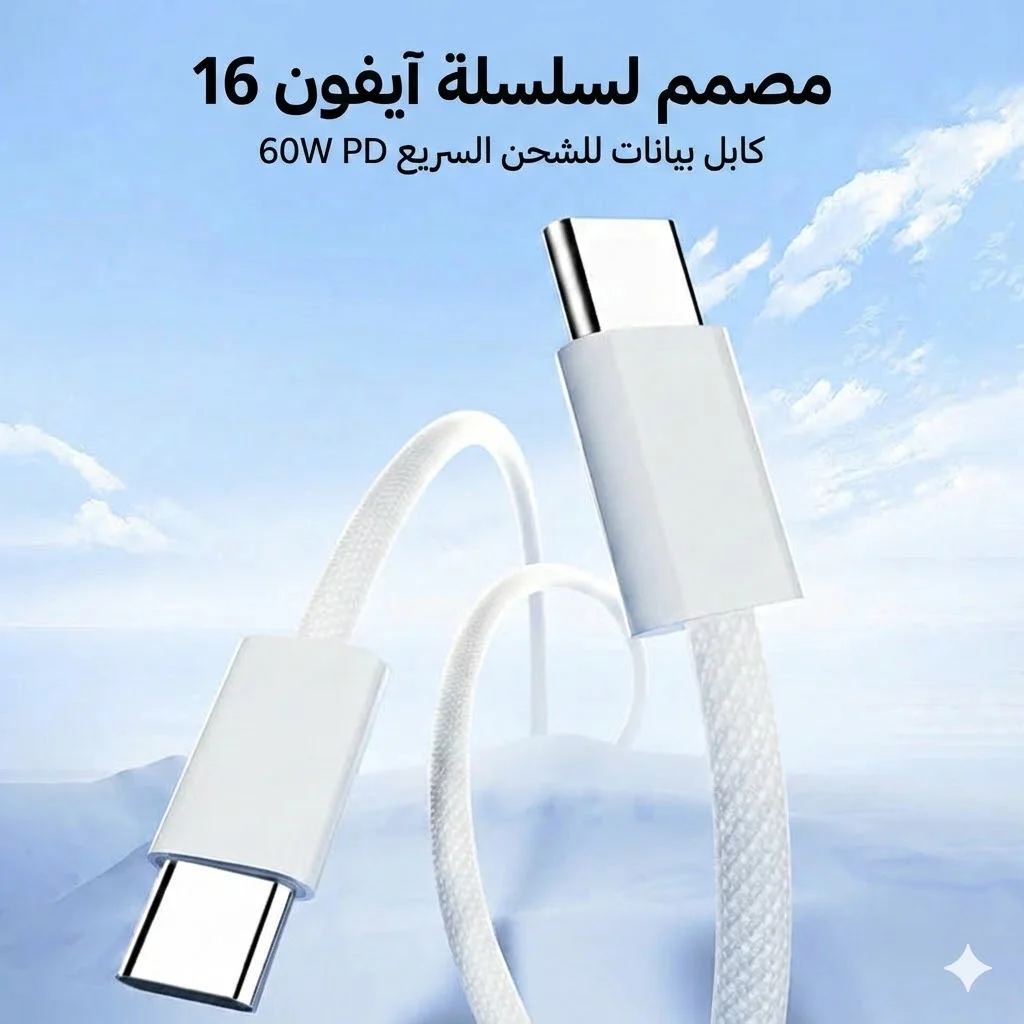
Joyroom 60W USB-C to USB-C Fast Charging Cable
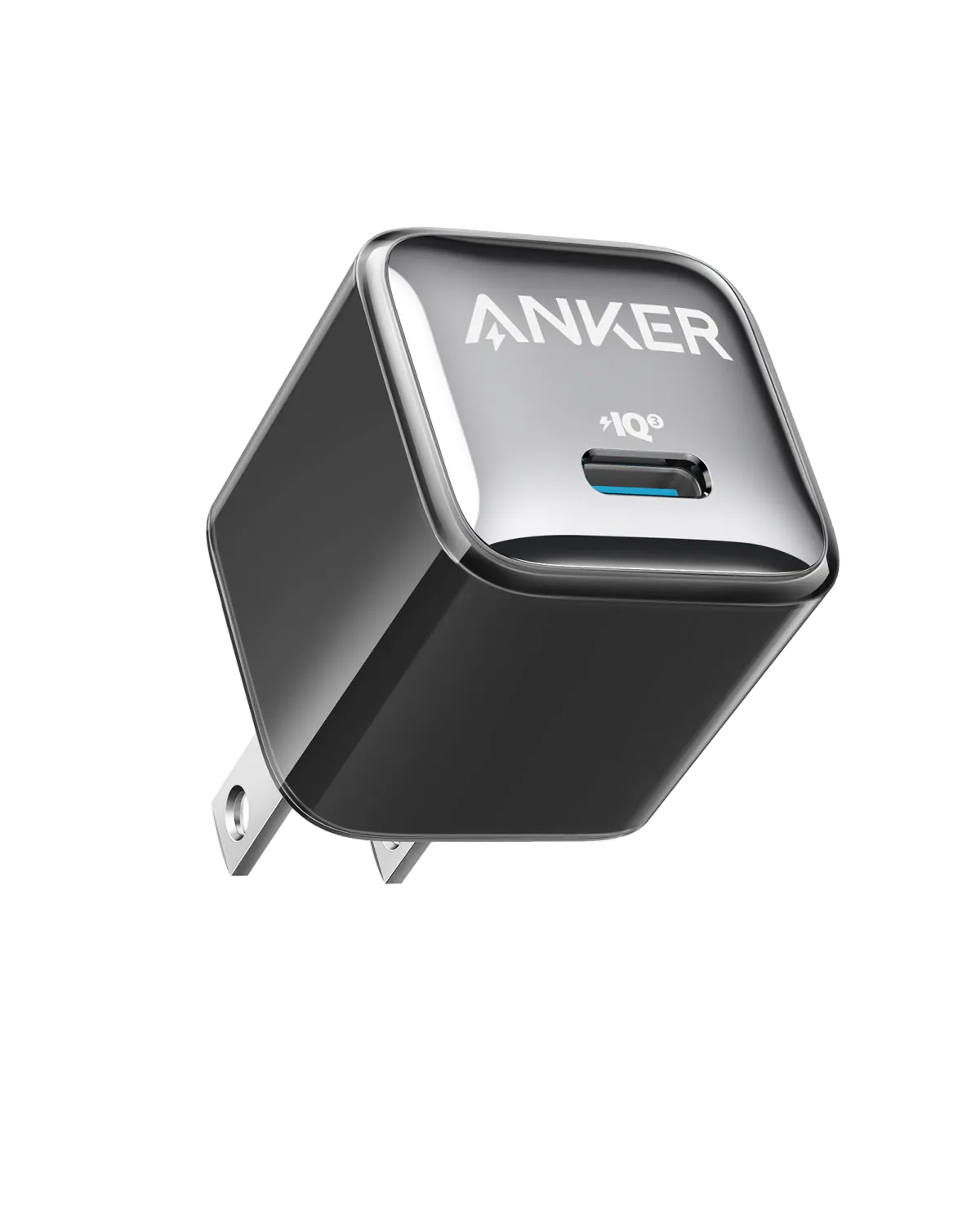
Anker A2347K11 20W USB-C PD Charger | Check Device Profile and Plug
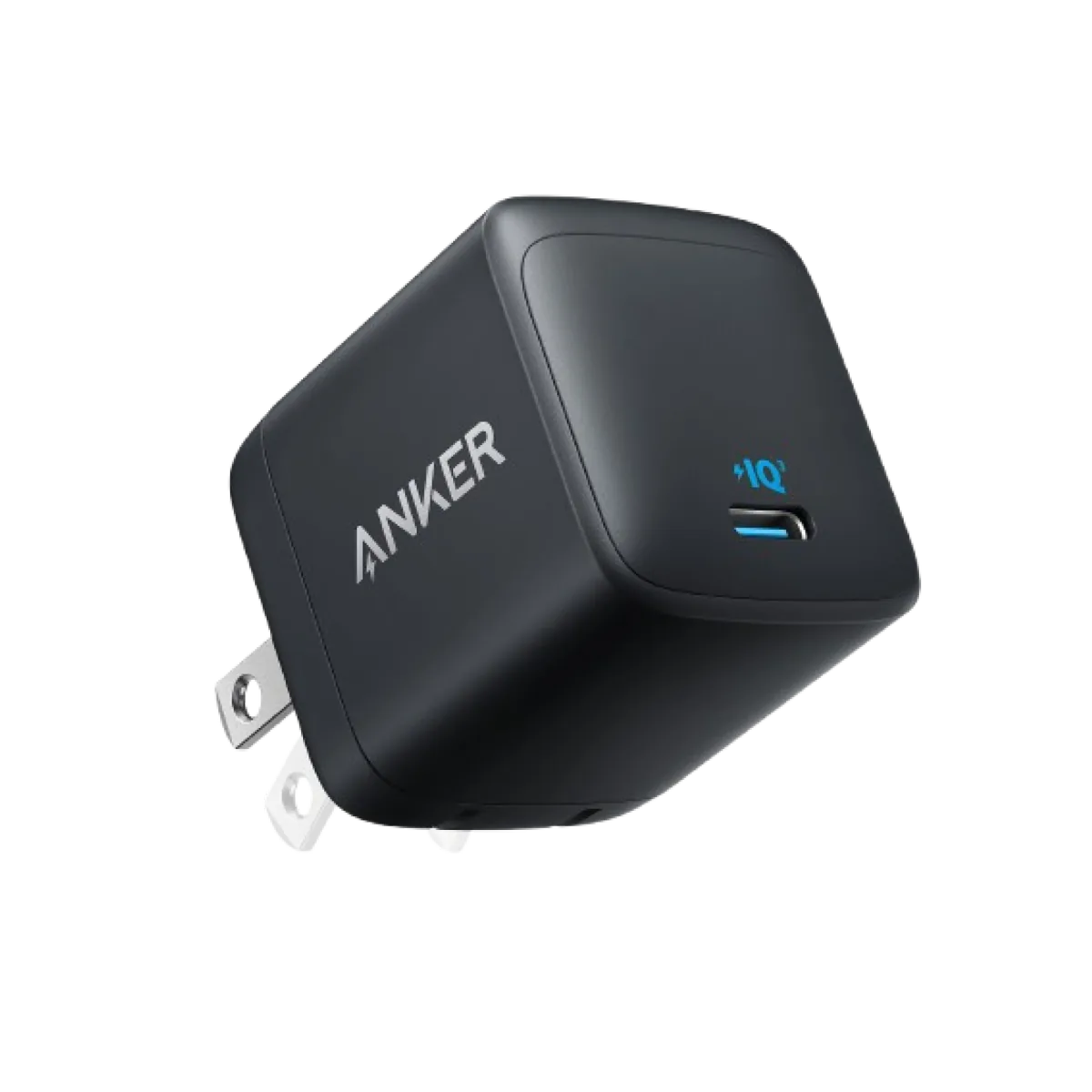
Anker Nano 45W GaN USB-C Charger | MacBook Air + iPhone 17
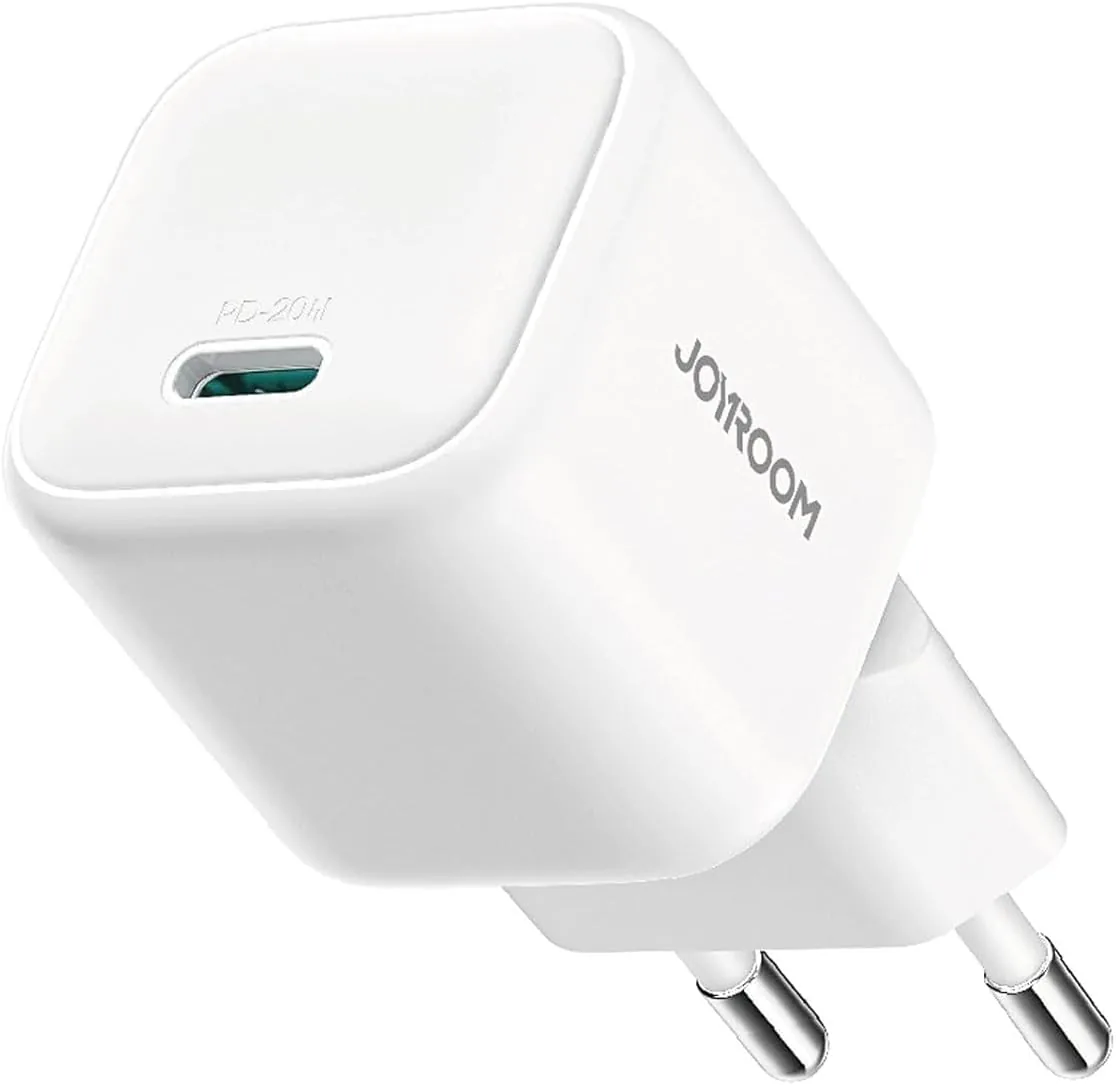
Joyroom 20W USB-C PD Charger | iPhone 17 Fast Charge