 CairoVolt Team
Does Charging Your Phone from a Laptop Damage the Battery? The Truth
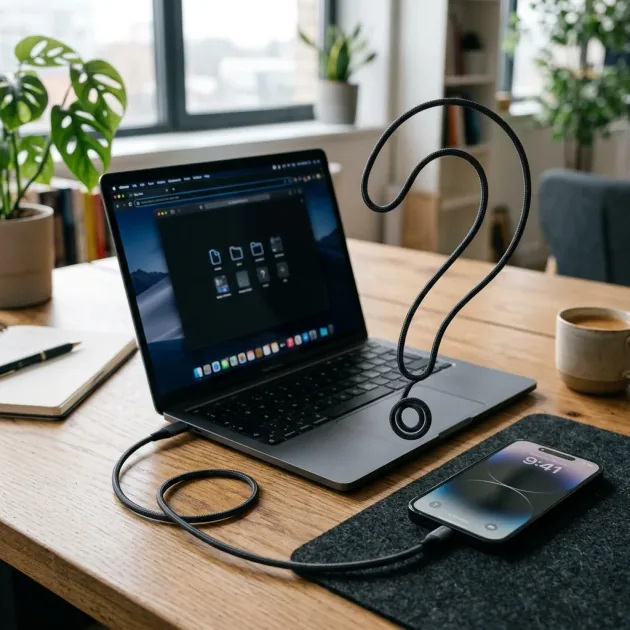
Many believe that charging a phone from a laptop USB port degrades battery health due to unstable currents. We analyze the electrical science behind this myth.
Bottom Line: No, charging your phone from a laptop does not damage its battery. In fact, slow charging generates less heat, which is beneficial for lithium-ion battery health. The main drawback is the extremely slow charging speed, as USB 2.0 ports deliver only 2.5W and USB 3.0 ports output 4.5W, though modern USB-C laptop ports can output a fast 15W or more safely.
A persistent debate in tech circles and among smartphone users in Egypt revolves around this question: Does connecting your smartphone to a laptop or desktop computer via a USB cable to charge it damage its battery or shorten its lifespan? Some believe that the electrical current coming from computer ports is unstable and fluctuating, causing stress on the phone's lithium-ion cells and degrading its battery health over time.
On the other hand, many find computer charging to be a convenient fallback when wall outlets are out of reach. This is not just a matter of personal opinion; it is governed by the laws of physics and electrical engineering that control power distribution in both devices. In this technical guide, the CairoVolt lab analyzes the electrical metrics, explains how smartphones handle power inputs from laptop USB ports, and outlines the specific scenarios where computer charging could actually cause issues.
💡 Electrical Summary: Charging your phone from a computer is safe due to the advanced Power Management ICs (PMIC) in both the laptop motherboard and the smartphone. The real risk comes from using poor-quality cables or heavy usage that generates heat.
1. The Myth of Computer Charging: Where Did It Start?
This myth dates back to the early days of smartphones when battery chemistry and charging systems were less sophisticated. Users feared that fluctuations in a computer's power draw—such as when running intensive software—would pass through to the USB port and damage the connected phone. In reality, laptops utilize dedicated voltage regulators on the motherboard to ensure a steady, regulated 5V DC output through USB ports, regardless of the CPU load or running applications.
2. Laptop USB Ports vs. Wall Bricks: Output Differences
The only practical difference between charging from a computer and using a wall adapter is power output (wattage):
- Legacy USB 2.0 Ports (Black): Output 5V at 0.5A, delivering a maximum of 2.5W. This results in very slow charging speeds that can take several hours to fill a modern battery.
- Modern USB 3.0 Ports (Blue): Output 5V at 0.9A, delivering a maximum of 4.5W. While slightly faster, it remains slow compared to modern wall chargers.
- USB-C Laptop Ports: Modern USB-C ports on laptops support higher current standards, offering 1.5A or 3A at 5V, which translates to 7.5W to 15W of power. Some high-end laptops even support USB Power Delivery (USB-PD) protocols, enabling fast-charging speeds of 20W to 30W for connected phones.
- Standard Wall Chargers: Typically start at 15W and can reach 25W, 45W, or over 120W on devices with ultra-fast charging capabilities.
3. How Slow Charging Affects Lithium Battery Chemistry
From a chemical perspective, excessive heat is the main factor in lithium-ion battery degradation. Fast charging pushes high current through the battery, increasing internal resistance and raising the phone's temperature (often between 36°C and 42°C). This thermal load accelerates the degradation of the lithium-ion chemistry over time.
When you charge your phone from a standard computer USB port at 4.5W, the slow current flow generates negligible heat, keeping the device at room temperature. This low-temperature charging is gentle on the battery cells and can help preserve their capacity over the long term, compared to constant exposure to high-wattage fast chargers.
4. Voltage Fluctuations: Is a Laptop USB Port Safe?
Yes. Modern smartphones do not feed raw current from the port directly into the battery cells. The power first passes through a specialized chip called the Power Management Integrated Circuit (PMIC). The PMIC acts as a regulator, monitoring incoming voltage and current. If it detects a surge or drop, it immediately throttles the intake or shuts down charging to protect the phone's circuits. The phone pulls only the current it is configured to receive; the computer cannot push excess power into the device.
5. The Real Danger: Low-Quality Cables
The primary hazard associated with computer charging is not the USB port itself, but rather the use of cheap, uncertified cables. Low-quality cables lack adequate copper gauge and shielding, which leads to voltage drops and erratic current delivery. Furthermore, poorly manufactured connectors can cause short circuits between the power pins (5V/GND) and the data pins (D+/D-) inside the USB port, which can damage the laptop's motherboard or blow the phone's charging IC.
6. Using a Laptop Power Brick to Charge a Phone
Yes, you can safely use a USB-C laptop charger (such as a 65W or 96W MacBook or Lenovo brick) to charge your smartphone. Because these chargers use the standardized USB Power Delivery (USB-PD) protocol, they communicate with the connected device to negotiate the maximum safe wattage. If you connect a phone that supports 25W charging to a 96W MacBook charger, the block will automatically drop its output to 25W, charging the phone quickly and safely.
7. Scenarios Where Laptop Charging Can Cause Issues
While the electrical process is safe, certain user behaviors can create conditions that harm your battery:
- Charging During Intensive Phone Use (Parasitic Loads): If you charge your phone slowly (2.5W to 4.5W) while playing games or sharing mobile data via a hotspot, the power consumed by the processor can equal or exceed the incoming current. This forces the battery to continuously cycle and generate significant heat, accelerating wear.
- Charging on Soft, Insulating Surfaces: Placing your phone and laptop on a bed, sofa, or pillow traps heat, raising the ambient temperature of both devices to levels that can degrade battery health.
- Allowing the Laptop to Enter Sleep Mode Repeatedly: Some laptops power down their USB ports when entering sleep mode, which can interrupt the charging cycle. If the laptop repeatedly enters and wakes from sleep, it can trigger frequent charge-discharge micro-cycles that wear down the phone's battery.
8. Wired Charging Speed Comparison Matrix
| Port / Charger Type | Voltage (V) | Current (A) | Total Power (W) | Approx. Charging Speed |
|---|---|---|---|---|
| USB 2.0 (Legacy Laptop) | 5V | 0.5A | 2.5W | Very Slow (4-5 hours) |
| USB 3.0 (Modern Laptop) | 5V | 0.9A | 4.5W | Slow (3-4 hours) |
| USB-C (Modern Laptop) | 5V | 1.5A - 3.0A | 7.5W - 15W | Medium (1.5 - 2 hours) |
| Genuine Wall Charger (20W-25W) | 9V / 11V | 2.2A - 3.0A | 20W - 25W | Fast (1 - 1.2 hours) |
9. CairoVolt Lab Guidelines for Safe Multi-Device Charging
If you regularly charge your phone from a computer due to your work environment or travel habits, follow these guidelines to protect your hardware and optimize battery longevity:
- Keep your laptop connected to its wall adapter while charging your phone to avoid draining and cycling the laptop's internal battery cells unnecessarily, preserving its overall cycle life.
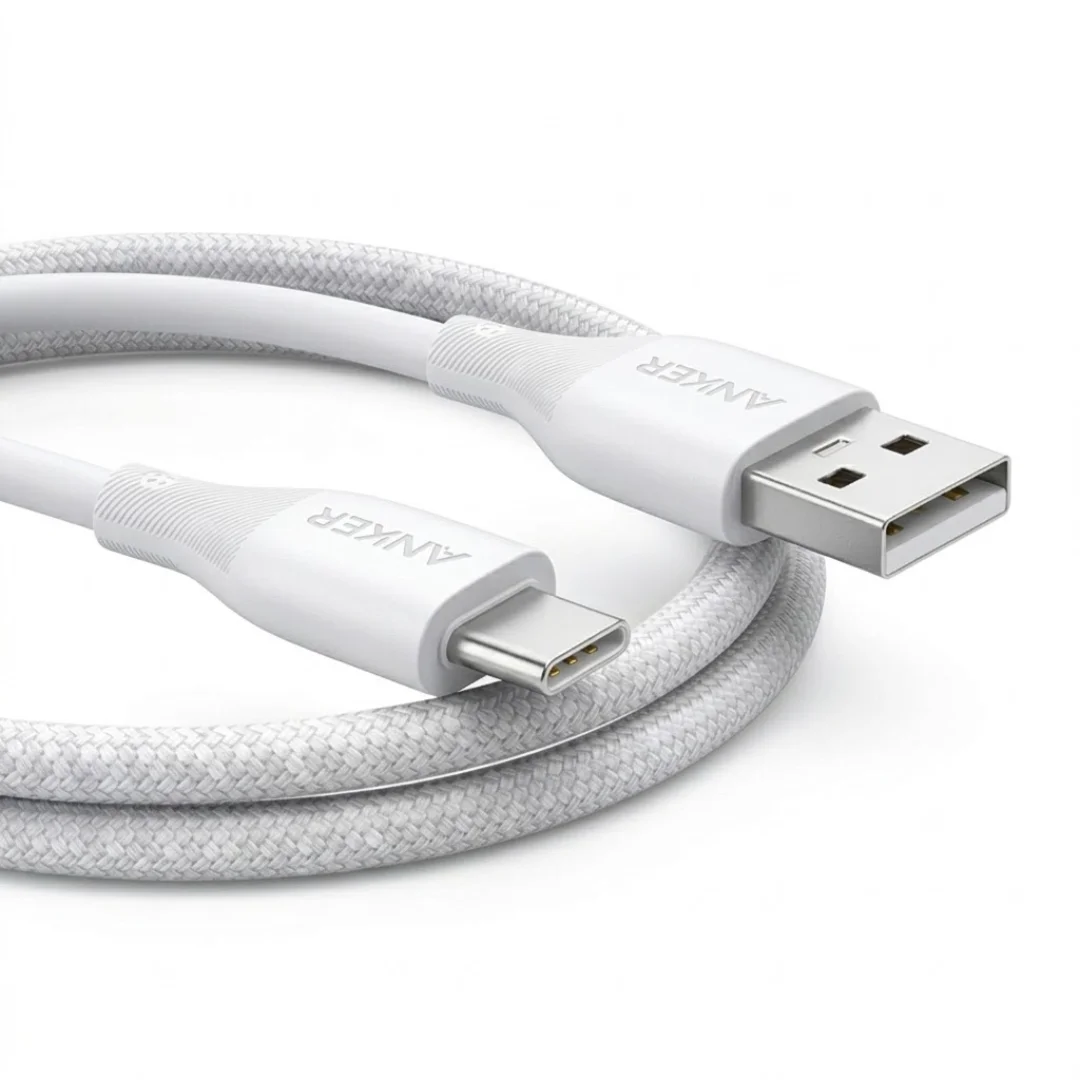
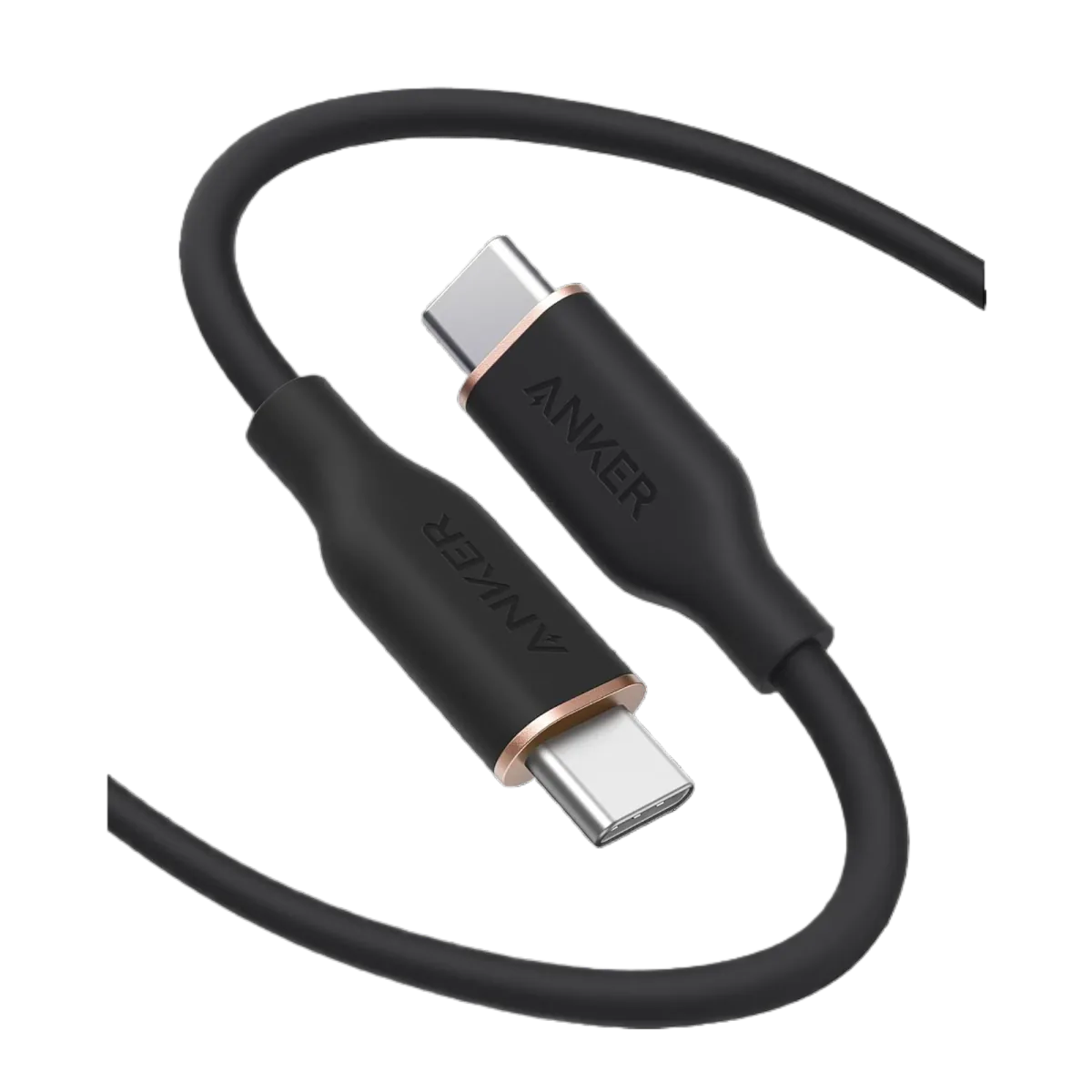
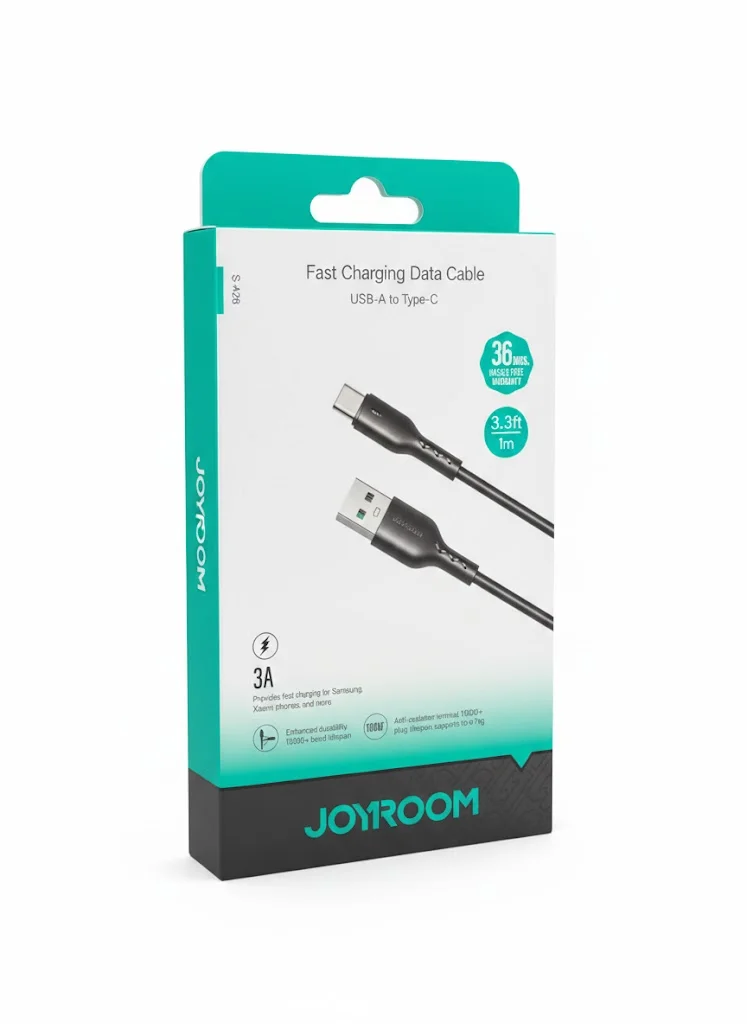
- Always use original or certified USB cables (like Anker's USB-A to USB-C and PowerLine III USB-C cables, or Joyroom's USB-A to Type-C and USB-C to USB-C cables) to prevent physical port damage and ensure stable voltage transmission without current fluctuations.
- Avoid using cheap, unpowered USB hubs, which split the limited power output of a single port among multiple accessories, leading to voltage drops and unstable charging cycles that stress battery chemistry.
10. Vehicle USB Ports vs. Laptop Charging: A Crucial Distinction
Many drivers confuse laptop USB charging with the built-in USB ports in their car dashboards. While both deliver slow power (usually limited to 5W), car USB ports are connected to the vehicle's alternator and starting battery. During ignition or system voltage fluctuations, these ports can experience sharp electrical noise and surges. Furthermore, charging your phone in a hot car while running GPS navigation generates intense thermal stress. For vehicle charging, always use a dedicated cigarette lighter adapter with built-in voltage regulators instead of the dashboard's media USB ports.
11. Protecting Your Laptop's Motherboard from USB Overcurrent
The safety of this charging method goes both ways. Connecting a phone with a damaged or dirty charging port to your laptop can trigger an overcurrent event. While modern computers feature resettable fuses (polyfuses) to protect the motherboard, cheap or damaged USB hubs can bypass these protections. Ensure your phone's charging port is free of lint, moisture, and debris before connecting it to a computer. A short circuit in the connector can permanently damage the laptop's USB controller chip, requiring an expensive motherboard repair.
12. Micro-cycling and State of Charge (SoC) Considerations
Charging your phone slowly from a laptop over several hours keeps the battery at a high State of Charge (SoC) for a prolonged duration. Standard lithium-ion batteries experience the most chemical stress when kept between 80% and 100% capacity. If you keep your phone plugged into your computer all day, we recommend enabling your phone's built-in battery protection feature (which caps charging at 80%) to prevent the battery cells from sitting at high voltage levels for extended periods. This setting reduces internal voltage stress on the cathode and extends the battery's total lifespan.
13. Cable Resistance and Inefficient Power Transmission
The resistance of your USB cable can further reduce the power delivered from your laptop. Standard USB ports output low current, and thin, low-quality wires generate a significant voltage drop over the length of the cable. This means that a 2.5W output from a USB 2.0 port can easily drop to 1.8W by the time it reaches your phone. To avoid this inefficiency, use short, high-gauge copper cables. Keeping the cable length under 1 meter ensures that electrical resistance is minimized and your phone receives the full output of the laptop's port.
In conclusion, scientific analysis shows that charging your phone from a laptop is safe and does not damage the battery. By using high-quality cables, maintaining clean ports, and avoiding heavy usage while charging, you can safely use your computer as a reliable power source without degrading battery health.
CairoVolt Team
Tech Editor
Frequently Asked Questions
Does charging a phone from a computer damage the battery over time?▼
Why does my phone charge so slowly from my laptop USB port?▼
Is it safe to charge a power bank from a laptop USB port?▼
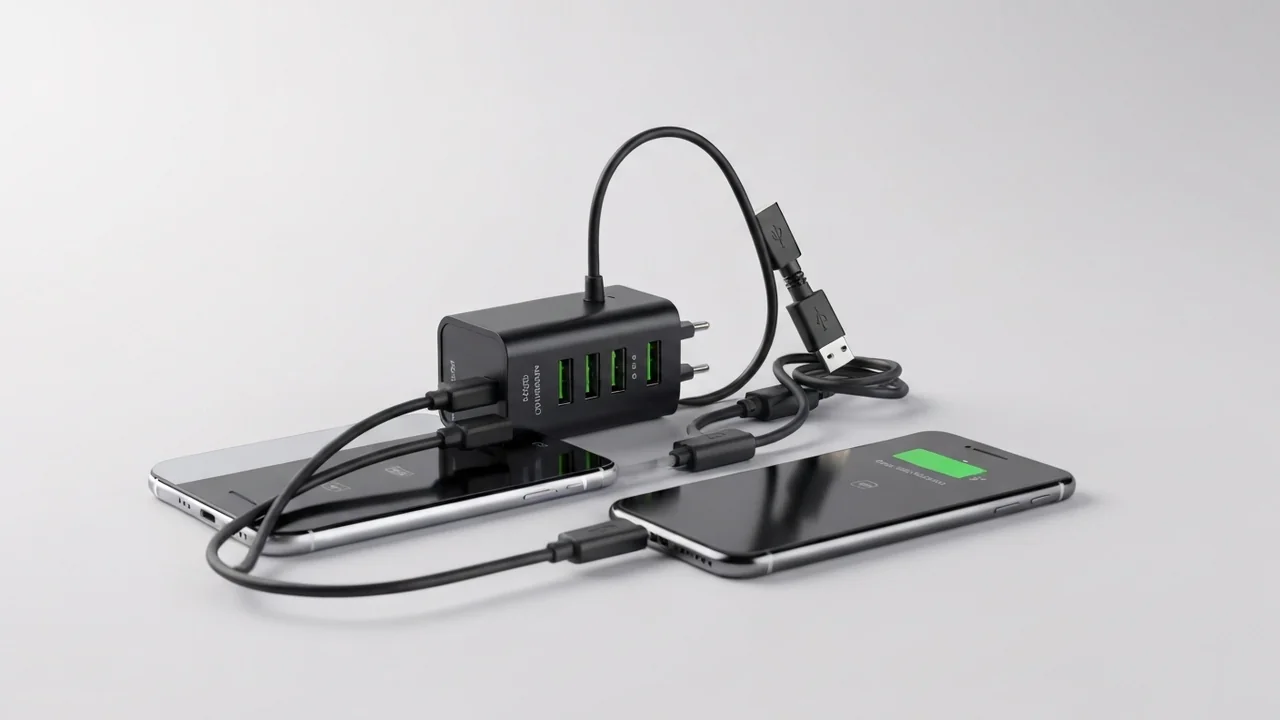
Can I charge two phones at the same time using different ports on the same laptop?▼
Ready to Buy?
Browse available products and review specifications and CairoVolt warranty terms before ordering