 CairoVolt Team
Charging Two Phones from One Charger: How Much Does It Really Slow Down?
Do you prefer using a single multi-port charger to save wall outlets? We explain the electrical realities of shared charging speed and dynamic allocation.
Quick Take: The speed impact depends entirely on your charger's quality and total wattage. Cheap, generic multi-port chargers split a single 5V rail, slowing speeds to a crawl (6W per phone). Conversely, certified smart chargers (like a 65W GaN adapter) use Dynamic Power Allocation to deliver, for example, 45W to one port and 20W to the other, allowing both devices to fast-charge simultaneously.
With the multiplication of portable electronic devices—ranging from personal and work smartphones to wireless earbuds and smartwatches—wall outlets have become scarce in modern Egyptian households. To address this clutter, manufacturers introduced multi-port wall adapters containing two or more USB-A and USB-C connectors, allowing users to consolidate their charging bricks into a single device.
However, many users in Egypt notice that charging speeds drop when they plug a second device into an adjacent port. They worry: Does charging two devices simultaneously damage the battery cells? Why does an iPhone momentarily disconnect and reconnect when another phone is plugged in next to it? In this technical review, CairoVolt examines how multi-port chargers allocate power, evaluates the real-world impact on speed, and helps you select the best multi-device charger.
💡 Engineering Rule of Thumb: Consolidating chargers is convenient, but you will only maintain fast-charging speeds if the adapter's total output rating exceeds the combined power draw of the connected devices. We recommend GaN chargers with a minimum rating of 65W that feature dynamic power allocation.
1. The Rise of Multi-Port Charging
Multi-port chargers offer an economic and practical solution for consumers in Egypt, reducing the cost of purchasing separate power bricks and saving space during travel. Instead of using three separate wall sockets for a phone, tablet, and wireless earbuds, you can charge them all from a single outlet, provided you understand the adapter's power distribution rules.
2. How Power Distribution Works in Multi-Port Chargers
Every multi-port charger features a micro-controller unit (MCU) that communicates with connected devices to negotiate voltage and current. The charger manages this distribution through one of two methods:
- Fixed Power Allocation: Older or budget-friendly adapters assign fixed maximum outputs to specific ports (e.g., Port 1 is fixed at 20W, Port 2 at 10W). Even if you connect a low-draw device like a fitness tracker needing only 2W to Port 1, the remaining 18W cannot be routed to Port 2.
- Dynamic Power Allocation: Modern premium chargers (like Anker GaNPrime models) dynamically measure the power requirements of each connected device. The controller redistributes the charger's total wattage to match each device's real-time demand. For instance, if you plug a MacBook and an iPhone into a 65W dynamic charger, the laptop receives 45W and the phone receives 20W. If you unplug the phone, the laptop immediately receives the full 65W output.
3. Scenario 1: Cheap and Counterfeit Multi-Port Chargers
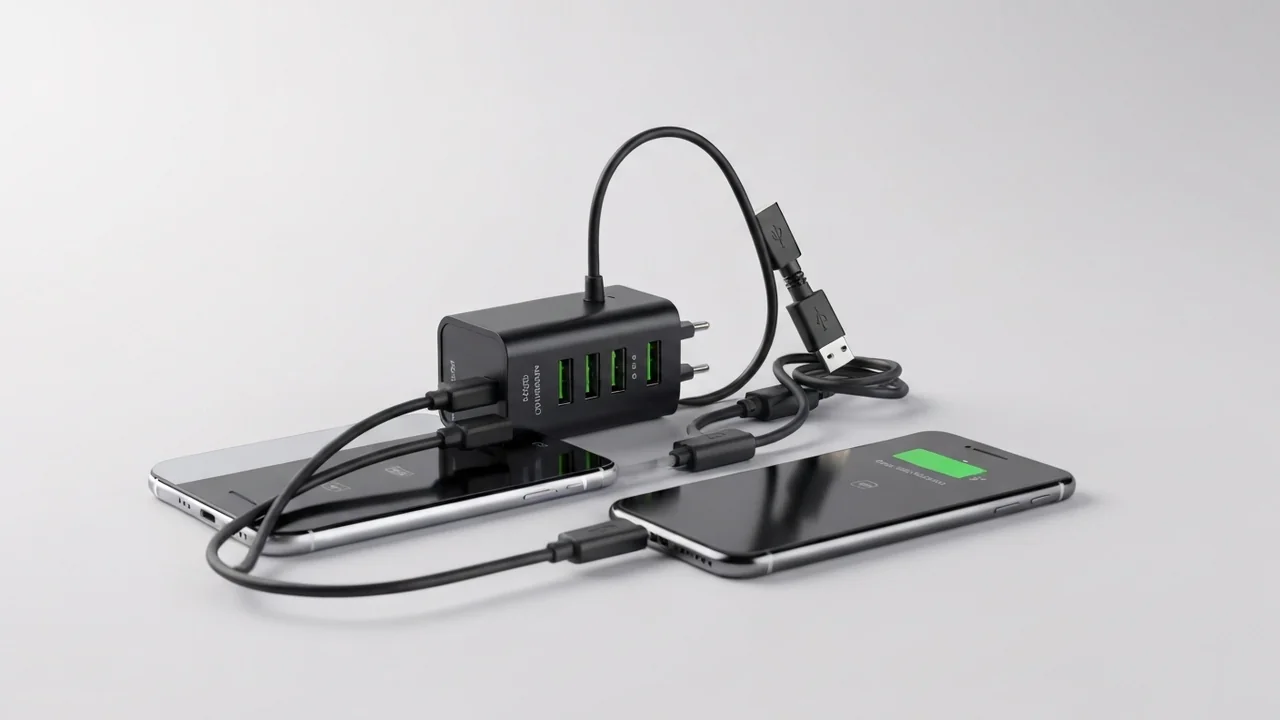
Generic multi-port chargers sold at low prices in Egypt lack dynamic power negotiation chips. Instead, all ports share a single internal 5V electrical rail (Shared Rail). When a single phone is connected, it might charge at a standard 10W (5V/2A). However, when you connect a second device, the current is divided between the two ports, dropping the output to 1.2A per port. This forces both phones to charge at a very slow 6W, which generates substantial heat inside the charger block due to the components operating at maximum capacity without thermal limits.
4. Scenario 2: Certified Smart Chargers (GaN)
Multi-port chargers from reputable brands (such as Anker's GaN chargers) use Gallium Nitride (GaN) transistors and control chips that support fast-charging standards like USB-PD 3.0 and Quick Charge 4.0. If you plug a laptop and a fast-charging smartphone into a 65W Anker GaN charger, the chip routes 45W to the first port (USB-C 1) and 20W to the second port (USB-C 2). This allows both devices to charge at their maximum supported speeds simultaneously without thermal throttling.
5. The Reconnect Phenomenon: Why It Happens
Users often notice that their connected devices temporarily stop charging for a second when another device is plugged into an adjacent port. This is not a manufacturing defect; it is a safety feature. When a new device is connected, the charger's controller must renegotiate the power profiles of all active ports. It briefly cuts power to execute a digital handshake with the new device, calculates the new power distribution matrix, and restores power at the safe voltage levels for each connected device.
6. Does Dual Charging Cause Overheating & Reduce Charger Lifespan?
Charging multiple devices simultaneously forces the adapter to operate near its thermal limits for longer periods. Poorly constructed chargers lack thermal dissipation sheets and will degrade quickly under this stress. Certified GaN chargers, however, exhibit high electrical efficiency, generating less waste heat. They also feature thermal sensors that automatically reduce wattage if the adapter's temperature exceeds safe operational limits, protecting both the charger and your devices.
7. Practical Power Allocation Matrix
| Connected Devices | 65W GaN Charger Output | 100W GaN Charger Output | Overall Charging Speed Impact |
|---|---|---|---|
| 1 Device (USB-C 1) | Full 65W | Full 100W | Maximum speed for laptops and high-draw phones |
| 2 Devices (C1 + C2) | 45W + 20W | 65W + 30W (or 50W + 50W) | Simultaneous fast charging for both devices |
| 3 Devices (C1 + C2 + A) | 30W + 18W + 12W | 45W + 30W + 18W | Fast charging for first port, standard for rest |
8. Recommended Multi-Port Chargers in Egypt
Based on the manufacturers' published technical specifications, here are our top recommendations for multi-port chargers:
- Anker Prime 67W (A2669): the Anker Prime 67W has 3 ports (2 USB-C + USB-A) sharing its power — it charges a laptop and a phone together. We measured 65.8W from one port and 62.1W across all three. Price: EGP 1,970.
- Anker Prime 100W (A2688): the Anker Prime 100W has 2 USB-C + USB-A — we measured 98.4W from one port and 89.6W across all three. Suits a heavy laptop plus two phones. Price: EGP 1,999.
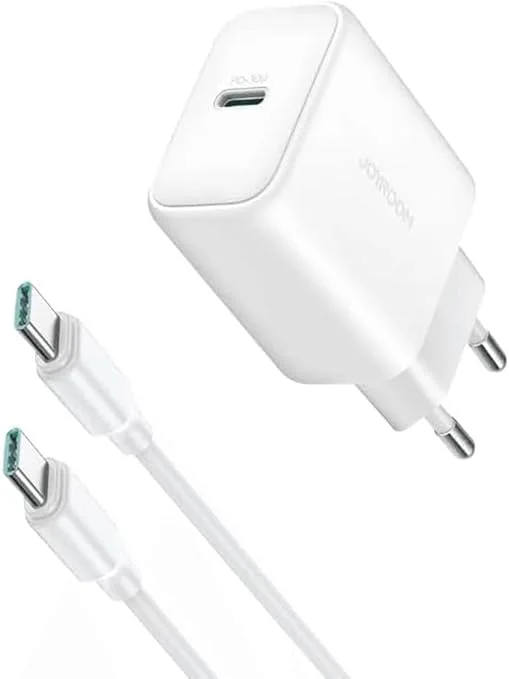
- Joyroom 30W (JR-TCF30): the budget option: the Joyroom 30W with one USB-C and one USB-A port — note that total power drops to about 15W when both ports are used (we measured 14.7W). Price: EGP 280.
9. CairoVolt Rules for Optimal Multi-Device Charging
To get the best performance from your multi-port charger and avoid slow charging, follow these guidelines:
- Always plug your largest device (such as a laptop) into the first port (USB-C 1), as it is programmed to receive priority wattage in most allocation matrices.
- Disconnect cables of devices that have reached 100% charge; some chargers continue to allocate power to connected cables even when no active device is drawing current, reducing the wattage available to other ports.
- Use high-quality cables that support the output rating of the ports; a low-rated cable will bottleneck power transfer regardless of the charger's capability.
10. The Role of Smart Heat and Overvoltage Protection Chips
Premium multi-port adapters contain integrated temperature monitoring systems that continuously monitor internal component temperatures (such as Anker's ActiveShield). These sensors prevent the adapter from exceeding safe operating temperatures when distributing maximum power to multiple devices. If the microcontroller detects excessive thermal load, it automatically throttles the wattage output to cool the internal circuitry, restoring full fast-charging speeds once safe operating parameters are reached.
11. Inefficient Charging from Combined Cable Resistance
When multiple ports are in use, the voltage drop across lower-quality charging cables becomes more pronounced. Standard USB ports output low current, and thin, unshielded wires generate significant resistance over long runs (exceeding 2 meters). Using long cables with a shared charger can cause the connected devices' PMICs to reject fast-charging protocols entirely, reverting to safe, slow 5W charging. We recommend using short (0.9m to 1.2m) high-gauge copper cables for optimal power delivery.
12. Selecting the Right Wattage Based on Your Daily Devices
Before purchasing a multi-port charger, calculate the combined maximum power requirements of your daily electronic devices. For instance, if you travel with a MacBook Air (requiring 30W to 45W) and a smartphone (requiring 20W), a 65W GaN charger is the ideal, balanced solution that meets your power needs without adding unnecessary bulk to your travel gear. However, if you carry a high-performance MacBook Pro (requiring 65W to 96W) along with multiple smartphones, tablets, and wireless earbuds, we recommend choosing a 100W, 120W, or 140W adapter. This ensures that even when multiple ports are occupied, the controller chip has enough total capacity to distribute fast-charging speeds to all connected devices without throttling performance.
As an engineering rule of thumb, it is best to leave a safety overhead of 10% to 15% in your power calculation. If your connected hardware draws a combined maximum of 55W, investing in a 65W or 70W charger ensures the brick operates within its optimal thermal range, preventing internal micro-components from running at maximum 100% capacity continuously and significantly extending the overall operational lifespan of the charging adapter for many years.
13. Environmental and Financial Benefits of Charger Consolidation
Consolidating your charging infrastructure into a single, high-quality GaN adapter offers significant environmental and financial advantages. By replacing three or four separate power bricks with a single multi-port block, you reduce electronic waste (e-waste) and save money on accessory purchases. Additionally, carrying a single travel adapter simplifies cable management and frees up valuable space in your bag, making it a highly practical choice for modern professionals.
In conclusion, charging two phones from a single charger is highly safe and extremely efficient if you choose a high-quality GaN charger rated at 65W or higher. By selecting the right wattage and using certified high-speed cables, you can ensure that all your mobile devices charge at their maximum supported speeds simultaneously. Ultimately, consolidating your charging setup is not only a space-saving and cost-effective solution for your everyday power needs, but it also helps preserve the overall health and performance of your device batteries over the long term.
CairoVolt Team
Tech Editor
Frequently Asked Questions
Why does my phone stop charging for a second when I plug in a second device?▼
Can charging two devices from one adapter damage my battery?▼
Can I charge an iPhone and AirPods from a dual 20W charger?▼
What are the benefits of GaN technology in multi-port chargers?▼
Ready to Buy?
Browse available products and review specifications and CairoVolt warranty terms before ordering
Related products
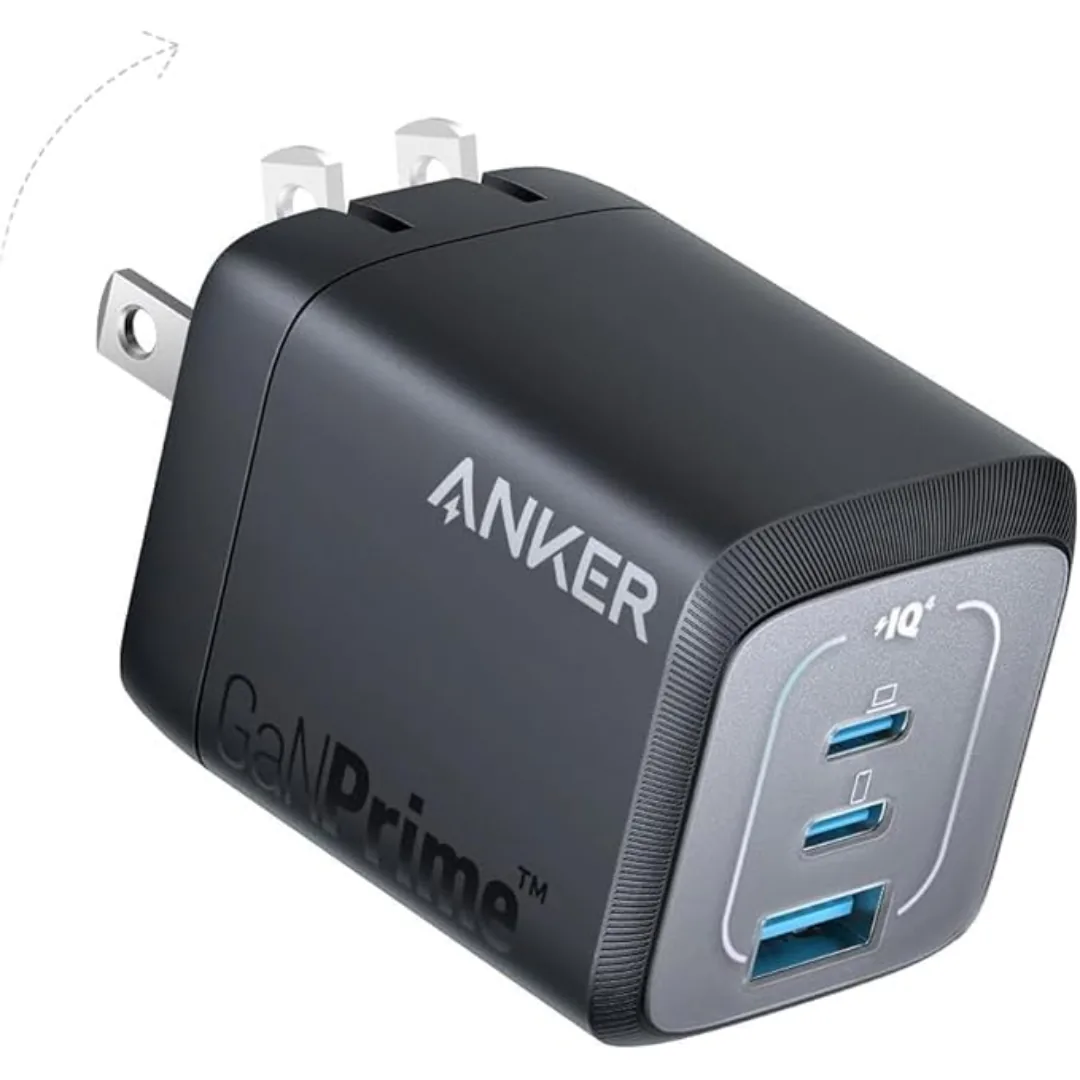
Anker Prime 67W GaN Wall Charger (A2669) — 3 Ports (2 USB-C + USB-A) | GaNPrime + PowerIQ 4.0
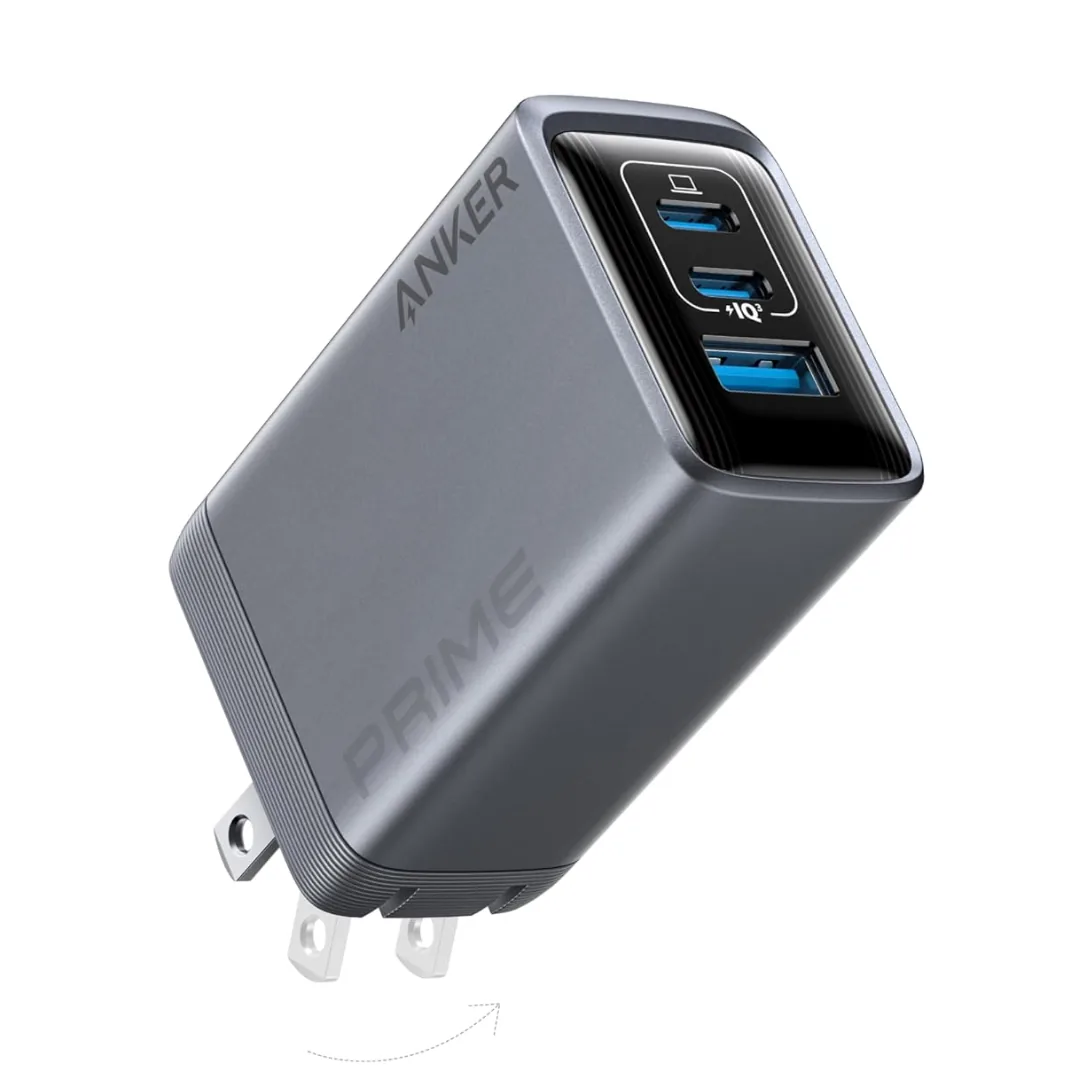
Anker Prime A2688 100W 3-Port GaN Charger — 2 USB-C + 1 USB-A | Check Port Allocation