Every Egyptian has a story with electricity. A router that burned after power returned. A laptop charger that stopped working after a sudden fluctuation. A TV screen that developed lines after a thunderstorm. Modern electronic devices — from phones to the smallest Bluetooth speaker — are designed to operate on perfectly stable, consistent voltage. But electricity in Egypt — especially in summer and with frequent power outages — isn't always stable. Sudden voltage spikes can happen at any moment and destroy electronics without warning.
This article explains what a surge protector is, how it works, why you specifically need one in Egypt, the difference between it and a regular power strip, and how to choose the right one for your home or office. If you have electronics you care about — this isn't a luxury, it's a necessity.
💡 Quick Summary: A regular power strip does NOT protect — it only distributes power. A surge protector contains a protection circuit that absorbs sudden voltage spikes before they damage your devices. In Egypt specifically — any electronic device worth more than 1,000 EGP needs a surge protector.
What Is a Surge Protector — and How Is It Different from a Power Strip?
A regular power strip is simply a cord with multiple outlets that distributes power from one socket to several devices. That's it. No protection, no electronic circuitry — if voltage suddenly jumps from 220V to 350V — that spike passes completely through to every connected device.
A surge protector may look like a regular power strip — but inside it contains an electronic component called a MOV (Metal Oxide Varistor). This component works as a safety valve — at normal voltage (220V) it lets electricity pass normally. But when voltage suddenly spikes (say 350V or more) — the MOV absorbs the excess energy and converts it to heat instead of letting it reach your devices. This happens in fractions of a second — faster than you could unplug by hand.
The difference simply:
| Feature | Regular Power Strip | Surge Protector |
|---|---|---|
| Power distribution | ✅ Yes | ✅ Yes |
| Voltage spike protection | ❌ No | ✅ Yes (MOV) |
| Protection status indicator | ❌ No | ✅ LED shows protection active |
| Joule rating (absorption capacity) | ❌ Zero | ✅ 400-4000 joules |
| Price | 30-80 EGP | 150-600 EGP |
Why Does Egypt Specifically Need Surge Protectors?
Ideal electricity in Egypt should be 220V at 50Hz — stable and consistent. But reality differs — especially in certain areas and times. The main causes of voltage fluctuation in Egypt include:
- ⚡ Power returning after outage: When power cuts and returns — voltage is unstable in the first seconds (can reach 250-300V). This is the most dangerous moment for your devices. In summer especially — outages increase due to high grid load from air conditioning.
- 🌩️ Lightning and thunderstorms: A nearby lightning strike on power lines can send a spike of thousands of volts through the grid. This is rare but when it happens — it burns everything connected.
- 🏗️ Old electrical grid: In many areas — cables and transformers are old and can't handle current loads. This causes continuous small fluctuations (micro-surges) that slowly erode electronics even if they don't burn them immediately.
- 🏭 Heavy loads on the same line: If your neighbor runs heavy machinery or a workshop on the same power line — sudden starts and stops send fluctuations through the grid that reach you.
All these reasons make surge protectors not a luxury in Egypt — they're essential insurance. If you have a laptop worth 20,000 EGP or a monitor worth 15,000 EGP — a 300 EGP surge protector protects them from damage that could happen in a fraction of a second and cost you many times more.
How to Choose the Right Surge Protector — 5 Key Criteria
1. Joule Rating
This is the most important number on a surge protector. Joules measure how much energy it can absorb before it stops protecting. Higher number = stronger protection and longer lifespan. General guidelines:
- 📱 400-600 joules: Sufficient for small devices (chargers, speakers, smart bulbs).
- 💻 600-1000 joules: Suitable for laptops, routers, and monitors.
- 🖥️ 1000-2000+ joules: Excellent for a complete office setup (computer, two monitors, printer).
Important: Joules are consumed with each absorbed surge. A 600-joule protector might exhaust all its capacity after two years and no longer protect. That's why — watch the LED. If the protection light goes off — replace it immediately.
2. LED Status Indicator
A good surge protector has an LED (usually green) indicating "protection active." If this light goes off — it means the MOV is exhausted and no longer protecting. At that point — the protector has become just a regular power strip and needs replacement. Look for protectors with two indicators: one for Power and one for Protected. If there's only one indicator — make sure it's the protection indicator, not just the power indicator.
3. Number and Type of Outlets
Count the devices you need to connect — and add one or two spare outlets. If you charge many devices — look for protectors with built-in USB-A or USB-C ports — this saves space and reduces the number of chargers. But note: USB ports on protectors don't always support fast charging — if you need true fast charging, it's better to use a dedicated Anker charger plugged into a wall outlet on the protector.
4. Additional Protection (Clamping Voltage)
Clamping Voltage is the maximum voltage the protector allows to pass through to your devices. Lower number = better protection. The good standard: 330V or less (the American UL1449 standard). Meaning if voltage reaches 331V — the protector immediately starts absorbing the excess. Some cheap models allow 400V or more — letting high voltage pass through to your devices before intervening. On Egypt's grid (220V) — a protector with 330V Clamping Voltage gives you an excellent safety margin.
5. Trusted Brand and Safety Certifications
Don't buy an unknown-brand surge protector. Cheap ones at 50-80 EGP — might say "Surge Protector" but have no real MOV inside. Look for known brands and international safety certifications (UL, CE, TÜV). A reasonable price for a real surge protector starts at 150 EGP — and can reach 600+ EGP for professional models that also protect phone and internet lines.
Devices That Must Use a Surge Protector — and Those That Don't
Must be connected to a protector:
- ✅ Computers and laptops — sensitive electronics can't tolerate voltage fluctuations.
- ✅ Routers and switches — a small fluctuation can burn the internal board.
- ✅ TV screens — especially Smart TVs and OLEDs.
- ✅ Chargers for expensive devices — Anker chargers have internal protection but a surge protector adds an extra layer.
- ✅ PlayStation / Xbox — any high-value gaming console.
Don't need a surge protector:
- 🔌 Fans, heaters, and irons — simple electrical devices (resistors and motors) aren't affected by small fluctuations.
- 🔌 Washing machines and refrigerators — have self-protected compressors usually (but if your electricity is very unstable — you might need a separate voltage stabilizer).
Common Mistakes with Surge Protectors
- ❌ Connecting surge protector to another surge protector (Daisy Chaining): This is very dangerous and prohibited. It overloads the circuit and can cause fires. One protector per device group — don't chain them.
- ❌ Assuming protection is eternal: The MOV degrades with each absorbed surge. If your area has frequent fluctuations — the protector might be exhausted in one or two years. Monitor the LED and replace when protection stops.
- ❌ Buying cheap unknown brands: "Surge Protector" printed on a product doesn't mean it has a real MOV inside. It could be just a regular power strip with a marketing label. Verify specifications and certifications.
- ❌ Not unplugging during power outages: The most dangerous moment is when power returns. If power goes out — unplug your sensitive devices and wait a minute after power returns before reconnecting. Even with a surge protector — this is a smart precaution.
Surge Protector vs. Voltage Stabilizer — What's the Difference?
A surge protector guards against sudden, rapid voltage spikes — but doesn't fix voltage if it's consistently low. If your area's electricity regularly runs at 180V instead of 220V — you need a Voltage Stabilizer (AVR) alongside a surge protector. A stabilizer raises low voltage, lowers high voltage, and maintains a steady 220V. The best option: a voltage stabilizer with built-in surge protection — giving you both protections in one.
✅ Available at CairoVolt
Anker chargers feature multi-layer internal protection (over-voltage + over-temperature + over-current). Connect them to a quality surge protector — and your devices are fully safe. 18-month warranty + delivery to all governorates.
🛒 Related Products from CairoVolt:
Based on this article, here are our picks: Anker GaN 30W Charger · Anker Nano 45W Charger · Anker 30W Charger · Anker PowerLine USB-C Cable.

CairoVolt Editorial Team
Content team reviewing specifications and buying guides
The CairoVolt team reviews model numbers, specifications, and compatibility, and updates information when better data is available. Estimates are labeled as calculations, and readers can report information that needs correction.
Frequently Asked Questions
What's the difference between a power strip and a surge protector?▼
Does a surge protector protect against power outages?▼
How long does a surge protector last?▼
Can I connect one surge protector to another?▼
Ready to Buy?
Browse available products and review specifications and CairoVolt warranty terms before ordering
Products Mentioned in This Article
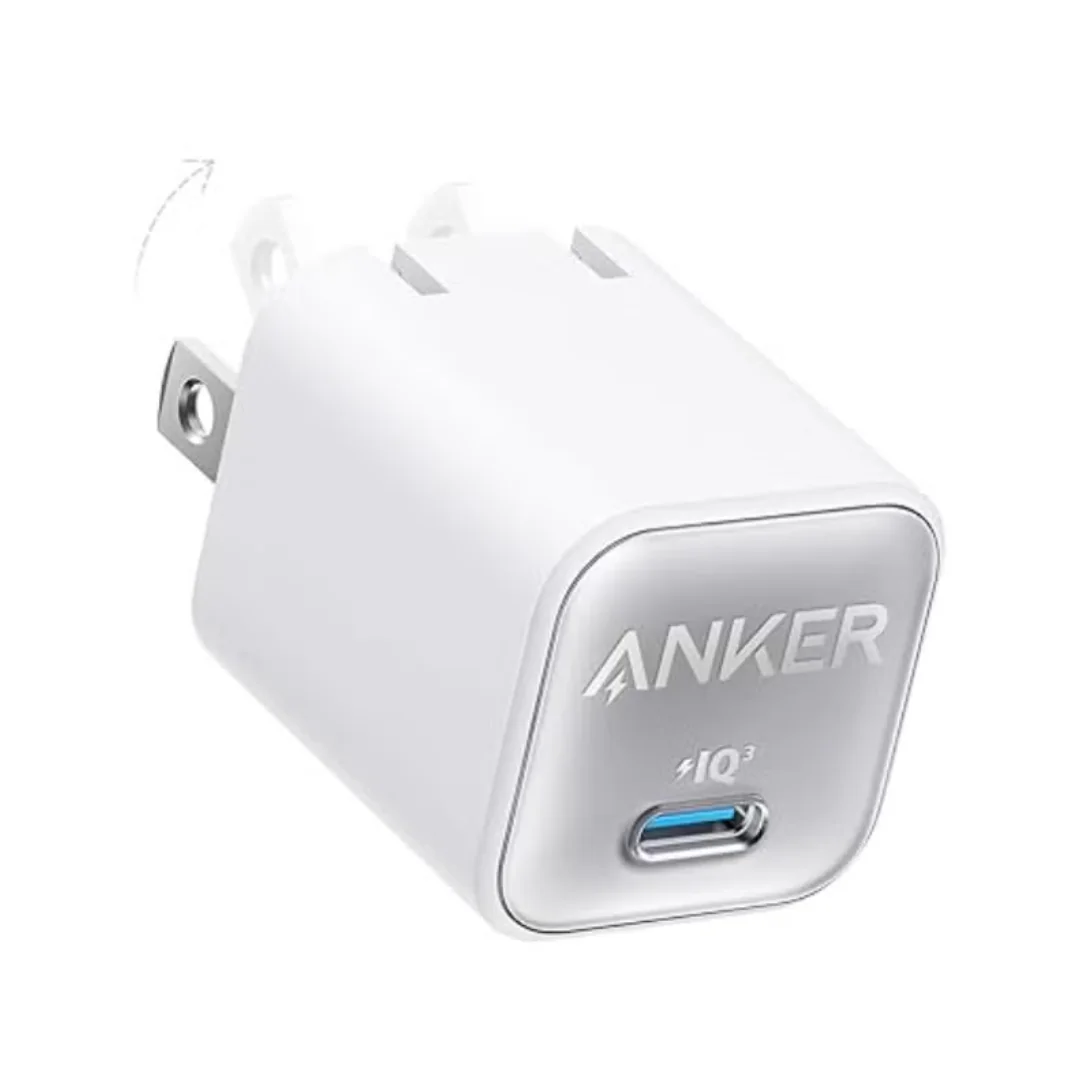
Anker 511 Nano 3 GaN Charger 30W (A2147) | USB-C PD | IQ3
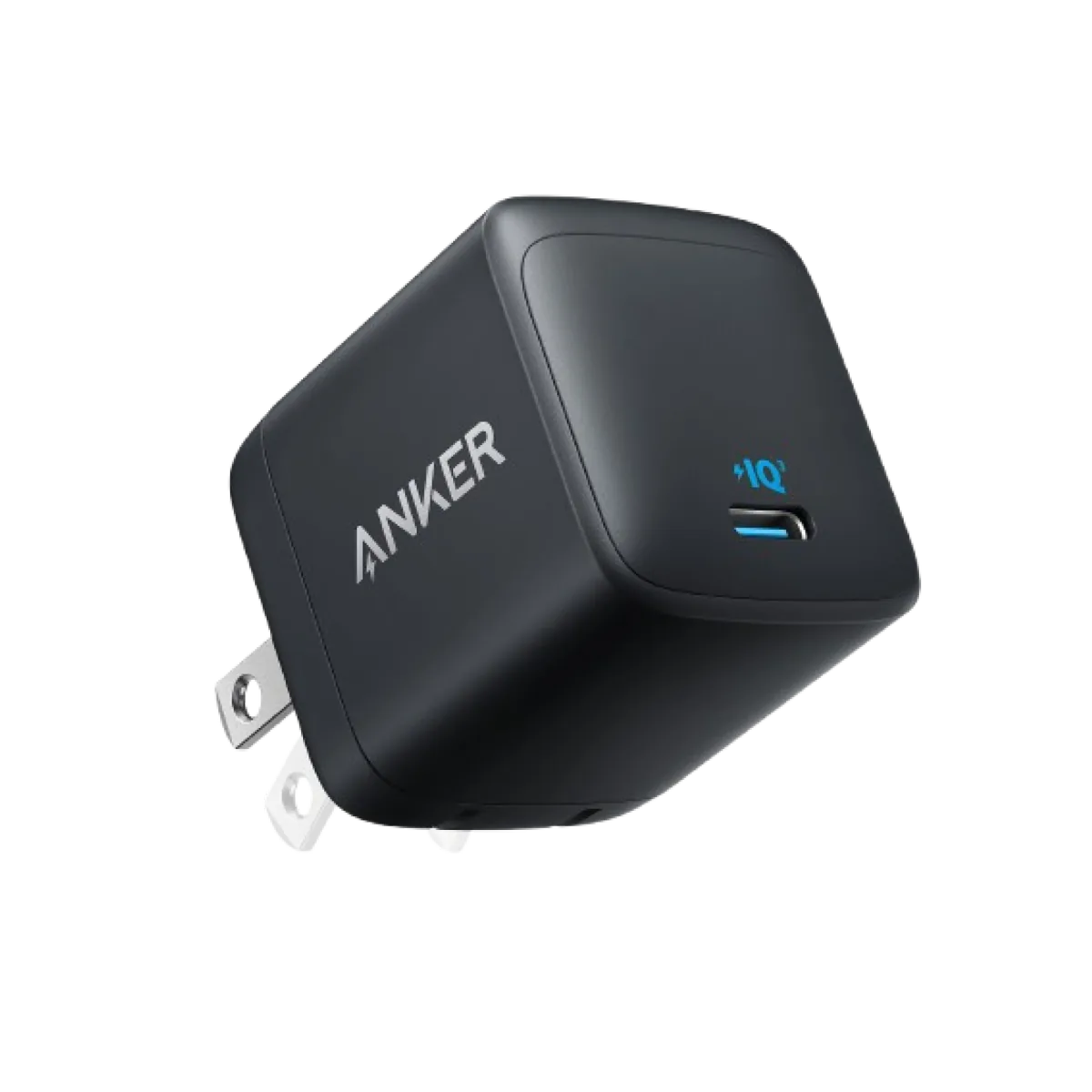
Anker Nano 45W GaN USB-C Charger | MacBook Air + iPhone 17
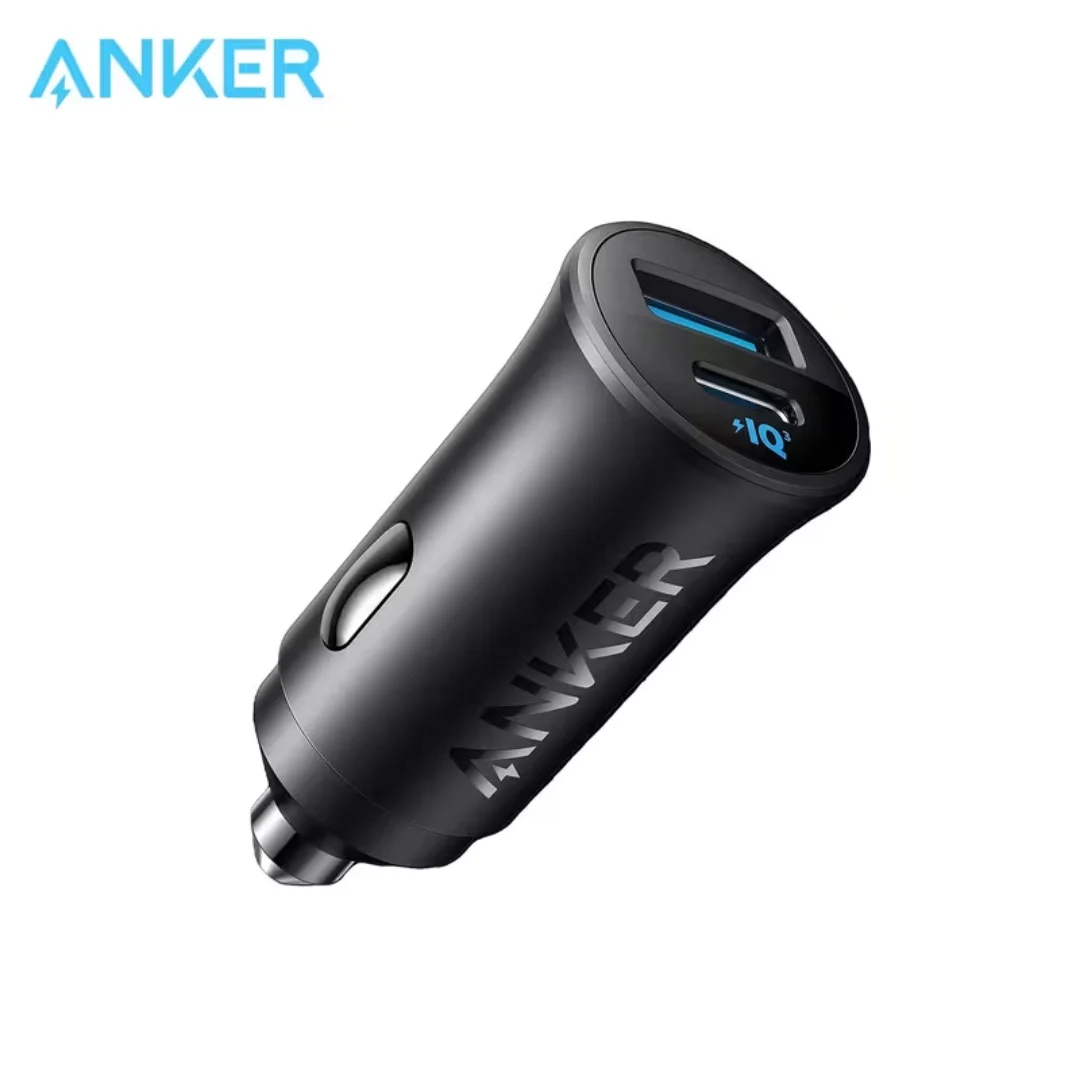
Anker 30W Mini Car Charger (A2741) | USB-C 30W PD + USB-A 22.5W | Ultra-Compact
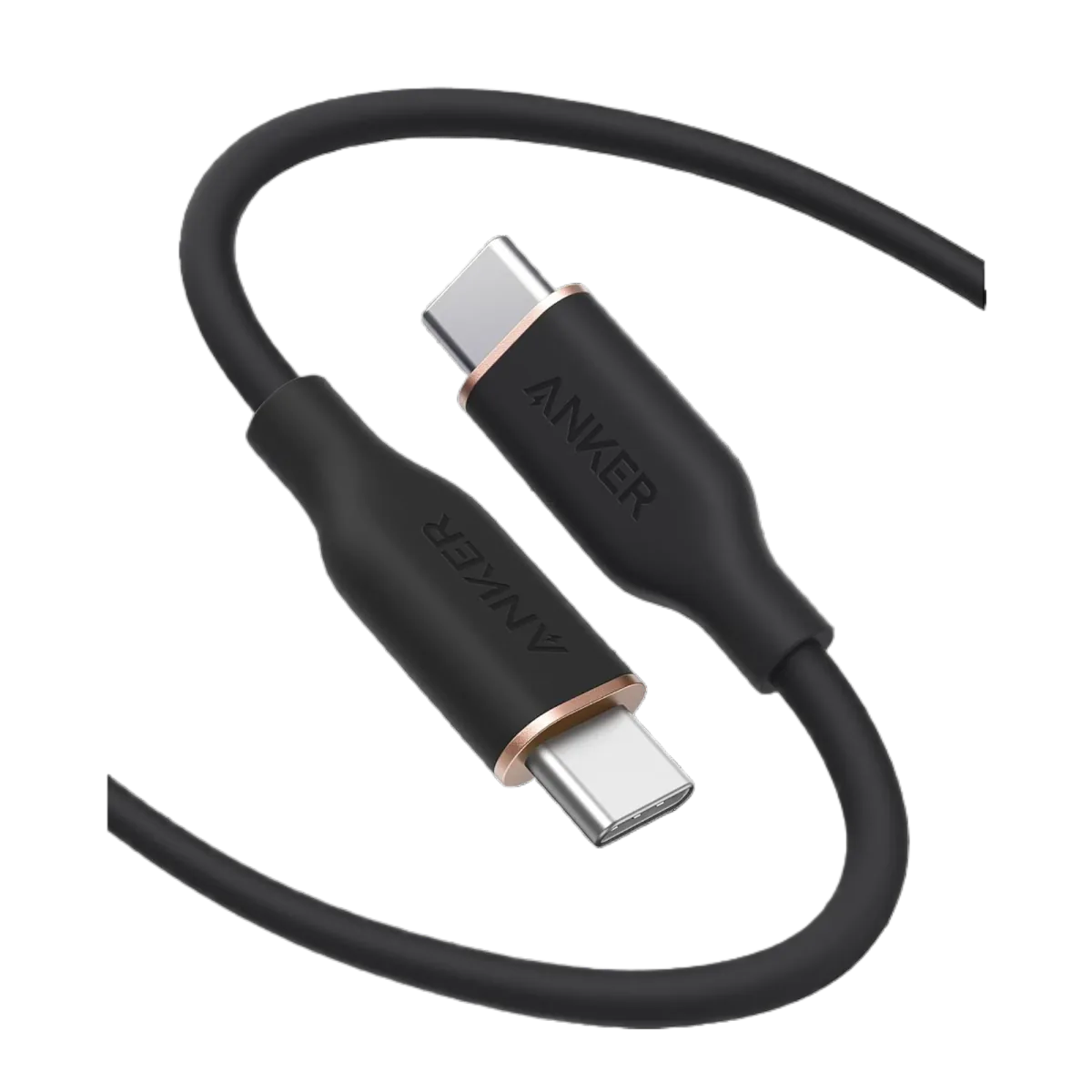
Anker PowerLine III USB-C to USB-C | 60W | iPhone 17 & Samsung S26
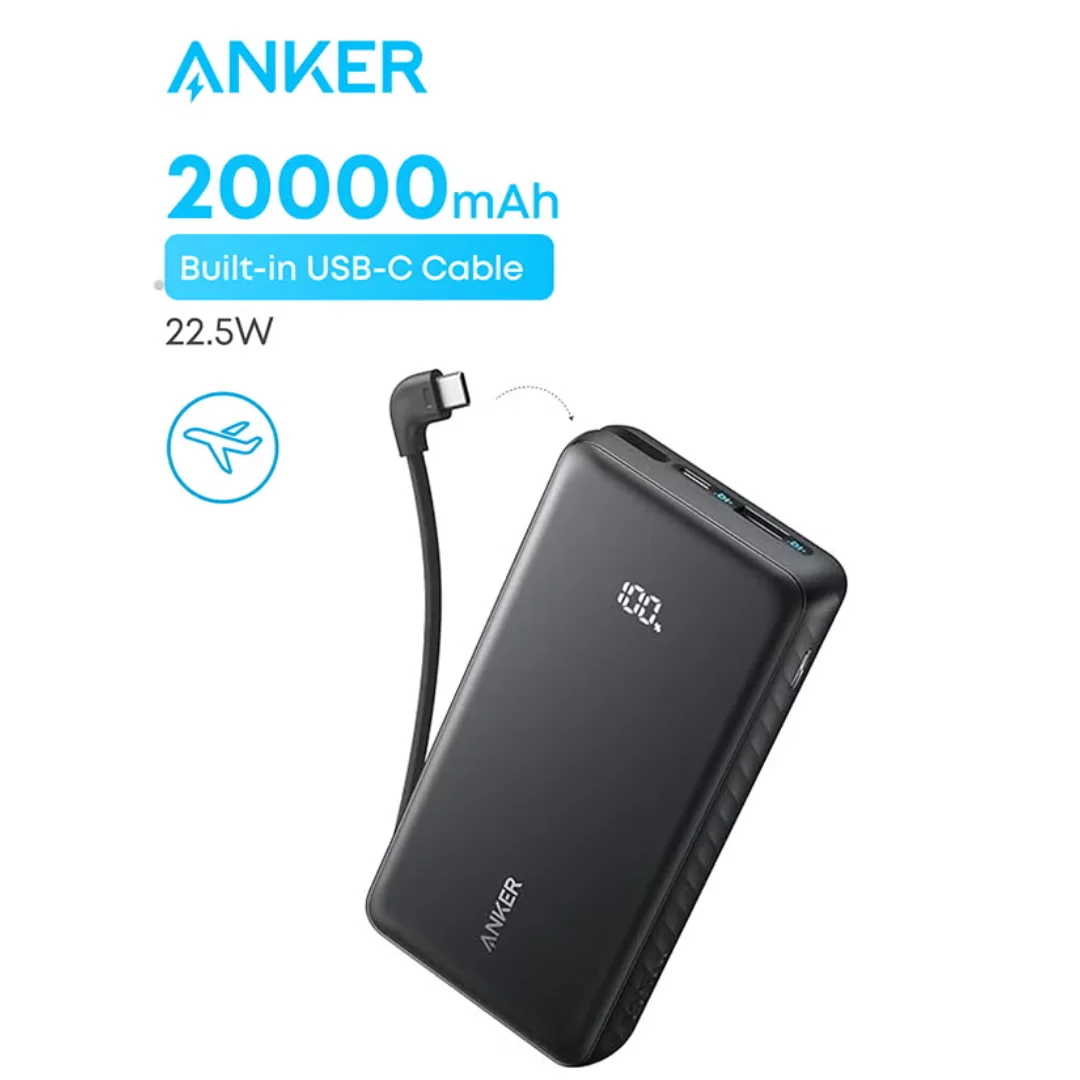
Anker ZOLO Power Bank 20,000mAh (22.5W) | Built-in Cable