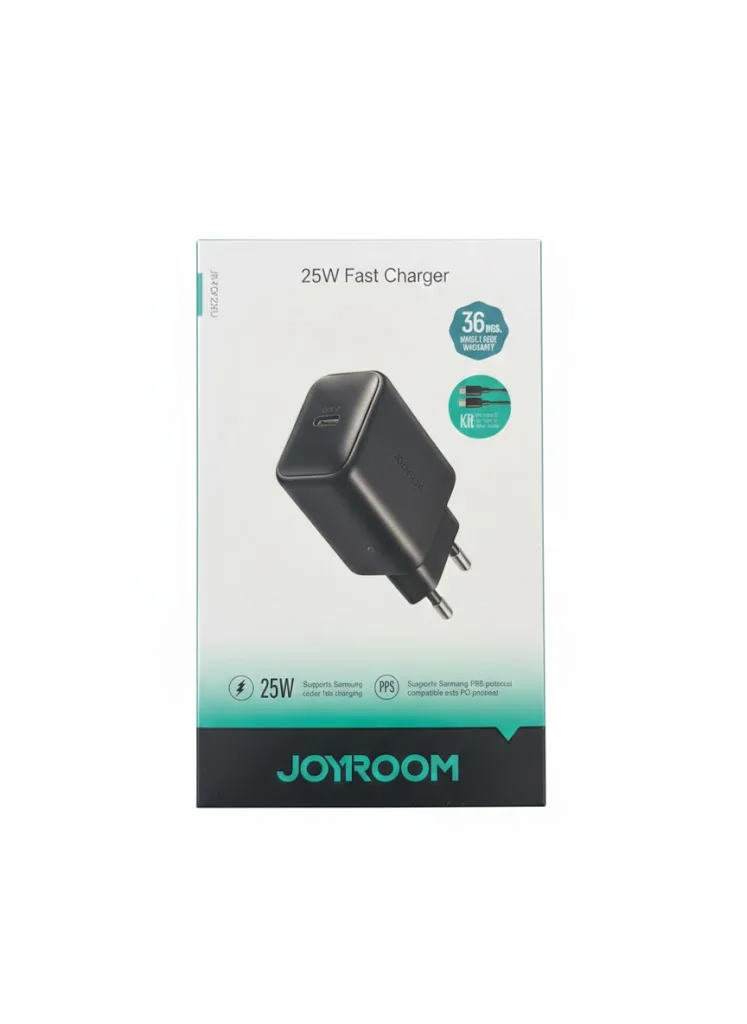
Charger Sparks When Plugged In — When It's Normal and When to Replace It Immediately
A small spark when plugging in your charger — normal or dangerous? This article explains the difference with clear signs, and when you need to act immediately.
Quick Take: A small blue momentary spark (under 1 second) when plugging in = 100% normal — it's current starting to flow. Dangerous if: (1) Spark is large or orange/yellow. (2) Repeats or continues after connection. (3) Continuous buzzing or crackling sound. (4) Burning plastic smell. (5) Charger or outlet abnormally hot. In these cases: disconnect immediately → don't use the outlet or charger → replace.
You plug the charger into the outlet and see a small spark — or hear a light "pop." Your heart skips a beat: "Is that normal or is there a problem?" Will the charger catch fire? Is there a short circuit in the outlet? Should I replace the charger?
The truth is that most sparks you see when connecting a charger are completely normal and happen in every home worldwide. But in certain situations — the spark is a serious warning sign that requires immediate action. This article teaches you to distinguish between the two — with clear signs that don't require any measuring tools. All you need are your eyes, ears, and nose.
💡 The Simple Rule: A small blue spark lasting less than a second on insertion = normal. Anything else (orange color, repetition, sound, smell, heat) = dangerous — disconnect immediately.
Why Does a Charger Spark at All? — The Physics in Two Seconds
The normal spark is scientifically called an "Arc Discharge" — and it happens due to simple physics: when the charger's metal prong approaches the outlet's copper contacts — at a certain point, the distance between them is very small (fractions of a millimeter) but they haven't touched yet. The voltage (220V in Egypt) is sufficient to "jump" across that tiny gap — creating a visible spark.
It's exactly like the static electricity shock you get touching metal in winter after walking on carpet — but on a larger scale because it's 220V, not static charge. This spark disappears in under a second once the charger fully inserts and makes solid mechanical contact with the outlet contacts. After full connection — current flows through metal directly and there's no reason for any spark.
The Normal Spark — Its Signs and Why You Don't Need to Worry
A normal spark has 5 distinguishing characteristics — if all are present, relax completely:
- 🔵 Color is blue or bluish-white: This is the color of an electrical arc in clean air — meaning electricity is jumping through a clean gap with no materials burning.
- ⚡ Momentary — under one second: Appears and vanishes instantly once the charger inserts. If it lasts more than a second — it's not normal.
- 🔇 Very faint sound or no sound: You might hear a light "pop" — that's air heating and expanding in the tiny gap. The sound disappears immediately.
- 👃 No smell: A normal spark doesn't burn anything — so there's no burning plastic or electrical smell.
- 🌡️ No unusual heat: The charger and outlet remain at normal temperature after connection.
Practical tip: If the normal spark bothers you — insert the charger quickly and decisively. The slower you insert it — the longer the gap between the metals persists — the more visible the spark becomes. Quick, decisive insertion minimizes the spark (or eliminates it entirely).
The Dangerous Spark — 6 Signs That Require Immediate Action
If you see any one of these signs — disconnect the charger immediately and don't use it again until you identify the cause:
🟠 Sign 1: The Spark Is Orange or Yellow
Orange/yellow color means a material is burning — not just air being ionized. That material could be: charger plastic melting, oxidation (rust) on outlet contacts, or accumulated conductive dust inside the outlet. In all cases — this isn't normal.
🔁 Sign 2: The Spark Repeats or Continues After Connection
A normal spark occurs once at connection. If you see repeated sparks or continuous crackling after the charger is fully inserted — the mechanical connection isn't secure. The charger is making and breaking contact continuously (micro-arcing) — generating dangerous heat that can cause a fire.
🔊 Sign 3: Continuous Buzzing or Crackling Sound
Continuous buzzing after connection means current is oscillating — either due to a charger with a failed capacitor, or an outlet whose contacts don't grip the charger properly. Either way — it's an early warning of a bigger problem.
👃 Sign 4: Burning Plastic Smell or Electrical Smell
If you smell anything unusual — disconnect immediately. Burning plastic smell means high heat is melting plastic components. An "electrical" smell (ozone) means continuous arcing. Both are real fire hazards.
🔥 Sign 5: Charger or Outlet Abnormally Hot
A normal charger gets slightly warm during charging (35-45°C — warm to the touch). But if the charger or the outlet itself becomes too hot to hold (above 60°C) — there's high resistance at the connection point (loose contact) or a partial short. Disconnect immediately.
🫠 Sign 6: Black Marks or Melting on Charger or Outlet
If you see black marks (burn marks) on the charger's prongs or around the outlet's holes — severe arcing has occurred previously. Even if you don't see sparks now — the charger or outlet needs immediate replacement.
Is the Problem the Charger or the Outlet? — How to Determine
When you see a dangerous spark — the first question: is the problem the charger or the outlet? The method is simple:
- 🔌 Try the charger in a different outlet: If the spark disappears — the problem is the first outlet (contacts are loose or oxidized). If the spark appears in any outlet — the problem is the charger.
- 🔌 Try a different charger in the same outlet: If another charger doesn't spark — the problem is the first charger. If all chargers spark in that outlet — the problem is the outlet.
If the Problem Is the Outlet:
- 🔧 The copper contacts inside may have loosened over time — they don't grip the prongs securely. An electrician can replace them in 15 minutes.
- 🔧 If the outlet is old (over 10 years) or shows black marks — replace it entirely. An outlet costs 20-50 EGP plus labor.
- ⚡ If your outlet lacks a ground pin (2-prong without the third ground) — this doesn't cause sparks but reduces overall safety. Consider upgrading to a grounded outlet.
If the Problem Is the Charger:
- 🗑️ If the charger is cheap or no-name brand: Discard it immediately. Cheap chargers (under 100 EGP) typically lack adequate short-circuit or overheating protection — the most common cause of dangerous sparks and fires.
- 🔍 If the charger is genuine but old or has been dropped: Drops can loosen internal solder joints or crack capacitors — causing internal arcing. Replace it even if it looks fine externally.
5 Golden Safety Rules — So Your Charger Is Never a Hazard
- 💡 Only buy chargers from certified brands. Anker chargers carry UL/CE/FCC certifications + protection against short circuits, overheating, and overcharging. The difference between a 150 EGP no-name charger and a 400 EGP Anker is that the latter has 7 layers of protection and the former has zero.
- 🔌 Don't leave the charger plugged in when not charging anything. A charger connected 24/7 (even without a phone) draws standby current and heats slowly — shortening its lifespan and increasing failure probability.
- 🚫 Don't charge on an overloaded power strip. A power strip loaded with 5-6 devices overloads its contacts — increasing sparks and heat. If you need a strip — use one with a surge protector and don't load it above 80% capacity.
- 🌡️ Don't place the charger under a pillow or on a bed. If any thermal issue occurs — fabric ignites quickly. Charge on a hard surface (desk, nightstand) away from flammable materials.
- 🔄 Replace chargers every 3-4 years. Internal capacitors have a finite lifespan — they weaken with time and heat. A 5-year-old charger may look fine but have weakened internal components. Rule: if the charger starts getting hotter than usual or makes noise — replace it even if it still "works."
The Bottom Line — One Spark Won't Burn Down Your Home, But You Must Know the Difference
The blue momentary spark when connecting a charger — as normal as the sun rising every day. No need to worry. But if the spark changes color, sound, smell, or continues after connection — that's a real warning requiring action. The simple rule: if something makes you doubt — disconnect. You're more important than any charger.
✅ Available at CairoVolt
Anker chargers list protection against short circuits, overheating and overvoltage. CairoVolt's written store warranty (duration shown on each product page) + delivery to all governorates. Don't risk a cheap charger — safety first.
🛒 Related Products from CairoVolt:
Based on this article, here are our picks: Anker GaN 30W Charger · Anker 30W Charger · Anker Nano 45W Charger · Anker PowerPort 25W Charger.

CairoVolt Editorial Team
Content team reviewing specifications and buying guides
The CairoVolt team reviews model numbers, specifications, and compatibility, and updates information when better data is available. Estimates are labeled as calculations, and readers can report information that needs correction.
Frequently Asked Questions
Is it dangerous when my charger sparks when I plug it in?▼
How do I know if the problem is the charger or the outlet?▼
Should I unplug the charger when not charging anything?▼
How often should I replace my charger?▼
Ready to Buy?
Browse available products and review specifications and CairoVolt warranty terms before ordering
Related products
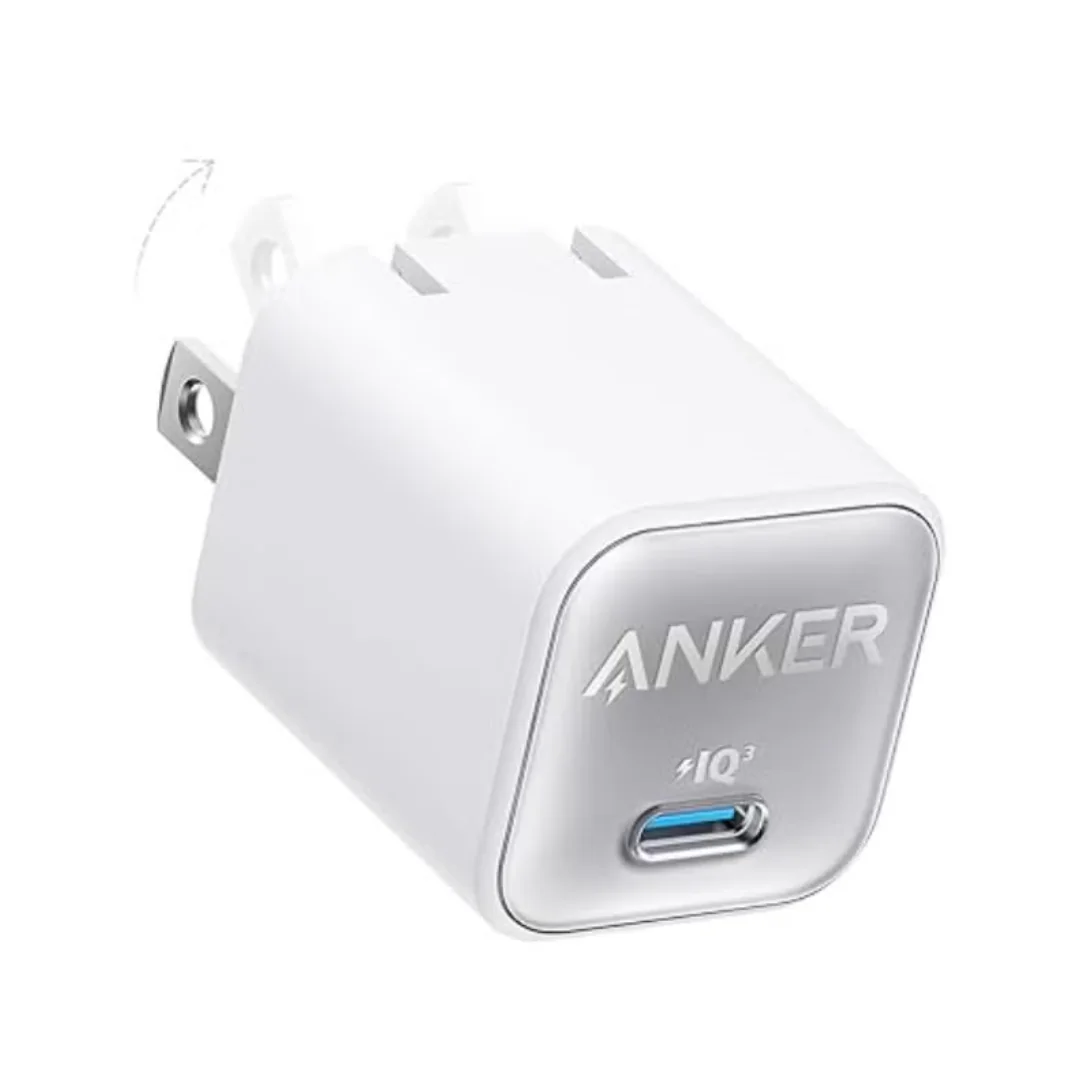
Anker 511 Nano 3 GaN Charger 30W (A2147) | USB-C PD | IQ3
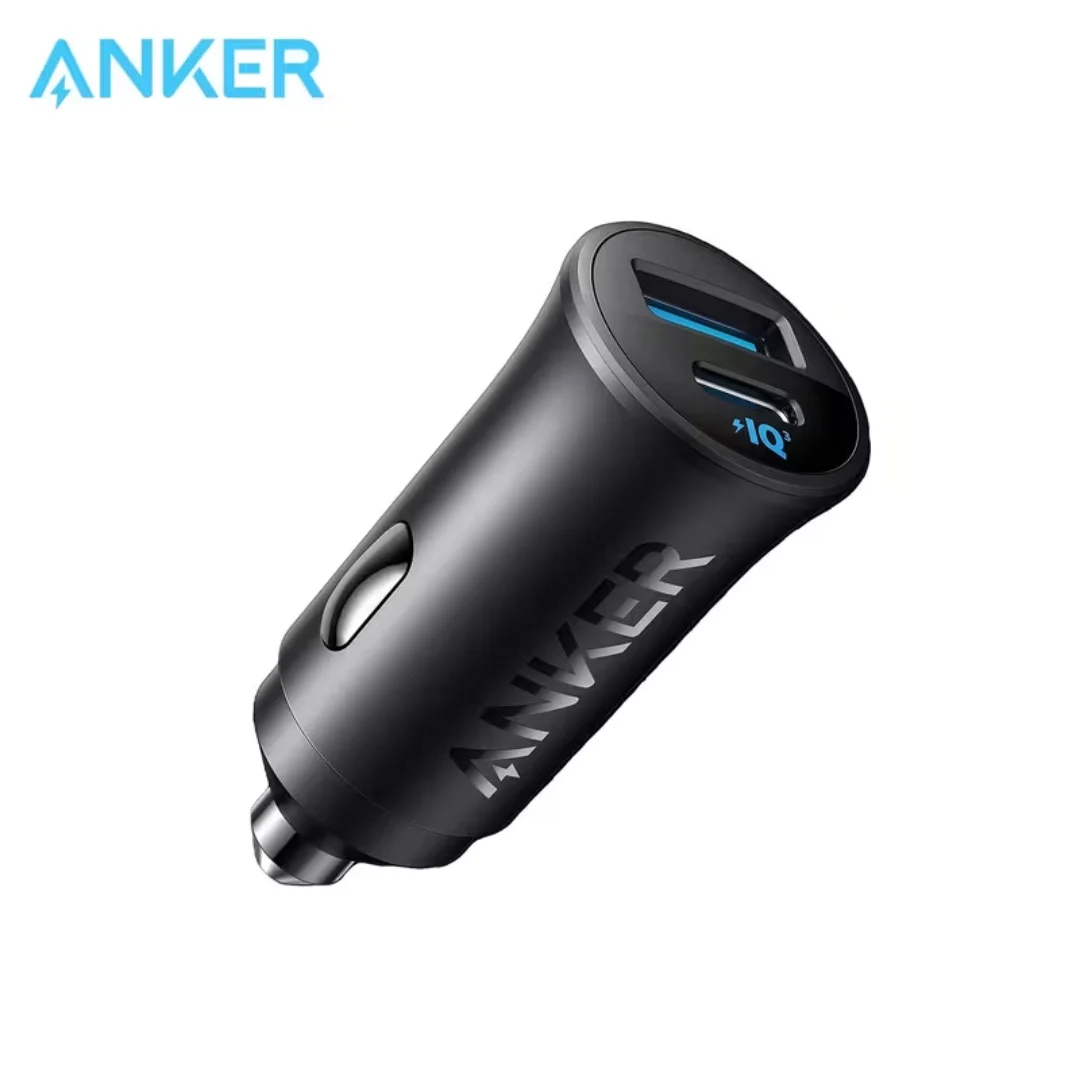
Anker 30W Mini Car Charger (A2741) | USB-C 30W PD + USB-A 22.5W | Ultra-Compact
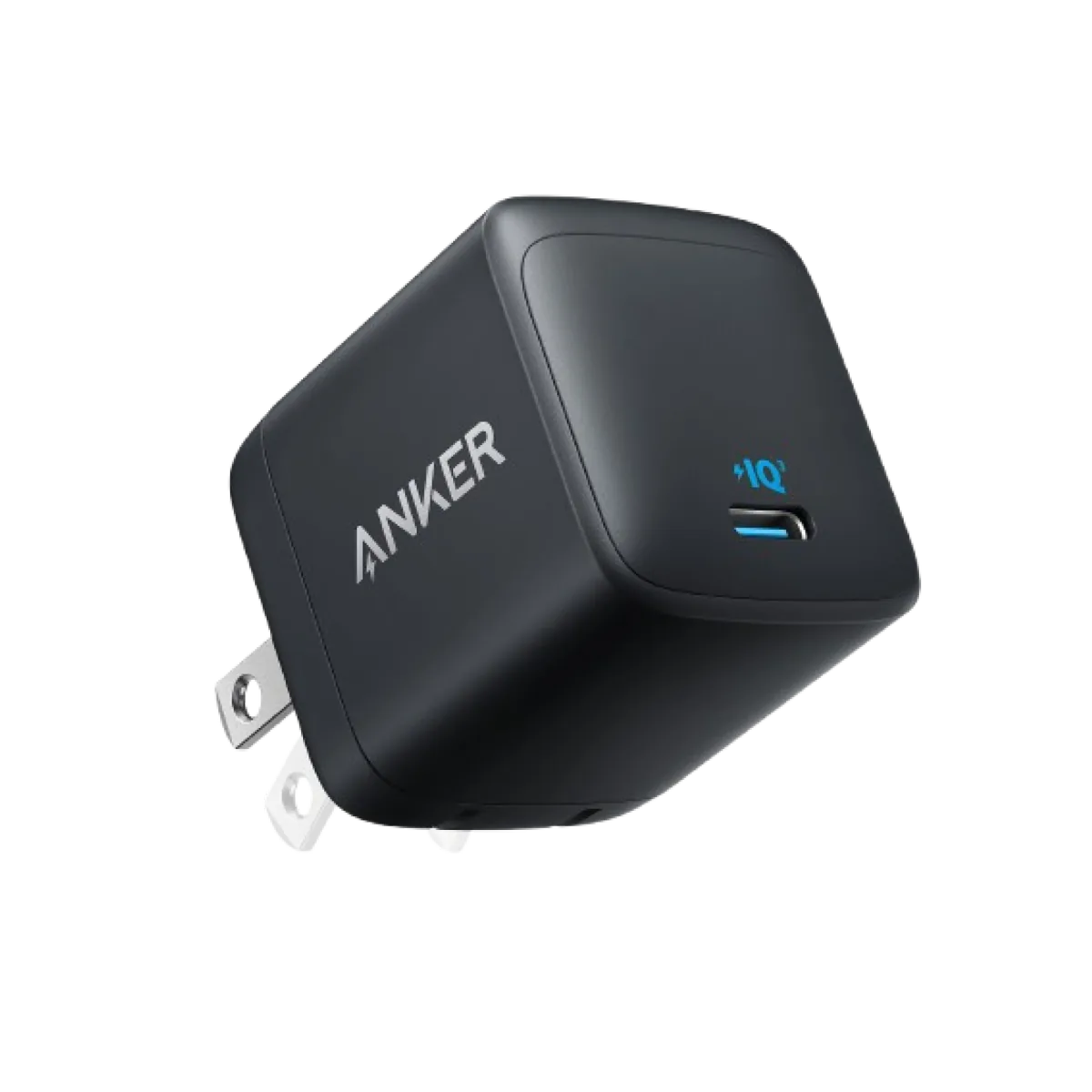
Anker Nano 45W GaN USB-C Charger | MacBook Air + iPhone 17
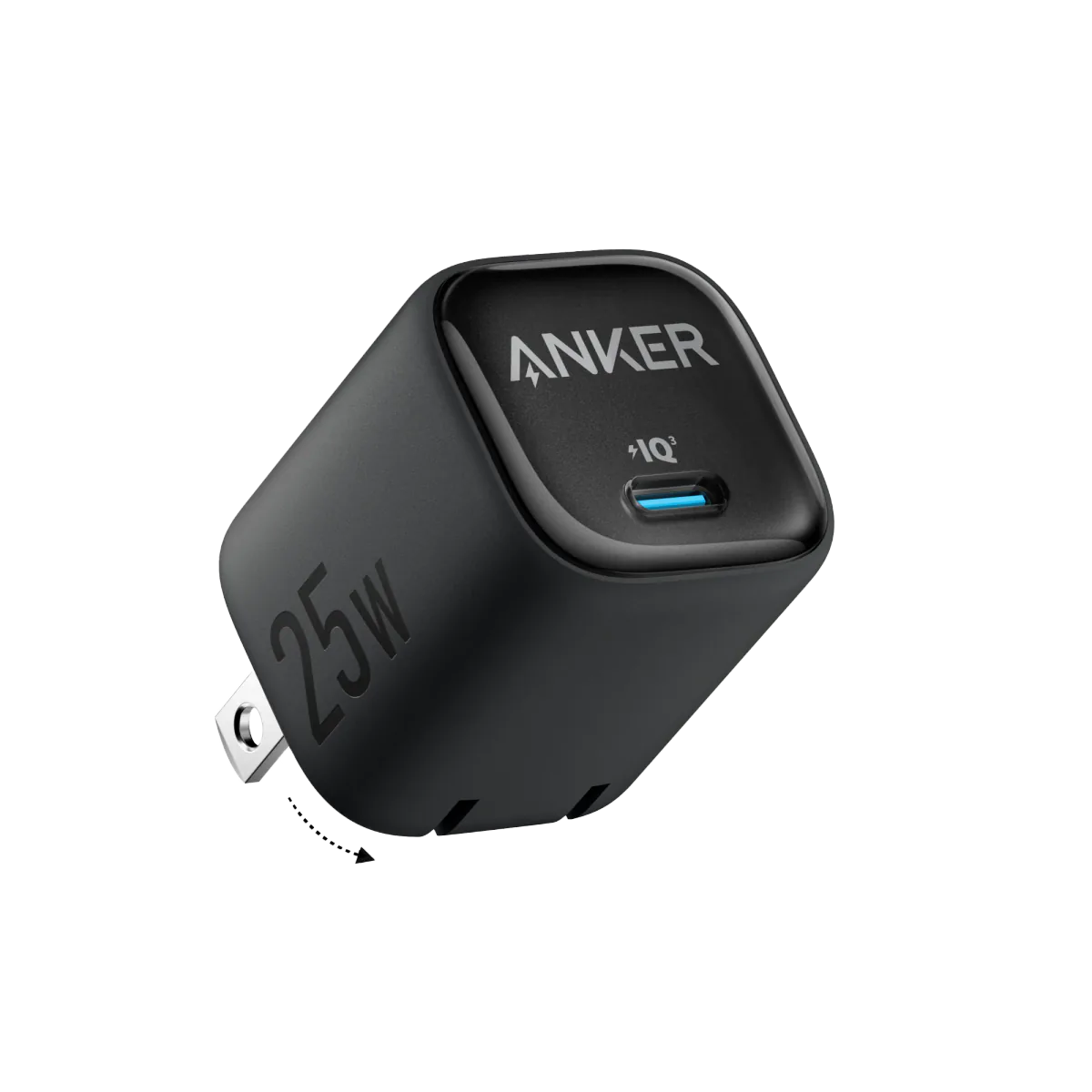
Anker 25W PPS Charger (A2656111) | Samsung-Compatible USB-C PD
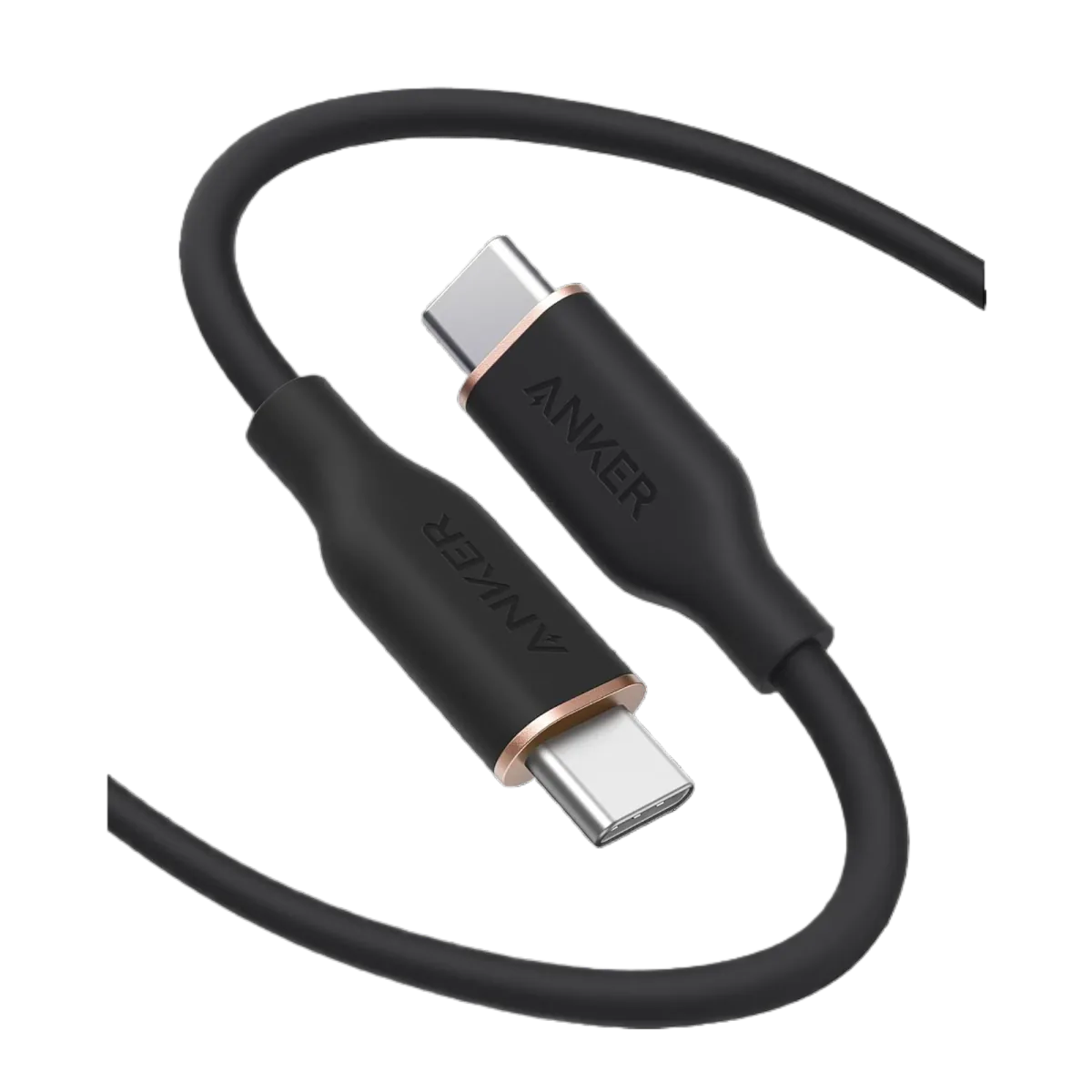
Anker PowerLine III USB-C to USB-C | 60W | iPhone 17 & Samsung S26