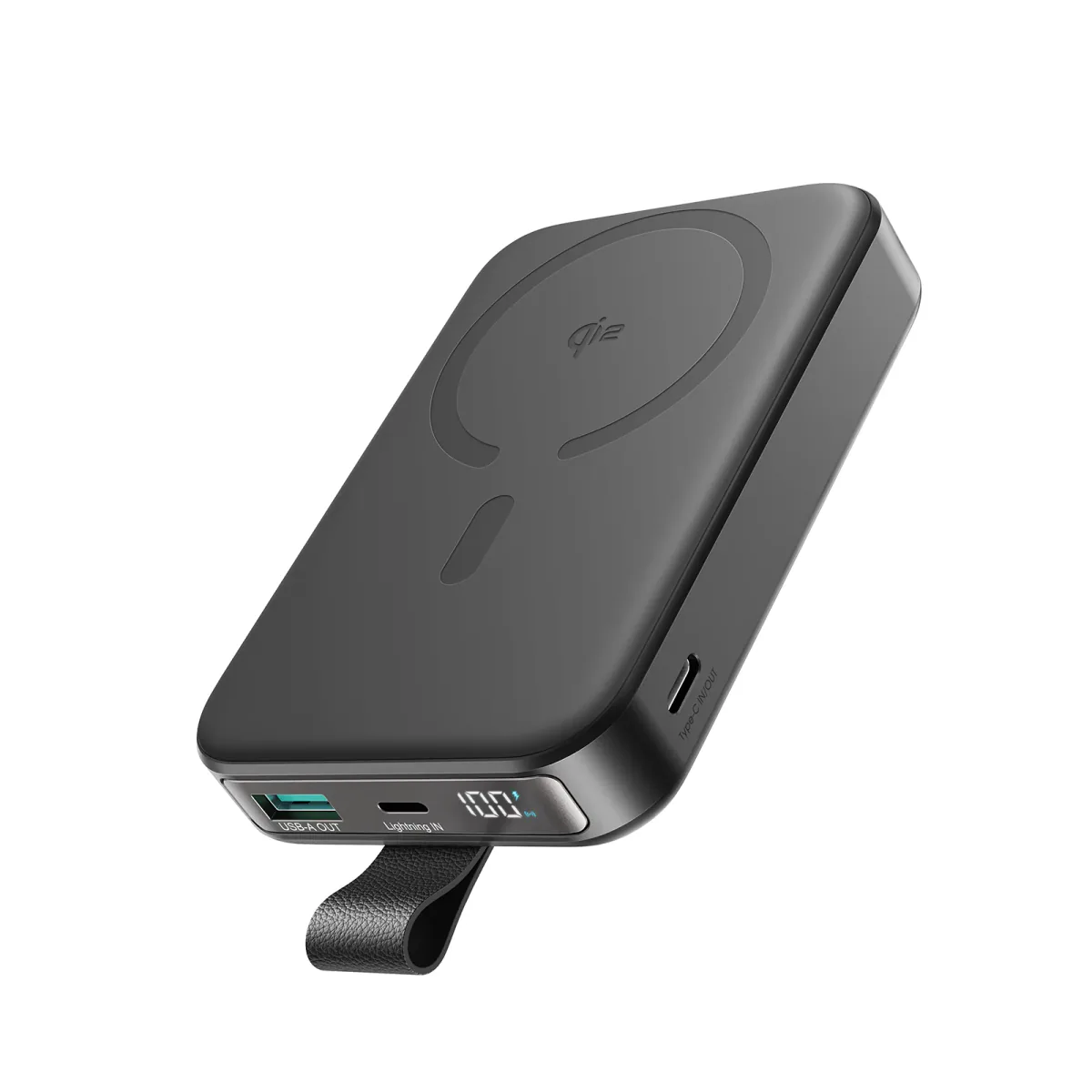
Every lithium battery in existence — from the smallest Bluetooth earbud to the largest laptop — has a finite lifespan. Phone batteries specifically are designed to endure 800-1,000 full charge cycles (0% to 100%) before their capacity starts declining noticeably. If you charge your phone once daily — after roughly two and a half years, the battery will have lost 20-30% of its original capacity. After 3-4 years — it may have lost 40-50%. This doesn't mean the phone is "broken" — it means the battery needs replacement.
The problem is that degradation happens slowly — day by day — and most people adapt to it. "It's normal, the phone is two years old." But at a certain point — the battery crosses the red line and starts genuinely impacting your daily use. These 5 signs are that red line.
💡 The Simple Rule: If 2 or more of the 5 signs below appear — the battery needs replacement. If sign #5 (swelling) appears alone — go to a service center immediately.
Sign 1: Battery Dies by Midday — Despite Light Usage
This is the first sign people notice — and the most common. The phone that used to last a full day now hits 20% by noon. Not because you're using it more — because the battery simply can't store the same amount of energy it could when new.
How to verify:
- 📱 iPhone: Settings → Battery → Battery Health. If "Maximum Capacity" is below 80% — the battery needs replacement. Apple itself states 80% is the threshold where performance is affected.
- 📱 Samsung: Settings → Battery & Device Care → Diagnostics → Battery Status. If it says "Weak" or "Very Weak" — the battery is done.
- 📱 Android generally: Dial
*#*#4636#*#*→ Battery Information. If unavailable — install AccuBattery and use it for a week — it'll show actual capacity vs. original.
Important note: Before judging — check if any apps are draining battery in the background. Go to battery settings and see which apps consume the most. If one app is eating 30-40% — the problem is the app, not the battery. But if consumption is distributed normally and the battery still drains fast — the battery is the cause.
Sign 2: Phone Shuts Down Suddenly at 20-30% Charge
This is one of the clearest signs — and the most annoying. The battery reads 25% — and suddenly the phone powers off as if it hit 0%. You plug it in — it turns on showing 22%. What happened?
The science: As batteries age — internal cells lose their ability to handle electrical load. The battery has stored energy (22%) — but when the processor or screen demands a sudden current spike — the battery can't deliver it, so voltage drops below the minimum threshold and the phone shuts down as a safety measure. This is called "Voltage Drop Under Load" — and it worsens in cold and extreme heat.
Tip: If this happens once a week or more — the battery is done. If it happens once a month only in cold weather — the battery may still be acceptable but weakening.
Sign 3: Phone Gets Abnormally Hot — Even During Normal Use
Every phone gets slightly warm during charging or gaming — that's normal. What's not normal is the phone heating up while you're just reading WhatsApp or browsing Facebook. Excess heat during normal use can indicate:
- 🔋 Aging battery: Internal Resistance increases over time — converting more energy to heat instead of delivering it to the processor and screen.
- 🔥 Chemically degrading battery: If heat is accompanied by swelling (Sign 5) — this is more dangerous and may indicate internal chemical decomposition.
How to distinguish: If the phone heats up only during heavy gaming and fast charging — that's usually normal (especially in Egyptian summers). But if it heats up when you're not doing anything intensive — the heat is coming from the battery itself.
Sign 4: Battery Percentage Drops While Charging — Or Won't Even Hold Steady
You plugged in the charger — battery at 45% — and 10 minutes later you check: 43%. The charger is connected but the battery is dropping! Or at best — it stays at the same number and won't increase. This happens when:
- 🔌 Internal resistance is extremely high: The battery converts most charging energy to heat instead of storing it.
- 📱 Phone consumes more than it receives: This could be due to a weak cable or insufficient charger — but if the charger and cable are genuine and the problem persists — the battery is the cause.
Verify first: Try a different charger and cable. If the problem resolves — the charger or cable was the culprit. If the problem persists with any charger — the battery needs replacement. For extra confirmation — charge the phone with the screen off and no apps running. If it still drops — the battery is definitively finished.
Sign 5: Back Panel Bulging or Screen Separating — ⚠️ Most Dangerous Sign
This is the one sign you don't need to wait on or test — if you see it, act immediately. A swollen battery means an abnormal chemical reaction has occurred inside the cells, producing gas — and that gas pushes against the battery's outer casing, forcing the back panel or screen outward.
The signs:
- 📐 The back isn't flat — there's a visible bump or curve (place the phone on a flat surface — if it wobbles, there's swelling).
- 📱 The screen is starting to separate from the frame — especially from the sides or bottom.
- 🚪 The back cover won't close properly or pops off on its own.
⚠️ Safety warning: A swollen battery can rupture or ignite if exposed to pressure or heat. Don't open the phone yourself. Don't put it in your pocket while sitting on it. Don't charge it. Go to an authorized service center immediately. If you can't go immediately — place the phone in a cool, dry location away from flammable materials (not on a bed or couch). A ceramic or stone surface is ideal.
Quick Test — A 2-Minute Checklist
Before deciding to replace the battery — run this test:
- 1️⃣ Charge the phone to 100% and leave it on the charger for an extra hour.
- 2️⃣ Unplug and leave the phone unused (screen locked) for 2 hours.
- 3️⃣ Check the percentage: If it dropped more than 5-8% in 2 hours without use — the battery is weak. If it dropped 15%+ — the battery is finished.
- 4️⃣ Check battery health in settings (method above depending on phone type). Below 80% = needs replacement.
- 5️⃣ Physically inspect the phone: Place it on a flat surface — if it wobbles or the back isn't level — there's swelling.
Battery Needs Replacement — Now What?
If you've confirmed the battery is finished — you have 3 options:
| Option | Approximate Cost | Best When |
|---|---|---|
| Replace at authorized center | 500-1500 EGP (varies by model) | Phone is under 3 years old with good performance |
| Replace at repair shop | 300-800 EGP | Cheaper but risks water resistance |
| Buy a new phone | — | Phone is 4+ years old or has other issues |
In the meantime — until you replace the battery: An Anker power bank is your best friend. The Anker Zolo 10000mAh fits in your pocket and gives you one full extra charge — enough to get through the day until you decide on the battery.
3 Habits to Extend Your New Battery's Lifespan
If you've replaced the battery or bought a new phone — these habits will make the new battery last longer:
- 🔋 Don't drain below 20%: Deep cycles (0-100%) stress cells more. Try to charge at 20-30% and unplug at 80-85%. This roughly doubles battery lifespan. If your phone has a "Charging Limit" feature — enable it at 85%.
- 🌡️ Avoid heat: Heat is the battery's #1 enemy. Don't leave your phone in sunlight or on the car dashboard — surface temperatures can reach 60°C+ in Egyptian summers. Don't charge in hot locations. Remove the case during fast charging to let heat dissipate. Rule of thumb: if the phone is too hot to hold comfortably — something is wrong.
- ⚡ Use a certified charger: Anker chargers communicate with your phone via smart protocols (USB-PD, QC) and deliver exactly the power your phone needs — no more, no less. Cheap chargers may deliver unstable voltage that damages the battery long-term. Equally important: use a certified cable too — cheap cables reduce charging efficiency and increase heat.
✅ Available at CairoVolt
Anker power banks — the instant solution for a weak battery. And Anker chargers — the long-term solution to protect your new battery. 18-month warranty + delivery to all governorates.
🛒 Related Products from CairoVolt:
Based on this article, here are our picks: Anker GaN 30W Charger · Anker 20W Charger · Anker Zolo 10000 Power Bank · Anker Zolo 20000 Power Bank.

CairoVolt Editorial Team
Content team reviewing specifications and buying guides
The CairoVolt team reviews model numbers, specifications, and compatibility, and updates information when better data is available. Estimates are labeled as calculations, and readers can report information that needs correction.
Frequently Asked Questions
How do I know if my phone battery needs replacement?▼
How many years does a phone battery last?▼
Should I replace the battery or buy a new phone?▼
Is a swollen phone battery dangerous?▼
Ready to Buy?
Browse available products and review specifications and CairoVolt warranty terms before ordering
Products Mentioned in This Article
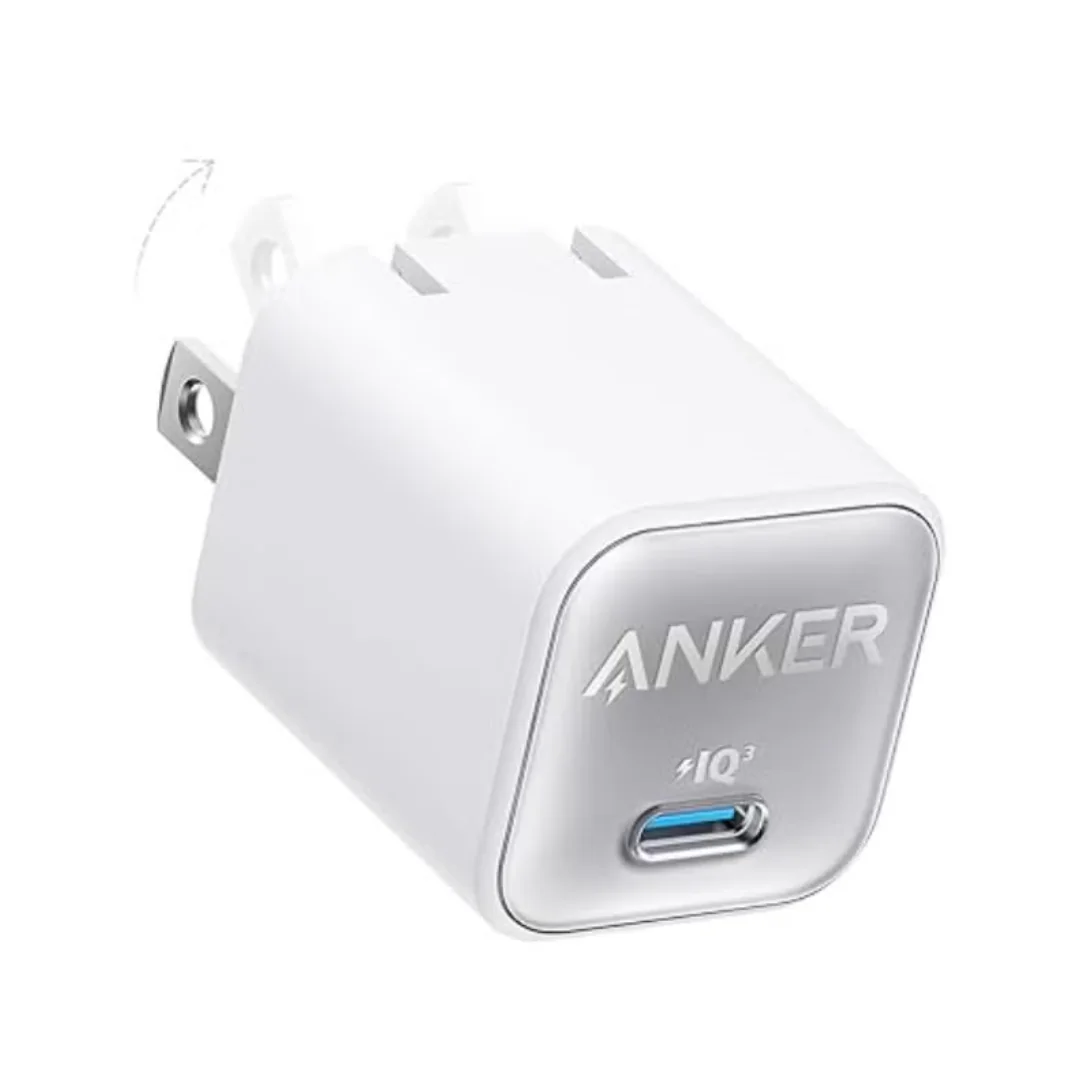
Anker 511 Nano 3 GaN Charger 30W (A2147) | USB-C PD | IQ3
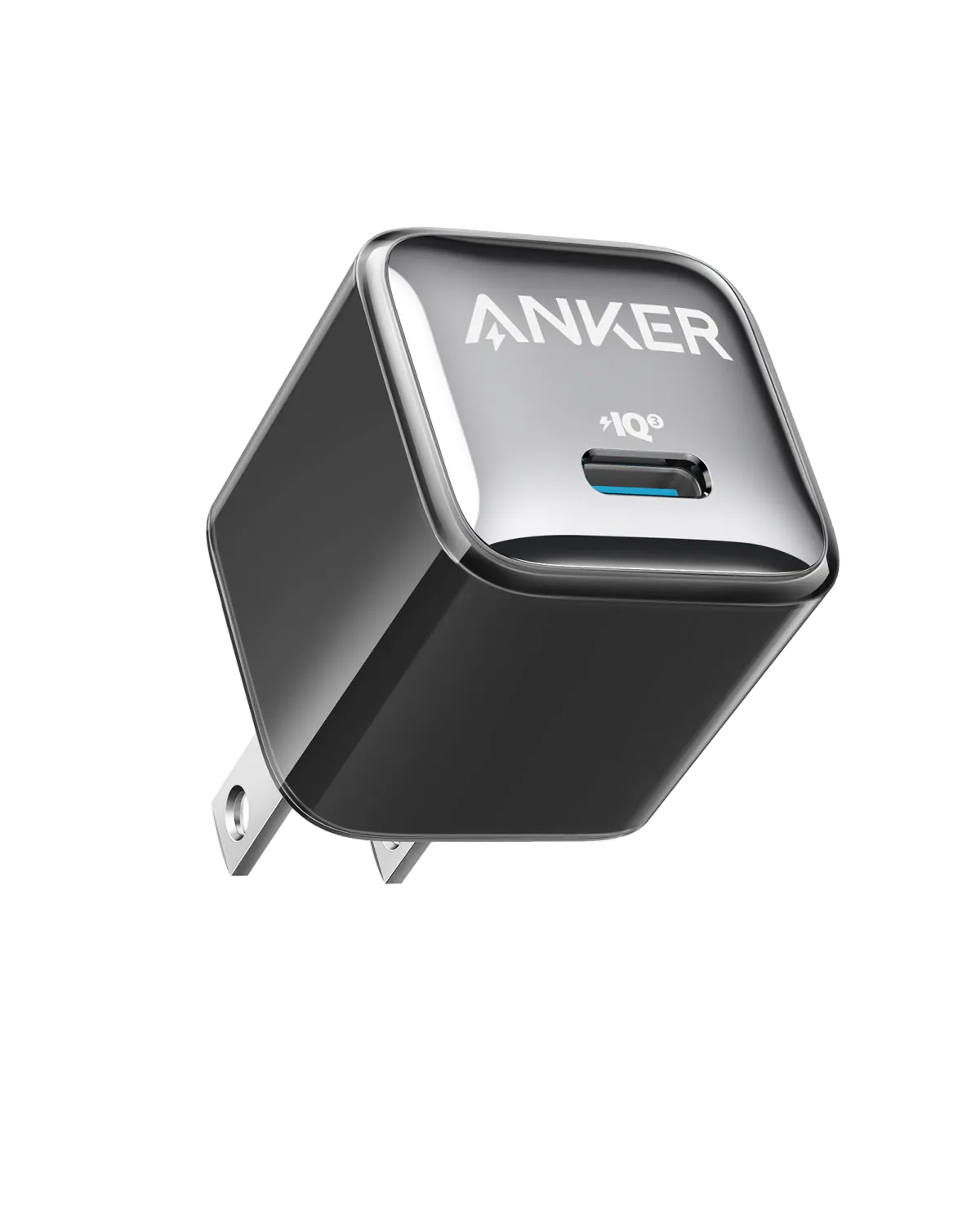
Anker A2347K11 20W USB-C PD Charger | Check Device Profile and Plug
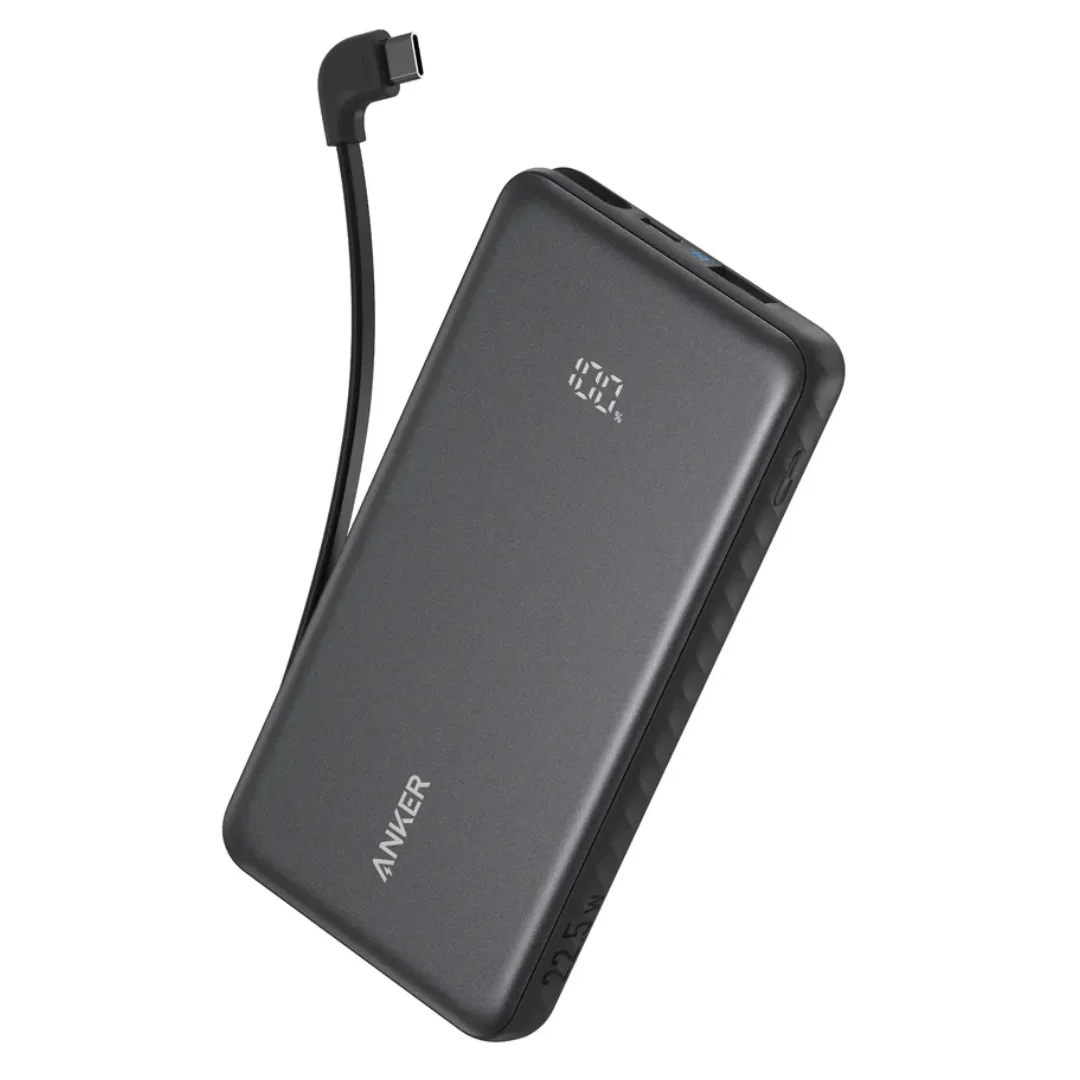
Anker ZOLO Power Bank 10,000mAh (22.5W) | Built-in Cable
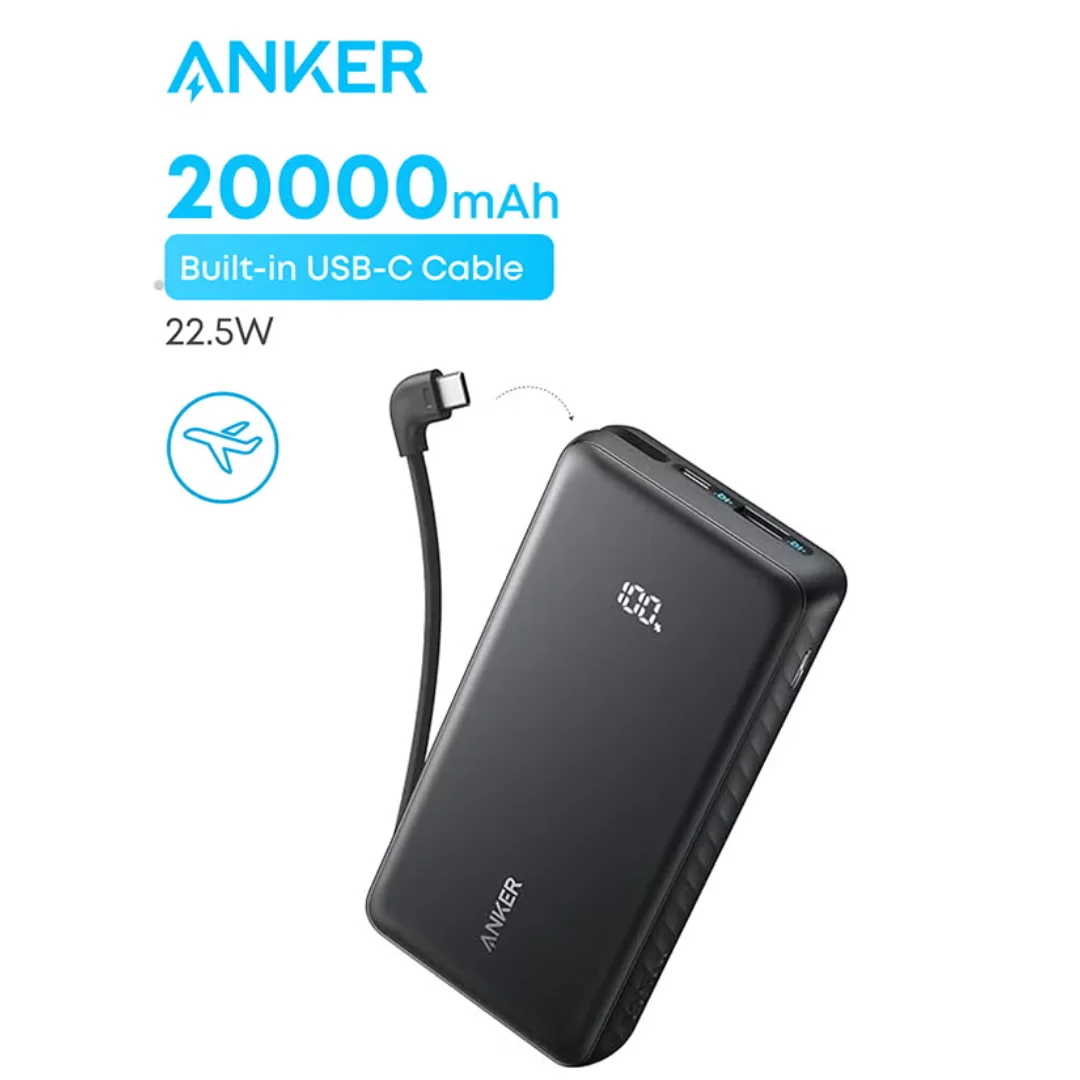
Anker ZOLO Power Bank 20,000mAh (22.5W) | Built-in Cable