 CairoVolt Team
3-Meter Charging Cable for Bed & Living Room — 6 Best Durable Options in Egypt 2026
Guide to choosing a 3-meter charging cable that reaches your bed and couch without stretching — comparison of 6 durable cables in Egypt with prices and warranty.
TL;DR: CairoVolt does not currently sell a 3-meter cable; our longest are 1.8m: the Anker Ultra-Soft A82E2 (USB-C, 240W) at EGP 650 and the Anker SureIStrong (USB-C to Lightning) at EGP 599. If you truly need 3m, pick a cable with a suitable printed rating, and above 60W it must have an E-marker.
Your phone is at 5% and the charger is in the socket behind the nightstand, so the short cable forces you into an odd position to keep the phone plugged in. The logical fix: a longer cable. But before buying, you need to know what actually matters in a long cable.
💡 Quick Answer: CairoVolt does not currently sell a 3-meter cable; our longest cables are 1.8m: the Anker Ultra-Soft A82E2 (USB-C, 240W) at EGP 650 and the Anker SureIStrong (USB-C to Lightning) at EGP 599. If you truly need 3m, buy from a seller with an invoice and warranty, choose a suitable printed rating, and above 60W make sure it has an E-marker.
Why You Need a Long Cable: 5 Daily Scenarios
- 🛏️ Bed: the socket is usually behind the nightstand or under the desk — a long cable reaches you comfortably.
- 🛋️ Sofa: watching a series with the charger behind the sofa — the extra length gives you freedom.
- 🍳 Kitchen: the socket is on the wall and the phone is on the table.
- 🚗 Car: the charger is in the console and the passenger is in the back.
- 🎮 Gaming while charging: extra length reduces strain on the connector.
Does a Longer Cable Actually Slow Down Charging? The Science
Every wire has electrical resistance that grows with length: R = ρ × L / A — resistance = resistivity × length ÷ cross-section. The longer the cable, the bigger the voltage drop; the thicker the wire (a smaller AWG number), the smaller the drop. That is why a long, thin no-name cable slows charging and heats up, while a genuine cable with suitable wire shows only a small difference.
An important point at higher power: a cable without an E-marker chip is limited to 3A (60W at 20V). An example from our bench: the Joyroom JR-S-CC100 is boxed as 100W but has no E-marker and peaked at only 57.9W. For more than 60W, choose an E-marked cable such as the Anker A82E2 or A8060.
How to Choose a Long Cable: 4 Criteria
- 🔌 Wire gauge (AWG): the thicker the wire, the lower the loss — which matters more on long cables.
- 🧵 Strain relief at the connector: this is the weakest point of any cable, and long cables take more pulling.
- ⚡ Printed rating: 60W covers most phones; laptops above 60W need a 5A E-marked cable.
- 🧾 The seller: buy from a seller that issues an invoice and a written warranty, and for Lightning cables look for the model's MFi mark.
Cables Available on CairoVolt — Length, Power and Price
There is no 3-meter cable in the catalogue right now. These are the cables available, with the lengths listed on their product pages:
| Cable | Type | Power | Listed length | Notes | Price |
|---|---|---|---|---|---|
| Anker Ultra-Soft A82E2 | USB-C ↔ USB-C | 240W (E-marker) | 1.8m | Soft braid, 30,000+ bends per Anker | EGP 650 |
| Anker SureIStrong | USB-C ↔ Lightning | PD for compatible Lightning devices | 1.8m | Check the MFi mark for model A8652H21 | EGP 599 |
| Anker A8050 | USB-A ↔ USB-C | Fast charging per charger | 1.8m | Braided nylon | EGP 570 |
| Anker Zolo A8060 | USB-C ↔ USB-C | 240W PD 3.1 (E-marker) | 1.5m | Braided | EGP 790 |
| Anker PowerLine III | USB-C ↔ USB-C | Up to 60W | Not listed on the product page | Manufacturer bend-test statement | EGP 590 |
| Joyroom JR-S-CC60 | USB-C ↔ USB-C | 60W listed | Not listed on the product page | Braided | EGP 123 |
| Joyroom JR-S-CC100 | USB-C ↔ USB-C | Boxed as 100W — no E-marker, 57.9W peak on our bench | 1m | — | EGP 130 |
- ✅ Our pick for the longest USB-C cable: the Anker Ultra-Soft A82E2 — 1.8m and 240W with an E-marker, so it charges phones and laptops.
- ✅ For Lightning iPhones: the Anker SureIStrong — 1.8m at EGP 599.
- ✅ For the highest power: the Anker Zolo A8060 — 240W PD 3.1 at 1.5m for EGP 790.
5 Common Mistakes with Long Cables — and How to Avoid Them
A long cable gives you freedom, but handle it wrong and it will fail sooner:
| Mistake | Result | Fix |
|---|---|---|
| ❌ Yanking the cable by the cord in bed | Stress concentrates at the connector joint | ✅ Leave some slack by the bed |
| ❌ Wrapping the cable tightly around the charger | The inner wires can break over time | ✅ Coil it loosely in a figure 8 |
| ❌ The cable runs across the floor and gets stepped on | Repeated pressure on the jacket and wires | ✅ Clip it along the edge of the nightstand |
| ❌ Buying a very cheap no-name long cable | Thin wire = more loss and heat | ✅ A cable from a seller with an invoice and warranty, with a suitable printed rating |
| ❌ Leaving the cable in the sun or a car | The jacket can crack with heat | ✅ Store it in a drawer or bag |
Want to know more about why cables break? Read why charging cables break so fast — 6 mistakes and fixes.
2-Meter vs 3-Meter Cable: When Each Length Is Right
The right length depends on the distance between the socket and where you sit, plus a little slack:
| Distance from socket | Suitable length | Typical spot |
|---|---|---|
| Under 1m | 1m | Desk — socket right next to you |
| 1 - 1.5m | 1.8–2m | Nightstand — socket behind it |
| 1.5 - 2.5m | 3m | Bed/sofa — socket on the wall |
Tip: if unsure, choose the longest available — you can always coil a long cable, but there is no fix for a short one.
✅ Available on CairoVolt
Every cable listed comes with CairoVolt's written store warranty (duration shown on each product page). Delivery is commonly 1–6 business days depending on the governorate. To learn more about USB-C cable types, read our USB-C cable guide.
CairoVolt Team
Tech Editor
Frequently Asked Questions
Does a 3-meter cable charge slower than a 1-meter cable?▼
What is the best long cable for iPhone in Egypt?▼
Can I use a long cable for gaming while charging?▼
Is a long cable better than a USB extension cord?▼
Ready to Buy?
Browse available products and review specifications and CairoVolt warranty terms before ordering
Related products
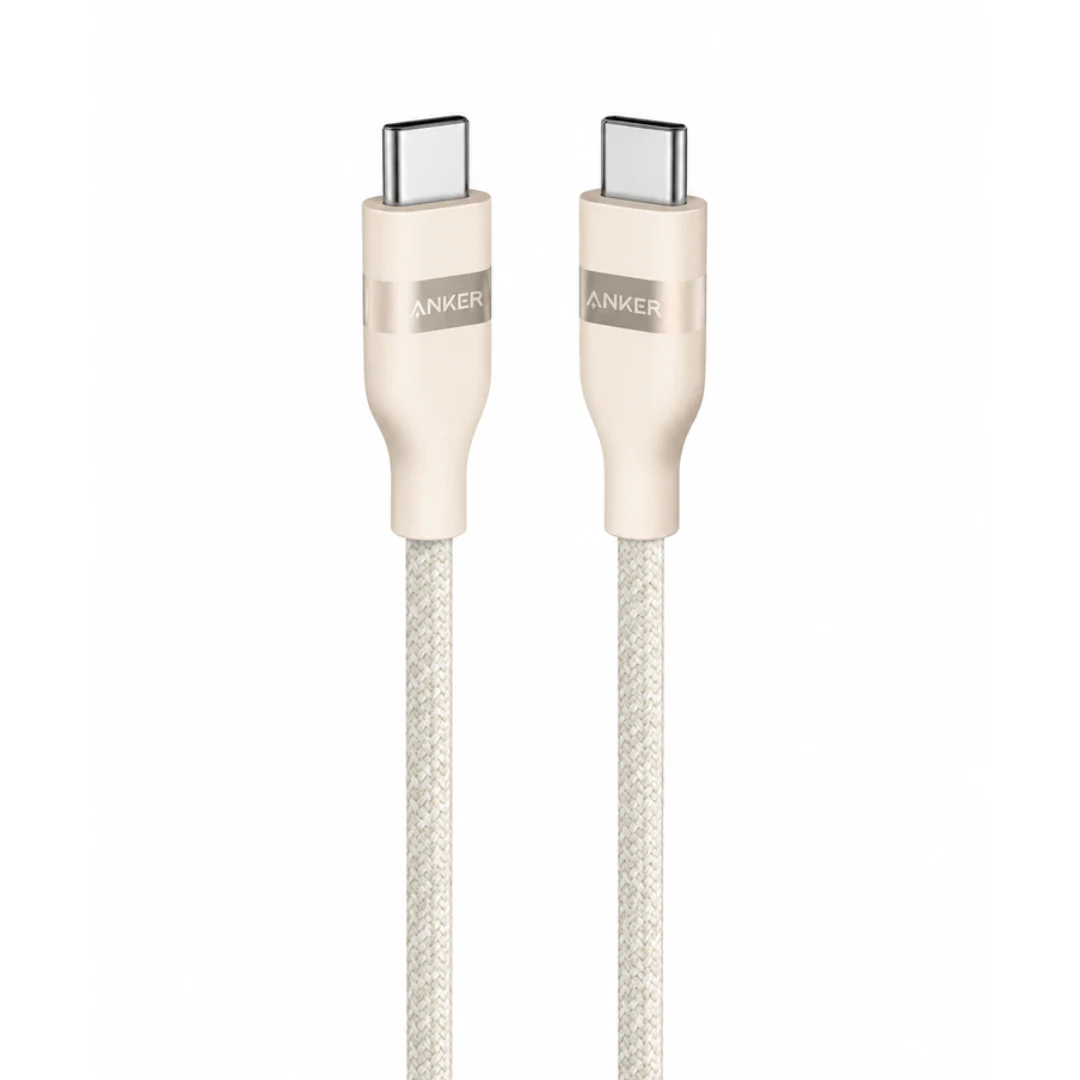
Anker Ultra-Soft USB-C to USB-C Cable A82E2 | 240W | 1.8m | E-Marker | Upcycled-Braided
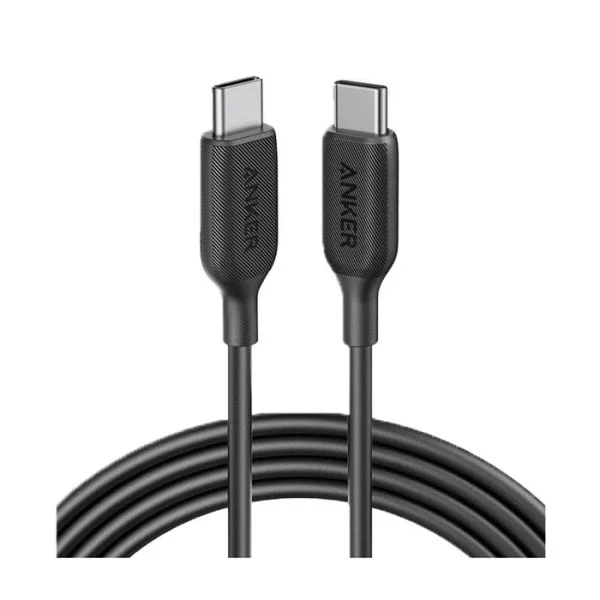
Anker SureIStrong USB-C to Lightning Cable
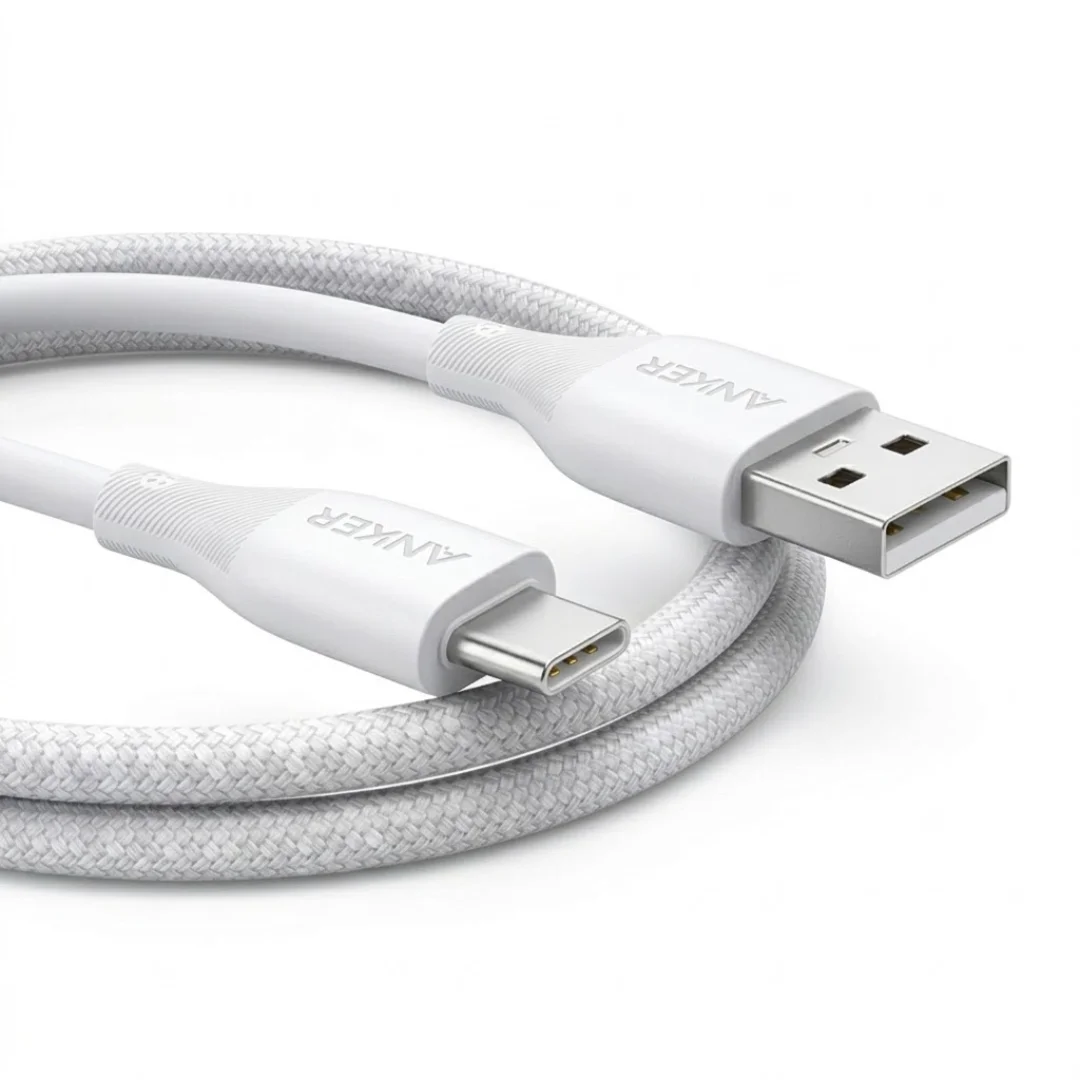
Anker USB-A to USB-C Cable (A8050) | Braided Nylon 1.8m | Fast Charging
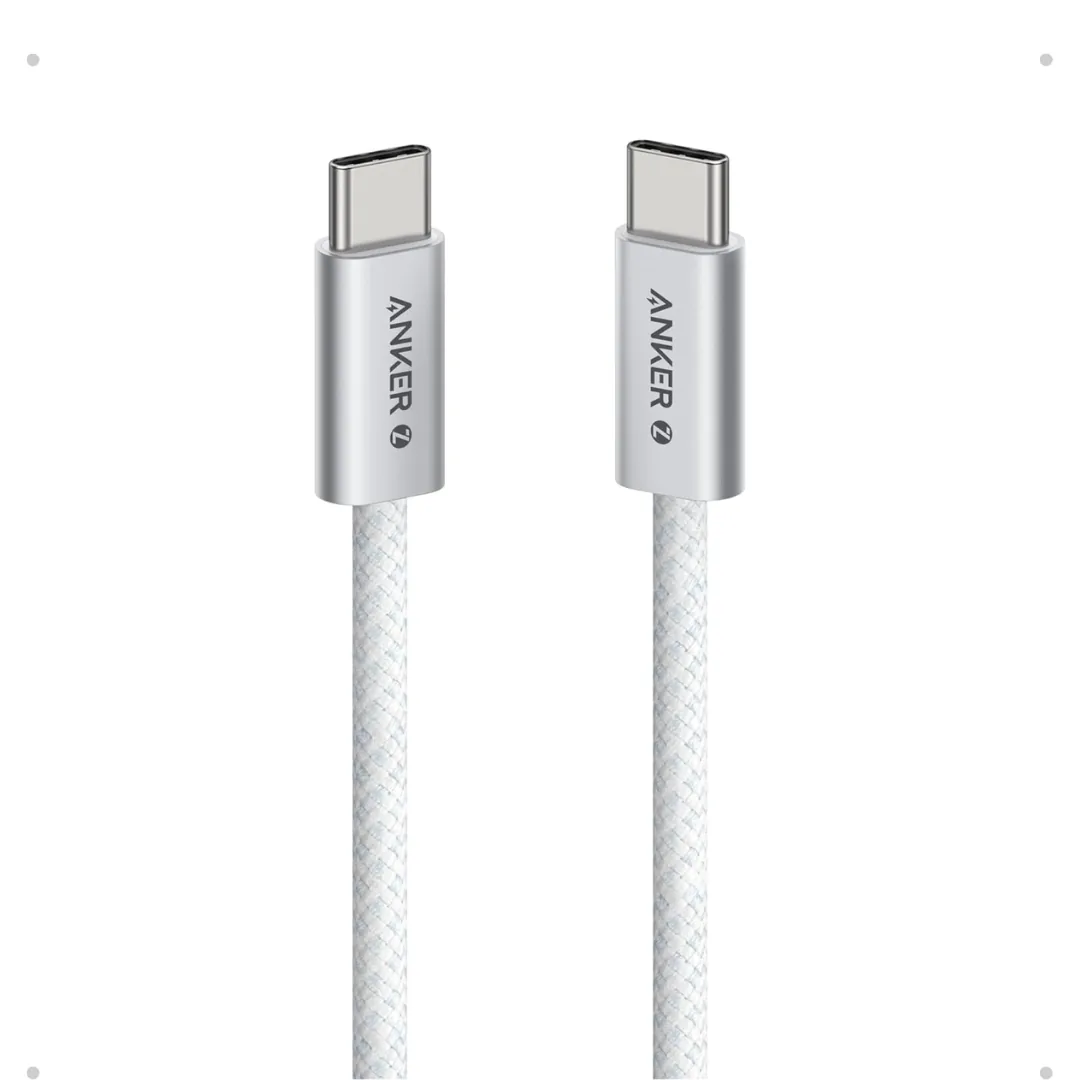
Anker Zolo USB-C to USB-C Braided Cable (A8060) — 240W PD 3.1, 1.5m | 240W-Grade 8-Core Wire
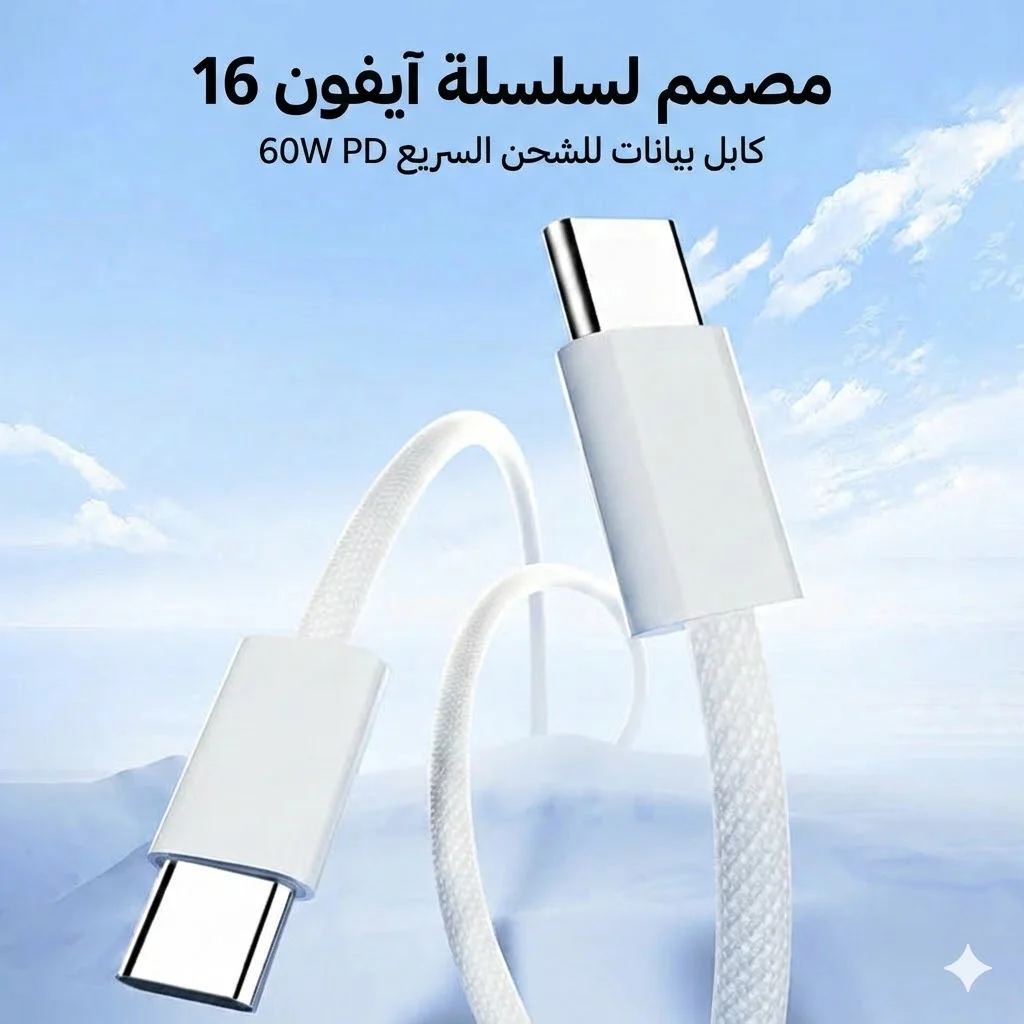
Joyroom 60W USB-C to USB-C Fast Charging Cable
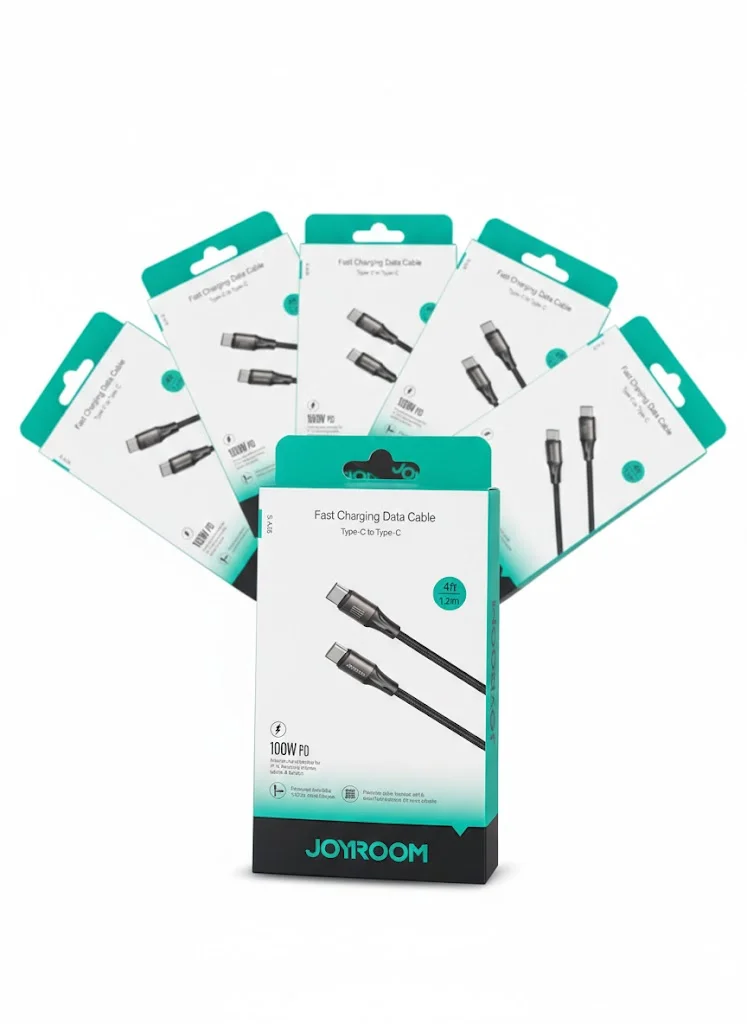
Joyroom USB-C to USB-C Cable JR-S-CC100
Browse the categories this article covers
Related Articles

Complete USB-C Cable Guide for Egypt: Not All Cables Are Created Equal
Read more →
Why Your Charging Cable Keeps Breaking: 6 Daily Mistakes & How to Make It Last Years
Read more →