 CairoVolt Team
USB-C 240W Cable for Gaming Laptops — When You Actually Need It and When It's a Waste of Money
A 240W cable isn't for everyone — learn which laptops actually need it, the real difference from 100W cables, and why you might be paying extra for nothing.
TL;DR: You only need a 240W USB-C cable if your laptop supports USB PD 3.1 EPR and charges above 100W, such as a MacBook Pro 16-inch with its 140W adapter or some newer gaming laptops. If your laptop uses 65W or less, a 100W cable is enough. Check that the cable has an EPR-capable E-Marker chip.
You're sitting at your desk, your 45,000 EGP gaming laptop running an RTX at full tilt — and its original charger looks like a brick with a cord long enough to stretch from Cairo to Aswan. So you think: "Let me just get a sleek USB-C 240W cable instead of this mess." But here's the question nobody asks you: does your laptop actually need 240W? Or are you buying a Ferrari to drive to the supermarket?
💡 Quick Answer: You only need a 240W USB-C cable if your laptop supports USB PD 3.1 EPR and charges above 100W, such as a MacBook Pro 16-inch with its 140W adapter or some newer gaming laptops. If your laptop uses 65W or less, a 100W cable is enough. Check that the cable has an EPR-capable E-Marker chip.
What's the Actual Difference Between a 100W and 240W Cable? ⚡
This isn't just a number on the box. The difference between a 100W and 240W cable is an engineering-level change in internal construction — like the difference between household wiring and industrial power cables.
| Specification | USB PD 3.0 (100W) | USB PD 3.1 EPR (240W) |
|---|---|---|
| Max Voltage | 20V | 48V |
| Max Current | 5A | 5A |
| Max Power | 100W (20V × 5A) | 240W (48V × 5A) |
| E-Marker Chip | Required above 60W | Always mandatory |
| Electrical Insulation | 20V rated | 48V rated — double insulation |
| Price in Egypt (approx.) | 150-350 EGP | 400-950 EGP |
The key difference: a 240W cable carries higher voltage (48V vs 20V) — that's what enables the 240W rating. The current stays the same at 5A in both. But higher voltage demands completely different electrical insulation and an advanced E-Marker chip that negotiates the exact power level between your charger and laptop.
Does Your Laptop Actually Need 240W? The Quick Test 🎯
Here's the surprise: 90% of laptops sold in Egypt don't need more than 100W — including many gaming laptops. Your laptop's power consumption depends on three factors: CPU TDP, GPU TGP, and screen size.
| Laptop Category | Power Under Load | Stock Adapter | Need 240W? |
|---|---|---|---|
| MacBook Air M3 | 20-35W | 30-35W | ❌ No — 60W cable is plenty |
| Dell XPS 15 / MacBook Pro 14" | 45-85W | 67-96W | ⚠️ No — 100W cable works fine |
| Entry Gaming (RTX 4060) | 80-140W | 135-180W | ⚠️ Depends — only if USB-C PD 3.1 |
| Mid-Range Gaming (RTX 4070/5070) | 150-250W | 200-240W | ✅ Yes — if EPR supported |
| Flagship Gaming (RTX 5080/5090) | 250-400W+ | 280-400W | ❌ 240W isn't enough — still need barrel plug |
🎯 Bottom Line: A 240W cable is useful only when your laptop consumes between 100W and 240W and supports USB PD 3.1 EPR via USB-C. Laptops consuming over 240W (flagships) still need the proprietary barrel plug. Those under 100W — a regular cable is all you need.
The E-Marker Chip: The Gatekeeper You Can't Ignore 🛡️
The E-Marker (Electronically Marked) chip is a tiny chip inside the connector that does something simple but critical: it tells the charger and laptop "I'm a cable rated for X volts and Y amps." Without a proper E-Marker, the charger won't deliver full power — and sometimes won't charge at all.
Think of it like a club membership card: no card, no entry — even if you've been a member for 20 years. A cable without a proper E-Marker will cap at 60W regardless of what's printed on the box.
- ⚡ 60W and below: E-Marker is optional — cable works without it
- 🔋 100W cables: E-Marker is mandatory to exceed 60W
- 🔥 240W EPR cables: Advanced E-Marker mandatory + 48V insulation + full EPR negotiation
⚠️ Warning: Unbranded 240W cables on OLX priced at 80-150 EGP often have counterfeit or missing E-Marker chips. These cables will only deliver 60W — meaning you pay 240W prices for 60W performance. Buy from trusted sources only.
3 Real-World Scenarios: When to Buy 240W and When to Save 💸
Scenario 1: "I have an ASUS ROG Strix G16 and game 6 hours daily"
If your laptop supports USB PD 3.1 EPR (available in 2025-2026 models) and draws 180-200W under load — yes, a 240W cable will serve you well. You can leave the barrel plug at home and carry a single USB-C cable + compact GaN charger. But note: during Full Performance gaming, the laptop may draw more than 240W — USB-C will charge slowly during gameplay but won't deliver peak power.
Scenario 2: "I have a MacBook Pro 16-inch for video editing"
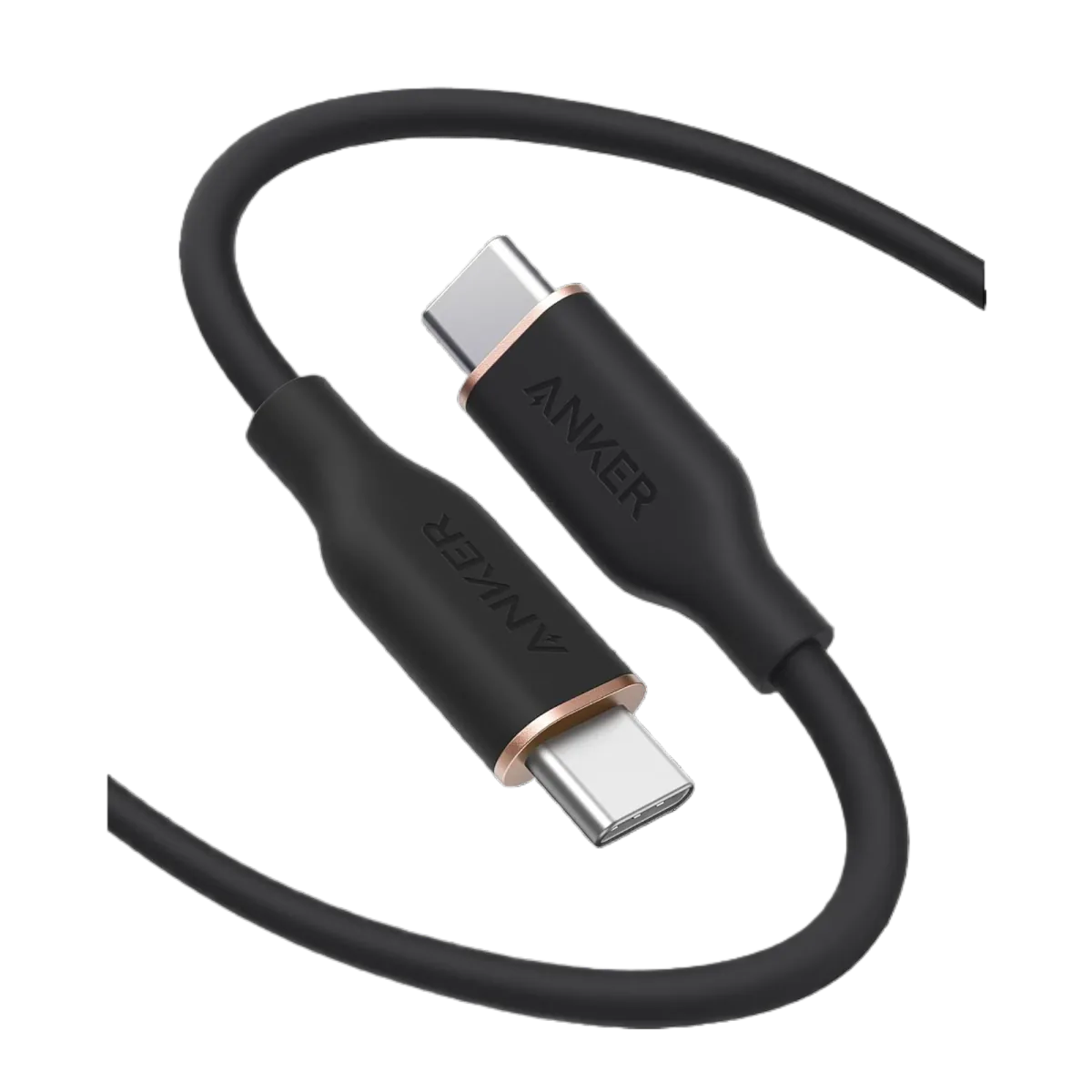
The MacBook Pro 16" M4 Max ships with a 140W charger. If you want a single cable for full power delivery and data transfer — a 240W cable is ideal. But if you rarely need more than 100W (which is typical even during heavy editing) — a 140W cable like the Anker Zolo A8060 covers you perfectly.
Scenario 3: "I have a Dell Inspiron for studying"
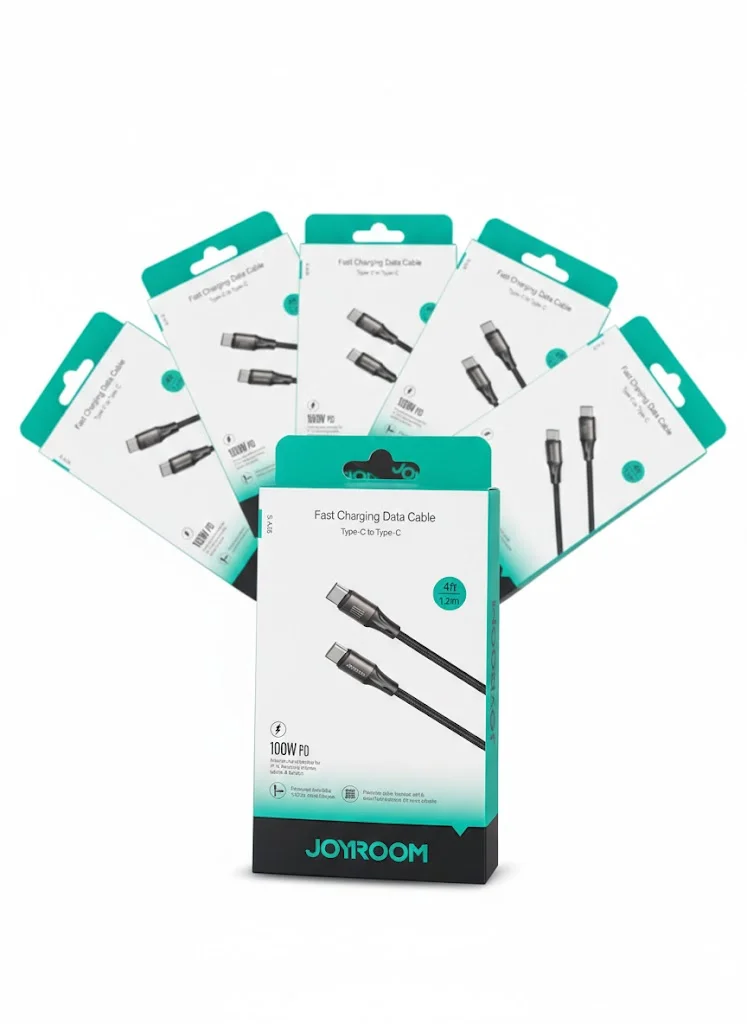
This laptop runs at 45-65W. A 240W cable here is literally wasting money — the laptop won't draw more than 65W even if you connect it to a cable rated for a million watts. Save your money and get a standard Joyroom USB-C cable for EGP 130 (no e-marker, so it tops out at 60W in practice — enough for this laptop).
How to Verify Your Laptop Supports USB PD 3.1 EPR 🔍
Not all USB-C ports are created equal — and this is one of the most confusing aspects. A laptop's USB-C port might support just 15W (USB 2.0 basic) or the full 240W. The difference isn't visible — it's in the protocol running underneath.
- 🔍 Check official specs: Visit the manufacturer's website and search for "USB-C Power Delivery" — if it says "PD 3.1 EPR" or "240W charging via USB-C," you're set
- 📱 Look at the stock charger: If your laptop only comes with a barrel plug charger (no USB-C charger) — it likely doesn't support USB-C charging above 100W
- 💻 Test in Windows: Connect a USB-C PD charger — if you see "plugged in, not charging" or very slow charging, the port doesn't support high-power delivery
- ⚡ Look for the lightning bolt: Some manufacturers place a ⚡ or 🔌 icon next to the USB-C port that supports charging — other ports are data-only
Best High-Power USB-C Cables Available in Egypt 🇪🇬
| Cable | Power | Length | Best For |
|---|---|---|---|
| Anker Zolo A8060 USB-C | 140W PD 3.1 | 1.5m | MacBook Pro / 65-140W laptops |
| Anker PowerLine USB-C | 60W | 1.8m | Ultrabooks / tablets / phones |
| Joyroom USB-C to USB-C | 60W | 1.2m | Budget / daily use |
| Joyroom USB-C 60W | 60W | 1m | Power banks / budget fast charging |
If you need a true 240W EPR cable — look for cables with official USB-IF certification explicitly marked "240W" or "EPR" on the connector or packaging. Trusted global brands like Anker, UGREEN, and Cable Matters offer certified 240W cables. If you find a "240W" cable on OLX for 80 EGP — it's not 240W, it's wishful thinking on paper.
Critical Warnings Before You Buy ⚠️
⚠️ Warning: Even with a genuine 240W cable — your charger must also support 240W EPR. A 240W cable + 65W charger = 65W charging only. The entire chain (cable + charger + laptop) must support EPR to reach 240W.
- 🔥 Heat matters: A 240W cable carries high power — in Egypt's summer heat (40°C+), leaving it in your car (60-70°C) can degrade the internal insulation. Store in a cool place
- 📏 Length matters: A 2-meter 240W cable may suffer more voltage drop than a 1-meter version. For gaming laptop charging — shorter is better
- 🛡️ No certification = potential hazard: A 240W cable carries 48V — if the insulation is cheap or the connector weak, the risk is significantly higher than a standard 20V cable
- 💻 Not every USB-C port charges: Many gaming laptops have 2-3 USB-C ports — but only one supports Power Delivery. Check the manual or look for the ⚡ icon
✅ Genuine Cables Available on CairoVolt
All CairoVolt cables are genuine, with an invoice and CairoVolt's written store warranty (duration shown on each product page) + delivery to all governorates, commonly 1–6 business days. If you need more than 60W, choose a cable with an e-marker chip — each cable's product page says whether it has one. Choose the cable that matches your actual needs — not the number on the box. Need help choosing? Message us on WhatsApp.
CairoVolt Team
Tech Editor
Frequently Asked Questions
Can I charge a gaming laptop with a standard 100W USB-C cable?▼
What's the difference between a regular E-Marker and an EPR E-Marker in a 240W cable?▼
Does a 240W cable affect laptop battery lifespan?▼
If I buy a 240W cable but my laptop only uses 65W — is there any harm?▼
Ready to Buy?
Browse available products and review specifications and CairoVolt warranty terms before ordering
Related products
Joyroom USB-C to USB-C Cable JR-S-CC100
Anker PowerLine III USB-C to USB-C | 60W | iPhone 17 & Samsung S26
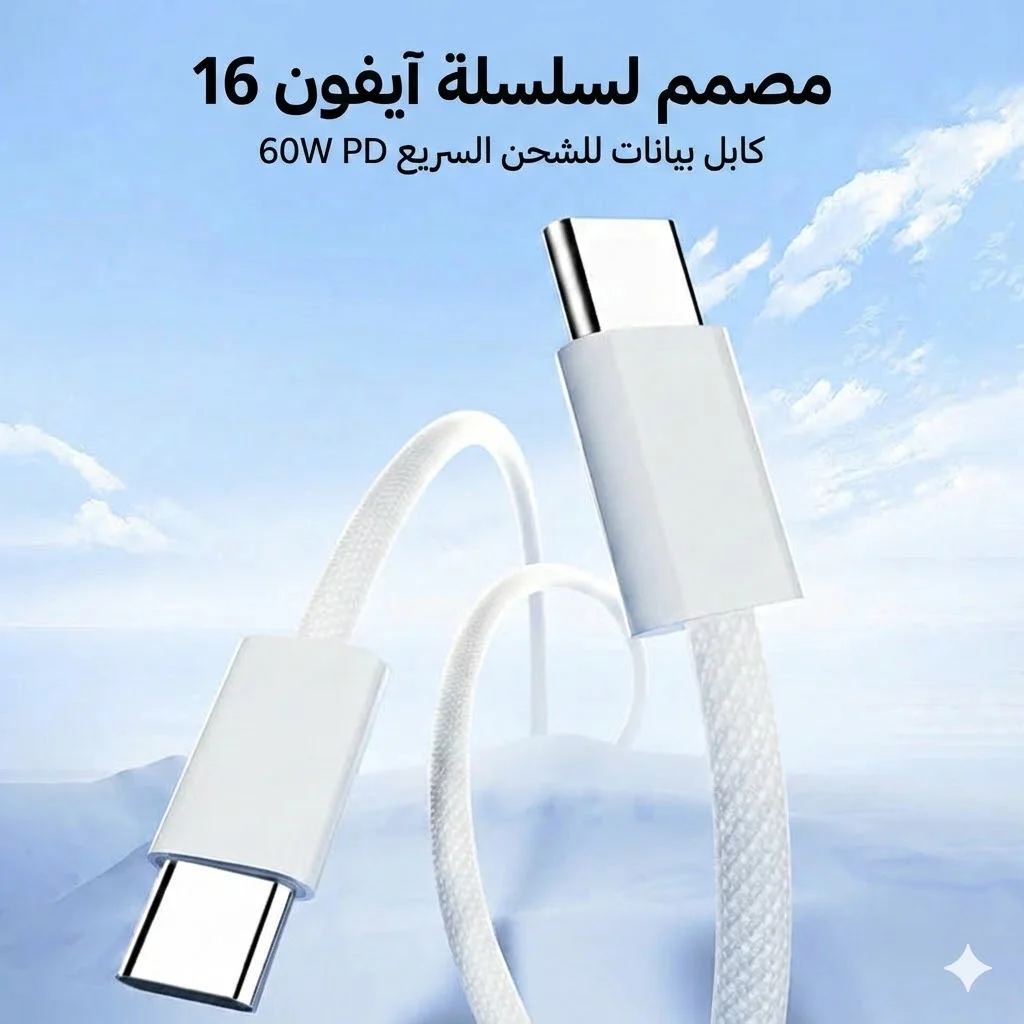
Joyroom 60W USB-C to USB-C Fast Charging Cable
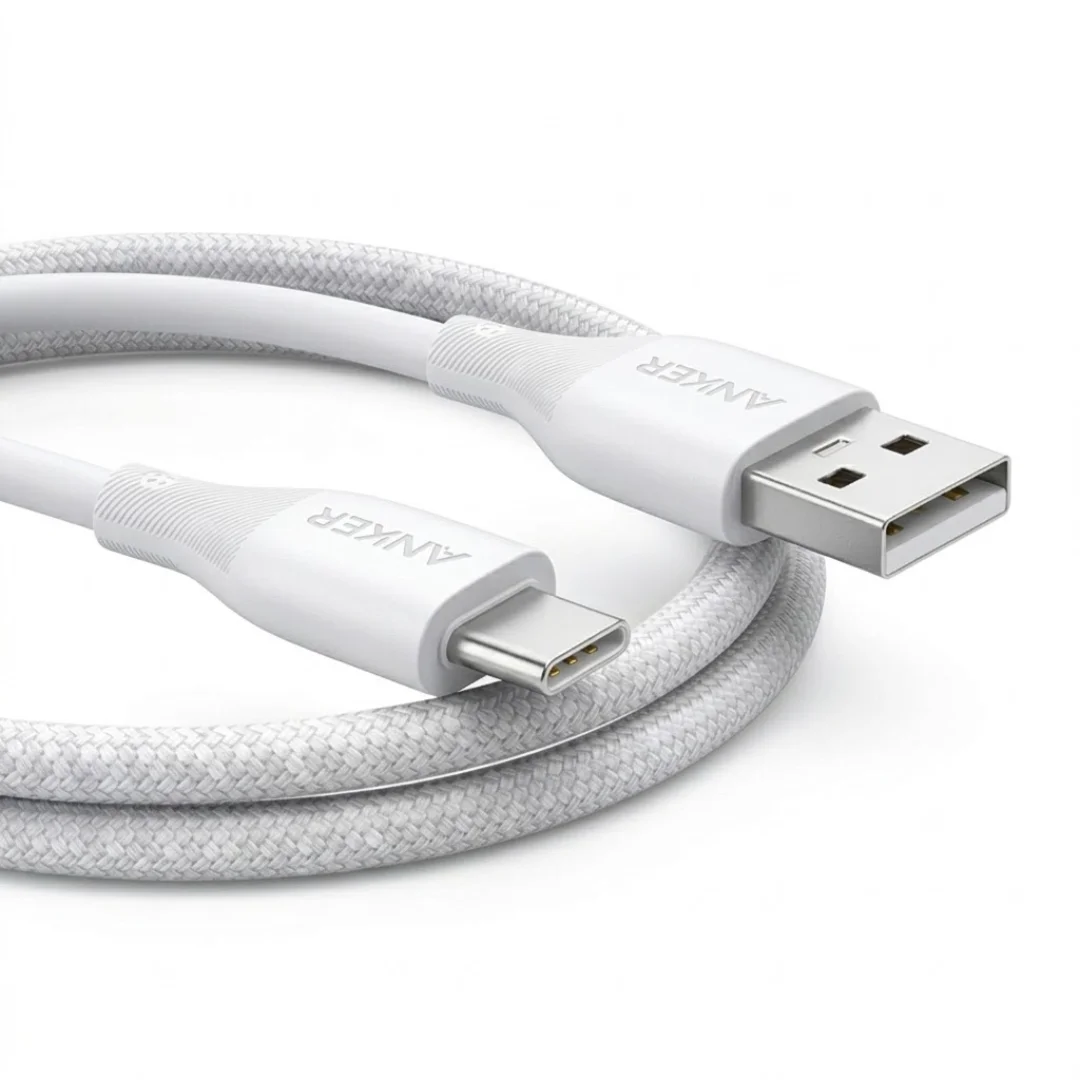
Anker USB-A to USB-C Cable (A8050) | Braided Nylon 1.8m | Fast Charging
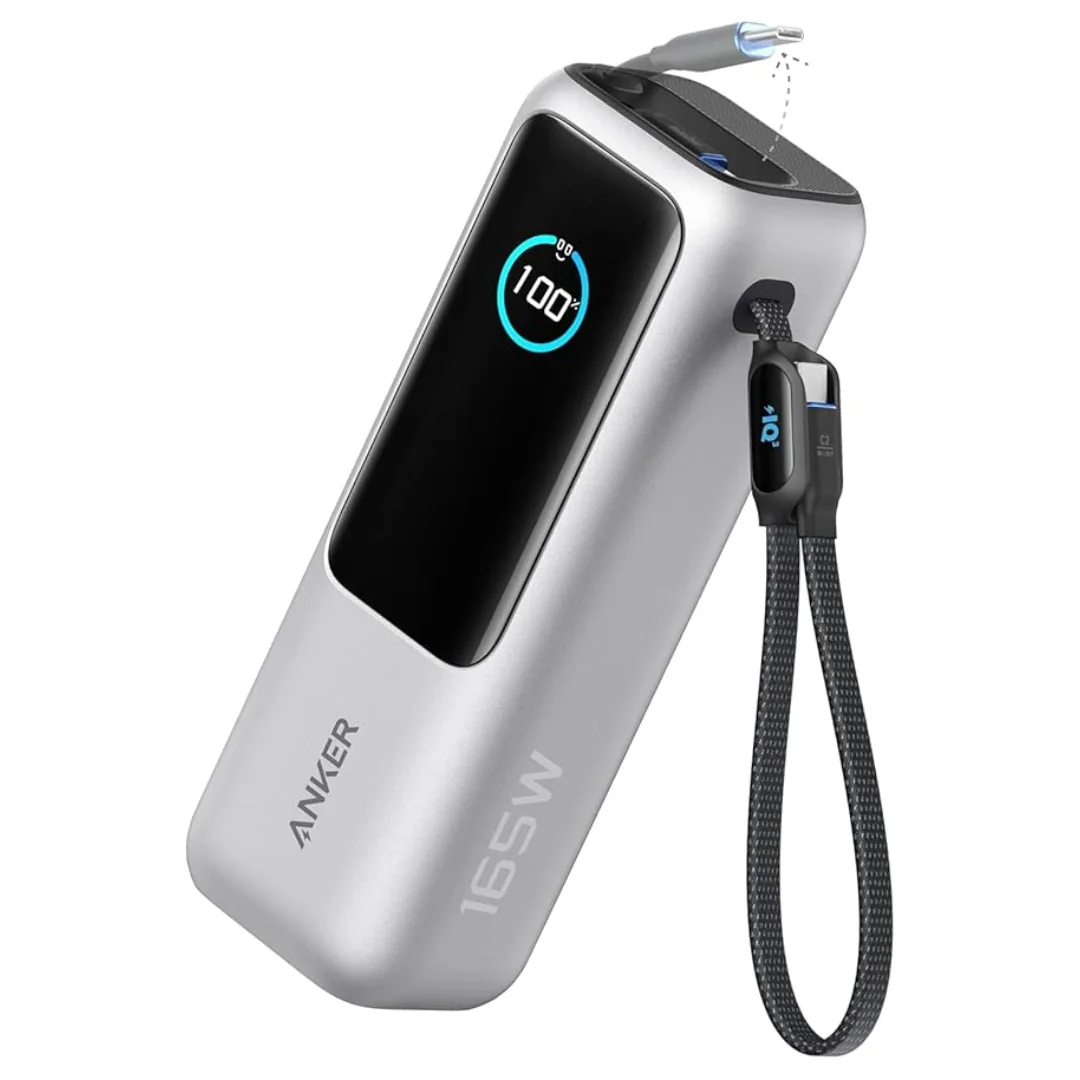
Anker Zolo Power Bank 25,000mAh 165W — Built-In Dual Cables | MacBook Charging
Browse the categories this article covers
Related Articles

Complete USB-C Cable Guide for Egypt: Not All Cables Are Created Equal
Read more →
Why Your Charging Cable Keeps Breaking: 6 Daily Mistakes & How to Make It Last Years
Read more →