How to Store a Power Bank Long-Term Without Damaging the Battery
Left your power bank in a drawer and found it swollen or dead? Learn the electrochemistry behind storage SOC limits (the 50% rule) to save your battery.
Quick Take: To store a power bank long-term without damage, never store it at 100% full charge or 0% completely empty. The optimal state-of-charge (SOC) for storage is between 50% and 60% (about 2 to 3 indicator LEDs). Store it in a cool, dry place (ideally between 15°C and 25°C) away from direct sunlight, and charge it back to 50% every 3 to 6 months to offset natural battery self-discharge.
You go on a summer trip to Dahab or Marsa Alam and buy a premium power bank to keep your devices charged. Once you return home and the power grid stabilizes, you toss the power bank into a desk drawer and forget about it for six months. When next summer rolls around, you pull it out, press the power button, and... nothing. You plug it into a wall charger, but the display remains dead or the indicator LEDs flash erratically without drawing current. In other cases, you might find the casing swollen like a loaf of bread. You ask yourself: "How did it break? I barely used it!" As an electronics engineer, I will tell you that lithium battery chemistry suffers more from stagnation and poor storage than from heavy daily use. In this guide, I will explain the chemistry of idle batteries and provide the golden rules for safe storage.
1. Electrochemistry: The Highs and Lows of Charge States
The batteries inside your power bank are made of lithium-ion or lithium-polymer cells. This chemistry operates via the movement of lithium ions between anode and cathode terminals. Storing a cell at extreme states of charge (SOC) creates severe chemical stress:
- 🚨 Storing at 100% SOC: When a battery is fully charged, the lithium ions are packed entirely into one electrode, holding the cell at its maximum voltage potential (4.2V to 4.4V). This elevated voltage catalyzes electrolyte oxidation and gas accumulation, resulting in battery swelling and accelerated capacity degradation.
- 📉 Storing at 0% SOC: When stored completely empty, the cell voltage drops below the critical threshold (under 2.5V). In this low-potential state, the copper anode current collector begins to dissolve into the electrolyte. Upon recharging, the copper precipitates as metallic fibers known as dendrites, which puncture the separator layer and create internal short circuits, potentially leading to thermal runaway.
For these reasons, the global industry standard is to charge power banks to **50% to 60%** before storing them. At this state of charge, the cell rests at its nominal voltage (~3.8V), and the ions are distributed evenly between the electrodes, minimizing internal stress.
2. Natural Loss: Self-Discharge Rates
All lithium batteries lose charge over time, even when disconnected. This is known as **self-discharge**.
While bare lithium cells lose about **2% to 5% of their charge per month**, power banks experience faster drain due to the Battery Management System (BMS). The BMS is an active safety circuit that monitors cell voltages and temperatures, drawing a microscopic current (parasitic draw) even when the unit is powered off.
If you store a power bank at a low capacity (such as 15%), it will drop to 0% within two to three months, entering a state of deep discharge. Once here, the BMS locks out the battery permanently as a safety measure, preventing it from accepting a charge ever again.
The Role of Temperature on Self-Discharge and Aging
Based on thermodynamics, high temperatures act as a catalyst for chemical reactions. Storing your power bank in a warm environment (such as a drawer next to a sunny balcony in Egypt, or inside a parked car) doubles the self-discharge rate to **10% or 15% per month** and accelerates component aging. Storing a battery at 40°C degrades its capacity four times faster than storing it at a cool 20°C.
The Quality of Lithium Cells (Grade A vs. Grade B Cells) and Self-Discharge Rates
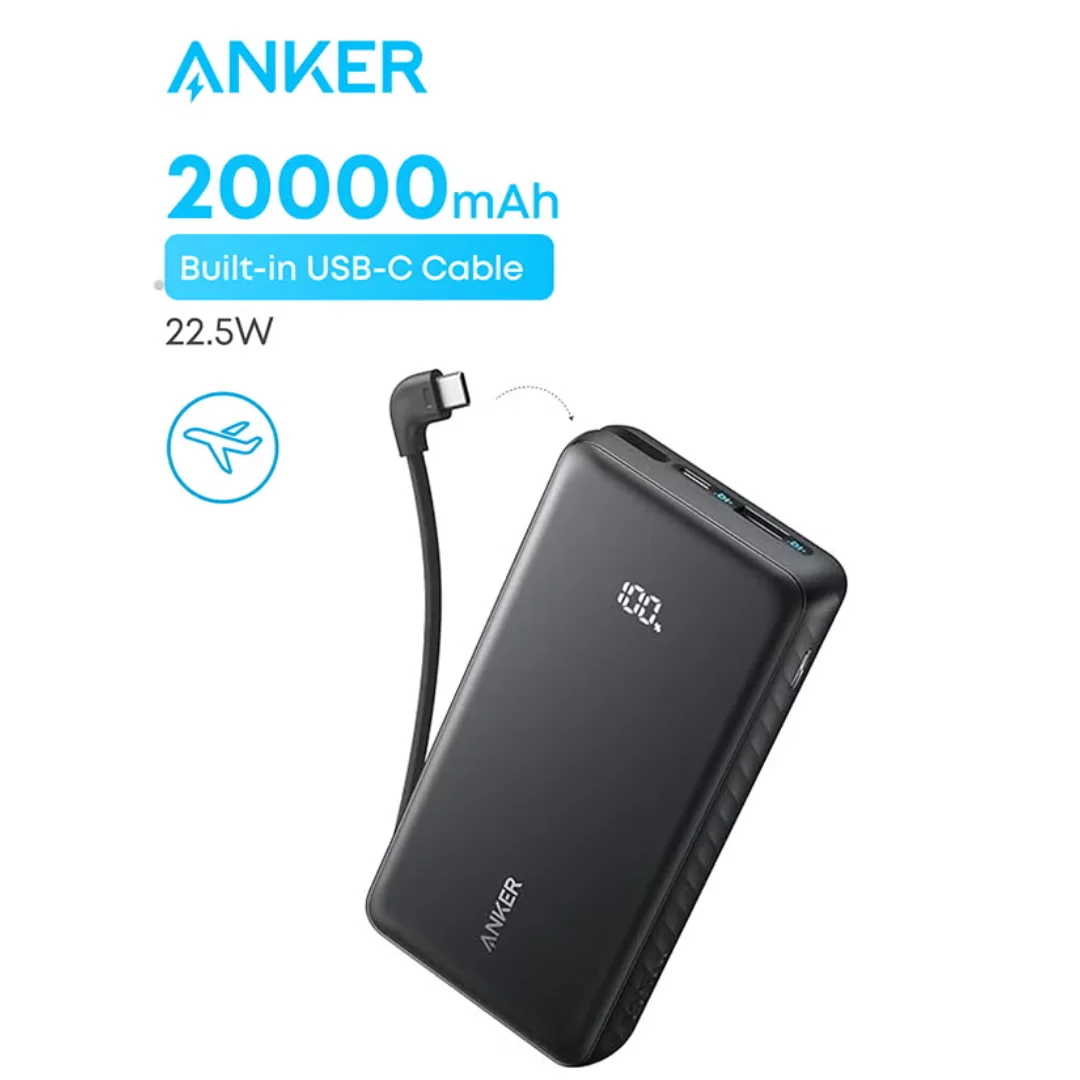
Purchasing cheap, unbranded power banks exposes you to much higher storage degradation risks. Premium manufacturers like Anker and Joyroom utilize Grade A lithium cells supplied by tier-one global manufacturers such as LG, Samsung, or Panasonic. These cells feature highly purified chemical components and robust internal separators, resulting in a low, predictable self-discharge rate.
In contrast, generic white-label power banks often use recycled or Grade B/C cells with micro-imperfections in their separator layers. These defects facilitate faster internal charge leakage, causing the device to drop into a deep discharge state within weeks of storage, even if it was initially set to a safe 50% state of charge.
3. Ideal Environmental Conditions for Storage
Where you place your power bank determines its lifespan. Follow these storage guidelines:
- 🌡️ Moderate Temperatures: Store the device in a temperature-controlled area between 15°C and 25°C. Avoid kitchens, glove boxes, or placing it near heat-generating appliances like televisions or routers.
- 💨 Dry Atmosphere: High humidity causes moisture to condense on the internal Printed Circuit Board (PCB), causing oxide corrosion on contacts and risking short circuits.
- 📦 Breathable Fabric Sleeves: Store the power bank in its original mesh sleeve (such as those provided by Anker). Never seal a power bank in an airtight plastic bag, as temperature changes can trap condensation inside the bag.
Galvanic Corrosion of Copper Ports and Contact Resistance in Humid Environments
Storing the power bank in high relative humidity environments (such as kitchens or in coastal cities like Alexandria and Damietta without protection) leads to galvanic corrosion. Moisture reacts with the copper and gold alloy plating on USB-C and USB-A port contact pins. Over time, a green verdigris layer forms.
This oxide layer drastically increases the port’s contact resistance. When you attempt to use the power bank later, this high resistance causes a severe voltage drop and generates high local temperatures during fast charging. This thermal energy can melt the plastic housing of the port and permanently ruin your charging cables.
4. Step-by-Step Long-Term Maintenance
To ensure your power bank works reliably when needed, follow this maintenance checklist:
- 🔋 Set Capacity to 50%: Charge or discharge the device until half of the LEDs are lit, or until the smart screen reads 50% (on models like the Anker 737 Power Bank or Anker Prime 25000).
- ⏰ Quarterly Refresh (Every 3 Months): Set a calendar reminder. Every three months, discharge the power bank slightly by charging a device, then charge it back to 50% and return it to storage. This refreshes the chemical layers and prevents deep discharge.
5. Differentiating a Swollen (Damaged) Battery from a Sleeping (Deeply Discharged) Battery
In a home environment, it is critical to distinguish between a battery in deep sleep mode and one that has suffered physical gas expansion. A swollen battery indicates that the chemical cell bag has physically expanded due to hydrogen and carbon monoxide generation. This is highly combustible, and the internal separators have been severely compromised. Storing or attempting to charge a swollen cell can lead to violent ignition.
A sleeping battery, conversely, has stable chemistry but its cell potential has dropped below the BMS detection limit (typically under 2.2V). When connected to a modern fast charger, the charger refuses to output power because it detects no load. The solution is **Trickle Charging**. Connect the power bank to a low-output legacy charger (5V 1A or 5W) and leave it for several hours. This small current bypasses the BMS lockout, slowly building up the voltage to 3V, at which point the BMS wakes up and resumes standard fast charging.
6. Storage SOC Comparison Table
| Storage SOC Percentage | Approximate Cell Voltage | Chemical Risk Level | Impact on Lifespan |
|---|---|---|---|
| 100% (Fully Charged) | 4.2V - 4.4V | High (Swelling & gas risk) | Rapid capacity loss |
| 50% - 60% (Optimal) | 3.8V - 3.85V | None (Balanced state) | Preserves health and capacity |
| 10% - 20% (Low) | 3.4V - 3.6V | Medium (Deep discharge risk) | Risk of BMS lockout |
| 0% (Fully Empty) | < 3.0V | Very High (Permanent copper decay) | Cells die and refuse to charge |
7. Verdict and Final Advice
A power bank is a chemically active device even when idle. Storing it completely full or entirely empty is the easiest way to damage it. CairoVolt recommends keeping your power bank at **50% charge** during storage, placing it in a cool, dry area, and cycling it every three months to extend its usable lifespan for years to come.
If you suspect that your power bank or phone is not charging due to dusty or oxidized ports from storage humidity, read our guide on how to clean charging ports safely to clear out debris without damaging contact pins.

CairoVolt Editorial Team
Content team reviewing specifications and buying guides
The CairoVolt team reviews model numbers, specifications, and compatibility, and updates information when better data is available. Estimates are labeled as calculations, and readers can report information that needs correction.
Frequently Asked Questions
Can I leave my power bank plugged into the wall charger indefinitely?▼
Why do power banks with digital screens drain faster while stored in a drawer?▼
Can I store my power bank in the freezer to preserve battery life?▼
What should I do if my stored power bank has swollen up?▼
Ready to Buy?
Browse available products and review specifications and CairoVolt warranty terms before ordering
Related products
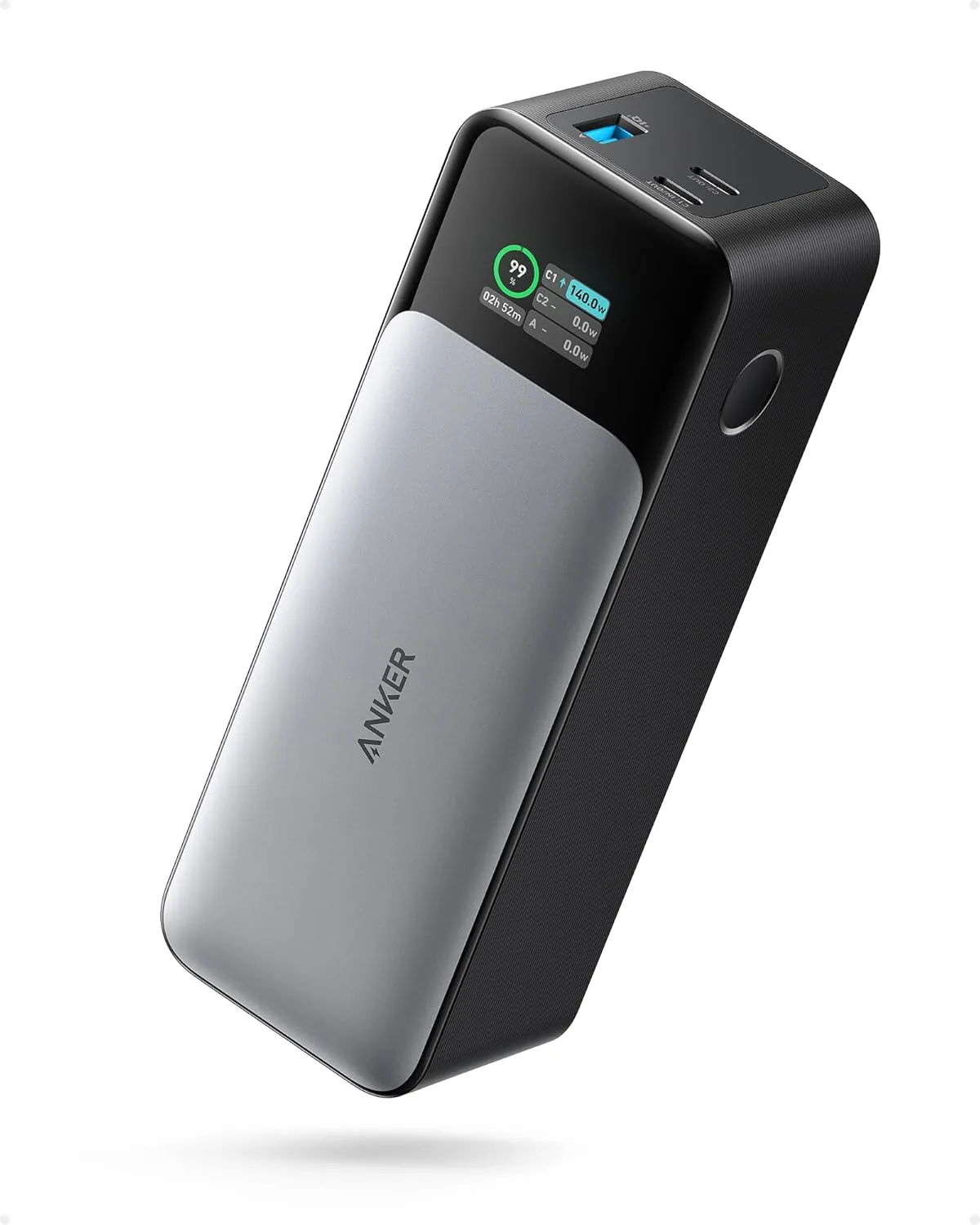
Anker 737 Power Bank (PowerCore 24K, A1289011) | Listed 140W PD 3.1 | 24,000mAh
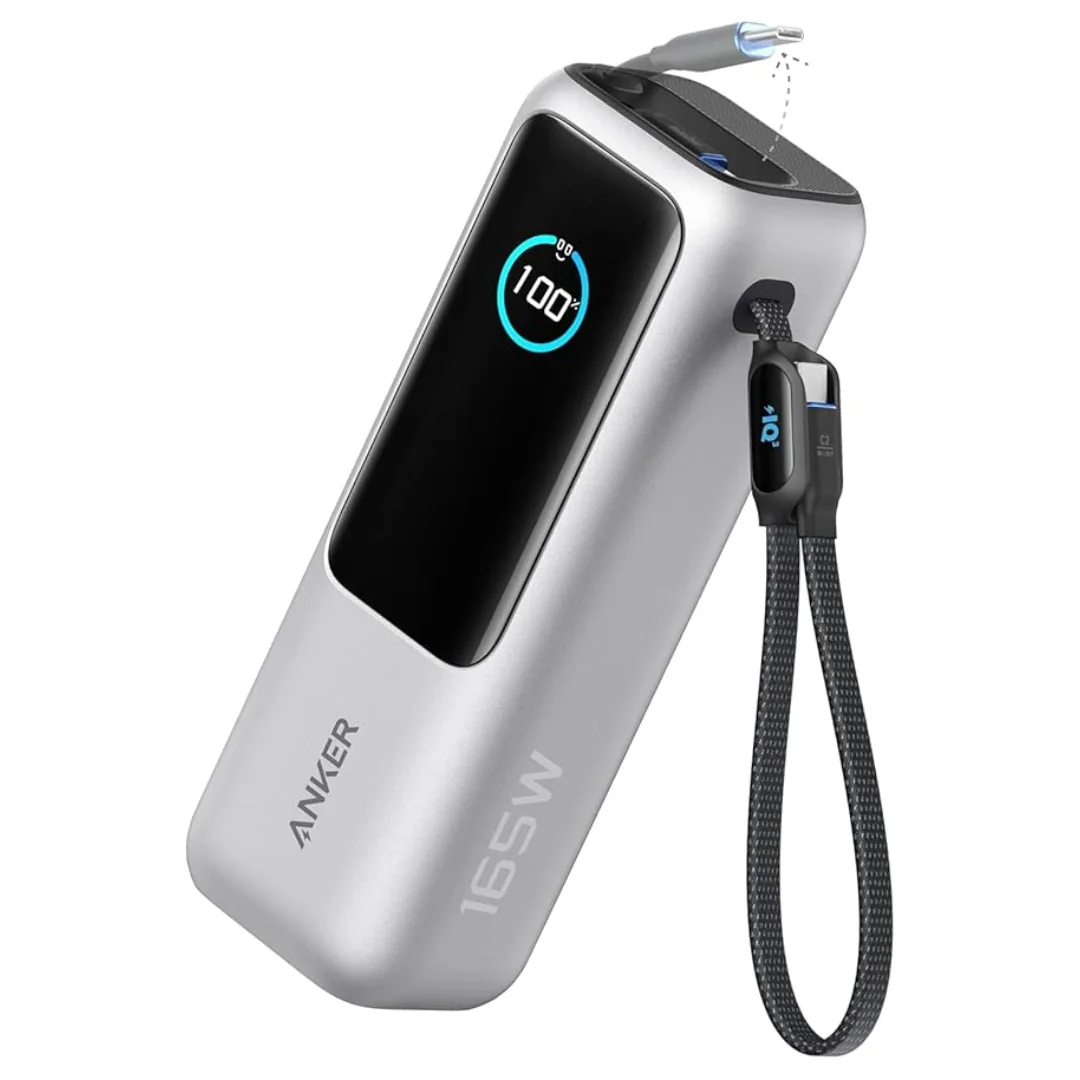
Anker Zolo Power Bank 25,000mAh 165W — Built-In Dual Cables | MacBook Charging
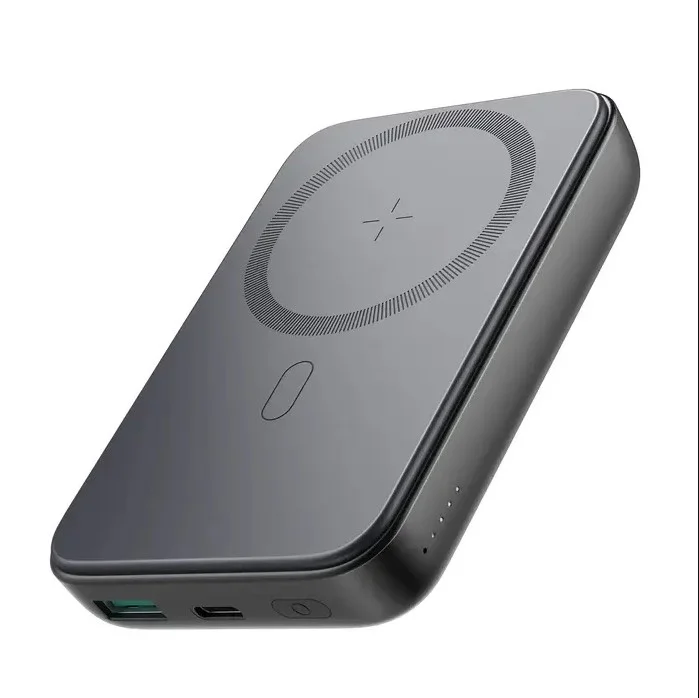
Joyroom MagSafe Power Bank 10000mAh | 15W Wireless + 20W Wired | Kickstand
Anker 622 Magnetic Battery (MagGo) | MagSafe | Foldable Stand
Joyroom 20000mAh Power Bank | 22.5W PD+QC | Triple Output