How to Clean Lightning and USB-C Ports Safely — Avoid Port Damages
Is your phone charger cable loose or failing to charge unless bent? Learn why metal needles destroy contacts and how to extract dust safely.
TL;DR: To clean your phone's charging port (USB-C or Lightning) safely, never use metal objects (such as sewing needles, safety pins, or paperclips) and do not spray liquid cleaners directly. The correct engineering method is to power off the device completely, use a shaved wooden or plastic toothpick to gently scrape out compressed pocket lint, and blow out loose dust with a can of compressed air. Metal tools strip gold contacts and cause destructive short circuits.
You put your phone in your jeans pocket and head out. You repeat this movement daily, and with each drop, your charging port collects pocket lint and fine dust, packing it into the bottom like a compressed cotton pad. Suddenly, you plug in your charging cable and find it won't go all the way in or feels loose, and charging keeps cutting out unless you bend the cable. Frustrated, you think: "The port is broken, and I have to go to a repair shop to change it for 500 EGP!" But before you pay, the port might just be dirty. Then you make the second mistake: you grab a metal sewing needle or safety pin and start digging aggressively inside... stop! That movement is enough to break delicate copper pins and cause an electrical short circuit that fries your phone. As an electronics engineer, I will show you how to clean Lightning and USB-C ports safely using the right tools.
1. Port Anatomy: Understanding the Fragile Internals
As an engineering professor, you must understand the component you are dealing with to know why metal needles are destructive. Charging ports are highly delicate electronics:
- ⚡ Lightning Port (iPhone): This is a hollow socket containing 8 gold-plated copper pins mounted on the top and bottom interior walls. The iPhone cable is the one with exposed pins. While the socket is hollow, the danger lies in scratching the gold-plated pins or ruining the metal spring clips that hold the cable head in place and emit the satisfying "click".
- 🔌 USB-C Port (Android & Modern iPhones): This port is far more complex and sensitive. In the center of the socket sits a thin plastic wafer called the **Central Tongue**. This tongue contains 24 microscopic copper contacts (12 on top, 12 on the bottom). The cable connector wraps around this tongue. Inserting any thick or rigid tool can bend or snap the tongue, requiring a complete board-level port replacement.
From a mechanical clearing perspective, the clearance inside a Lightning port is approximately 1.5mm, while the clearance on either side of a USB-C central tongue is less than 0.6mm. This tight clearance means that small fibers, pocket lint, and dust are easily shoved and packed into the back of the port by the cable tip during daily insertions. Over weeks, this debris forms a highly dense pad at the bottom of the socket, acting as a physical bumper that prevents the cable from making full electrical contact. The side spring clips fail to click, and the loose connector drops current. Shaving the toothpick to a flat, thin profile allows it to slide underneath this packed lint without applying vertical stress to the central wafer.
2. The Chemical and Electrical Risks of Metal Tools
Why do we prohibit sewing needles and safety pins? The reason comes down to two major risks:
- 🛠️ Mechanical Abrasion and Gold Degradation: The copper contact pins are plated with a microscopic gold layer to prevent corrosion and ensure maximum conductivity. Hard metals like steel pins strip this gold layer instantly. Once gold is removed, the copper underneath oxidizes rapidly in the presence of air and humidity, forming an insulating green oxide layer that causes overheating during charging.
- ⚡ Electrical Short Circuits: Even when powered off, a phone maintains standby voltage at the charging port terminals for detection. Inserting a conductive metal needle can bridge the VBUS power line to the GND ground line. This short circuit sends a high current spike back into the charging controller chip (such as IC U2 or Hydra in iPhones), bricking the motherboard completely.
3. Safe Tools Recommended by Engineers
To clean your port without causing mechanical or electrical damage, you must use non-conductive, soft materials:
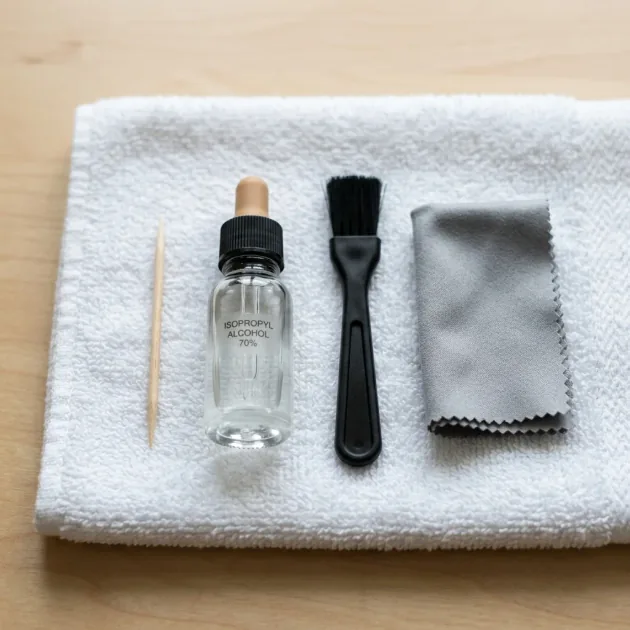
- 🎋 Wooden or Bamboo Toothpicks: Wood is a natural insulator and has enough elasticity to bend or break before it damages the central plastic tongue of the port.
- 💨 Can of Compressed Air: Compressed air is the gold standard for blowing out loose dust and debris without any physical contact. Never blow with your mouth, as saliva droplets introduce moisture.
- 🧪 99% Isopropyl Alcohol: Do not use rubbing alcohol (70%), water, or perfume, as their high water content causes corrosion. 99% pure alcohol evaporates completely in seconds without leaving any moisture behind.
The Critical Need for Task Lighting and Magnification in Port Maintenance
Task lighting and visual magnification are crucial engineering prerequisites for port maintenance. The copper contacts inside these ports are microscopic, and working blindly inside a dark socket increases the failure rate. Always use a strong flashlight or an adjustable desk lamp alongside a magnifying glass or a secondary smartphone camera with macro zoom enabled. This visual feedback ensures you scrape the packed lint without scraping the gold-plated pins directly, reducing mechanical damage risk to absolute zero.
The Hazards of Using Sewing Thread or Dental Floss
Some users attempt to clean charging ports by sliding sewing thread or dental floss through the socket gaps. Physically, threads consist of micro-fibers that easily shred when dragged against the sharp edges of internal copper contacts. These shredded fibers remain trapped inside, worsening the compaction. They can also wrap around the delicate USB-C tongue, creating a mechanical block that is extremely difficult to extract. Avoid threads entirely and stick to rigid, non-conductive wood tools.
4. Step-by-Step Safe Cleaning Guide
Follow this exact engineering protocol to clean your port at home:
Step 1: Power Off the Device
Turn off the phone completely to ensure there is no active voltage running through the port pins during cleaning.
Step 2: Shave the Toothpick
Using a clean blade, shave the tip of a wooden toothpick to make it flat, thin, and spatula-like. This allows it to slide into the narrow gaps of a USB-C port without touching the central tongue.
Step 3: Blow Out Debris
Hold the can of compressed air at a slight angle and apply 2-3 short bursts. This clears out loose dust before scraping.
Step 4: Scrape Gently
Insert the shaved wooden tip into the gap on one side of the central tongue. Slide it along the bottom wall and scoop outward. You will be surprised by the amount of packed gray pocket lint that emerges. Repeat on the other side of the tongue with absolute care.
Step 5: Clean the Pins
If there is oily grime or oxidation, apply a tiny drop of 99% isopropyl alcohol to the toothpick tip or a shaved cotton swab. Gently wipe the contacts, then wait two minutes for it to dry before powering the phone back on.
Step 6: Verify Connection
Plug in a high-quality certified cable like the Joyroom Type-C Cable. You should hear a clear click, and the cable should fit tightly. Once verified, power on the phone to test charging stability.
5. Engineering Comparison of Cleaning Tools
| Cleaning Tool | Electrical Conductivity | Mechanical Damage Risk | Engineering Verdict |
|---|---|---|---|
| Metal Pins & Needles | Very High (Conductive) | Critical (Destroys pins) | Strictly Banned ❌ |
| Wooden Toothpick | None (Insulator) | Very Low (Flexible) | Highly Recommended ✅ |
| Dry Toothbrush | None (Insulator) | Low | Good for loose surface dust only ⚠️ |
6. Cleaning the Cable Connector
Sometimes, the issue lies with dirty cable contacts rather than the phone port. Over time, black carbon deposits (carbon oxidation) build up on the gold-plated pins of the cable plug due to electrical arcing during connection.
To clean the cable head, take a clean, dry pencil eraser and gently rub the gold pins for a few seconds. The friction will lift the carbon buildup, revealing the shiny gold surface. Wipe it down with a cloth dampened with 99% isopropyl alcohol to ensure stable power delivery.
7. Verdict and Final Advice
Cleaning your phone's port is a simple maintenance task, but using the wrong tools can result in expensive component failures. Stick to wooden toothpicks and compressed air, clean the port once every few months to prevent lint packing, and keep metals and liquids away from your charging ports to protect your smartphone.
If you have cleaned your port but charging speeds are still slow or erratic, read our guide on why wireless charging is slower and how protocols negotiate power to diagnose underlying electrical and software bottlenecks.

CairoVolt Editorial Team
Content team reviewing specifications and buying guides
The CairoVolt team reviews model numbers, specifications, and compatibility, and updates information when better data is available. Estimates are labeled as calculations, and readers can report information that needs correction.
Frequently Asked Questions
Can I clean my phone charging port with a toothbrush?▼
Why should I not blow directly into the port with my mouth?▼
What is the black spot that appears on one of the Lightning cable pins?▼
Does breaking the central tongue of a USB-C port destroy the phone?▼
Ready to Buy?
Browse available products and review specifications and CairoVolt warranty terms before ordering
Related products
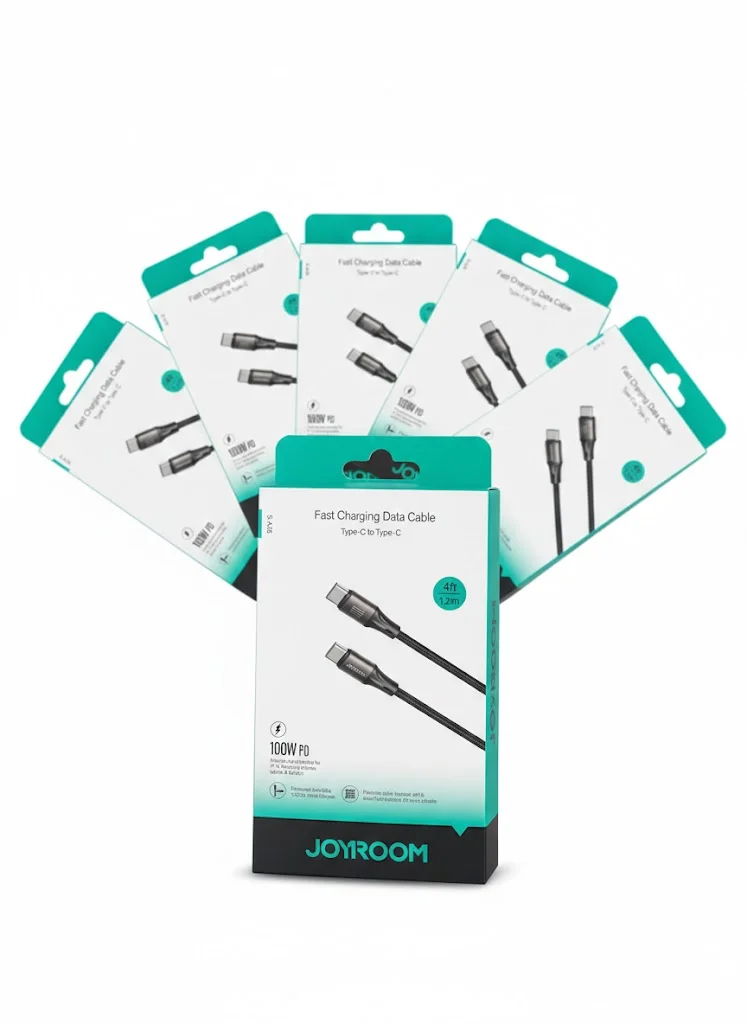
Joyroom USB-C to USB-C Cable JR-S-CC100
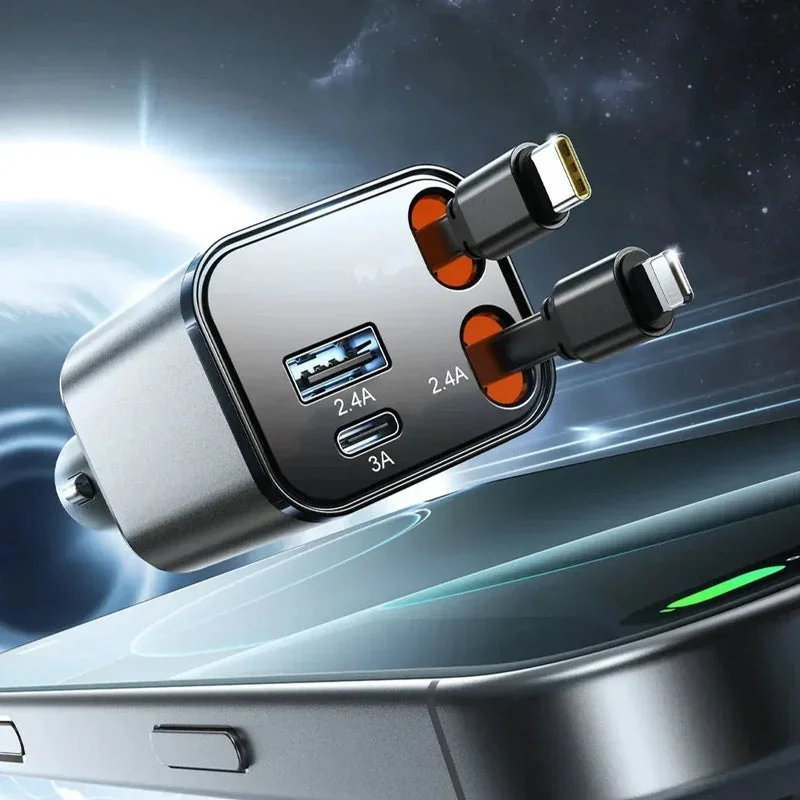
Joyroom JR-CCL05 Retractable 4-in-1 Car Charger 69W | 2 Cables + 2 Ports
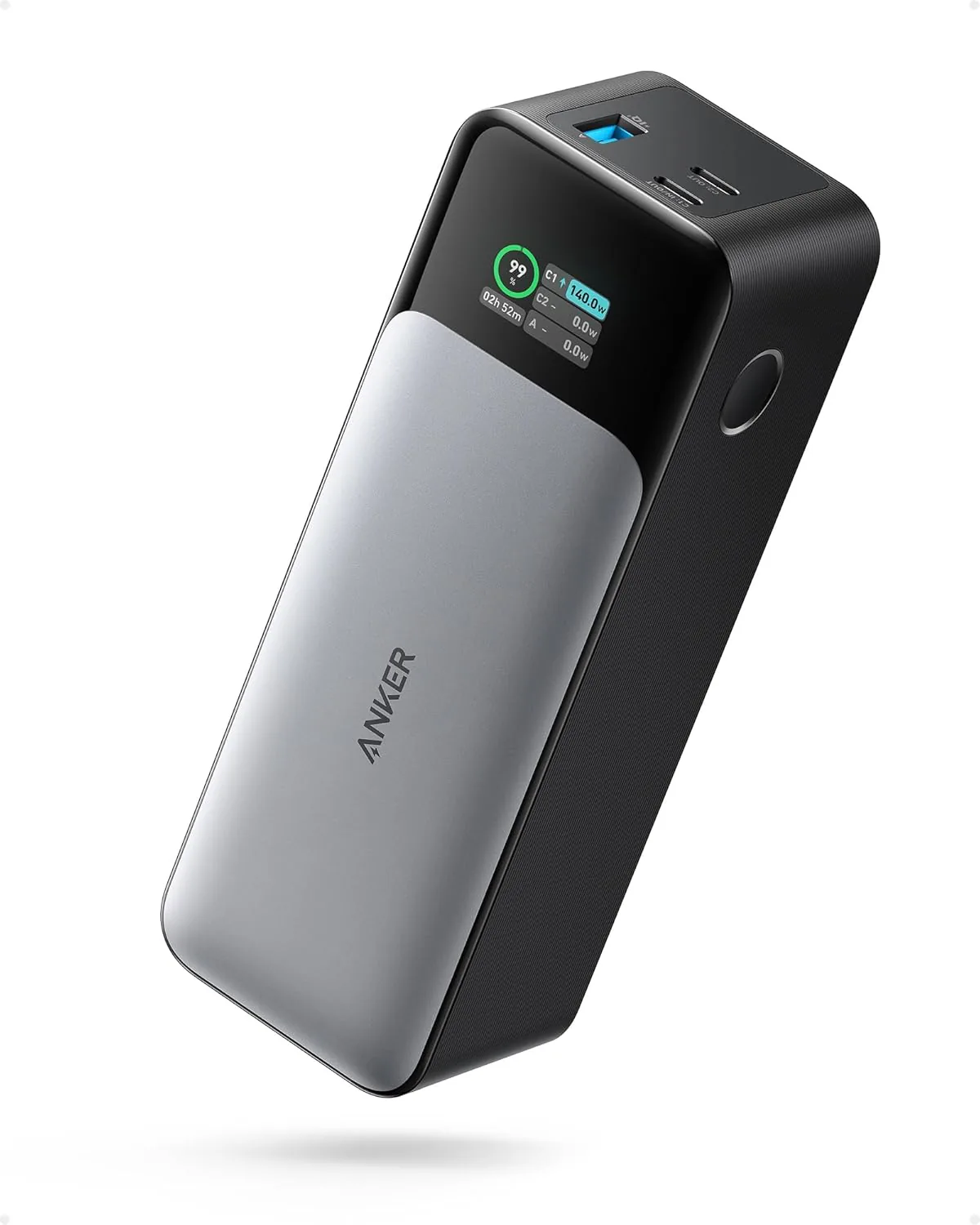
Anker 737 Power Bank (PowerCore 24K, A1289011) | Listed 140W PD 3.1 | 24,000mAh
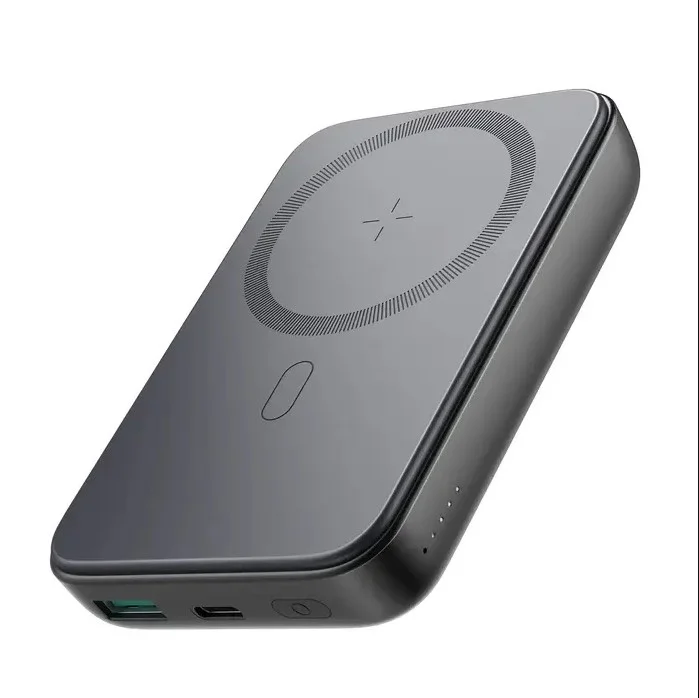
Joyroom MagSafe Power Bank 10000mAh | 15W Wireless + 20W Wired | Kickstand
Joyroom JR-T03 Wireless Earbuds | 20H Battery | Bluetooth 5.0