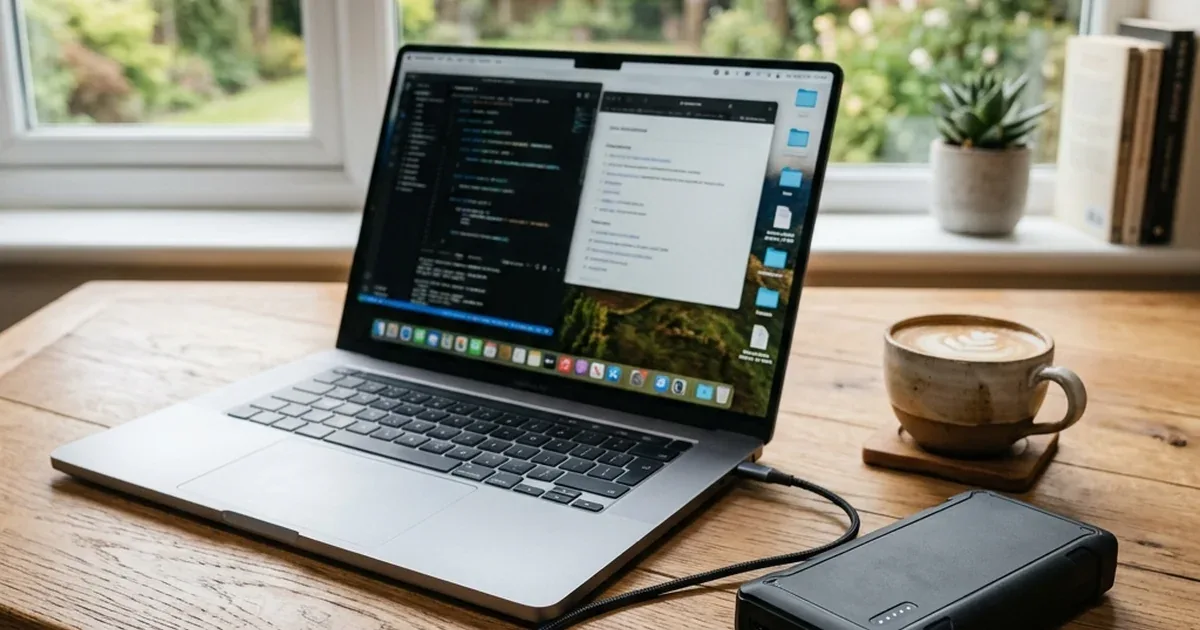
Running Laptop on Power Bank — Capacity and Power Requirements Explained
Power went out and your laptop battery is dying? Here is the complete engineering guide to running your laptop off a power bank, detailing wattage, voltage, and cable requirements.
Bottom Line: To run and charge a laptop using a power bank, you must meet three essential engineering conditions: 1) The laptop must support charging via USB-C Power Delivery (PD). 2) The power bank must deliver an output of at least 45W or 65W (100W+ for high-performance laptops). 3) You must use a 100W-rated USB-C cable with an E-Marker chip. Standard phone power banks (15W/18W) cannot charge laptops due to insufficient voltage and wattage.
When the power goes out in the office, the temperature rises, and you find yourself facing a critical work deadline on your laptop. You open your drawer, grab your standard smartphone power bank (rated at 15W or 18W), and connect it to your laptop via a USB-C cable, full of hope. But the disappointment hits immediately: the laptop doesn't even detect it. Or worse, the charging light on your laptop flickers erratically while the power bank gets dangerously hot. Why does a power bank refuse to charge a laptop like it does a phone? What physical and electrical conditions (voltage, current, wattage, and Watt-hour capacity) must be met for a power bank to charge a laptop safely? As an electronics engineer, I will demystify this topic and help you choose the right power backup option in Egypt.
1. Why Your Laptop Won't Charge on Standard Power Banks (Voltage & Wattage Hurdles)
As an electronics engineer, let's look at the circuit board and the physics governing charging. A smartphone battery consists of a single lithium cell with a nominal voltage of 3.7V to 4.4V. To charge it, you only need a low input voltage starting at 5V, reaching up to 9V in typical fast charging. Most commercial power banks are designed to output these voltages and nothing higher.
In contrast, a laptop is a high-power machine. A laptop battery consists of multiple cells connected in series (a multi-cell pack) to deliver a high operating voltage between **11.1V and 14.8V**, climbing up to **19V** on high-end gaming laptops. To charge a pack at this voltage, the laptop's charging circuit requires a DC input voltage of at least **19V or 20V**.
If you connect a standard phone power bank that outputs 5V, this voltage is mathematically and physically insufficient to bypass the laptop battery's safety gates. No current will flow, and the laptop will reject the charge. To solve this, a smart, unified charging standard called **USB Power Delivery (USB-PD)** was developed. This protocol allows the USB-C port to negotiate and step up the voltage from 5V to 9V, 15V, and up to **20V** (and up to 28V/48V in the newer PD 3.1 standards), which is the exact voltage needed to charge a laptop.
2. Laptop Compatibility: Does Your USB-C Port Support Charging?
Before shopping for a laptop-compatible power bank, you must ensure that your laptop is engineered to accept charging through its USB-C port. Not all USB-C ports support power input. Manufacturers often include different types of USB-C ports on the same laptop to reduce manufacturing costs. To check, look for these symbols next to the port:
- ⚡ Thunderbolt Symbol (Lightning Bolt): If you see a lightning bolt next to the USB-C port, it is a high-performance Thunderbolt port. It supports charging the laptop, ultra-fast data transfer, and outputting video to external monitors.
- 🔌 Power Plug Icon: Some laptop models feature a small power plug icon next to the port, indicating dedicated support for charging input.
- 🚫 SuperSpeed Icon ("SS" Only): If you see the letters "SS" next to a standard USB logo without a lightning bolt or plug icon, this port is restricted to data transfer and connecting flash drives. It will not accept power input.
3. Power Bank Output Wattage: How Much Do You Need?
If your laptop supports USB-C charging, the second condition is that the power bank must output sufficient wattage (power) to match your device's requirements. Laptops fall into three main categories:
- 💻 Light Ultrabooks: Devices like the MacBook Air or Dell XPS 13 use power-efficient processors. They require at least **30W to 45W** of power to charge stably while in use.
- 💼 Business Laptops: Workhorse laptops like ThinkPads or Dell Latitudes require at least **65W** (20V at 3.25A) to run the processor and charge the battery simultaneously.
- 🎮 Gaming Laptops & Mobile Workstations: High-performance laptops (e.g., MacBook Pro 16", ASUS ROG series) feature dedicated graphics cards that consume massive power. They require **100W to 140W** or more. If you use a 65W power bank while running heavy applications, the battery will continue to drain, albeit at a much slower rate.
Therefore, to charge a laptop efficiently under load, we recommend a power bank with at least **65W output**, or **140W** if you use a high-performance machine. Brands like Anker offer advanced options like the Anker 737 Power Bank (PowerCore 24K), which delivers up to **140W** via PD 3.1, enough to charge a MacBook Pro 16" or high-end Windows laptops at maximum speed. The Anker Prime 25000 is another excellent choice in Egypt. And if you regularly power two machines at once, the newly stocked Anker Prime 20K 200W delivers a combined **200W** — enough to charge two laptops simultaneously or a MacBook Pro at full speed — with a smart display showing real-time output, priced at 5,900 EGP.
4. Understanding Battery Capacity (Watt-Hours vs. mAh)
When choosing a laptop power bank in Egypt, do not look at the milliamp-hour (mAh) rating alone. This number is calculated at the default smartphone battery voltage of 3.7V, which is misleading for laptops. The correct engineering standard to check is **Watt-hours (Wh)**, which represents the actual energy capacity stored in the battery pack, regardless of voltage.
Most business laptops have batteries ranging between **50Wh and 70Wh**. A high-quality **20,000mAh** power bank holds approximately **74Wh** of energy (calculated by multiplying 20Ah by the internal nominal voltage of 3.7V). Accounting for conversion efficiency losses (around 20% dissipated as heat), the usable capacity is about **60Wh**. This means a premium 20,000mAh power bank can charge a typical laptop from 0% to 100% once during a power outage.
If you travel by air, civil aviation safety guidelines restrict the capacity of power banks in carry-on luggage to **100 Watt-hours (100Wh)**. This limit is equivalent to roughly **27,000mAh** at 3.7V. Any power bank exceeding this capacity will be confiscated at airport security checkpoints for flight safety. Always verify that your laptop power bank prints its capacity clearly and stays under the 100Wh threshold (like a 24,000mAh or 25,600mAh unit) to avoid issues at Egyptian and international airport customs.
5. The USB-C Cable: The Importance of E-Marker Chips
This is a common pitfall. Users invest in a premium 100W power bank and a high-end laptop, only to find the device charges slowly or not at all. The culprit is almost always the USB-C cable itself.
Standard USB-C phone cables are limited to carrying a maximum current of **3 Amps**. At the standard 20V Power Delivery level, this limits the maximum power to **60W** (20V × 3A). If you attempt to draw more power (such as 90W or 100W), the laptop's charging controller will cap the output at 60W or reject the connection entirely to prevent the cable from overheating and melting.
To charge above 60W (up to 100W or 140W), you must use a USB-C cable with an integrated **E-Marker (Electronic Marker) chip**. This chip acts as a digital ID card, communicating with the power bank and laptop to certify that the cable can safely carry up to **5 Amps** of current. Always ensure you purchase a certified 100W or 240W braided cable with an E-Marker chip, such as those from Anker or Joyroom, to get the full performance out of your high-power devices.
6. Common Troubleshooting Tips
- 🔄 Reverse Charging (Laptop charging the power bank): Because USB-C ports are bidirectional (they can send and receive power), sometimes when you connect them, the laptop assumes the power bank is a phone and starts charging it! To fix this, turn on the power bank using its power button *before* plugging it into the laptop, or adjust your OS power settings to specify receiving power from the USB port.
- 🔌 Power Bank Disconnects Under Load: This happens if you run heavy applications (such as gaming or 3D rendering) on a laptop that draws more power than the power bank can output. The power bank's safety controller overheats and shuts down. To prevent this, close demanding programs or charge the laptop while it is turned off or in sleep mode.
7. Verdict and Final Advice
Running a laptop on a power bank is a lifesaver during power cuts in Egypt, provided you match the electrical requirements. Buy a high-quality power bank with at least 65W output, a capacity between 20,000mAh and 25,600mAh for hassle-free travel, and couple it with a certified 100W E-marked USB-C cable to ensure stable, safe charging.
If you need a larger power backup solution to run fans, monitors, and networking equipment alongside your laptop at home, check out our guide on portable power stations for apartments in Egypt to find the best silent generators.

CairoVolt Editorial Team
Content team reviewing specifications and buying guides
The CairoVolt team reviews model numbers, specifications, and compatibility, and updates information when better data is available. Estimates are labeled as calculations, and readers can report information that needs correction.
Frequently Asked Questions
Can I charge my laptop from any USB-C port on it?▼
Why does my power bank fast-charge my phone but fail to charge my laptop?▼
Is it safe to charge a laptop with a power bank long-term?▼
What is the maximum power bank capacity allowed on commercial flights?▼
Ready to Buy?
Browse available products and review specifications and CairoVolt warranty terms before ordering
Related products
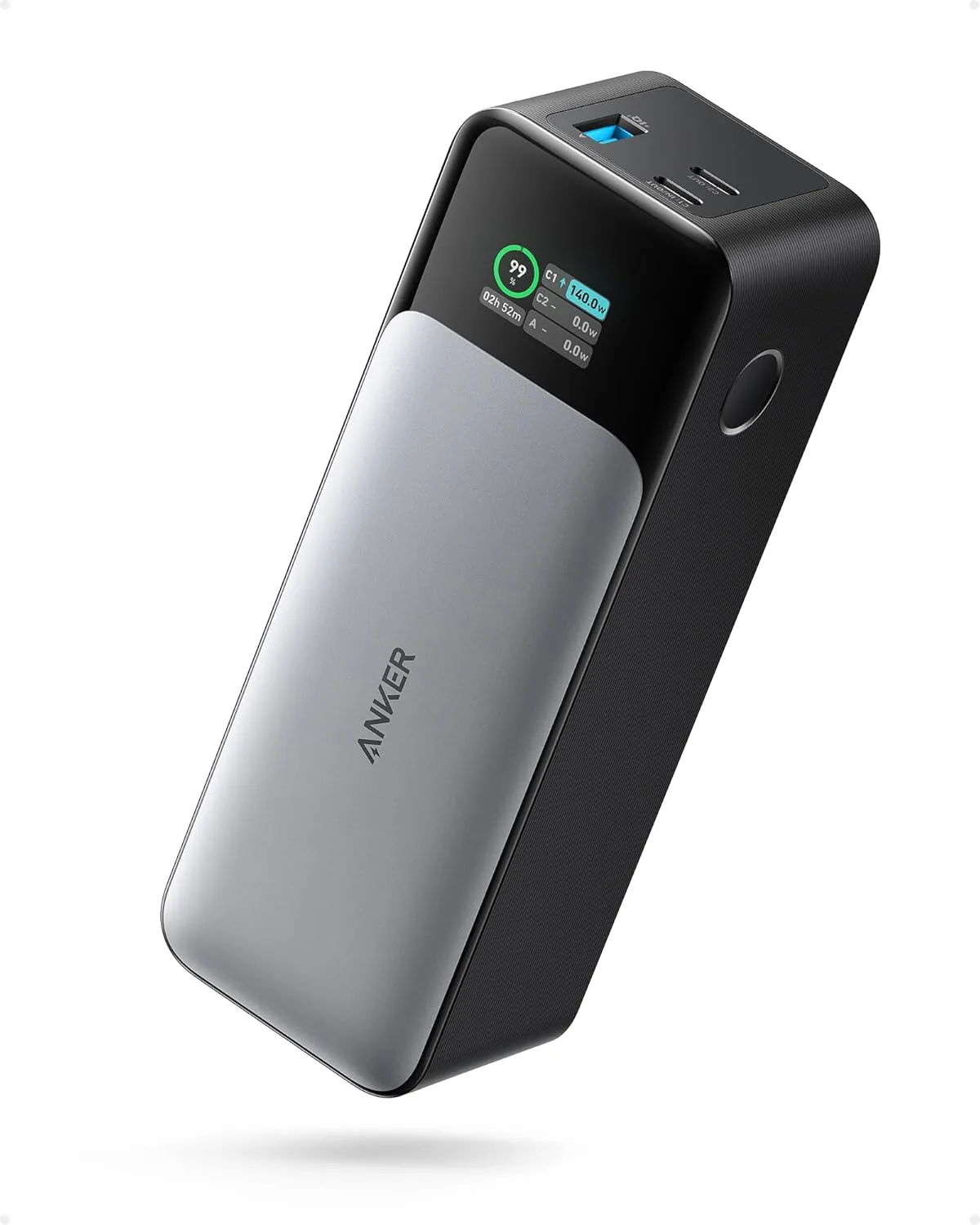
Anker 737 Power Bank (PowerCore 24K, A1289011) | Listed 140W PD 3.1 | 24,000mAh
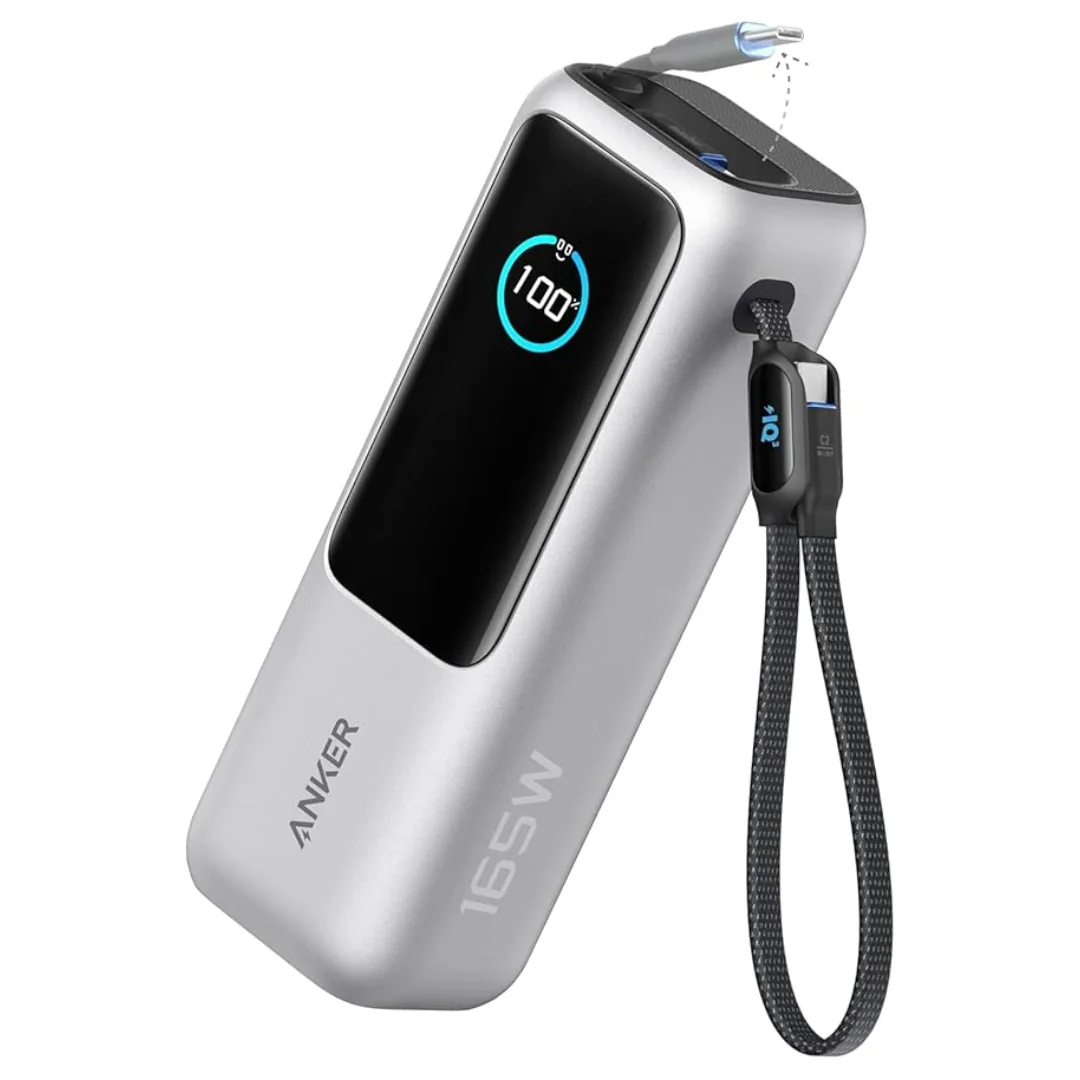
Anker Zolo Power Bank 25,000mAh 165W — Built-In Dual Cables | MacBook Charging
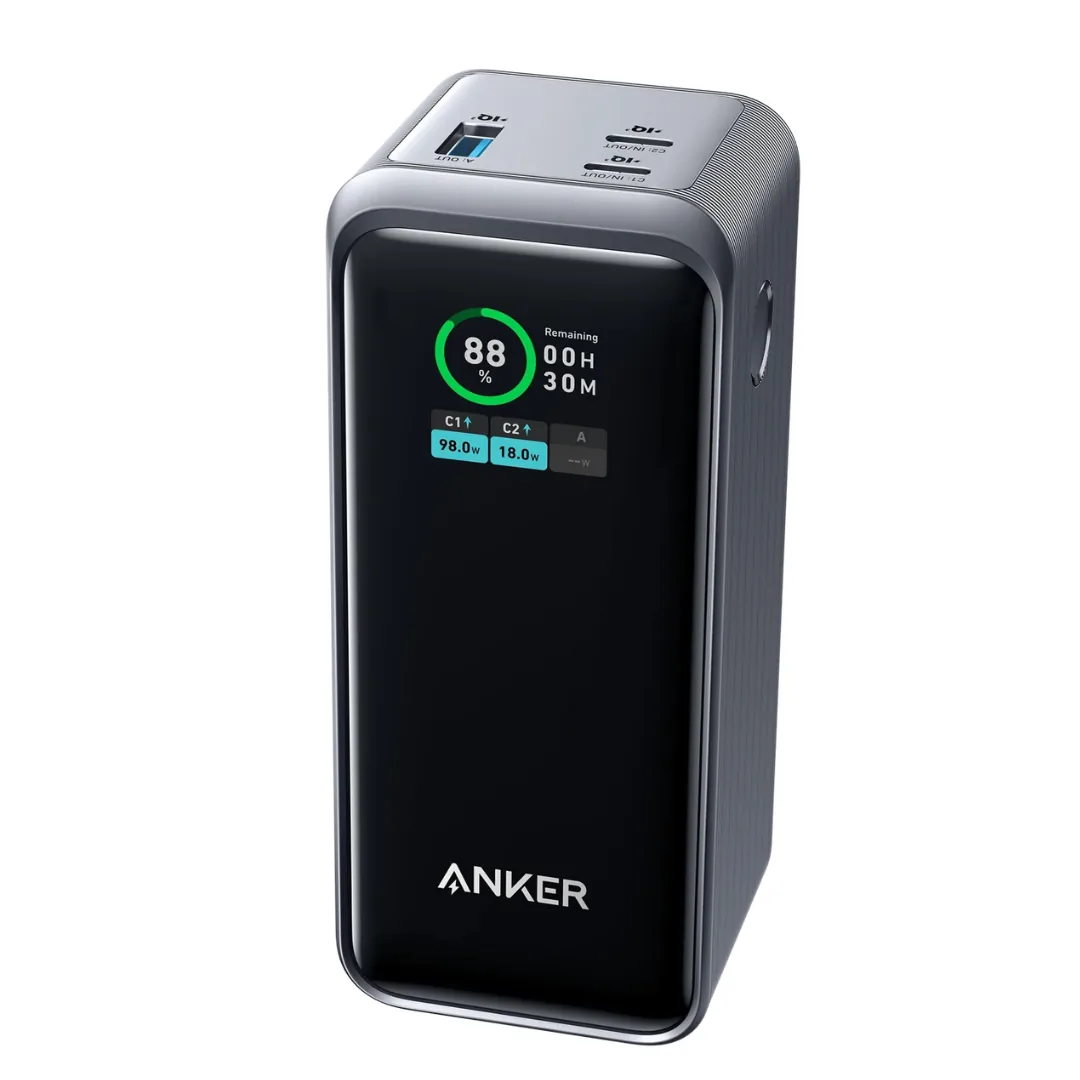
Anker Prime 20,000mAh Power Bank (A1336) — 200W 3-in-1 | Dual 100W USB-C
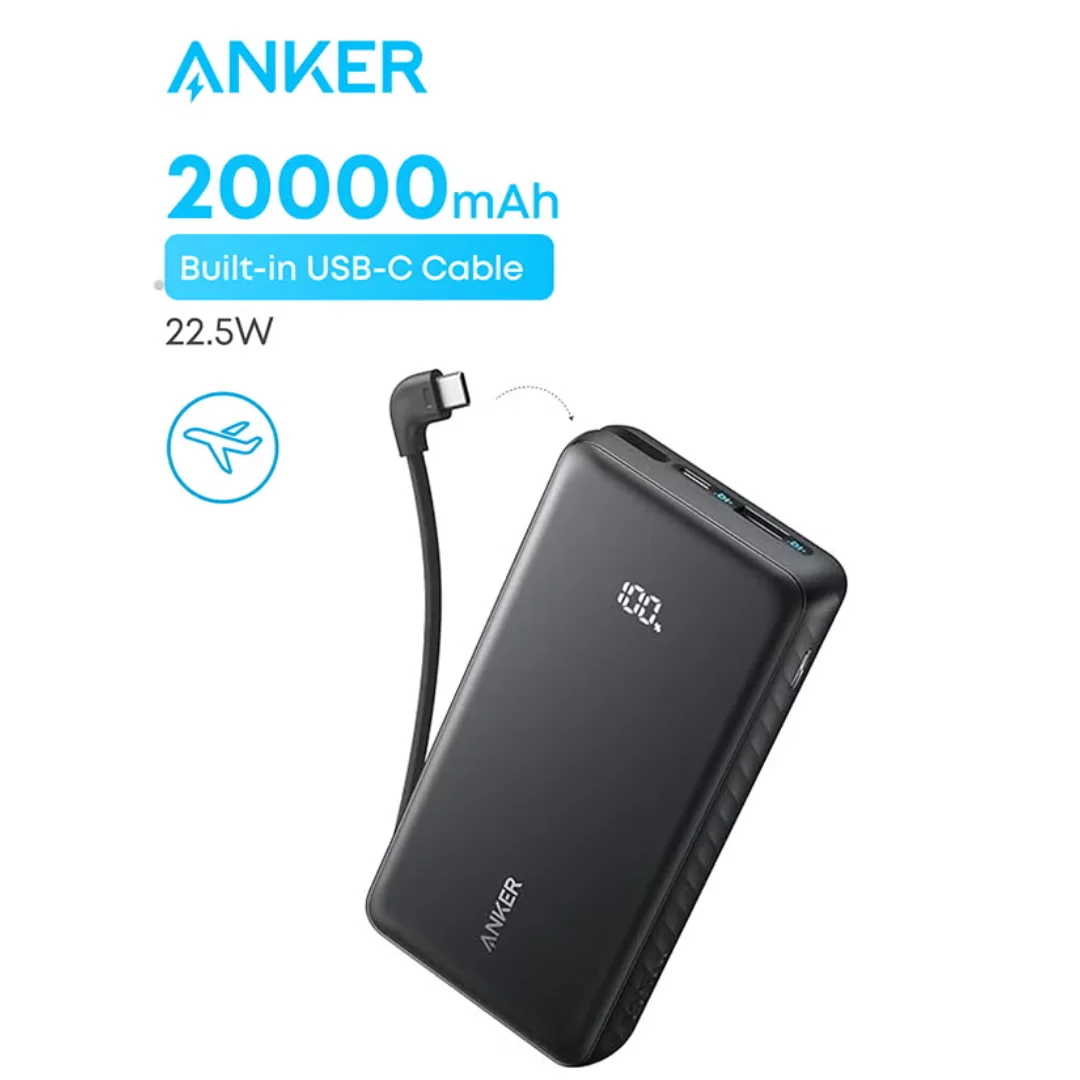
Anker ZOLO Power Bank 20,000mAh (22.5W) | Built-in Cable
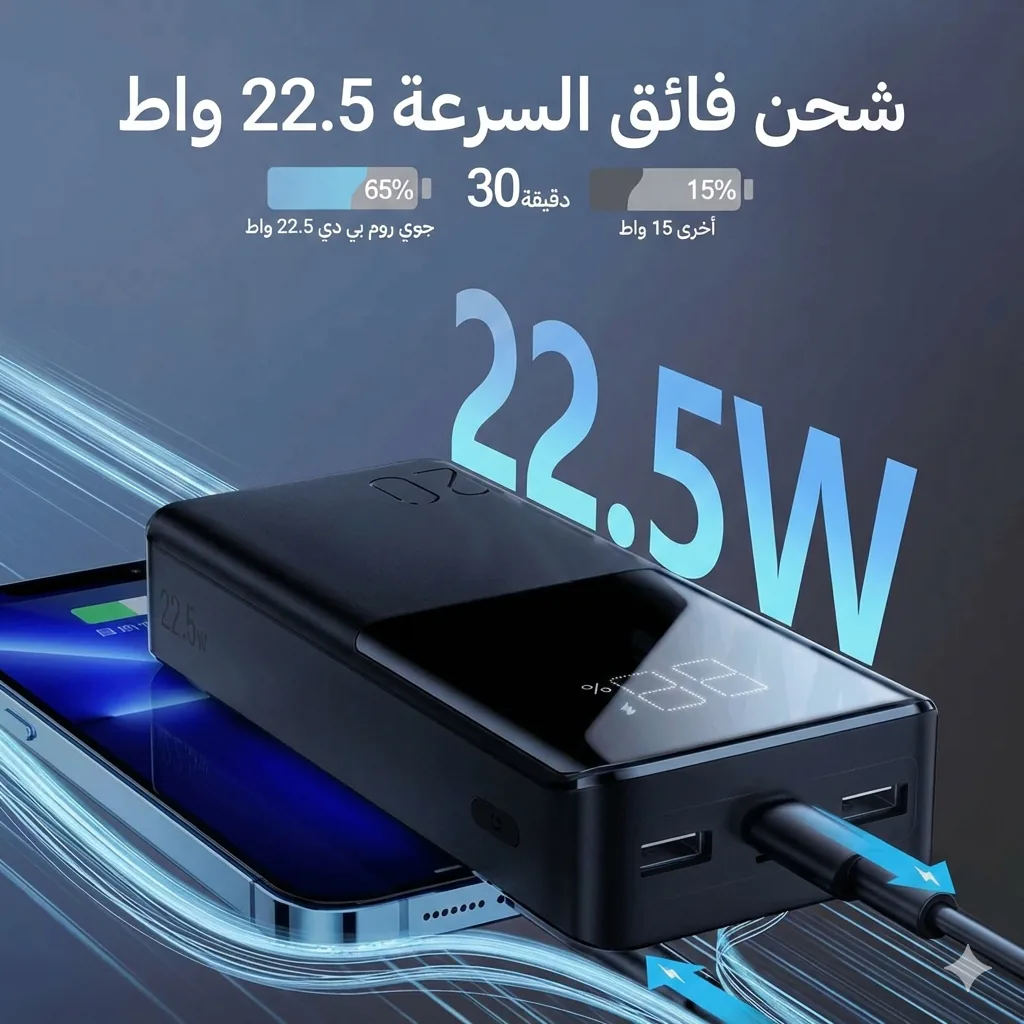
Joyroom 20000mAh Power Bank | 22.5W PD+QC | Triple Output
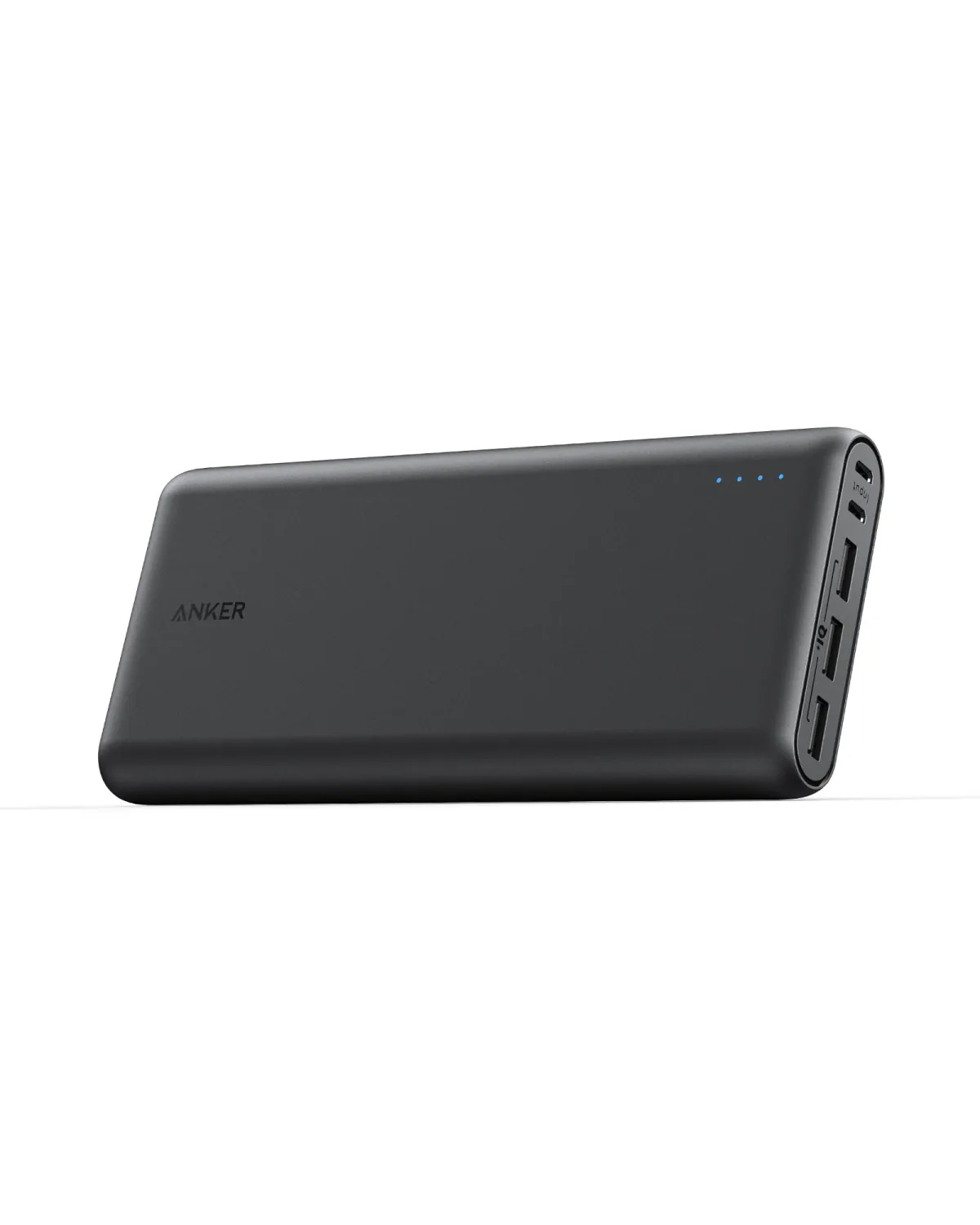
Anker PowerCore III Elite 26K 60W PD | Laptop Charging
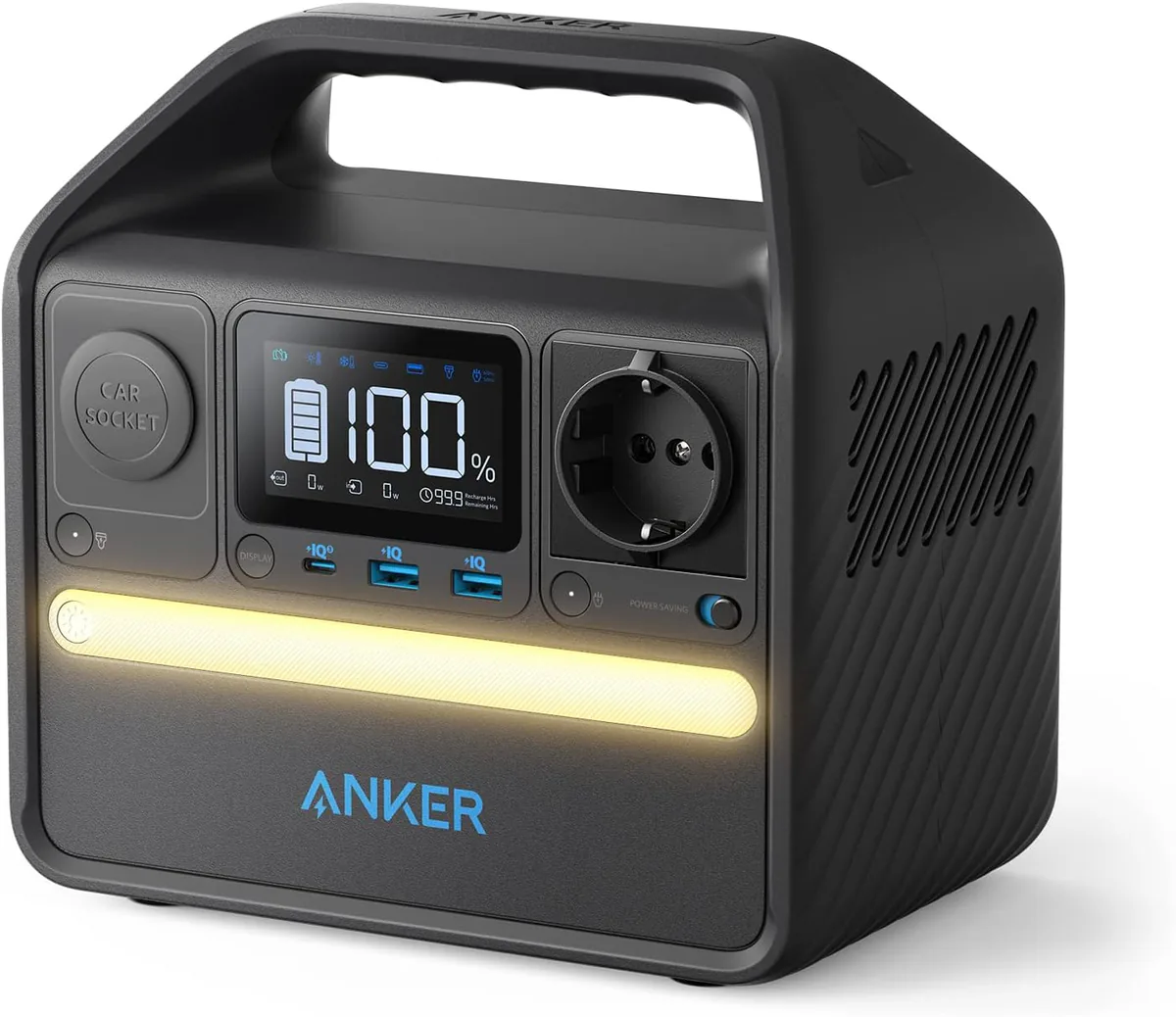
Anker 521 PowerHouse 256Wh | 200W AC Outlet | LiFePO4
Browse the categories this article covers
Related Articles

Portable Power Station for Apartments — The Smart Solution to Summer Blackouts in Egypt
Read more →
Power Bank as a Router UPS — Can It Run Your Wi-Fi Router for 8 Hours During Blackouts?
Read more →