Data Cable vs Charge Only Cable — The Difference You Need to Know for File Transfer
Is your phone charging from your computer but refusing to show up for photo and file transfers? Here is how to tell a data cable from a charge-only cable.
Bottom Line: The core difference between a data cable and a charge-only cable is the internal physical wiring. A data cable contains at least 4 internal wires (two for power and two for data transfer: D+ and D-), allowing it to charge and transfer files simultaneously. A charge-only cable contains only 2 wires (VBUS and GND), making data transfer physically impossible.
Imagine you have a critical job interview or a final university project submission tomorrow morning. You have spent days preparing, and you have important documents, portfolios, or design files saved on your smartphone that you need to transfer to your laptop immediately. You grab the nearest USB charging cable from your drawer, plug it into your laptop and phone, and see "Charging" pop up on your screen. The battery level starts going up, so you assume everything is working fine. But when you open "My Computer" on your laptop to find your phone's storage, you are met with absolute silence. The phone isn't detected at all. You start shaking the wire, blowing into the charging port like an old Nintendo cartridge, restarting both your phone and laptop, and worrying that your phone's motherboard is fried. In reality, the problem is much simpler: you are using a "Charge Only" cable that lacks data transfer lines. Today, as an electronics engineer, I will explain the physical and electrical differences between a data transfer cable and a charge-only cable, and how to tell them apart so you never buy the wrong one again in Egypt.
1. The Electrical Anatomy: What is Inside a USB Cable? (The Pinout Science)
As a communications engineering professor, let's open up a standard USB cable and look at the physics that control it. A standard USB 2.0 cable (whether it is Micro-USB, USB-C, or Apple Lightning) contains four primary insulated copper wires running inside the protective outer sleeve. In electrical engineering standards, each wire has a specific color code and electrical function:
| Internal Wire | Default Color | Electrical Function | Present in Charge-Only Cable? |
|---|---|---|---|
| VBUS / VCC | Red | Carries positive power (5V and above) | Yes (Required) |
| Data Minus (D-) | White | Carries the negative data differential signal | No (Physically omitted) |
| Data Plus (D+) | Green | Carries the positive data differential signal | No (Physically omitted) |
| GND (Ground) | Black | Ground return path for the electrical circuit | Yes (Required) |
In a standard Data Cable, all four wires are physically soldered to the respective pins in the USB connectors on both ends. This allows charging current to flow over the red and black wires while high-speed digital signals (zeros and ones) flow simultaneously over the green and white wires to transmit photos, music, and files.
In a Charge-Only Cable, manufacturers omit the green and white copper wires entirely. When you plug this cable in, the power circuit (red and black wires) is completed, allowing your phone to charge. However, when your computer attempts to detect data signals to recognize the phone, it is met with an open circuit. There is no physical pathway connecting the phone's data controller to the computer, making data sync physically impossible.
Modern Charging Protocols & Data Lines: Why Cheap Cables Fail
The relationship between fast charging and data transfer is incredibly close—closer than most people think. In modern smartphones that charge at 18W, 33W, or even 120W, the wall charger does not blindly send raw voltage and current into your phone. Fast charging relies on intelligent communication protocols like USB Power Delivery (PD) or Qualcomm Quick Charge. These protocols require a real-time negotiation process between the phone's power management integrated circuit (PMIC) and the charger controller.
This negotiation is carried out entirely via digital signals transmitted over the data lines (D+ and D- in older USB-A connections, or CC/Configuration Channel lines in modern USB-C cables). If your cable is a cheap, unbranded "charge-only" wire that lacks these communication paths, fast charging will fail completely. The phone will default to a safe, slow charging rate of just 5W (5V/1A) to prevent overheating. This mathematically and physically debunks the myth that charge-only cables charge faster; in reality, a high-quality data-enabled cable is required to trigger fast-charging profiles safely.
2. Why Do Charge-Only Cables Still Exist? (The Cost and Security Play)
You might wonder: "Does saving two tiny copper wires really matter to a manufacturer?" In the world of high-volume global manufacturing where factories produce millions of meters of cables daily, removing two conductors and their corresponding pins saves a significant amount in copper raw materials and assembly costs. These cheap cables are usually included for free with simple devices like rechargeable desk fans, toy flashlights, or budget power banks that only need power to charge.
However, there is a brilliant security benefit to using charge-only cables, specifically protecting against a hacking method called Juice Jacking:
When charging your phone at public USB charging kiosks in airports, train stations, or cafes in Cairo, you face a significant security risk. Hackers can compromise these USB ports and install micro-computers inside them that exploit the data lines of standard cables to bypass your lock screen, inject malware, or steal your private photos. Using a charge-only cable acts as a physical hardware firewall. Because there are no internal data wires, it is physically impossible for any device to access your files, keeping your phone safe while drawing power.
Hardware Blockers: The USB Data Blocker ("USB Condom")
Due to the critical need for security during travel, a small device called a "USB Data Blocker" (informally known as a "USB Condom") was created. This is a tiny adapter that plugs onto the end of your standard data cable before you connect it to a public port. It physically interrupts the green and white data connections while allowing the power pins to connect. This offers the ultimate flexibility: you can carry a single premium data cable for work and travel, and simply plug on the data blocker whenever charging in public areas in Egypt, ensuring full physical isolation (air-gapping) from any malicious host.
3. How to Distinguish a Data Cable from a Charge-Only Cable in Egypt
If you are shopping for a new cable in Cairo, here are the practical engineering methods to identify a data cable from a charge-only option:
- 📦 Check the Package Terminology: Look for clear terms like **"Sync & Charge"** or **"Data Transfer Enabled."** If the packaging only says "Fast Charger Cable" and makes no mention of data transfer or speed, there is a very high probability that it is a charge-only cable.
- 🔍 Look for Speed Ratings: High-quality data cables print their data transfer speeds on the retail box, such as **480 Mbps** for USB 2.0 cables, or **5 Gbps / 10 Gbps** for faster USB 3.0 cables. Charge-only cables will not feature any data speed specification.
- ⚖️ Cable Thickness and Stiffness: Data cables contain four or more copper wires along with protective aluminum foil shielding to shield data signals from electromagnetic noise. This makes data cables noticeably thicker, heavier, and stiffer. Charge-only cables are typically very thin, lightweight, and overly flexible because they only house two thin wires without shielding.
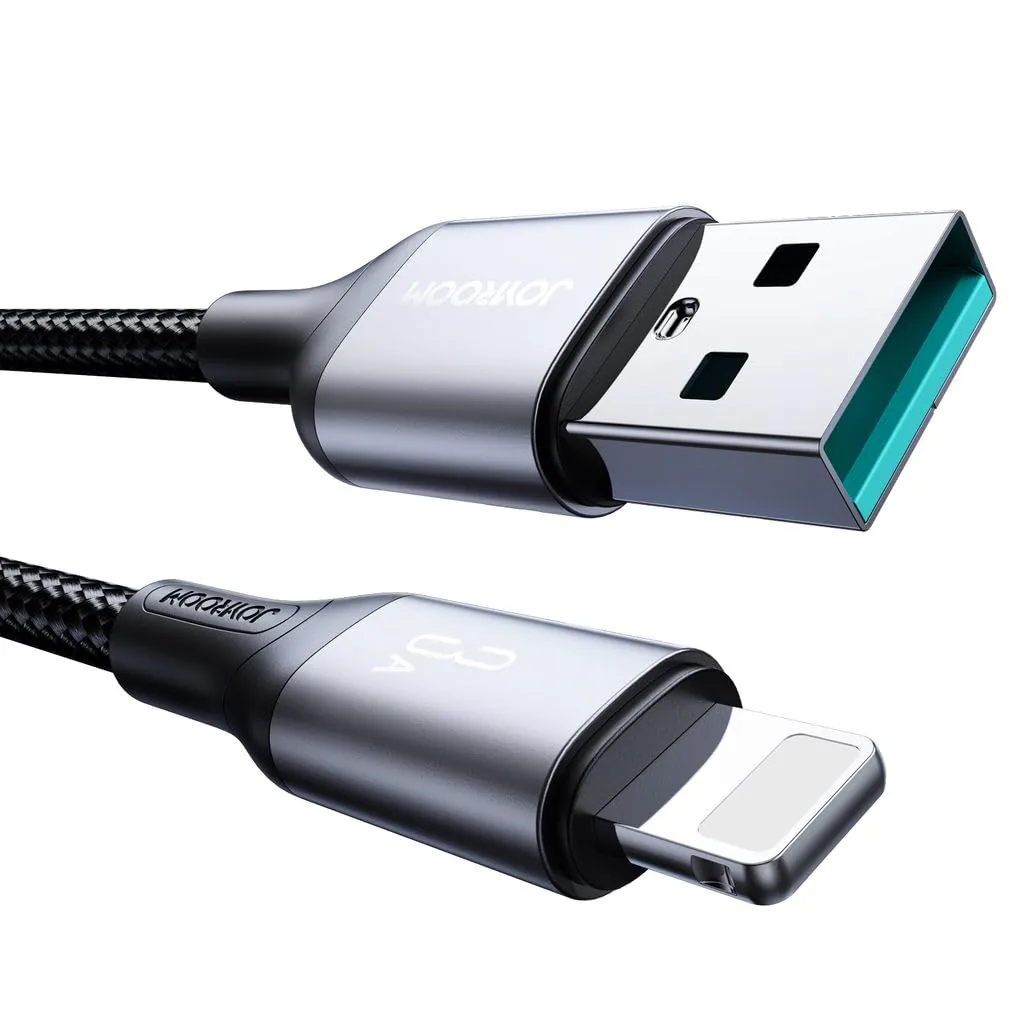
- 🔌 Reputable Brands: Trusted brands in Egypt like Anker and Joyroom do not produce charge-only cables for smartphones. All their cables are full-spec, high-speed data and charging cables. If you need a reliable data cable, we recommend checking out the Anker PowerLine series or the Joyroom 60W USB-C Cable for fast file transfers.
4. USB Data Transfer Generations (USB 2.0 vs. USB 3.0 and Beyond)
Not all data cables are equal. Transfer speeds depend on the USB generation of the cable:
- ⚡ USB 2.0 (Standard): Supports transfer speeds up to **480 Mbps** (roughly 30-40 MB/s in real-world use). This is the standard for most phone cables and is perfect for transferring photos and documents.
- 🚀 USB 3.0 / USB 3.1 Gen 1 (Blue Port): Features 9 internal copper wires (instead of 4) and supports speeds up to **5 Gbps** (around 500 MB/s). This is the cable you need for backing up large 4K video files or performing full system backups.
- 🔥 Thunderbolt / USB4: These complex cables contain advanced E-marker microchips to manage speeds up to **40 Gbps**, supporting external monitors and high-end storage arrays. For details on maintaining and selecting cables, check our USB-C cable guide for Egypt.
Electrical Engineering behind USB 3.0+ Cables
If you inspect the interior of a USB 3.0 Type-A connector (usually designated by blue plastic molding), you will see 5 additional pins located deep within the port, positioned behind the 4 standard USB 2.0 pins. These pins connect to separate, highly shielded differential pairs designed for SuperSpeed transmit and receive signals. Because high-frequency data signals degrade rapidly over copper, these cables must feature thick aluminum foil shielding and tight wire twisting to prevent electromagnetic interference (EMI).
This is why high-speed USB 3.0 and USB4 cables are physically thick, rigid, and more expensive in Egyptian retail shops compared to simple charging leads. If you are hooking up a desktop docking station, external solid-state drive (SSD), or connecting your phone to run Android Auto or Apple CarPlay, you must use a high-quality, shielded USB 3.0 or higher cable. A basic USB 2.0 charging wire will cause performance lags, connection drops, and painfully slow speeds.
5. Troubleshooting Common USB Data Transfer Failures
If you are using a data cable but your phone still won't show up on your computer, try these fixes:
- 🔄 Select USB File Transfer Mode: When you connect your phone to a computer, it defaults to charging mode for security. Swipe down the notifications menu, tap the USB notification, and select **"File Transfer"** (MTP). Without this, your computer will not display your phone's storage.
- 💻 Update USB Drivers: If you are using Windows and the phone isn't detected, you may need to install the official manufacturer drivers (like the Samsung USB Driver).
- 🔌 Use Rear USB Ports: The front USB ports on a desktop PC casing use long internal extension wires that degrade signal strength. If your connection keeps dropping, plug the cable directly into the rear USB ports on the motherboard.
6. Verdict and Final Advice
A charge-only cable is not useless; it is an excellent security tool for charging safely at airports and cafes. However, for daily use and transferring your files, you need a high-quality data cable from a trusted brand.
Investing in a durable, certified braided data cable saves you time and protects your phone's port from wear and tear. If your cables break frequently, read our detailed guide on why charging cables fail and how to protect them in Egypt to extend their lifespan.

CairoVolt Editorial Team
Content team reviewing specifications and buying guides
The CairoVolt team reviews model numbers, specifications, and compatibility, and updates information when better data is available. Estimates are labeled as calculations, and readers can report information that needs correction.
Frequently Asked Questions
Why does my phone only charge when plugged into the PC and not show up for file transfers?▼
How can I identify a data cable from a charge-only cable by looking at it?▼
Does a charge-only cable charge faster than a data cable?▼
Is it safer to use a charge-only cable at public charging stations?▼
Ready to Buy?
Browse available products and review specifications and CairoVolt warranty terms before ordering
Related products
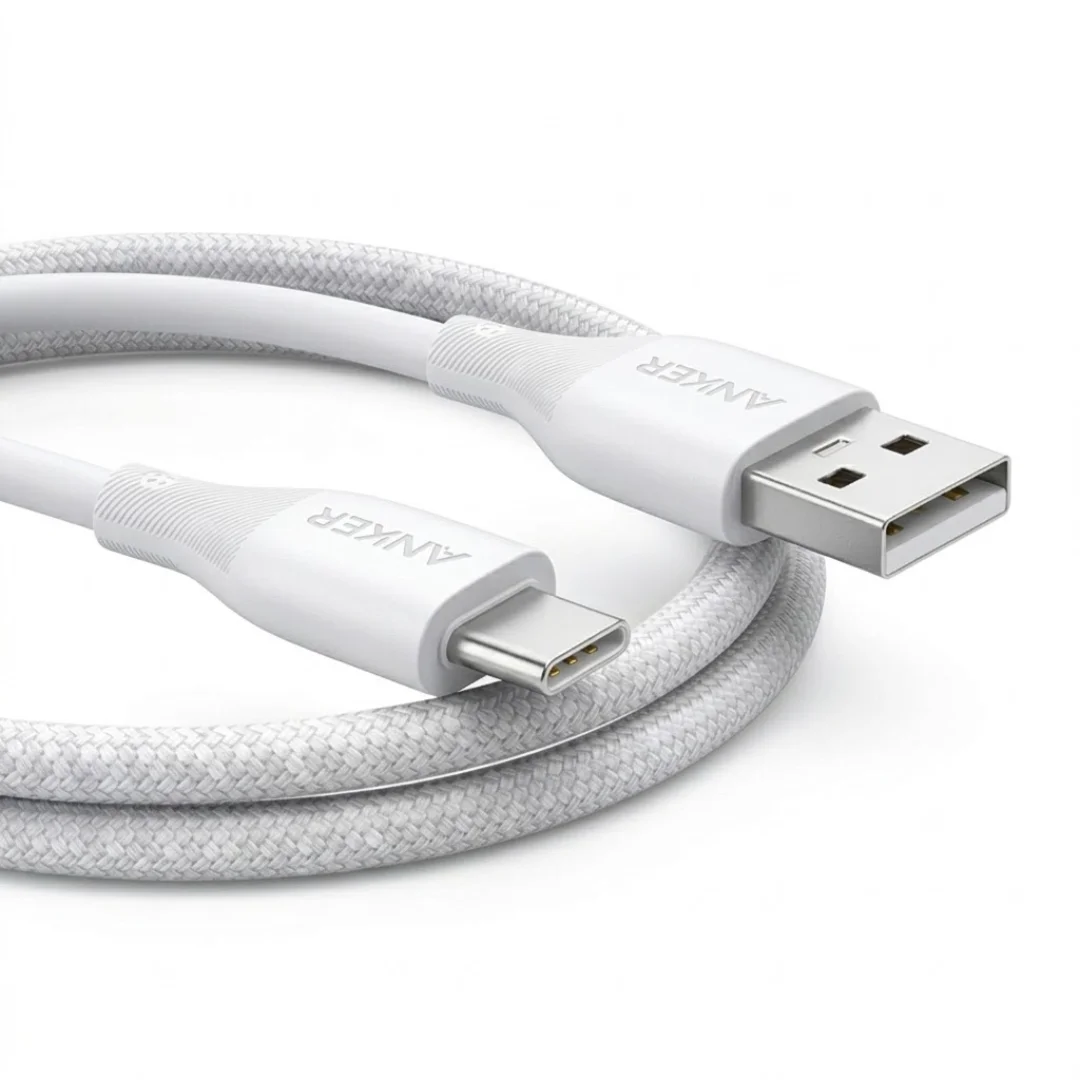
Anker USB-A to USB-C Cable (A8050) | Braided Nylon 1.8m | Fast Charging
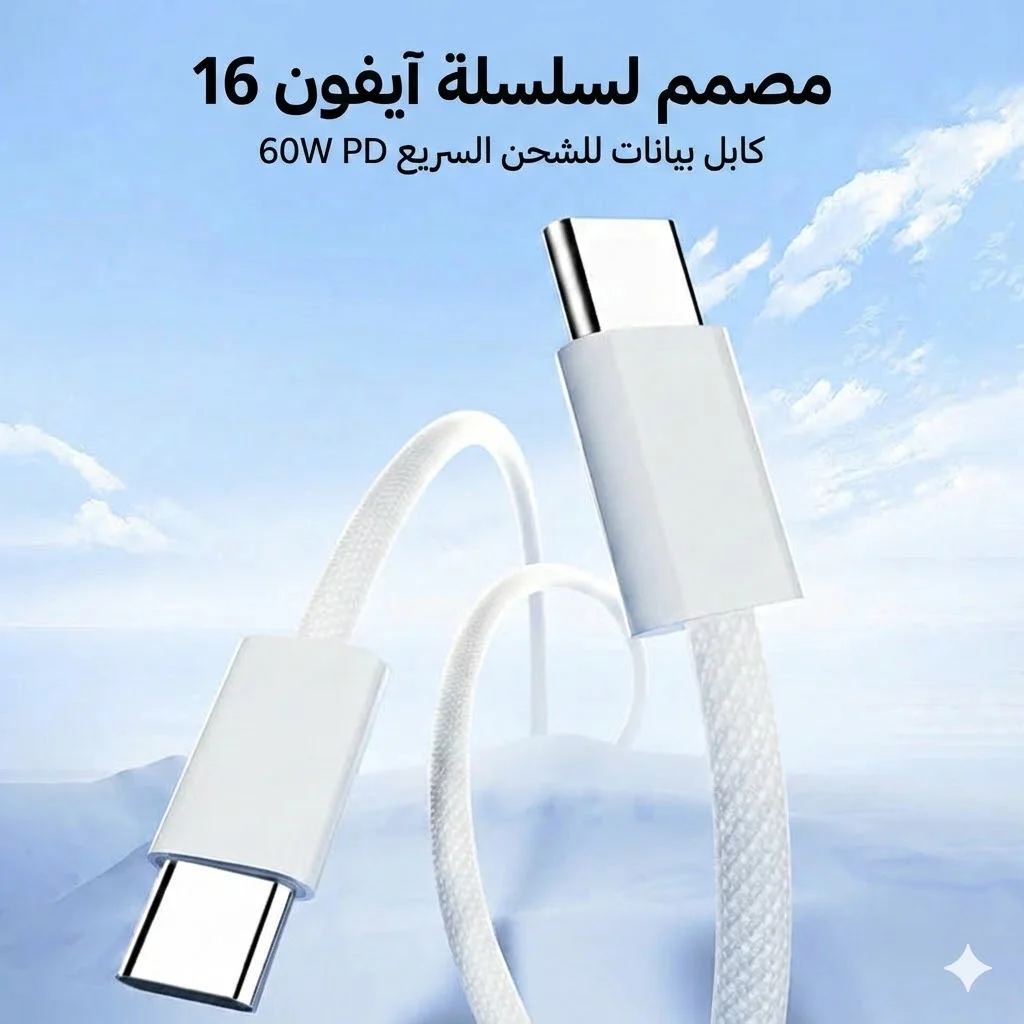
Joyroom 60W USB-C to USB-C Fast Charging Cable
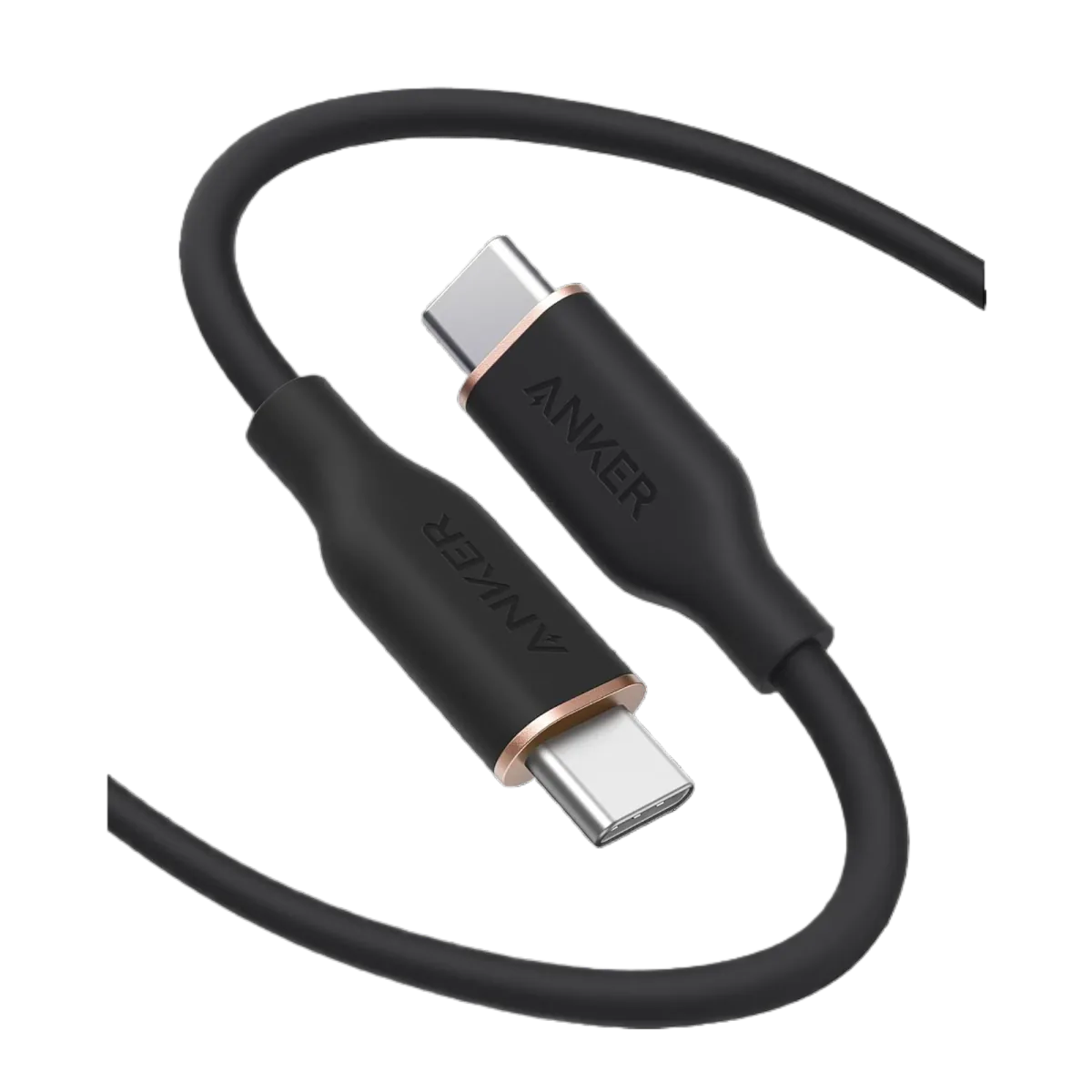
Anker PowerLine III USB-C to USB-C | 60W | iPhone 17 & Samsung S26
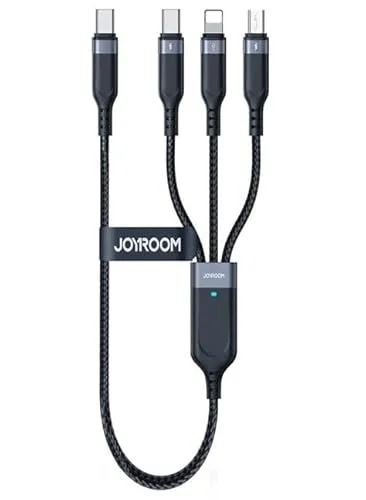
Joyroom 3-in-1 Multi-Connector Charging Cable
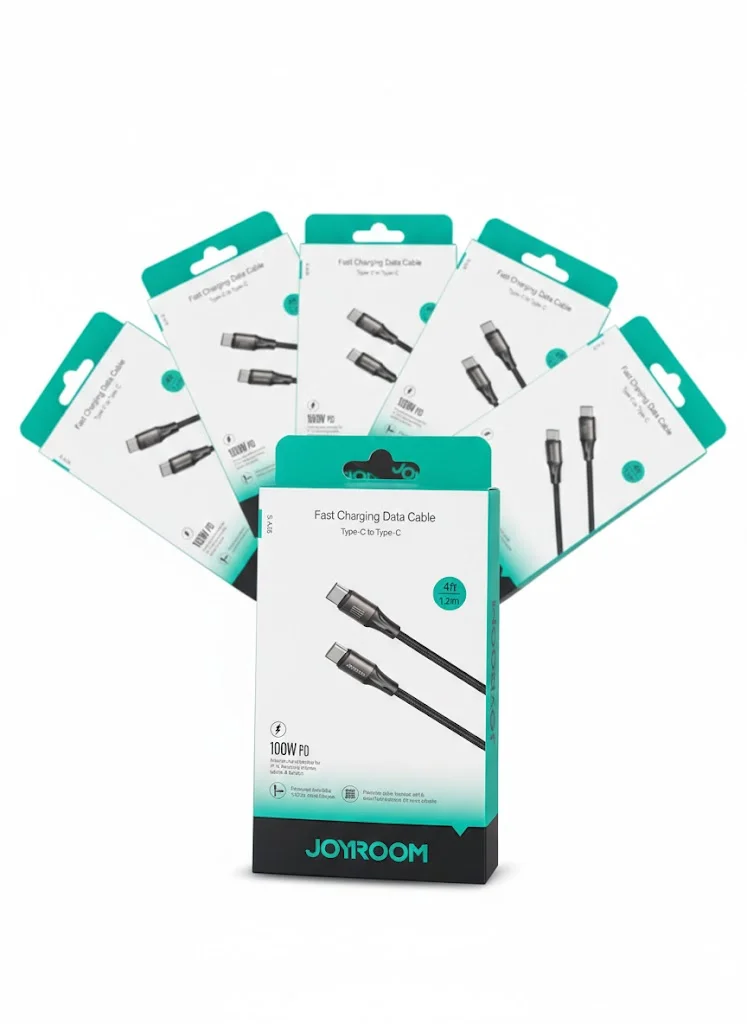
Joyroom USB-C to USB-C Cable JR-S-CC100