Power Bank as a Router UPS — Can It Run Your Wi-Fi Router for 8 Hours During Blackouts?
Power went out and lost your internet? Here is the engineering guide to using a standard USB power bank as a router UPS for up to 8 hours of runtime.
In short: Yes, you can run a home Wi-Fi router on a standard USB power bank, but you must use a Step-Up Converter Cable (5V to 9V/12V). A standard 10,000mAh power bank can power a typical router for 5 to 7 hours, while a 20,000mAh power bank can provide up to 12 hours of uninterrupted Wi-Fi runtime.
When the power goes out during Egypt's hot summer days, the fans stop, and the air conditioning falls silent. We can handle the heat, but the ultimate blow comes when the Wi-Fi signal drops, and your phone drops to a crawl because the neighboring cell tower has also lost power. This is where the real nightmare begins, especially if you are a remote freelancer, online gamer, or waiting on an important work email. Suddenly, you remember the fully charged power bank sitting in your drawer and ask yourself: "Can this power bank act as a temporary UPS (Uninterruptible Power Supply) and keep my router running for 8 hours? What magic cable do I need to bridge the gap?" As an electronics engineer, I will answer these questions using physics and math, guiding you on how to run your home network safely during blackouts.
1. The Electrical Challenge: 5V USB vs. 12V Router
As an electronics engineer, let's address the first technical hurdle that prevents you from connecting a power bank to a router using a standard USB lead. Standard power bank batteries and USB ports output direct current (DC) at **5 Volts (5V)**. However, if you flip your home router over and inspect the specifications sticker on the bottom, you will find that most modern Wi-Fi routers run on **12 Volts (12V)**, while some older modems require **9 Volts (9V)**.
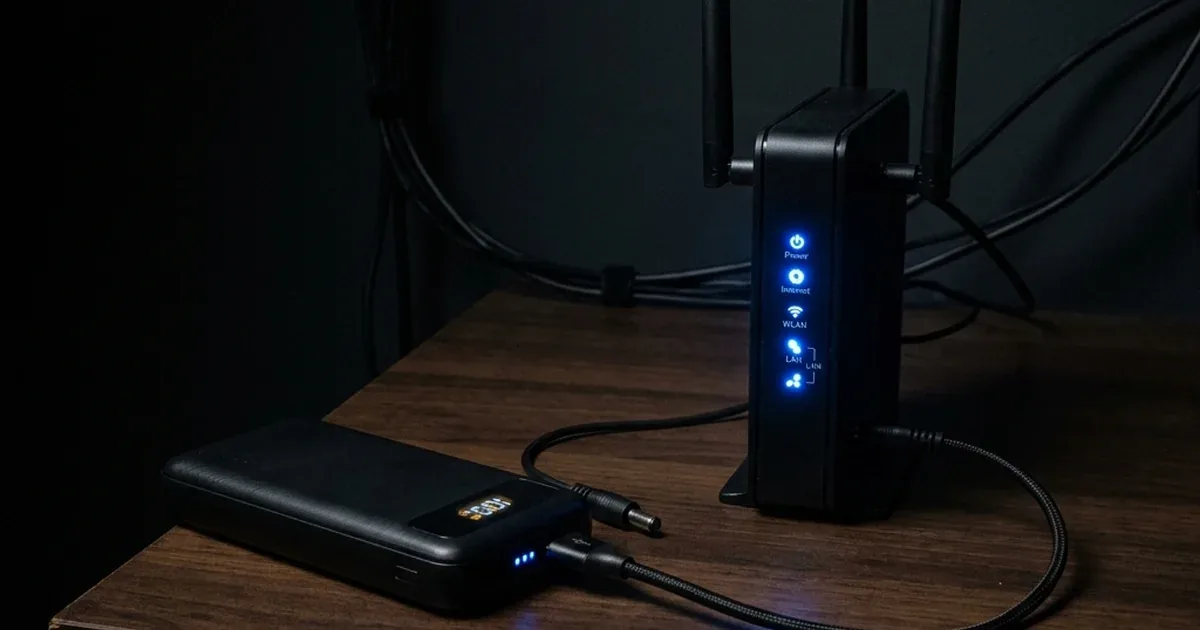
If you try to feed 5V into a 12V router, it will not power on because the voltage is too low to drive the internal components and transmit the Wi-Fi signal. To bridge this gap, you need a **USB to DC Step-Up Converter Cable**. This is not just a cable; it contains a miniature boost converter circuit inside the larger USB connector shell. This circuit takes the 5V input from the power bank and steps it up to the 9V or 12V required by your router, supplying stable power to keep the network alive.
Types of Boost Converters in USB-to-DC Cables
There are significant engineering differences among the step-up cables available in the Egyptian retail market. Cheap, unbranded cables use basic non-isolated boost converters with efficiency ratings as low as 70%. This means a significant portion of your power bank's energy is lost as heat inside the USB shell, causing it to warm up. Premium cables incorporate higher-grade conversion chips and filter capacitors to reduce electrical noise on the output line.
Without adequate filtering, high-frequency electrical ripple can interfere with the router's processor, leading to unexpected resets or a noticeable degradation in Wi-Fi signal range and data throughput. Therefore, investing in a shielded, high-efficiency converter cable is essential to ensure stable network performance and protect the long-term health of your router.
2. The Engineering Math: How Many Hours Will a Power Bank Run a Router?
To answer whether a power bank can sustain your router for 8 hours, let's calculate the available energy using basic electrical formulas. A power bank's capacity is rated in milliamp-hours (mAh) at its internal battery voltage, which is typically 3.7V. To find the total energy in Watt-hours (Wh):
If we use a standard **10,000mAh** power bank:
However, stepping up voltage from 5V to 12V incurs energy loss due to heat dissipation and conversion efficiency. A typical high-quality step-up cable has an efficiency of about 80%. Therefore, the actual usable energy is:
Now, let's look at your router's power consumption. A typical home Wi-Fi router consumes between **5 to 7 Watts** under normal load (transmitting data to multiple devices). By dividing the usable energy by the router's consumption:
This means a high-quality **10,000mAh** power bank will power a standard router for roughly **5 to 6 hours**. If you need to cover longer blackouts (e.g., **8 to 12 hours**) or need to power both the router and a fiber optic modem, a **20,000mAh** power bank is highly recommended, as it doubles the available runtime and provides a comfortable safety margin.
Advanced Alternative: Using a Type-C PD Decoy Trigger
For users who own modern power banks that support USB Power Delivery (PD), such as the Anker 737 Power Bank, there is an even more efficient approach: the **USB-C PD Decoy/Trigger Cable**. This specialized cable houses a tiny chip that communicates directly with the power bank's PD controller, requesting it to output 12V directly from the Type-C port.
Because the conversion happens inside the power bank's high-efficiency internal circuitry, it eliminates the need for an external boost converter in the cable. This yields efficiency ratings exceeding 95%, adding up to two additional hours of runtime from the same battery capacity while maintaining 100% electrical stability.
3. Power Bank + Cable vs. Dedicated Router Mini-UPS
If you want a reliable backup solution for your home network, you have two primary options:
| Feature | Power Bank + Step-Up Cable | Dedicated Router Mini-UPS |
|---|---|---|
| Switchover Time | Manual (Internet drops until you plug the cable in) | Instantaneous (0ms transfer time, router stays online) |
| Portability & Versatility | High (Can be disconnected to charge phones on the go) | Low (Stationary backup unit dedicated to the router) |
| Cost in Egypt | Budget-friendly (Uses your existing power bank + cheap cable) | Higher (Requires purchasing a dedicated standalone unit) |
| Battery Longevity | Moderate (Depends on the power bank's charge cycles) | High (Designed to stay plugged into mains indefinitely) |
4. Choosing the Right Power Bank for Your Router
Not every power bank will deliver stable performance. To prevent your router from resetting under heavy traffic, ensure your power bank meets these engineering specs:
- 🔋 Realistic Capacity: Go for at least **20,000mAh** if you experience frequent, long power outages. We recommend the Anker 20,000mAh Power Bank for a balanced price-to-performance ratio.
- ⚡ Minimum Port Output: The USB port powering the step-up cable must output at least **5V/2A (10W)**. Older 5V/1A ports cannot supply enough current to the boost converter, causing the router to crash when multiple devices connect.
- 🛡️ Electrical Protection: Certified power banks from brands like Anker or Joyroom feature advanced safety suites (like Anker MultiProtect) that prevent voltage spikes or short circuits from damaging your router. For a heavy-duty option that can power both your laptop and router, look at the Anker 737 Power Bank (PowerCore 24K) with its massive 140W output.
5. Buying the Correct Step-Up Cable in Egypt
When purchasing your USB-to-DC router cable from local electronic markets like Bab El-Louq, Cairo, or online shops, check these technical details:
- ⚙️ Output Voltage Match: These cables are sold in either **9V** or **12V** configurations. You must buy the one that matches your router's input voltage. Feeding 12V into a 9V router will burn its motherboard instantly. Conversely, feeding 9V into a 12V router will result in failure to boot or connection drops.
- 🔌 DC Jack Dimensions: The standard DC barrel connector size for home routers in Egypt is **5.5mm x 2.1mm**. Make sure the cable matches these dimensions to ensure a snug fit that won't disconnect if the cable is moved.
6. Verdict and Final Advice
Using a power bank to power your Wi-Fi router is a highly effective, portable, and economical solution to survive power outages in Egypt while keeping your work or studies online. Simply buy a 12V step-up cable matching your router's voltage, plug it into a 5V/2A USB port on a high-capacity power bank from a trusted brand like Anker or Joyroom, and you will have reliable internet for up to 8 hours.
If you would like to compare this solution to other home power backup setups, read our comprehensive guide on power cables and backup solutions in Egypt to keep your devices running safely.

CairoVolt Editorial Team
Content team reviewing specifications and buying guides
The CairoVolt team reviews model numbers, specifications, and compatibility, and updates information when better data is available. Estimates are labeled as calculations, and readers can report information that needs correction.
Frequently Asked Questions
How do I know if my router requires 9V or 12V?▼
Is powering a router from a power bank safe for the device?▼
Why does my router reboot when the power cuts if I have it plugged into the power bank?▼
Can I power my fiber optic modem (ONU) and router from the same power bank?▼
Ready to Buy?
Browse available products and review specifications and CairoVolt warranty terms before ordering
Related products
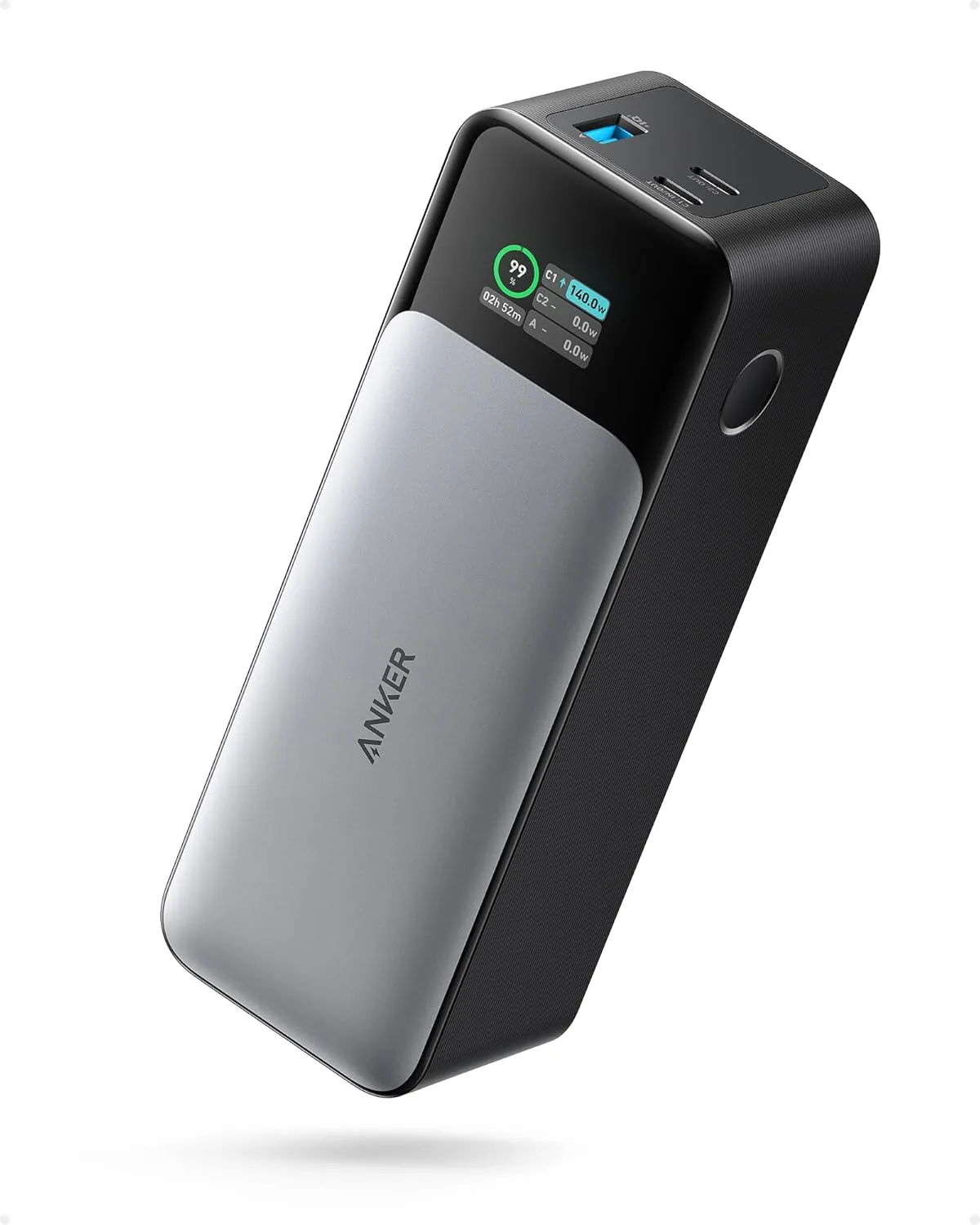
Anker 737 Power Bank (PowerCore 24K, A1289011) | Listed 140W PD 3.1 | 24,000mAh
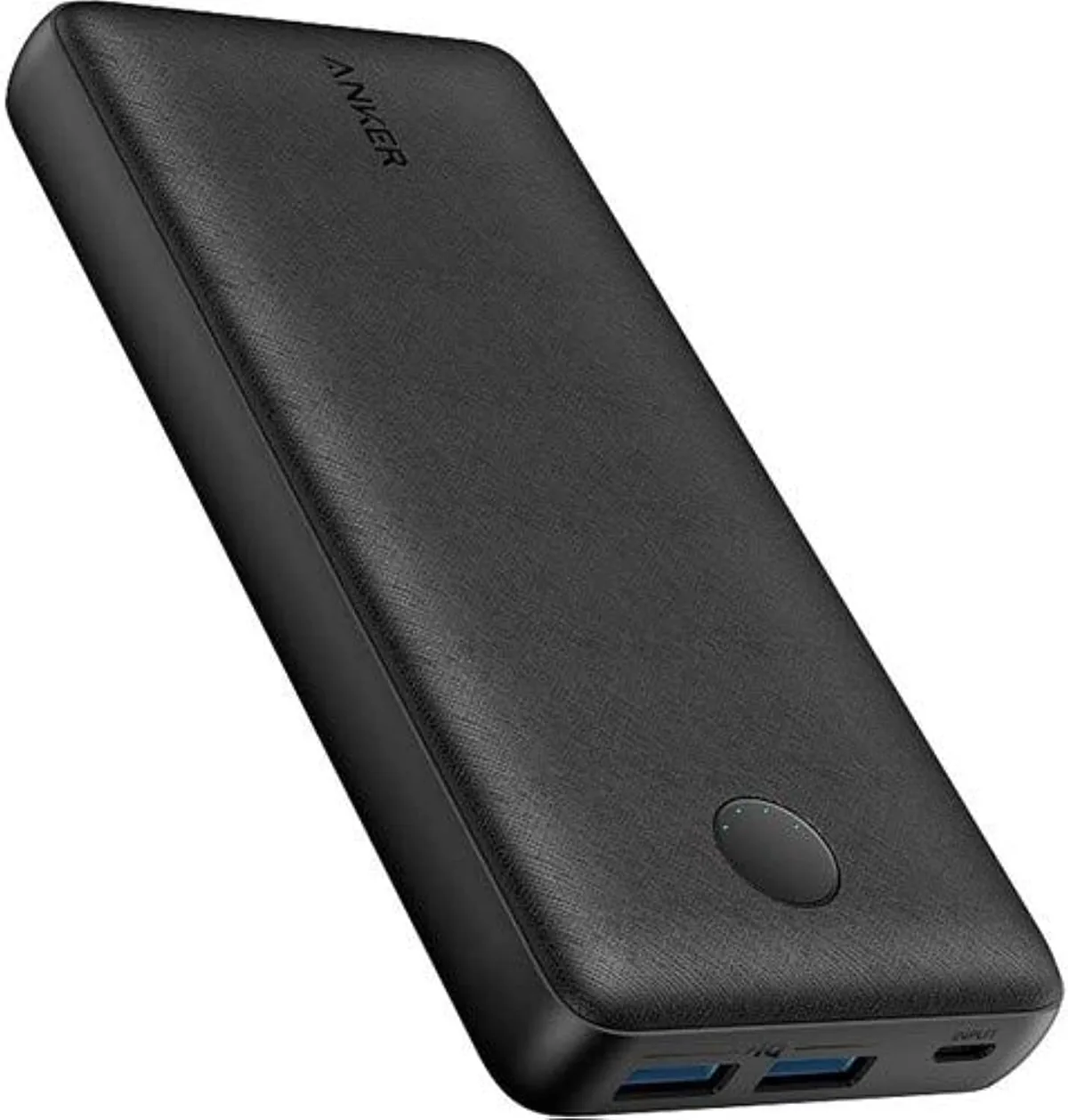
Anker PowerCore 20000mAh | 72Wh | Dual USB-A
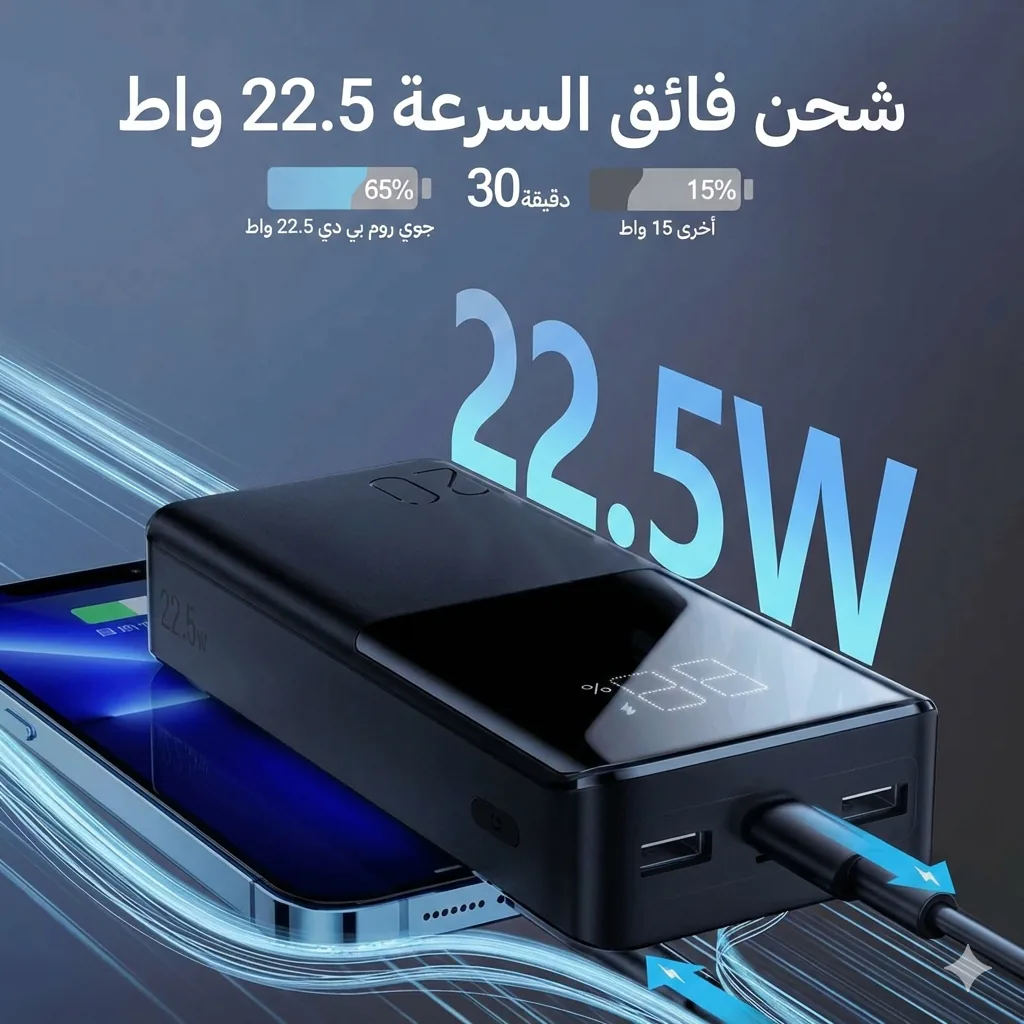
Joyroom 20000mAh Power Bank | 22.5W PD+QC | Triple Output
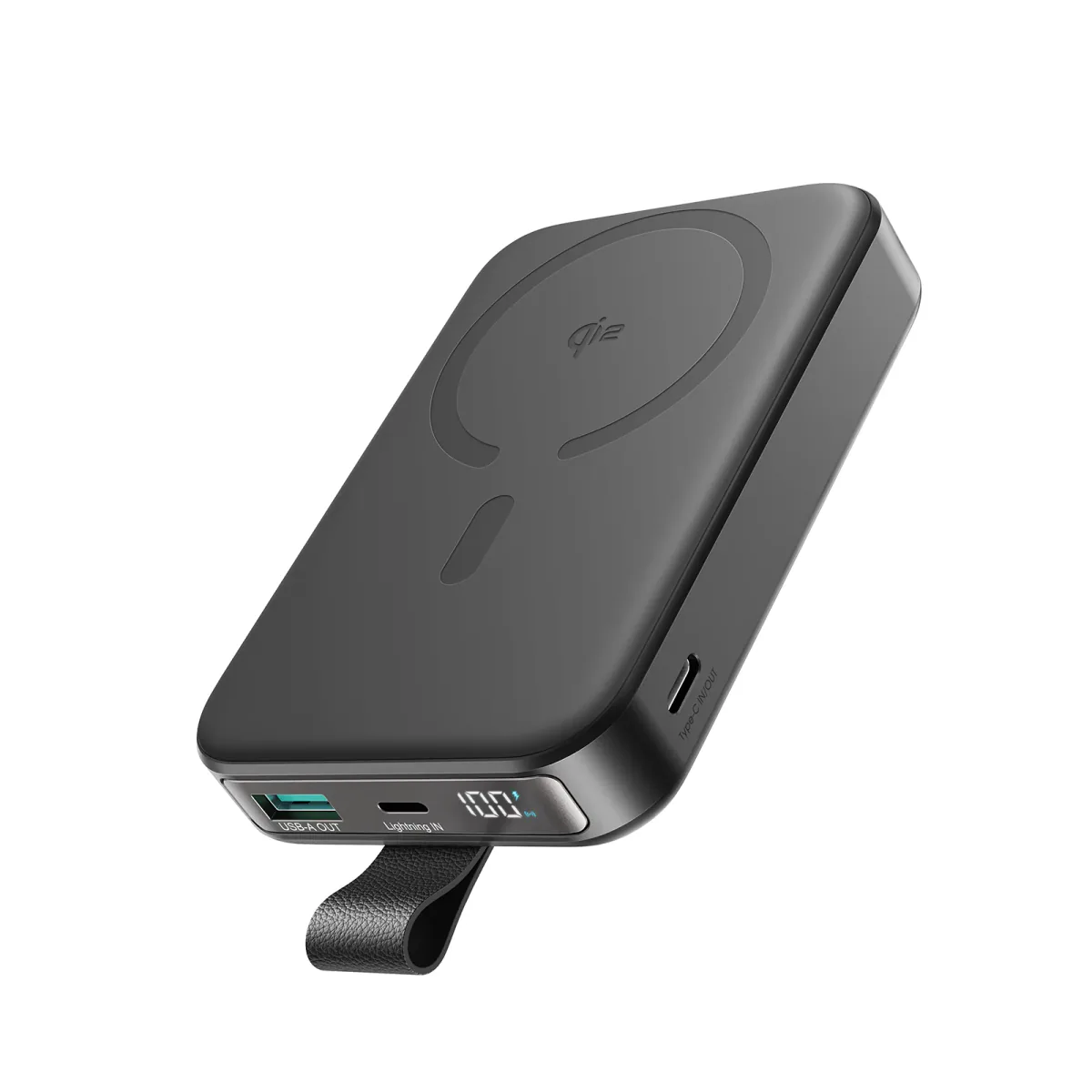
Joyroom 10000mAh Slim Power Bank | Dual USB | LED Display
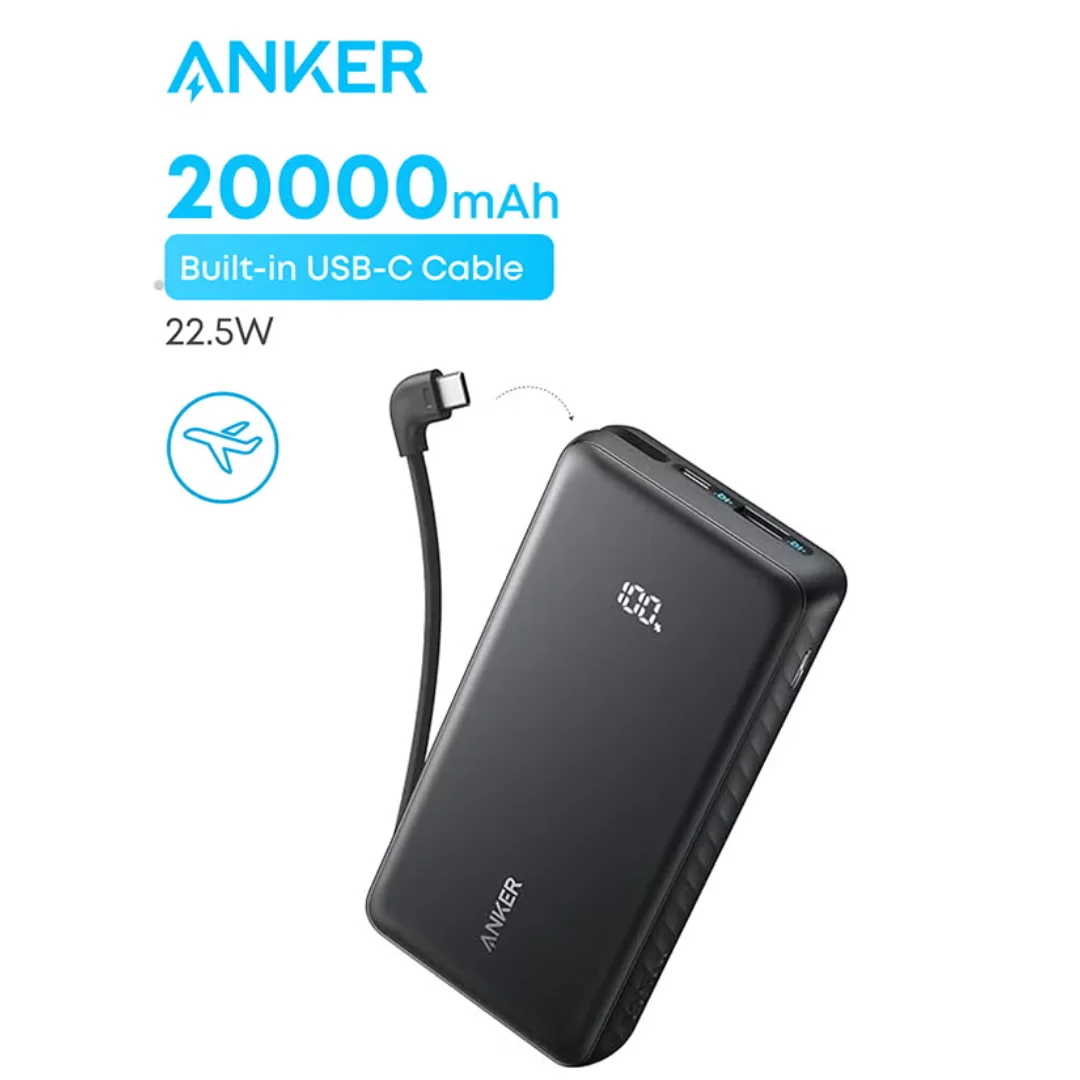
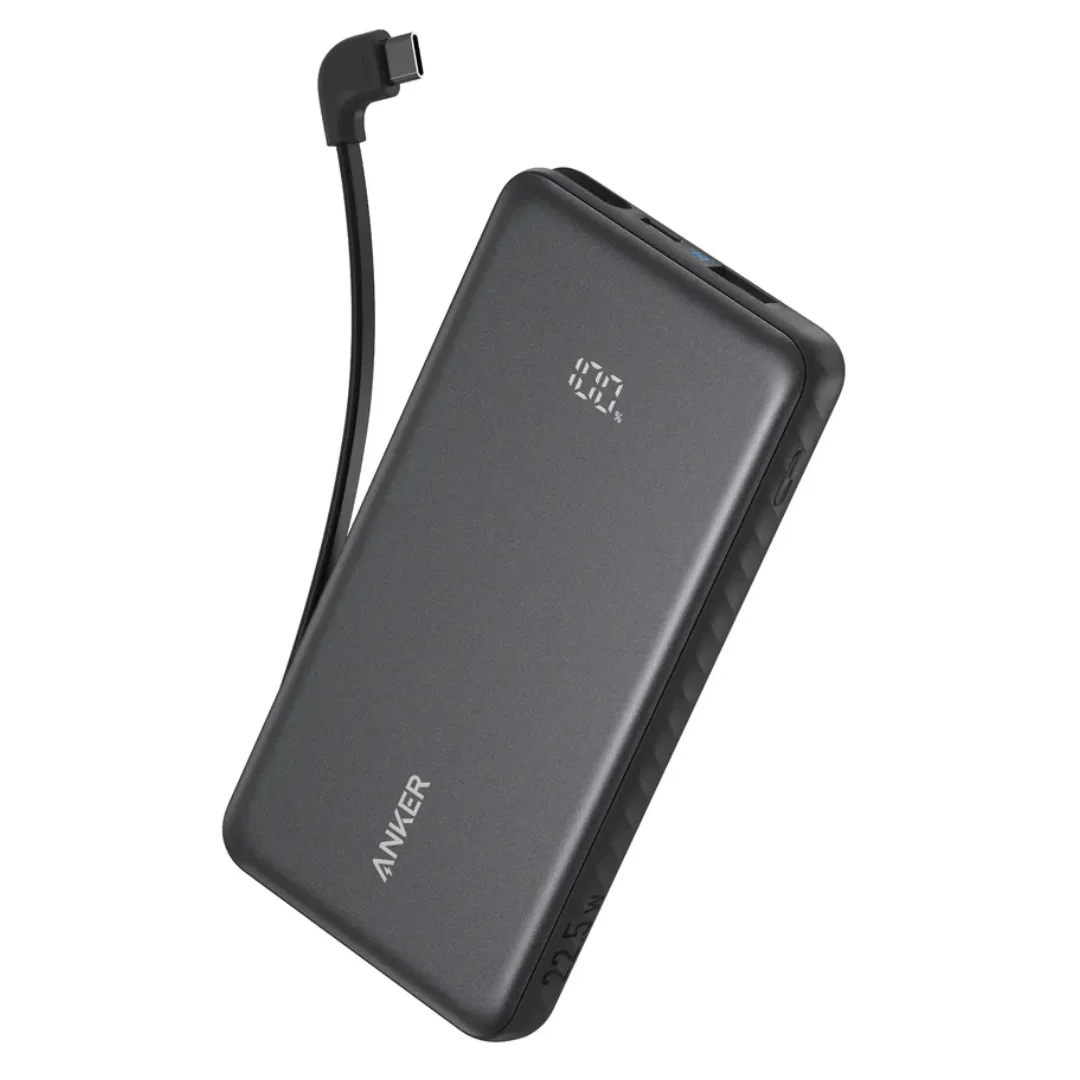
Anker ZOLO Power Bank 20,000mAh (22.5W) | Built-in Cable