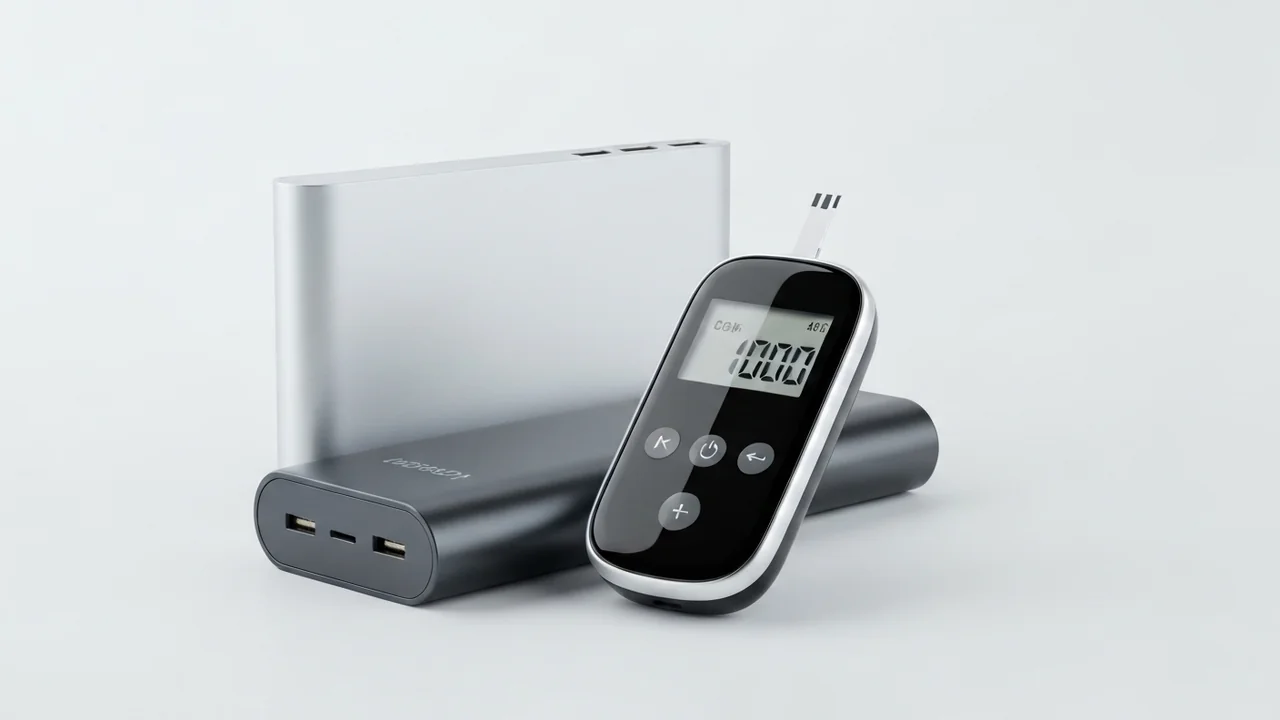
Diabetes management has undergone a massive technological revolution in recent years, largely driven by the adoption of Continuous Glucose Monitors (CGMs) like **FreeStyle Libre** and **Dexcom**. These innovative sensors have freed millions of patients from the pain of daily finger pricks, allowing them to track blood glucose levels in real-time via standalone readers (receivers) or smartphone applications. However, relying on electronic medical monitoring means relying entirely on **battery life**. If your CGM reader's battery dies during travel, a power outage, or an outdoor trip, you face an immediate loss of monitoring capability, which can be highly dangerous in critical situations.
In today's digital world, medical technology has become an inseparable part of our daily lives. A diabetes patient no longer needs to carry a bulky kit of needles, test strips, and lancets everywhere. Instead, a small sensor on the arm wirelessly transmits all necessary metrics. However, this freedom introduces a new responsibility: keeping these devices charged at all times to prevent critical monitoring gaps.
A common question we receive from patients and families at the CairoVolt lab is: "Can I safely charge my CGM reader with a portable power bank? And why does my power bank automatically turn off after a minute of plugging the reader in?" Charging sensitive medical hardware involves electrical constraints that differ significantly from charging standard consumer electronics like smartphones or laptops. In this guide, we will explain the science behind the auto-shutoff issue, how to activate Trickle Charging Mode to bypass it safely, and how to maintain your medical monitor's battery health over the long term.
⚠️ Medical Safety First: CGM readers are life-saving medical devices. Damage to their internal boards caused by poor-quality chargers can compromise your health. Never use cheap, uncertified chargers or cables to charge your glucose monitor.
1. Understanding Your CGM Reader's Battery
Glucose receivers like the FreeStyle Libre 2/3 Reader or Dexcom G6/G7 Reader contain small lithium-ion battery cells. Their capacity is tiny compared to modern smartphones, typically ranging between **300mAh and 500mAh** (compared to a standard smartphone's 5,000mAh battery, which is 10 to 15 times larger).
Because these batteries are so small, CGM readers are designed to draw a low, slow electrical current to protect the cell chemistry and prevent heat buildup. These devices usually request a basic **5V** voltage profile and draw between **0.2A and 0.5A** of current (equivalent to 1W to 2.5W). This low-power charging mechanism is necessary to prevent thermal stress on the medical hardware.
These batteries operate at a nominal voltage of 3.7V and utilize Lithium Polymer (Li-Po) chemistry, which is chosen for its flat, compact form factor to fit the reader's slim housing. Medical hardware engineers design these monitors using ultra-low-power microcontrollers (such as the STM32L series) that run on micro-amps in standby mode. This efficient hardware design allows the CGM reader to operate for 7 to 14 days on a single charge. Charging these delicate, small battery cells with high currents (such as ultra-fast smartphone adapters) poses a severe physical risk to their chemistry. High currents generate excessive heat, which causes lithium cell swelling, mechanical delamination of the anode and cathode layers, and can ultimately lead to permanent board failure or trigger the internal thermal cutoff switch designed to disable the medical device under unsafe conditions.
2. Why Do Power Banks Turn Off When Charging CGM Monitors?
Many CGM users experience this frustrating issue: they plug their glucose reader into a fully charged power bank, the charging icon appears on the screen, but within 30 to 60 seconds, the power bank turns off, and the charging stops. This is not a defect in your cable or receiver; it is a design feature of the power bank.
Modern power banks feature intelligent power-saving circuits that monitor current draw. If the current drawn from a USB port falls below a specific threshold (typically 50mA to 100mA), the power bank assumes the connected device is fully charged or has been disconnected. It shuts off the port to conserve its internal charge.
Because a CGM reader draws a tiny amount of current—especially as its battery nears completion—the power bank's safety circuit mistakes it for an empty cable and shuts down. This behavior is known as the **Auto-Shutoff Threshold**.
From an electrical engineering standpoint, the power bank's printed circuit board (PCB) contains a tiny current sense resistor (often called a shunt resistor) connected in series with the USB output line. The power bank's central microcontroller constantly measures the voltage drop across this shunt resistor to estimate the drawn current using Ohm's Law ($I = V/R$). If this voltage drop falls below a pre-programmed threshold (usually corresponding to a current draw of less than 50mA to 100mA) and remains low for 30 to 60 seconds, the firmware assumes that no device is connected or that the connected smartphone has reached 100% capacity. Consequently, the microcontroller cuts off power to the boost converter IC to enter a deep sleep state, preserving its internal lithium cells and preventing self-discharge through the idle USB ports.
3. The Solution: Trickle Charging Mode (Low-Current Mode)
To accommodate small accessories like wireless earbuds, smartwatches, and medical devices, premium power bank manufacturers (such as **Anker**, **Joyroom**, and **Samsung**) have introduced **Trickle Charging Mode** (also known as Low-Current Mode).
Activating this mode overrides the auto-shutoff sensor, keeping the USB port active and delivering a low, steady current for up to two hours, regardless of how little power the connected device draws.
When you manually activate Low-Current Mode (or Trickle Charging Mode), the power bank's microcontroller receives an override command that bypasses the comparator logic monitoring the shunt resistor. The integrated buck-boost converter is forced to remain active in a fixed-frequency pulse-width modulation (PWM) state, maintaining a continuous 5V rail across the USB pins for a hard-coded duration of 120 minutes. This programmatic override ensures that ultra-low-power electronics, such as CGM receivers, can complete their final saturation charging phase without experiencing premature power cuts.
How to Activate Low-Current Mode on Popular Power Banks:
- 🔋 Anker Power Banks: Double-press the power button, or press and hold it for two seconds. One of the LED indicator lights will turn green, indicating that Trickle Charging Mode is active. Press the button once to turn it off.
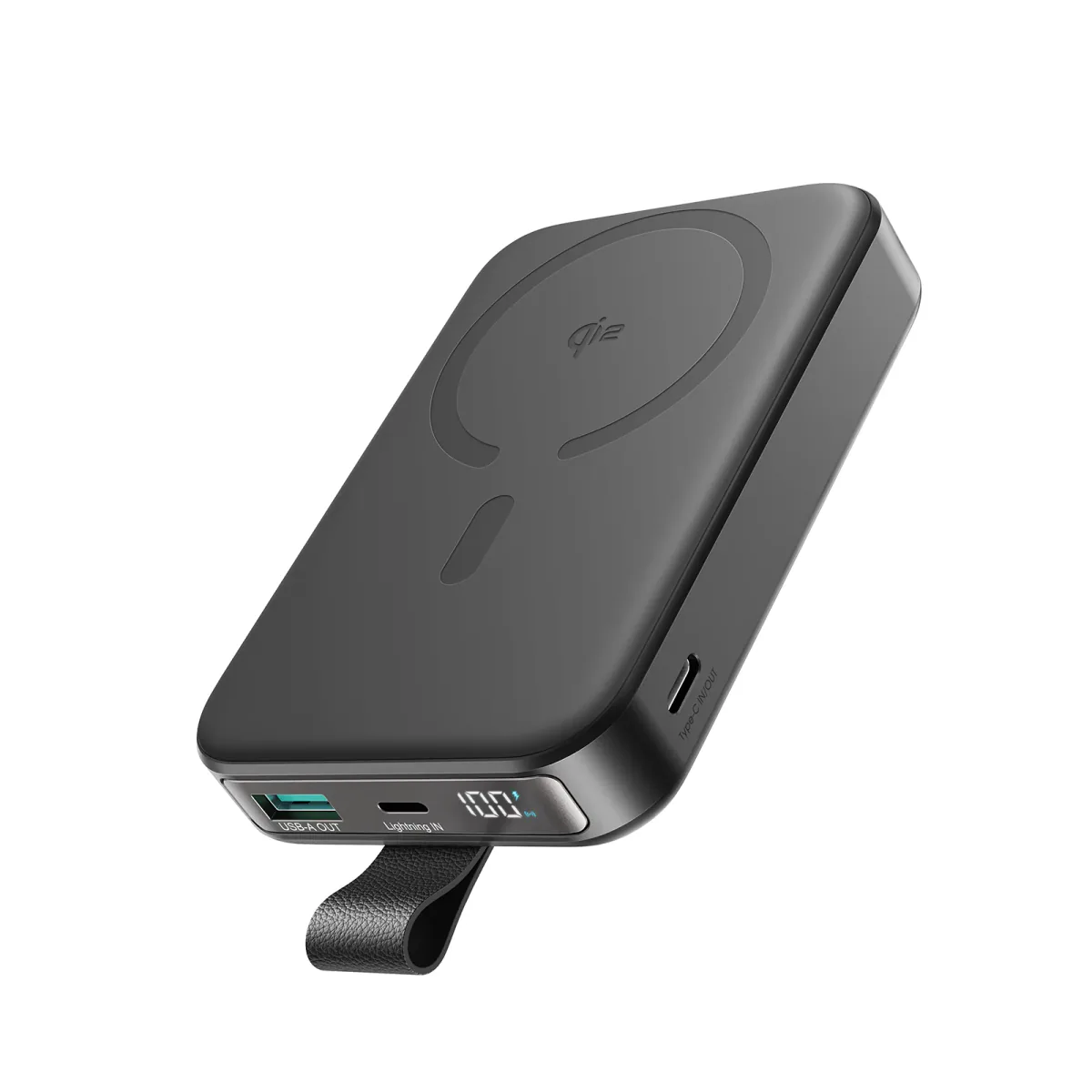
- 🔋 Joyroom Power Banks: Double-press the power button to keep the port open. A special symbol or blinking LED sequence will indicate the mode is active.
- 🔋 Samsung Power Banks: Samsung's newer battery packs feature smart ports that auto-detect medical receivers, or allow activation using similar button sequences.
Using this mode ensures your glucose monitor receives a full charge without interruption. For details on selecting compatible cables, check our guide on USB-C and USB 3 cable speed differences.
4. Five Essential Safety Rules for Charging Medical Gear
Because your glucose monitor is vital to your daily health management, follow these electrical safety guidelines to protect its circuitry:
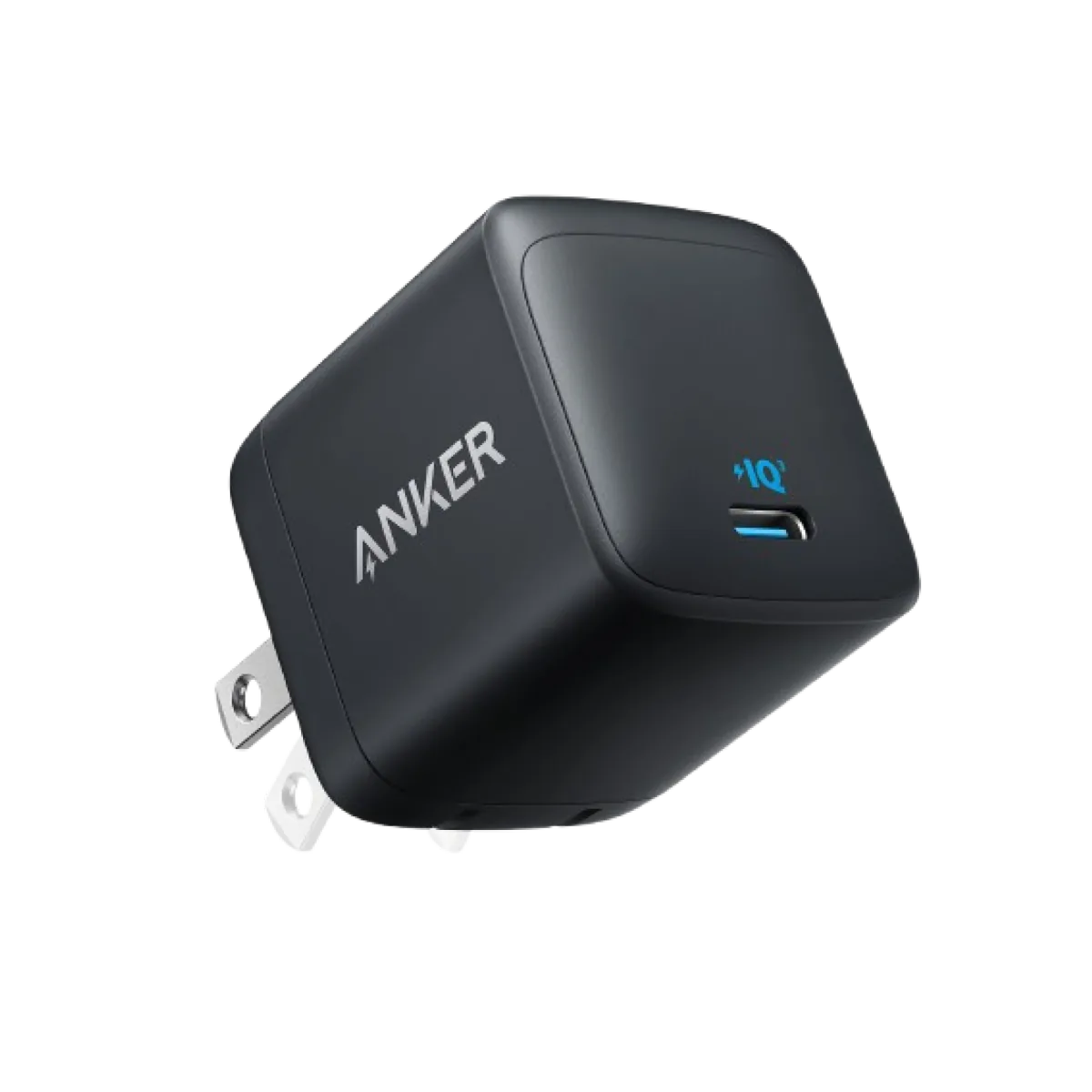
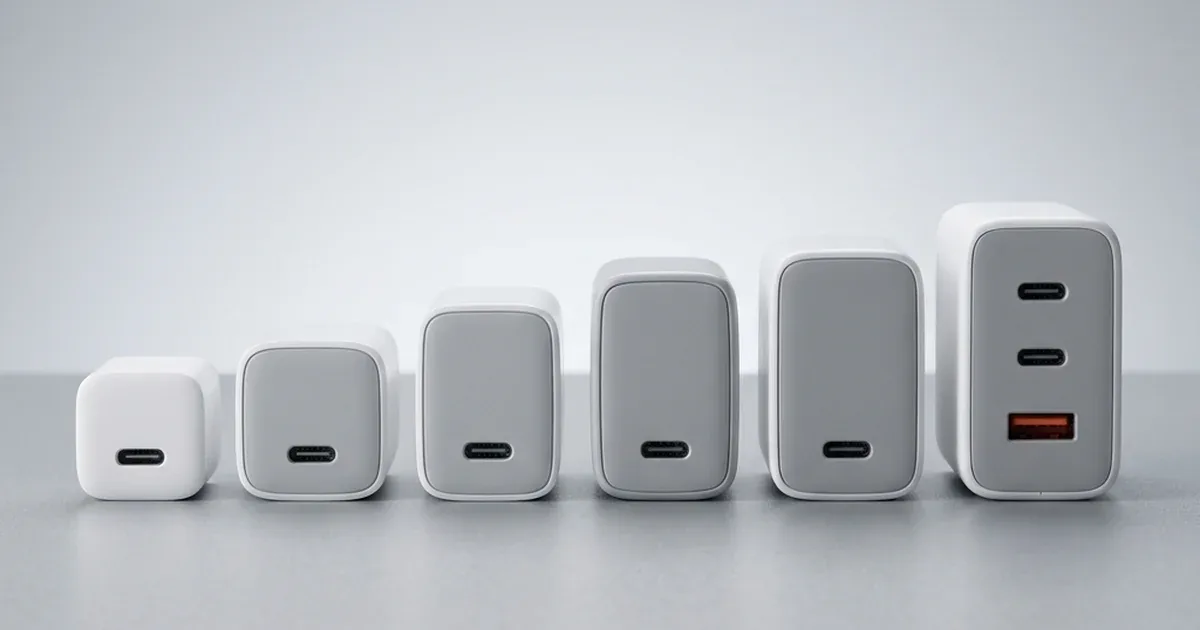
- 🔌 Avoid Cheap, Uncertified Adapters: Unbranded wall chargers lack reliable voltage regulators. Any surge in your household power line can travel directly to your CGM reader, frying its delicate motherboard. Stick to certified chargers, such as GaN chargers.
- 🚗 Do Not Charge While Starting Your Car: A vehicle's alternator generates massive voltage spikes when the engine is turned on or off. If your glucose monitor is connected to a car charger during ignition, these spikes can damage its charging controller. Always plug in your device after the engine is running and stable.
- 🌡️ Avoid Extreme Temperatures: Never charge your CGM reader inside a sealed bag in hot weather or leave it on a car dashboard under direct sunlight. High temperatures accelerate lithium battery degradation and can cause swelling.
- 🧹 Keep the Charging Port Clean: Because readers spend a lot of time in pockets, dust and lint can accumulate in the charging port, blocking contacts and causing resistance. Clean the port gently with a dry, clean brush.
- 🔋 Avoid Letting the Battery Hit 0%: Deep discharging damages lithium cells and reduces their lifespan. Plug in your glucose reader once its battery level drops to 20%.
4.1. Charging the Phone Connected to Your CGM: Additional Safety Tips
In recent years, most diabetes patients have transitioned to using their smartphones instead of a standalone receiver to monitor their glucose values via Bluetooth and apps like LibreLink or Dexcom. This makes your smartphone a critical medical hub. Here are important tips to charge your phone safely while maintaining connection to your sensor:
- 🌡️ Avoid Extreme Heat During Fast Charging: Fast charging generates thermal energy inside your phone. If your phone is placed in your pocket or close to your body while charging from a power bank, this heat can weaken the sensor adhesive on your skin or cause local skin irritation. Charge the phone in a well-ventilated space.
- 🔋 Prevent Battery-Saver Bluetooth Disconnects: Modern operating systems automatically throttle background Bluetooth connections or force glucose monitoring apps into deep sleep when the battery drops below 10-15%. Keep your phone charged above 20% to guarantee you receive low or high blood sugar alarms without delay.
- 🔌 Use High-Quality, Durable Charging Cables: A loose or broken cable can stop charging overnight, causing you to wake up to a dead phone and missed nocturnal glucose alerts. Invest in reliable, braided cables that won't disconnect easily.
5. Recommended Power Banks for CGM Users
Here is a comparison of reliable power banks for charging portable medical monitors:
| Model | Trickle Charging Support | Portability & Weight | Approx. CGM Charges |
|---|---|---|---|
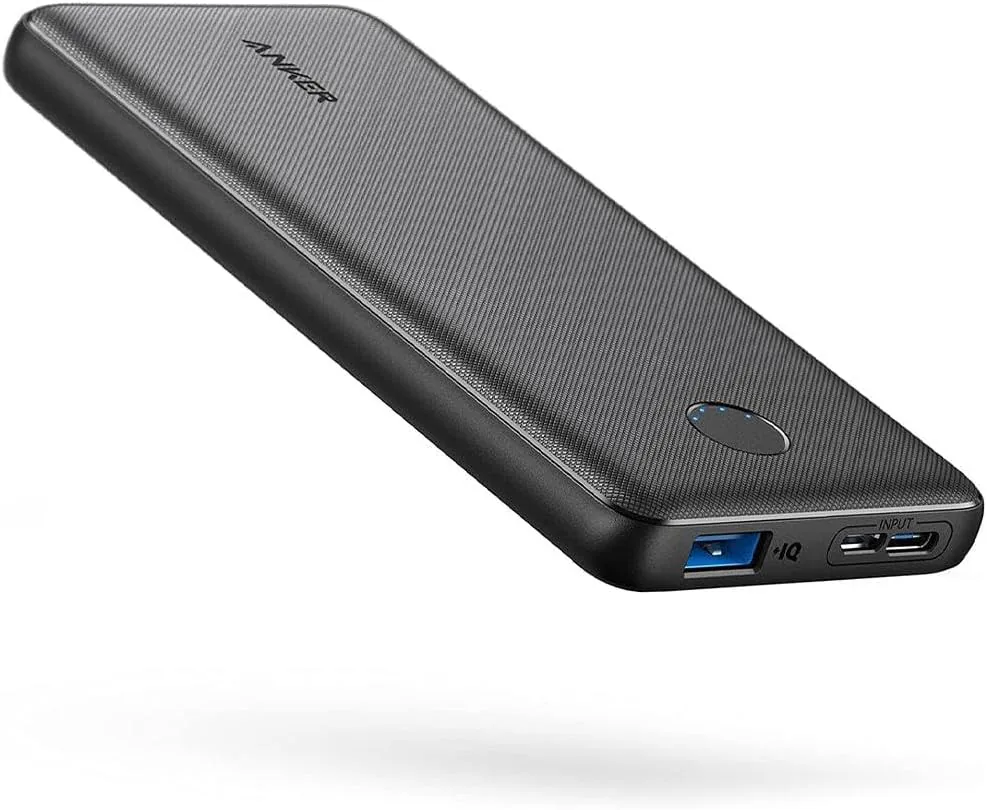
| Anker PowerCore 10000 | Yes (double-press/hold) | Ultra-light, fits comfortably in pockets | 15 to 20 full charges |
| Joyroom Power Bank 10000 | Yes (via smart power button) | Compact size with digital percentage display | 14 to 18 full charges |
| Anker 737 Powerbank (24K) | Yes (via integrated display screen) | Heavy, best for long trips or backup | Over 40 full charges |
Choosing a reliable power source is essential when managing medical technology. Ensuring your charger is certified, your cables are intact, and your backup battery features a low-current mode gives you peace of mind and keeps your monitor active when you need it most.
6. Recommended Power Bank Pricing and Buying Strategy
When selecting a portable backup battery to safeguard your CGM receiver, understanding market pricing helps you balance budget with safety constraints:
- ⚡ Samsung 10,000mAh Power Bank: Typically priced between 1,500 EGP and 2,000 EGP. It is highly recommended due to its reliable hardware-level current negotiation, stable PPS voltage regulation, and certified protection against short circuits.
- ⚡ Samsung 20,000mAh Power Bank: Priced between 2,500 EGP and 3,200 EGP. This high-capacity pack is ideal for long-distance travel, camping, or power outages, allowing you to charge both your smartphone and your medical reader for up to a week.
- ⚡ Anker PowerCore 10,000mAh Series: Ranging from 1,200 EGP to 1,800 EGP. These packs feature proprietary PowerIQ technology which handles trickle charging seamlessly and safely for medical electronics.
Always purchase from authorized retailers to avoid counterfeit units. Fake power banks lack safety microcontrollers and can release unregulated voltages that will ruin your glucose monitor instantly.

CairoVolt Editorial Team
Content team reviewing specifications and buying guides
The CairoVolt team reviews model numbers, specifications, and compatibility, and updates information when better data is available. Estimates are labeled as calculations, and readers can report information that needs correction.
Frequently Asked Questions
Why does my power bank turn off automatically when charging my CGM reader?▼
Is it safe to charge a CGM reader with a high-wattage 45W charger?▼
How many charges can a 10,000mAh power bank provide for a CGM monitor?▼
Can I charge my glucose monitor from a car cigarette lighter port?▼
Ready to Buy?
Browse available products and review specifications and CairoVolt warranty terms before ordering
Products Mentioned in This Article
Anker PowerCore 10000mAh Power Bank
Joyroom 10000mAh Slim Power Bank | Dual USB | LED Display
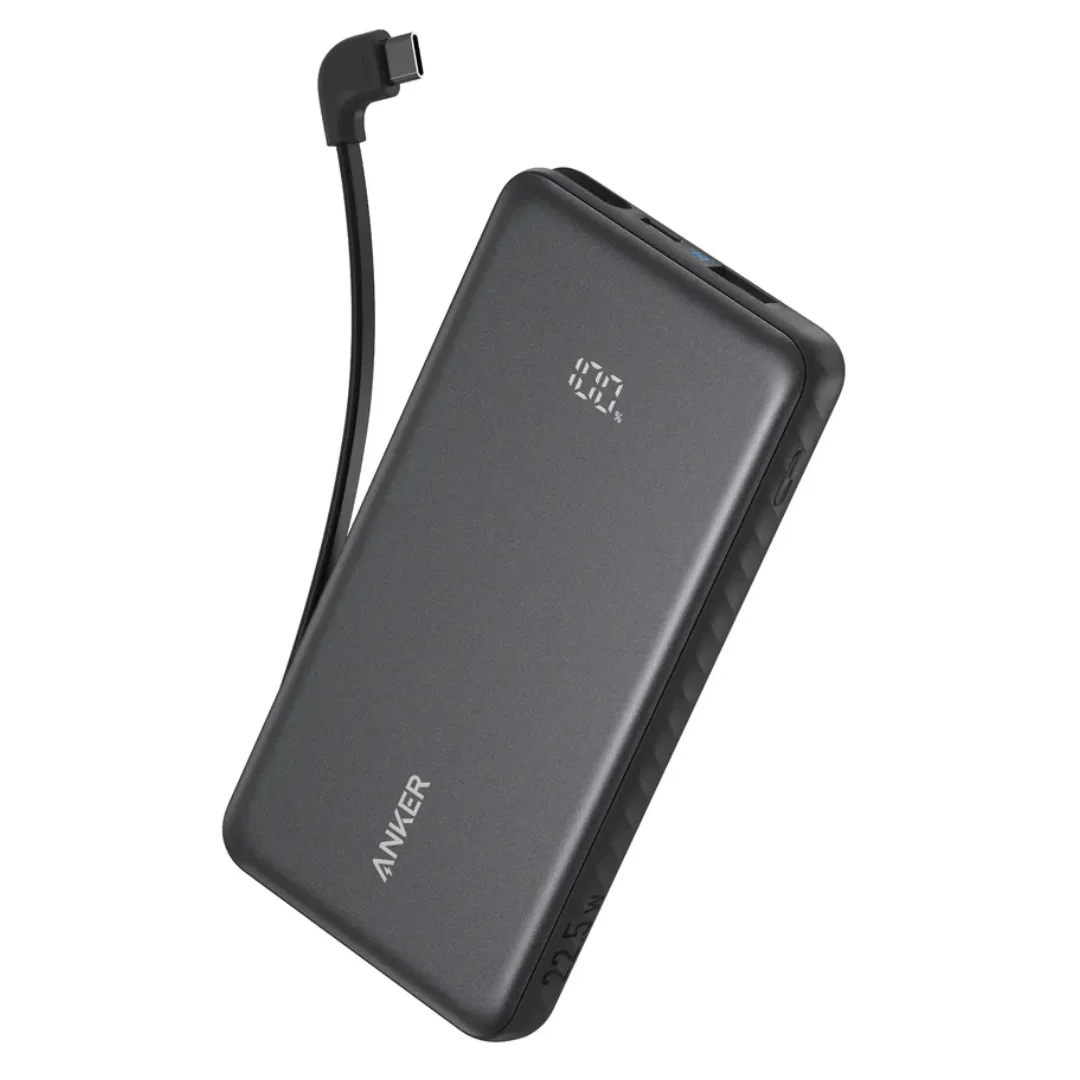
Anker ZOLO Power Bank 10,000mAh (22.5W) | Built-in Cable
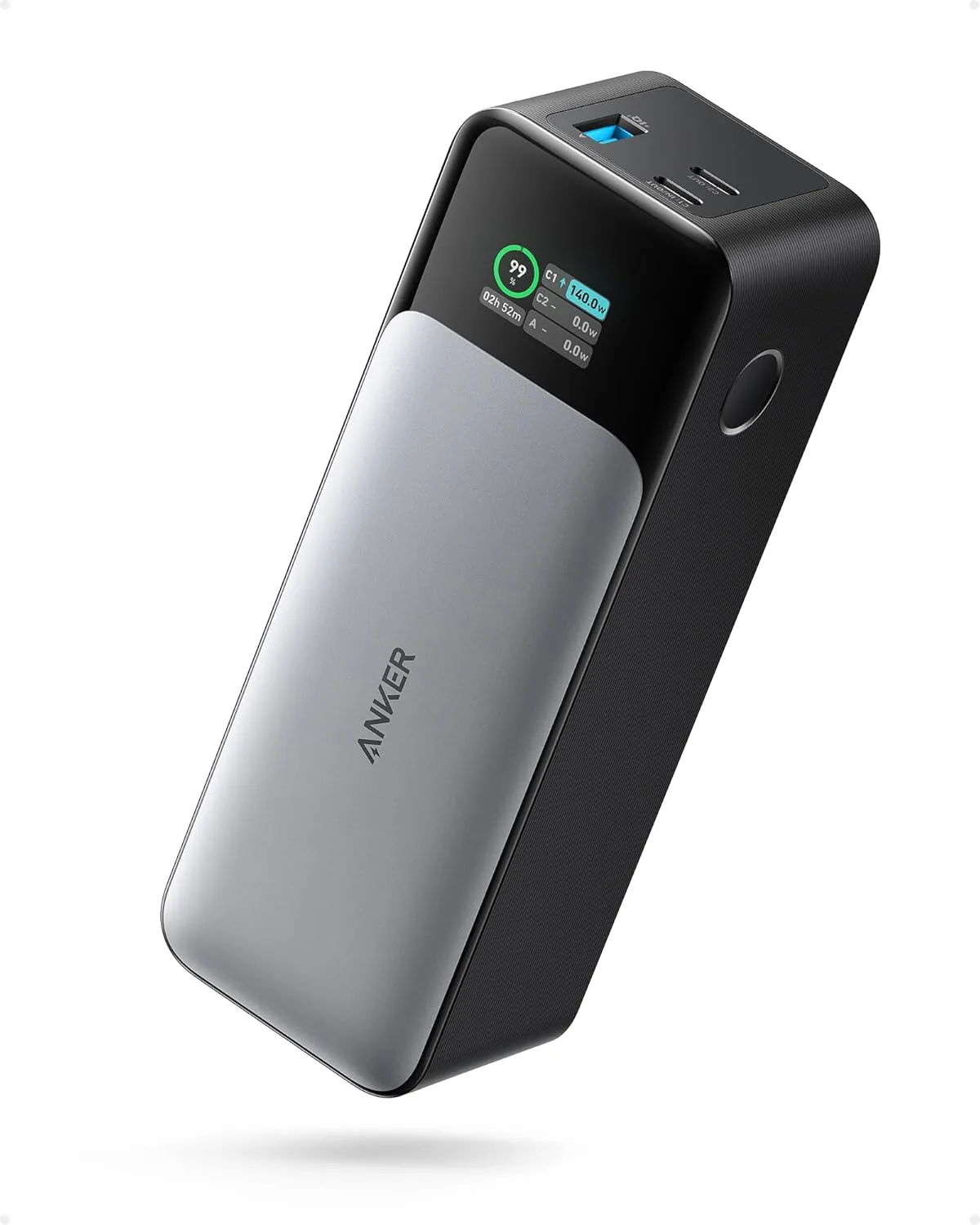
Anker 737 Power Bank (PowerCore 24K, A1289011) | Listed 140W PD 3.1 | 24,000mAh