
Battery drains while charging when using Google Maps
Navigation, mobile data and full brightness together can draw more than a low-output charger supplies, so the battery may still fall while plugged in.
The Suggested Technical Solution
To keep a positive net charge during intensive navigation, use a USB-C PD source of at least ~20W — typically a PD car charger in the vehicle, or a ≥20W PD wall charger when parked/at home. Legacy USB-A ~10W adapters usually cannot outpace Maps + GPS + bright screen draw.
From our lab: In our A2741 bench, the Anker 30W USB-C PD car charger added +34 percentage points to an iPhone 15 (42% → 76%) over a 90-minute stop-start drive from New Cairo to 6th of October with Google Maps and a ride-hailing driver app running. Anker 30W Mini Car Charger (A2741) | USB-C 30W PD + USB-A 22.5W | Ultra-Compact
Read the full guide: Why Is Your Phone Charging Slowly? 8 Hidden Causes & Instant Fixes
Practical steps
- Measure the symptom: battery % falling while “charging” during Maps.
- Switch to a USB-C PD charger rated ≥20W (car or wall).
- Use a known-good USB-C cable rated for PD, not a USB-A→C dongle chain.
- Drop brightness one notch and close background maps mirrors if unused.
- For long trips, prefer a PD car charger so cabin power keeps up with continuous GPS.
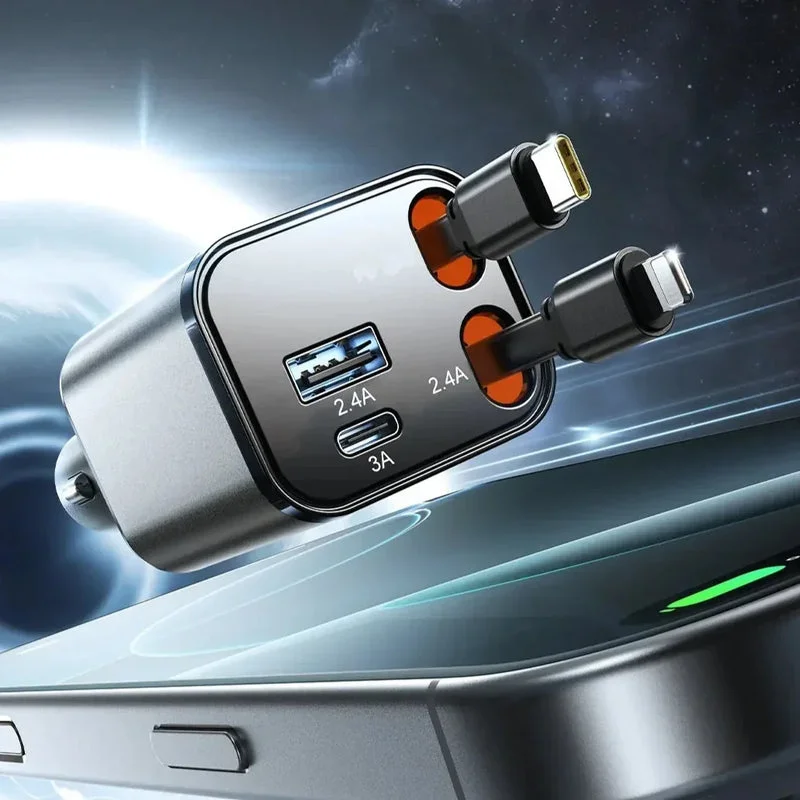
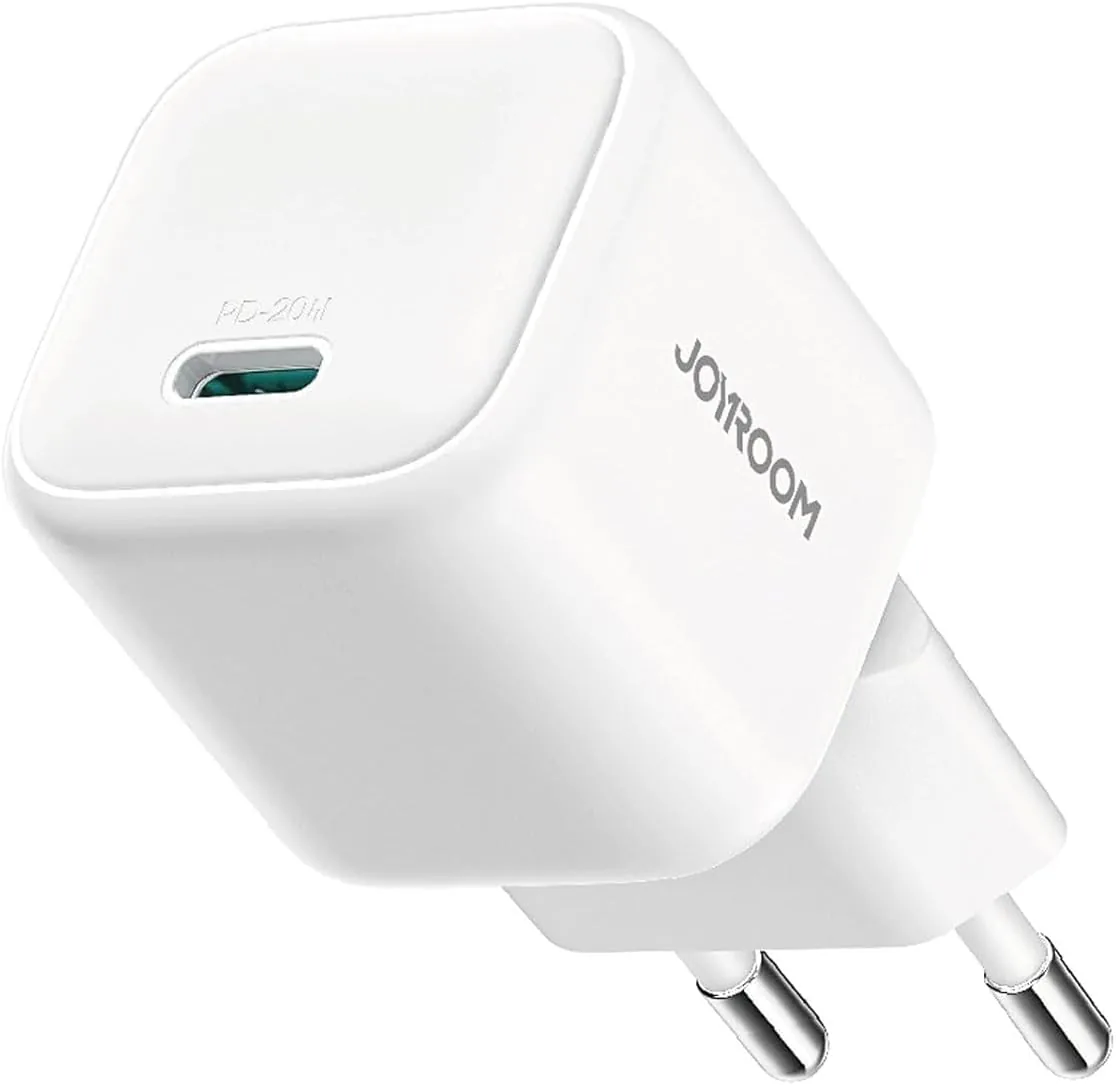
Recommended Products to Solve This
Frequently asked questions
Why does the phone say Charging but % still drops?
Input power is below instantaneous load. The UI shows a charge path is connected; it does not guarantee net-positive watts.
Is 20W always enough for Maps?
Usually yes for phones. Extreme heat, wireless charging, hotspot, and max brightness can still push load higher — then use a higher-watt PD source or reduce screen load.
Wall charger or car charger?
In the vehicle use a PD car charger. At home/parked, a ≥20W PD wall charger is fine. Match the cable to the port.