
Why is my USB-A charger so slow on a modern phone
Many phones now expect USB-C Power Delivery. A USB-A charger limits the phone to USB-A charging rates, so it looks “stuck” at a low charge rate even when the cable feels fine.
The Suggested Technical Solution
USB-A ports speak older BC1.2 / proprietary profiles. USB-C PD negotiates higher voltage steps (e.g. 9V) so the same watts arrive with lower current and less cable loss. Replacing only the cable rarely unlocks PD if the wall adapter has no USB-C PD controller. For iPhone fast charging, Apple lists a USB-C power adapter that supports USB-PD at 18W or higher (support.apple.com/en-us/102574).
Read the full guide: Travel Charger with USB-C and USB-A — Which Is Best for Your Sahel Trip 2026?
Practical steps
- Check the wall adapter: if it only has USB-A, it cannot do USB-C PD.
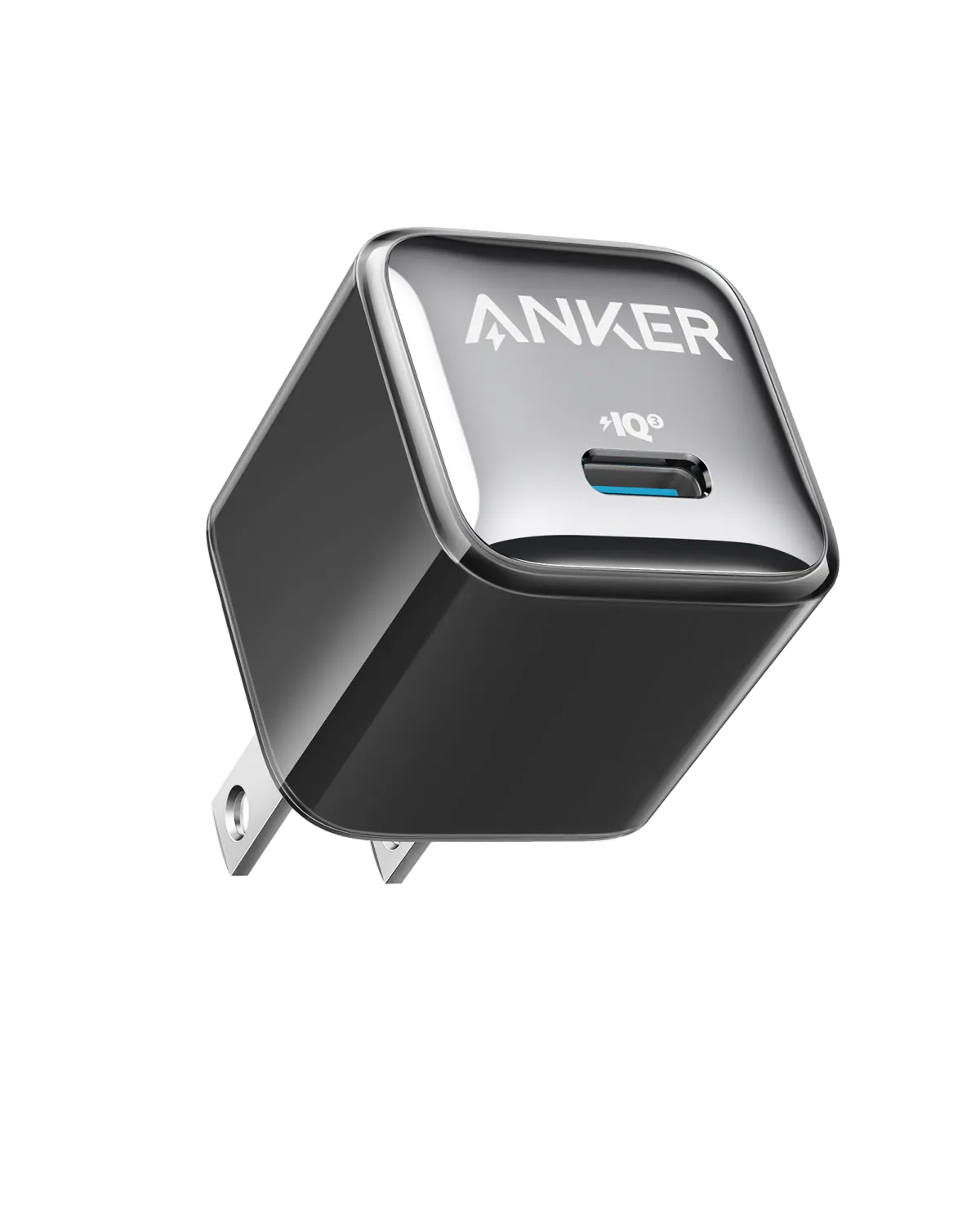
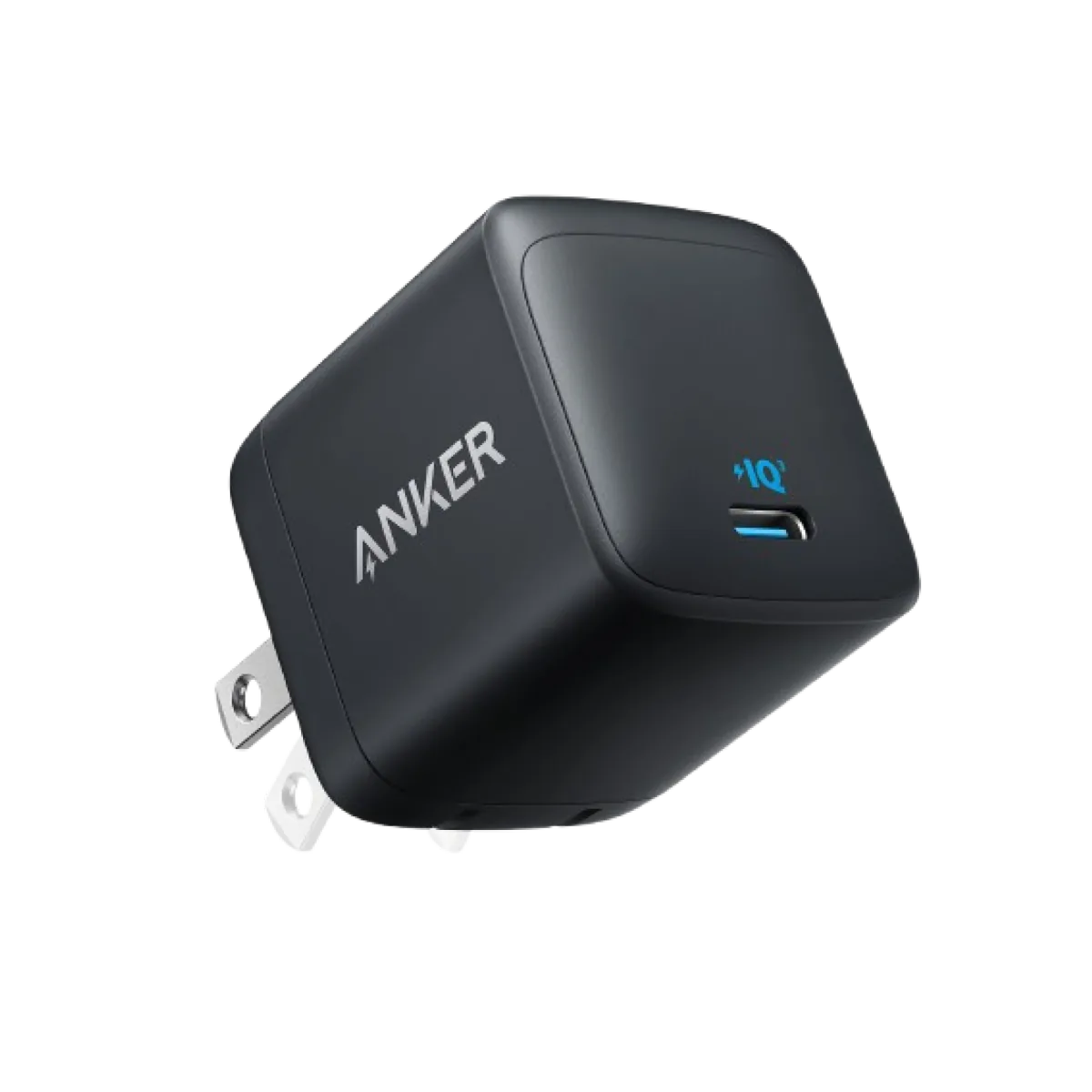
- Move to a USB-C PD wall charger rated for your phone (often 20–45W for phones).
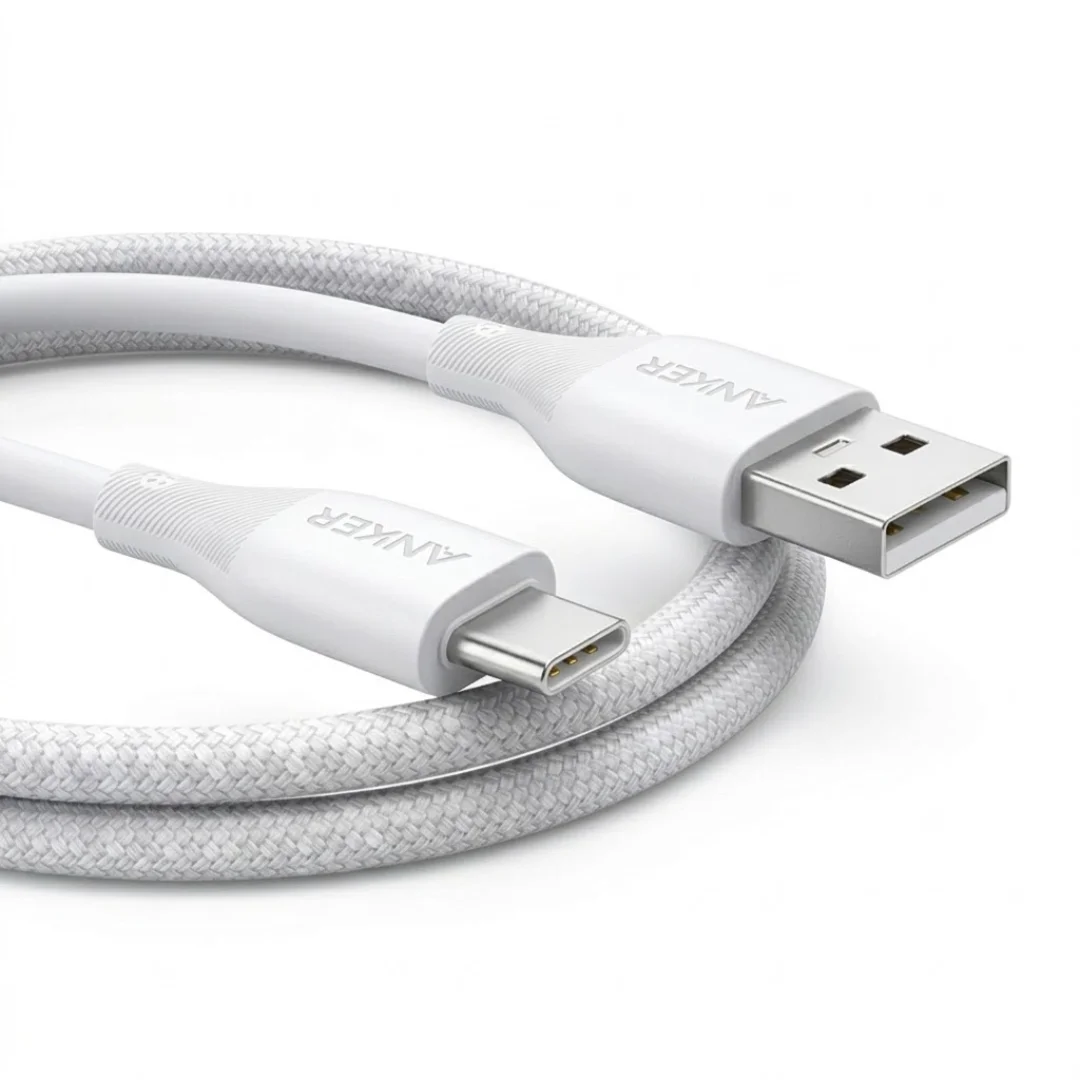
- Use a USB-C to USB-C (or USB-C to Lightning on older iPhones) cable rated for that power.
- Avoid daisy-chained hubs and damaged cables that fail PD negotiation.
- Confirm the phone shows a fast-charge / PD state under its own OS wording.
Recommended Products to Solve This
Frequently asked questions
Can a “fast” USB-A cable fix this?
Only up to what the USB-A adapter can advertise. Without a PD source, you stay in the low-watt regime.
Do I need 45W for a phone?
Phones usually peak well below 45W. A honest 20–30W PD charger covers most phones; higher wattage helps if you also charge tablets/laptops on the same brick.