It's 2:00 AM. You are lying in bed after a exhausting day in Cairo's heat, the ceiling fan spinning above you. Your phone is plugged into the charger, and you are locked in an intense PUBG match or endlessly scrolling through TikTok. Your pinky finger supports the bottom of the device, and you start to feel a distinct heat radiating into your palm. Suddenly, you recall a terrifying Facebook post from last week about a phone exploding in someone's face while they were charging and calling. Your heart rate quickens, and you look at your device with suspicion: "Could this thing explode in my face right now? Or is it just another urban myth?"
Do not worry. Here at the CairoVolt lab, we believe in physics, datasheets, and real numbers, not social media sensationalism. As our professors at Cairo University's electronics department always said: "Understand the science, and you will be free from the myth." In this article, we will take you inside your phone's battery, explaining exactly what happens when you charge and use the device simultaneously. You will learn why heat is generated, the real difference between a premium charger that protects your device and a cheap 30 EGP counterfeit from a street kiosk, and how you can charge and play safely by following simple, strict guidelines.
💡 Quick Technical Answer: No, using your phone while charging with an authentic charger and certified cable is completely safe and will not cause an explosion. Modern smartphones are engineered with intelligent Power Management ICs (PMICs) that monitor and throttle temperature. The actual danger stems from: (1) using cheap, counterfeit chargers that lack thermal cutoff fuses, (2) trapping heat by charging under a pillow or in a hot car, causing "Thermal Runaway", and (3) charging a physically damaged or swollen battery.
1. The Physics of Charging Heat: Why Does My Phone Get Hot?
To understand what is happening, we need to look at how a Lithium-ion battery works. A smartphone battery is not a simple bucket you fill with water; it is a highly active chemical reactor. During charging, lithium ions migrate from the positive electrode (Cathode) to the negative electrode (Anode) through a liquid electrolyte. This migration is not friction-free—the ions encounter internal resistance inside the battery cell.
According to **Joule's Law** of electrical physics, the energy lost due to resistance is converted directly into **heat (Ohmic Heating)**. This means that any battery undergoing charging must generate heat. It is a fundamental thermodynamic law that no engineer can completely eliminate. Normally, this temperature rise is mild and controlled (typically between 30°C to 38°C).
Now, what happens if you hold your phone and play a resource-heavy game like PUBG or run a video call while it is charging? You are demanding maximum power from the CPU and GPU. These microchips generate a massive amount of heat under load. Simultaneously, your screen is running at high brightness, generating additional surface heat. Suddenly, your phone has multiple heat sources operating in a sealed, fanless metal or glass chassis:
- 🔥 Chemical Charging Heat: Generated by ion migration and internal battery resistance.
- 🎮 Processor (CPU/GPU) Heat: Generated by rendering game graphics and processing network data.
- 📱 Display and Backlight Heat: Increases with screen brightness and active usage.
These heat sources combine to create a cumulative thermal load. The smartphone chassis acts as a heatsink, transferring this heat outward to your hands. While the phone feels hot, it is actually just the device's normal method of expelling internal thermal buildup.
2. The Chemical Reality of Battery Swelling and Thermal Runaway
How does a battery actually explode? The scientific term for this disaster is **Thermal Runaway**. This is an unstoppable chemical chain reaction that occurs when the battery's internal temperature exceeds a critical threshold—typically above 60°C for Lithium-ion cells.
At these elevated temperatures, the organic liquid solvents inside the electrolyte begin to vaporize and decompose, generating gases (such as carbon monoxide, carbon dioxide, and hydrogen) and **releasing more heat**. This triggers a catastrophic feedback loop: high heat causes chemical reactions, which release more heat, which accelerates the reactions further. The temperature rises exponentially in fractions of a second. The gas buildup swells the battery casing. If the pressure exceeds the structural strength of the outer pouch, it ruptures. Oxygen from the air rushes in, reacting violently with the highly reactive metallic lithium, resulting in a dramatic explosion and a fire that can reach temperatures of 600°C.
But can normal phone usage while charging trigger this thermal runaway?
The answer is a definitive **no**, provided your hardware is genuine. Modern smartphones designed by reputable brands contain a sophisticated Battery Management System (BMS). This system utilizes thermistors to measure the battery temperature every second. If the battery hits 40°C or 45°C, the system triggers thermal throttling: it reduces CPU speeds to lower chip heat and slashes charging power (for instance, dropping from 25W to 5W) to cool the battery. If temperatures continue to rise towards 50°C, the phone suspends charging entirely and displays a safety warning: "Charging on hold due to device temperature."
3. Counterfeit Chargers: The Real Culprits Behind the Dangers
If smartphones are so smart, why do we still read about real battery explosions during charging?
In almost 99% of documented cases, the disaster starts with a **counterfeit charger or a degraded, cheap cable**. An authentic charger is a highly regulated power supply featuring isolation transformers, safety fuses, and control chips that immediately cut off power during a short circuit or voltage spike. Brands like Anker invest heavily in safety suites; for example, their ActiveShield 2.0 technology monitors temperatures 3 million times a day to protect connected devices.
Conversely, a clone charger bought for 30 EGP from a street vendor is stripped of all safety features. It lacks proper galvanic isolation between the high-voltage 220V AC input and the low-voltage 5V DC output. In Egypt, where voltage fluctuations can occur due to load shedding or grid instability during hot summers, these cheap chargers fail catastrophically. The internal switching transistor shorts out, allowing the full 220V AC current to surge directly into your phone.
This high voltage instantly destroys the phone's internal charging circuits and reaches the battery cells. Unregulated current forces the lithium battery into a state of severe overcharging. This causes rapid **lithium plating** on the electrodes, creating internal micro-shorts that bypass the phone's safety chips and trigger thermal runaway directly within the cells.
Check out our detailed guide on how fake chargers damage iPhone batteries to understand this chemical degradation process.
4. Lab Comparison Table: Authentic vs. Counterfeit Chargers
To highlight the stark contrast, here is a comparison based on standard electrical safety tests:
| Electrical Metric | Authentic Charger (e.g., Anker Nano 30W) | Counterfeit (Clone) Charger |
|---|---|---|
| High-Voltage Isolation | Certified up to 3000V | Poor or absent (leaks current easily) |
| Voltage Ripple | Under 50mV (stable, clean charging) | Exceeds 300mV (causes chemical degradation) |
| Thermal Cutoff | Shuts down at 80°C to prevent damage | Runs until plastic melts and components catch fire |
| Safety Certifications | CE, FCC, RoHS, UL, Qi2 | Fake logos printed without any testing |
High voltage ripple from clone chargers acts like microscopic hammer blows to the battery's internal chemistry. Over time, it weakens the separator membranes, causing gas buildup and battery swelling, which is the precursor to an explosion.
5. Five Dangerous Habits That Bypass Your Phone's Safety Systems
Even with genuine hardware, certain charging habits can bypass safety measures and expose you to hazards:
- 🛏️ Charging Under a Pillow or on Bedding: Pillows and blankets are excellent thermal insulators. Charging a phone under a pillow traps all heat, preventing the phone from cooling itself. The temperature can quickly climb past safety thresholds and trigger thermal runaway.
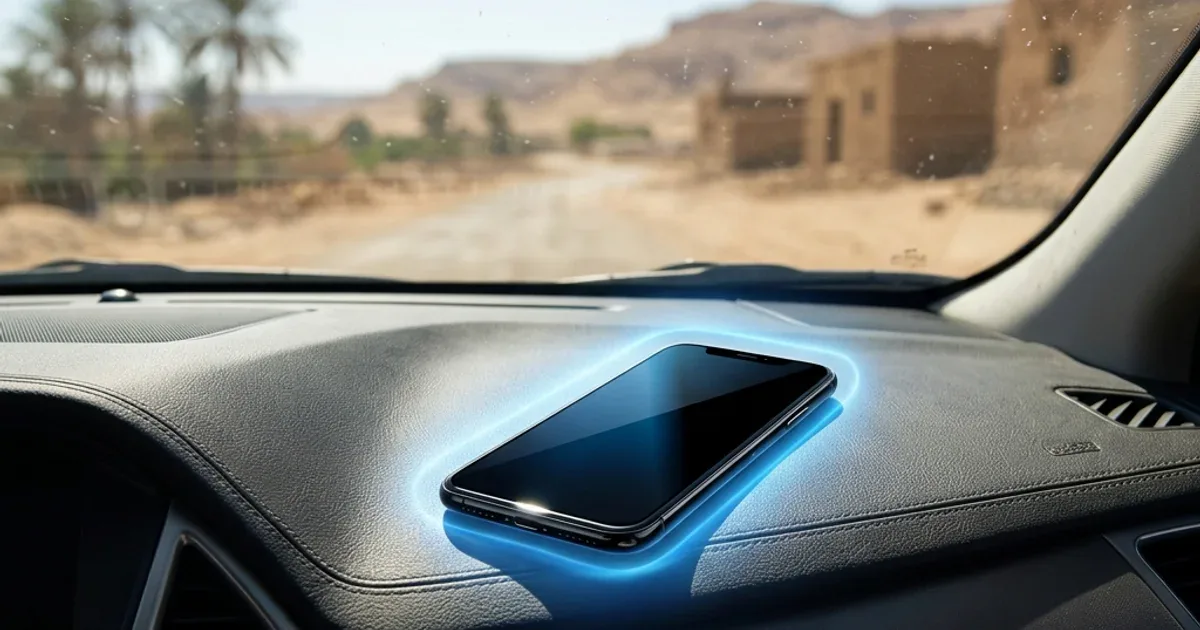
- ☀️ Charging in Direct Sunlight or a Hot Car: Combining intense solar radiation with charging heat raises battery temperature to 55°C-60°C within minutes, causing rapid degradation and risking cell failure.
- 📱 Using Thick, Insulating Cases: Cheap, bulky plastic or rubber cases trap heat inside the phone body. When charging, it is best to remove the case so the metal or glass back can radiate heat into the room.
- 🔋 Using a Swollen Battery: If your phone's screen is lifting or the back glass is bulging, the battery has already failed and swollen with gas. A swollen battery is extremely unstable; any external pressure or puncture can cause a fire instantly. Replace it immediately.
Read our full guide on how to keep phone battery health above 80% for more lab-tested advice.
🔬 CairoVolt hands-on test — temperature readings
On a single phone with the same 33W fast charger, we measured device temperature in three states during charging. Under light browsing it stayed at 36.5°C. Playing PUBG for 20 minutes while charging pushed it to **46.8°C**. Covering the charging phone with a light blanket in the same test took it past **53.2°C**, at which point the phone's BMS shut down charging to protect the battery. (An indicative single-device reading that shows how usage and ventilation affect heat.)
6. Seven Golden Rules for Safe Charging and Gaming
To protect your device, home, and family, follow these rules:
- 🔌 Use Certified Chargers: Invest in high-quality power bricks like the Anker Nano 45W or Joyroom 30W Fast Charger. These contain built-in protection ICs that auto-cutoff under thermal stress.
- ⚡ Choose Braided, Certified Cables: Cables like Anker PowerLine USB-C ensure clean current delivery and high bend resistance.
- 🎮 Disconnect the Charger Before Heavy Gaming: If you plan to play games for hours, unplug the phone. Charge first, then play. Avoid combining CPU thermal load with battery charging heat.
- 💨 Charge on Hard, Flat Surfaces: Charge your phone on a wooden desk or glass nightstand, never on a sofa or bed.
- 🌡️ Let It Cool Down: If your phone feels uncomfortably hot, unplug it, close all apps, and let it rest for 5 minutes.
- 🚫 Stop Using a Bulging Phone: bulging is a sign of internal battery gas buildup. Seek immediate repair.
- ⚠️ Never Charge in the Bathroom: High humidity and electrical current form a lethal combination, as detailed in our guide on bathroom charging hazards.
Your battery is a safe chemical reactor if treated with respect, but cheap, uncertified chargers and poor ventilation can quickly turn it into a safety hazard. Prioritize safety over saving a few pounds on cheap power accessories.

CairoVolt Editorial Team
Content team reviewing specifications and buying guides
The CairoVolt team reviews model numbers, specifications, and compatibility, and updates information when better data is available. Estimates are labeled as calculations, and readers can report information that needs correction.
Frequently Asked Questions
Can a phone really explode if used while charging?▼
Why does my phone get hot when I use it while charging?▼
Does using the phone while charging degrade the battery?▼
What are the warning signs of a failing or swollen battery?▼
Ready to Buy?
Browse available products and review specifications and CairoVolt warranty terms before ordering
Products Mentioned in This Article
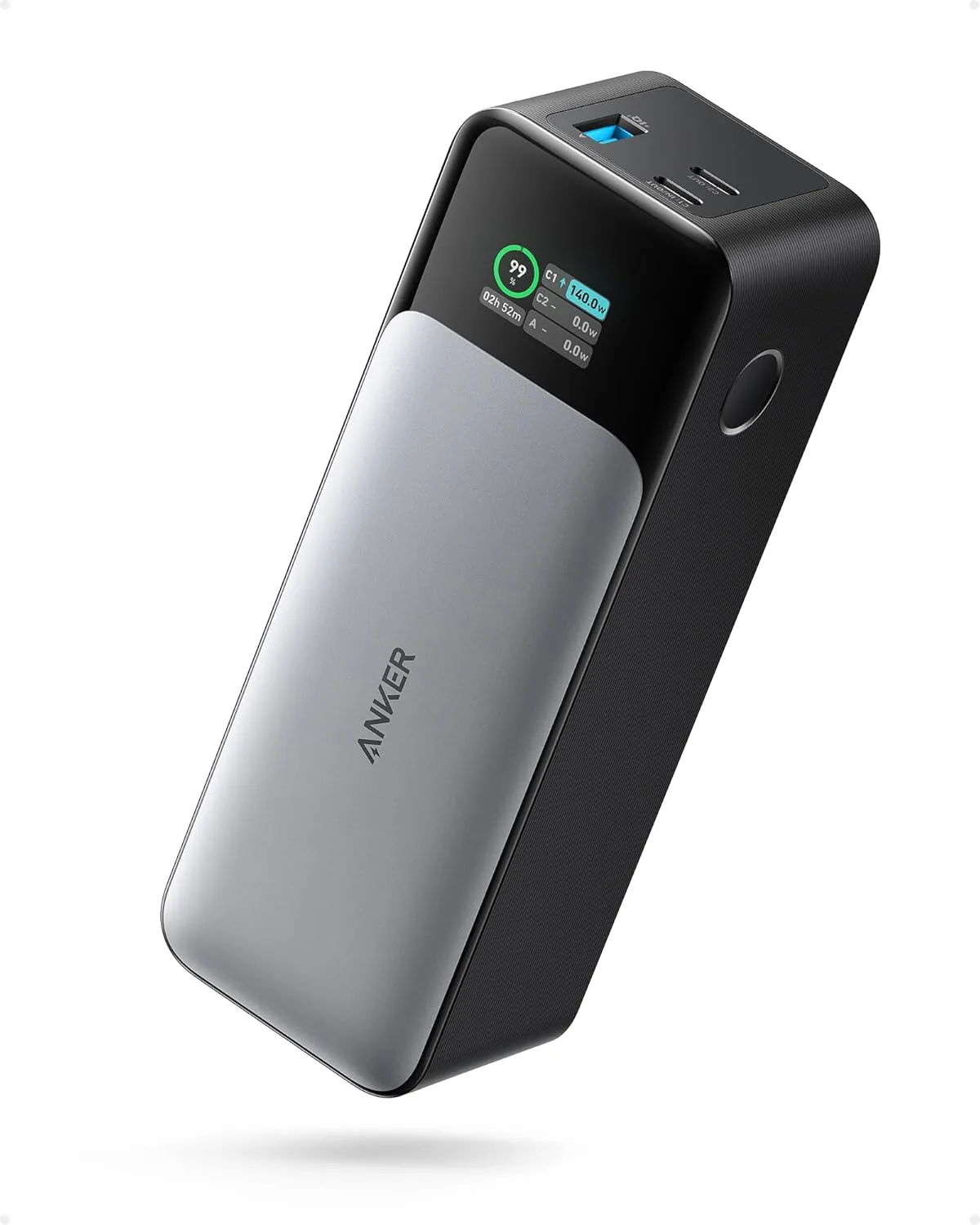
Anker 737 Power Bank (PowerCore 24K, A1289011) | Listed 140W PD 3.1 | 24,000mAh
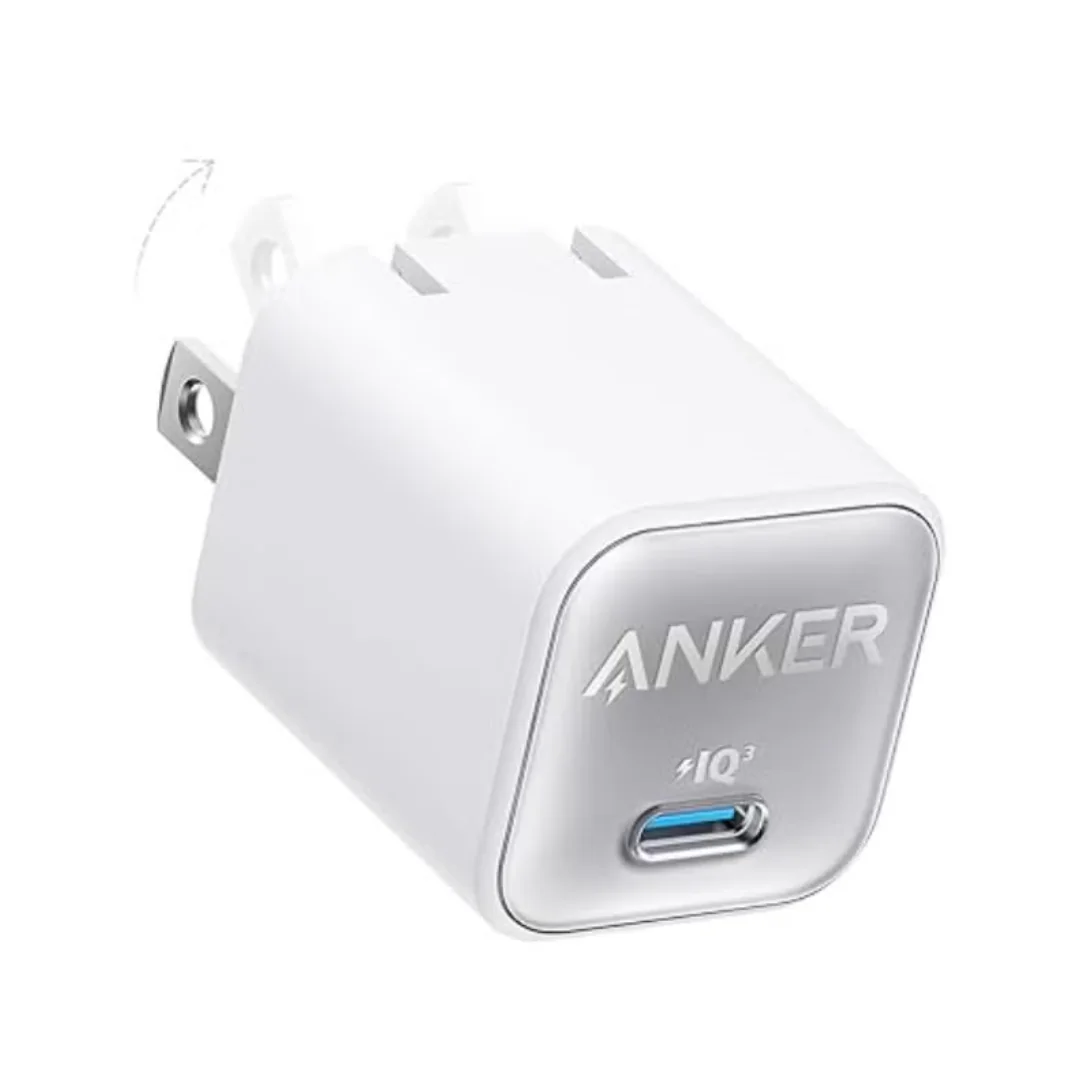
Anker 511 Nano 3 GaN Charger 30W (A2147) | USB-C PD | IQ3
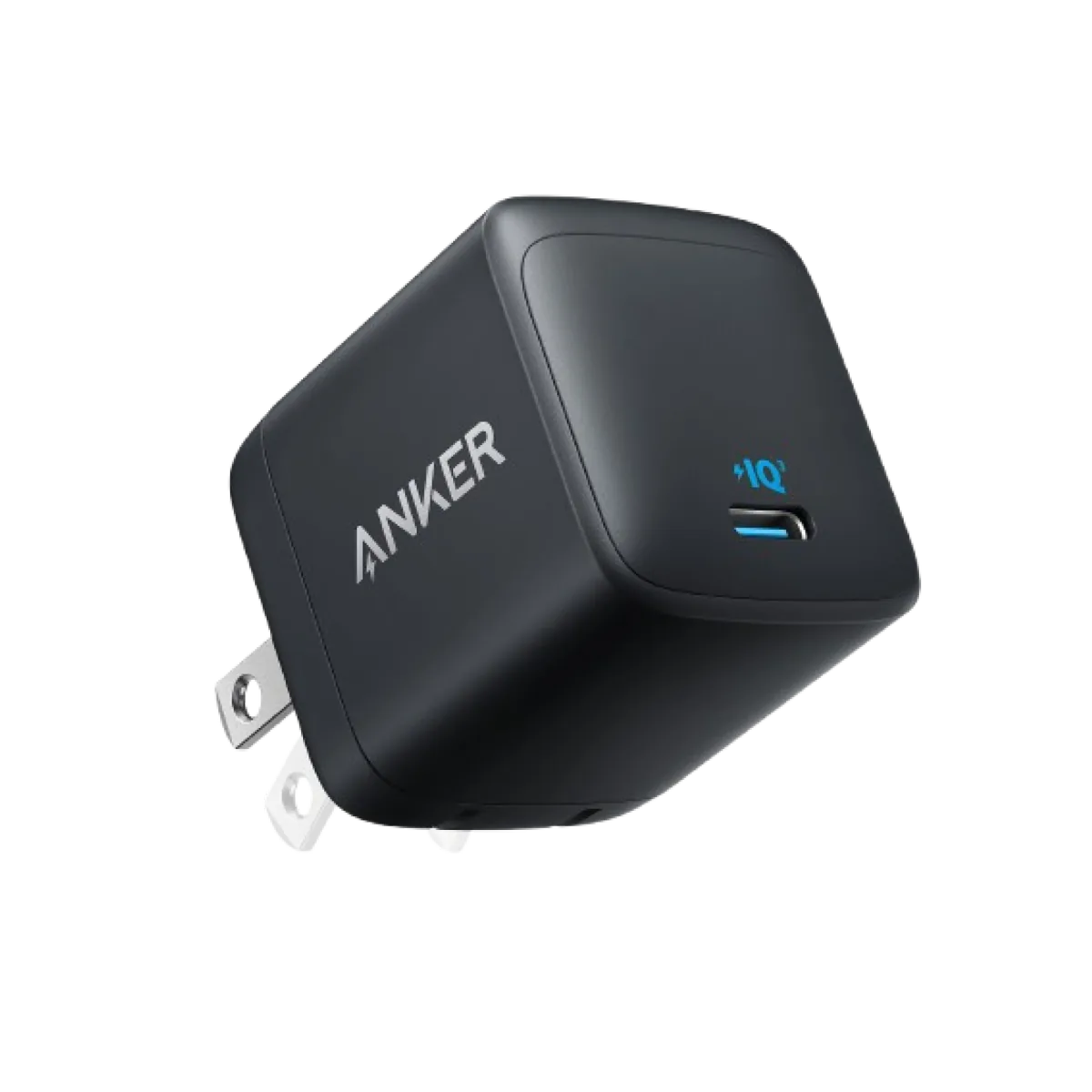
Anker Nano 45W GaN USB-C Charger | MacBook Air + iPhone 17
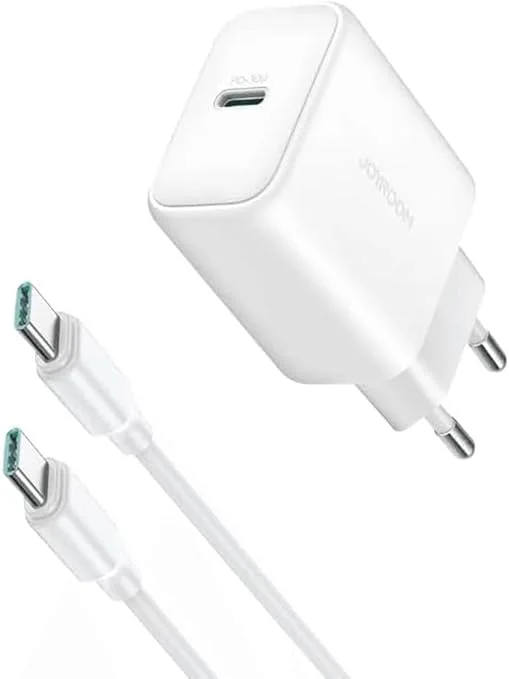
Joyroom 30W PD+QC Wall Charger | Dual USB-C and USB-A Ports
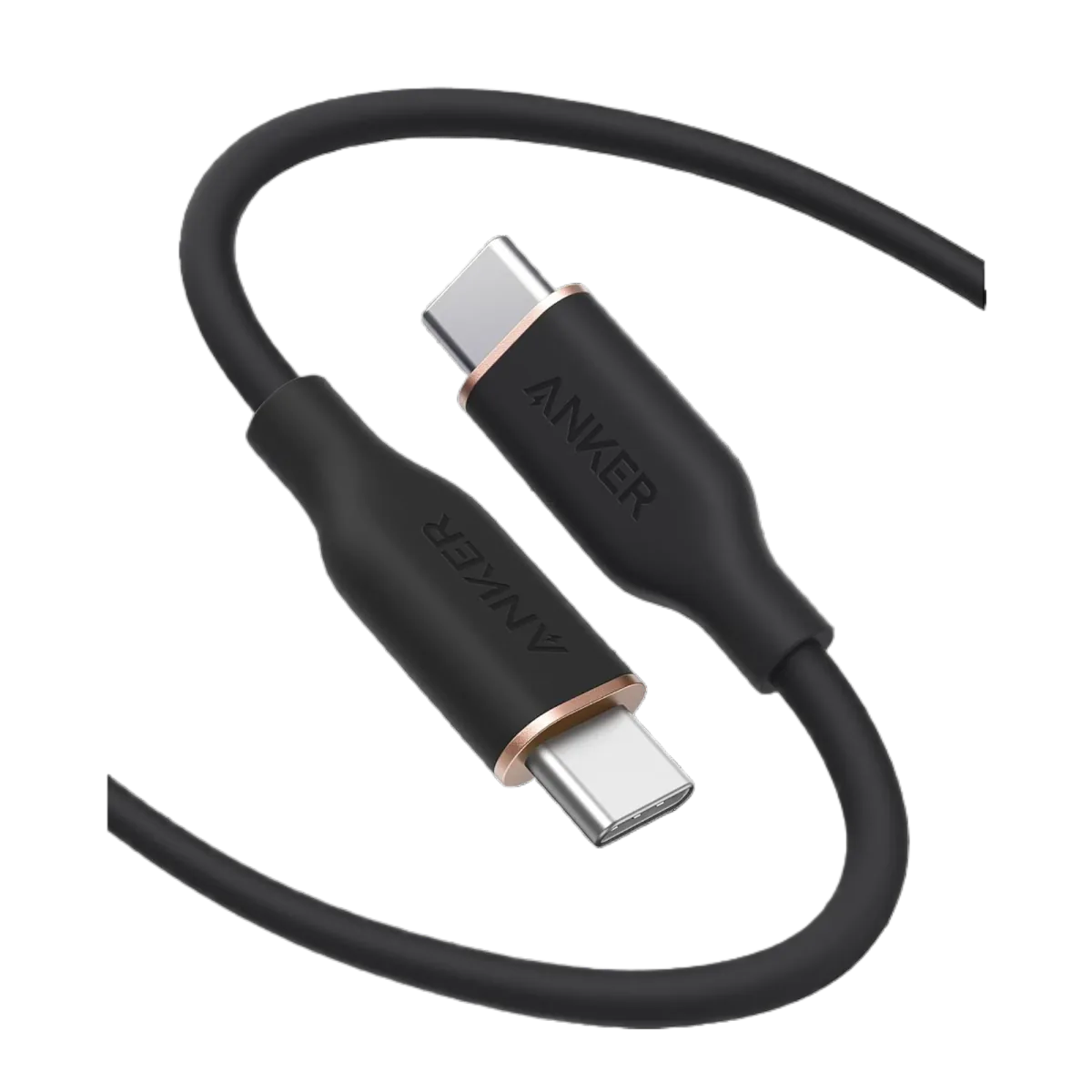
Anker PowerLine III USB-C to USB-C | 60W | iPhone 17 & Samsung S26
Browse the categories this article covers
Related Articles

Does Fast Charging Actually Damage Your Phone Battery? The Complete Scientific Truth
Read more →
Is Charging Your Phone Overnight Safe? The Scientific Truth + 3 Smart Solutions
Read more →