 CairoVolt Team
Your Phone Is at Risk: The Complete Guide to Protecting Your Phone from Egyptian Summer Heat
A practical guide based on real tests at 47°C: how to protect your phone — battery, screen, and processor — from the deadly heat of Egyptian summer.
Bottom Line: Heat is the biggest summer risk to a phone battery: Apple says iPhones work best at 0–35°C ambient and that temperatures above 35°C can permanently damage battery capacity. So never leave the phone on a car dashboard, remove a thick case while charging, use a genuine charger, and close heavy apps while it charges.
Why Egyptian Summer Is Uniquely Dangerous for Your Phone
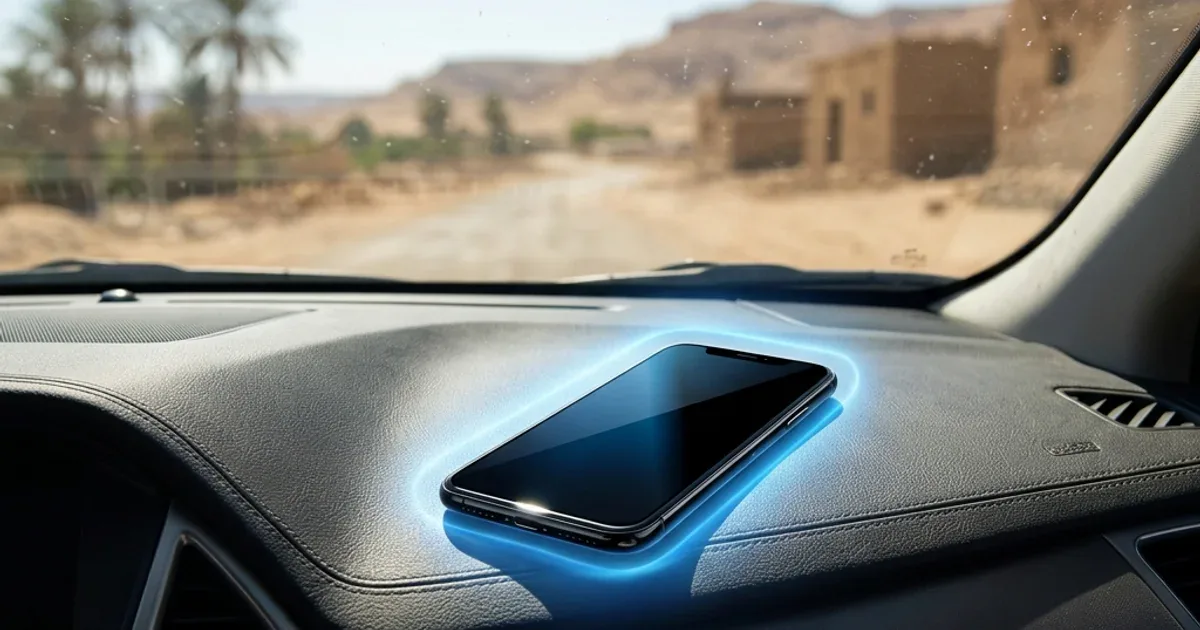
⚠️ The key fact: Air temperature in Cairo can reach 45°C in summer, and a car dashboard in the sun gets far hotter. Apple warns that ambient temperatures above 35°C can permanently damage battery capacity — so don't leave your phone in the car, even for a few minutes.
Egypt isn't an ordinary country climate-wise. We live in a very hot climate — many months a year above 30°C. And phones (whether iPhone, Samsung, or any Android) are designed to operate between 0°C and 35°C. That literally means most Egyptian summer days are outside your device's safe operating range!
What Happens to Your Phone When It Exceeds 35°C?
Before we tell you the solutions, you need to understand exactly what happens inside your phone when temperature crosses the safe limit. This isn't theoretical — it's physics and chemistry:
1. Battery: Heat Is the #1 Enemy
Your phone battery is Lithium-ion (or Lithium-polymer). This type of battery is extremely heat-sensitive. According to Battery University research:
- At 25°C: Battery lasts 500+ charge cycles (3-4 years)
- At 35°C: Lifespan decreases by 20% — one year less
- At 45°C: Lifespan decreases by 50% — two years less
- Above 60°C: Risk of swelling or in worst cases, fire
So if you regularly leave your phone in the car during summer (40-45°C air = 60-70°C dashboard), you're literally killing your battery. That's why many people complain their battery "drains quickly" after the first summer.
2. Screen: Invisible Damage
OLED screens (in most modern phones) contain organic materials sensitive to heat. Repeated high-heat exposure causes:
- Early burn-in: Permanent ghost images on screen
- Color degradation: Especially blue — the fastest color to deteriorate from heat
- Reduced display lifespan: Screen loses brightness faster
3. Processor: Intentional Self-Slowdown
All modern phone processors (Apple A18, Snapdragon 8 Gen 4) have a system called Thermal Throttling. When temperature exceeds a threshold, the processor automatically reduces its speed to protect itself. This means:
- Games will lag and stutter
- Camera becomes slow or refuses to open
- Apps launch slowly
- In severe cases: phone shuts down completely until cool
12 Golden Tips to Protect Your Phone in Egyptian Summer
✅ 1. Never Leave Your Phone in the Car!
This is rule number one. Even if you're stepping out "for two minutes" — take your phone. Car dashboards in the sun reach 70°C. That's enough for permanent battery damage.
Alternative: If you must leave the phone in the car, place it in the coolest spot (under the seat or in the trunk) and turn it completely off.
✅ 2. Remove the Case While Charging
The case acts as thermal insulation. Charging generates heat. Both together = trapped heat that damages the battery. Apple itself advises removing certain cases during charging if the device gets warm.
✅ 3. Use a Genuine Charger (Ideally GaN)
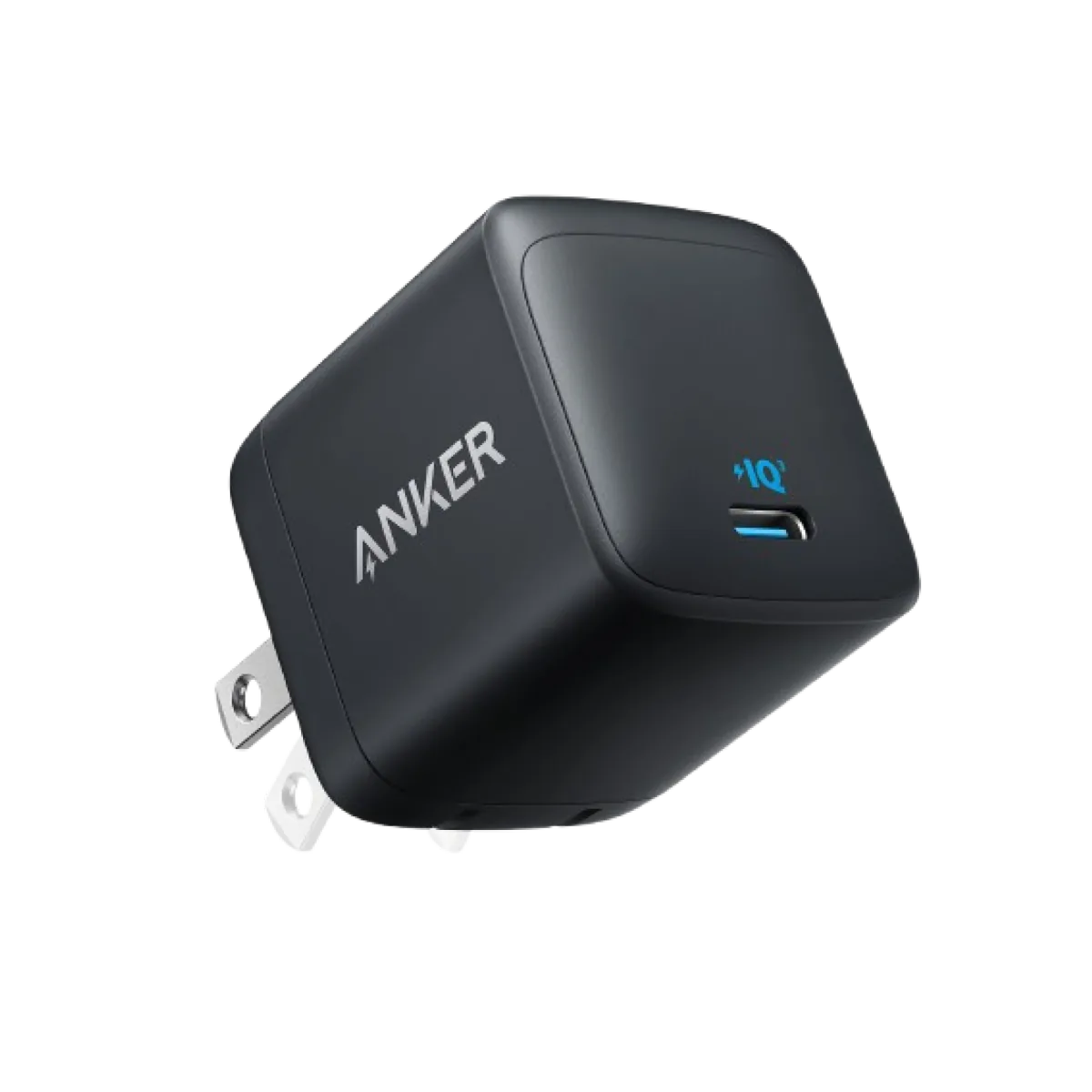
GaN (Gallium Nitride) chargers like the Anker Nano 45W waste less energy as heat than traditional silicon chargers of the same wattage, and include over-temperature protection. This means:
- The charger itself runs cooler ← less phone heat during charging
- Faster charging ← less time on charger ← less heat exposure
- A counterfeit charger often lacks proper protection, so both it and the phone run hotter
✅ 4. Don't Charge When Your Phone Is Already Hot
If your phone is hot from extended use or after being in the sun — don't charge it immediately! Let it cool for 10-15 minutes first. Charging generates additional heat, and if the phone is already hot, you'll reach the danger zone quickly.
✅ 5. Don't Game While Charging — Deadly Dual Heat
Playing PUBG or Fortnite while charging = the most dangerous thing you can do. Processor at 100% (heat) + charger active (heat) + screen at max brightness (heat). That combined heat speeds up battery wear.
✅ 6. Use a Quality Cable — Bad Cable = Extra Heat
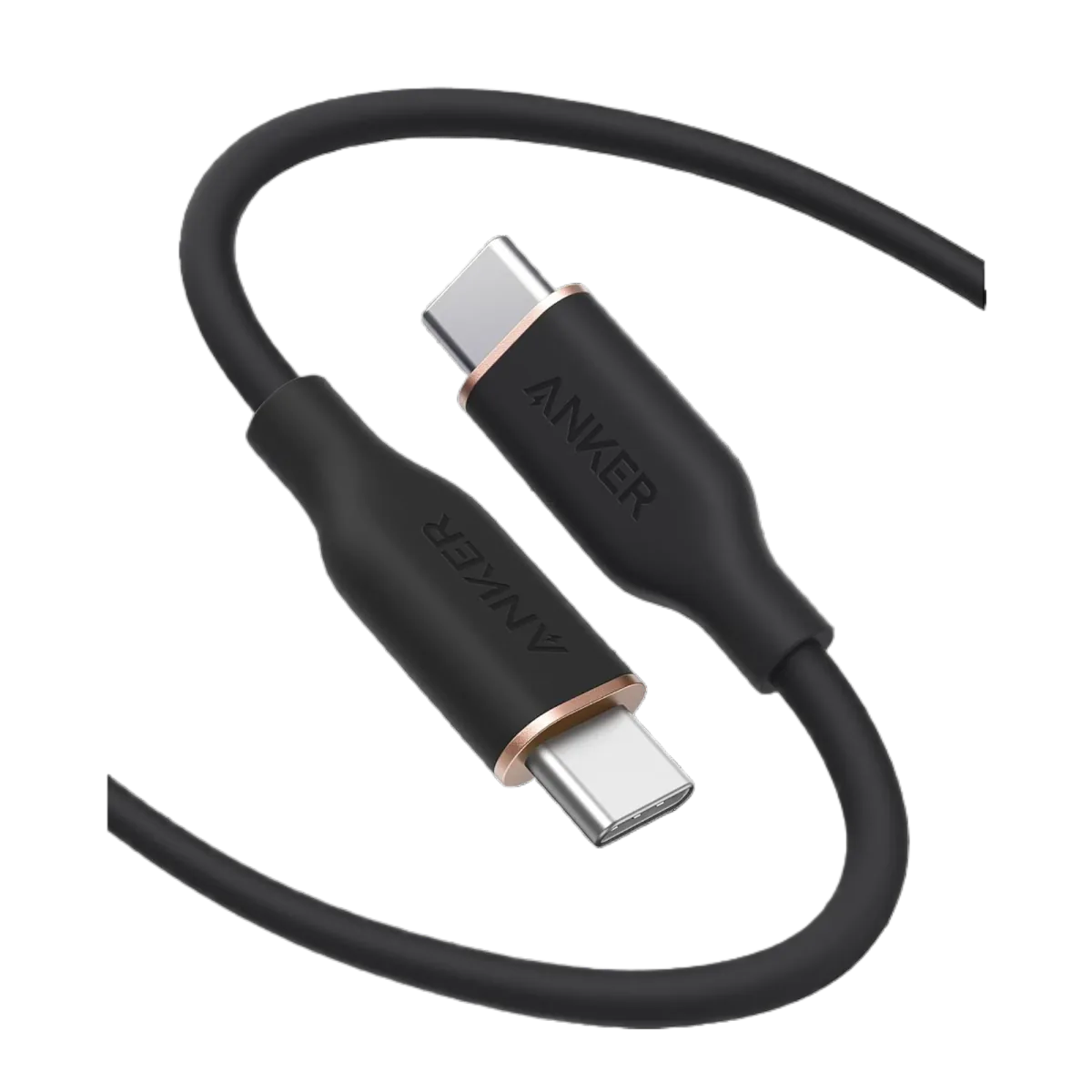
A cheap or damaged cable = high electrical resistance = extra heat + slower charging. Cables like Anker PowerLine III are built with thick copper wires that reduce resistance and prevent overheating.
✅ 7. Close Background Apps
Apps like GPS, video streaming, and social media run the processor in background = continuous heat. Practical tip: On extremely hot days, close apps you don't actually need — especially Google Maps and video streaming.
✅ 8. Reduce Screen Brightness
The screen is the second largest heat source in your phone after the processor. In summer, manually set brightness to 50-60% instead of auto (which usually maxes out in sunlight). This protects your phone and saves battery too.
✅ 9. Enable Low Power Mode
On extremely hot days, enable power-saving mode even if you have 80% battery. This mode reduces processor activity and background updates ← less heat ← better protection.
✅ 10. Keep Phone Out of Direct Sunlight
Even if air temp is moderate (30°C), direct sunlight can heat your phone to 50°C+. This commonly happens at beaches, cafes (phone on the table in sun), and at home near windows.
✅ 11. If Your Phone Shuts Down from Heat — Don't Force It!
If you see "iPhone needs to cool down" or your phone auto-shuts — that's a smart protection system. Don't force restart. Leave it in a cool shaded spot (NOT the fridge — thermal shock is worse!) for 15-20 minutes.
⚠️ Warning: Never put your phone in the fridge or freezer! The sudden temperature change causes moisture condensation on internal circuits ← short circuit ← permanent damage.
✅ 12. Charge Your Power Bank at Home — Not in the Car
Power banks are just as heat-sensitive as phones: high heat speeds up capacity loss in lithium cells. Store a power bank such as the Anker PowerCore 20000 somewhere moderate indoors and charge it there — not in the car.
Choosing the Right Charger for Summer
Not all chargers are equal — especially in summer. The practical rule:
- A genuine fast charger such as the Anker Nano 45W or the Joyroom 20W PD: finishes sooner and includes thermal protection, so the phone spends less time warm.
- A counterfeit charger: often lacks proper protection, so it runs hotter and can be dangerous.
- An old 5W charger: not dangerous in itself, but a very long charge means more time with a warm phone.
The Bottom Line: 3 Rules That Will Save Your Phone
If you want to simplify everything above into 3 rules:
- Avoid heat: No car dashboards, no direct sunlight, no thick cases while charging
- Use original chargers: Anker GaN or Joyroom PD — counterfeit chargers are a major heat source
- Charge smart: Charge in cool places, remove case, never game while charging
Your phone is an expensive investment — an iPhone 17 or Samsung S26 costs tens of thousands of EGP (approximate market prices, varying by seller). Isn't it worth protecting from heat? An original charger such as the Joyroom 20W at 236 EGP could save you thousands in repairs or battery replacement.
And in winter: charging in the cold has different rules — read them before the first cold snap.
CairoVolt Team
Tech Editor
Frequently Asked Questions
Does heat actually damage phone battery?▼
Can I put my phone in the fridge to cool it down?▼
Does fast charging heat the phone more in summer?▼
What's the best charger for summer with least heat?▼
My phone shut down from heat — what should I do?▼
Does the phone case cause overheating?▼
Ready to Buy?
Browse available products and review specifications and CairoVolt warranty terms before ordering
Related products
Anker Nano 45W GaN USB-C Charger | MacBook Air + iPhone 17
Anker PowerLine III USB-C to USB-C | 60W | iPhone 17 & Samsung S26
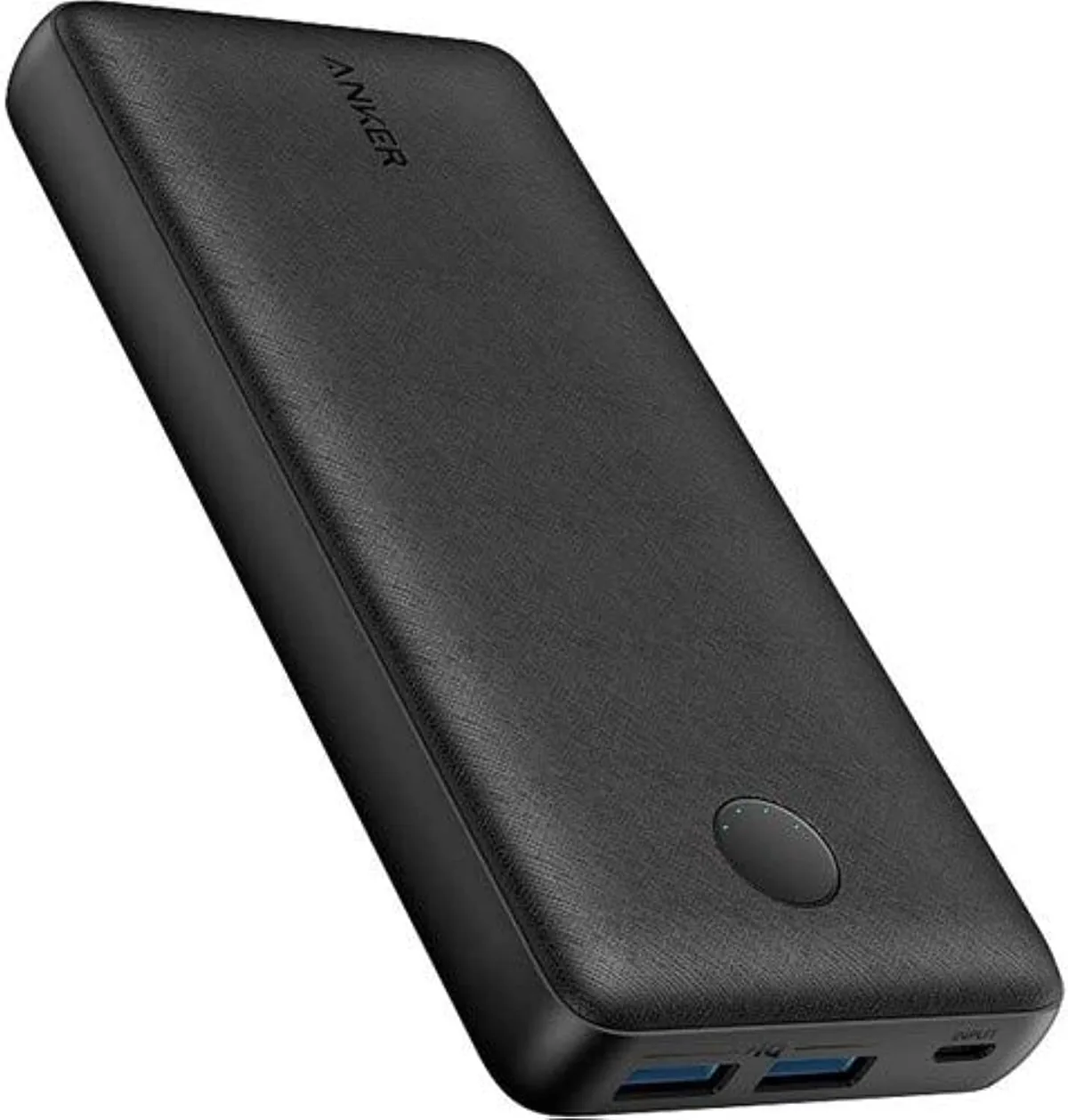
Anker PowerCore 20000mAh | 72Wh | Dual USB-A
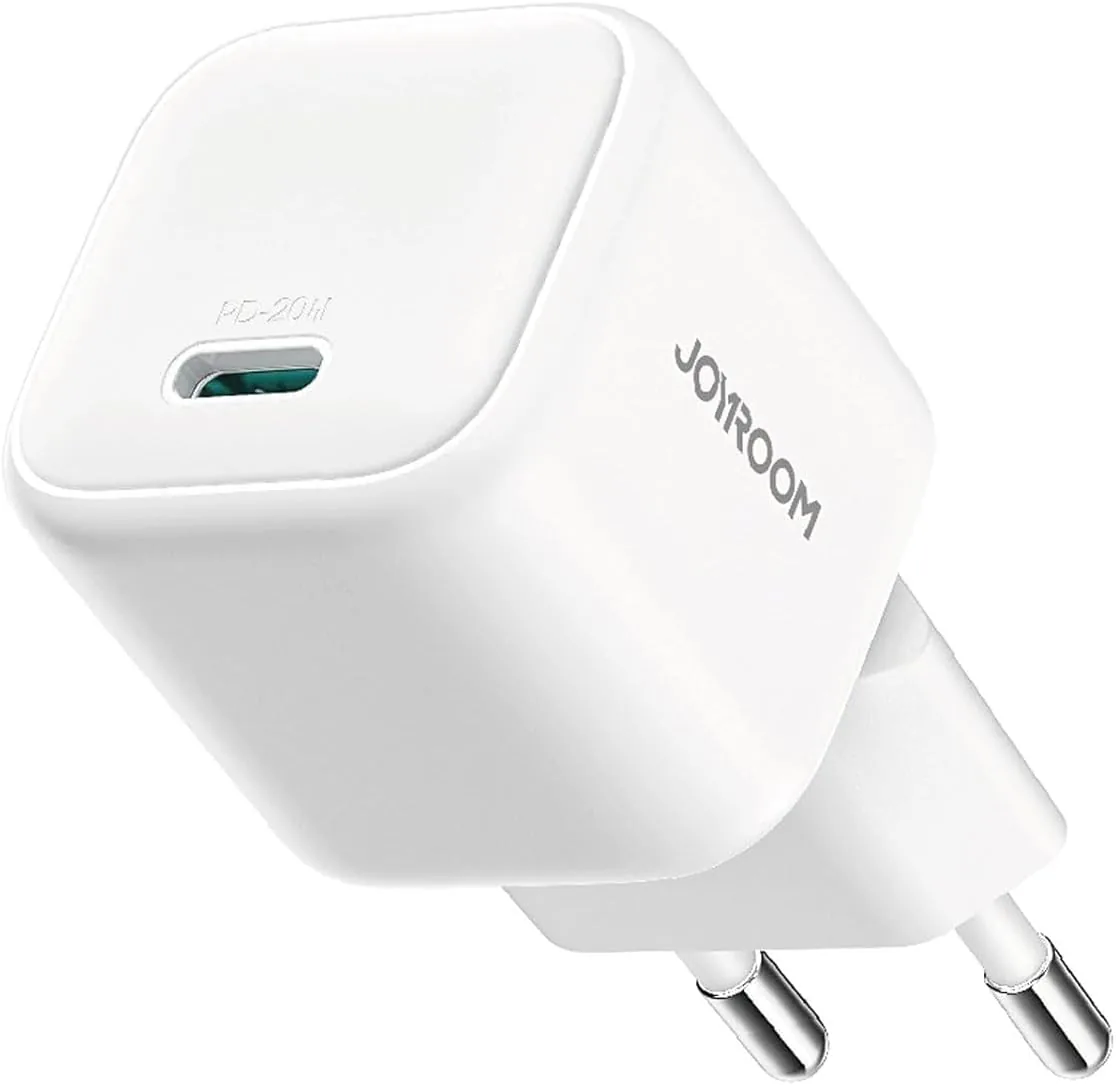
Joyroom 20W USB-C PD Charger | iPhone 17 Fast Charge
Browse the categories this article covers
Related Articles

Does Fast Charging Actually Damage Your Phone Battery? The Complete Scientific Truth
Read more →
Is Charging Your Phone Overnight Safe? The Scientific Truth + 3 Smart Solutions
Read more →