 CairoVolt Team
How to Keep Your Phone Battery Health Above 80% for as Long as Possible
Concerned about your smartphone's battery health dropping? We provide a scientific guide from the CairoVolt lab to slow down lithium-ion cell degradation.
Bottom Line: To keep your phone's battery health above 80% for as long as possible, follow three key rules: first, keep the charge between 20% and 80%, avoiding full 100% charges or deep discharge to 0%. Second, protect the device from high temperatures and avoid using it for heavy tasks while charging. Third, always use original or certified chargers.
Smartphone battery health is a major concern for mobile users in Egypt, particularly for owners of premium iPhone and Samsung Galaxy devices. Few things are as frustrating as watching the maximum capacity percentage in your battery settings slowly drop month after month, eventually crossing the critical 80% threshold where the operating system begins limiting CPU performance and displaying battery service warnings.
While many consumers view battery degradation as an unavoidable calendar-based process, engineering facts show that daily charging behaviors play a decisive role in accelerating or decelerating the chemical breakdown of lithium-ion cells. In this comprehensive, research-based guide from the CairoVolt lab, we explain the physical mechanisms of smartphone batteries, identify the root causes of degradation, and outline actionable habits to keep your battery health above 80% for years to come.
💡 The Fundamental Rule: Lithium cells suffer the most physical stress at extreme states of charge: either completely empty (0%) or fully saturated under high voltage (100%). Keeping the battery in the sweet spot between 20% and 80% reduces mechanical stress and can double its overall operational lifespan.
1. Understanding Battery Health & Charge Cycles
Modern smartphones run on lithium-ion (Li-ion) batteries. During charging and discharging, lithium ions move back and forth between the positive and negative electrodes. These batteries are designed to support a specific number of **full charge cycles** before their maximum chemical capacity begins to decline.
A full charge cycle represents consuming and restoring 100% of the battery's capacity. For example, using 50% of your charge today, recharging it, and then using 50% tomorrow represents one full cycle. On average, standard smartphone batteries retain approximately 80% of their original design capacity after **500 full charge cycles** (which typically translates to 18 to 24 months of normal daily use).
2. The 20-80 Rule: The Ideal State of Charge
When a battery is completely empty (0%), the internal chemistry is highly unstable, requiring substantial energy to initiate ionic movement. Conversely, when the battery reaches 100%, the internal electrical voltage (V) peaks, placing the lithium cells under high continuous stress that degrades the materials. To mitigate this stress, battery engineers recommend maintaining a charge level between **20% and 80%**. Charging your device when it drops to 20% and disconnecting it when it reaches 80% significantly reduces voltage stress, allowing the battery to endure over 1,000 cycles before health falls below 80%.
3. Heat: The Silent Battery Killer
High ambient temperatures are the primary accelerant of battery degradation, a significant concern during Egyptian summers. The ideal operating temperature for a lithium-ion battery is between **16°C and 22°C**. Operating or charging your phone in temperatures exceeding 35°C—such as leaving it in a hot car, exposing it to direct sunlight, or fast-charging it in an unventilated room—causes permanent chemical breakdown of the internal separator and electrolyte, leading to irreversible capacity loss. Avoid charging your device on soft surfaces like beds or couches that trap heat.
4. Does Fast Charging Damage Your Battery?
No, fast charging itself does not damage the battery. Modern smartphones feature integrated Power Management ICs (PMICs) that regulate power delivery. Charging occurs in stages: maximum power is delivered from 0% to 50%, current is throttled from 50% to 80%, and the charging speed drops to a trickle from 80% to 100% to protect the cells. The real hazard is **thermal energy**. If your phone becomes hot to the touch during fast charging, that heat is what causes battery wear, not the electrical protocol itself. Using GaN-based chargers helps minimize heat generation during power transfer.
5. The Overnight Charging Myth
A common misconception is that leaving your phone plugged in overnight will cause it to overcharge or explode. Modern smartphones are designed to stop drawing current once they reach 100% capacity. However, keeping the device connected to a power source for 7 to 8 hours forces the battery to remain at its maximum voltage limit. It also subjects the battery to micro-charging cycles, where the charger kicks back in every time the battery drops to 99%. This sustained voltage stress accelerates battery capacity loss over time.
6. Car and Laptop Chargers: Impact on Longevity
Charging your phone continuously from low-quality car chargers is highly detrimental. Vehicle electrical grids experience voltage spikes and ripples from the alternator, and cheap adapters lack the filtration circuits needed to protect your phone's power IC. Conversely, charging from a laptop USB port is highly stable. While slow, it is a very cool charging method that generates minimal thermal stress, making it safe for your battery cells.
7. Configuring Optimized Battery Charging Settings
To help you manage the 80% threshold automatically, smartphone manufacturers have integrated smart charging features into their operating systems:
- On iOS Devices: Navigate to Settings> Battery> Battery Health & Charging, and enable "Optimized Battery Charging." On iPhone 15 and 16 models, you can select the "80% Limit" option to prevent the device from charging past 80% under normal circumstances.
- On Samsung Devices (One UI): Go to Settings> Device Care> Battery, and enable "Battery Protection." You can choose from Basic, Adaptive, or Maximum profiles, with the Maximum profile capping the charge at 80% to maximize longevity.
8. Using the Phone While Charging: The Worst Habit
Using your phone for intensive tasks like gaming, streaming high-definition video, or making video calls while connected to a fast charger is the most destructive habit for battery health. This behavior subjects the device to dual heat sources: the thermal energy generated by the battery cells absorbing current, and the heat produced by the system-on-chip (SoC) operating under load. This combined thermal load raises internal temperatures to levels that accelerate battery degradation. Additionally, using the device while charging can cause micro-strain on the charging port and cable connector, potentially weakening the physical connection over time.
In electrical engineering, this state is known as a "parasitic load." When a battery is forced to discharge power to support high CPU/GPU workloads while simultaneously receiving high-wattage input, the charging circuitry becomes inefficient. The battery undergoes rapid micro-cycling, where specific areas of the lithium cells are heavily cycled while others remain idle. This uneven chemical stress causes localized degradation, leading to rapid drops in maximum capacity and overall health percentage.
9. Dangerous Accessories: Fake Chargers & Uncertified Cables
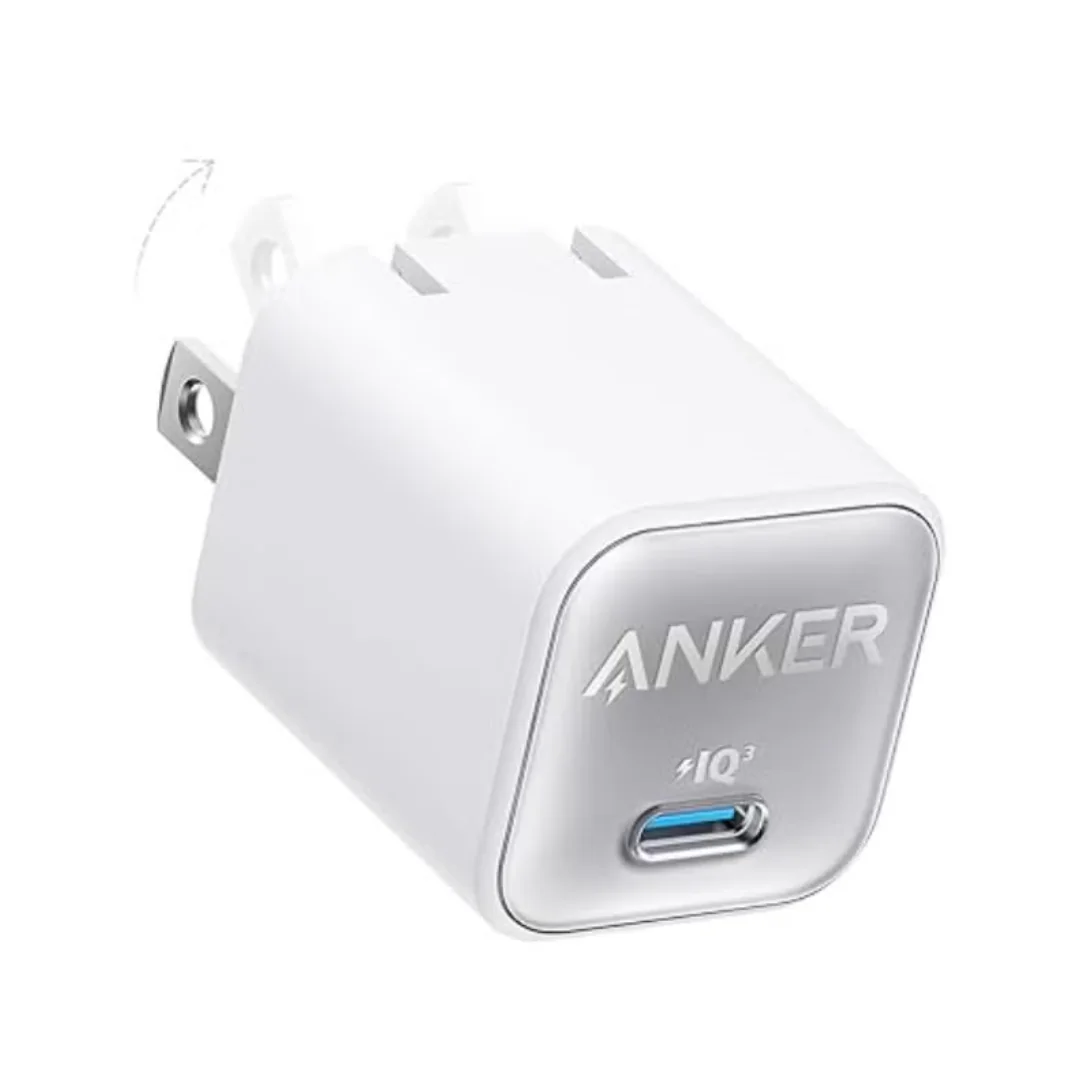
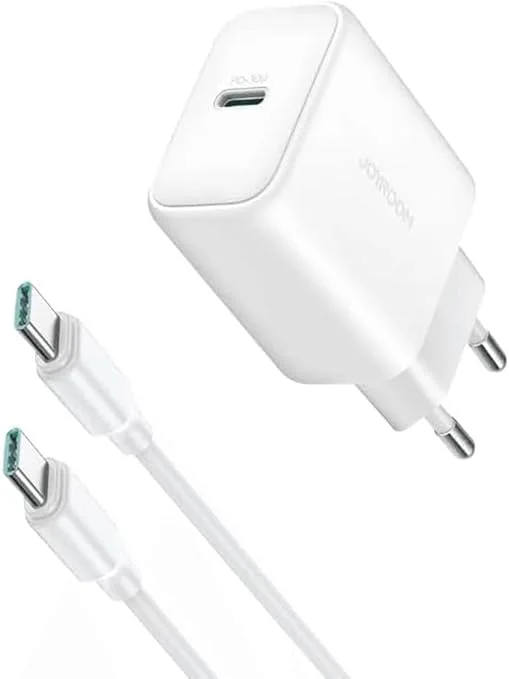
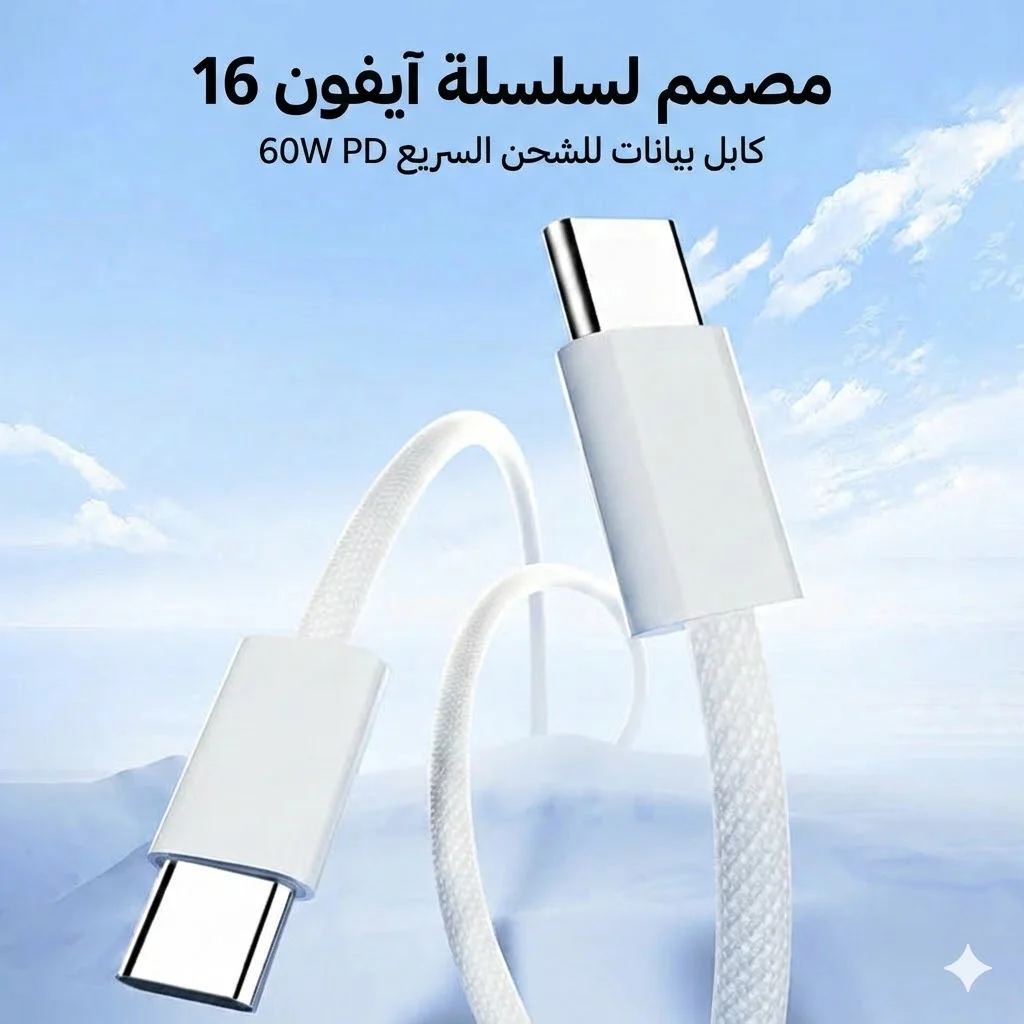
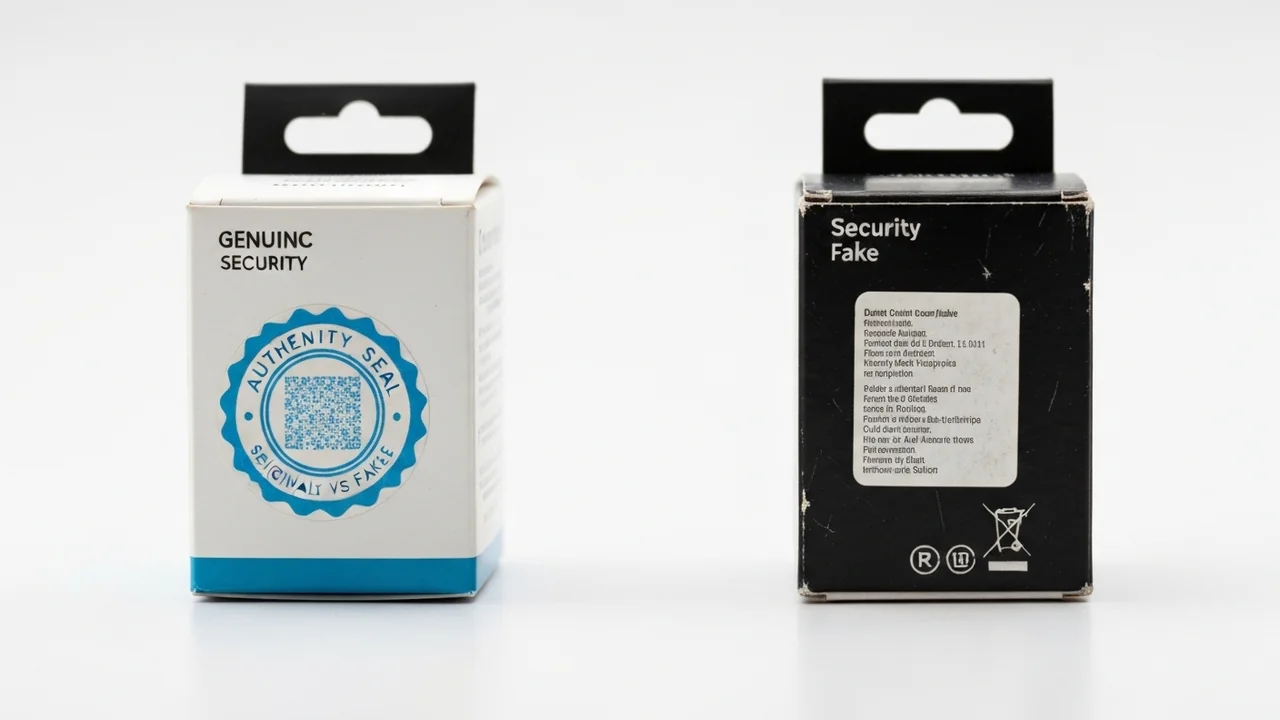
Due to the cost of original accessories, many consumers in Egypt turn to cheap, uncertified chargers and cables. These counterfeit products lack electrical safety fuses and voltage regulation, allowing dirty power and voltage spikes to reach your device. This can damage the battery cells and potentially fry the charging IC on your phone's motherboard. Using a charger and cable from a trusted brand is a critical safeguard for your device's hardware — for example the Anker Nano 30W GaN charger or the Joyroom 30W charger with the Joyroom USB-C 60W cable.
10. CairoVolt Lab Rules for Battery Lifespan
Here is a summary of daily practices to keep your battery health above 80% for as long as possible:
- Aim to keep your phone's charge level between 20% and 80% whenever possible to minimize mechanical stress.
- Remove thick protective cases during fast charging to allow heat to escape freely and prevent thermal buildup.
- Charge your phone in cool, well-ventilated areas, especially during the hot summer months.
- Use original or certified third-party charging blocks and cables from reputable brands like Anker or Joyroom.
- Keep your phone's operating system updated to benefit from the latest power management optimizations.
11. Screen Brightness and Wireless Radios: The Direct Impact
Many users overlook the role that display brightness and active wireless connections play in battery health. Running your screen at maximum brightness under sunlight increases power consumption by up to 40%, generating internal thermal load. Similarly, keeping Wi-Fi, Bluetooth, and GPS location services running continuously forces the processor to work harder, accelerating power drain. This increased drain leads to more frequent charging cycles. Enabling adaptive brightness and disabling unused radios is a simple way to protect battery longevity.
12. When Should You Actually Replace Your Smartphone Battery?
Once your battery health drops below the 80% mark, the device's operating system may apply performance management algorithms to prevent unexpected shutdowns. You will notice slower application load times and reduced frame rates. At this stage, we recommend visiting an authorized service center to replace the battery with an original OEM unit. Avoid cheap counterfeit batteries, as they lack certified safety fuses and can leak or swell, risking permanent damage to your phone's motherboard.
13. The Future of Battery Technology: Solid-State and Silicon-Carbon
As smartphone designs evolve, manufacturers are researching alternatives to standard lithium-ion batteries. Silicon-carbon anodes are beginning to appear in newer flagships, offering higher energy density and longer cycle lives than traditional graphite-anode batteries. Furthermore, solid-state battery technology promises to eliminate liquid electrolytes entirely, preventing thermal runaway and allowing batteries to maintain health above 80% for over 1,500 charge cycles. Staying informed about these developments will help you select durable hardware in the future.
In conclusion, managing heat exposure, avoiding extreme states of charge, and using high-quality charging accessories are the most effective ways to preserve your smartphone's battery capacity, ensuring peak processing performance and delaying the need for an expensive battery replacement for as long as possible.
CairoVolt Team
Tech Editor
Frequently Asked Questions
Do I need to charge a new phone for 8 hours before using it?▼
Does enabling power saving mode improve battery health?▼
Why does iPhone battery health drop faster in the first year?▼
Is charging a phone to 100% bad?▼
Ready to Buy?
Browse available products and review specifications and CairoVolt warranty terms before ordering