Bought iPhone 17 Pro Max? Essential Accessories You Need on Day One
Did you get the new iPhone 17 Pro Max? We analyze the essential accessories you must purchase on day one to protect your device and unlock its full potential.
Bottom Line: To protect your new iPhone 17 Pro Max and utilize its capabilities, you will need: (1) A 30W USB-PD PPS wall charger for fast charging. (2) A tempered glass screen protector to prevent screen scratches. (3) A MagSafe-compatible case to preserve wireless charging speed. (4) A USB-C 3.2 data cable if you transfer large ProRes video files.
The **iPhone 17 Pro Max** is a technological masterpiece and a significant financial investment that deserves maximum care. However, as has been Apple's policy in recent years, the retail box only contains the phone and a basic USB-C charging cable (which is limited to USB 2.0 speeds). This means that from day one, you will need to purchase essential accessories to charge, protect, and make the most of your device. Neglecting this can leave your expensive phone vulnerable to drop damage or result in battery degradation from low-quality chargers. In this comprehensive technical guide, we will outline the essential accessories you need from the first moment to keep your iPhone 17 Pro Max safe and running at peak performance.
1. The Empty Retail Box Dilemma and Apple's Port History
Many new iPhone buyers are surprised to find that a wall adapter is no longer included in the box. Apple introduced this packaging policy with the iPhone 12 series, citing environmental sustainability and waste reduction. Later, prompted by European Union regulations, Apple transitioned from its proprietary Lightning connector to the universal USB-C port starting with the iPhone 15 series.
This means your older power accessories (like Lightning cords or Apple's legacy 5W wall blocks) are incompatible with the iPhone 17 Pro Max. Charging this high-capacity battery with a 5W brick takes over three hours and heats the charger, while cheap counterfeit chargers risk damaging the phone's logic board due to poor voltage regulation.
2. iPhone 17 Pro Max Power Management: 30W Chargers and Power Banks
The iPhone 17 Pro Max supports wired fast charging speeds up to **40W** via its USB-C port; Apple officially rates it at roughly 50% charge in about 20 minutes using a 40W-or-higher adapter. To charge quickly and safely, you need a charger that supports the **USB-PD (Power Delivery)** protocol:
- ⚡ Joyroom 30W Wall Charger: The Joyroom 30W Fast Charger is an excellent choice at half the price of Apple's official block. It features smart protection circuits to guard against voltage surges and delivers the precise wattage requested by the iPhone.
- 🔌 Durable Copper USB-C Cable: The cable included in the box is functional but prone to wear over time. Having a spare Joyroom USB-C to USB-C Cable with a braided nylon jacket ensures greater durability and flexibility. If you also charge a USB-C laptop with the same cable, the newly stocked Anker Zolo 140W braided cable (790 EGP) supports PD 3.1 over a comfortable 1.5m length, unlocking the full output of any laptop charger you pair it with.
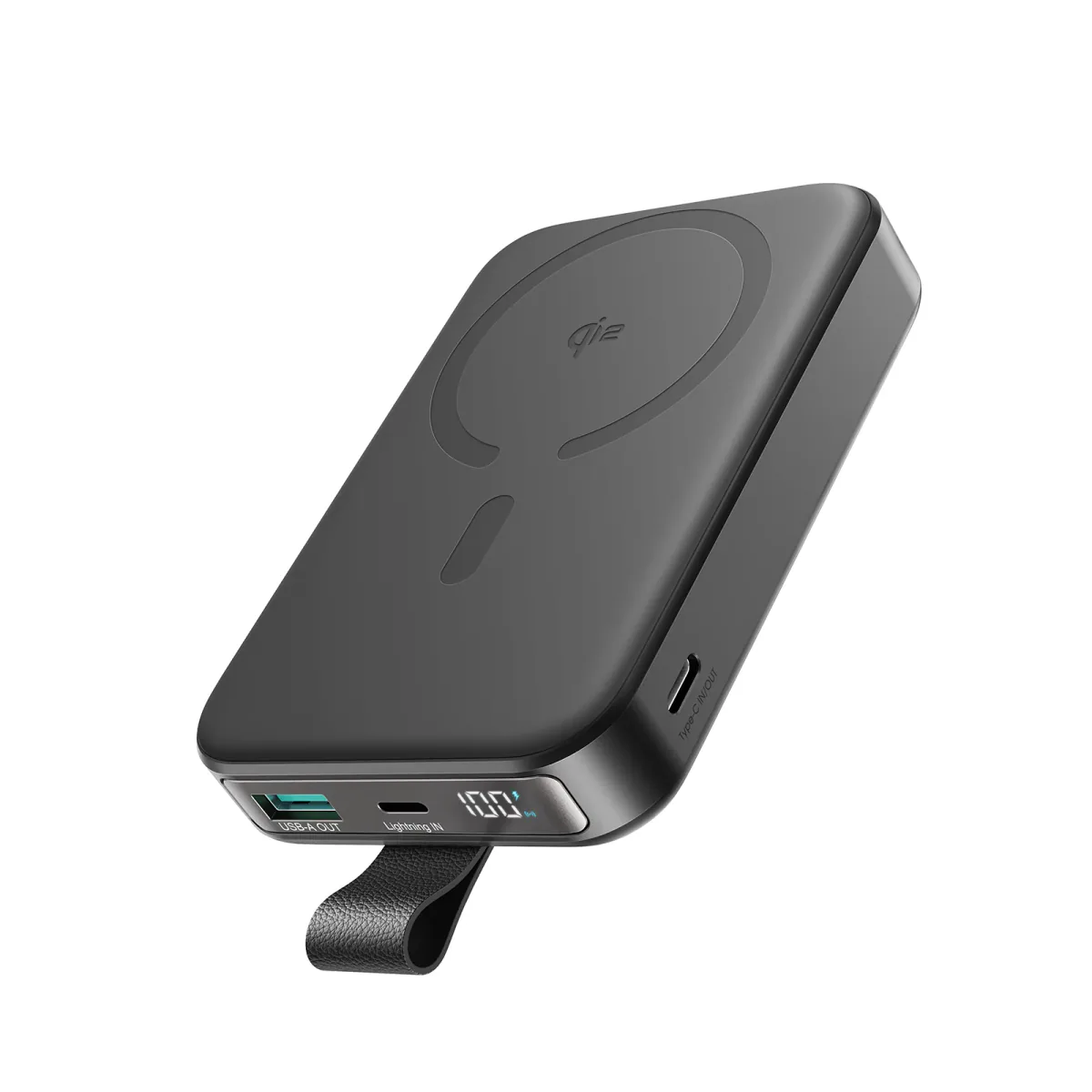
- 🔋 On-the-Go Power Banks: Although the battery is large enough for daily use, long travel days require a reliable power bank. We recommend the Joyroom 20,000mAh Power Bank or the high-performance Anker 737 Power Bank.
- 💻 One Charger for Laptop and Phones: If you work on a USB-C laptop alongside your new phone, the Anker Prime 100W GaN charger (1,999 EGP) provides three ports that charge a laptop plus two phones simultaneously, replacing a cluttered desk of separate adapters.
The Thermal Advantages of the PPS Protocol for Lithium-Ion Cells
Thermal stress is the primary driver of lithium-ion battery degradation. An increase in operating temperature of 10°C doubles the rate of internal chemical degradation. To manage these thermal profiles, modern iPhones leverage the **USB-PD PPS (Programmable Power Supply)** standard.
Instead of supplying power at fixed voltage intervals that require step-down conversion inside the phone, a PPS-compatible charger adjusts its output voltage dynamically. It modifies voltage in small increments based on the phone's temperature and battery capacity, reducing heat generation inside the iPhone 17 Pro Max chassis and extending battery health.
Using substandard power blocks can also trigger security mitigations in iOS. The operating system may limit screen brightness, slow down CPU performance, or throttle charging down to a crawl if it detects abnormal electrical ripple voltages or excessive heat. Choosing a reliable, brand-name wall charger avoids these software restrictions.
3. Screen and Camera Lens Protection: The Smartest Upfront Investment
While the iPhone 17 Pro Max display is protected by Apple's Ceramic Shield, it remains susceptible to micro-scratches from pocket keys or sand particles. To preserve the screen:
- 💎 Tempered Glass Screen Protector: Install a high-quality tempered glass protector with an oleophobic coating to prevent fingerprint smudges while maintaining the clarity and touch sensitivity of the Super Retina XDR display.
- 📸 Camera Lens Protectors: The rear camera lenses protrude significantly from the phone's chassis, making them vulnerable to scratches when placed on flat surfaces. Utilizing optical-grade tempered glass rings protects the lenses without degrading image quality.
The Impact of Micro-Scratches on Anti-Reflective Optical Coatings
The iPhone 17 Pro Max display features an advanced anti-reflective optical coating designed to reduce outdoor glare by up to 75% and improve contrast in sunny conditions. When the screen suffers from micro-scratches caused by sand or coins, this coating is physically compromised.
This causes localized light scattering, creating annoying white glare spots. A 9H tempered glass screen protector acts as a sacrificial barrier, absorbing these abrasions to preserve the display coating. Additionally, when choosing camera lens covers, avoid cheap plastic ones, which trap humidity and cause lens fogging during temperature swings.
Understanding Screen Scratch Resistance and the Mohs Hardness Scale
The scratch resistance of display panels is measured using the **Mohs Hardness Scale**, which ranks materials from 1 (talc) to 10 (diamond). Apple's Ceramic Shield display scratches at level 6, with deeper grooves appearing at level 7.
Common pocket items or outdoor sand contain quartz, which ranks at level 7 on the Mohs scale. Quartz can easily scratch the screen. High-quality tempered glass screen protectors feature a hardness rating of **9H**, allowing them to deflect metal keys and abrasive sand particles, protecting your screen from cosmetic wear.
4. MagSafe Cases: Protection Without Charging Restrictions
Generic protective cases may guard against drop damage, but they block the magnetic field of the internal **MagSafe** array. This reduces the magnetic attachment force with MagSafe chargers or magnetic power banks, leading to slower charging rates and increased heat as the coils are separated.
We recommend a shockproof TPU or polycarbonate case with an **integrated MagSafe magnetic ring**. This case ensures a strong connection to car mounts and wireless chargers, allowing for an efficient wireless charge of up to 25W over MagSafe / Qi2.2 (with a certified 25W magnetic charger and a 30W-or-higher adapter) without overheating the phone.
5. High-Speed Data Cables for ProRes Video Transfer and External Display Support
If you record high-resolution videos in **4K ProRes** on your iPhone 17 Pro Max, you will quickly find that a single video file can exceed 10GB. The cable included in Apple's box only supports USB 2.0 speeds (up to 480 Mbps) because it contains only four internal copper lanes.
To operate professionally, we recommend purchasing a cable that supports **USB 3.2 Gen 2** or **USB 4** specifications (delivering 10 Gbps or 40 Gbps transfer speeds). These cables feature 10 to 16 copper data lines, enabling swift video transfers and supporting **DisplayPort Alternate Mode**. This lets you connect the iPhone directly to a monitor or TV to stream games or high-resolution content in 4K without lag.
Adapting to the Absence of a 3.5mm Headphone Jack
Apple removed the traditional 3.5mm headphone jack years ago, shifting entirely to wireless audio. If you own high-end wired headphones or need to connect external recording microphones, you will require a **USB-C to 3.5mm headphone adapter** containing a built-in **DAC (Digital-to-Analog Converter)** chip.
This chip handles the conversion of digital signals into pure analog audio, preventing the low-level background hiss typical of cheaper adapters that lack integrated DAC hardware.
6. Essential Accessory Specifications & Recommendations
| Accessory Type | Required Specifications | CairoVolt Recommendation | Primary Purpose |
|---|---|---|---|
| Wall Charger | 30W USB-PD PPS | Joyroom 30W Adapter | Safe and fast battery charging |
| Spare Cable | USB-C to USB-C (3A / 60W) | Joyroom USB-C Cable | Durability and stable current flow |
| Travel Power Bank | 20,000mAh (PD Fast Charge) | Joyroom 20K Power Bank | Charging device multiple times on the go |
7. Verdict and CairoVolt Recommendation
Protecting your new iPhone 17 Pro Max and choosing reliable power accessories from day one is a smart engineering decision that extends the phone's lifespan and preserves its trade-in value. CairoVolt recommends investing in high-quality charging components. Using a certified PPS adapter and a high-efficiency cable, like those from Joyroom and Anker, ensures you charge at maximum speed safely without overheating the phone.
To avoid common charging port issues caused by pocket lint and dust, read our guide on how to clean your iPhone charging port safely to save on repair costs.

CairoVolt Editorial Team
Content team reviewing specifications and buying guides
The CairoVolt team reviews model numbers, specifications, and compatibility, and updates information when better data is available. Estimates are labeled as calculations, and readers can report information that needs correction.
Frequently Asked Questions
Does the iPhone 17 Pro Max charge faster with a 45W charger compared to a 30W charger?▼
Can I use my old iPhone 14 Lightning charging cable with the iPhone 17 Pro Max?▼
Why does my iPhone 17 Pro Max get warm during wireless charging?▼
Does a camera lens protector affect photo and video quality?▼
Ready to Buy?
Browse available products and review specifications and CairoVolt warranty terms before ordering
Related products
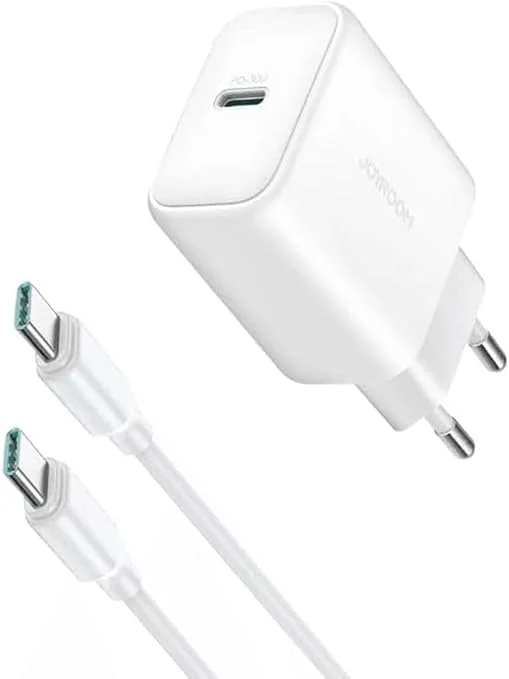
Joyroom 30W PD+QC Wall Charger | Dual USB-C and USB-A Ports
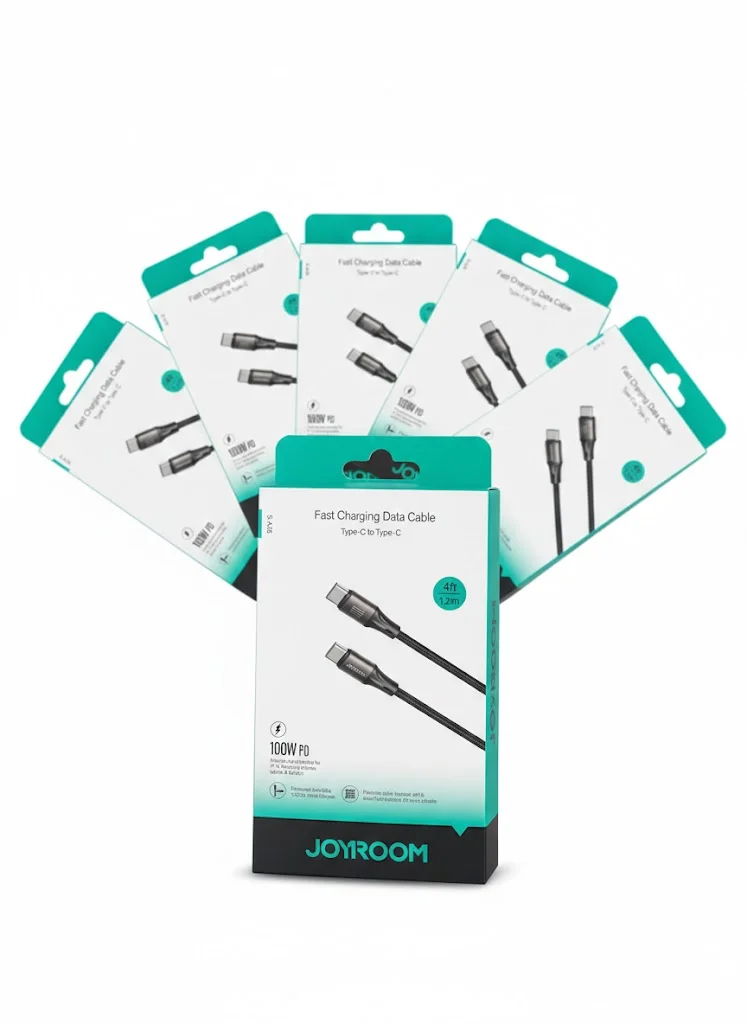
Joyroom USB-C to USB-C Cable JR-S-CC100
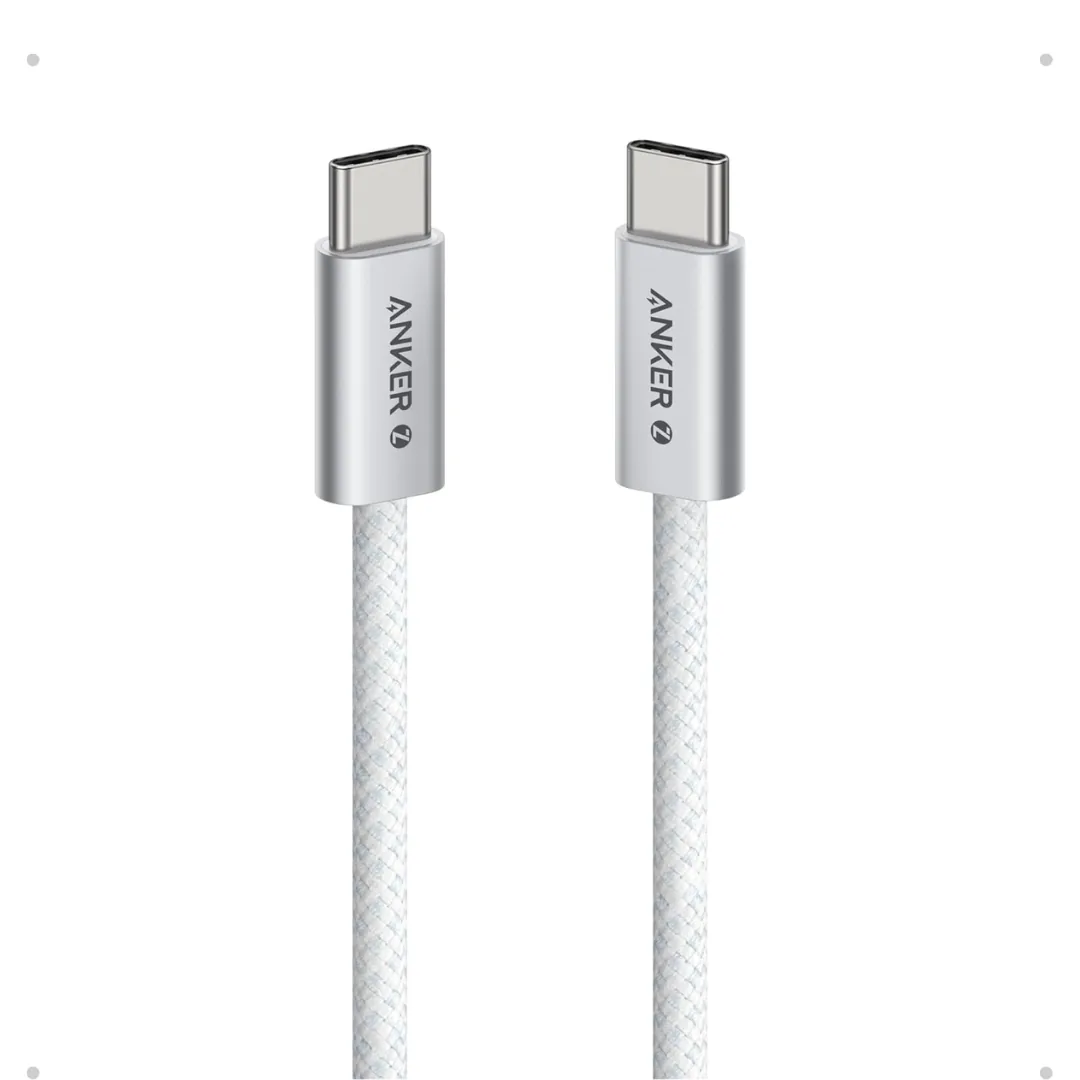
Anker Zolo USB-C to USB-C Braided Cable (A8060) — 240W PD 3.1, 1.5m | 240W-Grade 8-Core Wire
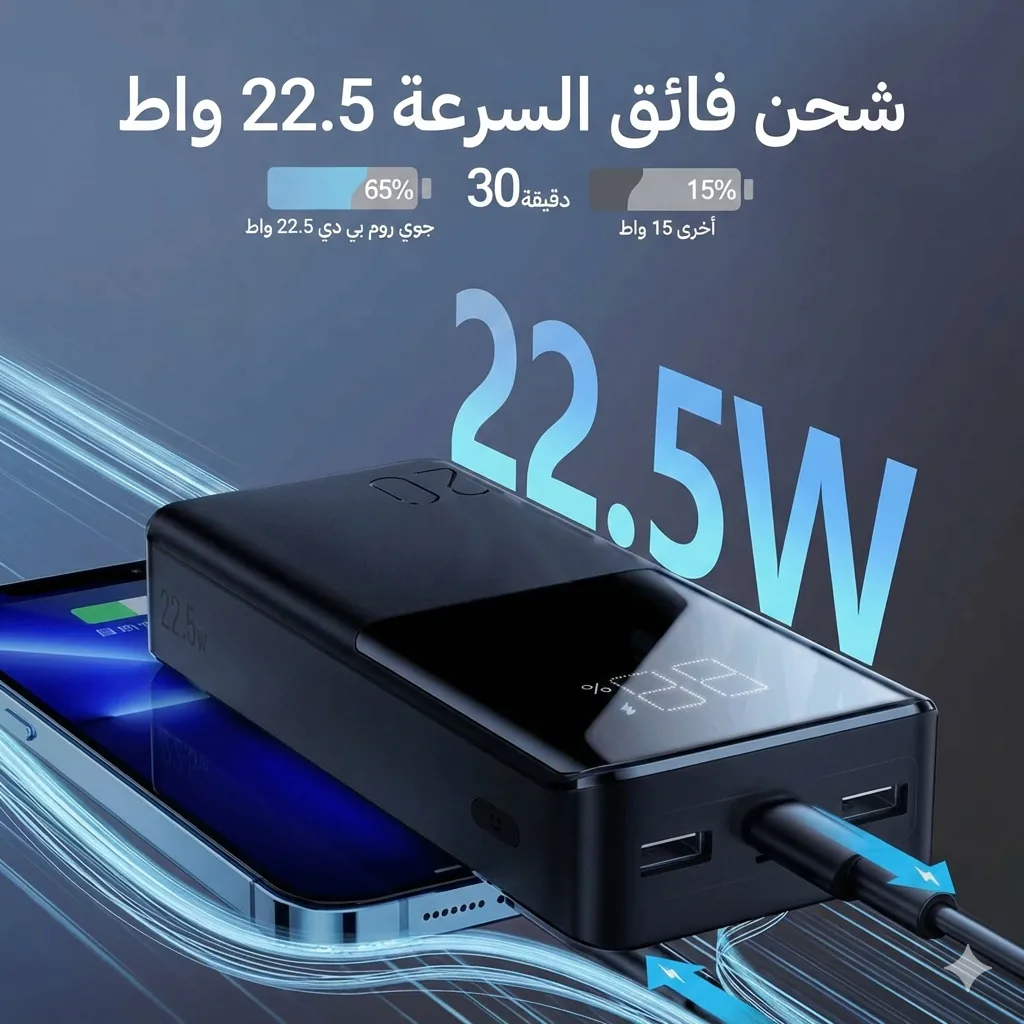
Joyroom 20000mAh Power Bank | 22.5W PD+QC | Triple Output
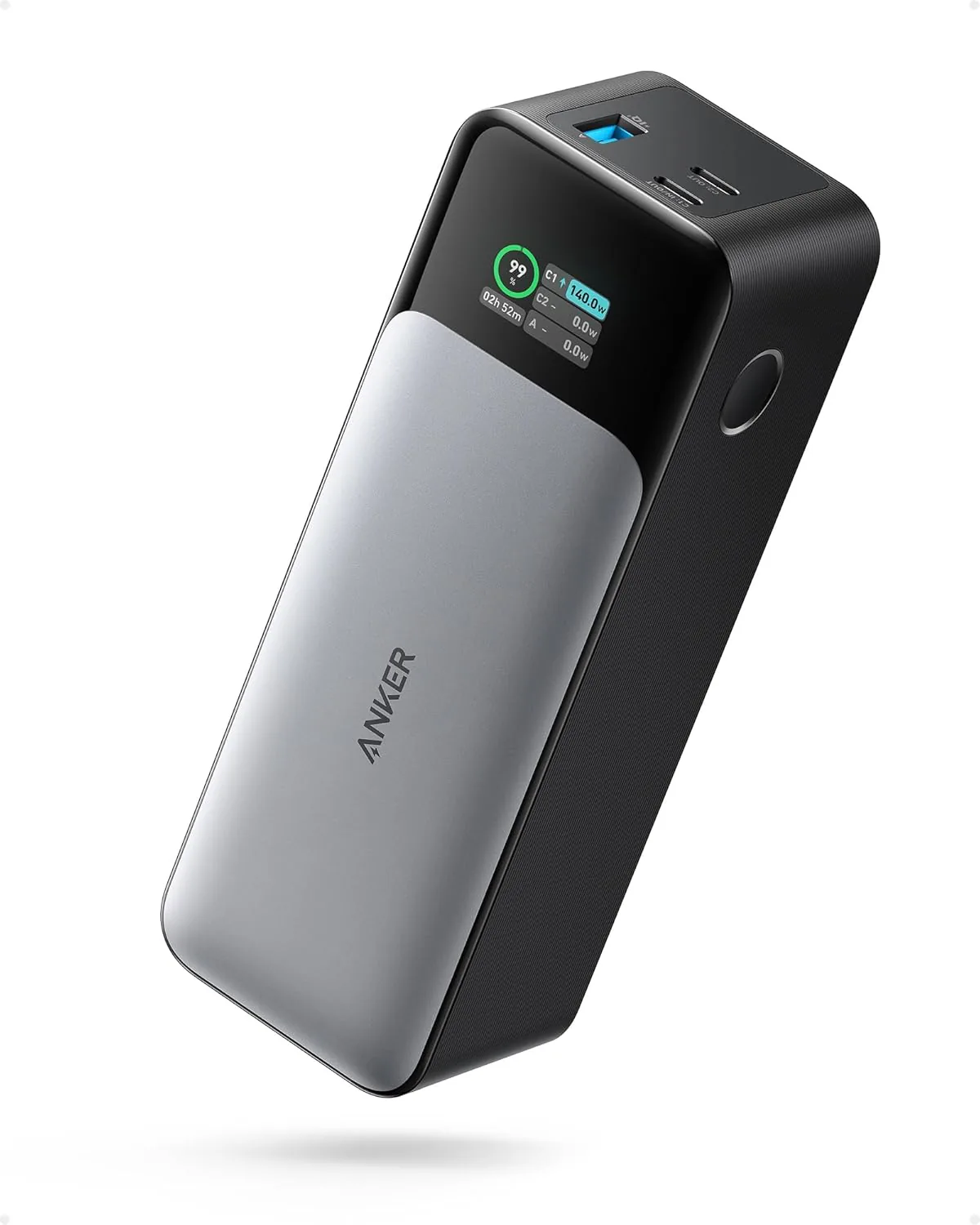
Anker 737 Power Bank (PowerCore 24K, A1289011) | Listed 140W PD 3.1 | 24,000mAh
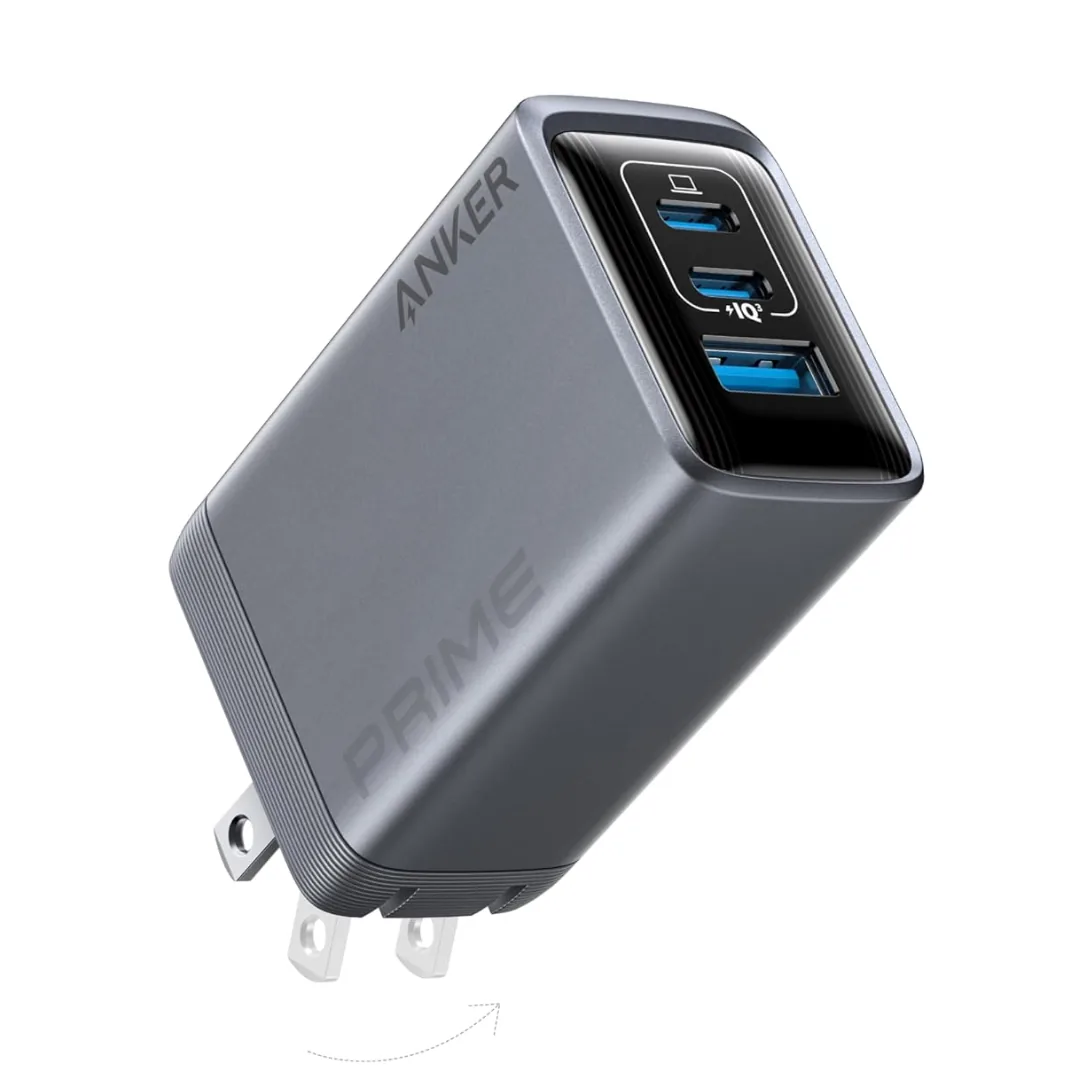
Anker Prime A2688 100W 3-Port GaN Charger — 2 USB-C + 1 USB-A | Check Port Allocation