iPhone 15 Pro Max Accessories Buying Guide: Master the USB-C Transition
Upgraded to the iPhone 15 Pro Max and confused by the new USB-C port? Learn why the inbox cable is slow and find the best 30W chargers and high-speed data cables.
TL;DR: The iPhone 15 Pro Max supports a maximum charging speed of 27W using USB Power Delivery. To charge at full speed, you need a 30W GaN PD charger (such as Anker Nano 30W). The charging cable included in the box only supports USB 2.0 speeds (480 Mbps). For data transfers (10 Gbps) and recording ProRes video directly to an external SSD, you must purchase a separate USB 3.1/3.2 Type-C cable.
Apple's historic transition from the Lightning port to the universal USB-C standard on the iPhone 15 series was a major milestone. Finally, you can use a single cable to charge your MacBook, iPad, and iPhone 15 Pro Max. However, this transition introduces technical requirements that did not exist before. While the woven cable included in the box is durable, is it sufficient to unlock the phone's advanced data speeds and professional video capabilities? What charger specifications are necessary for this high-capacity device? In this engineering guide, I will detail how to configure your iPhone 15 Pro Max with reliable, high-performance accessories while avoiding low-quality counterfeits.
1. Demystifying the iPhone 15 Pro Max USB-C Port
The USB-C port on the **iPhone 15 Pro Max** is not a standard charging port. It supports high-speed **USB 3** data transfer rates of up to **10 Gbps** (10 gigabits per second), which is 20 times faster than the standard iPhone 15 (which is capped at USB 2.0 speeds of 480 Mbps).
However, the white USB-C cable included in the retail box **does not support USB 3 speeds**. Apple included a USB 2.0 cable to minimize packaging costs. If you attempt to transfer a 50GB video file using the inbox cable, it will take over 20 minutes. With a certified USB 3 cable, the same transfer completes in under a minute. To utilize these high speeds, you must purchase a dedicated USB 3.1 or USB 3.2 Type-C to Type-C data cable.
DisplayPort Alt Mode for Direct Video Projection
Another major advantage of the USB-C implementation on the iPhone 15 Pro Max is support for the **DisplayPort Alt Mode** protocol. This standard enables the iPhone to output raw, uncompressed video signals directly to any external monitor, television, or projector. The phone can drive displays at up to 4K resolution at 60Hz with zero lag.
To use this feature, you need a USB-C to HDMI adapter or a Type-C cable that supports video output. It transforms your iPhone into a portable gaming console or a presentation device, allowing you to run games like Resident Evil on a large screen or present slideshows at work with ease.
2. Charger Selection: 20W vs. 30W vs. Higher
The iPhone 15 Pro Max has a large battery capacity and supports peak charging speeds of up to **27W** under USB Power Delivery (USB-PD). Let's look at your options in the market:
- 📉 20W Chargers: While safe and common, a 20W adapter acts as a bottleneck. It will take approximately 1 hour and 45 minutes to charge to 100% because the charger restricts the phone's power draw.
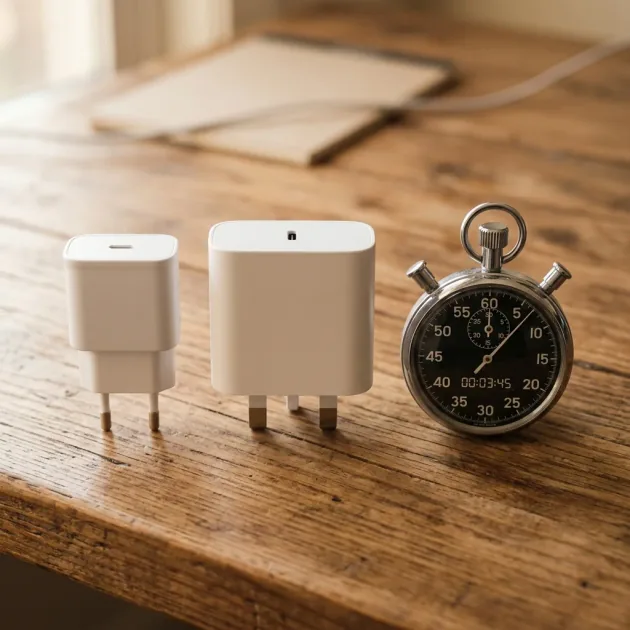
- 🎯 30W GaN Chargers (Recommended): An adapter like the Anker Nano 30W (A2741) or the Joyroom 30W Charger delivers the full 27W peak charging rate. Thanks to Gallium Nitride (GaN) technology, these adapters stay extremely cool, maintain a small profile, and save about 25 minutes of overall charging time.
💡 Budget tip: If you want the same 30W GaN performance at the lowest possible price, the Anker Zolo 30W at 599 EGP is currently the cheapest genuine 30W GaN charger on the market — it still delivers the full 27W peak rate to the iPhone 15 Pro Max and saves the same ~25 minutes per full charge cycle.
Analyzing the Charging Curve and Thermal Throttling Behaviors
The iPhone 15 Pro Max does not draw a continuous 27W throughout the charging cycle. The internal charging management system in iOS is configured to protect the battery from excessive heat. It draws the peak 27W only when the battery is nearly empty (0% to 50%), allowing you to gain quick power in about 28 minutes.
Once the battery capacity reaches 50%, the current decreases to 20W, and then drops further to 15W after passing 70%. When it crosses 80%, the charging rate drops to a trickle charging level of 5W to 7.5W. This mitigates heat generation and slows chemical degradation of the lithium cells. Using a GaN charger is highly beneficial as it minimizes heat generation at the wall plug, keeping the charging cable and the phone cooler during high-load phases.
3. High-Speed Cables and External ProRes Video Recording
Recording professional **ProRes** video in 4K at 60 frames per second requires substantial storage capacity. The iPhone 15 Pro Max allows you to record these heavy video files directly to an external SSD connected via the USB-C port.
To enable direct external recording, your USB-C cable must meet these parameters:
- 🚀 10Gbps Minimum Transfer Rate: The cable must be rated for USB 3.1 Gen 2 or higher.
- 🔌 Stable Power Delivery: The external SSD draws power from the iPhone battery. A low-quality cable will drop the connection, corrupting the video file mid-recording.
- 🛡️ Recommended Cable: We recommend using durable, braided cables that support high power delivery like the Joyroom 60W Type-C Cable which ensures stable current and data transfer.
The Danger of Excessive Current Draw from External SSDs
The USB-C port on the iPhone 15 Pro Max can supply up to **4.5W** (5V at 0.9A) of power to connected peripherals. This is sufficient for standard flash drives and mobile SSDs like the Samsung T7 or Crucial X9.
However, some older NVMe SSD enclosures or high-performance drives may draw peak currents exceeding 5W during intense write operations. When this happens, the iPhone's overcurrent protection circuit immediately shuts off power to the port to protect the motherboard. This causes unexpected drive ejection, leading to data loss and video file corruption. Always verify that your external drive is rated for mobile use and operates within the 4.5W power budget.
4. Protecting the Titanium Body and Choosing a MagSafe Case
The iPhone 15 Pro Max features a frame crafted from **Grade 5 Titanium** instead of stainless steel. While titanium reduces weight and provides premium durability, it is susceptible to fingerprint oils and surface scratches if left unprotected.
When selecting a protective case, keep these engineering details in mind:
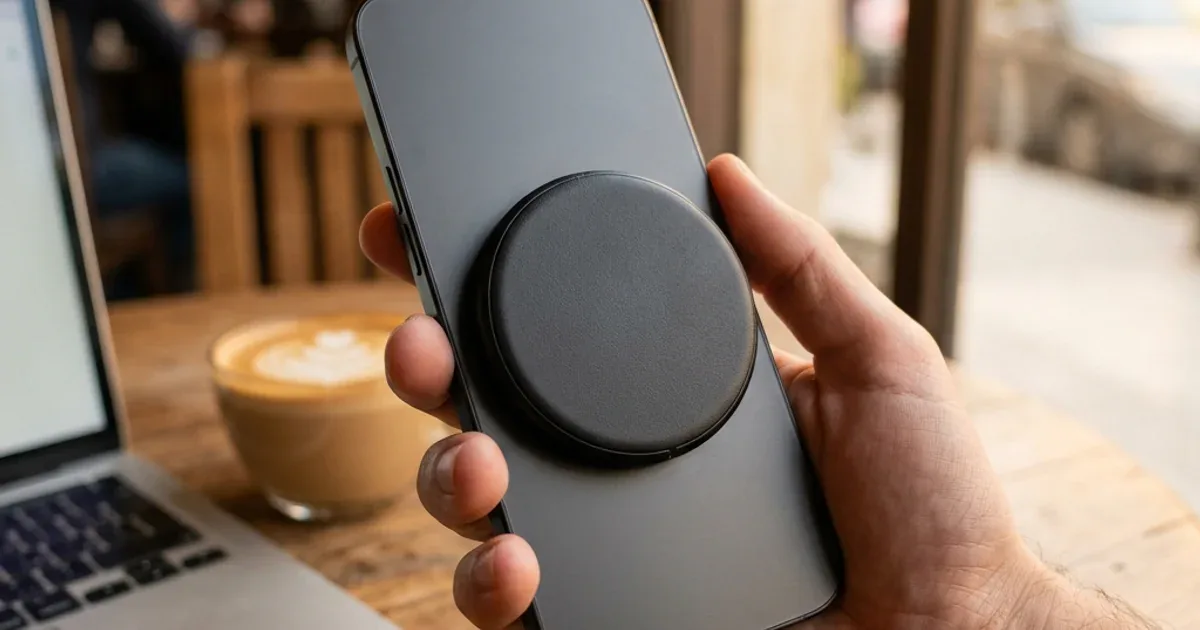
- 🧲 Integrated MagSafe Ring: Avoid thick, non-magnetic plastic cases. When using a wireless charger or MagSafe power bank like the Joyroom MagSafe Power Bank, a standard case increases the distance between the induction coils. This gap reduces efficiency by 50% and dissipates the lost energy as heat, degrading battery health. A MagSafe-compatible case with integrated magnets ensures correct alignment, strong retention, and maximum charging efficiency.
5. Smart Transition for Car Ports and Travel Charging Accessories
The challenges of transitioning to the USB-C ecosystem extend beyond your home and office wall plugs. Many vehicles in Egypt feature standard, low-power USB-A ports built into the dashboard. These ports typically output a meager 5W or 10W of power, which is entirely insufficient to charge the massive battery of the iPhone 15 Pro Max, especially when running resource-heavy applications like Google Maps and GPS navigation simultaneously.
To overcome this power bottleneck, it is highly recommended to invest in a dedicated car charger adapter that plugs into the cigarette lighter socket and features high-output USB-C Power Delivery ports. Choosing a car adapter rated for at least 30W or 45W ensures that your iPhone receives its maximum charging rate on the road, maintaining steady battery growth even during hot summer drives and long commutes.
6. Technical Specifications for iPhone 15 Pro Max Accessories
| Accessory Type | Technical Spec | Purpose | Recommended Pick |
|---|---|---|---|
| Wall Charger | 30W USB-PD (with GaN technology) | Charges the phone at its peak safe speed (27W) | Anker Nano 30W |
| USB-C Cable | USB-C to USB-C supporting USB 3 (10Gbps) | High-speed data transfers and direct ProRes SSD recording | Joyroom 60W Cable |
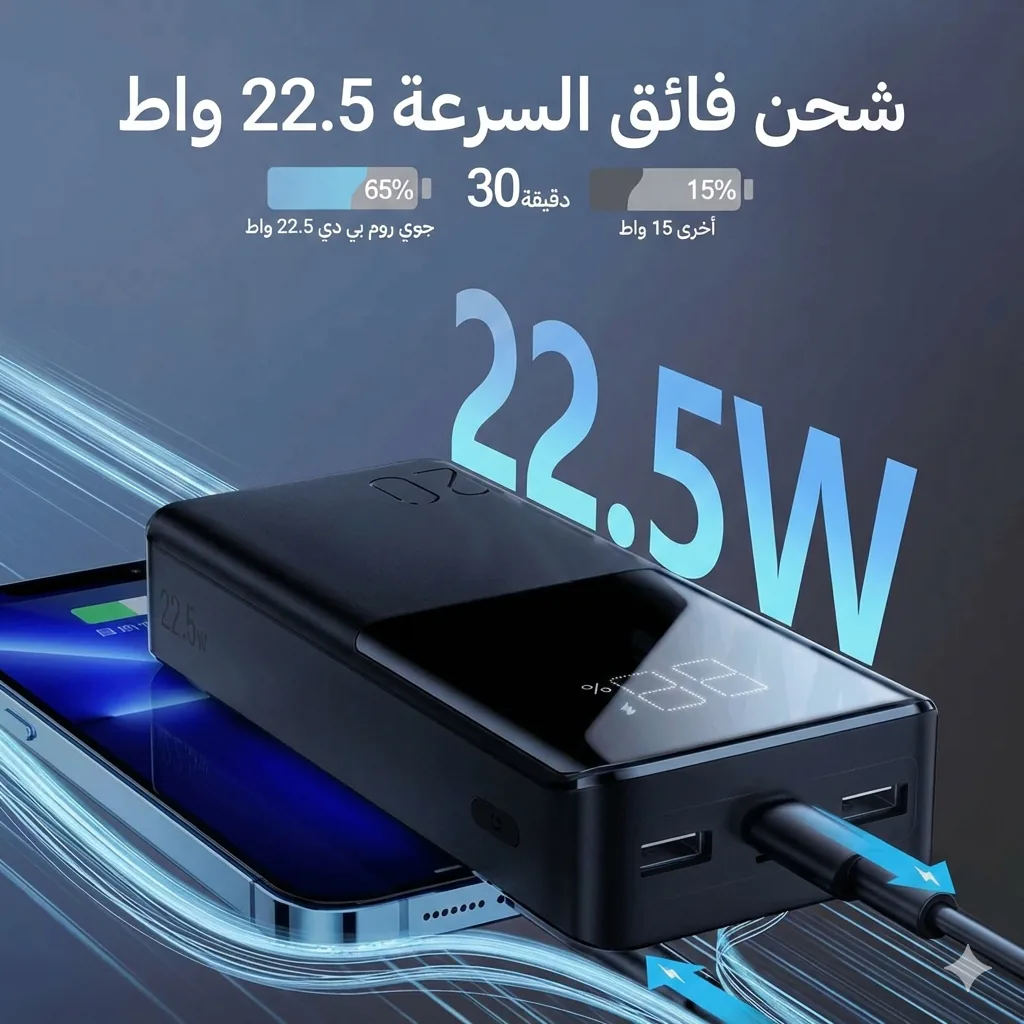
| Power Bank | 20,000mAh capacity with 22.5W / PD output | Provides up to 3 full charges on road trips | Joyroom 20,000mAh |
7. Verdict and CairoVolt Recommendation
Transitioning to the iPhone 15 Pro Max is a major upgrade, unlocking fast USB 3 transfer rates and versatile charging. CairoVolt recommends protecting this investment by avoiding cheap cables and uncertified wall blocks. Opt for a **30W PD GaN charger** (from Anker or Joyroom) to enjoy peak charging rates, pair it with a high-speed data cable to leverage SSD recording, and use a MagSafe-compatible case to maintain wireless charging efficiency.
To learn more about maintaining your USB-C cables and preventing damage from daily wear, check out our guide on how fast charging affects your battery health to avoid daily usage mistakes.

CairoVolt Editorial Team
Content team reviewing specifications and buying guides
The CairoVolt team reviews model numbers, specifications, and compatibility, and updates information when better data is available. Estimates are labeled as calculations, and readers can report information that needs correction.
Frequently Asked Questions
Can I use my old Apple 20W USB-C charger with the iPhone 15 Pro Max?▼
Why is the USB-C cable included in the iPhone box not ideal for file transfers?▼
Does the iPhone 15 Pro Max support reverse wired charging?▼
What are the SSD requirements for recording ProRes video directly from the iPhone?▼
Ready to Buy?
Browse available products and review specifications and CairoVolt warranty terms before ordering
Related products
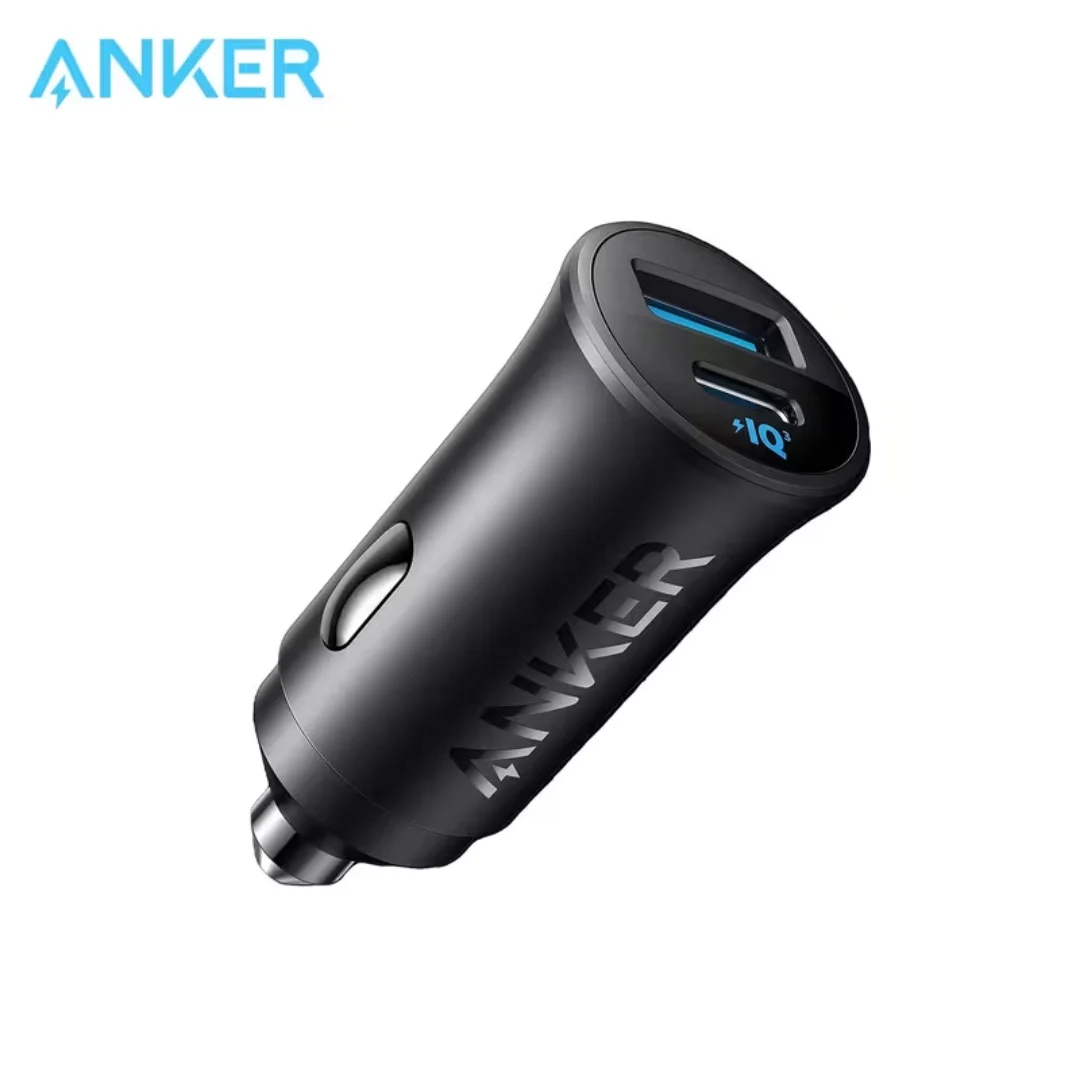
Anker 30W Mini Car Charger (A2741) | USB-C 30W PD + USB-A 22.5W | Ultra-Compact
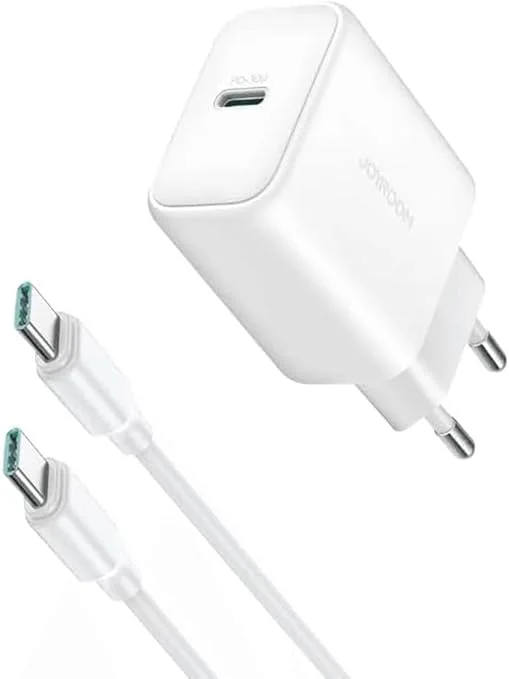
Joyroom 30W PD+QC Wall Charger | Dual USB-C and USB-A Ports
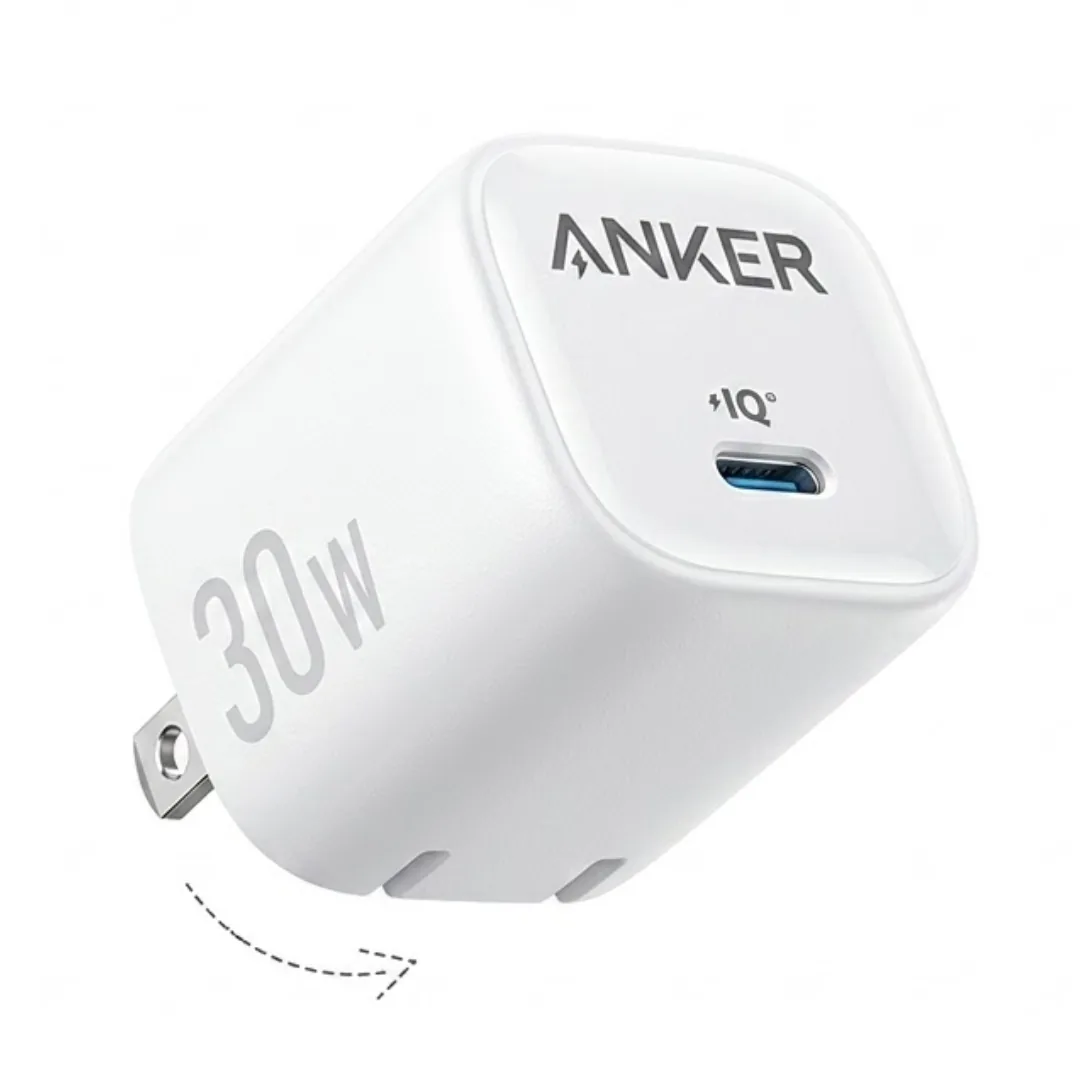
Anker Zolo 30W USB-C Wall Charger (A2698) | GaN + Ultra-low Temperature | Foldable Plug
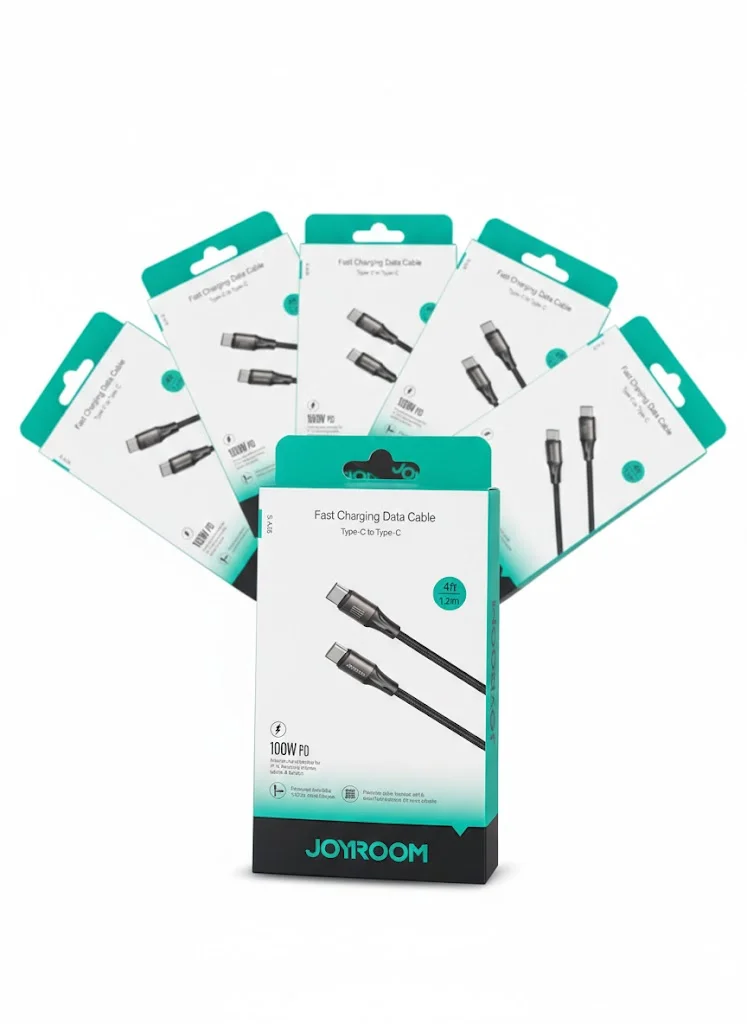
Joyroom USB-C to USB-C Cable JR-S-CC100
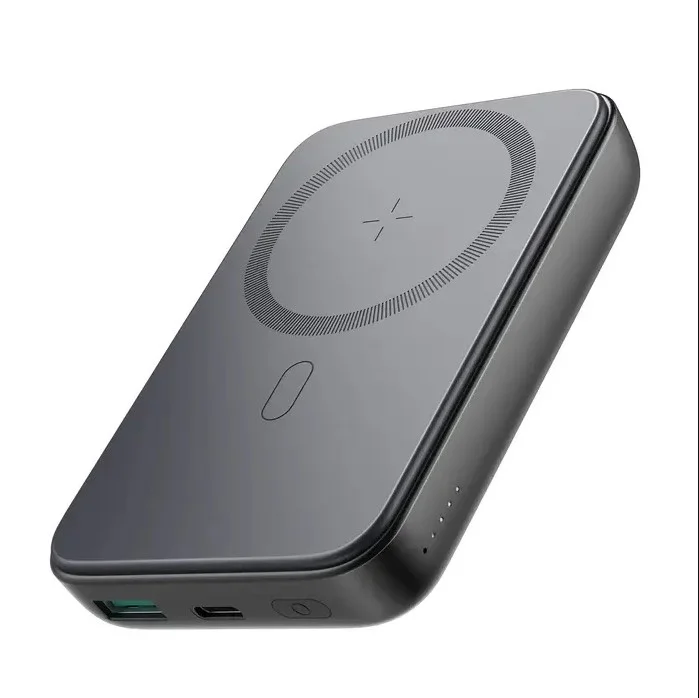
Joyroom MagSafe Power Bank 10000mAh | 15W Wireless + 20W Wired | Kickstand