
Why is iPhone 16 Pro Max Charging Slowly? The 45W Truth & Best Chargers
Bought the iPhone 16 Pro Max and noticed slow charging speeds? We analyze the physics of 45W Power Delivery charging and how heat impacts it.
Bottom Line: The iPhone 16 Pro Max does not maintain a continuous 45W charging speed. Its actual charging rate peaks at 38W to 39W momentarily, and only when the battery is under 15% and the device is cool. In typical Egyptian summer heat, the power management system throttles charging to 27W to 30W to protect battery health. For optimal performance, use a 45W or higher USB-PD charger with PPS support.
Since the release of the **iPhone 16** series, tech media has highlighted that the **iPhone 16 Pro Max** supports **45W fast charging** for the first time in iPhone history. Many users in Egypt rushed to buy 45W adapters, expecting their phones to fully charge in under 30 minutes. However, in real-world scenarios, users notice that charging takes longer than expected and generates noticeable heat on the back of the phone. What is the technical reason for this slower charging behavior? Did Apple overstate the 45W capability? In this guide, we will analyze the charging physics of the iPhone 16 Pro Max and explain why it charges slowly in hot climates like Egypt, and how to select the right accessories to optimize charging speeds.
1. The 45W Peak Power Myth vs. Reality
From an electrical engineering standpoint, the iPhone 16 Pro Max supports the **USB-PD (Power Delivery) 3.0 protocol with PPS (Programmable Power Supply)**. When tested under laboratory conditions at very low temperatures (near 0°C) with a depleted battery (under 10%), the phone draws 15V at 2.6A, peaking at **38W to 39W** of power.
However, this peak speed is only maintained for **5 to 7 minutes**. As the lithium-ion battery chemistry heats up and the device's internal temperature reaches 35°C, the power management integrated circuit (PMIC) throttles the power draw to **27W or 30W** to protect the battery. Consequently, in typical Egyptian room temperatures, a 45W charger performs almost identically to a 30W charger.
The Physics of Fixed Voltages vs. PPS Dynamic Stepping
Under standard USB Power Delivery, energy is negotiated at coarse, fixed steps such as 5V, 9V, 12V, 15V, or 20V. If the iPhone 16 Pro Max requires 13.5V to charge efficiently, but the adapter only outputs 15V, the internal buck converters in the phone must step down that voltage. This conversion process has an efficiency of approximately 88-92%, meaning 8% to 12% of the total energy is dissipated as heat directly inside the phone.
Programmable Power Supply (PPS) solves this by enabling the device to request precise voltage levels from the charger in 20mV increments. The charger outputs the exact voltage required by the lithium cells, eliminating the need for internal stepping. This decreases heat dissipation within the device by up to 50%, allowing the phone to maintain its fast-charging speeds for significantly longer periods.
2. Main Reasons for Slow Charging on iPhone 16 Pro Max
If your phone is taking over 2.5 hours to reach a full charge, it is likely due to one of these three factors:
- 🌡️ Thermal Throttling: iOS is designed to prioritize battery health. In warm climates, or if you use the phone while charging (e.g., GPS navigation or gaming), heat levels spike. If the phone surpasses 37°C, the charging speed drops to **10W** or even **5W** to prevent thermal damage.
- 🔌 Non-PPS Chargers: Many users charge their iPhones with standard laptop bricks or generic adapters that lack **PPS (Programmable Power Supply)**. Without PPS support, the iPhone cannot adjust voltage in small increments (e.g., 20mV steps) to minimize heat, falling back to a standard 20W or 27W Power Delivery profile.
- 📱 Uncertified Cables: Cheap, uncertified cables have high electrical resistance. This causes a voltage drop and generates heat at the charging port, prompting the phone to slow down charging to protect its circuits.
Battery Thermal Management During Fast Charging on the iPhone 16 Pro Max
The metal-cased (aluminum) battery Apple introduced in 2024 appears only in the smaller iPhone 16 Pro, where it makes battery replacement easier; the iPhone 16 Pro Max kept the conventional foil-pouch battery. Either way, during fast charging the battery's heat spreads into the titanium and aluminum chassis, which acts as the phone's heatsink.
This heat spreading makes the phone's titanium frame noticeably warmer to the touch during the initial 38W fast-charging burst. Some users mistake this warm frame for an issue, but it is actually working as designed to maximize longevity. However, as the frame heats up, the phone's software will reduce the charging speed to keep temperatures within safe limits.
3. How to Maximize Charging Speed and Prevent Throttling in Summer
To bypass the thermal throttling limits and ensure your iPhone 16 Pro Max charges as fast as possible on a 45W PPS adapter, follow these actionable tips to regulate device temperatures:
- ❄️ Charge in an Air-Conditioned Room: Always plug in your iPhone in a cool, air-conditioned space or near a fan. Lower ambient temperatures allow the titanium frame to dissipate heat much faster, enabling the PMIC to sustain higher charging currents (up to 38W) for a longer duration.
- 📱 Remove the Protective Case: Plastic, leather, and silicone cases act as thermal insulators, trapping heat inside the phone. Taking off the case during charging increases convective cooling, allowing the heat to escape and preventing thermal throttling.
- 🚫 Avoid Using the Phone While Charging: Running applications, editing photos, or using mobile data generates processing heat. When combined with fast-charging heat, this triggers an immediate power throttling response, capping the input at 5W.
- ✈️ Enable Airplane Mode: Activating Airplane Mode turns off wireless radios (Wi-Fi, Cellular, Bluetooth), reducing active power consumption and thermal load, leading to a cooler, faster charge cycle.
4. Selecting a Compatible 45W Charger
To ensure safe fast charging and obtain the best performance for your iPhone 16 Pro Max, choose a wall charger with these specifications:
- 🚀 30W to 45W Minimum Output: A 30W charger like the Anker Nano 30W offers 90% of the phone's real-world charging speed in typical environments while keeping the phone cool.
- ⚡ USB-PD 3.0 with PPS Support: Check the adapter's tech specs for PPS compatibility to ensure the phone can dynamically adjust charging voltage, such as the Joyroom 30W Fast Charger.
- 🛡️ Active Thermal Monitoring: Look for adapters with built-in temperature monitors (like Anker's ActiveShield) that check temperatures continuously to protect your device from power surges.
How Multi-Port Power Division Affects Peak Charging Speeds
When selecting a 45W or 65W charger, pay close attention to whether it has multiple ports. Many multi-port chargers share power dynamically. For example, if you plug a 45W charger into your iPhone 16 Pro Max and then plug a smartwatch or AirPods into the second port, the charger will split the power. It may drop the primary USB-C port down to 30W or 20W, preventing your iPhone from drawing its peak 38W. To get the fastest charging speed, always charge your iPhone 16 Pro Max using a single dedicated USB-C port on a high-output adapter.
5. The Role of 5A E-Marker Cables in 45W Charging
As the iPhone draws higher charging currents, the cable becomes a critical factor. Standard USB-C to USB-C cables are rated for **3 Amperes (3A)** of current. A 3A cable carries up to 45–60W at the higher 15V/20V PD profiles, but at the ~9V profile the iPhone uses for charging, 3A works out to only about 27W — so hitting the iPhone 16 Pro Max's full peak burst needs a cable that can carry more current.
To unlock charging speeds above 30W, you must use a cable equipped with an **E-Marker (Electronic Marker)** chip, which is rated for **5 Amperes (5A)** and up to 100W/240W of power. We recommend a durable, braided cable with high-quality copper shielding, such as the Joyroom 60W Type-C Cable, to ensure stable current flow without thermal resistance.
6. Charging Times Comparison for iPhone 16 Pro Max (4,685mAh)
| Power Adapter Used | Actual Continuous Power | 0% to 50% Charge Time | Total 100% Charge Time |
|---|---|---|---|
| Standard 20W USB-C Charger | 20W constant | ~ 35 minutes | ~ 1 hour 50 minutes |
| GaN 30W PD Charger | 27W variable | ~ 27 minutes | ~ 1 hour 25 minutes |
| PPS 45W Charger (Cool Climate) | 38W peak / 30W average | ~ 22 minutes | ~ 1 hour 18 minutes |
7. Verdict and CairoVolt Recommendation
The 45W charging support in the iPhone 16 Pro Max is a useful hardware addition, but thermal throttling limits its actual impact in daily use. Avoid cheap, generic chargers claiming 45W output. Instead, invest in a certified **30W GaN PD charger** or a **45W PPS charger** from reputable brands to protect your device's battery, and keep your phone cool while charging to ensure the fastest speeds.
For more tips on safe charging practices, check out our guide on charging your phone overnight to protect your device over the long term.

CairoVolt Editorial Team
Content team reviewing specifications and buying guides
The CairoVolt team reviews model numbers, specifications, and compatibility, and updates information when better data is available. Estimates are labeled as calculations, and readers can report information that needs correction.
Frequently Asked Questions
Does charging my iPhone 16 Pro Max at 45W degrade the battery faster?▼
Is it safe to charge the iPhone 16 Pro Max with a 67W or 96W MacBook charger?▼
Why does my iPhone 16 Pro Max charging slow down significantly or pause at 80%?▼
What is the maximum MagSafe wireless charging speed for the iPhone 16 Pro Max?▼
Ready to Buy?
Browse available products and review specifications and CairoVolt warranty terms before ordering
Related products
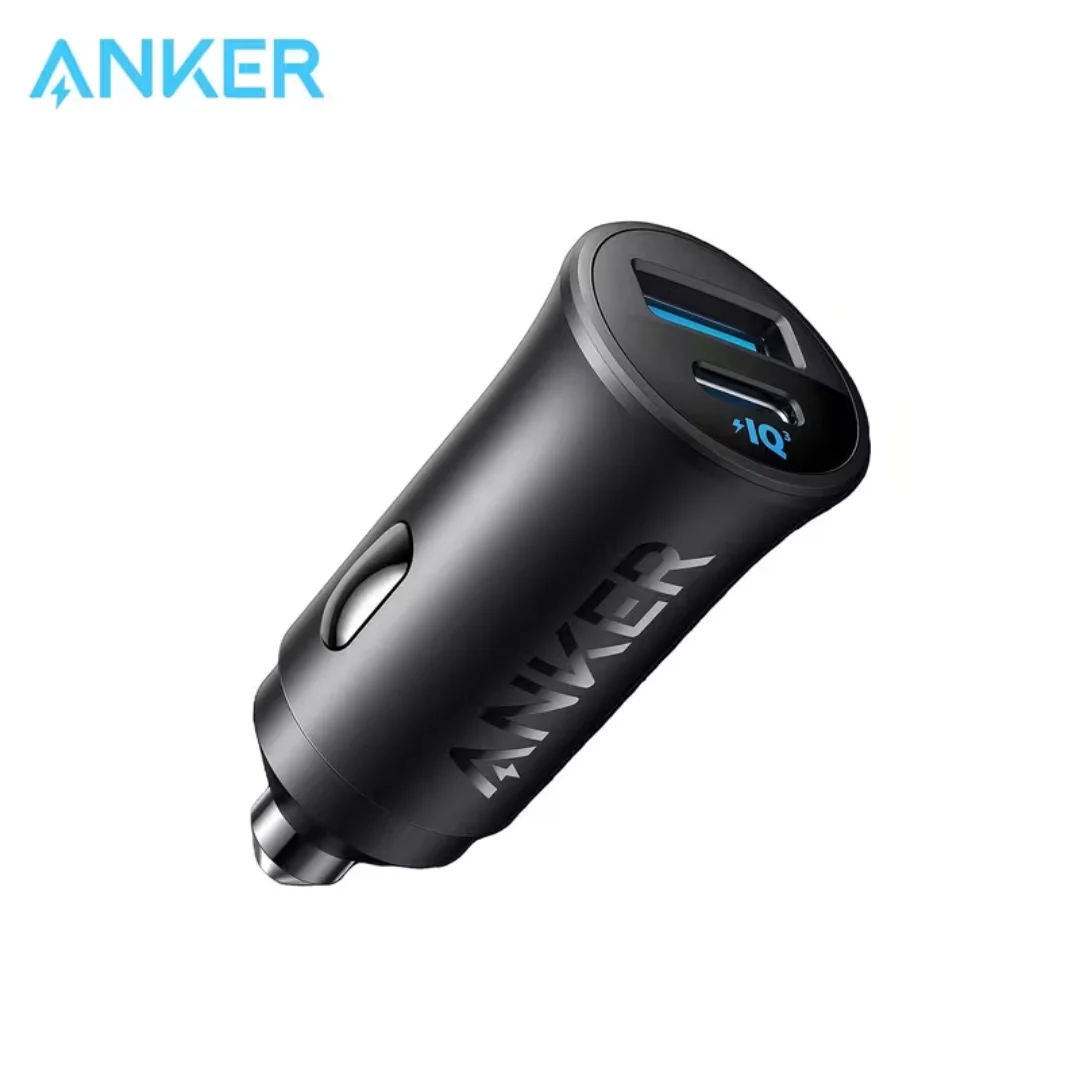
Anker 30W Mini Car Charger (A2741) | USB-C 30W PD + USB-A 22.5W | Ultra-Compact
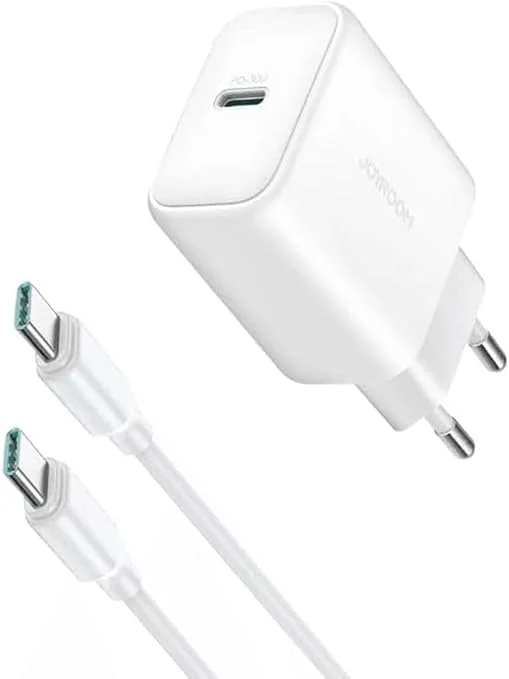
Joyroom 30W PD+QC Wall Charger | Dual USB-C and USB-A Ports
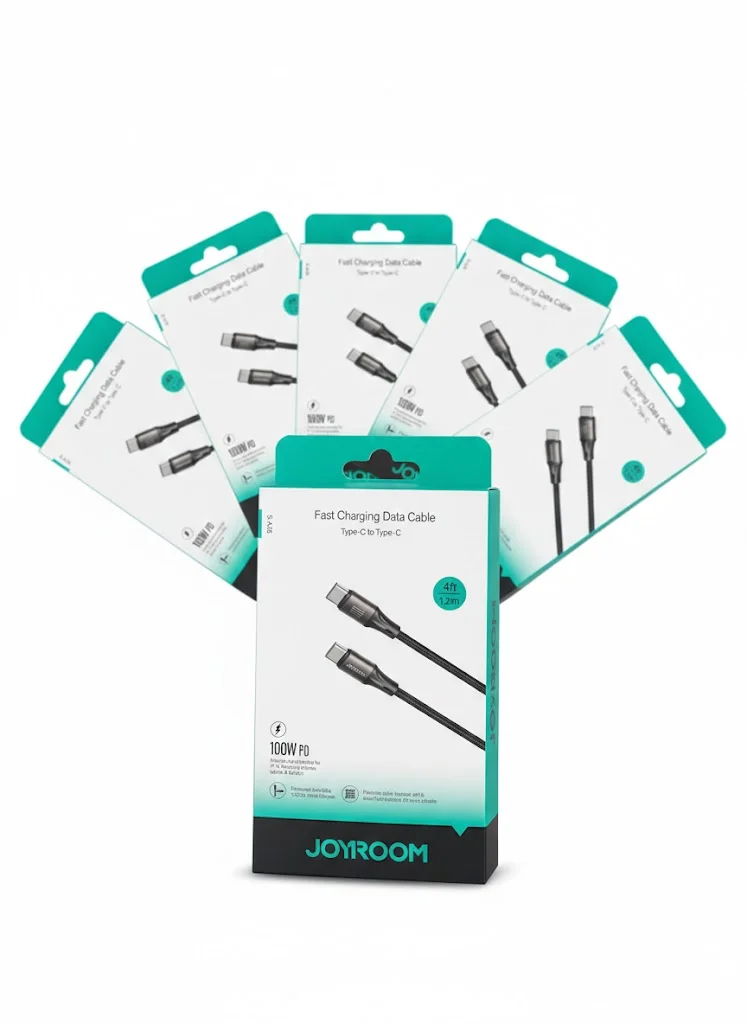
Joyroom USB-C to USB-C Cable JR-S-CC100
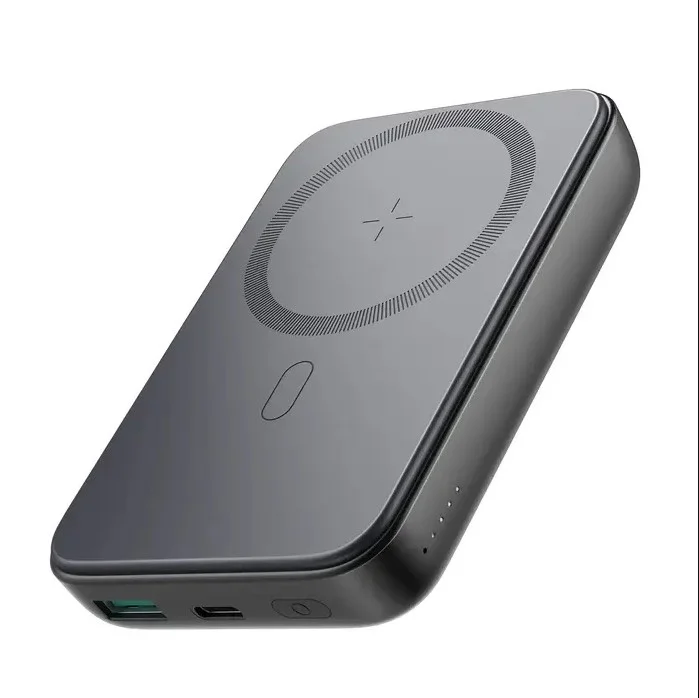
Joyroom MagSafe Power Bank 10000mAh | 15W Wireless + 20W Wired | Kickstand