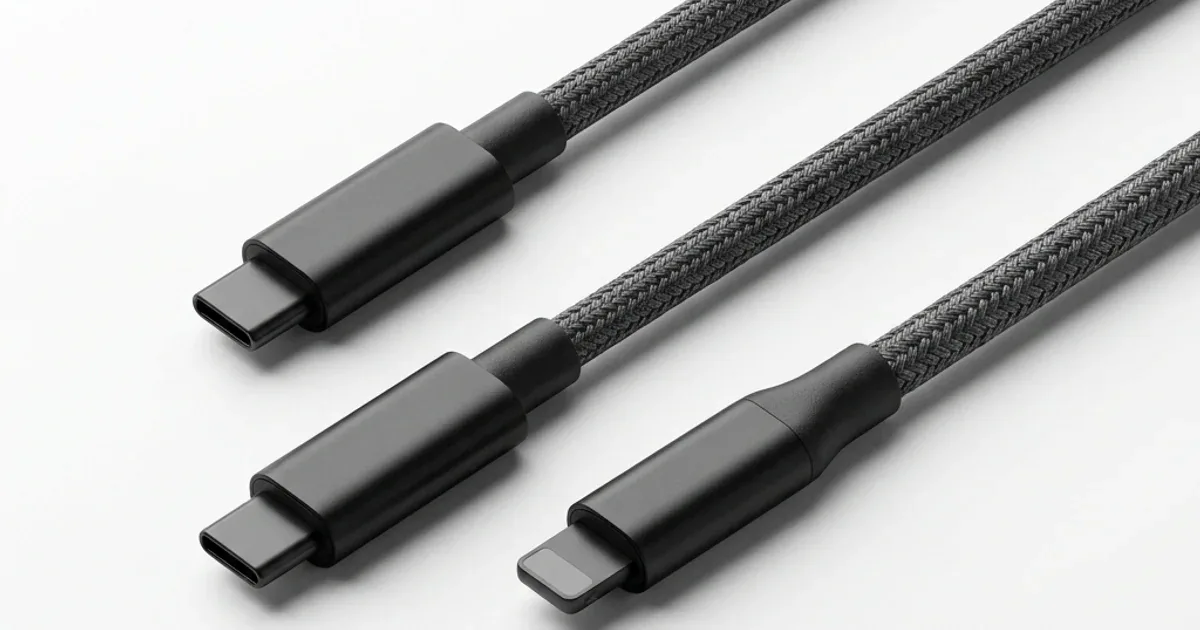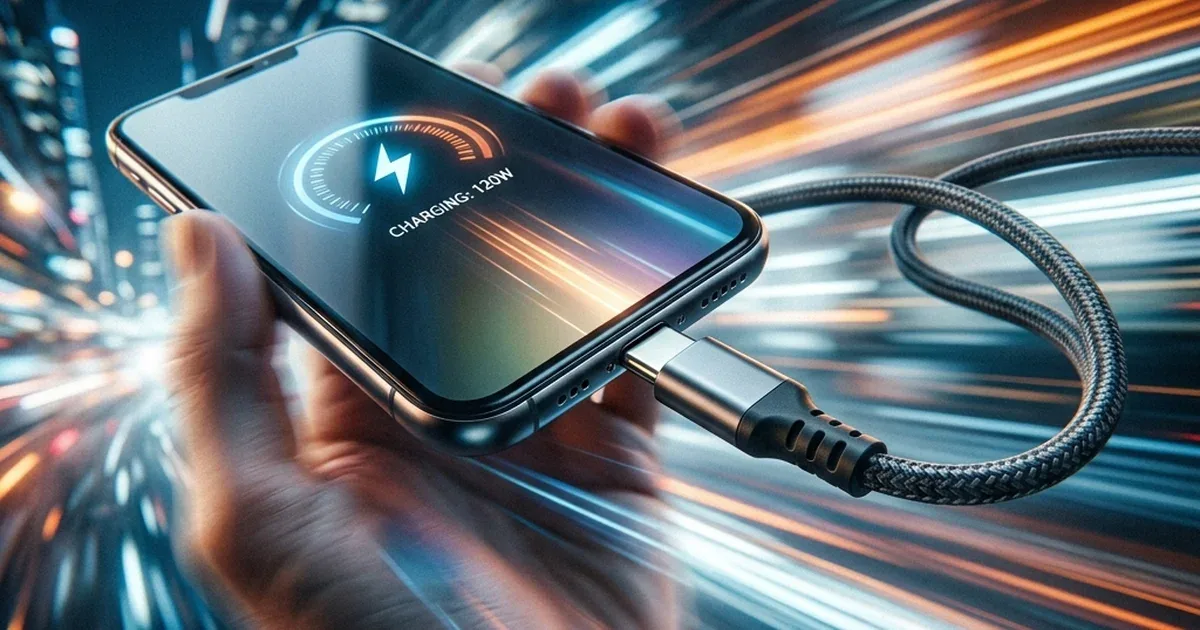
You have a new 65W Anker charger and a USB-C cable that came with your phone — and you notice your laptop charging slowly. The problem is not always the charger. Sometimes the culprit is the cable itself. USB-C cables are not all created equal — there are three distinctly different performance tiers.
💡 Core Rule: The cable determines the maximum wattage that can pass through. The charger determines how many watts it can output. Actual charging power = the lower of the two. A 100W charger + a 60W cable = 60W only. A 60W charger + a 100W cable = 60W. Both together determine the final speed.
USB-C Cable Tiers — Three Different Worlds
| Tier | Spec | Max Watts | Best For | Example |
|---|---|---|---|---|
| Basic | 3A / 60W | 60W | Phone, tablet, MacBook Air | Anker Zolo A8060 |
| Advanced | 5A / 100W | 100W | MacBook Pro, mid-range laptop | Joyroom PD |
| Professional | 5A / 240W | 240W | Gaming laptop, USB-C monitors | 240W PD 3.1 cable |
1. The E-Mark Chip: The Communication Brains Behind 5A Cables
You might wonder how a charging brick knows if it is safe to push 5 amps of current through a particular cable without causing a fire. The safety mechanism lies in a tiny integrated circuit embedded inside one of the USB-C connector housings, known as the E-Mark chip (Electronic Marker IC). This microchip acts as a digital passport for the cable, storing vital parameters.
Upon connection, the Power Delivery handshake protocol queries this chip to read the cable's current limits, maximum voltage ratings, and internal resistance. If no E-Mark chip is detected—which is typical for budget 3A/60W cables—the charger limits current output to 3A max, capping the wattage to 60W. This prevents thin copper strands from overheating and melting.
2. Cable Length vs. Resistance and the Physics of Voltage Drop
In electrical engineering, wire resistance is directly proportional to length. As you use a longer charging cable—such as 2-meter or 3-meter variations—the current encounters greater resistance. This resistance results in a phenomenon known as voltage drop. As current flows across the length of the cable, a portion of the energy is lost as heat dissipation.
To counteract this, premium accessory manufacturers like Anker utilize thicker copper wiring (lower American Wire Gauge or AWG) in their longer cables. Budget cables bypass these construction standards, using thin copper conductors that lead to significant voltage drops. This drop slows down charging by up to 40% and causes the cable length to feel warm during operation.
3. Data Transfer Standards vs. Power Charging Capabilities
A common point of confusion is assuming a cable rated for 240W charging will naturally transfer files at high speeds. In reality, charging capacity and data speeds are independent specifications. A 240W charging cable can run on a USB 2.0 interface, which limits data transfer speeds to 480 Mbps—typical for standard charging cables like the Anker PowerLine series.
If you require high-speed data transmission for 4K video or external storage arrays, you must look for data-certified options like USB4 or Thunderbolt 4. These cables support both high-speed data (up to 40 Gbps) and high-power delivery (100W or 240W). They contain heavy internal shielding, making them thicker, stiffer, and significantly more expensive than standard charging cords.
4. The Critical Role of Shielding in USB-C Cables
Original USB-C cables do not merely bundle copper wires together; they incorporate complex internal shielding matrices made of aluminum foil and tinned copper mesh. This shielding blocks electromagnetic interference (EMI) originating from external Wi-Fi and mobile network signals. Maintaining clean transmission lines is critical because the USB PD protocol requires continuous communication to adjust charging parameters.
Counterfeit or low-grade cables omit this shielding, causing signal loss that forces the charger to drop power outputs or disconnect repeatedly. Furthermore, this lack of shielding can propagate electromagnetic noise into the phone's touch screen digitizer, resulting in frustrating ghost touches or unresponsive touch screens during charging cycles.
5. Comparing USB-C PD and Proprietary Fast Charging Protocols
While USB Power Delivery (PD) is the universal open standard for laptop and mobile charging, many manufacturers utilize proprietary fast-charging protocols like Oppo's SUPERVOOC or Xiaomi's Mi Turbo Charge. These systems deliver high currents (e.g., 6A or 8A) at lower voltages (10V-11V) rather than the high voltage profiles of the PD standard.
To support these currents safely, proprietary protocols require dedicated cables with specialized pin layouts and authentication chips. If you use a standard 100W Power Delivery cable with an Oppo SUPERVOOC charging brick, the system falls back to standard charging speeds. It cannot establish the proprietary handshake required to unlock ultra-high current transfer.
6. Heat Dissipation and Flame-Retardant Jackets in Premium Cables
Running high currents of 5A (in 100W and 240W setups) generates thermal energy that must be safely managed. High-end cables feature flame-retardant outer jackets made of Thermoplastic Elastomer (TPE) or double-braided nylon. These materials provide high structural integrity, resisting fraying and maintaining flexibility over thousands of bend cycles.
Furthermore, original connectors feature integrated thermal insulation and silica gel layers to dissipate heat from the metallic pins. Generic cables utilize cheap PVC jackets that degrade under moderate heat. This can cause electrical short circuits and melt the phone's port pins, resulting in expensive motherboard repairs.
Real Impact on Charging Time — By the Numbers
iPhone 17 (Maximum 20W)
The iPhone 17 charges at a maximum of 20W — that does not change regardless of cable or charger. Meaning:
- 3A/60W cable + 30W charger = charges at 20W (iPhone limits itself)
- 5A/100W cable + 100W charger = charges at 20W (same result)
- Charge time from 0 to 100%: about 1 hour 5 minutes in both cases
Phone takeaway: Any quality USB-C cable delivers the same result. No need to spend extra on a 100W or 240W cable just for a phone.
MacBook Air M3/M4 (Maximum 45W)
| Cable | Charger | Actual Charging | Time 0→100% |
|---|---|---|---|
| 3A/60W | 65W GaN | 45W (full speed) | ~2 hours ⭐ |
| 5A/100W | 100W GaN | 45W (same result) | ~2 hours |
| Unknown cable | 65W GaN | 5-9W only (no PD) | 6-8 hours! |
MacBook Air charges at 45W — a 3A/60W cable is perfectly sufficient since 60W exceeds the 45W ceiling. But an unknown cable without PD support drops charging to 5W = 6-8 hours instead of 2 hours. A 4-6 hour difference from the cable alone.
MacBook Pro 14-inch (Maximum 96-100W)
| Cable | Charger | Actual Charging | Time 0→100% |
|---|---|---|---|
| 3A/60W | 100W GaN | 60W (cable-limited) | ~2.5 hours |
| 5A/100W | 100W GaN | 96W (full speed) | ~1 hour 20 minutes ⭐ |
Here the difference is clear: 70 minutes saved from the cable alone. Same charger, same outlet, same device — but the 5A/100W cable saves you over an hour every day. If you charge a MacBook Pro, invest in a 5A/100W cable.
⚡ Why Does the Cable Limit Wattage?
Simple physics: Power (watts) = Volts × Amps. USB-C PD operates at 20 volts. A 3A cable: 20V × 3A = 60W maximum. A 5A cable: 20V × 5A = 100W maximum. Forcing more than 3A through a 3A cable causes it to overheat, throttle, or in the case of cheap cables, potentially fail. A genuine Anker or Joyroom cable contains an E-Mark chip inside that manages the safe current limit automatically.
Gaming Laptop (140-240W) — 5A/240W Is Non-Negotiable
ASUS ROG Zephyrus G16, MSI Titan, Razer Blade 16 — all require 140-200W for full charging. Using a 100W cable with a 140W charger:
- The 100W cable passes a maximum of 100W → laptop charges at 100W only
- If the laptop is running a game: needs 80W to run + 100W to charge = 180W demand. The cable cannot supply 180W
- Result: extremely slow charging, or the battery level actually drops even with the charger connected
The solution: a 5A/240W (USB PD 3.1) cable with a 140W or higher charger. Important note: both the charger and cable must support 240W — a 240W cable with a 100W charger still maxes out at 100W.
If your charger tops out at 140W (like the MacBook Pro 16 brick and most current laptop chargers), the Anker Zolo 140W braided cable (790 EGP) is the practical pick — 140W PD 3.1 over a 1.5-meter braided build that unlocks full speed on any laptop charger without paying the 240W cable premium.
Complete Table: Your Device → The Right Cable
| Device | Max Charging | Cable Needed | Charger Needed |
|---|---|---|---|
| iPhone 17 / Samsung S26 | 20-45W | 3A/60W ⭐ | 20-30W |
| iPad Pro / tablet | 45W | 3A/60W ⭐ | 45W+ |
| MacBook Air M3/M4 | 45W | 3A/60W ⭐ | 65W+ |
| MacBook Pro 14-inch | 96W | 5A/100W required | 100W+ |
| Dell XPS 15 / HP Spectre | 90-100W | 5A/100W required | 100W+ |
| ASUS ROG / MSI / Razer | 140-200W | 5A/240W essential | 140W+ |
✅ USB-C Cables with Full Specifications Available on CairoVolt
Anker Zolo A8060 (5A/140W) for phones and laptops | Joyroom PD Cable for daily use | Joyroom C-to-C. Every cable on CairoVolt includes clear spec labeling.

CairoVolt Team
Tech Editor
Frequently Asked Questions
If I have a 65W charger and a 3A cable, will it charge a MacBook Air at full speed?▼
Why does the cable that came with my phone charge my laptop so slowly?▼
Does a 5A/240W cable work safely with a regular phone and charger?▼
How do I know the specs of the cable I already own?▼
Ready to Buy?
Browse available products and review specifications and CairoVolt warranty terms before ordering
Products Mentioned in This Article
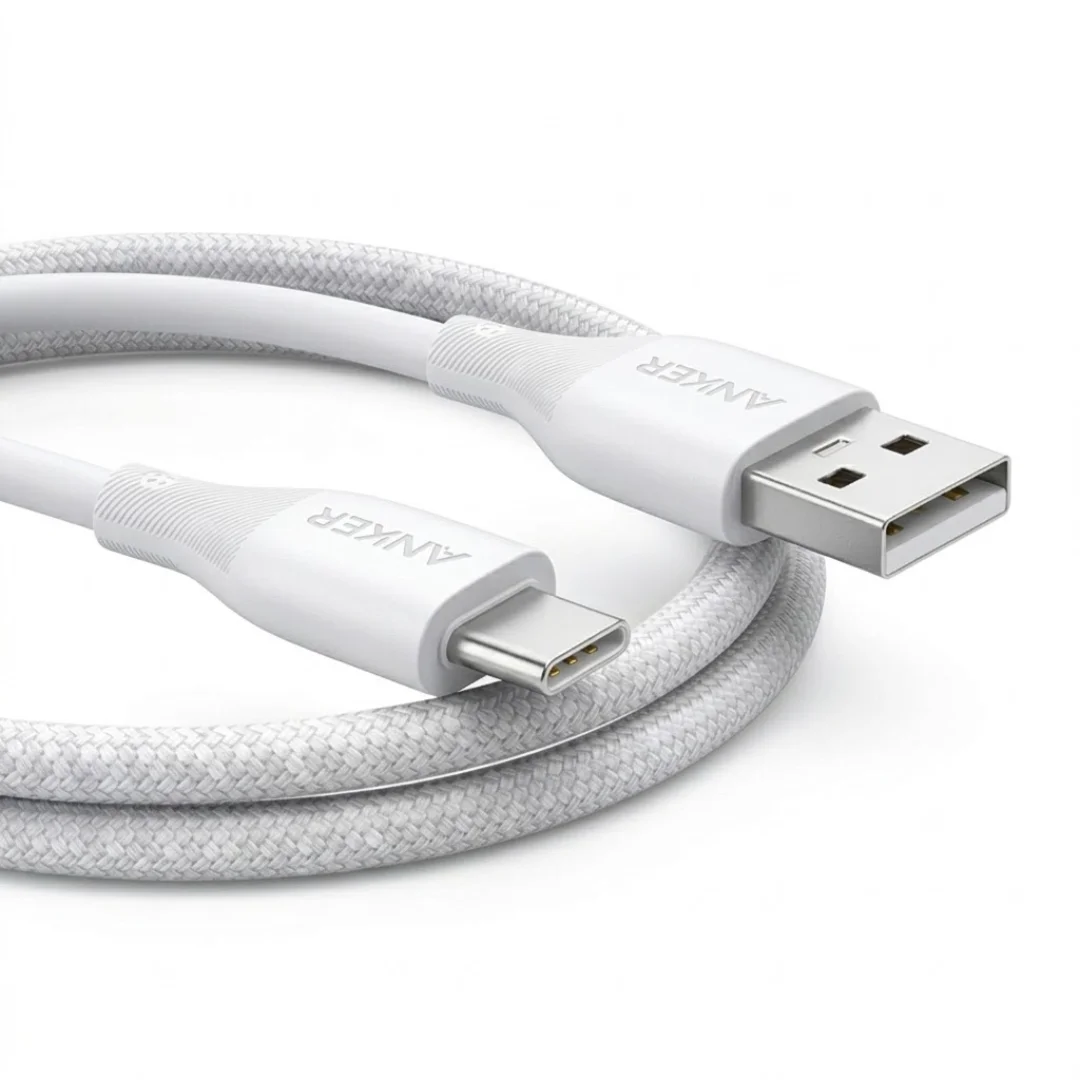
Anker USB-A to USB-C Cable (A8050) | Braided Nylon 1.8m | Fast Charging
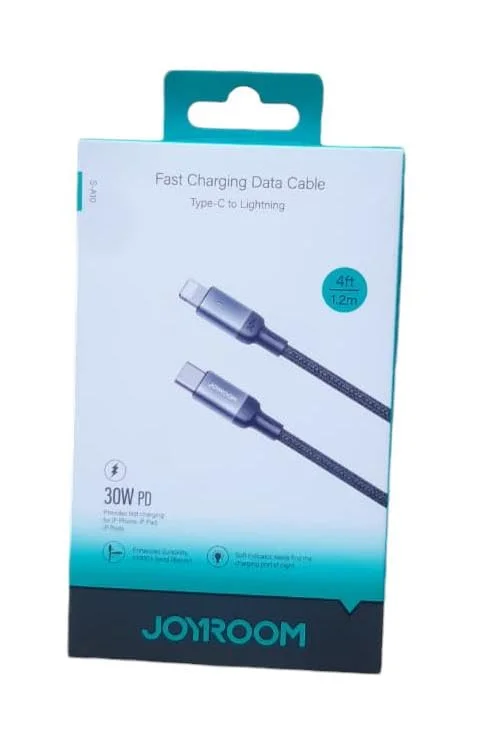
Joyroom 30W PD Fast Charging Cable 1.2m
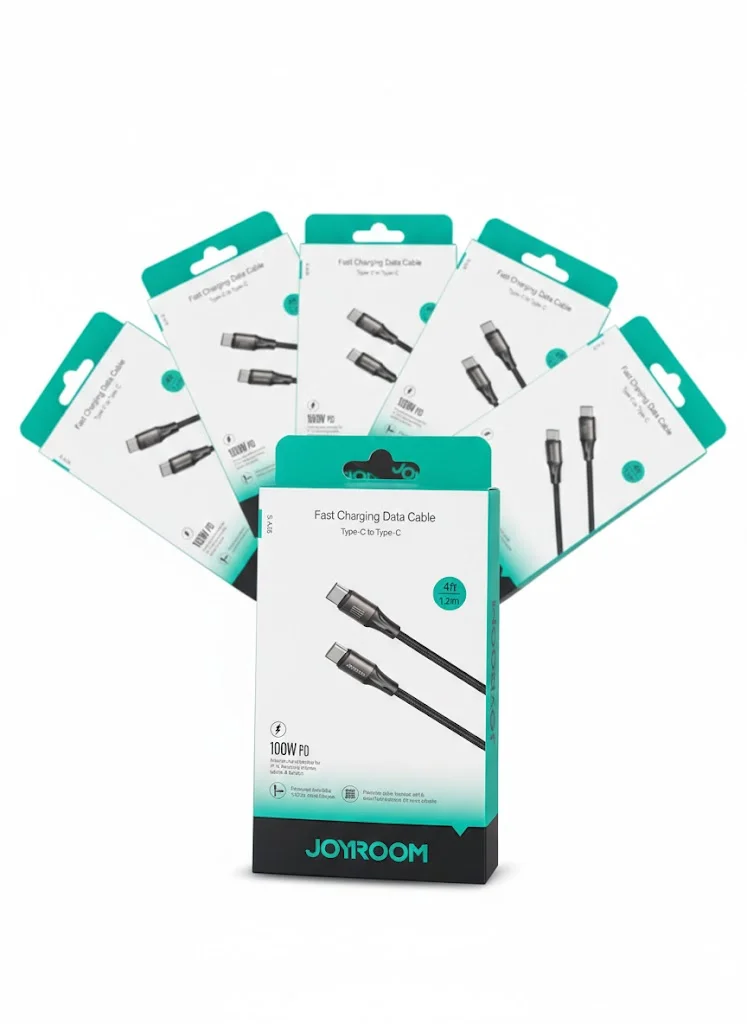
Joyroom USB-C to USB-C Cable JR-S-CC100
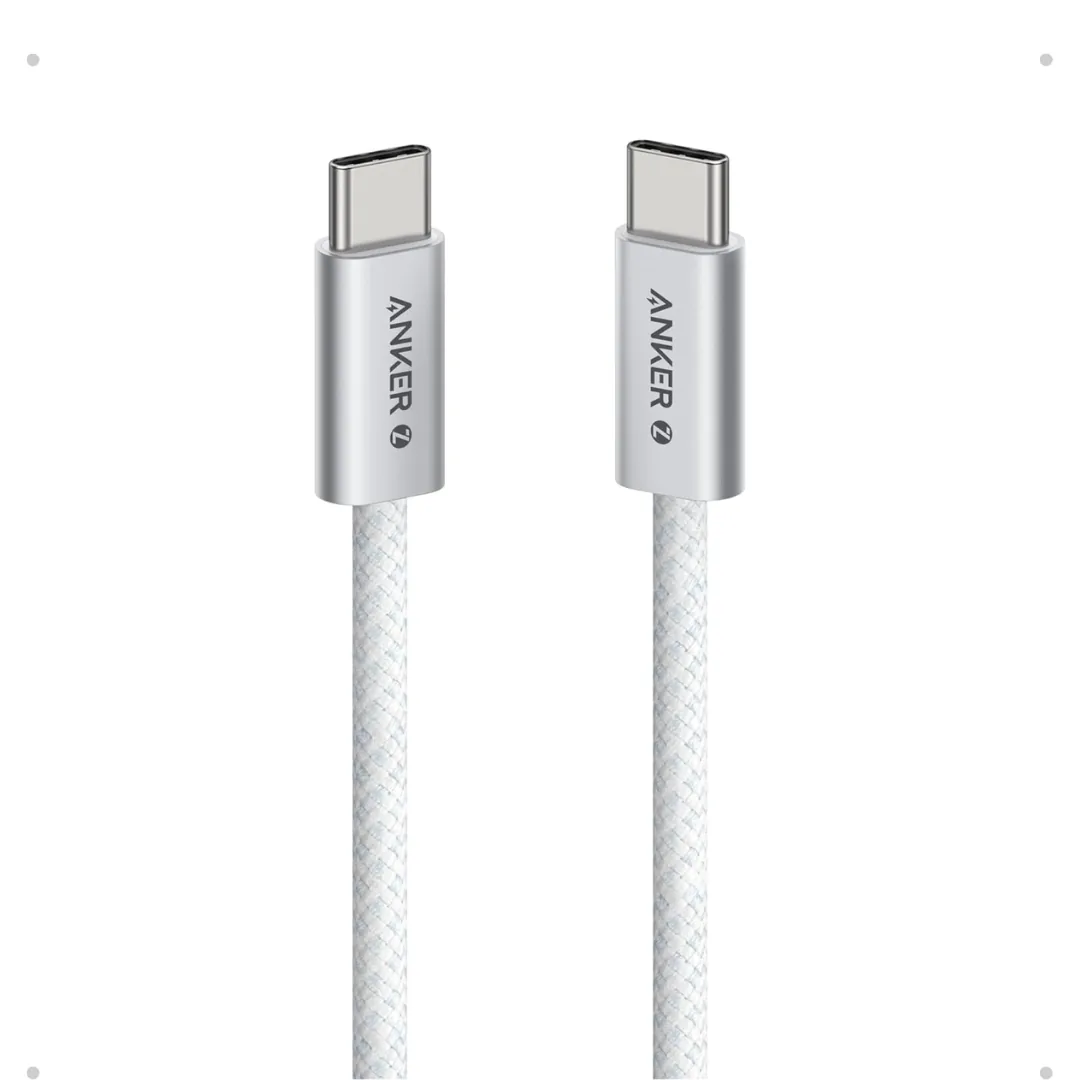
Anker Zolo USB-C to USB-C Braided Cable (A8060) — 240W PD 3.1, 1.5m | 240W-Grade 8-Core Wire
Anker Nano 45W Smart Display GaN Charger (A121D) | 180° Foldable Plug | USB-C PD
Anker 30W Mini Car Charger (A2741) | USB-C 30W PD + USB-A 22.5W | Ultra-Compact
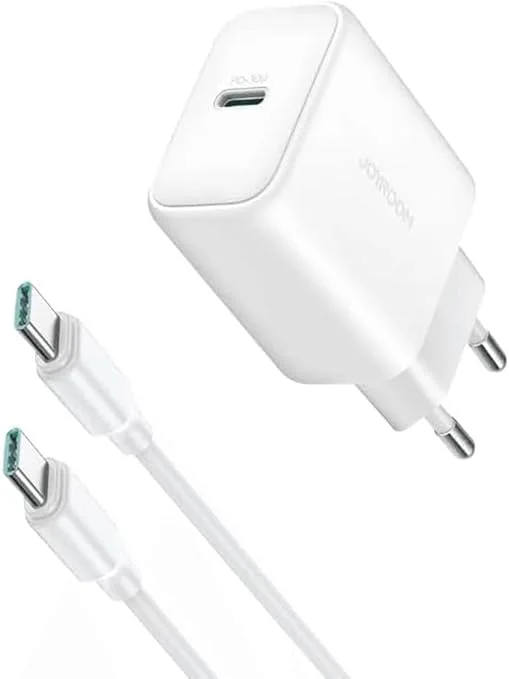
Joyroom 30W PD+QC Wall Charger | Dual USB-C and USB-A Ports
Browse the categories this article covers
Related Articles
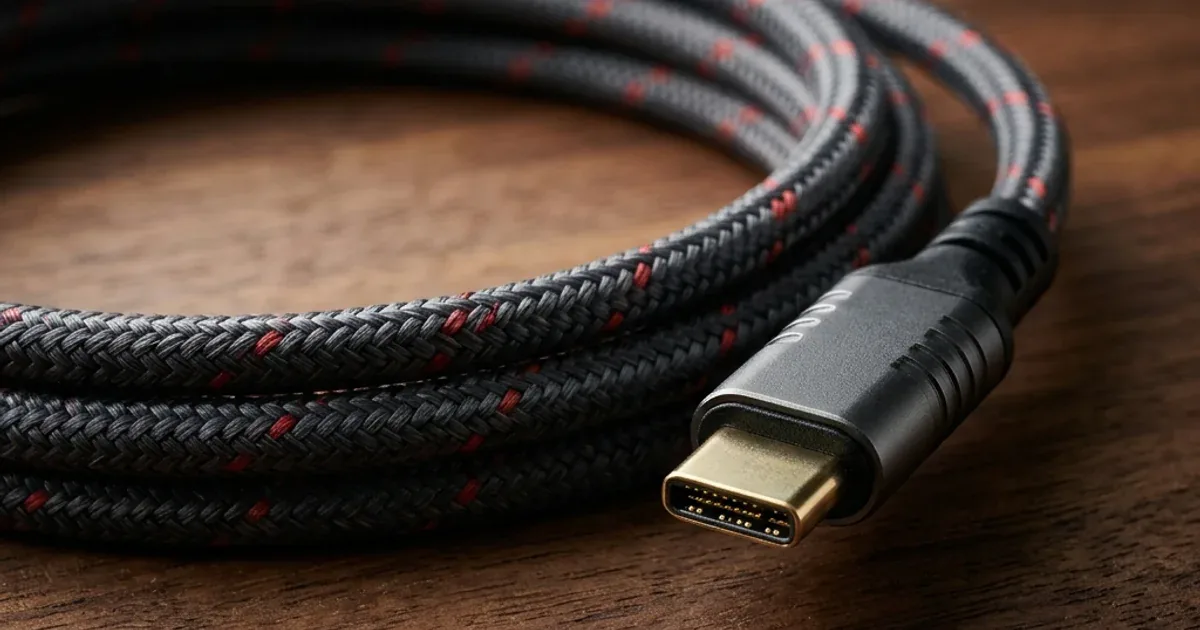
USB-C 240W Cable for Gaming Laptops — When You Actually Need It and When It's a Waste of Money
Read more →
Complete USB-C Cable Guide for Egypt: Not All Cables Are Created Equal
Read more →