Original Samsung 45W Charger: The Whole Truth & S Ultra Accessories
Bought a Samsung Galaxy S Ultra and want to charge it at peak speed? We analyze the real-world 45W charging curve and explain why 5A cables and PPS protocol are essential.
Bottom Line: Samsung's Super Fast Charging 2.0 (45W) needs a USB-PD PPS adapter delivering up to 11V/4.05A. Cable rules are model-specific: the S23/S24 Ultra also require a 5A-rated USB-C cable (or they cap at 25W), while the S25 Ultra reaches the full 45W over its 15V/3A profile with a standard 3A cable.
The **Galaxy S Ultra** series (including the S23 Ultra, S24 Ultra, and S25 Ultra) represents the pinnacle of Samsung's smartphone engineering. These devices feature outstanding camera arrays, powerful processors, integrated S-Pens, and large 5,000mAh batteries. Samsung officially states that these flagships support fast charging up to **45W** using **Super Fast Charging 2.0**. However, many users notice that a 45W charger does not charge significantly faster than a 25W brick, or that high-power laptop chargers fail to trigger fast speeds. In this technical guide, we will analyze the electrical principles behind Samsung's 45W charging, explain the requirements to activate it, and recommend premium accessories for your S Ultra. We at CairoVolt are dedicated to bringing you the absolute truth, empowering you to preserve your digital investments.
1. The 45W Reality: Understanding the S Ultra Charging Curve
A common question among Galaxy owners is: "Why does a 45W charger take about 60 minutes to charge a battery fully, while a 25W block takes 70 minutes? Where is the 20W difference?" The answer lies in the **charging curve**.
Smartphones do not draw power at their maximum rate throughout the entire charging cycle. Doing so would generate excessive heat, causing accelerated battery degradation. S Ultra devices draw the full 45W only when the battery is depleted (from 0% to 20%). During this initial phase, charging speeds are rapid. As the battery fills and temperatures rise, the charge controller drops power draw to 30W, then 25W, eventually tapering down to a trickle charge of 5W near 100% capacity.
Lithium-Ion Chemistry and the Risks of Lithium Plating under High Current
The charging parameters are capped for strict chemical reasons. Supplying high current forces lithium ions to travel at rapid velocities from the cathode to the graphite-based anode. If the rate of ion arrival exceeds the rate at which they can insert themselves between the graphite atomic layers (intercalation), graphite saturation occurs, causing metallic lithium deposits on the anode surface.
This phenomenon, known as **Lithium Plating**, degrades battery capacity permanently. Over many charging cycles, these metallic deposits grow into needle-like structures called **Dendrites**. These crystalline structures can pierce the separator membrane dividing the anode and cathode, causing an internal short-circuit. This results in rapid thermal runaway, which causes battery failure or swelling. To safeguard the phone, Samsung's software limits the 45W draw to a brief initial period.
2. Technical Requirements for Super Fast Charging 2.0 (SFC 2.0)
Activating 45W charging requires more than just a block labeled "45W." The power adapter and cable must meet strict electrical standards:
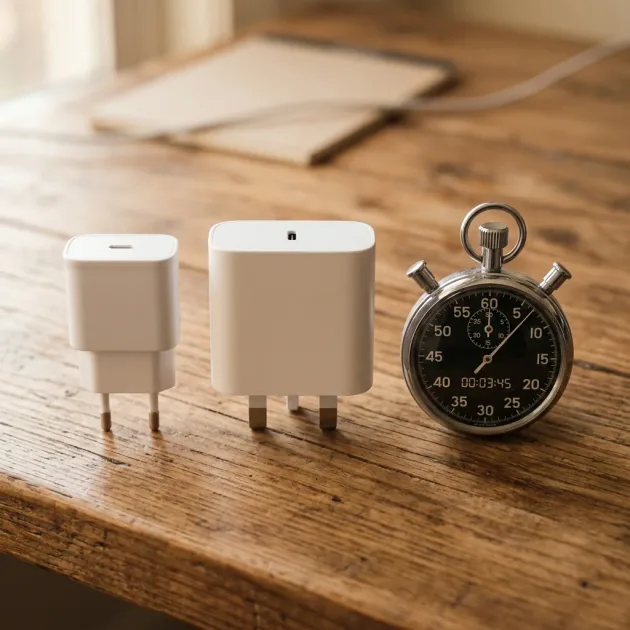
- ⚡ PPS Protocol Compliance: The wall charger must support **USB-PD PPS (Programmable Power Supply)** and deliver a voltage range of 3.3V to 11.0V at **4.05 Amperes (4.05A)** or higher. Many laptop chargers (such as MacBook adapters) deliver 45W or 60W at fixed voltages but lack PPS, limiting Samsung devices to slow charging rates.
- 🔌 5A-Rated USB-C Cable (S23/S24 Ultra): On the S23 Ultra and S24 Ultra, 45W SFC 2.0 negotiates a high-current ~11V/4.05A profile, so the standard 3A USB-C cables bundled with most electronics limit charging to 25W. On those models you must use a thicker 5A-rated cable equipped with an **E-Marker** chip that communicates the cable's current-carrying capacity to the phone's charge controller, allowing it to draw high current safely. The **S25 Ultra** switched to a high-voltage 15V/3A profile, so it reaches the full 45W on an ordinary 3A cable and does not require a 5A cable.
AWG Copper Wire Gauges and Thermal Safety in 3A vs. 5A Cables
The difference between standard 3A and heavy-duty 5A cables lies in the thickness of their internal copper conductors, measured by **AWG (American Wire Gauge)**. A standard 3A cable typical uses thin wires (such as 30 AWG) which exhibit higher electrical resistance. Attempting to force 5A of current through these thin copper lines increases power dissipation as heat, risking melting the outer insulation or causing an electrical fire.
To avoid this, 5A cables feature thicker conductors (typically 20 AWG or 22 AWG) with minimal resistance. To prevent safety issues, the USB-IF standard mandates that all 5A cables contain an **E-Marker** cryptographic chip. When plugged in, the phone's firmware queries this chip. If the chip validates that the cable has the physical copper gauge to handle 5A safely, the phone allows the current draw to exceed 3A, unlocking the full 45W SFC 2.0 speed.
3. Recommended Power Accessories for Galaxy S Ultra in Egypt
Since the S Ultra is a premium device, using counterfeit power adapters risks damaging the logic board or battery. We recommend investing in certified accessories from established brands like Anker and Joyroom:
PPS Wall Chargers
To charge at full speed safely and minimize thermal stress, use a charger with advanced safety protections:
- 🔋 SFC 2.0 Compliant Chargers: We recommend using Anker's 45W PPS wall chargers or multi-port Joyroom chargers that support PPS and dynamically allocate power to protect against voltage fluctuations.
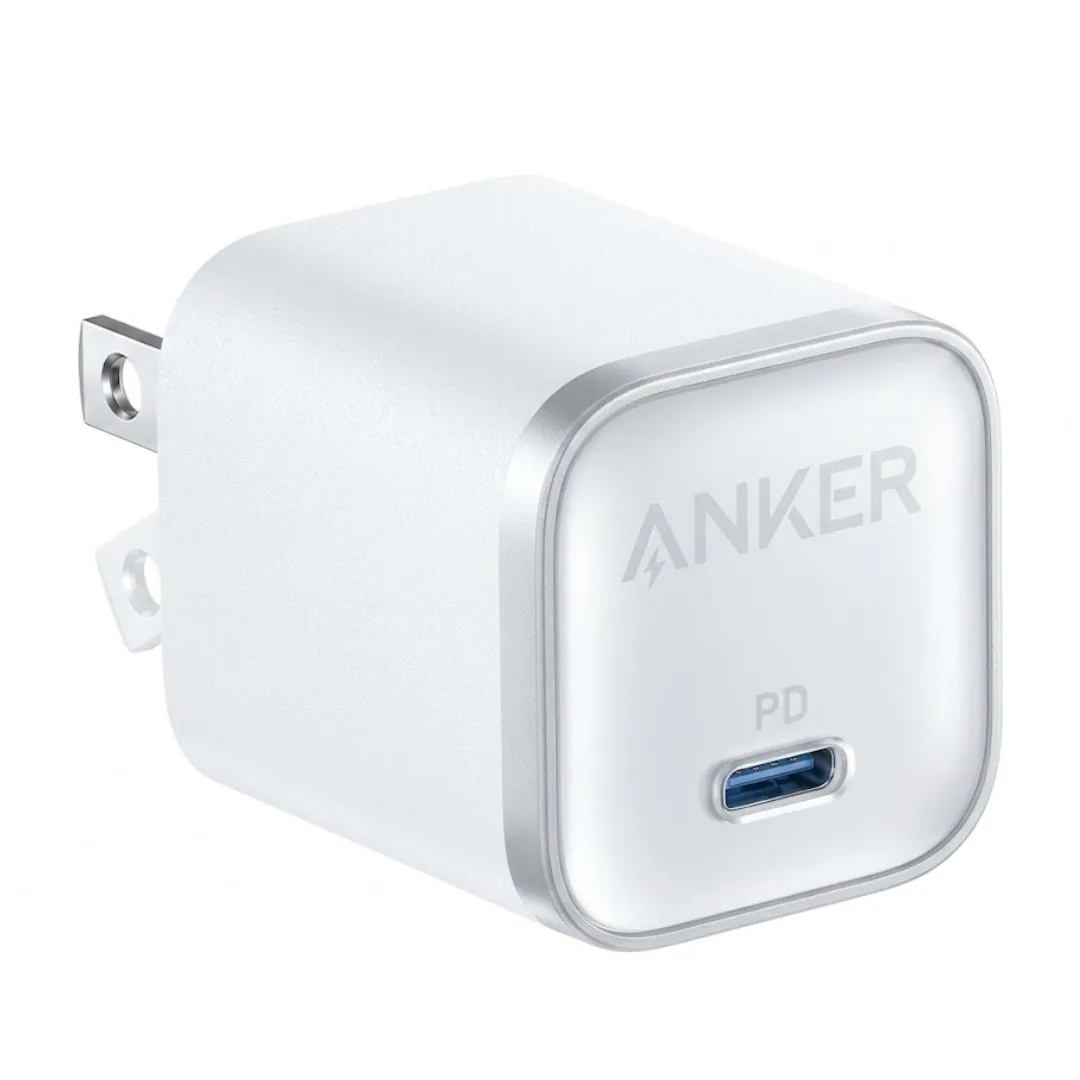
- ⚡ Anker Nano 45W (1-Port): Newly stocked at CairoVolt for 775 EGP, the Anker Nano 45W (1-Port) delivers full 45W PPS output, driving the Samsung S26 Ultra — and the rest of the S Ultra family — at complete Super Fast Charging 2.0 speed.
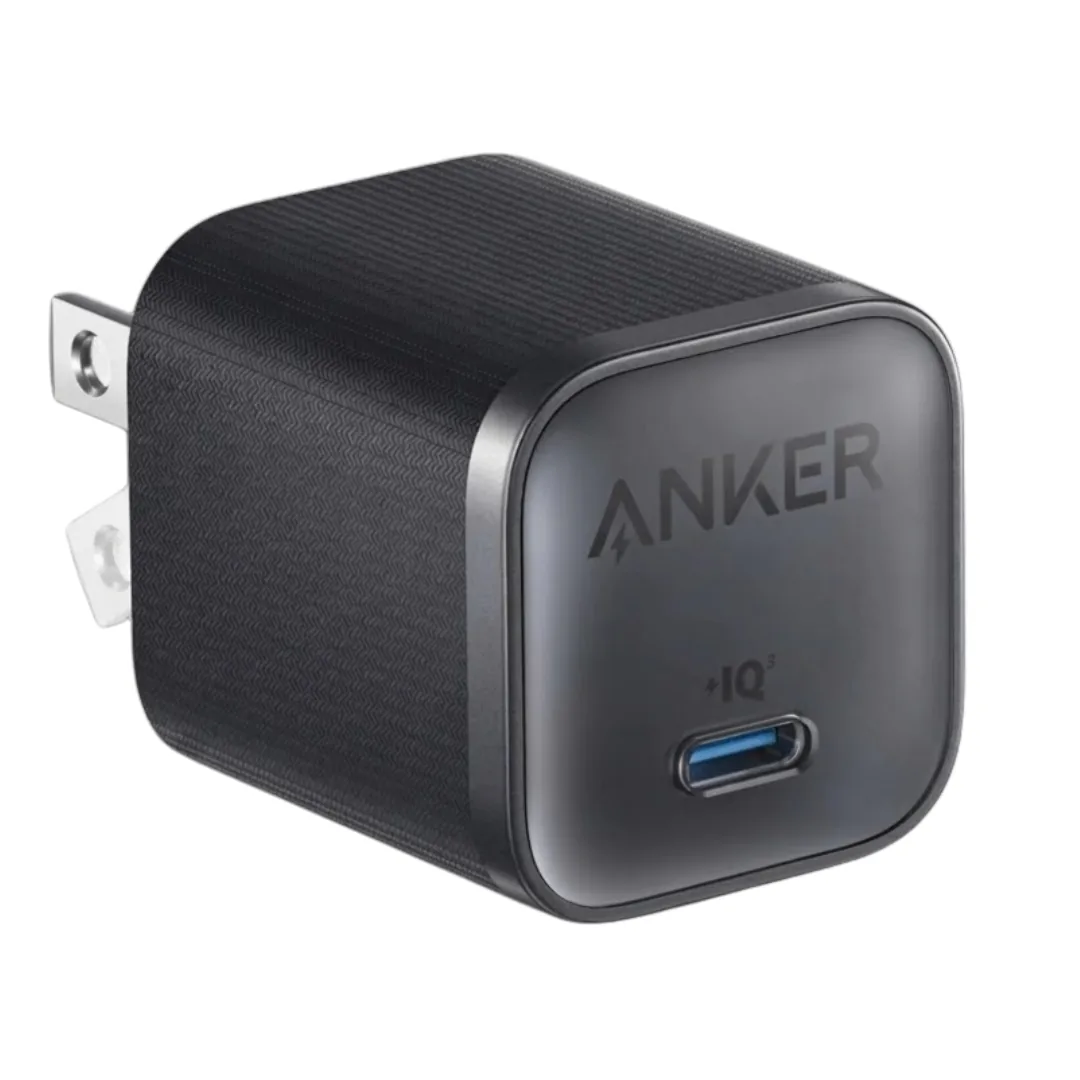
- 💼 Anker Nano Pro 45W: For minimalist carry, the Anker Nano Pro 45W (790 EGP) is the smallest 45W GaN charger we stock, powering phones and lightweight laptops at full speed from a plug that vanishes into a pocket.
High-Performance Power Banks
Charging a large 5,000mAh battery with a standard power bank can take hours. You need a battery pack that supports Samsung's PPS protocol:
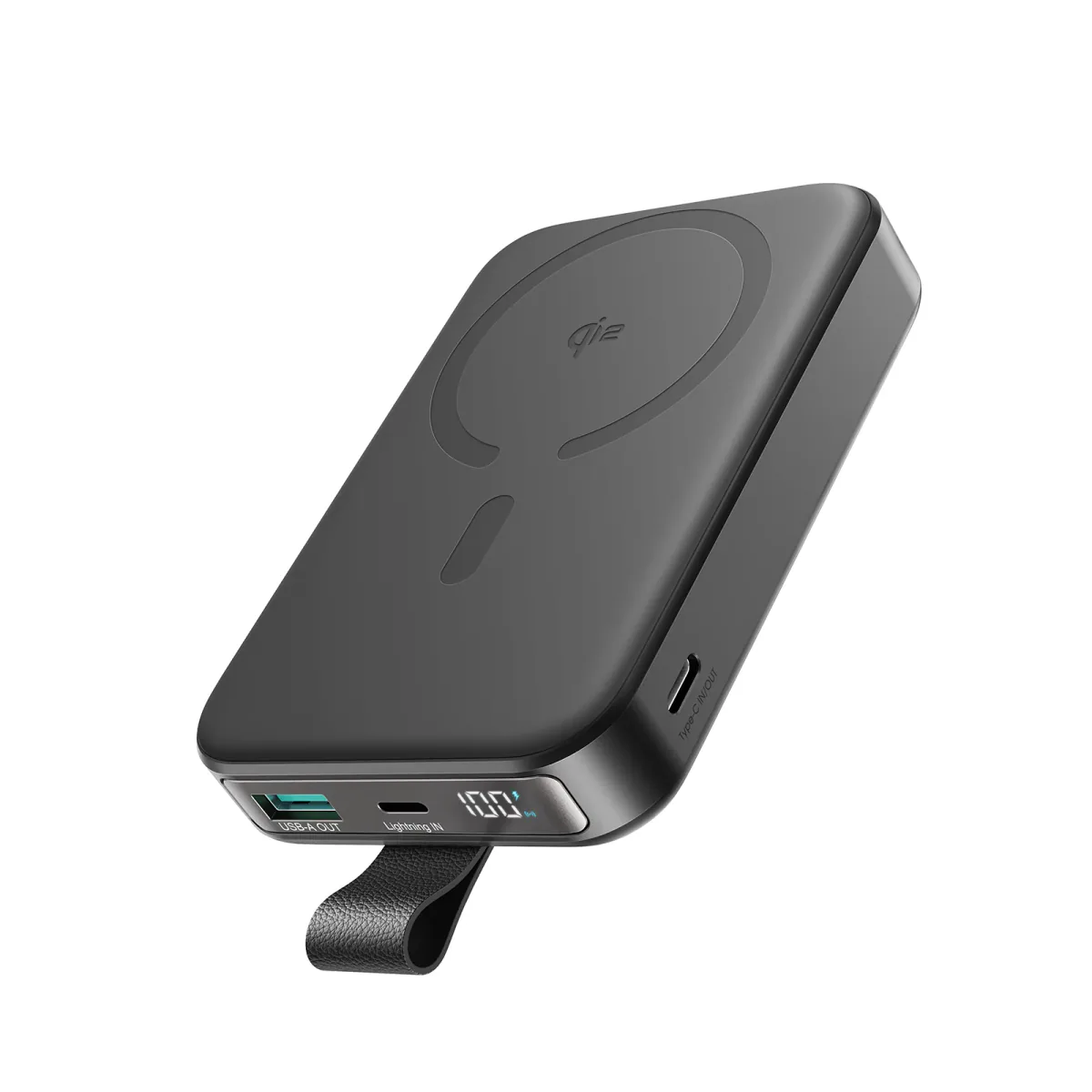
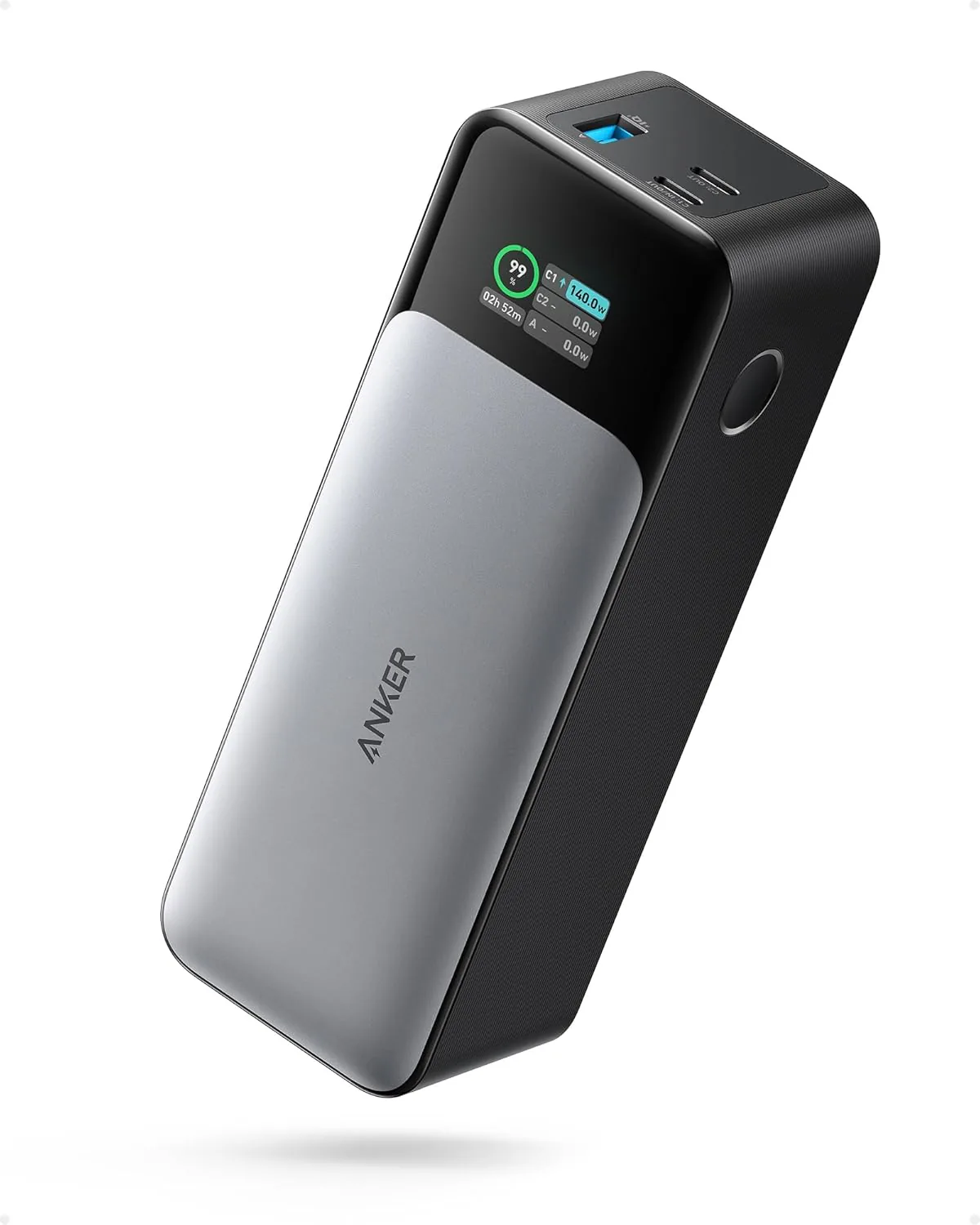
- 🚀 Anker 737 Power Bank: The Anker 737 140W Power Bank is the ideal companion for S Ultra devices. This beast boasts a massive capacity of 24,000mAh (equivalent to 86.4Wh). Because it falls under the international 100Wh airline limit, it is 100% legal and safe to carry in your carry-on luggage on flights operated by EgyptAir or other airlines without any security hassles. It is capable of refilling an S Ultra roughly 3.5 times and features a smart, interactive color screen displaying real-time charging status, wattage, and cellular temperature parameters. It also features Anker's advanced ActiveShield 2.0 heat sensor that monitors cell temperature over 3 million times a day to prevent overheating. Additionally, its GaN technology ensures that the power bank maintains its compact footprint and high energy conversion efficiency.
4. Screen Protectors, Cases, and S-Pen Compatibility
S Ultra devices (like the S24 Ultra) feature premium flat displays protected by anti-reflective Gorilla Armor. To protect this screen without compromising the ultrasonic fingerprint sensor:
- 💎 High-Quality Flexible Protectors: Avoid thick, low-grade tempered glass protectors that block the ultrasonic fingerprint sensor. Instead, choose certified flexible film protectors that allow the sensor to operate instantly.
- 🧲 Avoid Low-Quality Magnetic Cases: While MagSafe-style magnetic cases are popular for car mounts, cheap, poorly shielded magnets create magnetic interference. This disrupts the phone's electromagnetic digitizer, causing dead zones where the **S-Pen** fails to write. Always choose shielded, reputable case brands.
How the S-Pen Communicates: EMR (Electromagnetic Resonance) Demystified
The S-Pen operates on a battery-free technology called **EMR (Electromagnetic Resonance)** developed by Wacom. Instead of using a battery inside the stylus to register inputs, the phone's display has a copper grid below the OLED panel that generates an alternating electromagnetic field. This field induces a small current in a coil inside the S-Pen, powering the stylus wirelessly.
The pen then transmits its pressure and tilt coordinates back to the display. When you install a case containing unshielded neodymium magnets, they distort the electromagnetic field lines generated by the display grid. This causes the cursor to warp or drift, creating blank spots where the screen fails to detect the S-Pen. To avoid this, always select certified cases that isolate magnets from the EMR grid.
5. S Ultra Charging Performance Comparison
| Charger Used | Max Power Output | Active Protocol | Est. Time to 50% Charge |
|---|---|---|---|
| Samsung 45W + 5A Cable | 45W (initial burst) | Super Fast Charging 2.0 | ~ 20 minutes |
| Samsung 25W Charger | 25W (stable draw) | Super Fast Charging | ~ 30 minutes |
| Non-PPS Charger (Apple 20W) | 15W max | Fast Charging | ~ 45 minutes |
6. Verdict and CairoVolt Recommendation
The Galaxy S Ultra is a power-user's dream. To unlock its full 45W fast-charging potential, pair it with a certified PPS-compliant adapter and a 5A-rated USB-C cable. CairoVolt recommends protecting the screen with a fingerprint-compatible protector and choosing a high-performance power bank like the **Anker 737** to access SFC 2.0 charging speeds wherever you go.
To prevent charging port issues caused by pocket lint and dust, check out our guide on how to safely clean your charging port to save on repair costs.

CairoVolt Editorial Team
Content team reviewing specifications and buying guides
The CairoVolt team reviews model numbers, specifications, and compatibility, and updates information when better data is available. Estimates are labeled as calculations, and readers can report information that needs correction.
Frequently Asked Questions
Why does my screen read "Super Fast Charging" instead of "Super Fast Charging 2.0"?▼
Can I safely charge my Samsung S Ultra with a 65W laptop charger?▼
Do MagSafe-compatible magnetic cases interfere with the S-Pen?▼
Does the Samsung Galaxy S24 Ultra support 45W wireless charging?▼
Ready to Buy?
Browse available products and review specifications and CairoVolt warranty terms before ordering
Related products
Anker Nano 45W 1C (A2664) — Single-Port USB-C GaN | iPhone 17 & MacBook Air
Anker Nano Pro A2692 45W USB-C GaN Charger — Single Port | Check PD/PPS Profiles
Anker 737 Power Bank (PowerCore 24K, A1289011) | Listed 140W PD 3.1 | 24,000mAh
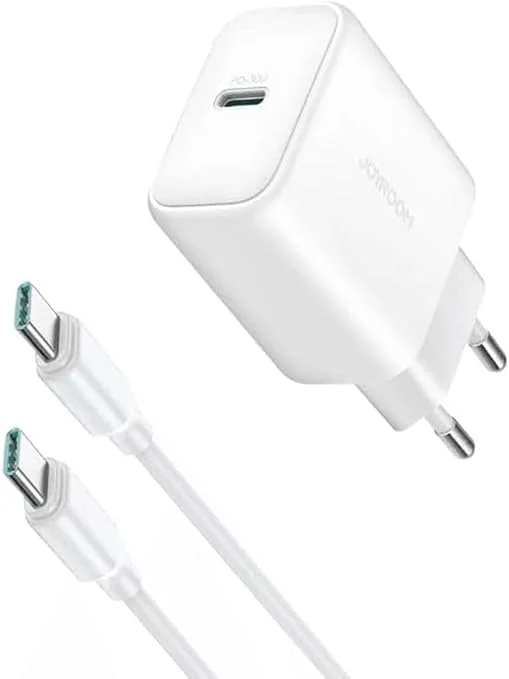
Joyroom 30W PD+QC Wall Charger | Dual USB-C and USB-A Ports
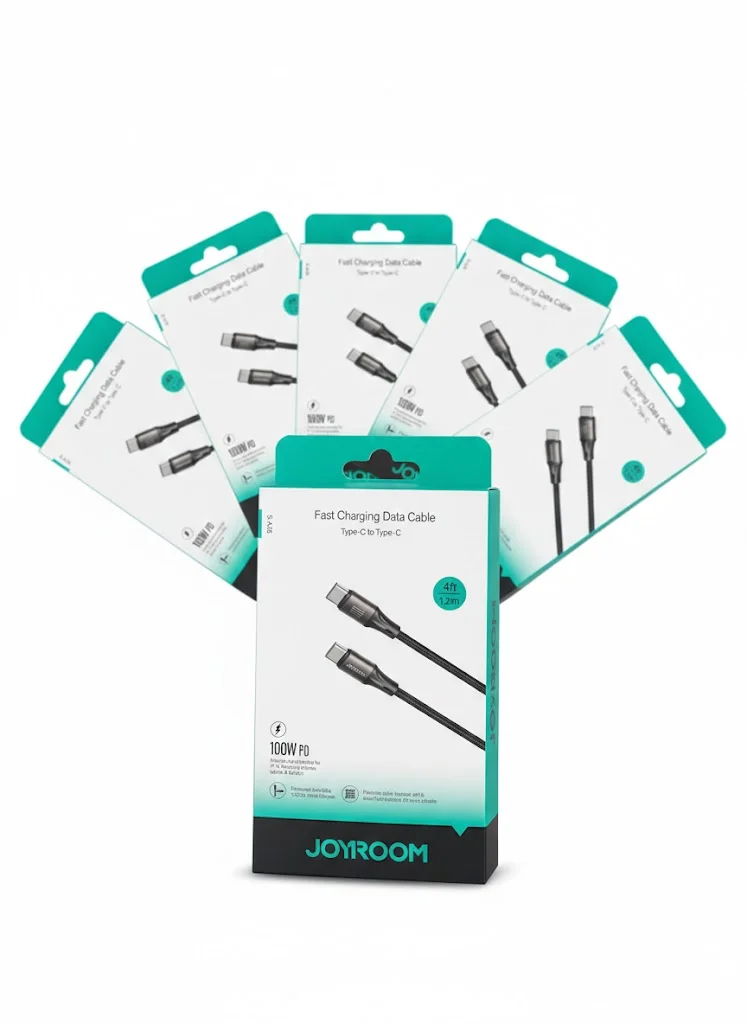
Joyroom USB-C to USB-C Cable JR-S-CC100
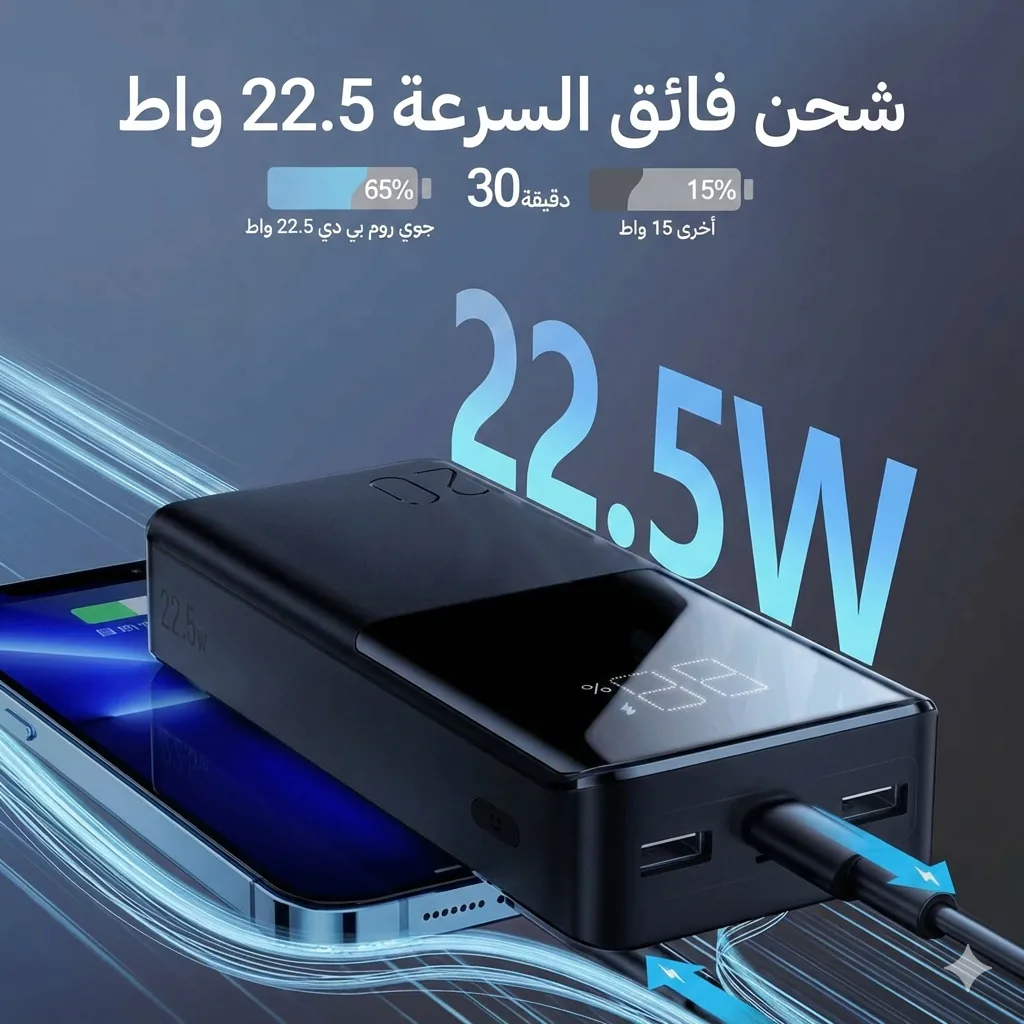
Joyroom 20000mAh Power Bank | 22.5W PD+QC | Triple Output