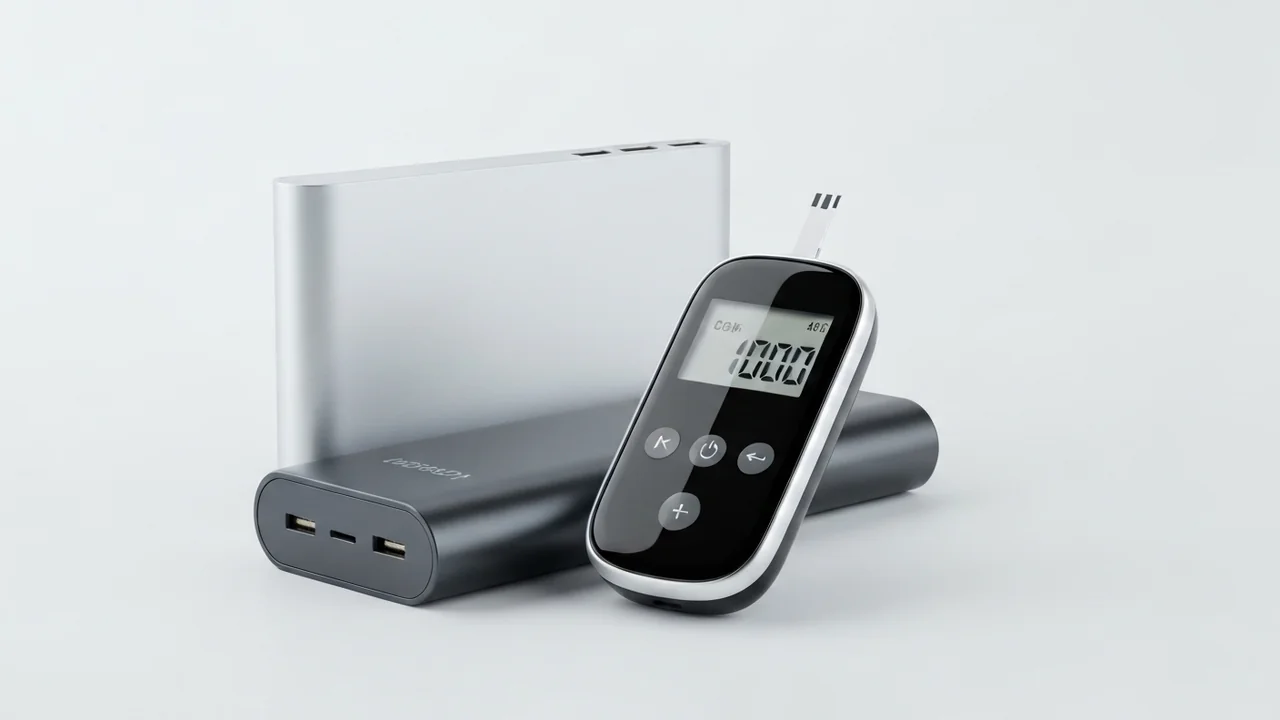
Imagine this scenario: your retail store is packed with customers, people are waiting in line at the register to check out or pay their bills, and suddenly, the power cuts out! Up to this point, the situation is typical and familiar in Egypt. The real disaster begins when you look at the screen of your Fawry or bank POS terminal and see the final red low-battery warning flash before it shuts down completely. In that exact moment, your sales halt, customers walk away frustrated, and your business loses money and reputation simply because your Point of Sale (POS) battery could not survive the electricity outage.
At the CairoVolt lab, we believe that Egyptian merchants need more than just good inventory. To survive a long power cut without stopping your business transactions, you need a robust backup setup. Keeping your POS terminals charged, avoiding payment declines, and protecting your checkout counters from going offline are technical challenges that have easy solutions. In this guide, we break down the three essential tech accessories every Egyptian teacher should carry in their school bag, explaining the science behind each to help you shop smart and protect your gear.
Digital payments now account for over 60% of daily transactions in the Egyptian retail market. With the rapid spread of bank cards, mobile wallets (like Vodafone Cash), and consumer finance applications (like Valu and Shahry), any business that loses the ability to process electronic payments even for half an hour faces substantial financial losses. Modern shoppers rarely carry physical cash, making a dead POS terminal a direct block to your sales and checkout efficiency. A dead POS terminal also interrupts instant billing synchronization with unified tax systems and creates a complete bottleneck at checkout.
⚠️ Commercial Safety First: POS machines contain sensitive cryptographic modules and anti-tamper security sensors. Voltage fluctuations from cheap, uncertified wall adapters or fake power banks can trigger these security sensors, locking the machine permanently and requiring factory servicing.
1. Understanding POS Battery Specifications
Modern wireless POS terminals (such as PAX, Verifone, Nexgo, and Fawry Smart terminals) run on Android-based or Linux-based operating systems. Their internal lithium battery capacity ranges between **2,000mAh and 5,200mAh** (roughly the size of a standard smartphone battery).
These devices typically request a standard **5V** input voltage and draw between **1A and 2A** of current (equivalent to 5W to 10W max). This means any reputable portable power bank can charge them, but the success of the charge depends entirely on cable quality and port compatibility.
2. The Danger of Voltage Drop in Cheap Charging Cables
Many shop owners purchase long, low-quality cables from street vendors to connect their register terminal to a power bank, only to find the POS refuses to charge or reports a slow charge error. The science behind this involves Ohm's Law and wire resistance.
Cheap generic cables use extremely thin internal copper conductors or steel wire coated with copper. As the length of a poor-quality cable increases, its electrical resistance rises. This causes a phenomenon known as **Voltage Drop**. While the power bank outputs a steady 5.0V at the USB port, the resistance of the cheap cable drops the voltage to 4.3V by the time it reaches the terminal. The POS charging controller detects this low voltage, flags it as unstable, and halts charging to prevent damage.
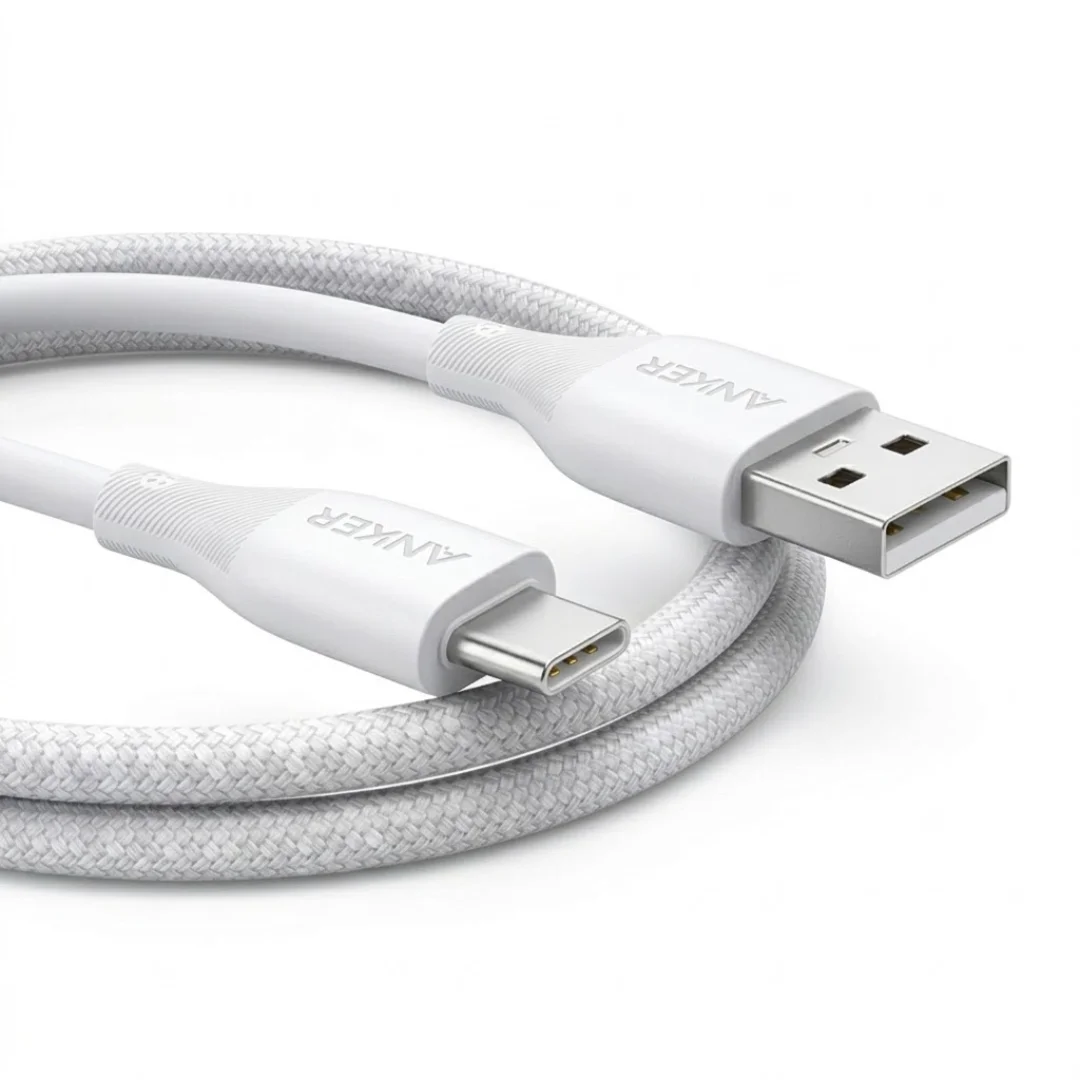
To avoid this, always use a **short, high-quality copper cable** (under 1 meter). Options like the Joyroom Type-C cable or Anker Powerline series ensure maximum energy delivery without resistance-induced losses.
3. Pass-Through Charging: The Cashier's Mini-UPS
If your retail business operates 24/7, you need a convenient, set-and-forget setup for your employees. Standard power banks disable their output ports when they are connected to a wall charger to protect their internal cells. However, premium power banks support a feature called **Pass-Through Charging**.
This feature allows the power bank to charge its internal battery while simultaneously supplying power to the connected POS machine. When grid power is active, electricity passes directly through to the terminal. If a power cut occurs, the power bank immediately switches to battery output, keeping the POS terminal online without a single millisecond of interruption. This acts as a miniature **Uninterruptible Power Supply (UPS)** for your cash register.
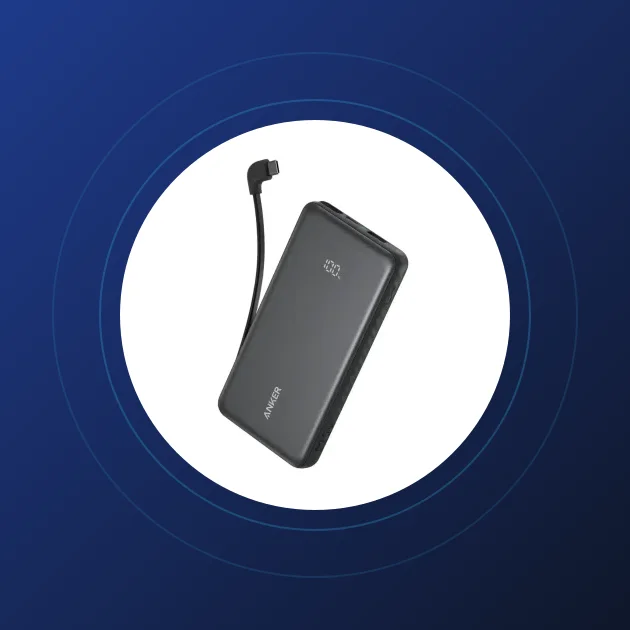
Highly compatible models supporting this feature include the Joyroom Power Bank 10000 and the Anker PowerCore 10000.
3.1. How to Power Legacy 9V or 12V POS Terminals Using a Power Bank
Many supermarkets and retail merchants in Egypt still rely on stationary desktop-like POS terminals (such as legacy Verifone or Ingenico models) that lack internal batteries and do not charge via standard USB ports. Instead, they plug directly into wall sockets using a power adapter that outputs **9V** or **12V** DC via a circular barrel connector.
Most business owners assume it is impossible to keep these legacy terminals active during a black-out without investing in a costly and bulky UPS unit. However, you can easily power these terminals using a standard USB-PD power bank via a specialized cable known as a **DC Step-Up Trigger Cable** (or USB Decoy Trigger Cable).
This cable features a miniature electronic chip (often a PD trigger or decoy chip) embedded inside the USB housing. The chip communicates with the power bank's smart USB-PD port, requesting it to output 9V or 12V directly instead of the default 5V profile. Alternatively, some of these cables house a small electromagnetic boost converter that steps up the 5V input to a steady 9V or 12V current delivered directly to the terminal's DC input jack.
Before purchasing this cable, check the label on your POS machine's original power brick to identify the exact voltage and polarity requirements (e.g., 9V Center-Positive or 12V 1.5A) to ensure 100% electrical compatibility and prevent damage to the terminal's internal components.
4. Five Essential Rules to Protect Retail POS Terminals
Commercial environments are rough on electronics due to dust, heavy traffic, and quick handling. Follow these rules to protect your investment:
- 🔌 Use Certified 3-in-1 Cables: Different POS terminals use different ports (some micro-USB, some USB-C). To avoid cluttering the cashier desk, use a high-quality 3-in-1 cable like the Joyroom 3-in-1 cable to charge all models safely.
- 🚫 Avoid Low-Grade Wall Adapters: Unbranded wall plugs do not regulate voltage properly. Any fluctuation in your main power line can travel directly to the terminal, frying its motherboard. Stick to certified chargers.
- 🧼 Keep the Charging Port Clean: Retail spaces accumulate dust, flour, and packaging lint. This dirt collects inside the port, preventing proper connection and causing resistance heating. Clean ports regularly with a dry, clean brush.
- 🔋 Do Not Let the POS Battery Drain to 0%: Deep discharge cycles damage lithium cells. Advise your employees to connect the power bank as soon as the terminal indicates 20% battery.
- 📦 Prevent Cable Tension: Checkout counters are busy, and cables get tugged frequently. Heavy tension can damage the internal charging socket of the terminal. Use braided, flexible cables that withstand daily handling.
Adhering to these simple guidelines not only ensures that your payment terminal operates at peak efficiency but also saves your business thousands of pounds in unnecessary hardware repairs and service downtime. Properly maintaining your charging gear is an essential part of modern retail management, giving your business a clear operational advantage during outages. Furthermore, educating cashiers on proper handling of power banks and adapters reduces overall hardware failure rates by more than 70%, directly protecting your daily revenue streams.
5. Recommended Power Banks for POS Terminals
Here is a comparison of reliable power banks for commercial POS terminals:
| Model | Capacity | Approx. POS Charges | Best Use Case |
|---|---|---|---|
| Joyroom Power Bank 10000 | 10,000mAh | Approx. 3 full charges | Small shops, highly portable and sits easily on cash drawers |
| Anker PowerCore 10000 | 10,000mAh | Approx. 3 full charges | Busy cashiers requiring durable, daily continuous charging cycles |
| Joyroom Power Bank 20000 | 20,000mAh | Approx. 6 full charges | Supermarkets or restaurants powering multiple terminals together |
| Anker PowerCore 20000 | 20,000mAh | Approx. 6 full charges | Heavy-duty environments with multiple device charging requirements |
Ensuring your POS terminals remain powered during outages is a direct investment in your bottom line. Stick to original, certified power banks and cables to keep your register open, your clients happy, and your business transactions secure under all circumstances.

CairoVolt Editorial Team
Content team reviewing specifications and buying guides
The CairoVolt team reviews model numbers, specifications, and compatibility, and updates information when better data is available. Estimates are labeled as calculations, and readers can report information that needs correction.
Frequently Asked Questions
Is it safe to charge a POS terminal using a portable power bank?▼
What capacity power bank is best for a POS machine in a retail shop?▼
Why does my POS machine disconnect charging even when connected to a power bank?▼
Can I power a larger desktop POS terminal using a power bank?▼
Ready to Buy?
Browse available products and review specifications and CairoVolt warranty terms before ordering
Products Mentioned in This Article
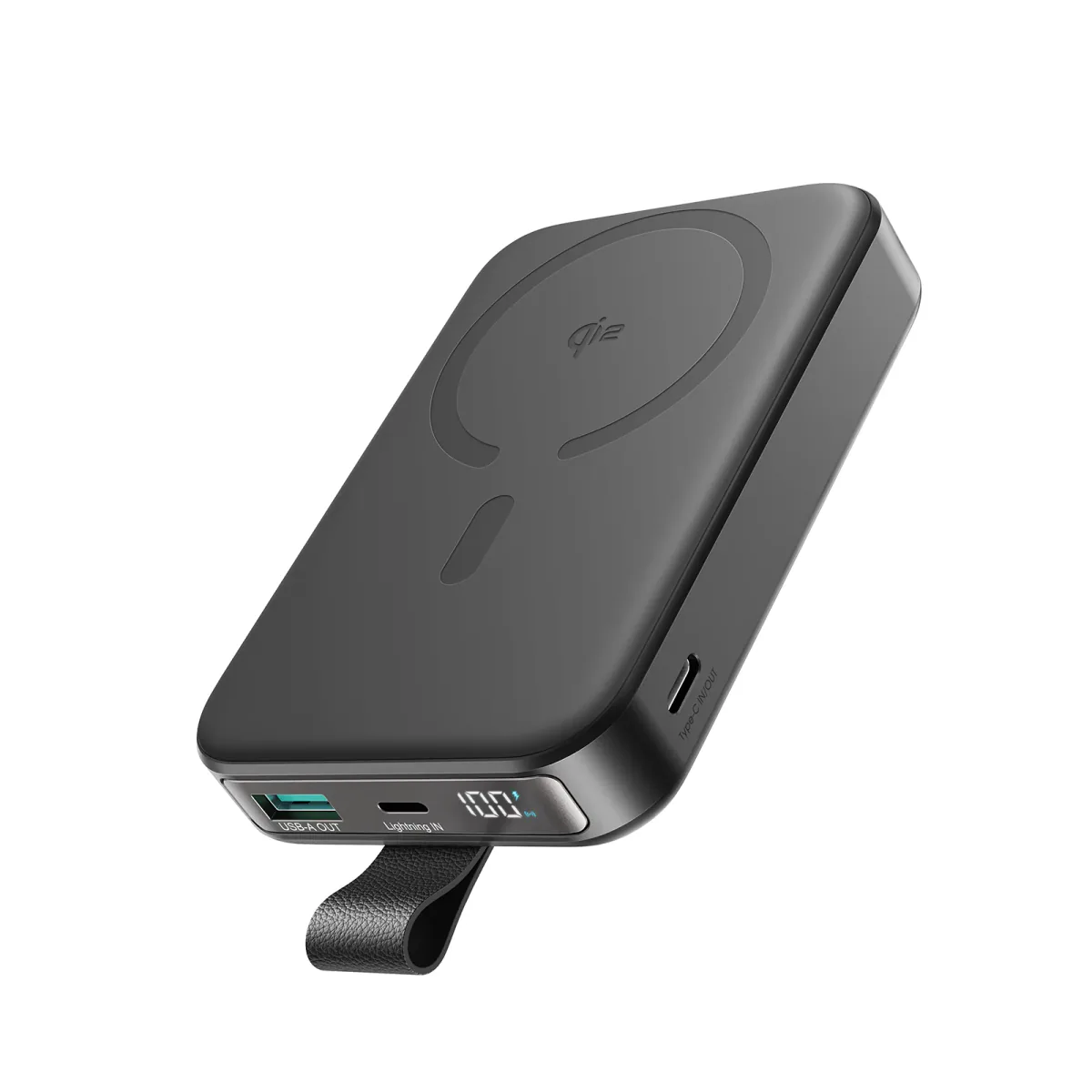
Joyroom 10000mAh Slim Power Bank | Dual USB | LED Display
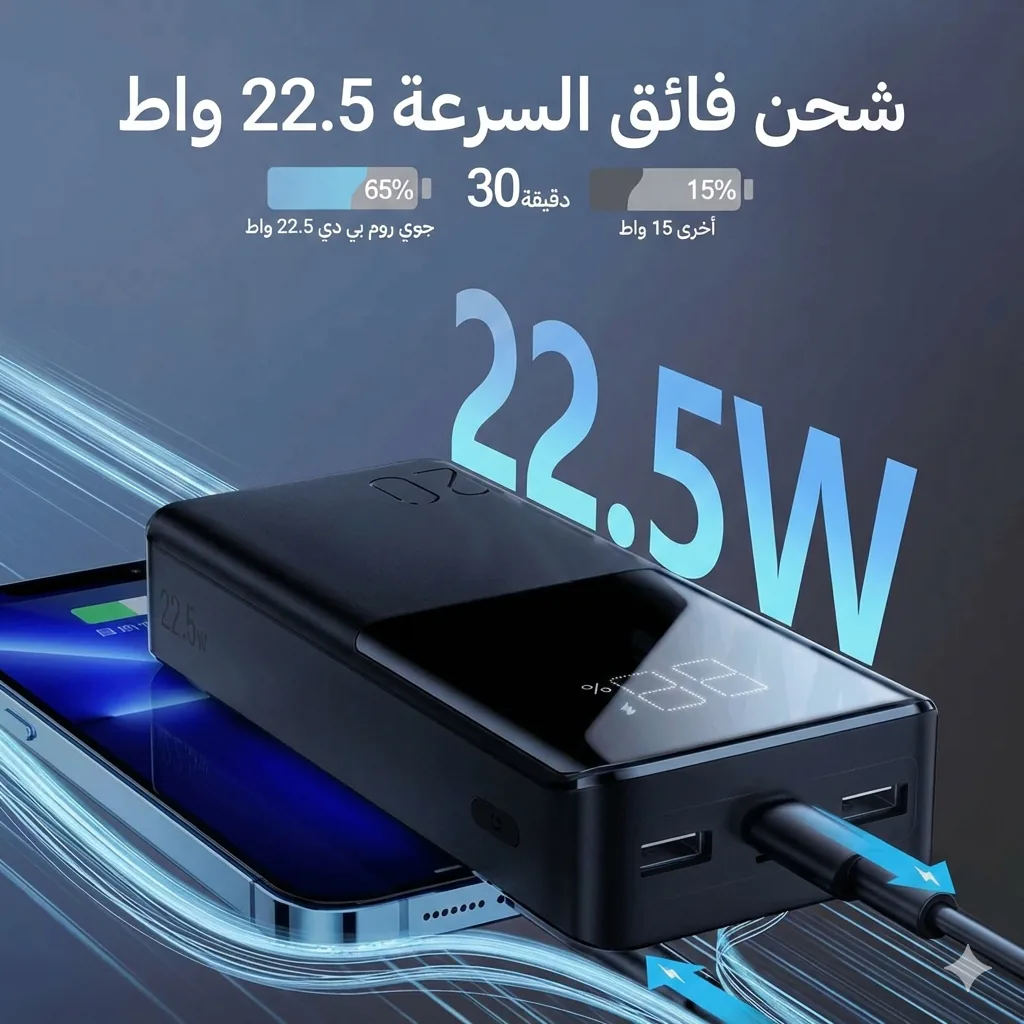
Joyroom 20000mAh Power Bank | 22.5W PD+QC | Triple Output
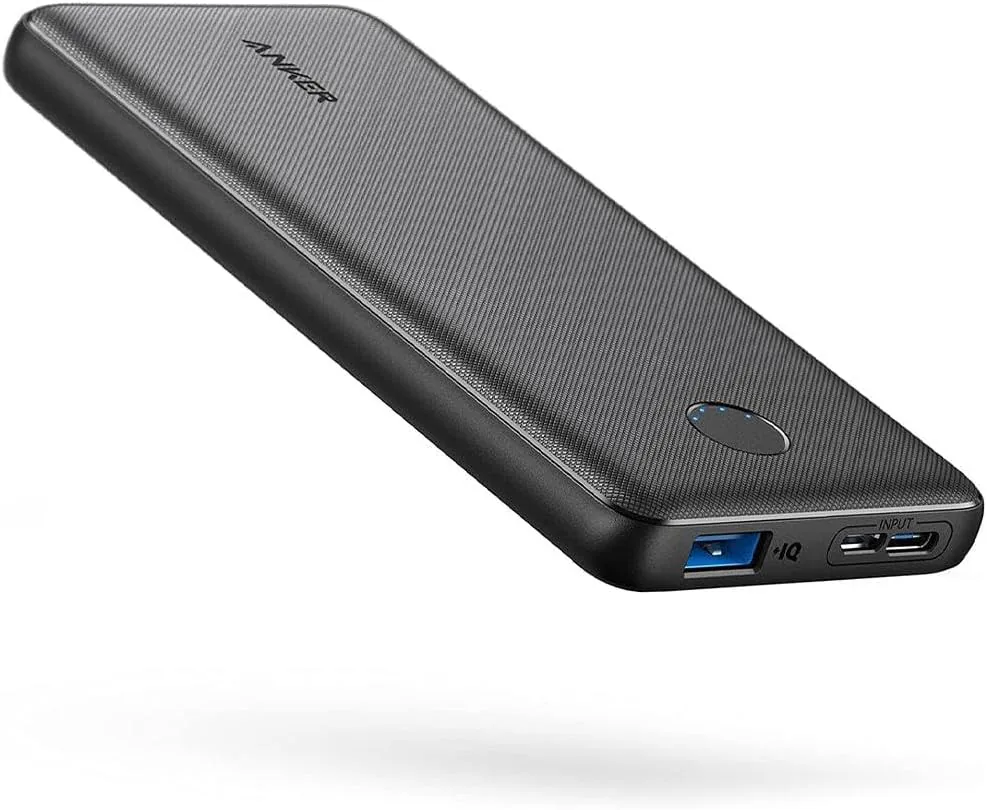
Anker PowerCore 10000mAh Power Bank
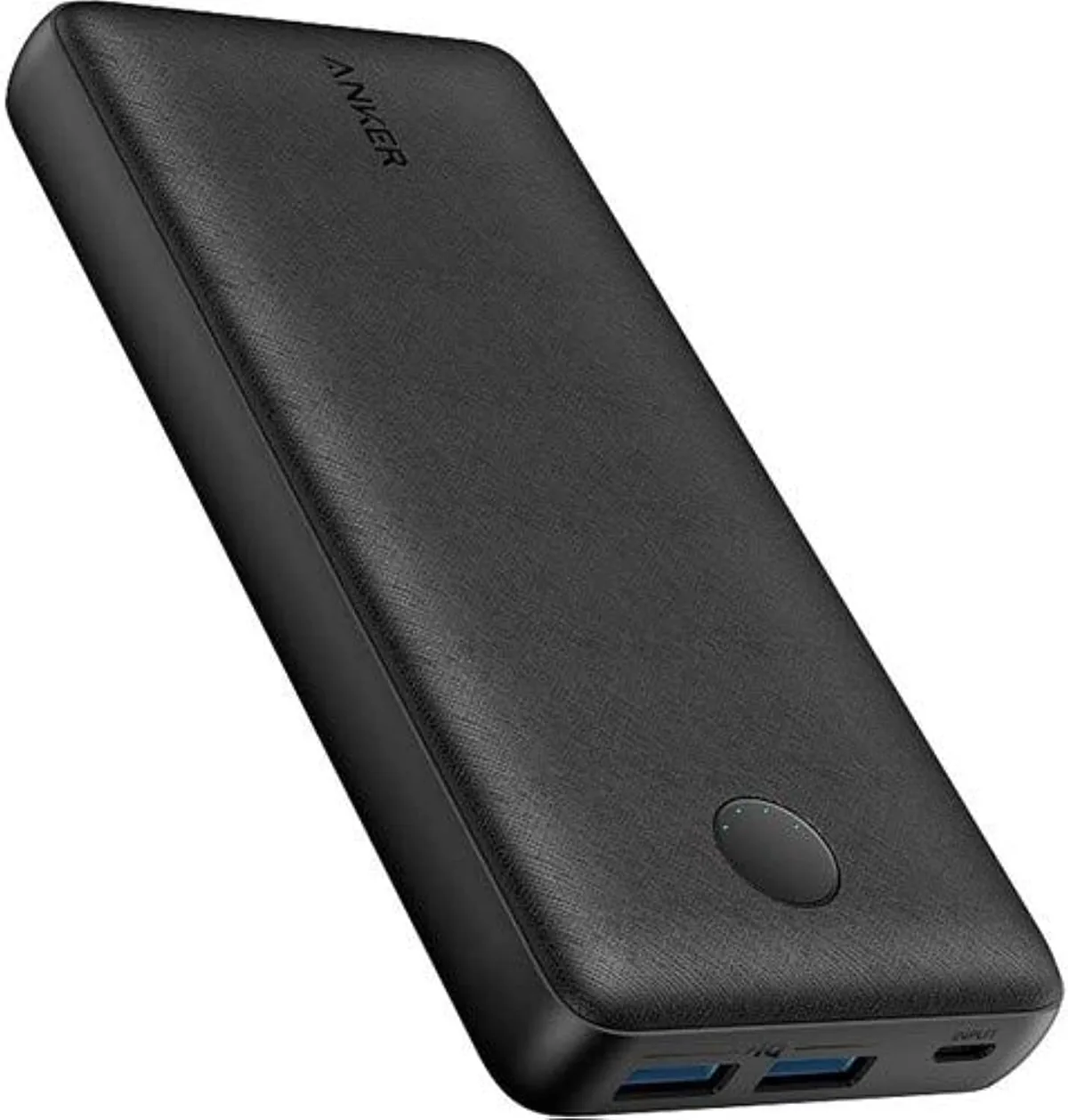
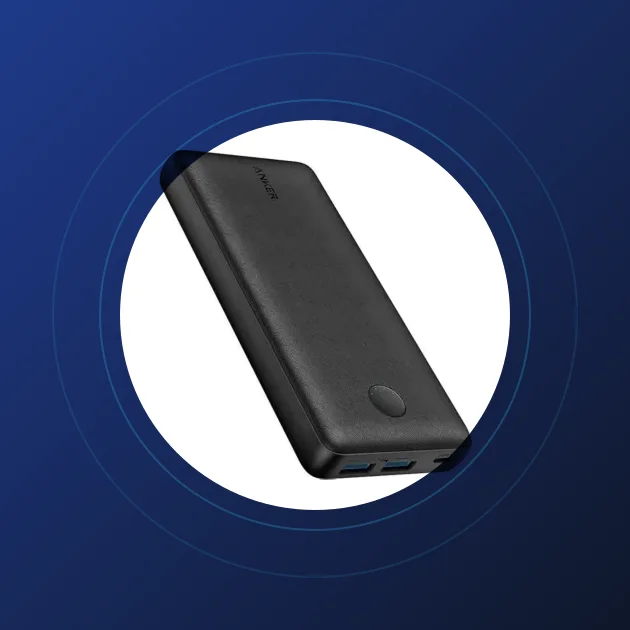
Anker PowerCore 20000mAh | 72Wh | Dual USB-A
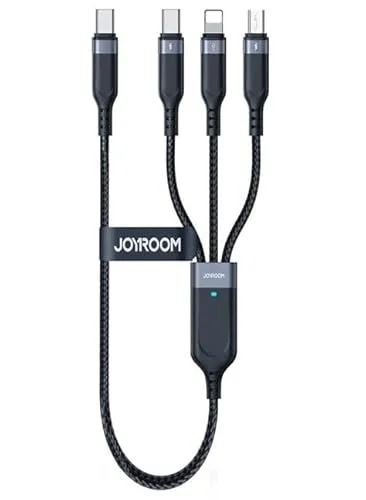
Joyroom 3-in-1 Multi-Connector Charging Cable