Phone Heating During Charging — When to Worry and When It's Normal
Your engineering guide to knowing when phone heating during charging is normal and when you should worry — with exact temperatures in Celsius.
In short: Phone heating during charging is normal if temperature stays between 35-43°C. At 45°C+, the phone will automatically slow charging — this is normal. At 50°C+ (too hot to hold), disconnect the charger immediately — this indicates a problem with the charger, battery, or cable. In Egypt's summer (42-48°C ambient), charge in air-conditioned spaces or shade.
It's 3 PM. July. Cairo. You're in a microbus with a broken AC. Phone at 5%, and you plug in the charger. Ten minutes later, the phone is so hot you're flipping it between your hands like a fresh sandwich straight from the oven. One question in your mind: is this normal, or is the phone about to explode?
The short answer: in 90% of cases, it's normal. But the remaining 10% could cost you a new phone — or in extremely rare cases, burns. In this article, we'll tell you exactly — with degrees Celsius and physics — when heating is normal and when you need to unplug and run.
💡 Quick Answer: Phone heating during charging is normal if temperature stays between 35-43°C. At 45°C+, the phone will automatically slow charging — this is normal. At 50°C+ (too hot to hold), disconnect the charger immediately — this indicates a problem with the charger, battery, or cable. In Egypt's summer (42-48°C ambient), charge in air-conditioned spaces or shade.
Why Does Your Phone Heat Up During Charging? Physics in 60 Seconds
In first-year Electrical Circuits, you learn a simple law called Joule's Law: Heat = Current² × Resistance × Time (P = I²R). In plain English: the higher the current entering the battery, the more heat is generated — not proportionally, but quadratically. Double the current, and heat increases 4 times.
There are 3 main sources of heat during charging:
- ⚡ Electrical Resistance (Joule Heating): Current flows through the cable, port, and internal charging circuit — each point has resistance that converts some energy to heat. A cheap cable with higher resistance = more heat
- 🔋 Chemical Reaction in Battery: Charging a lithium-ion battery is a chemical reaction — and every chemical reaction produces heat. This heat increases especially when the battery exceeds 80% (which is why charging slows after 80%)
- 🔌 Voltage Conversion: The charger outputs 5-20V, but the battery operates at 3.7-4.2V. This voltage conversion wastes some energy as heat — good chargers achieve 90-95% efficiency, meaning 5-10% of energy becomes pure heat
The Heat Map: From Normal to Dangerous — By the Numbers
Not all heat is equal. This table is your engineering reference you can check anytime:
| Temperature | Status | What to Do |
|---|---|---|
| 25-35°C | ✅ Cool/warm — normal 5-10W charging | No worries — everything is fine |
| 35-43°C | ✅ Warm — fast charging 18-45W | Completely normal — carry on |
| 43-45°C | 🟡 Hot — phone will throttle charging | Remove case + reduce usage |
| 45-50°C | 🟠 Warning — accelerated battery wear | Unplug charger + wait to cool down |
| 50°C+ | 🔴 Danger — too hot to hold | Unplug immediately + place on cool surface |
| 60°C+ | 🔴🔴 Critical — battery swelling risk | Do not touch — move away + contact service center |
Important note: these numbers are for surface temperature that you feel with your hand. The internal battery temperature is 5-10°C higher — meaning when the surface reads 45°C, the battery inside could be at 50-55°C.
Fast Charging and Heat — Real Numbers for Every Brand
Fast charging increases heat — this makes sense because current is higher. But each brand handles it differently:
| Phone | Charging Speed | Peak Temp (25°C ambient) | Time to 50% |
|---|---|---|---|
| iPhone 17 Pro Max | 27-30W (USB-C PD) | 38-41°C | ~30 minutes |
| Samsung S26 Ultra | 45W Super Fast | 40-43°C | ~22 minutes |
| Xiaomi 14 Pro | 120W HyperCharge | 42-46°C | ~10 minutes |
| Oppo Reno 12 | 80W SuperVOOC | 41-44°C | ~15 minutes |
Note that these numbers are at 25°C ambient temperature (air-conditioned office). In Egypt's summer (42-48°C ambient), add 10-15°C to all these numbers. That means the Samsung S26 Ultra that reaches 43°C in an office could hit 55-58°C on a Cairo street in July — well into the danger zone.
7 Signs the Heating Is NOT Normal — Act Immediately
⚠️ Warning: If you notice any of these signs, disconnect the charger immediately and place the phone on a cool, non-flammable surface (marble or ceramic). Do not place it on a bed or pillow.
- 🔥 Sign 1 — Too hot to hold: If the phone is so hot you're juggling it between hands, the surface has exceeded 50°C. Disconnect immediately
- ⚠️ Sign 2 — Temperature warning message: iOS displays "iPhone needs to cool down" and Android shows "Phone is too hot." These messages appear at 45-50°C internal temperature
- 📱 Sign 3 — Phone restarts on its own: Sudden restarts during charging = the battery or charging circuit has reached a critical limit
- 🔋 Sign 4 — Back panel is bulging: If the back cover is starting to lift or there's swelling — that's gas forming inside the battery. Do not charge it at all and visit a service center immediately
- 👃 Sign 5 — Unusual smell: A chemical or sharp smell from the phone or charger = electrolyte leaking. This is a real hazard
- 🔌 Sign 6 — Port is extremely hot: The port (USB-C or Lightning) should be slightly warmer than the phone body. If it's noticeably hotter = oxidation or debris is increasing resistance
- ⚡ Sign 7 — Charging keeps stopping and starting: Charging repeatedly cuts and resumes = the protection circuit is cutting charging due to heat and restoring it when it cools slightly — this is not normal
Egypt's Summer and Charging — A Practical Survival Guide
In Cairo and Alexandria summers, ambient temperatures reach 42-48°C. This means the phone starts charging at 35-40°C already — near the yellow zone before you even plug it in. Egypt's summer requires special handling:
- ❄️ Charge in air-conditioned or shaded spaces: The 15°C difference between an AC office (25°C) and the street (42°C) = the difference between safe and dangerous charging
- 📱 Remove the case during fast charging: Cases act as thermal insulation — trapping heat inside instead of dissipating it. Remove it especially if it's thick leather or silicone
- 🔋 Reduce charging speed in the heat: If it's hot outside, use a 20W charger instead of 45W. Slower? Yes. Safer? 100%
- 🚗 Never charge on the car dashboard: Dashboard temperatures in summer reach 70-80°C in Egypt. That's enough for a lithium battery to swell even without charging
- ⏸️ Don't use the phone while charging in the heat: Charging heat + processor heat + ambient heat = a dangerous cocktail. Let it charge and don't play games on it
Golden tip: if you need to fast-charge safely in Egypt's summer, use a GaN charger like the Anker Nano 30W — GaN chargers operate at 93-95% thermal efficiency compared to 80-85% for traditional chargers, meaning significantly less heat for both the phone and charger.
Is Using Your Phone While Charging Dangerous?
The short answer: not dangerous in normal conditions, but potentially harmful to the battery long-term. When you use the phone while charging, the processor (CPU/GPU) generates heat + the battery generates heat from charging — both heat sources combine.
In a normal scenario (air-conditioned office + 20W charging + light use), temperature reaches 40-43°C — acceptable. But in extreme conditions (Egyptian summer + 45W charging + PUBG gaming), temperature could reach 55-60°C — a real danger to both the battery and your hands.
The simple rule: if the phone is too hot to hold comfortably — stop using it and let it charge.
What Happens Inside the Battery When It Overheats? The 5 Stages
A lithium-ion battery isn't just an "energy tank" — it's a continuous chemical reaction. When temperature exceeds safe limits, this reaction progressively spirals out of control:
- 1️⃣ 40-45°C — Accelerated Wear: The SEI layer (protective coating on the anode surface) begins decomposing. The battery loses capacity 20-30% faster than normal
- 2️⃣ 45-50°C — Electrolyte Decomposition: The chemical liquid inside the battery starts breaking down. This generates minor gases and permanently reduces battery lifespan
- 3️⃣ 50-60°C — Potential Swelling: Generated gases increase internal pressure. The battery may start swelling and the back panel may lift
- 4️⃣ 60-70°C — Point of No Return: The plastic separator between anode and cathode begins melting. If anode touches cathode = short circuit = explosive heat
- 5️⃣ 130°C+ — Thermal Runaway: A self-sustaining exothermic reaction — the battery generates heat faster than it can dissipate. Fire or explosion. Extremely rare but possible with counterfeit or damaged batteries
The reassuring news: all modern phones have a BMS (Battery Management System) that automatically cuts charging before reaching dangerous stages. But this only works with genuine, compatible chargers and cables. Counterfeit chargers can bypass protection systems.
Heat's Impact on Battery Lifespan — The Arrhenius Equation
In chemistry, the Arrhenius Equation states that chemical reaction rates (and degradation) increase exponentially with each temperature increase. In simple numbers:
| Average Charging Temp | Expected Battery Life | Loss vs. 25°C |
|---|---|---|
| 25°C (ideal) | 800-1000 cycles | — |
| 35°C (normal charging) | 650-800 cycles | ↓ 20% |
| 45°C (Egypt summer) | 400-500 cycles | ↓ 50% |
This means if you charge your phone daily in Egypt's summer without air conditioning, the battery could lose 50% of its lifespan compared to charging in a cool environment. That's the difference between a battery lasting two and a half years versus dying after just fifteen months.
✅ Safe Chargers at CairoVolt
GaN chargers from Anker include over-temperature protection. All products are genuine and covered by CairoVolt's written store warranty (duration shown on each product page) + delivery to all governorates + 24/7 WhatsApp support.

CairoVolt Editorial Team
Content team reviewing specifications and buying guides
The CairoVolt team reviews model numbers, specifications, and compatibility, and updates information when better data is available. Estimates are labeled as calculations, and readers can report information that needs correction.
Frequently Asked Questions
Is phone heating during fast charging normal?▼
What's the maximum safe phone temperature during charging?▼
Do GaN chargers produce less heat on the phone than regular chargers?▼
My phone shuts down while charging — is this dangerous?▼
Ready to Buy?
Browse available products and review specifications and CairoVolt warranty terms before ordering
Related products
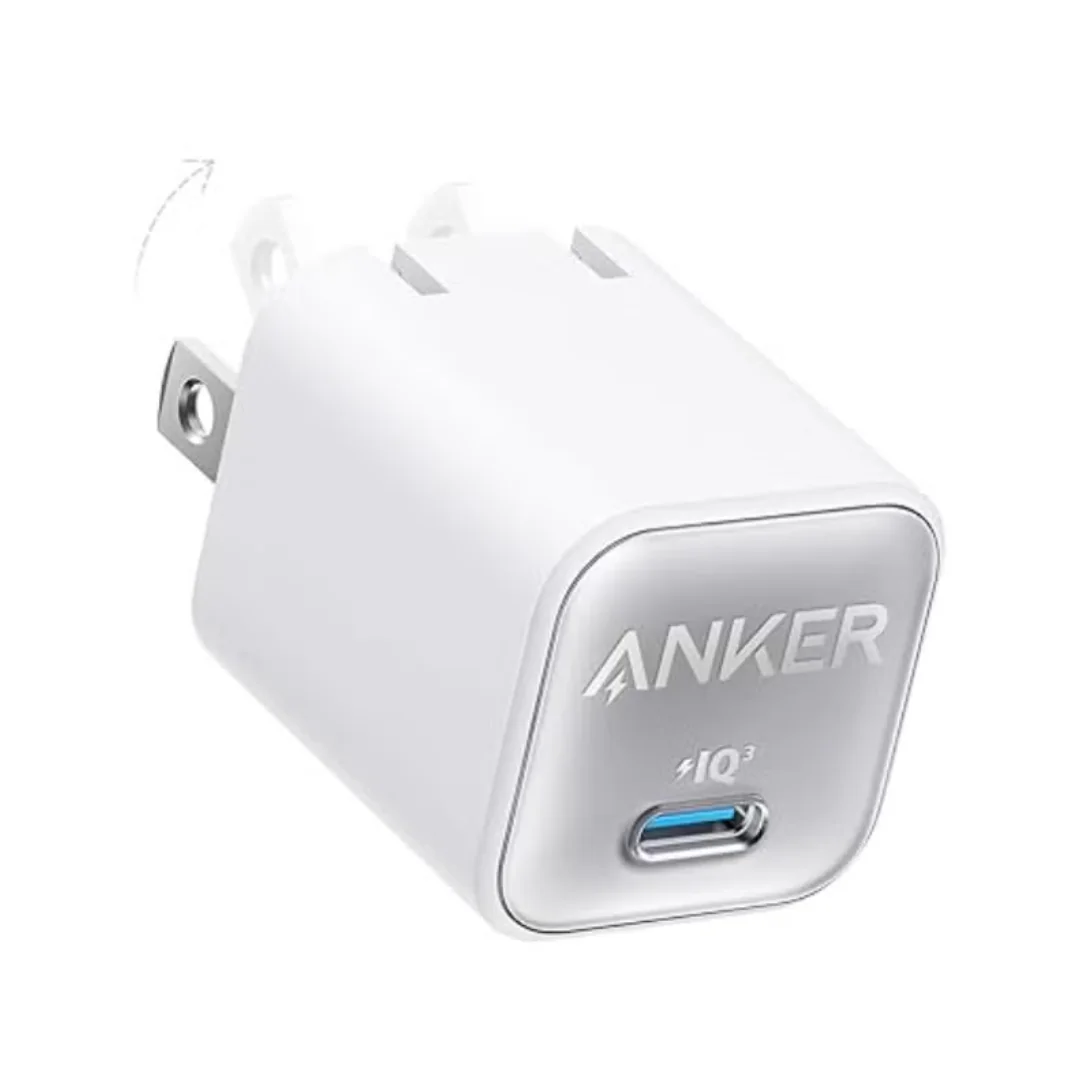
Anker 511 Nano 3 GaN Charger 30W (A2147) | USB-C PD | IQ3
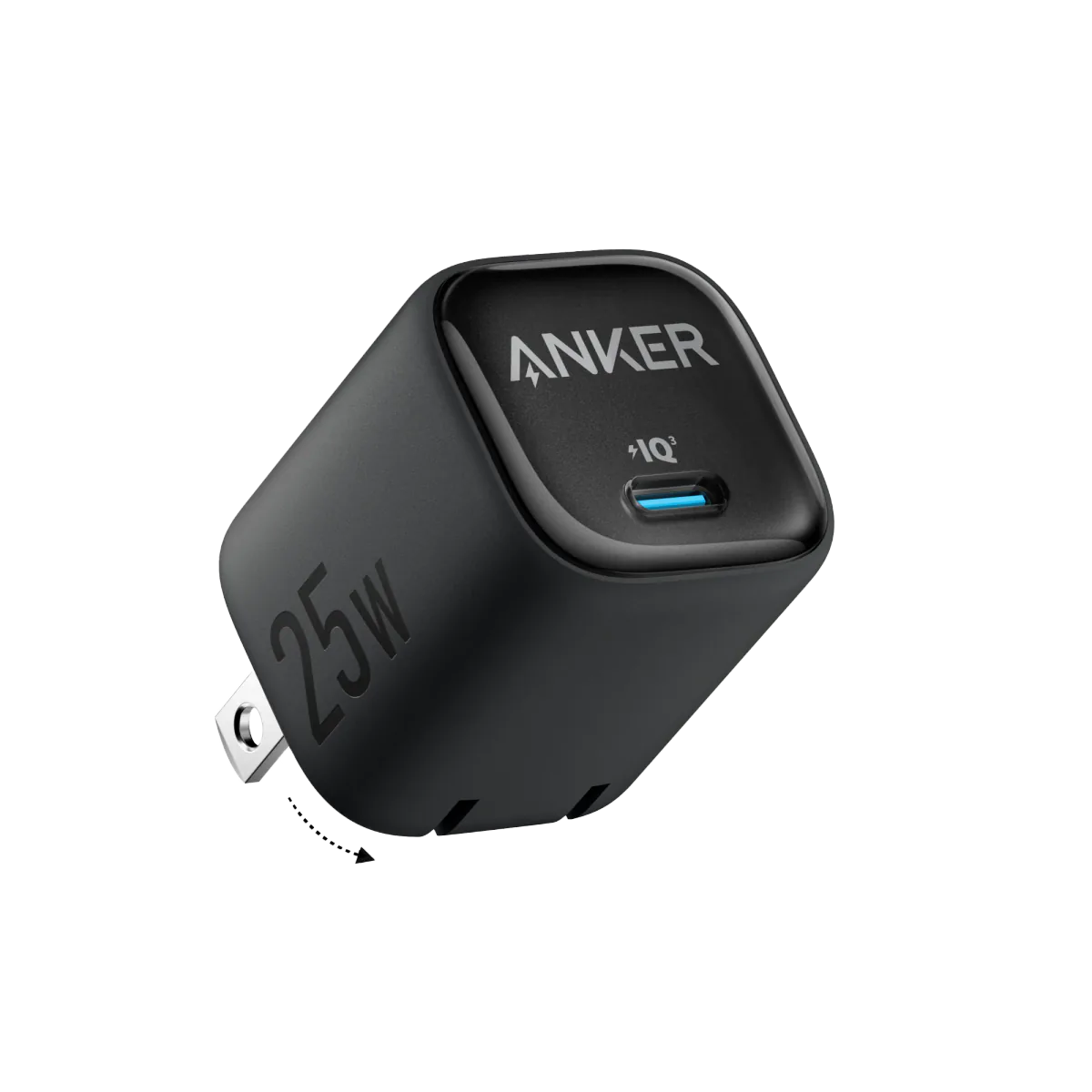
Anker 25W PPS Charger (A2656111) | Samsung-Compatible USB-C PD
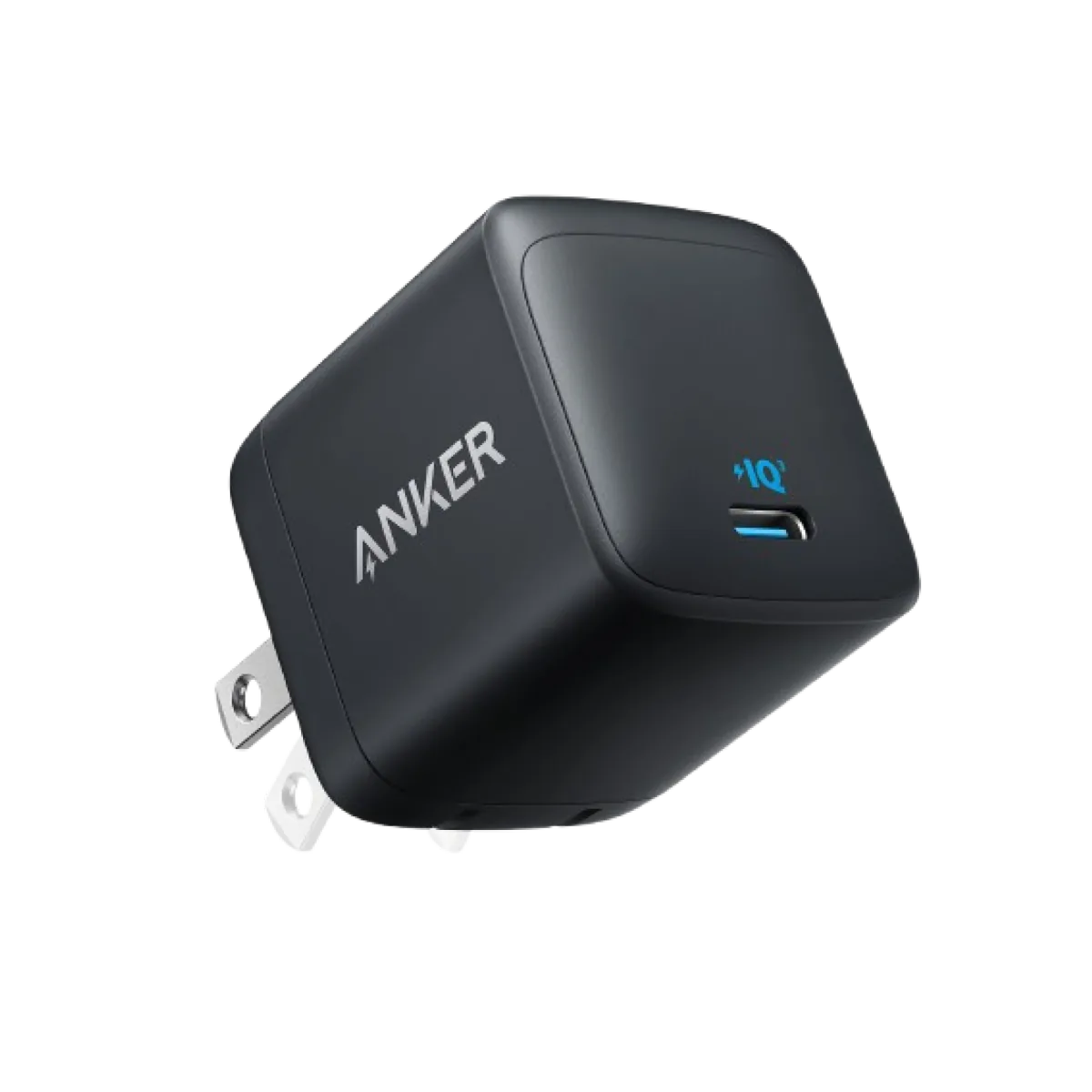
Anker Nano 45W GaN USB-C Charger | MacBook Air + iPhone 17
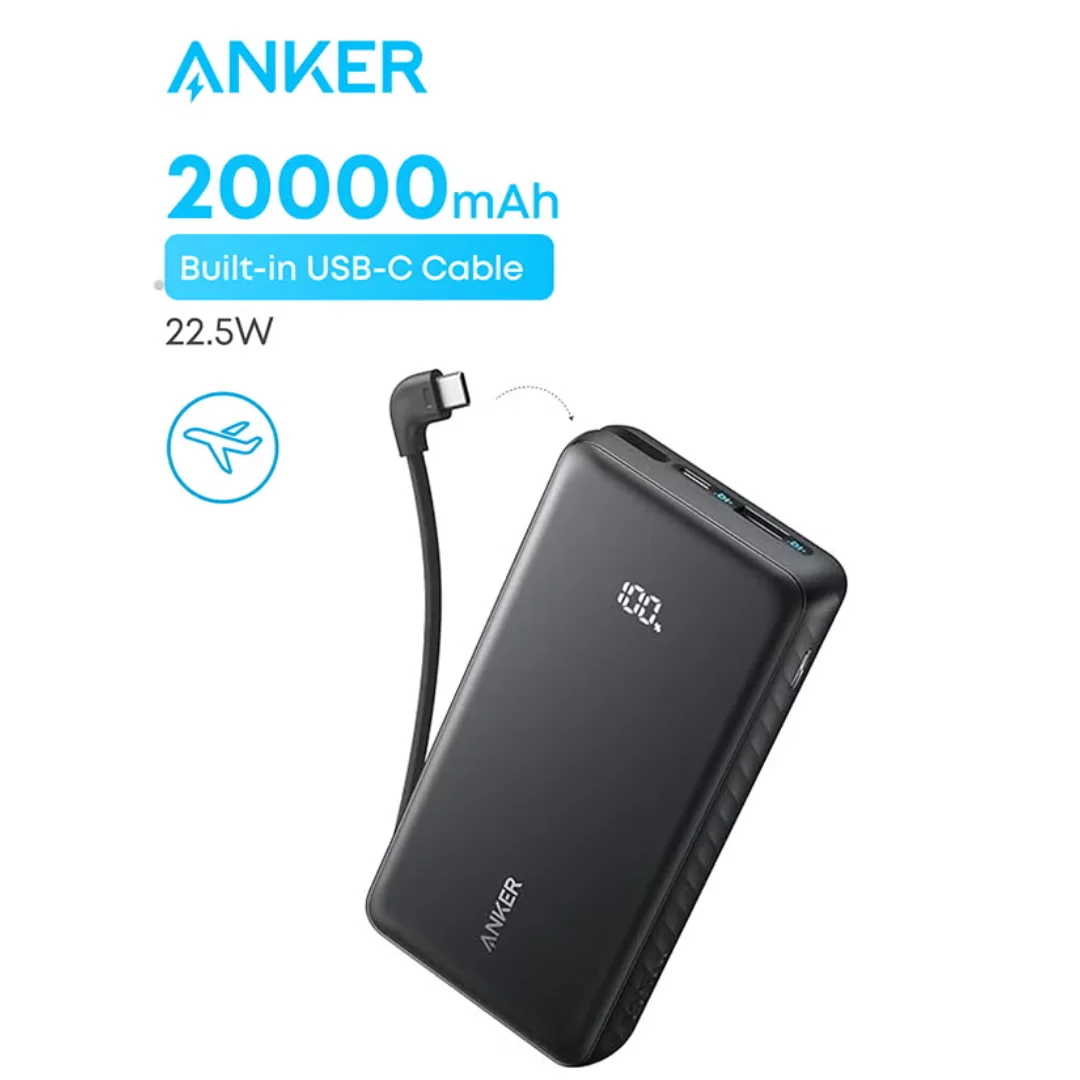
Anker ZOLO Power Bank 20,000mAh (22.5W) | Built-in Cable