 CairoVolt Team
iPhone Charging Cable Breaking at the End? 7 Practical Tips to Double Its Lifespan
iPhone charging cables always break at the connector end. Here are 7 simple and affordable tips that can double (or triple) your cable's lifespan.
Bottom Line: iPhone cables break at the connector because repeated bending concentrates stress at one point with no structural support. Fix it with spring protectors on both ends, proper over-under coiling, and always pulling from the head not the middle. MFi-certified cables like Anker PowerLine handle 10,000+ bends vs. 1,000 for cheap cables.
Your iPhone charging cable started fraying at the connector end again? That's not random — it's an extremely common problem affecting virtually all iPhone users, caused by very specific mechanical reasons we'll explain in detail. The good news: there are 7 simple and affordable ways to stop this before it happens and keep any cable lasting twice as long as usual — all scientifically proven and tested.
Why Does the Cable Always Break at the Same Spot?
The failure point is the "transition zone" — where the flexible cable meets the rigid connector housing. At this point, every bending motion concentrates in a space of about one millimeter. Think of how you'd snap a wire by hand — you don't pull from the middle, you bend it back and forth in the same spot hundreds of times. That's exactly what happens to your iPhone cable every day.
Cheap cables (non-MFi) have thin plastic insulation that cracks after 500-1,000 bends — roughly 2-3 months of daily charging. Apple's own cable is significantly better (around 3,000 bends) but still not enough for most people's aggressive usage patterns over time. MFi-certified cables like Anker PowerLine are specifically engineered for 10,000+ bends before degradation begins. The key difference is the authentication chip inside MFi cables — it ensures the iPhone recognizes the cable properly and delivers full charging current. Non-certified cables may charge slowly or display "This accessory may not be supported" warnings.
The 7 Tips to Protect Your iPhone Charging Cable
1. Spring Protectors on Both Ends
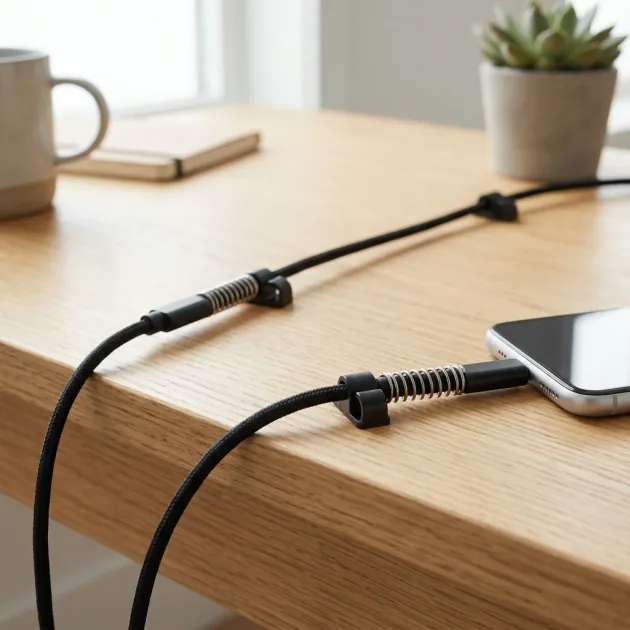
This is the simplest and cheapest fix — small coiled spring protectors that slip over the cable at both ends. They distribute bending force over 3-4 cm instead of concentrating it at a single point. If you can't find them at an accessories store, a thin tube cut from an old ballpoint pen works identically.
2. Over-Under Coiling
Wrong coiling is the second most common cause of cable death. Standard coiling (always in the same direction) permanently bends the internal wires. The fix: over-under technique — first loop clockwise, second loop counter-clockwise, alternating. The cable will coil naturally without stress and practically uncoil itself when unwound.
3. Pull From the Head, Not the Middle
One of the most damaging everyday habits: grabbing the cable from the middle and yanking it out of the charger or phone. Every time you do this, you stress the internal wires at the weakest connection point inside the connector housing. The correct habit: grip the plastic head (connector body) with your fingers and pull it straight out of the charger or phone gently.
4. Never Wind the Cable Around the Charger
Wrapping the cable tightly around the charging brick to save space causes sharp bends at both ends of the wrapped section. Use a velcro cable tie or a small cable organizer instead.
5. Use a Cable Pouch for Travel
A cable stuffed loosely in a bag with keys, coins, and other items gets bent and compressed constantly. A small cable pouch (or even a glasses case) protects it during transport.
6. Start with an MFi-Certified Cable
MFi (Made for iPhone) certification isn't just about electrical compatibility — Apple's certification process includes physical durability requirements. Non-MFi cables fail these tests (which is why they aren't certified) and fail in real life too.
| Cable Type | Bend Cycles | Real Lifespan | MFi Certified |
|---|---|---|---|
| Generic cheap cable | 500 – 1,000 | 2-3 months | No |
| Apple Original | 3,000+ | 6-9 months | Yes |
| Anker PowerLine (MFi) | 10,000+ | 2-3 years | Yes |
| Anker SureIStrong (MFi) | 10,000+ | 2-3 years | Yes |
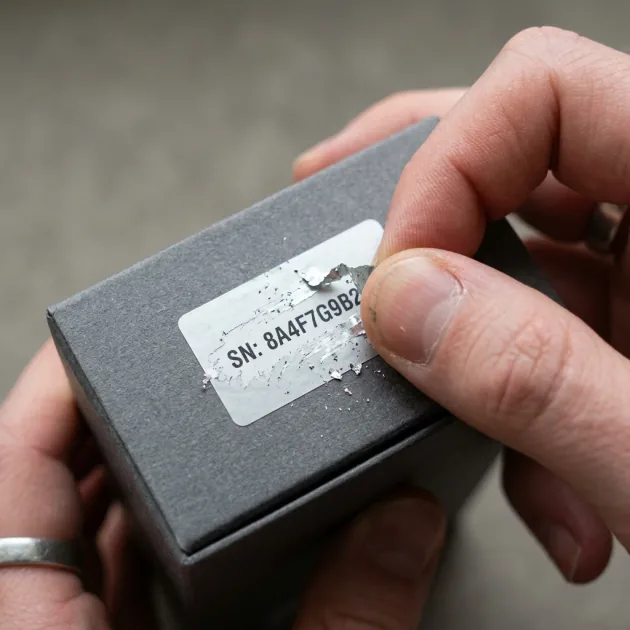
Learn more about identifying genuine vs. fake iPhone cables: Original vs. Fake Lightning Cable — How to Tell the Difference.
7. Cable Clips Next to Your Charging Spot
A cable clip mounted near where you charge keeps the cable from dangling, getting pulled, or tangling with other things. Small adhesive cable clips cost almost nothing and significantly reduce the random stress on your cable.
Common Habits That Kill Cables Fast
- Sleeping on or lying on top of the cable while charging overnight
- Leaving the cable hanging from a wall outlet with the phone dangling in mid-air
- Using the phone while charging and moving it around constantly
- Heat exposure — leaving cables in a hot car under Egyptian summer sun degrades the insulation
- Buying another cheap cable when the previous one breaks instead of solving the root problem
Simple Math: Is a Quality Cable Actually Cheaper?
Summary: All 7 Tips at a Glance
| Tip | Cost | Impact |
|---|---|---|
| Spring protectors on both ends | Minimal | Very High |
| Over-under coiling | Free | High |
| Pull from the head, not the middle | Free | High |
| Don't wrap around the charger brick | Free | Medium |
| Cable pouch for travel | Minimal | Medium |
| Buy MFi-certified from the start | Higher upfront | Very High |
| Cable clip at charging spot | Minimal | Medium |
Apply all 7 together — especially the three free ones — and you'll notice the difference within the first month. A cable that used to die in 3 months will easily last a year or more.
USB-C vs Lightning — Which Is More Durable?
With Apple's transition to USB-C starting with iPhone 15 — the important question: are USB-C cables more durable than Lightning? The answer: yes — but not because of the technology itself. USB-C connectors are structurally stronger because they're larger with a thicker metal shell than Lightning. The connection also sits deeper in the port — meaning less sharp bending at the entry point. However, using a cheap USB-C cable without MFi certification will result in exactly the same problems. The standard is manufacturing quality, not connector type.
Anker USB-A to USB-C cables handle the same 10,000+ bends and deliver fast USB-A charging up to about 15W (or ~18W via Quick Charge on supported phones). Note that a USB-A-to-USB-C cable can't do USB Power Delivery — true PD needs a USB-C connector on both ends, so choose a USB-C-to-USB-C or USB-C-to-Lightning cable if you want full PD fast charging. Since USB-C is the future — investing in a quality USB-C cable serves all your devices, not just iPhone.
Egyptian Climate Impact on Cable Lifespan
Egypt's climate — especially summer temperatures reaching 45°C — directly affects charging cable lifespan. High heat makes plastic insulation brittle and prone to cracking. This explains why many cables fail in 2 months during summer but last 6 months in winter. UV radiation from sunlight also degrades insulation — regularly leaving cables in a closed car parked in the sun cuts lifespan in half.
Summer-specific tips:
- Never leave cables in a car parked in direct sunlight — interior temperatures can reach 70°C
- Store cables in a drawer away from direct sunlight exposure
- If the insulation feels sticky or overly dry — that's heat degradation, replace immediately
- Braided nylon cables (like Anker PowerLine) handle heat far better than standard plastic
Can You Repair a Fraying Cable?
If just the outer insulation is cracking but the cable still works — you can apply heat shrink tubing over the damaged area as a temporary fix. The tubing contracts with heat and creates a new, durable insulation layer. But if charging becomes intermittent or slow — the internal wires are damaged and this is a safety hazard for your phone's battery. Replace immediately — a new Anker cable is far cheaper than an iPhone battery replacement (thousands of EGP depending on model and service centre).
🛒 Related Products from CairoVolt:
Related charging gear: Anker USB-C Cable · Anker 20W · Anker 30W GaN.
CairoVolt Team
Tech Editor
Frequently Asked Questions
Why does the iPhone cable always break at the same spot?▼
Do spring protectors actually make a difference?▼
What's the difference in durability between MFi and non-MFi cables?▼
Does the way you coil a cable affect its lifespan?▼
Ready to Buy?
Browse available products and review specifications and CairoVolt warranty terms before ordering
Related products
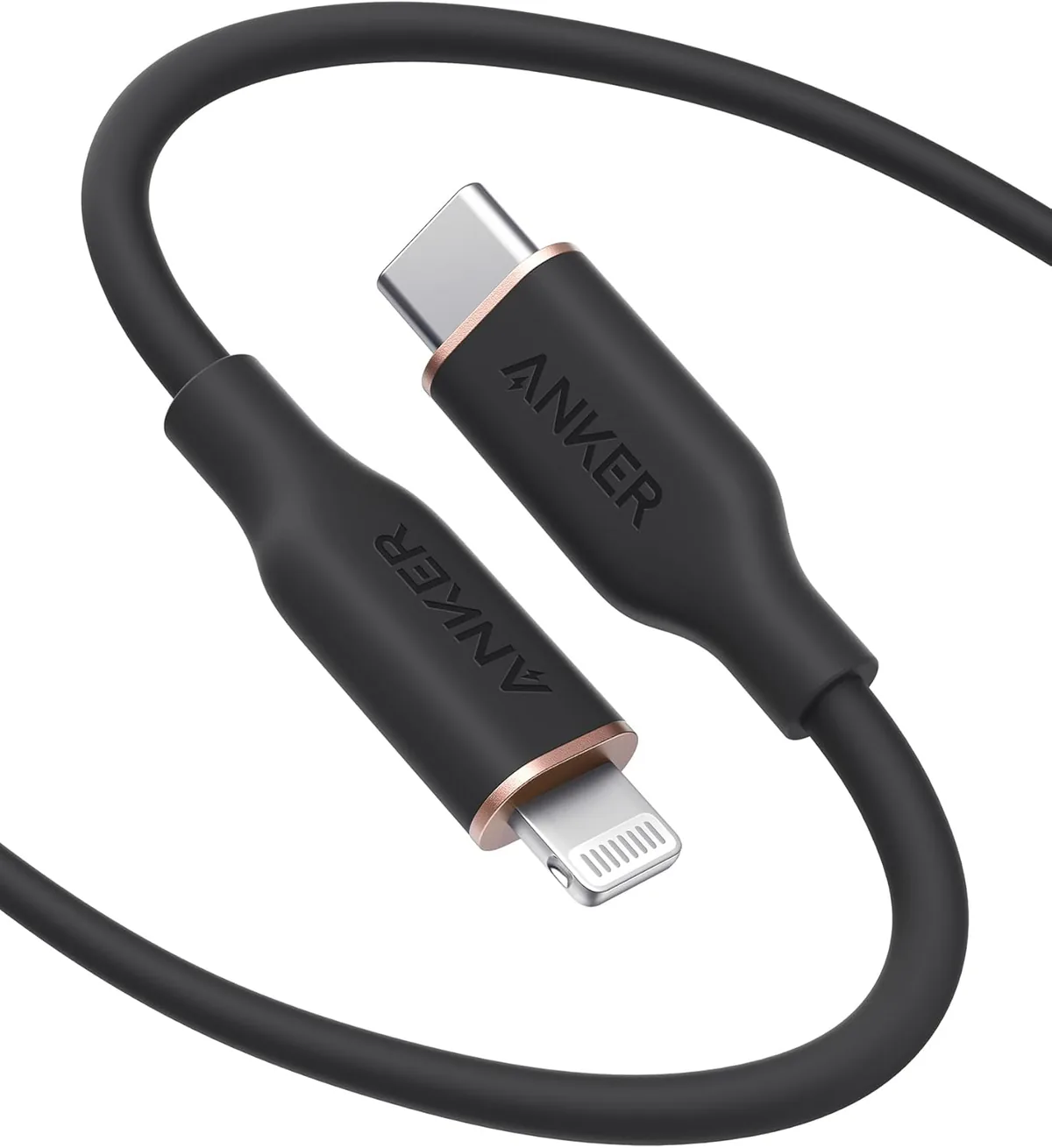
Anker PowerLine Select USB-C to Lightning (A8612H11) | Verify MFi | USB-PD
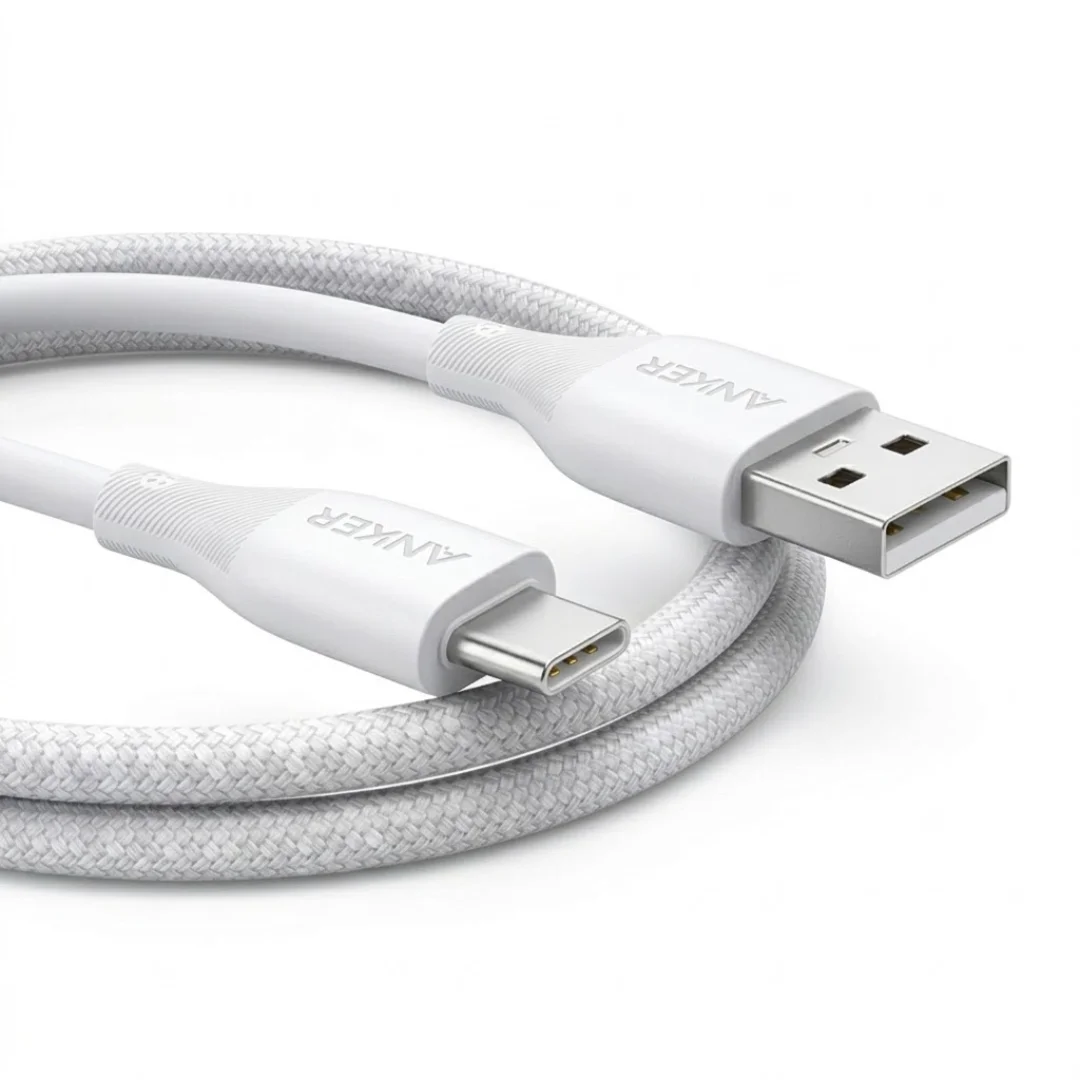
Anker USB-A to USB-C Cable (A8050) | Braided Nylon 1.8m | Fast Charging
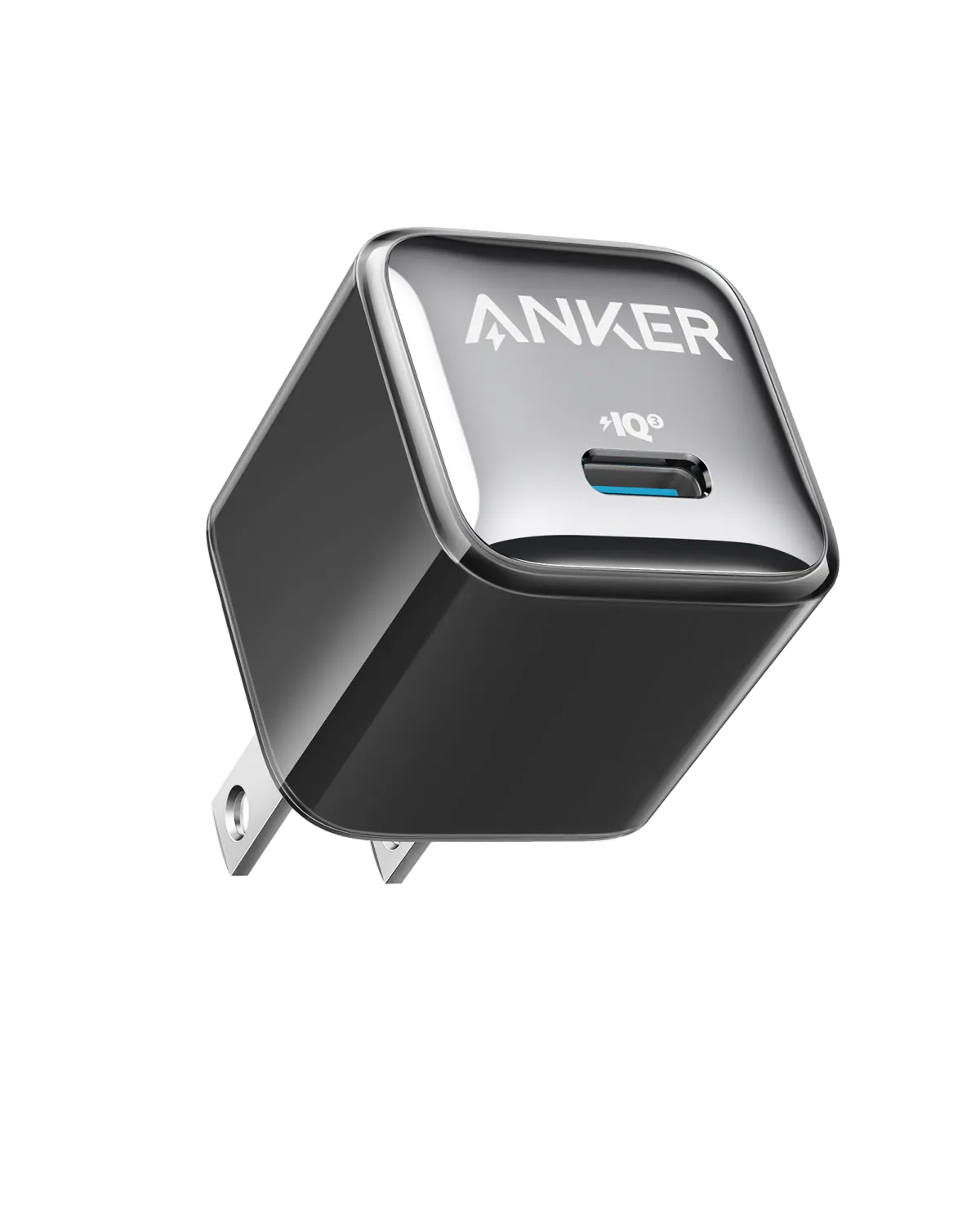
Anker A2347K11 20W USB-C PD Charger | Check Device Profile and Plug
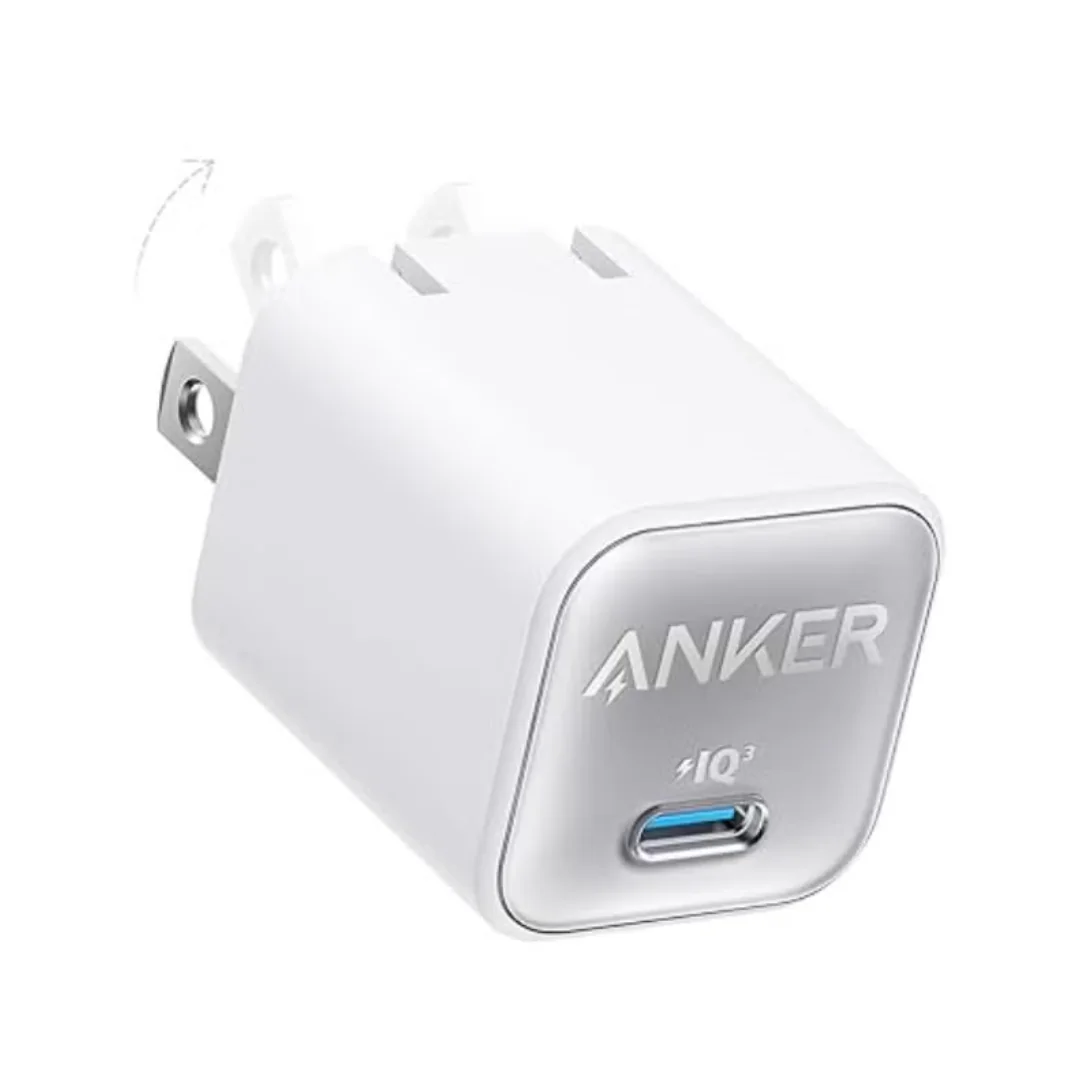
Anker 511 Nano 3 GaN Charger 30W (A2147) | USB-C PD | IQ3
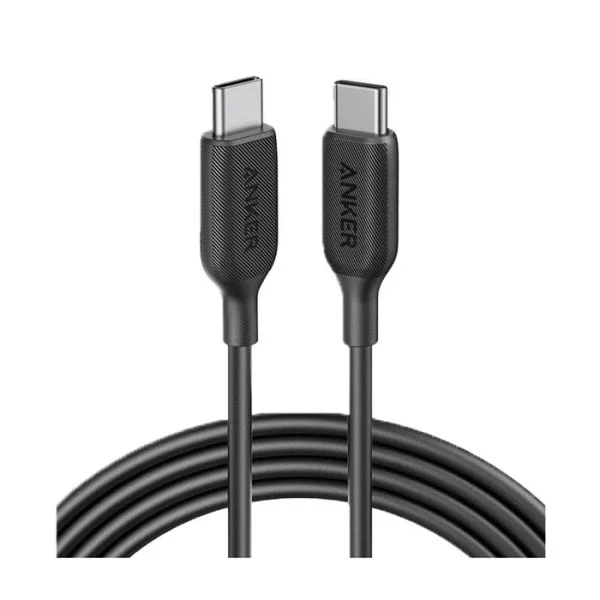
Anker SureIStrong USB-C to Lightning Cable
Browse the categories this article covers
Related Articles
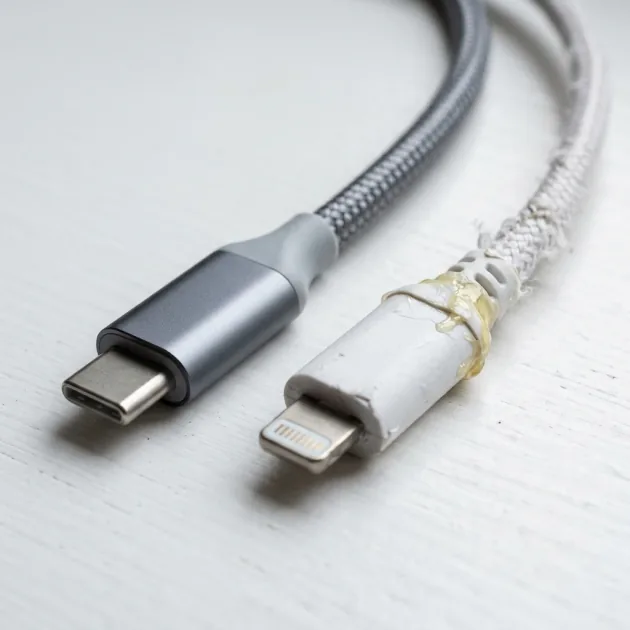
Authentic iPhone Cable vs Fake — How to Tell MFi Cables from Commercial Knockoffs
Read more →
Why Your Charging Cable Keeps Breaking: 6 Daily Mistakes & How to Make It Last Years
Read more →