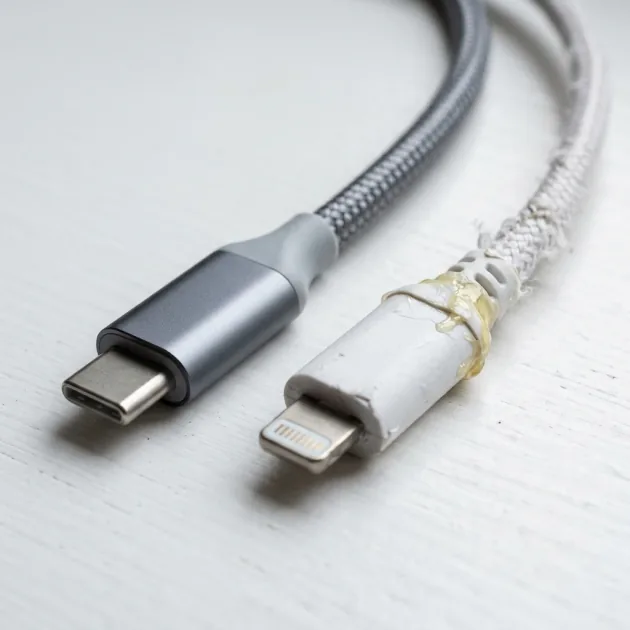
Authentic iPhone Cable vs Fake — How to Tell MFi Cables from Commercial Knockoffs
7 clear signs to distinguish genuine MFi iPhone cables from counterfeits with prices and comparisons.
Quick Take: A genuine or MFi Lightning cable shows: the MFi badge on the box, a smooth even connector, "Designed by Apple in California" plus a 12-digit serial number on Apple's own cable, and no "This accessory may not be supported" alert on the iPhone. An MFi alternative on CairoVolt: the Anker 310 USB-C to Lightning at EGP 730.
iPhone charging cables are among the most counterfeited accessories in Egypt. The problem is not just that a fake cable charges slowly — it can also damage the charging port or overheat dangerously. In this article we cover 7 clear differences between a genuine or Apple MFi-certified iPhone cable and cheap commercial cables, and show you MFi alternatives we tested in the CairoVolt lab.
What Is MFi Certification and Why Is It Crucial?
MFi (Made for iPhone/iPad/iPod) is Apple's licensing programme for accessories that use the Lightning connector. Apple itself recommends using only accessories with the MFi badge, and its support page on counterfeit Lightning accessories explains the issues uncertified cables can cause and how to spot them. MFi cables focus on:
- Electrical safety: protection against short circuits and overheating
- Protocol compatibility: the iPhone recognises the cable and charges normally
- Data transfer: Lightning supports USB 2.0 data speeds (480Mbps)
With non-MFi cables (commercial and counterfeit), the iPhone may show "This accessory may not be supported". Some cables work at first and are rejected by the iPhone later.
7 Clear Differences Between Genuine MFi and Fake Cables
1. MFi Logo on Packaging
A certified cable comes in a box with the "Made for iPhone" or "Made for iPad" badge. Counterfeits may copy the logo, but the printing is faded or lower quality. Compare the badge with the official images on Apple's website.
2. Metal Connector (Lightning Connector)
A genuine connector is smooth with even edges. A counterfeit connector may be rough, uneven or a slightly different colour. A genuine connector also slides into the iPhone's port smoothly — a fake may be too tight or too loose.
3. Serial Number on the Cable
According to Apple, a genuine Apple Lightning to USB cable carries "Designed by Apple in California" together with "Assembled in China", "Assembled in Vietnam" or "Indústria Brasileira" about seven inches (18 cm) from the USB connector, followed by a 12-digit serial number. If that text is missing or poorly printed, treat it as a warning sign.
4. Flexibility and Durability
A genuine cable is flexible without being brittle. A counterfeit is either very stiff or very soft and wears out quickly at the ends.
5. Cable Weight
A poor cable can be lighter because the copper inside is thinner — which means higher electrical resistance, more heat and slower charging. Weight alone is not proof, but it is a helpful signal.
6. Price
An original Apple Lightning cable sells in an approximate market range of 450–600 EGP that varies by seller. If someone sells you an "original iPhone cable" for 50–100 EGP, treat it as a strong warning sign.
7. iPhone Behavior with the Cable
The easiest check: plug the cable into the iPhone. If it shows "This accessory may not be supported", the cable is most likely not MFi. If it charges normally with no alerts, that is a good sign. Also watch the charging speed — a poor cable can charge much more slowly than normal.
Original and Certified Cable Prices in Egypt
| Cable | Price (EGP) | Note |
|---|---|---|
| Apple Lightning to USB-C (1m) | 450 – 600 approximate market range, varies by seller |
Apple's own cable |
| Apple USB-C to USB-C (1m) | 400 – 550 approximate market range, varies by seller |
For iPhone 15 and newer |
| Anker 310 USB-C to Lightning (0.9m) | 730 | MFi — measured to charge like Apple's cable |
| Anker SureIStrong USB-C to Lightning (1.8m) | 599 | MFi — 19.5W measured peak |
| Counterfeit cable (online) | 30 – 80 approximate market range, varies by seller |
Usually no MFi |
CairoVolt does not sell Apple's own cables, so their prices here are an approximate market range that varies by seller.
Why the Anker Cable Is the Smarter Choice
If your iPhone has a Lightning port (iPhone 8 to iPhone 14 and SE), Anker USB-C to Lightning cables with the MFi badge charge it as fast as Apple's cable:
- Anker 310 USB-C to Lightning (EGP 730, 0.9 m) — iOS accepted it with no warning.
- Anker SureIStrong USB-C to Lightning (EGP 599, 1.8 m) — if you need more reach for the bed or sofa.
- Anker PowerLine Select USB-C to Lightning (EGP 630, 0.9 m braided).
All of them come with CairoVolt's written store warranty (duration shown on each product page). Note: a cable with a USB-A end will not give an iPhone PD fast charging — in our lab, a USB-A to USB-C cable such as the Anker A8050 reached only about 9W on an iPhone 15.
Practical Test: Counterfeit vs Genuine Cable — The Results
These are real CairoVolt lab measurements published on the product pages:
- Anker 310 vs Apple's original cable: on an iPhone 13 with a 20W PD charger, 0 to 50% took 28 minutes versus 27 minutes on Apple's own cable — practically the same speed (Anker 310 family sample, CV-CB-A81A1-001).
- Anker SureIStrong: a 19.5W peak into an iPhone 13, and iOS accepted it with no warnings across a 45-minute charging session (sample CV-CB-A8652H21-001).
- A cable without confirmed MFi: in the same test week, the Joyroom JR-S-CL20 (EGP 118) reached an 18.9W peak, but iOS showed an accessory warning and we could not confirm MFi. In other words, a much lower price, but no guarantee the iPhone will always accept it.
The Real Risks of Using a Counterfeit Cable with iPhone
A counterfeit cable does not just charge slowly — it carries real risks:
- Charging-circuit damage: a poor cable can deliver unstable voltage, and over time it can harm the iPhone's charging circuit — an expensive repair.
- Connector overheating: a poor cable has high resistance, so the connector can get very hot and damage the Lightning or USB-C port.
- Fire risk: in rare cases, poor cables without protection can cause dangerous heating.
- The iPhone rejecting the cable: Apple explains that uncertified accessories can cause charging problems or stop working.
USB-C vs Lightning — The Future of iPhone Cables
From iPhone 15 onward, Apple switched from Lightning to USB-C. That means the Lightning MFi badge is not required for a USB-C cable, because USB-C is a standard. Any sound USB-C to USB-C cable from a known source will charge the new iPhones.
If you have an iPhone 14 or older (Lightning), make sure the cable is MFi. If you have an iPhone 15 or newer (USB-C), the Anker PowerLine III USB-C to USB-C (EGP 590, listed up to 60W) is a suitable choice.
Buying Guide — Best Places to Buy iPhone Cables in Egypt
Where you buy matters. In every case, ask for an invoice to protect your warranty and replacement rights:
- Large known retailers: if you want Apple's own cable, buy from a seller that issues an invoice and a written warranty naming its legal identity.
- CairoVolt: Anker MFi cables such as the Anker 310 with CairoVolt's written store warranty (duration shown on each product page).
- Amazon/Noon: check who the actual seller is — there are counterfeit sellers on the platforms.
- Sellers without an invoice: risky — you have no way to get your money back if the cable turns out to be fake.
Cable + Charger — The Smarter Combo
If you are buying a new cable, a USB-C PD charger is what gets the most out of it. The Anker 20W USB-C (A2347K11) at EGP 490 with an MFi cable such as the Anker 310 is a sensible combo for a Lightning iPhone. Check each product page for its current price.
Practical Tips to Extend Any Cable’s Life
- Don't pull the cable by the wire: hold the connector (the hard end) when unplugging — not the wire itself
- Don't coil the cable tightly: tight coils stress the internal wires. Keep the loops wide
- Use a cable protector: a simple plastic sleeve on the end prevents wear
- Don't leave the cable under heavy objects: constant pressure damages the outer insulation

CairoVolt Editorial Team
Content team reviewing specifications and buying guides
The CairoVolt team reviews model numbers, specifications, and compatibility, and updates information when better data is available. Estimates are labeled as calculations, and readers can report information that needs correction.
Frequently Asked Questions
How can I tell if an iPhone cable is genuine or fake?▼
How much does an original iPhone cable cost in Egypt?▼
Do Anker cables work with iPhone without issues?▼
Can a fake iPhone cable damage the phone?▼
Ready to Buy?
Browse available products and review specifications and CairoVolt warranty terms before ordering
Related products
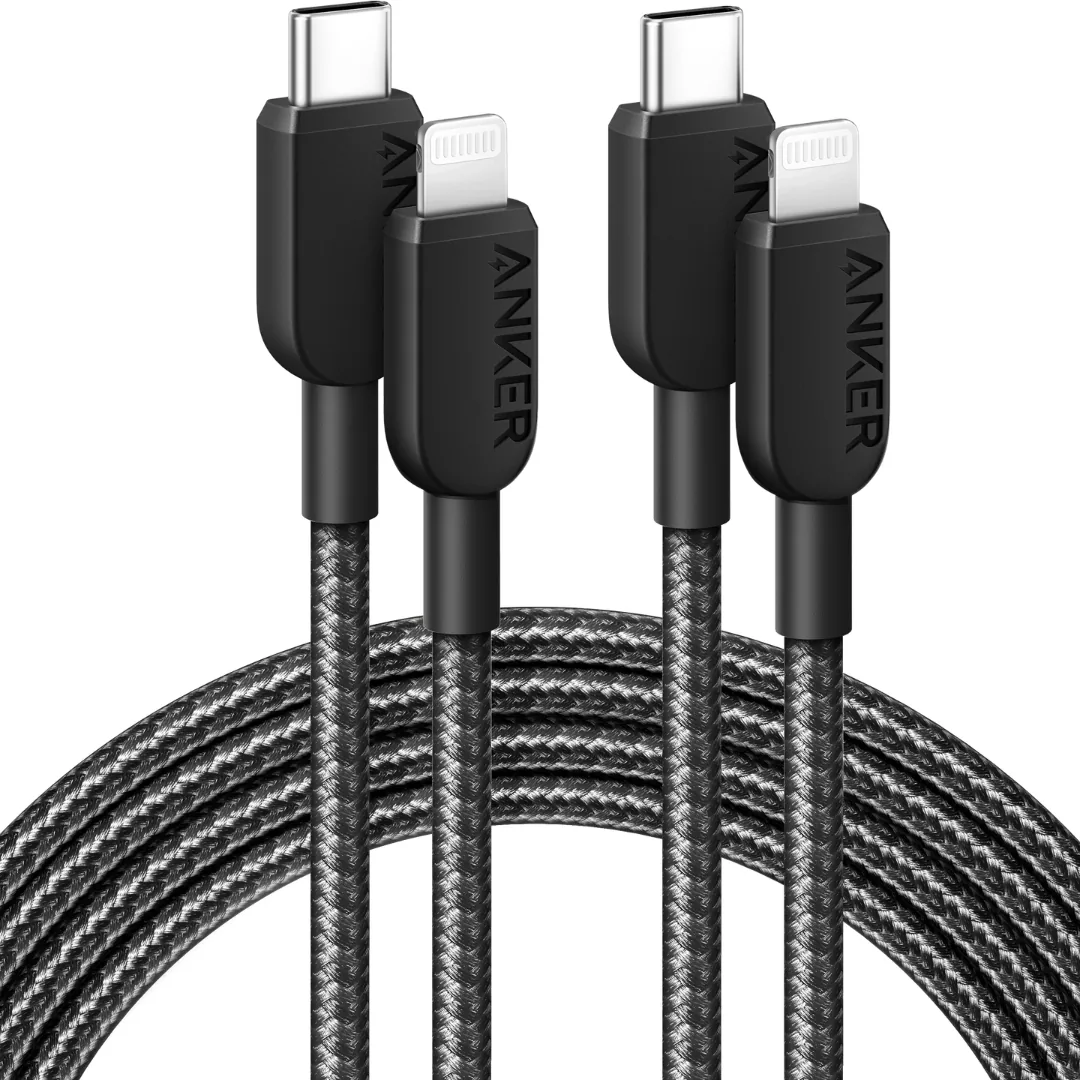
Anker 310 USB-C to Lightning (A81A5) | Verify MFi, USB-PD and Bend-Test Listing
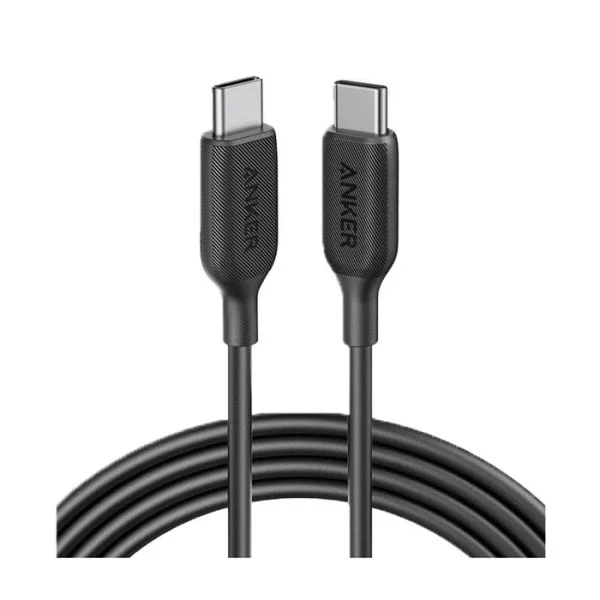
Anker SureIStrong USB-C to Lightning Cable
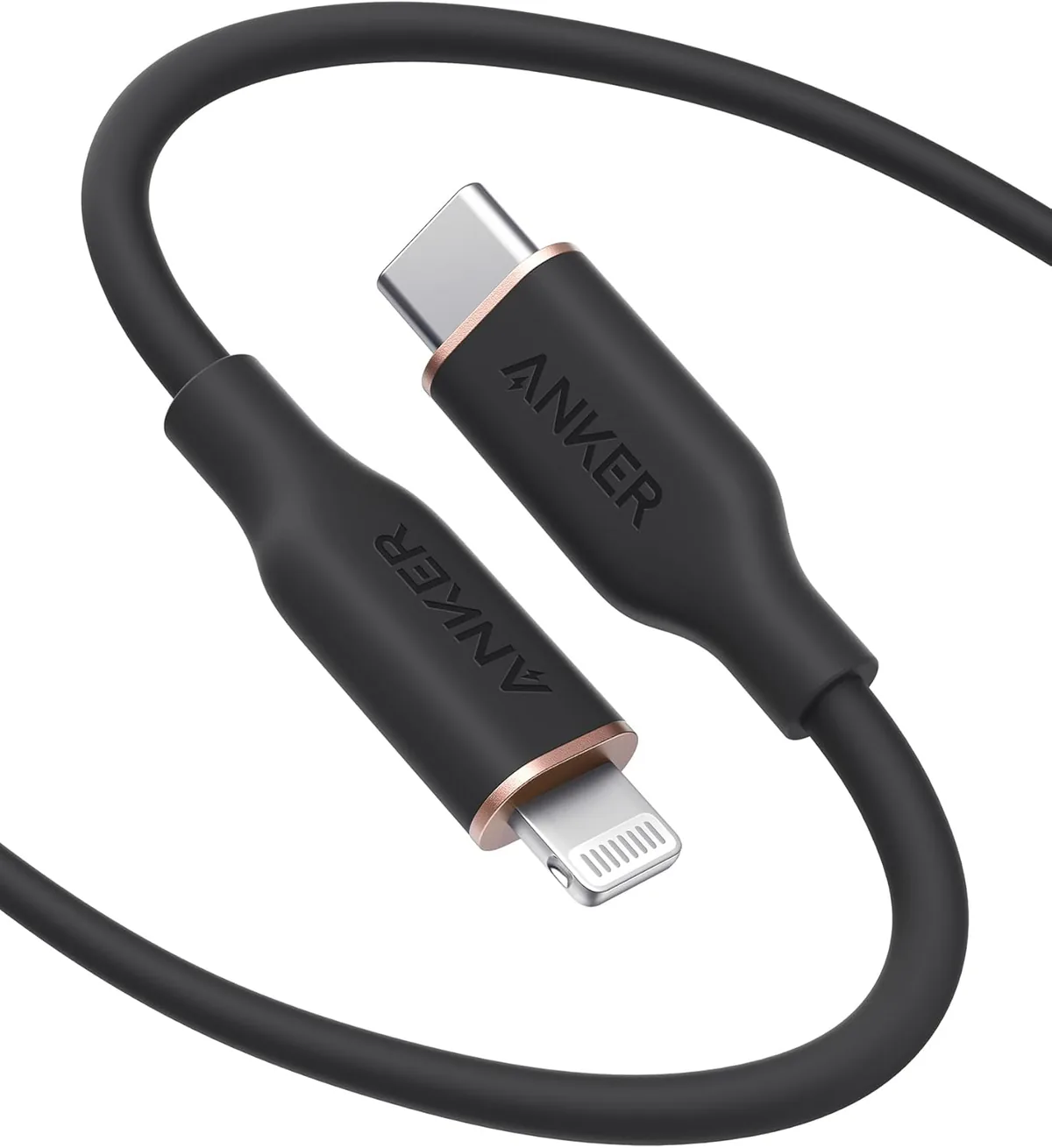
Anker PowerLine Select USB-C to Lightning (A8612H11) | Verify MFi | USB-PD
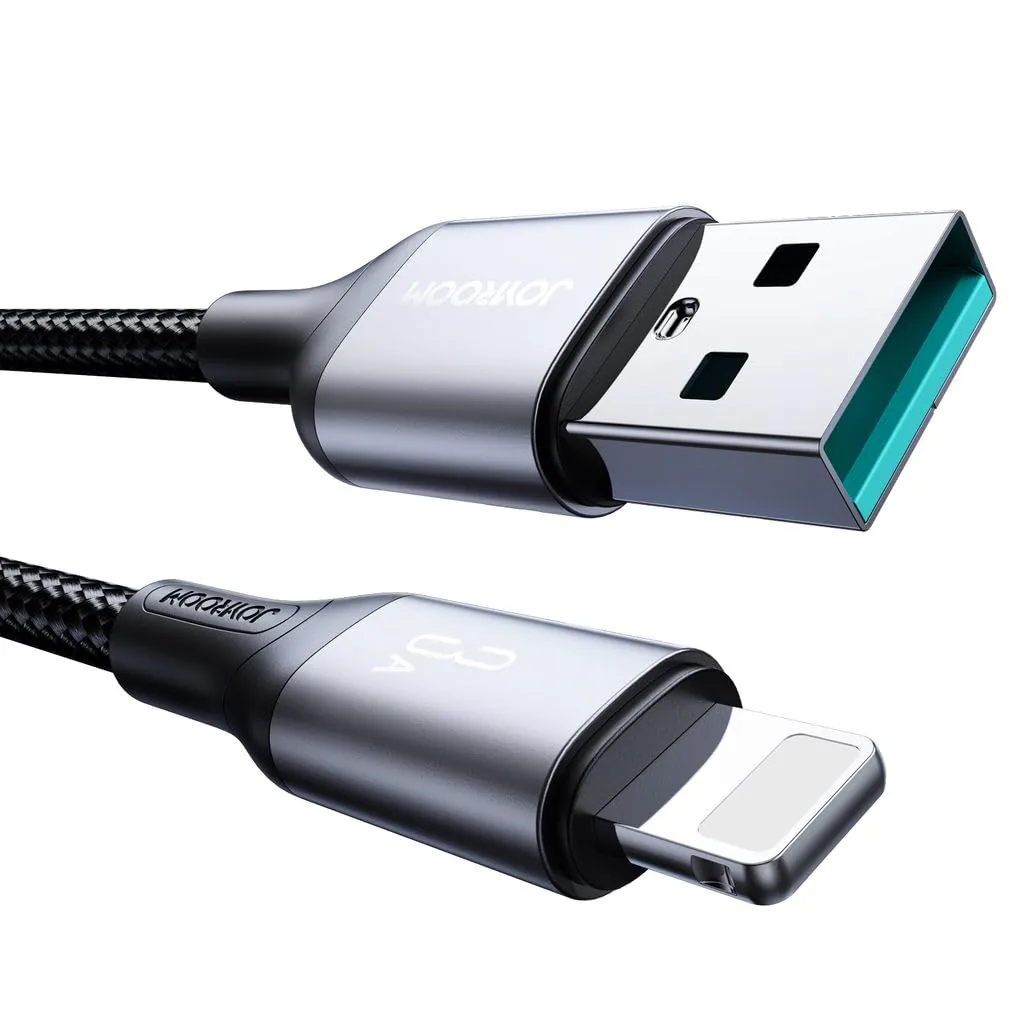
Joyroom USB-C to Lightning Cable | Listed 20W PD | Braided
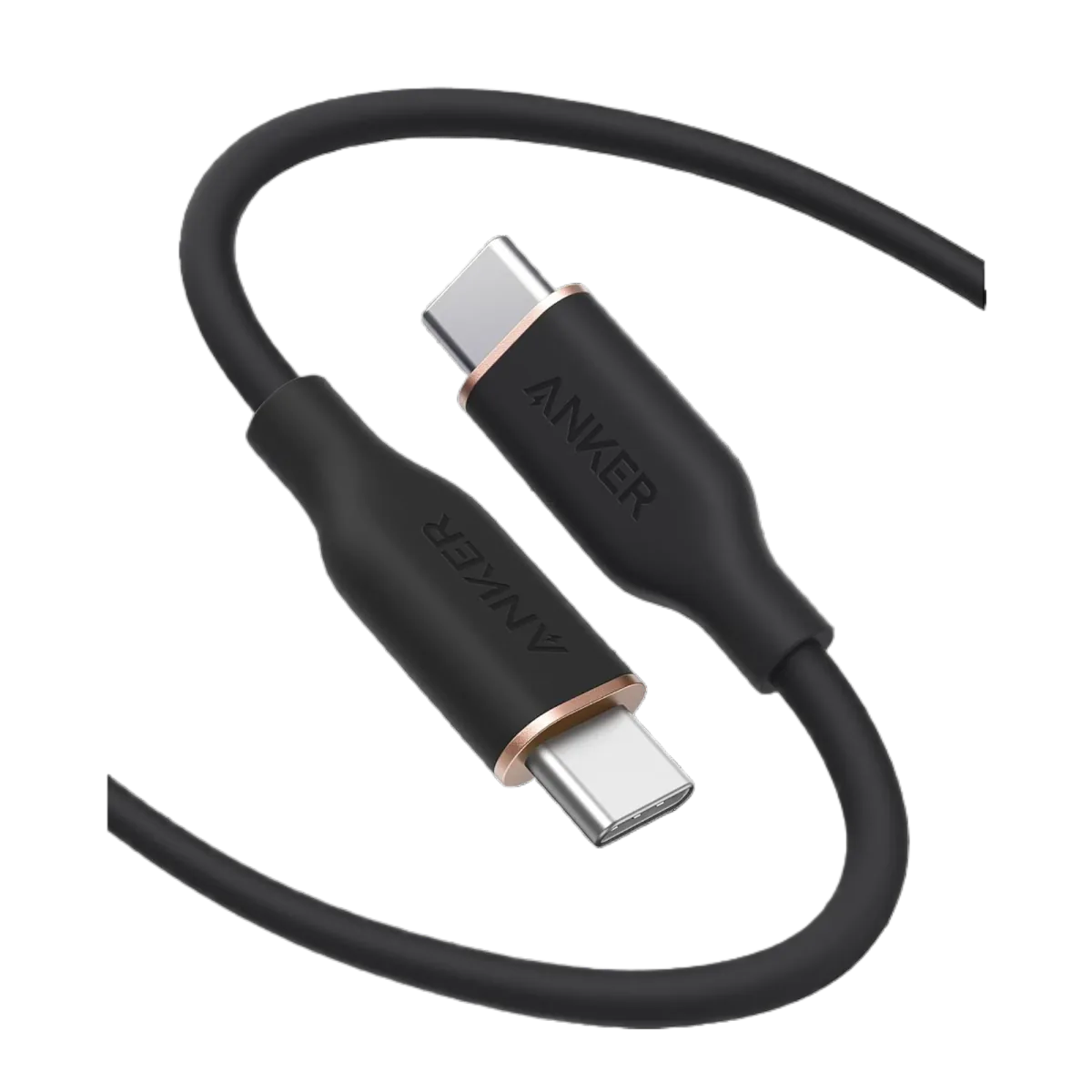
Anker PowerLine III USB-C to USB-C | 60W | iPhone 17 & Samsung S26