iPhone 13 Pro Max Battery Draining Fast? Solve it with the Right Power Bank
If your iPhone 13 Pro Max battery health is below 80%, do not open it just yet. Learn the maintenance risks and the magic solution in MagSafe power banks.
TL;DR: If your iPhone 13 Pro Max battery health has dropped below 80%, avoid opening the device for battery replacement at unauthorized repair shops. Opening it destroys the IP68 water seal and exposes you to counterfeit batteries. The safest, most cost-effective solution is using a 10,000mAh MagSafe power bank for daily use or a 20,000mAh PD fast-charging power bank for heavy travel.
Everyone remembers 2021 when Apple launched the legendary **iPhone 13 Pro Max**. This smartphone gained massive popularity in Egypt and globally for one primary reason: its battery was an absolute beast, easily lasting two full days of heavy usage without needing a recharge. However, in 2026, after 4 to 5 years of active service, the chemistry of these lithium batteries has degraded, with most users reporting battery health between 75% and 82%. This is where the dilemma begins: the phone drains quickly, dies in the middle of the day, and you wonder if you should replace the battery at a local shop or if there is a safer, more economical way to keep your phone running. As a hardware repair specialist, I will explain why replacing the battery in Egypt is a risk and how quality power accessories are your best option.
1. Understanding Lithium Degradation in the iPhone 13 Pro Max
The iPhone 13 Pro Max houses a massive **4,352mAh battery**, one of the largest Apple has ever fitted. However, lithium-ion battery cells are consumable components. Apple designs its batteries to retain up to 80% of their original capacity after 500 complete charge cycles (0% to 100%).
If you charge your phone daily, you will cross the 500-cycle threshold in about 18 months. After 4 years, the battery has likely undergone over 1,200 charge cycles, dropping its health below 80%. At this stage, the iOS operating system struggles to draw peak currents during heavy tasks (like 4K video recording or gaming), leading to sudden performance drops and fast battery drainage.
The Custom L-Shape Internal Battery Cell Design and Its Aging Vulnerabilities
To maximize energy density, Apple utilized a complex L-shaped battery cell manufactured by Sunwoda or Amperex Technology (ATL) in the iPhone 13 Pro Max. This design allowed them to pack 16.75 Watt-hours (3.85V) into the tight internal chassis. However, L-shaped batteries feature two folding zones where the internal copper and aluminum current collector foils curve.
Over hundreds of charge cycles, lithium ions tend to accumulate unevenly around these physical bends. This uneven distribution can lead to the formation of micro-dendrites (microscopic lithium fibers) that pierce the polymer separator. This increases internal cell resistance and causes uneven cell wear. Consequently, once battery health drops below 80%, voltage drops become far more volatile under load compared to traditional rectangular batteries.
Chemical Impedance and Voltage Sag at Low States of Charge
As the battery chemistry ages, the internal impedance (resistance to current flow) increases. When the battery health drops below 80%, this resistance becomes especially pronounced at lower charge levels (below 30%). If the processor suddenly requires a high burst of current—such as during high-definition HDR video processing or intensive 3D gaming—the high internal impedance causes a temporary drop in output voltage, known as "voltage sag."
To prevent the phone from shutting down unexpectedly due to this voltage drop, iOS applies performance management features (commonly known as throttling). While this prevents sudden shutdowns, it slows down the phone's operation. Relying on an external MagSafe or PD power bank keeps the battery voltage stable and prevents the operating system from entering this performance-throttled state, preserving smooth usability.
2. Why Battery Replacement in Local Egyptian Shops is a Risk
Going to an unauthorized local workshop to change your iPhone battery exposes your premium device to several technical risks:
- 💦 Loss of IP68 Water and Dust Resistance: Replacing the battery requires heating and lifting the display assembly, which destroys the factory adhesive seal. Third-party shops rarely have the mechanical presses required to restore this seal, leaving your phone vulnerable to liquid damage.
- 🚫 Counterfeit and Low-Quality Parts: Apple does not distribute original batteries to independent repair shops. The parts available are third-party copies with fake labels or salvaged batteries. These batteries degrade rapidly, often dropping to 70% health within 3 to 4 months.
- ⚠️ Important Battery Message: Apple serializes the battery microchip to the motherboard. If you install a replacement (even a genuine one from another iPhone), iOS will trigger an "Unknown Part" warning in the settings, and you will lose access to the battery health percentage readout forever.
The Danger of Missing NTC Thermal Sensors in Replacement Battery Packs
One of the most critical safety issues with counterfeit replacement batteries sold in Egypt is the lack of precision negative temperature coefficient (NTC) thermistors on their third-party protection circuit boards (PCM). In an original Apple battery, this sensor communicates real-time temperature data to the phone's power management controller. If temperatures exceed 45°C during rapid charging, the PMIC automatically curtails charging current.
Without a functional NTC sensor, the phone receives hardcoded static temperature values (often reading a constant 25°C). The charging system continues to push maximum fast-charging current even if the cell is overheating, which can lead to thermal runaway, cell swelling, screen popping, or in extreme cases, chemical fires.
3. The Smart Alternative: External Power Accessories
Instead of opening the phone and risking damage to its internal logic board, the safer engineering approach is using an external power ecosystem. This keeps your phone factory-sealed while giving you the extra battery capacity you need for daily use.
1. 10,000mAh MagSafe Power Banks
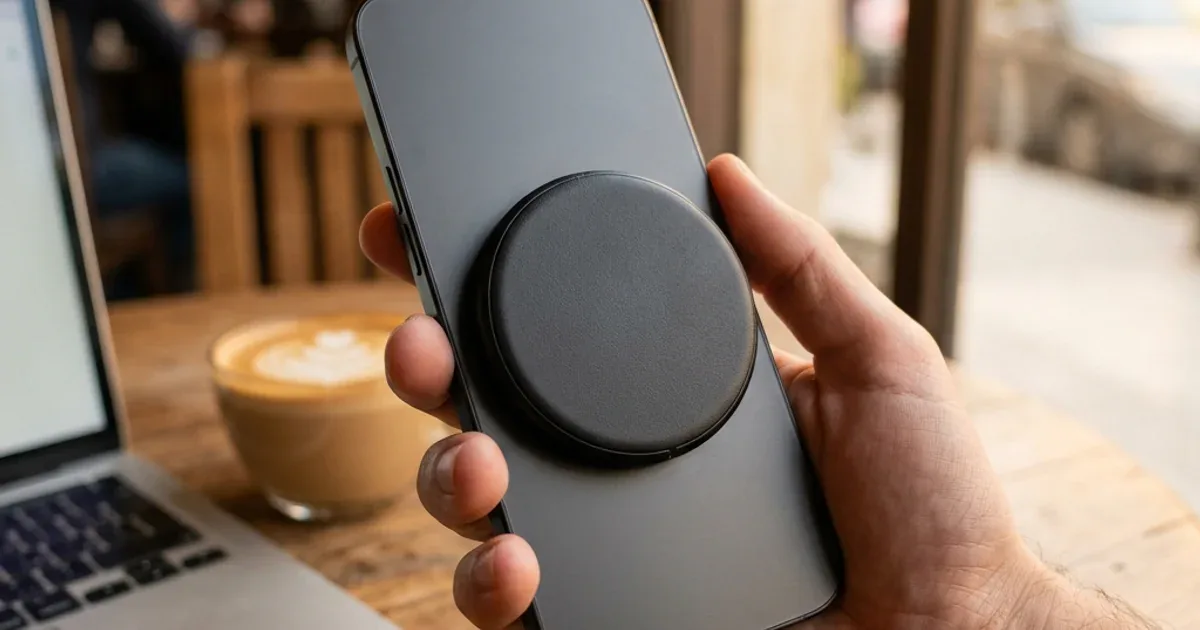
The iPhone 13 Pro Max features Apple's **MagSafe** magnetic charging system on its back. Instead of carrying bulky power banks and tangled wires, you can snap a magnetic pack directly onto the back of your phone:
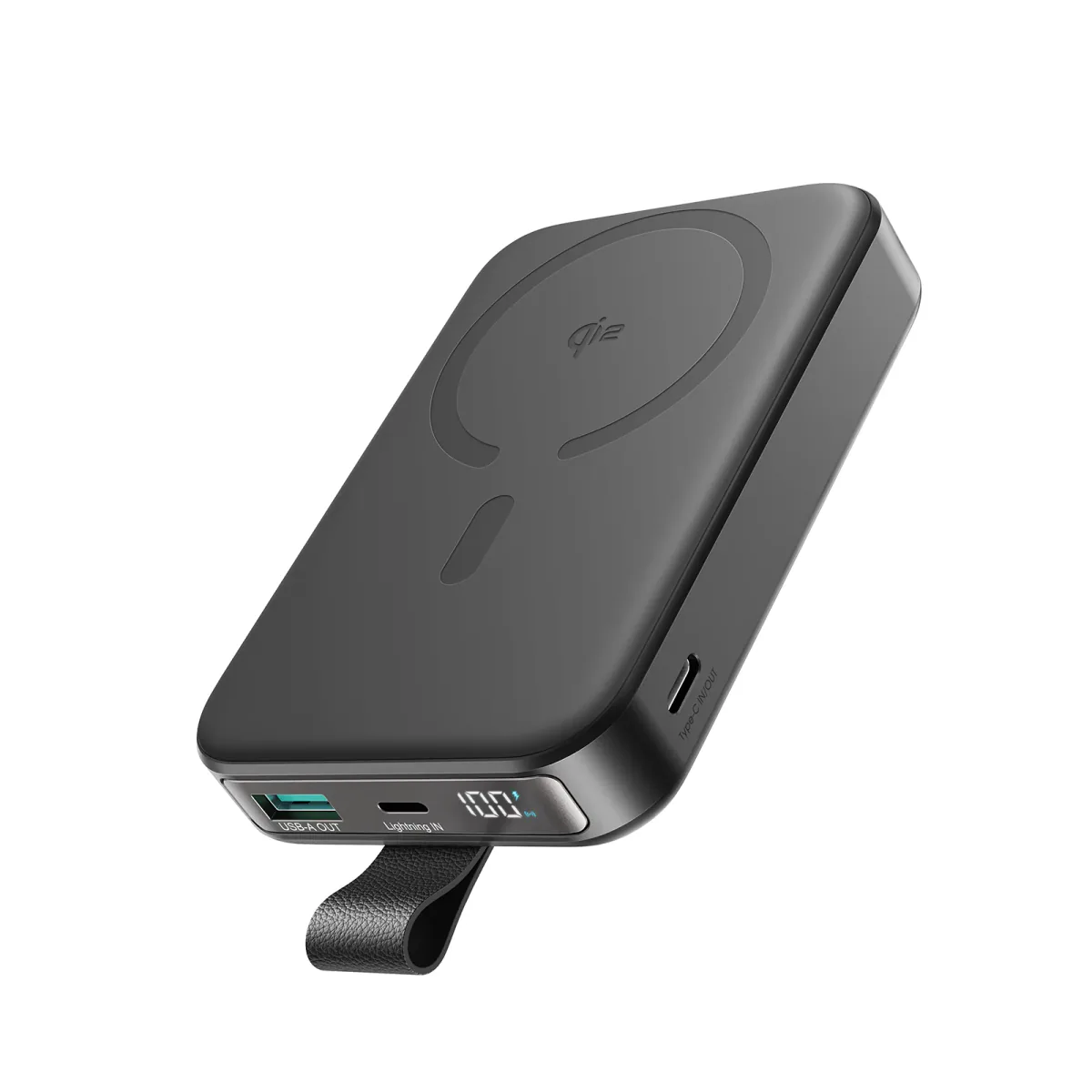
- 🔋 Choose 10,000mAh over 5,000mAh: Avoid 5K capacity packs because they will only charge your large 4,352mAh iPhone battery to about 60%. A 10K pack, like the Joyroom MagSafe 10,000mAh Power Bank, accounts for wireless efficiency losses and provides 1.5 full charges.
- ⚡ Convenient Wireless Usage: MagSafe chargers align perfectly with the phone's back, allowing you to hold the phone, snap photos, and use navigation while it charges without any hanging cables.
2. Fast-Charging Power Delivery (PD) Power Banks
If you need to rapidly top up your phone on road trips or during heavy outdoor shifts, a wired connection is faster and more energy-efficient:
- 🚀 Peak 27W Speeds: The iPhone 13 Pro Max can draw up to **27W** of power when connected to a USB-PD wall adapter or power bank via a USB-C to Lightning cable.
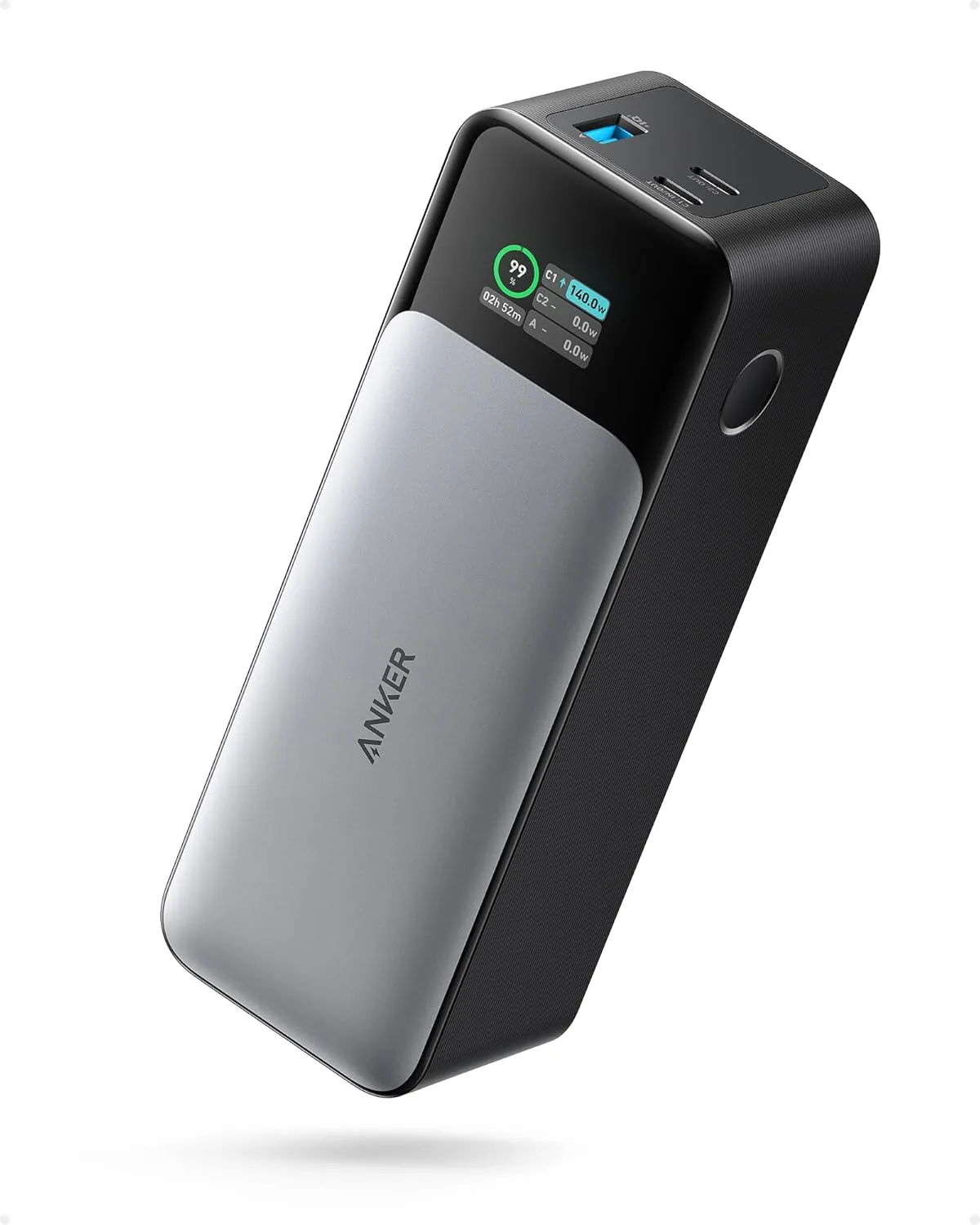
- 🔋 High-Capacity Backup: We recommend using the Joyroom 20,000mAh 22.5W Power Bank. It provides enough capacity for **3 full charges** and can power the iPhone from 0% to 50% in just 30 minutes.
- 🔌 All-in-One Convenience: If you tend to forget your charger or cable at home, the newly stocked Anker × Wukong 3-in-1 (2,999 EGP) solves it elegantly: a built-in USB-C cable, a built-in wall plug that recharges the bank anywhere, and 10,000mAh of capacity — nothing extra to forget.
4. Choosing a Certified Charging Cable
The quality of your charging cable directly impacts battery health. Cheap, uncertified cables use low-grade copper wires that increase electrical resistance, causing a voltage drop. This generates heat in both the charging port and the battery, accelerating cellular aging.
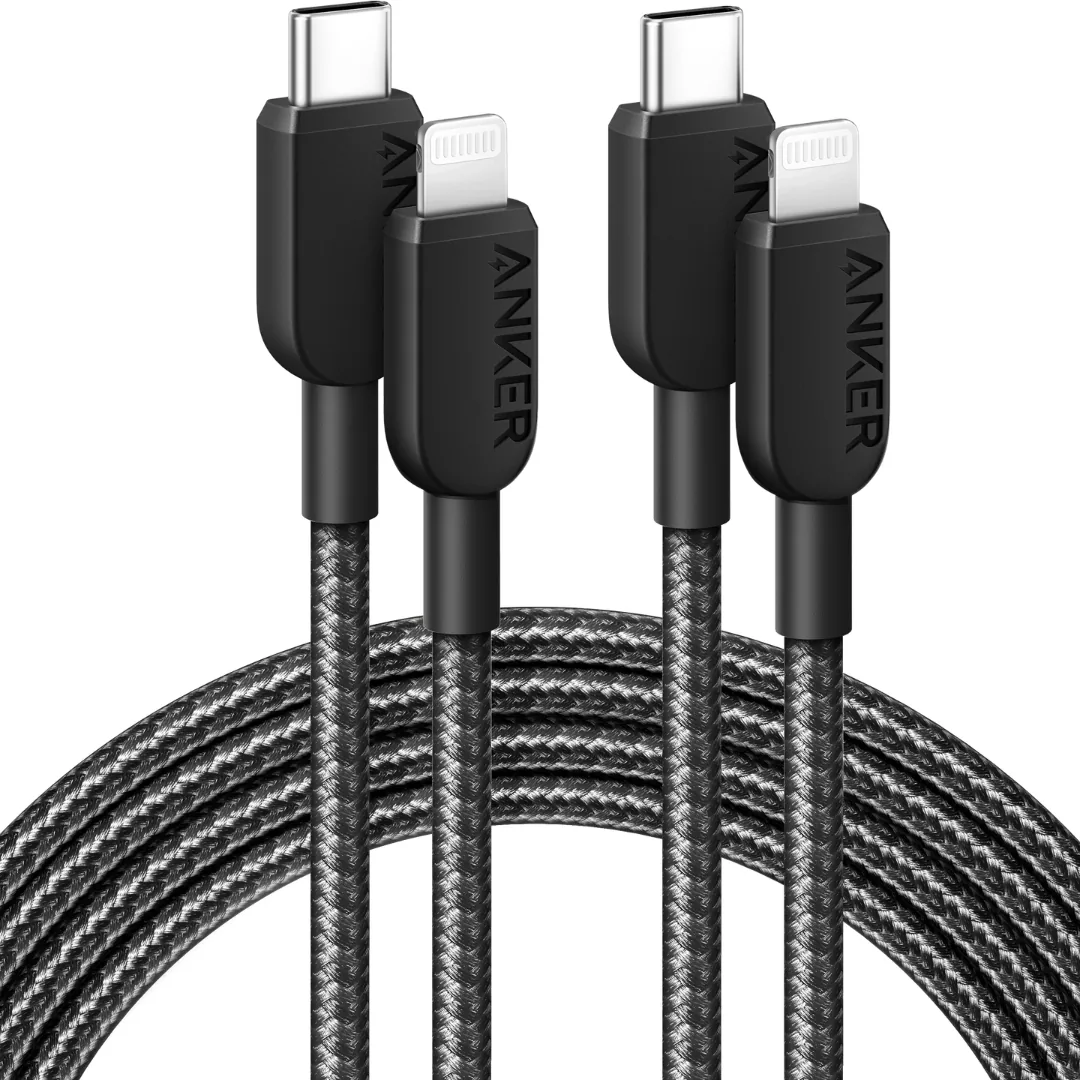
Always use an MFi (Made for iPhone) certified cable, such as the Anker PowerLine USB-C to Lightning Cable. It includes Apple's official C94 connector chip, which regulates voltage, controls current flow, and protects your device from voltage spikes. For a more budget-friendly certified option, the Anker 310 USB-C to Lightning cable (730 EGP) is also fully MFi certified and takes the iPhone from 0% to 50% in about 30 minutes on any PD charger or power bank.
5. Accessory Compatibility Summary for iPhone 13 Pro Max
| Accessory Type | Technical Spec | Expected Performance | Recommended Pick |
|---|---|---|---|
| MagSafe Power Bank | 10,000mAh (7.5W to 15W wireless) | ~ 1.5 full charges | Joyroom MagSafe 10K |
| Wired Power Bank | 20,000mAh (22.5W / PD output) | ~ 3 full charges | Joyroom 20K PD |
| Lightning Cable | Braided USB-C to Lightning (MFi) | Supports up to 27W fast charging safely | Anker PowerLine MFi |
6. Verdict and CairoVolt Recommendation
Opening your iPhone 13 Pro Max for a battery replacement should be your last option, only if the health is below 70%, and must be done at an authorized Apple service center to preserve the water seal and original parts. If your battery health is around 78% to 82%, investing in a **10,000mAh MagSafe power bank** or a **20,000mAh PD fast charger** is the smarter choice. It protects your phone's resale value and guarantees you stay powered without risking third-party repair issues.
To avoid further stress on your battery and extend its operational life, we highly recommend reading our guide on whether fast charging damages your phone's battery health to avoid daily charging mistakes.

CairoVolt Editorial Team
Content team reviewing specifications and buying guides
The CairoVolt team reviews model numbers, specifications, and compatibility, and updates information when better data is available. Estimates are labeled as calculations, and readers can report information that needs correction.
Frequently Asked Questions
Are genuine iPhone 13 Pro Max replacement batteries available in local Egyptian repair shops?▼
What are the consequences of opening an iPhone 13 Pro Max to replace the battery?▼
Why does a 5,000mAh MagSafe power bank only charge an iPhone 13 Pro Max to about 65%?▼
Does MagSafe wireless charging overheat the iPhone 13 Pro Max and damage its battery?▼
Ready to Buy?
Browse available products and review specifications and CairoVolt warranty terms before ordering
Related products
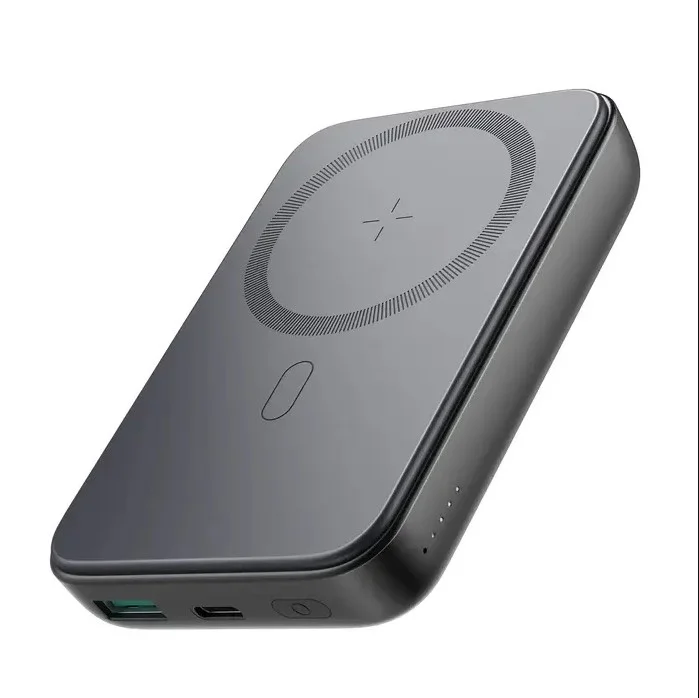
Joyroom MagSafe Power Bank 10000mAh | 15W Wireless + 20W Wired | Kickstand
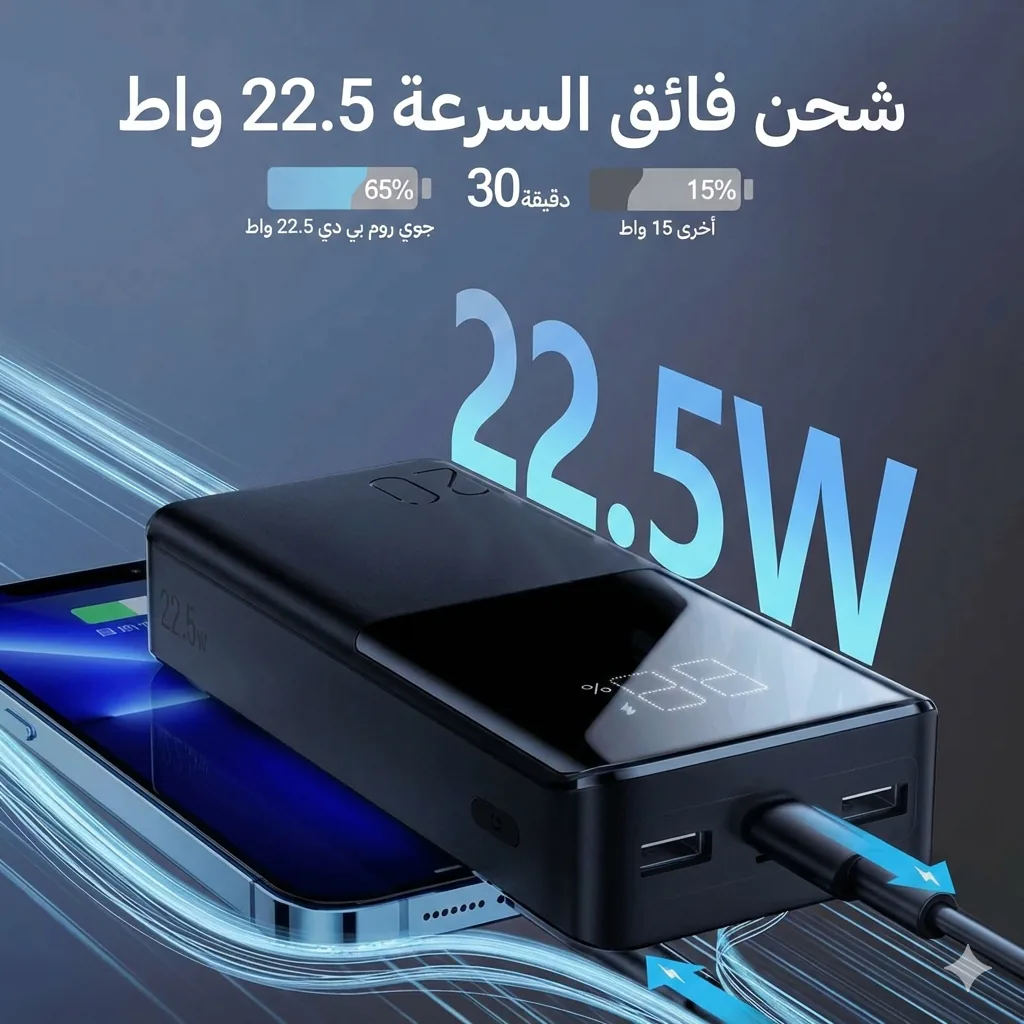
Joyroom 20000mAh Power Bank | 22.5W PD+QC | Triple Output
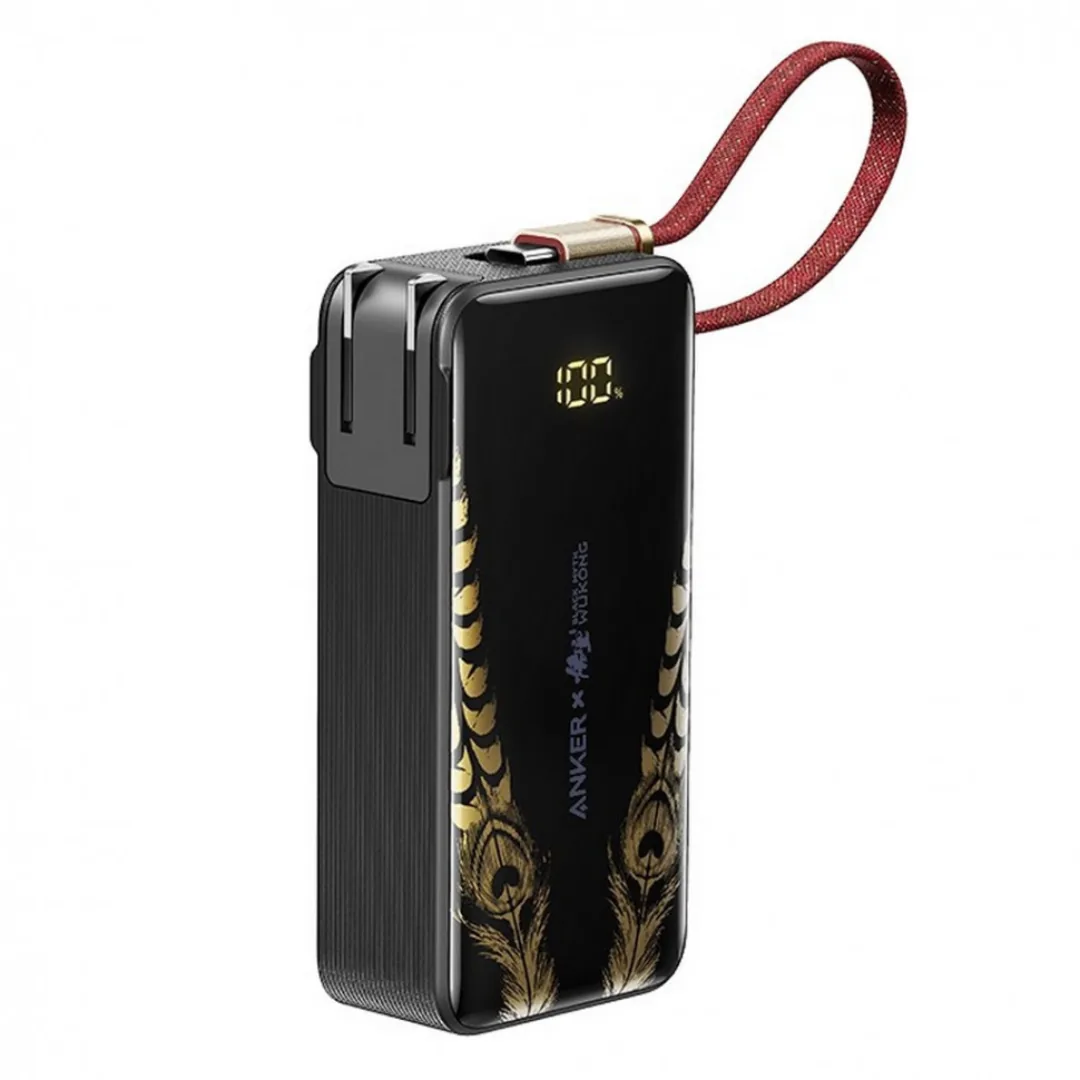
Anker x Black Myth: Wukong 3-in-1 Power Bank (A1637) — Built-in Cable + Foldable AC Plug | 10000mAh 30W GaN
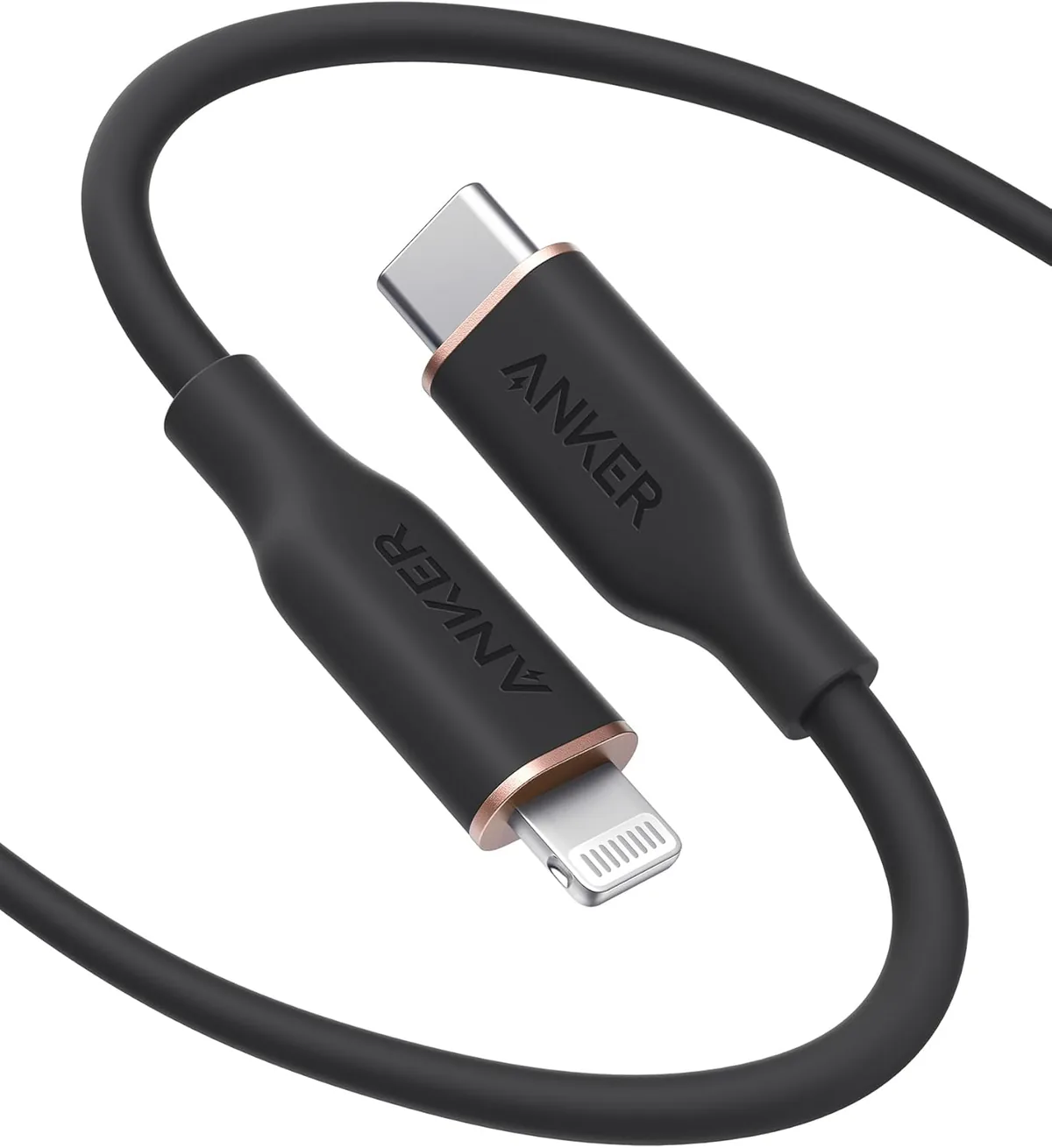
Anker PowerLine Select USB-C to Lightning (A8612H11) | Verify MFi | USB-PD
Anker 310 USB-C to Lightning (A81A5) | Verify MFi, USB-PD and Bend-Test Listing
Joyroom 10000mAh Slim Power Bank | Dual USB | LED Display