 CairoVolt Team
Best iPhone Charger Guide — MFi Certified vs Non-Certified & Real Charging Speeds
Searching for the ultimate charger for your new iPhone? In this detailed guide, we compare official Apple adapters against Anker and Joyroom MFi-certified alternatives.
TL;DR: The best iPhone charger is a USB Power Delivery (USB-PD) charger: 20W is enough for standard models, while Apple says iPhone 17, 17 Pro and Pro Max reach 50% in about 20 minutes with a 40W or higher adapter. Choose a genuine USB-PD charger, plus an MFi-certified cable if your iPhone uses Lightning.
Ever since Apple made the controversial decision to remove the wall charger from iPhone retail packaging starting with the iPhone 12 series, buying a power adapter has turned into a confusing task. Walking into any mobile accessory store in Egypt, consumers are confronted with countless options: official Apple chargers, Anker Nano adapters, budget Joyroom chargers, and hundreds of cheap counterfeit products labeled "Original."
Choosing the wrong charger does not just result in slower charging times; it poses a direct risk to your iPhone's long-term battery health and can permanently damage the phone's power management IC (U2 chip). In this comprehensive guide from CairoVolt, we explain what MFi certification means, detail the charging speeds of different iPhone generations, and compare the top chargers available in Egypt to help you protect your investment.
💡 Quick Answer: For fast, safe charging, choose a genuine USB Power Delivery (PD) charger: 20W is enough for standard iPhones, and 40W or more lets iPhone 17 reach 50% in about 20 minutes per Apple. If your iPhone uses Lightning, pair it with an MFi-certified cable.
1. What is MFi Certification and Why does it Matter?
MFi stands for "Made for iPhone/iPad/iPod." It is a formal licensing program run by Apple for third-party accessory manufacturers. When a brand purchases this certification, Apple provides them with proprietary hardware chips to integrate into their cables and accessories. This ensures total compatibility and safety.
Non-certified (cheap counterfeit) chargers lack these integrated chips, leading to severe issues:
- Voltage Fluctuations: Cheap adapters do not have stable voltage regulator circuits. The resulting electrical noise overheats the battery, accelerating degradation and causing "Battery Health" percentages to plunge within months.
- System Compatibility Errors: Following iOS updates, non-certified accessories are often blocked by Apple's operating system, displaying the warning: "This accessory may not be supported." (See also: battery drain after an update.)
- Power IC Damage (U2 Chip): The charging chip inside your iPhone is highly sensitive. Low-grade chargers can send high-voltage spikes that fry this controller, making the phone unable to charge or turn on, requiring expensive motherboard logic repair.
2. The Evolution of iPhone Charging Speeds
Contrary to the popular belief that iPhones charge slowly, Apple has incrementally boosted charging capabilities over the years, though they rarely publish the exact wattages. Here are the real-world speeds documented in published independent tests:
- iPhone 8, X, and 11 Series: Supports fast charging via USB-PD at a maximum power of 15W to 18W.
- iPhone 12 and 13 Standard: Supports charging speeds up to 20W.
- iPhone 13 Pro Max and iPhone 14 Series: Supports actual charging speeds up to 23W for standard models and 27W for Pro Max models when paired with a 30W charger.
- iPhone 15 Series: Pro Max models peak at around 27W when the battery is depleted. iPhone 16 Series: The Pro and Pro Max charge faster than the previous generation.
- iPhone 17 Series: Apple says iPhone 17, 17 Pro and 17 Pro Max reach 50% in about 20 minutes with a 40W or higher adapter (Apple Support).
Note that lithium-ion battery charging is non-linear. The fastest 27W speed is only maintained from 0% to 50% battery capacity (which takes about 25 minutes). After 50%, the phone's PMIC slowly reduces power intake to control thermal output, eventually dropping to trickle charging (under 5W) from 80% to 100% to protect the cells from high voltage wear.
3. 20W vs. 30W Chargers: Which is Right for Your iPhone?
Choosing the correct charger wattage depends entirely on your specific iPhone model:
- Buy a 20W Charger if you own: iPhone 11, iPhone 12 (all models), iPhone 13 / 13 mini, or iPhone 14. These devices cannot draw more than 20W, so buying a larger adapter will not speed up your charge times.
- Buy a 30W Charger if you own: iPhone 13 Pro Max, iPhone 14 Pro Max, or any model in the iPhone 15 or 16 series. These devices can draw around 27W when depleted (rising to about 30W on the iPhone 16 Pro and Pro Max), saving you about 15 minutes of overall charge time compared to a 20W charger.
Safety Myth: Is it dangerous to charge an iPhone with a 61W or 96W MacBook Pro charger? No. The iPhone's power delivery system only draws the maximum wattage it is rated for (20W or 27W). The adapter will not force excess power into the phone.
4. Technical Comparison of Best iPhone Chargers in Egypt
Here is how the most popular iPhone-compatible chargers stack up in the Egyptian market:
| Charger Model | Max Output | MFi Certified | Key Features | Price |
|---|---|---|---|---|
| Apple Official 20W | 20W USB-PD | Yes (First-party) | Official accessory, guaranteed iOS compatibility | Price varies by seller |
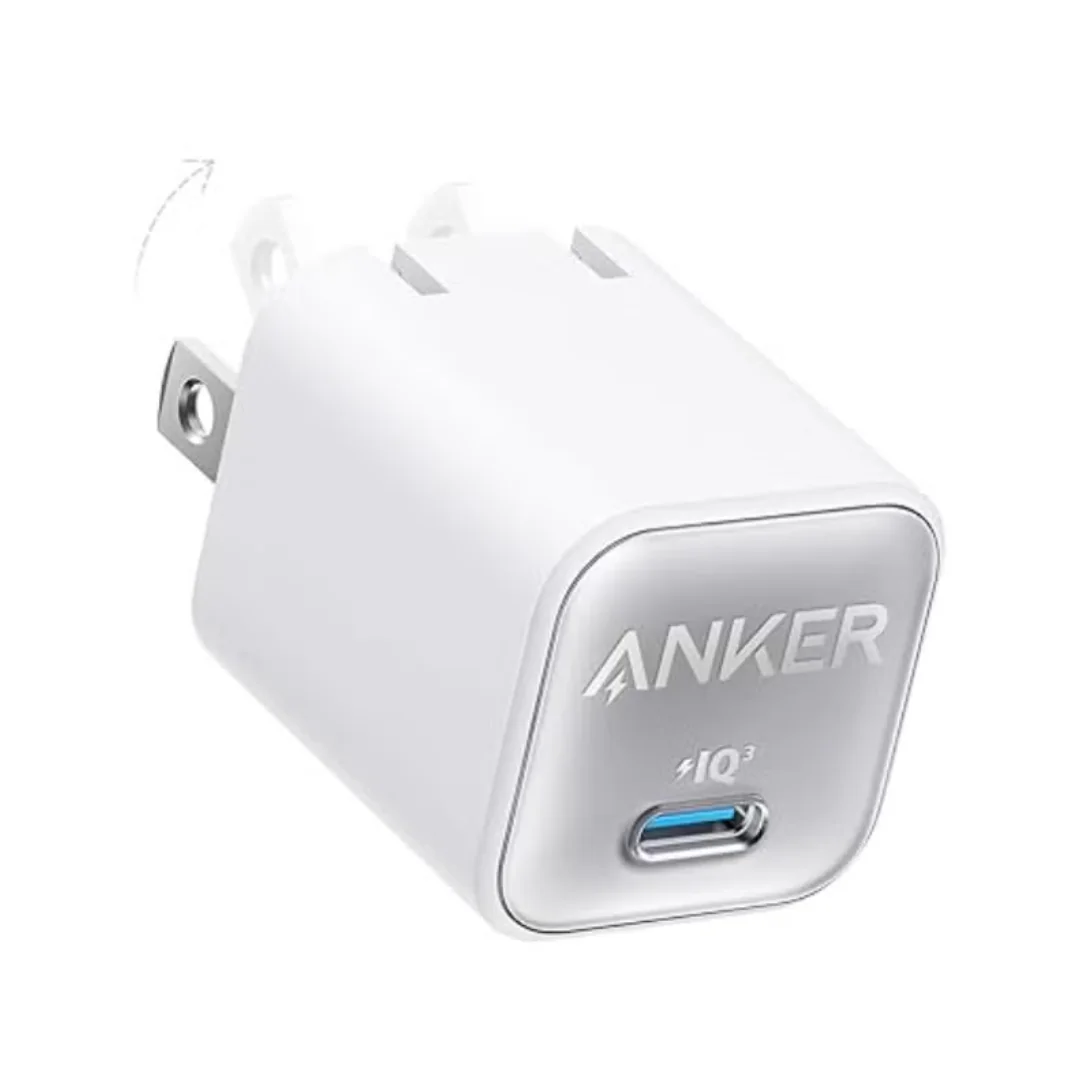
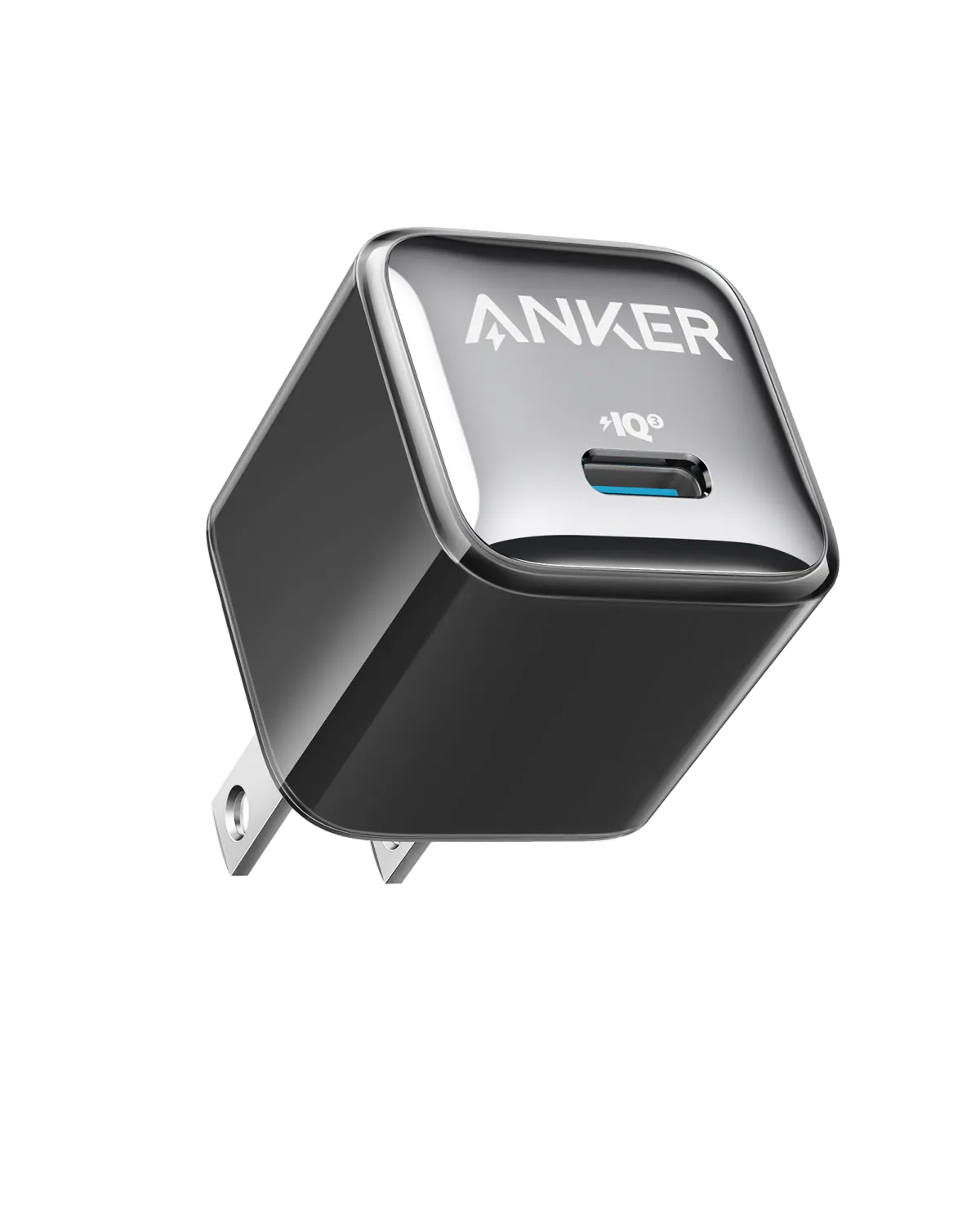
| Anker 511 Nano 3 30W (A2147) | 30W USB-PD / PPS | — | Small GaN form factor; we measured 29.5W | EGP 490 |
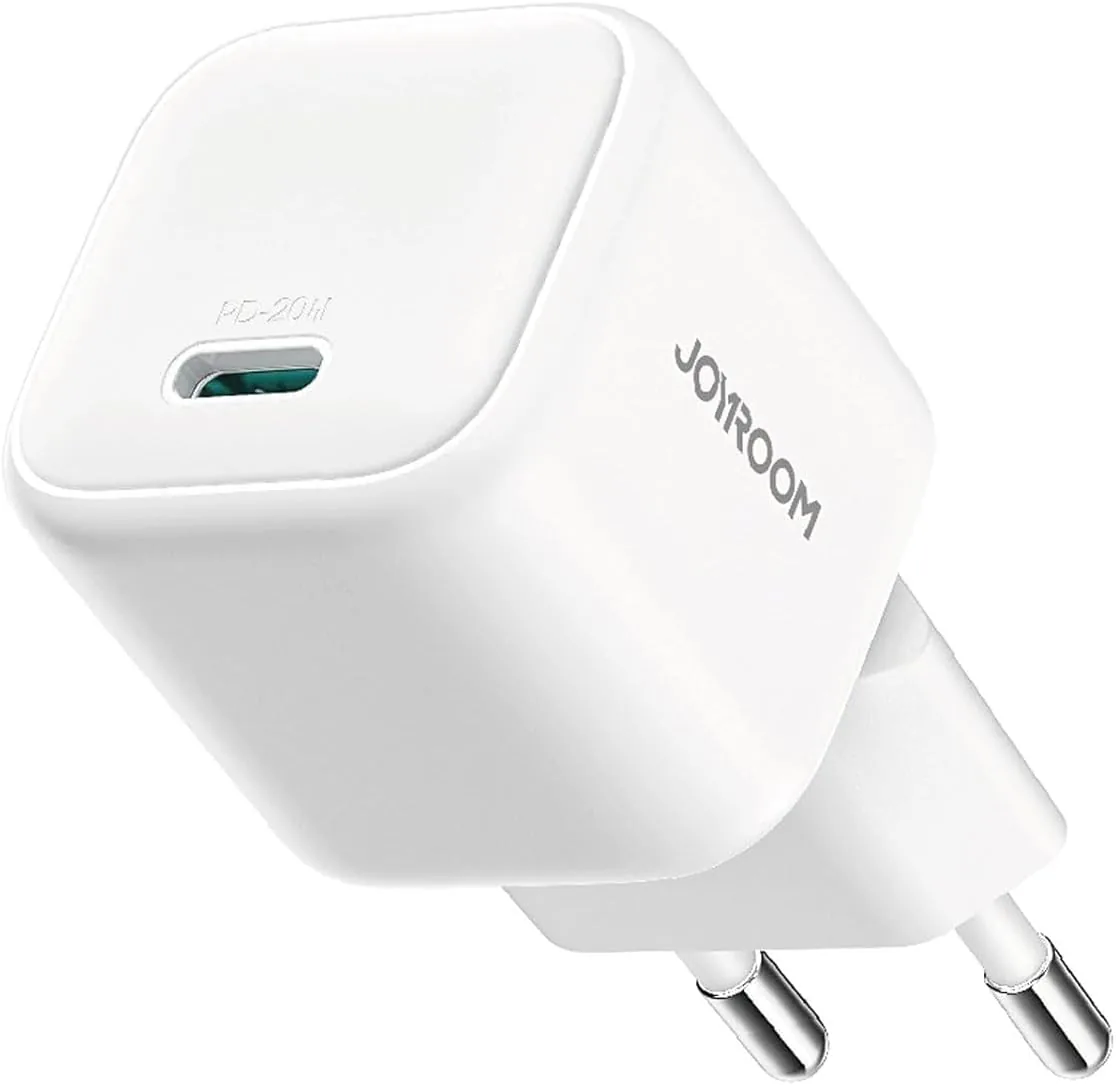
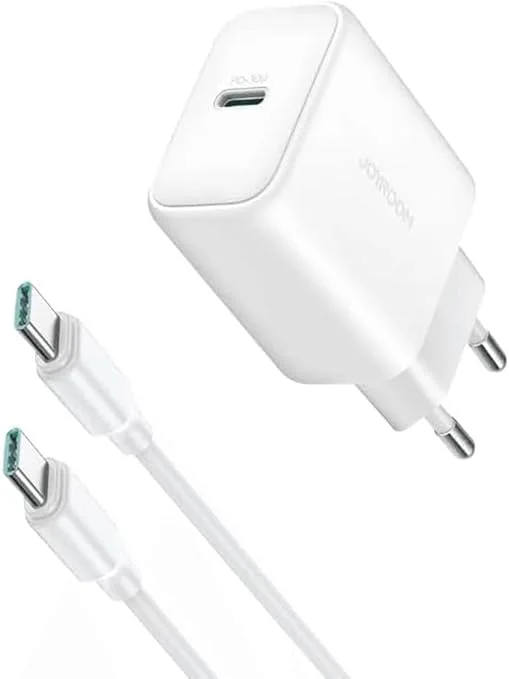
| Joyroom 20W (JR-TCF20) | 20W USB-PD | — | Budget option | EGP 236 |
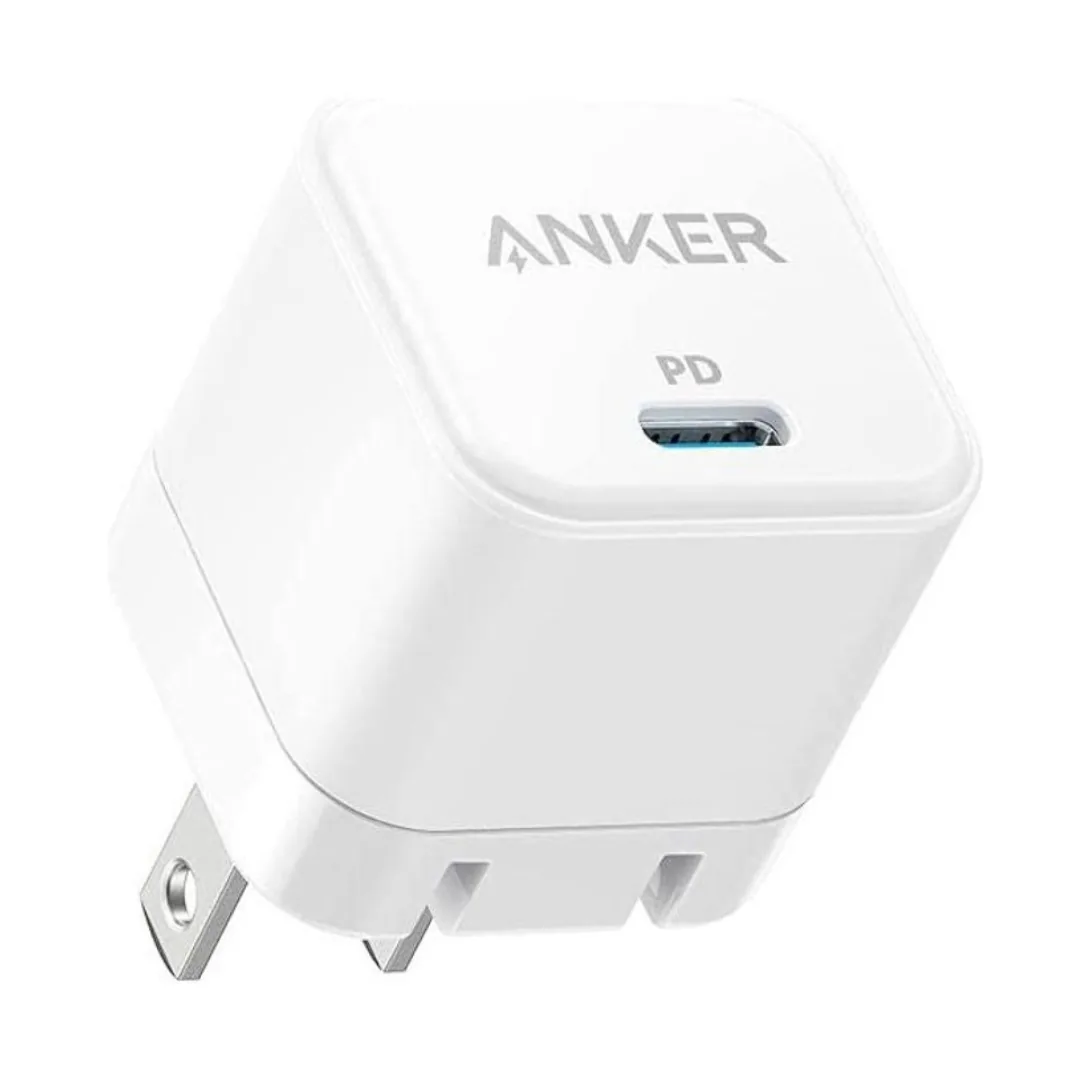
| Anker PowerPort III 20W | 20W USB-PD | — | Durable 20W PD cube, an alternative to Apple's 20W adapter | EGP 520 |
5. How to Spot Counterfeit Apple 20W Chargers
The official Apple 20W charger is one of the most counterfeited products in the Egyptian market. Many high-copy replicas look identical but feature dangerous internal components. Perform these checks to verify authenticity:
- The Weight Verification: An authentic Apple 20W adapter contains high-density transformers and heat sinks. Cheap counterfeits often use lighter internals and feel noticeably lighter in the hand. Weight alone is not proof — check it alongside an invoice, a written warranty and Apple's own documentation.
- Print Crispness: Genuine Apple chargers feature light grey text printed with extreme precision. Replicas often have slightly fuzzy, dark grey or bluish text, occasionally with spelling errors.
- USB-C Port Internals: Look inside the USB-C port of the charger. Original Apple chargers feature a grey or off-white central plastic tongue. Fake chargers often use dark grey or black plastic tongues.
- Matching Serial Numbers: The serial number printed inside the USB-C port must match the serial number printed on the product packaging.
6. Practical Guidelines to Maintain iPhone Battery Health
To maximize the lifespan of your iPhone's lithium battery and keep the "Battery Health" percentage high, follow these rules:
- Turn on Optimized Battery Charging: Enabled in iOS settings, this feature limits charging to 80% overnight, only completing the final 20% right before you wake up to reduce chemical stress.
- Do Not Play Games While Charging: Heavy gaming generates processor heat, which combines with the charger's heat. High temperatures are highly destructive to lithium cells.
- Avoid Deep Discharges: Try not to let your battery fall below 20%. Deep discharges put significant chemical stress on the battery anode.
7. Understanding GaN (Gallium Nitride) Tech in Modern Adapters
Gallium Nitride, or GaN, is a high-performance material that has started replacing traditional silicon in power semiconductors. GaN transistors are much more efficient at conducting electricity and switching states than their silicon counterparts. This increased efficiency translates directly into less energy being wasted as heat. In practical terms, this allows companies like Anker to build compact chargers (such as the Anker 511 Nano 3 30W) that waste less energy as heat.
8. The Impact of Cable Quality on Charging Speeds
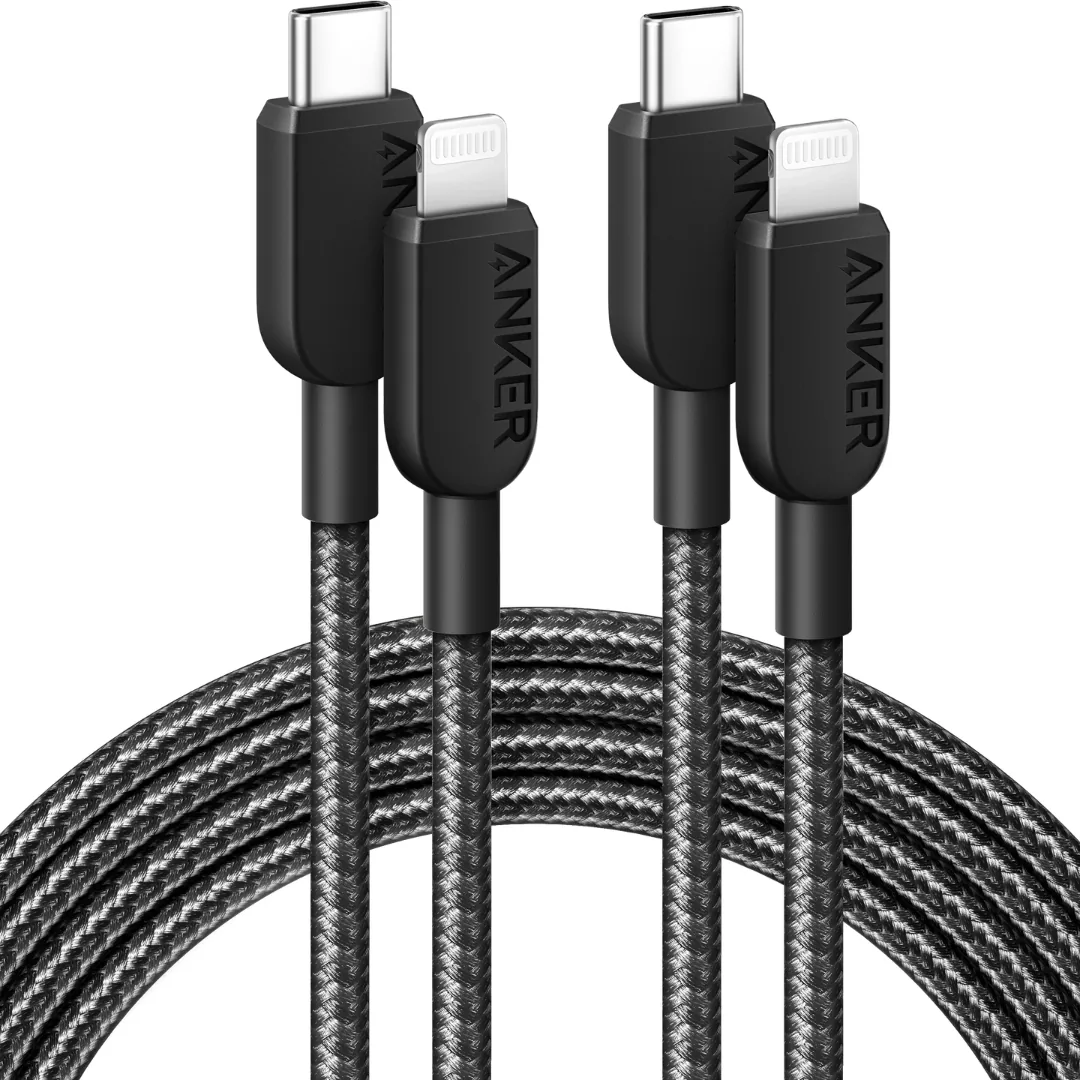
While most users focus exclusively on the wall adapter, the charging cable is equally important. A cable is the physical pipe for current. Low-quality, cheap unbranded cables use thin gauge copper wires with high electrical resistance. This causes a significant voltage drop across the cable, converting precious electrical energy into resistive heat. As a result, even if you plug a premium 30W adapter into the wall, a low-quality cable will bottleneck the speed, delivering only 5W to 10W to your phone. Always pair your charger with a certified MFi cable or high-quality braided options from reputable brands like Anker or Joyroom. If your iPhone still uses a Lightning port, the Anker 310 USB-C to Lightning cable (EGP 730) is our top recommendation: it is MFi certified and takes an iPhone from 0% to 50% in about 30 minutes on any PD charger.
9. Advanced Power Negotiation and Dynamic Voltage Scaling (DVS)
Whenever you connect a modern iPhone to a compatible fast charger, a complex software handshake takes place. Unlike older USB ports that supplied a fixed 5V potential, USB Power Delivery (PD) communicates over the CC (Configuration Channel) pins of the USB-C interface. The wall charger advertises its power capabilities (e.g., 5V/3A, 9V/2.22A, 15V/2A), and the iPhone selects the profile that aligns with its current state of charge. During the bulk charging phase (0% to 50%), the iPhone requests 9V at up to 3A (27W) for rapid energy injection. As the internal battery voltage increases and hits the 80% threshold, the phone negotiates a lower power profile, shifting down to 5V at 1A to protect the delicate lithium cobalt oxide chemistry from thermal degradation. This process is known as Dynamic Voltage Scaling.
10. Thermal Throttling Heuristics under iOS
iOS continuously monitors the battery pack's internal temperature using multiple sensors embedded in the motherboard. If the battery cell temperature exceeds 41°C (105.8°F), the operating system triggers safety heuristics to prevent permanent capacity degradation. First, the charging speed is throttled to roughly 5W. If the temperature continues to rise, charging is paused entirely at 80% until the device cools down. High-quality chargers designed with efficient GaN controllers minimize the heat transferred through the charging port, preventing thermal throttling from interrupting your fast charging cycle.
11. Electrical Stability and Power Outages in Egypt
The Egyptian electricity grid sometimes experiences minor power fluctuations, especially during load-shedding cycles when electricity is restored. High-quality wall chargers from Apple or Anker are built with over-voltage and over-current protection mechanisms. If an electrical spike occurs, these chargers are designed to absorb the surge and protect the connected iPhone, sacrificing themselves if necessary. In contrast, cheap unbranded chargers lack these protection systems and will pass the electrical surge directly to your phone, potentially frying the motherboard. This makes investing in a premium, certified charger a form of insurance for your expensive mobile device.
In conclusion, investing in a genuine USB-PD charger such as the official Apple 20W or the Anker 511 Nano 3 30W, plus an MFi-certified cable if your iPhone uses Lightning, is essential to preserve your iPhone's battery health. Avoid unbranded wall adapters to ensure safety and performance.
CairoVolt Team
Tech Editor
Frequently Asked Questions
Can I use my iPad or MacBook charger to charge my iPhone?▼
How do I know if my charging cable is MFi certified?▼
Does fast charging degrade my iPhone battery faster?▼
Why does my iPhone stop charging at 80%?▼
Ready to Buy?
Browse available products and review specifications and CairoVolt warranty terms before ordering
Related products
Anker 511 Nano 3 GaN Charger 30W (A2147) | USB-C PD | IQ3
Joyroom 20W USB-C PD Charger | iPhone 17 Fast Charge
Anker PowerPort III 20W Cube A2149P21 — USB-C PD | Check Device Profile
Anker 310 USB-C to Lightning (A81A5) | Verify MFi, USB-PD and Bend-Test Listing
Anker A2347K11 20W USB-C PD Charger | Check Device Profile and Plug
Joyroom 30W PD+QC Wall Charger | Dual USB-C and USB-A Ports
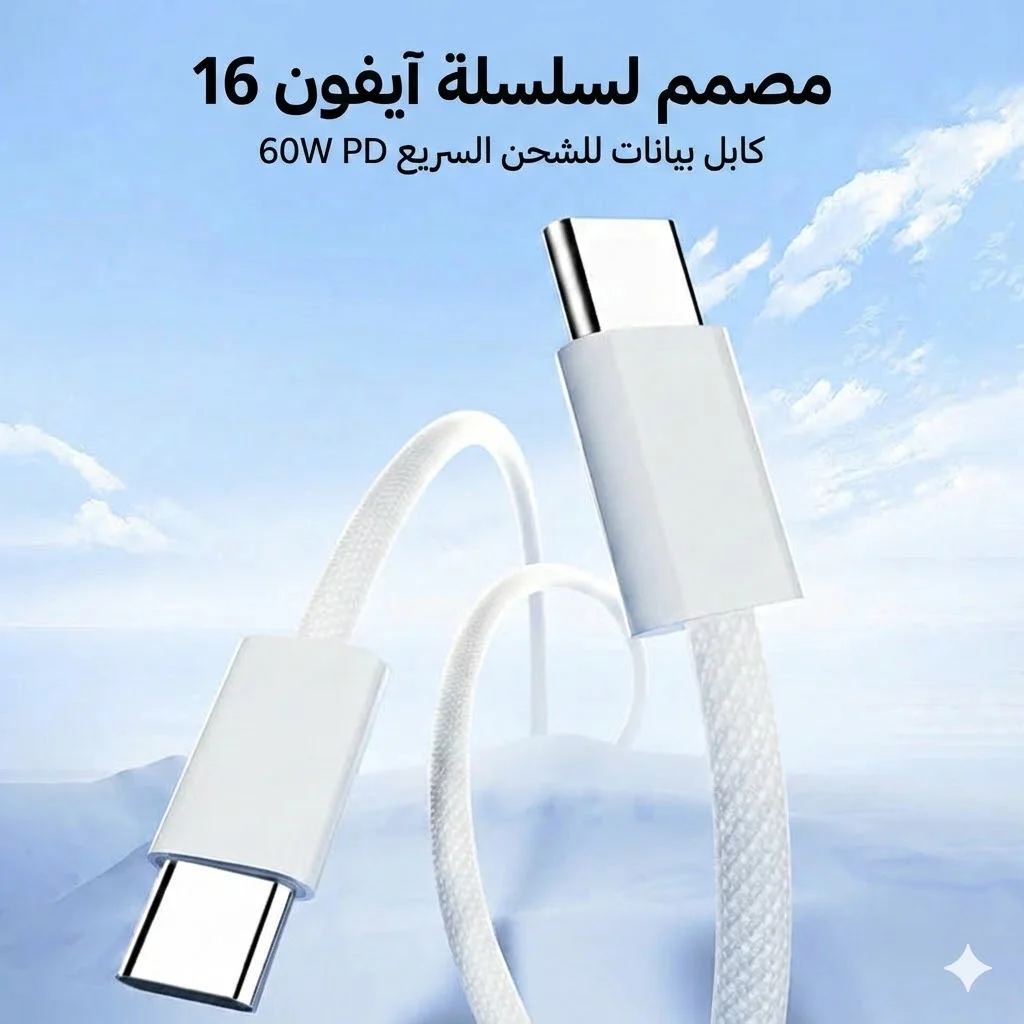
Joyroom 60W USB-C to USB-C Fast Charging Cable
Related Articles
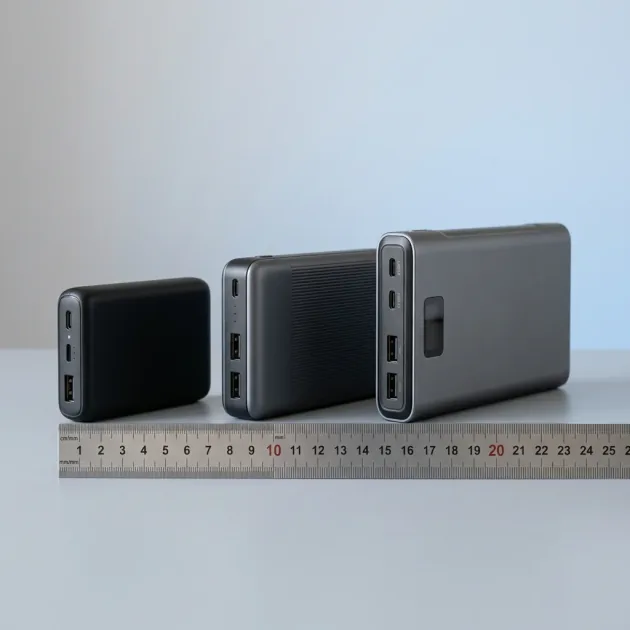
Anker 20000mAh Power Banks — All Models Compared: Price, Weight and Charging Speed
Read more →
Best Qi2 Wireless Charger in Egypt — Guide to Choosing Compatible Charger and Devices
Read more →