USB-C to 3.5mm Jack Adapter Guide — Best Audio Adapters for Wired Earphones
Your new phone doesn't have a headphone jack, but your old wired earphones still sound amazing? Here is how to choose the right adapter and avoid cheap clones.
Bottom Line: To connect wired earphones (3.5mm jack) to a new USB-C phone, you must buy an Active Adapter with a built-in DAC chip. Avoid cheap Passive Adapters (analog pass-through) because they do not work on modern devices like iPhone 15/16, Samsung Galaxy S/A series, or iPads, which require digital-to-analog decoding inside the adapter.
It’s 7:30 AM. You’re heading out for a long daily commute on the Cairo metro or in a crowded microbus, and you have curated the perfect playlist to block out the chaos and find your zone. You pull out your trusted wired earphones—the ones that have survived years of daily abuse, never need charging, and sound incredibly reliable. You grab the classic 3.5mm circular headphone jack, go to plug it into your shiny new phone, and... you freeze. There is no headphone jack! Your new smartphone only has a single, lonely USB-C port.
In that moment, you feel a sense of technological betrayal. Phone manufacturers decided to remove the port that served us for decades just to save a few millimeters of thickness and push us toward buying expensive wireless earbuds. This leaves you with a difficult dilemma: either discard your perfectly fine wired earphones for expensive Bluetooth alternatives (which might die in the middle of your day), or buy a dongle (adapter) and enter the confusing minefield of adapter compatibility. As an electronics engineer, I will break down this technology for you. You will learn how to choose the right adapter without sacrificing audio quality, and why that cheap 25 EGP adapter from a street kiosk might not work on your device at all.
To connect a 3.5mm wired earphone to a modern USB-C phone, **you must buy an Active Adapter with a built-in DAC chip**. Modern flagship and mid-range devices like the iPhone 15/16 series, Samsung Galaxy S and A series, and iPads output digital audio only. They rely on the adapter to decode the signal. Avoid cheap **Passive Adapters** (analog pass-through) because they lack this chip and will trigger the "Accessory Not Supported" error on your phone.
1. Why Did the 3.5mm Jack Disappear? (The Physics of the Decision)
As a communications engineering professor, I must tell you that the 3.5mm jack is one of the oldest analog interfaces still active in modern technology—its origins date back to the early 20th century in telephone switchboards! The fact that it survived for over a century is a testament to its simple and brilliant electrical design. However, in modern smartphone engineering, space inside the phone body is measured in micrometers, and manufacturers are constantly fighting for room to fit larger batteries, massive camera sensors, and robust water and dust sealing gaskets (IP68 rating).
The 3.5mm jack is a relatively long and deep metal cylinder. When engineers remove this cylinder from the main logic board, they can reclaim that physical space to increase battery capacity by 5% to 10%, improve the haptic vibration engine, or decrease the overall thickness of the phone. There is also a major commercial incentive: nudging users toward buying highly profitable proprietary wireless earbuds. But the biggest challenge isn't just the physical hole; it's the way audio signals are processed inside your phone.
2. The Digital Reality: What is a DAC and Why Do You Need It?
To understand the adapter dilemma, we must look at the fundamental physics of sound. The audio that your ears hear consists of continuous analog acoustic waves in the air. However, the music files stored on your phone or streamed via Spotify and YouTube are digital data—nothing but collections of zeros and ones (PCM digital data). For this digital data to become actual sound waves that vibrate your eardrums, it must pass through an electronic translator called a DAC, which stands for Digital-to-Analog Converter.
Historically, this DAC chip was built directly onto the phone's motherboard. The phone would decode the digital files internally, convert them into an analog electrical signal, and send that signal directly to the 3.5mm port, which immediately powered your earphones. When companies removed the headphone jack, they also removed this internal analog output pathway. The USB-C port is fundamentally a digital-only interface designed for high-speed data. The phone now sends the raw, unprocessed digital audio data (zeros and ones) out of the USB-C port and expects the connected accessory to handle the conversion. This is why the adapter itself must now act as the DAC.
3. Active vs. Passive USB-C Adapters (The Street-Kiosk Trap)
If you visit local accessory markets in Cairo, like El-Ataba or Bab El-Louq, you will find two types of adapters that look identical from the outside but are completely different on the inside:
| Feature | Active Adapter (Built-in DAC) | Passive Adapter (Analog Pass-through) |
|---|---|---|
| Built-in DAC Chip | Yes (Contains dedicated audio decoding chip) | No (Simple physical copper wiring only) |
| Signal Input Type | Digital Audio Data | Analog Audio Signal |
| Device Compatibility | Universal (iPhone 15/16, Samsung, iPad, Laptop) | Extremely limited (Older Chinese phones only) |
| Average Price in Egypt | Moderate to High (300 - 900 EGP for originals) | Very cheap (25 - 50 EGP) |
| Common Error Message | None (Detected as an external sound card) | "Accessory Not Supported" or complete silence |
The engineering secret here lies in an older feature called **Audio Adapter Accessory Mode** in the USB Type-C specifications. This mode allows a phone to output analog audio over specific pins inside the USB-C port if it detects a passive adapter. Some brands like Xiaomi and OnePlus used this method in their older mid-range phones to sell very cheap passive adapters that relied on the phone's internal DAC.
However, modern Apple devices (iPhone 15 and 16 series), Samsung Galaxy flagships (S-series and A-series like A55), iPads, and MacBooks have removed this legacy analog mode entirely. They did this to prevent signal degradation and electromagnetic interference. These phones output digital audio only. Consequently, if you connect a cheap 25 EGP passive adapter, the phone will treat it as a broken cable, display an error, or keep playing audio through the phone's speaker. You absolutely need an active adapter with a built-in DAC chip to act as an external sound card.
4. The Engineer's Checklist for Choosing the Perfect Adapter
If you decide to buy an active adapter, don't pick one at random. Here are the engineering criteria we use at CairoVolt to evaluate audio adapters:
- 🎵 DAC Resolution & Power: A high-quality DAC chip should support at least **24-bit / 96kHz** or **32-bit / 384kHz** audio processing for Hi-Res Audio. Poor quality adapters only support 16-bit / 44.1kHz (CD-quality), which compresses the dynamic range, cuts off high frequencies, and muddles quiet details in your music.
- 💪 Cable Durability & Materials: The short cable connecting the USB-C plug to the 3.5mm jack is highly susceptible to bending stress inside your pocket. Look for adapters with braided nylon sleeving, and ensure there is thick, flexible strain relief at both connectors. If you also need a durable charging cable, we highly recommend looking at the Anker PowerLine series for industrial-grade durability.
- 🎤 Microphone and Inline Control Support (TRRS): Earphones use two main standards for 3.5mm jacks: **CTIA** (the standard used by Apple and most modern headphones) and **OMTP** (an older standard). A premium adapter must support CTIA to ensure that your microphone sounds clear and your volume controls work. Cheap adapters often use OMTP wiring, causing low volume and background hums unless you hold down the mic button!
- 🎮 2-in-1 Splitter Support for Gamers: If you play demanding games like PUBG or FreeFire on your phone and use wired headphones to eliminate audio lag (Zero Latency), your battery will drain quickly. In this case, you need a 2-in-1 splitter adapter that offers a 3.5mm audio jack alongside a USB-C charging port that supports Power Delivery (PD) charging at 30W or higher, allowing you to charge and play safely without overheating.
5. Reviews of the Best USB-C to 3.5mm Adapters in Egypt
Based on published specifications, here is a breakdown of popular adapters in the Egyptian market:
1. Official Apple USB-C to 3.5mm Adapter
This is one of the most popular active adapters globally, retailing for around 450 to 600 EGP in Egypt. It features an incredibly clean DAC chip that rivals high-end professional audio equipment. Sound reproduction is perfectly balanced and distortion-free.
However, the catch is its thin, fragile white cable. If you carry it in your pocket daily, it will likely tear within a few months. Our engineering advice: protect the ends with shrink tubing or a small plastic spring. Additionally, when connected to an Android phone, the maximum volume is lower because Android limits the voltage output to Apple audio accessories to 0.5V (instead of 1.0V) to save power. It works at full volume on iPhone, iPad, and laptops.
2. Official Samsung USB-C Adapter (EE-UC10)
Samsung's official dongle offers 100% compatibility with all Galaxy devices, including the S and A series. It provides full voltage output for loud, punchy sound with perfect microphone and inline control support. Its build quality is slightly sturdier than Apple's, and it costs around 500 to 700 EGP at authorized retailers. A highly reliable choice for Samsung owners.
3. Anker USB-C to 3.5mm Adapters
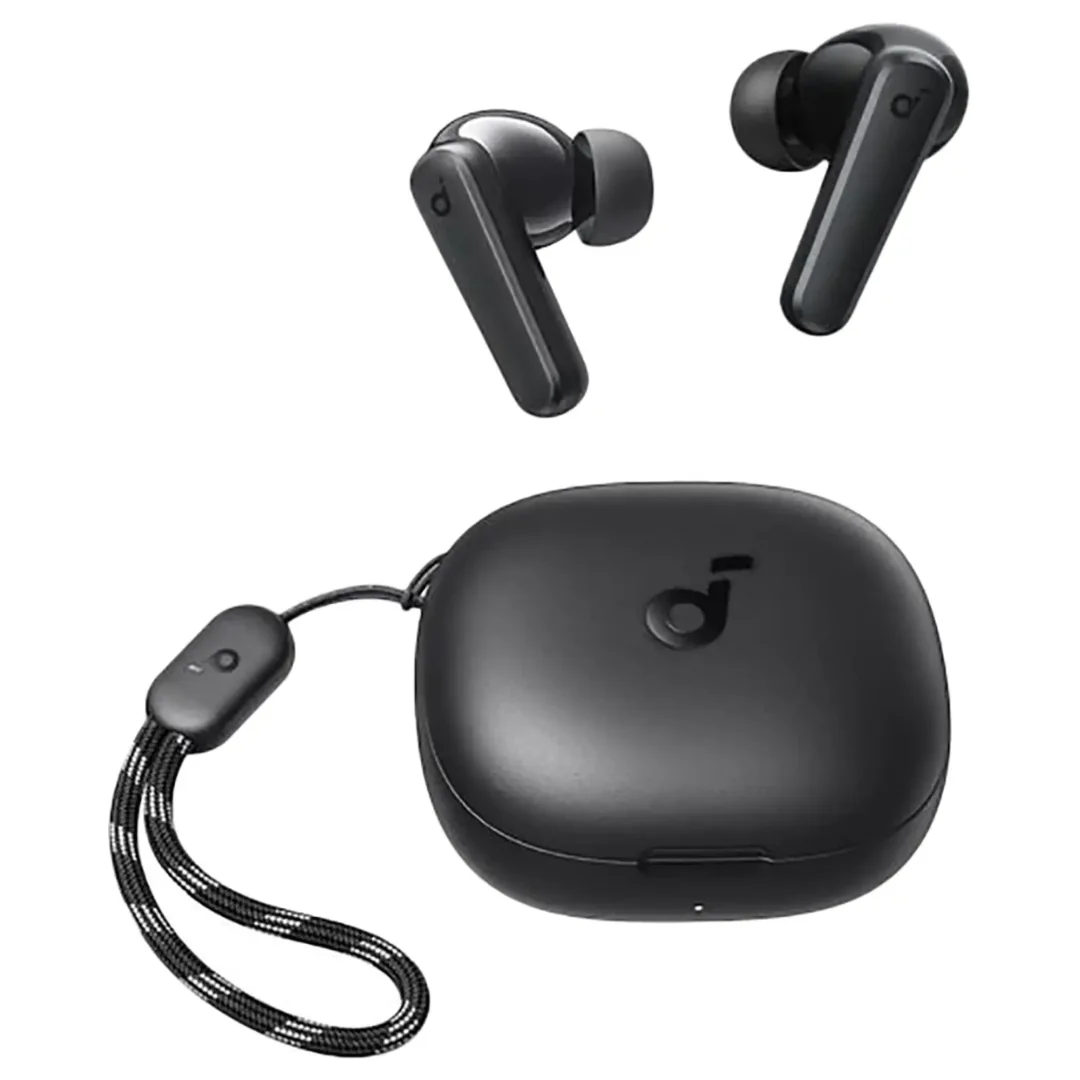
Anker focuses on durability. Their adapters feature a rugged, double-braided nylon exterior and reinforced connectors. They support Hi-Res Audio with a high-fidelity 24-bit/96kHz DAC and work seamlessly across Android, iOS, and PC. While they cost a bit more in Egypt, they are a long-term investment. If you eventually want to ditch cables altogether, consider checking out our reviews for the Soundcore P20i Earbuds or the Soundcore Life Q20, which offer excellent wireless audio and long battery life at a student-friendly price.
4. Joyroom 2-in-1 Splitters
Joyroom excels at providing affordable, specialized accessories for mobile gamers in Egypt. Their 2-in-1 adapters feature aluminum alloy shells, braided cords, and stable PD charging. They decode audio clearly and manage heat well during long gaming sessions.
6. Troubleshooting Common Dongle Issues (CairoVolt Audio Clinic)
If you encounter issues while using your adapter, follow these quick technical fixes:
- 🔇 "Accessory Not Supported" Error: This is a 99% indicator that you are using a cheap passive adapter on a phone that requires digital decoding. The only solution is to replace it with an active DAC adapter.
- ⚡ Buzzing Sound While Charging (Ground Loop): If you hear static when charging and listening simultaneously, it is caused by a ground loop. Use a high-quality wall charger and a shielded USB cable. Avoid cheap, uncertified chargers that leak alternating current frequency into the audio lines.
- 🎙️ Microphone Not Working: Make sure the 3.5mm jack is pushed all the way into the adapter until you hear a firm click. If the problem persists, verify if your headset uses the CTIA standard or is an older OMTP model.
- 📴 Audio Cutting Out When Moving: Your port is full of lint! Pocket lint accumulates inside your phone's USB-C port over time, preventing the adapter from sitting flush. Take a wooden toothpick and gently clean the port (avoid metal pins to prevent damaging the internal contacts). You will be surprised by the amount of dust that comes out, and your adapter will fit securely again. For more details on port maintenance, check our USB-C cable guide for Egypt.
7. Verdict and Final Advice
Your old wired earphones are still valuable; they don't have batteries that degrade after two years, they have zero latency, and they offer audio fidelity that wireless earbuds at twice the price can't match. Investing in an original active USB-C to 3.5mm adapter with a reliable DAC is the best way to keep using them without headaches.
Avoid generic, unbranded street adapters at all costs. They don't just sound terrible; they can cause short circuits in your phone's USB-C port, costing you thousands of EGP in motherboard repairs. If you prefer to go wireless for convenience at the gym or office, you might want to look at a premium noise-canceling model like the Soundcore Space One, which offers great wireless freedom and high-resolution sound.

CairoVolt Editorial Team
Content team reviewing specifications and buying guides
The CairoVolt team reviews model numbers, specifications, and compatibility, and updates information when better data is available. Estimates are labeled as calculations, and readers can report information that needs correction.
Frequently Asked Questions
What is the difference between active and passive USB-C to 3.5mm adapters?▼
Why does my cheap USB-C adapter say "accessory not supported" on Samsung or iPhone?▼
Does a USB-C to 3.5mm adapter affect sound quality?▼
Can I charge my phone and listen to music with a wired headset at the same time?▼
Ready to Buy?
Browse available products and review specifications and CairoVolt warranty terms before ordering
Related products
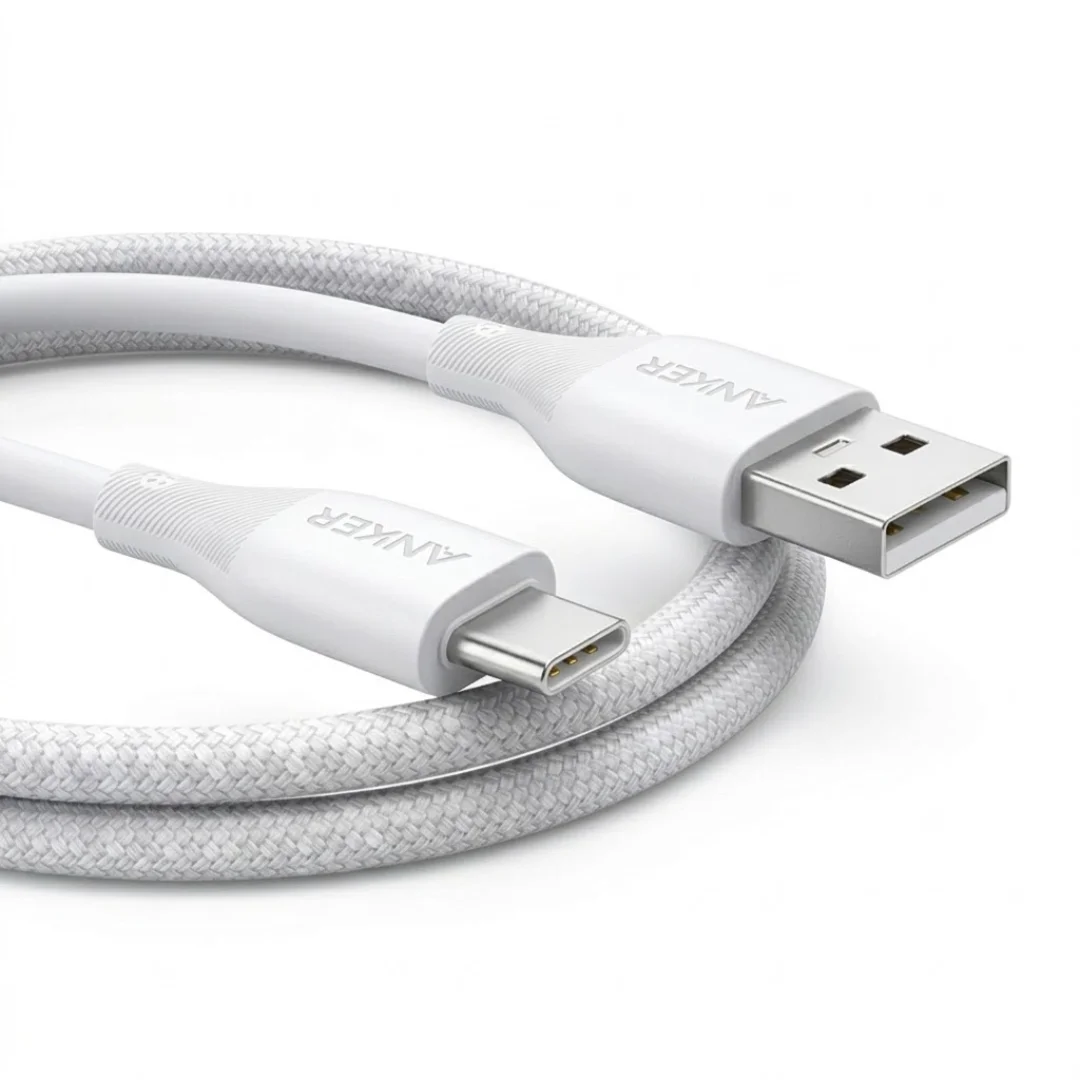
Anker USB-A to USB-C Cable (A8050) | Braided Nylon 1.8m | Fast Charging
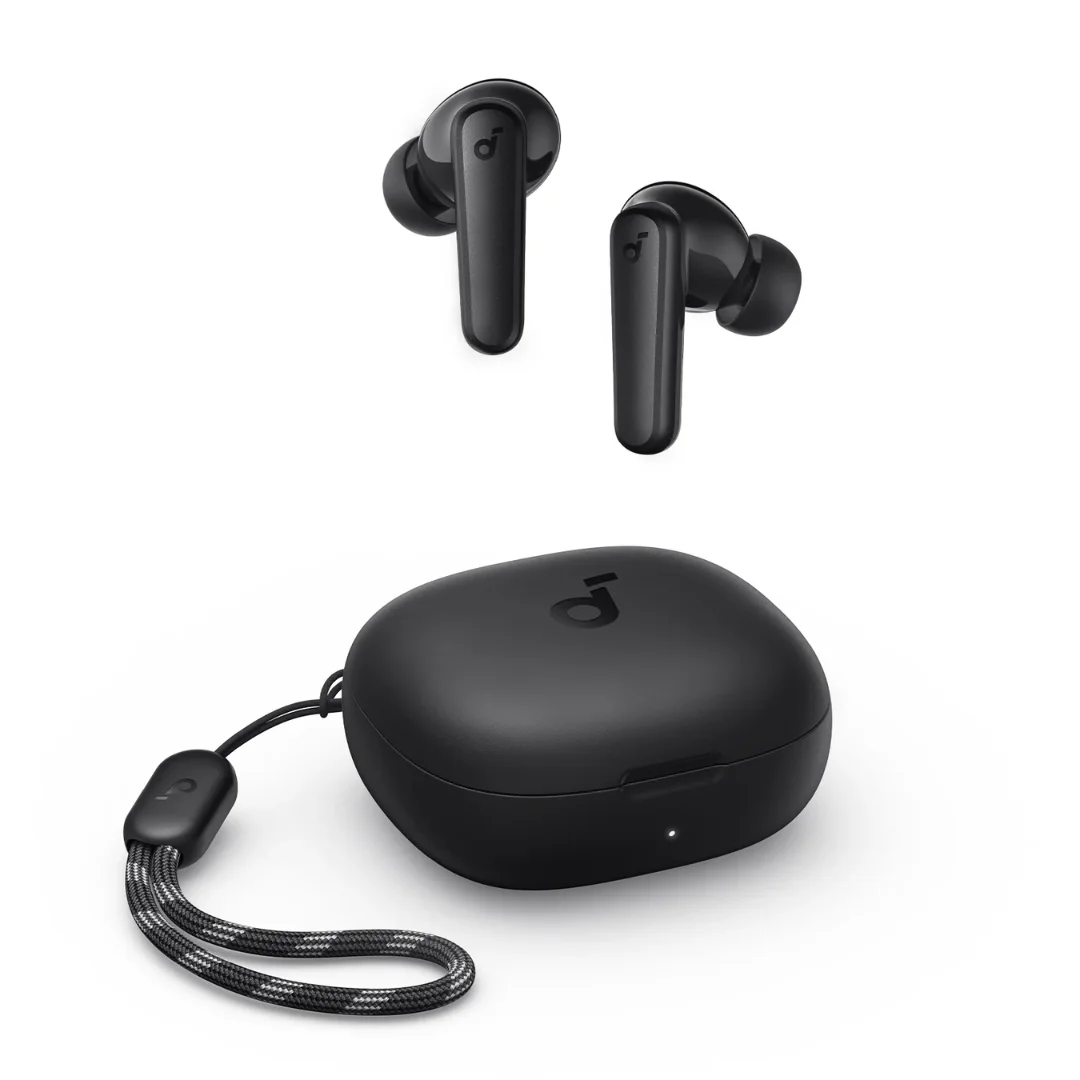
Soundcore P20i | 10mm Drivers | 30h Battery | Bluetooth 5.3
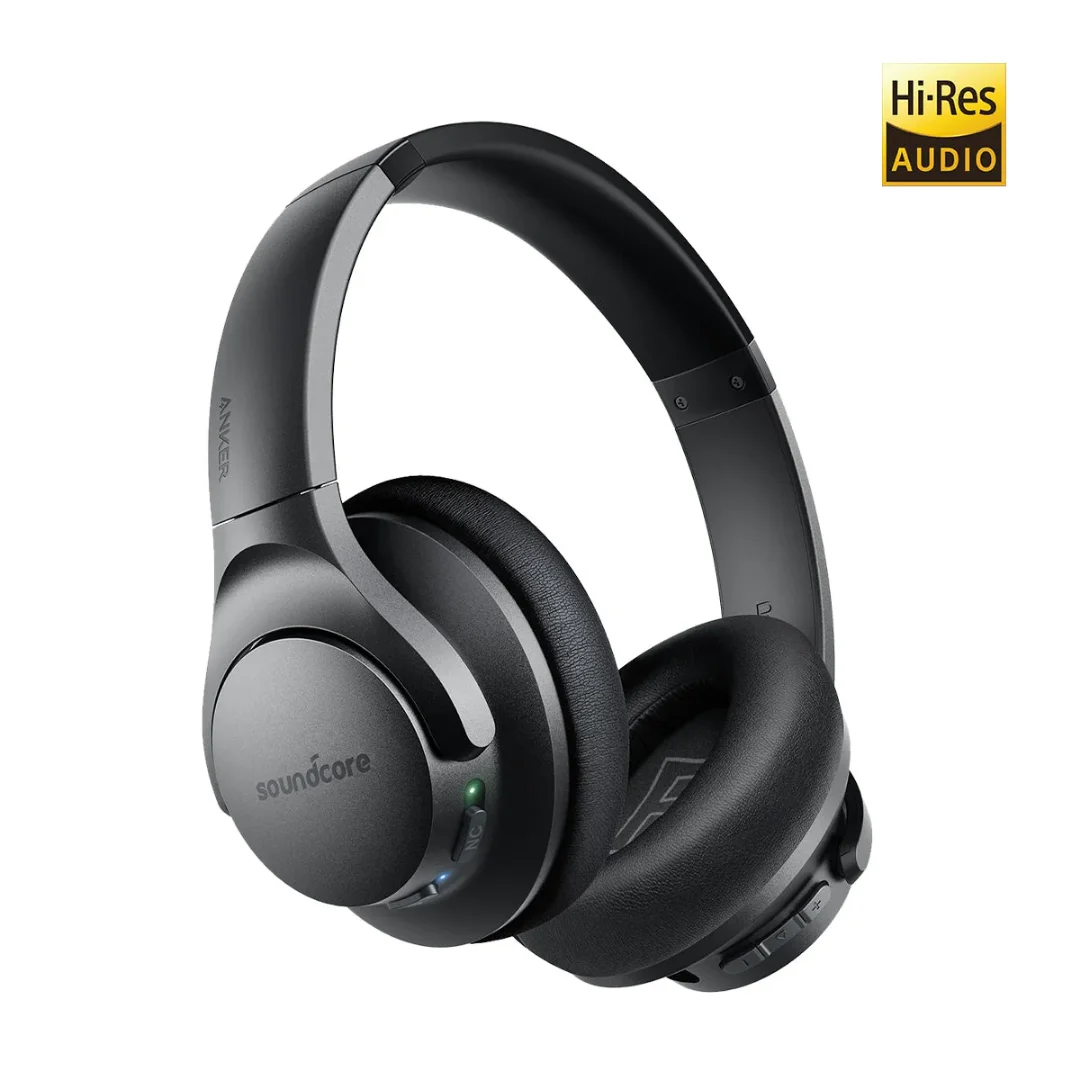
Soundcore Life Q20 | 40mm Hi-Res | ANC | 60h Battery | Over-Ear
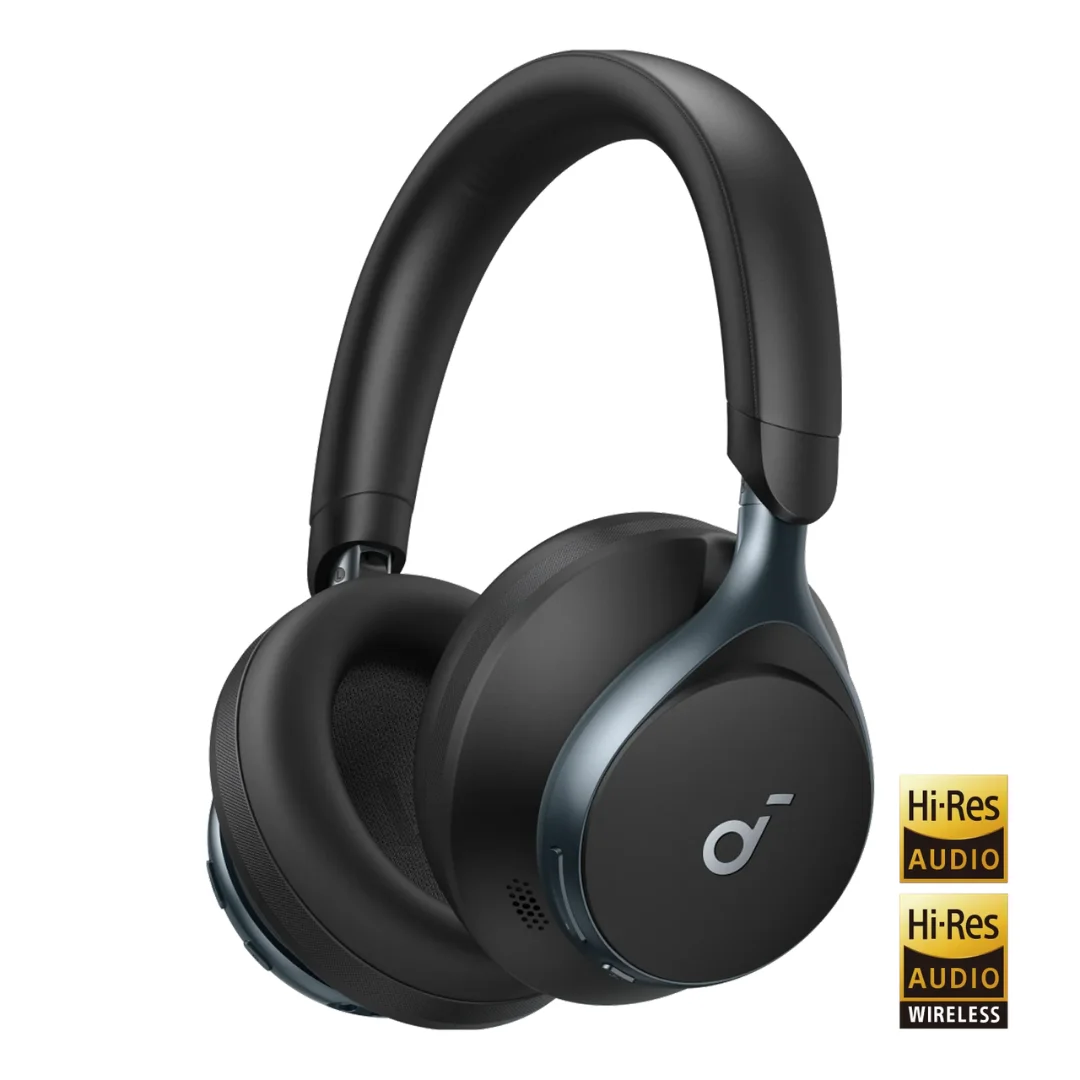
Soundcore Space One | Adaptive ANC | 40mm Driver | LDAC | 40h ANC / 55h Off | Foldable
Soundcore Life U2i | Neckband | 10mm Graphene BassUp | 22h | IPX5 | BT 5.0