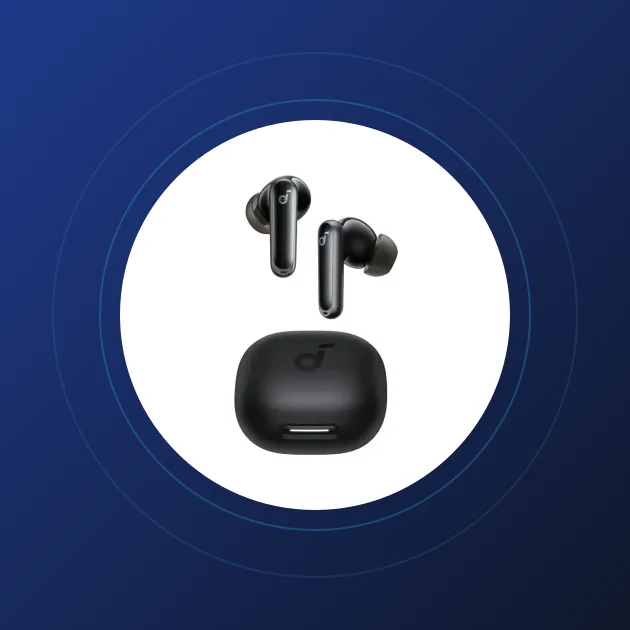
Bluetooth Earbuds for Online Lectures: Smart Choice for University Students
Long online lectures demanding focus? Discover the best Bluetooth earbuds for college students in Egypt, offering active noise cancelling and clear microphones.
Quick Take: To choose the ideal Bluetooth earbuds for university lectures and online study, prioritize three technical parameters: First: Extensive battery life of 6 to 8 hours minimum of continuous playback for long lecture blocks. Second: Multi-microphone array with AI reduction to ensure clear voice output during student presentations. Third: Active Noise Cancellation (ANC) to isolate you from household background noise. The Soundcore Liberty 4 NC and Space One headphones are top-tier choices for students.
A university student's life in Egypt is packed with academic challenges. Between early morning lectures on campus, laboratory sessions, and late-night online lectures on Microsoft Teams and Zoom, maintaining focus is essential. Amidst household activities, TV noise in the living room, and family distractions, studying becomes difficult without an acoustic tool to isolate you from your surroundings. This tool is a pair of study-focused Bluetooth headphones.
At the CairoVolt lab, we analyze student requirements and budget constraints in Egypt. Purchasing earbuds for studying requires a different set of priorities than sports or casual gear: here, the focus targets **vocal clarity, all-day battery life, a reliable presentation microphone, and active isolation**. In this guide, we map out the best Bluetooth audio options for college students in Egypt, explaining how to choose and configure them for maximum academic focus.
1. The Four Technical Rules for Choosing Study-Focused Earbuds
When selecting audio gear for academic learning, review the following specifications in order of importance:
- 🔋 Actual Battery Lifespan: Online seminars can run for 3 hours straight. Your earbuds must provide at least 6 hours of continuous runtime without needing to be placed back in the charging case mid-lecture.
- 🤫 Active Noise Cancellation (ANC): This is the key focus feature. Active noise-canceling headphones eliminate air conditioner hums, traffic noise, and household chatter, letting you focus entirely on the professor's voice.
- 🎤 Noise-Canceling Microphone: When asked to answer a question or deliver an online presentation, your voice must reach the meeting clearly without transmitting fan noise or background chatter.
- 🛋️ Physical Comfort and Ergonomics: The audio unit must be lightweight and well-designed so you can wear it for 4 or 5 hours continuously without experiencing ear canal soreness or jaw pressure.
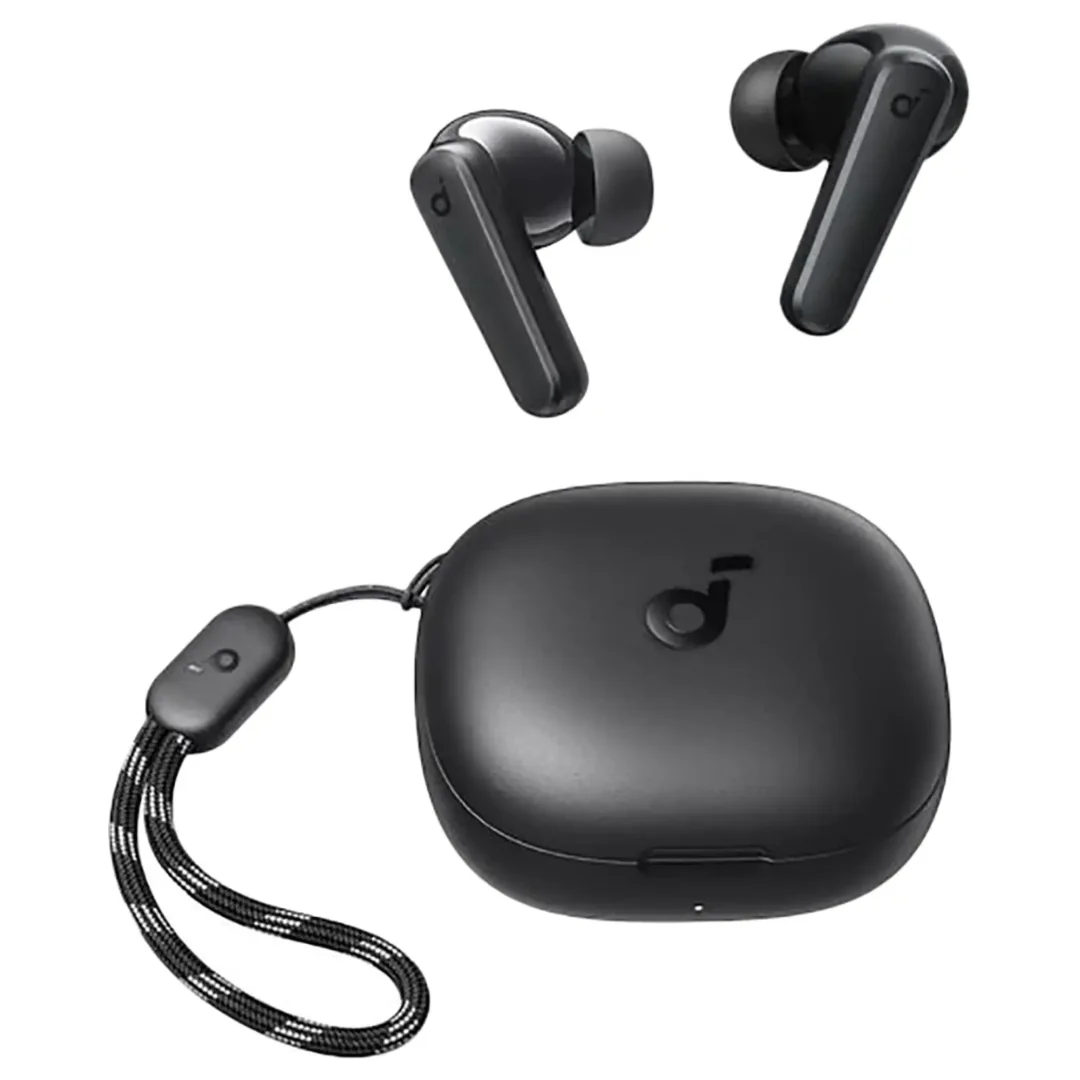
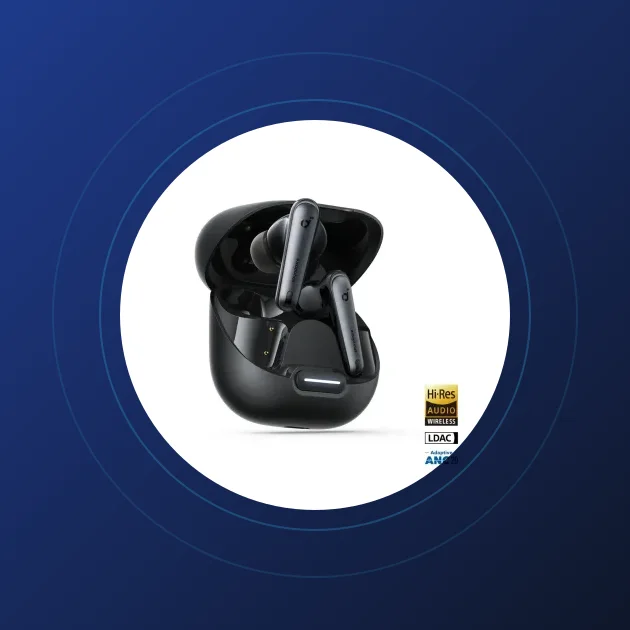
Excellent products like the budget-friendly Soundcore P20i or the high-isolation Soundcore Liberty 4 NC satisfy these criteria perfectly.
2. Over-Ear Headphones vs. In-Ear Earbuds: Which is Better for Study?
This is a common dilemma for college students. Here is the technical breakdown to guide your choice:
2.1. Over-Ear Headphones:
- Models like the Soundcore Space One or the Soundcore Q20i are ideal for long study sessions at home.
- The large ear cups cover your ears entirely, providing excellent passive isolation and premium cushion comfort.
- They feature massive battery capacities, delivering 40 to 60 hours of playback, meaning you only charge them once a week.
2.2. In-Ear Earbuds:
- Models like the ultra-compact Soundcore A30i are optimized for commuting and campus use.
- Their small footprint fits easily into pockets, offering a discreet profile.
- They are perfect for attending quick sessions in transit or libraries, though they may cause minor canal fatigue after 3 hours of continuous insertion.
- For a middle-ground pick, the newly stocked Soundcore A25i (1,370 EGP) delivers 28 hours of total battery with the charging case — enough for a full week of lectures — plus BassUp tuning and IPX5 water resistance, making it a balanced daily earbud at a sane price for student budgets.
3. Enabling Multipoint Connection for Seamless Device Switching
If you study on a laptop but keep your phone nearby for urgent messages, Multipoint Connection is a vital feature. This technology keeps your headphones connected to both devices simultaneously.
When an incoming call rings on your phone, the headphones automatically route the call audio and pause the video playing on your laptop. Once you hang up, the audio switches back to your laptop instantly, eliminating the need to disconnect and reconnect manually via Bluetooth settings.
To enable this feature, open your earbud companion app (such as the Soundcore app) and turn on the "Dual Connection" or "Multipoint" toggle.
4. Analyzing Student Audio Gear Options in Egypt
This table compares different price tiers to help you select the best fit for your budget and academic needs:
| Earbud Model | Noise Isolation Type | Actual Battery Run (Single Charge) | Microphone Call Quality | Price Tier in Egypt |
|---|---|---|---|---|
| Soundcore P20i | Passive Only (Ear tips seal) | 10 Hours (Excellent) | Decent (2 Mics) | Budget Student Friendly |
| Soundcore Liberty 4 NC | Active ANC (98.5% Reduction) | 10 Hours (8 Hours with ANC) | Excellent (6 Mics with AI) | Mid-Tier (High Value) |
| Soundcore Space One | Adaptive ANC (Auto Calibration) | 40 Hours (ANC On) / 55 Hours Off | Crystal Clear for Long Seminars | Upper-Mid (Comfort Headphone) |
Selecting the correct model for your daily academic routine protects you from early hardware upgrades and provides the peace of mind needed for successful learning.
5. Resolving Laptop Bluetooth Mic Conflicts (Windows & macOS)
Many students experience audio conflicts where the headphone speaker works but the mic fails during Teams or Zoom sessions. This happens because desktop operating systems split Bluetooth audio devices into two distinct channels:
- 🎧 Headphone (Stereo) Channel: Optimized for high-definition playback (music, video lectures). When active, the built-in earbud mic is deactivated.
- 🎙️ Headset (Hands-Free) Channel: Designed for two-way voice communication. It activates the mic but reduces audio playback quality to save bandwidth.
To resolve this conflict:
- Open the audio settings inside Microsoft Teams, Zoom, or Google Meet on your laptop. Ensure you select the **Hands-Free** option for both Input (Mic) and Output (Speaker) settings.
- If you are only listening to a lecture without participating, switch the Output device to **Stereo** to enjoy clear audio from the instructor.
Applying these adjustments prevents sudden technical disruptions during important exams or presentations, ensuring a smooth online learning experience in Egypt.
5.1. Essential Medical Guidelines for Hearing Safety During Long Study Sessions
University coursework often requires hours of study during exams. As a student, you must protect your ears from noise-induced damage. Audiologists recommend the **60/60** rule: limit your volume to 60% of the maximum limit, and never wear earbuds for more than 60 minutes continuously without removing them for at least a ten-minute break.
Additionally, sanitize your headphone cushions or silicone ear tips weekly with a light alcohol wipe. This prevents bacteria and moisture buildup in the ear canal caused by prolonged lack of ventilation, ensuring a healthy and safe study routine throughout your college years in Egypt. Investing in a reliable pair of student headphones that fit your learning environment, while practicing proper volume limits, maximizes your focus and protects your hearing throughout your university years.
4.1. How to Check Earbud Battery Levels Accurately on Laptops (Windows/Mac)
A common issue facing university students in Egypt is the earbud battery dying abruptly mid-lecture without warning, despite the laptop display indicating a 50% charge minutes prior. This glitch occurs because the Bluetooth battery service on Windows OS refreshes power status slowly.
To inspect the true battery percentage on Windows, navigate directly to "Bluetooth & Devices" settings instead of relying on the quick settings menu taskbar. On macOS, battery reporting is significantly more reliable via the top menu bar due to native hardware integration.
To prevent sudden shutdowns, we recommend opening the official companion app on your phone before the lecture starts. This provides an accurate reading for both individual earpieces and the charging case, allowing you to charge the gear before critical learning moments.
4.2. Built-in Bluetooth Microphones vs. Wired Headsets for Presentations
When presenting an academic project for graded evaluation, your vocal delivery quality directly impacts your final score. This is where the technical difference between wireless and wired microphones becomes apparent.
The integrated microphone in Bluetooth earbuds compresses your voice waves heavily to fit within the narrow bandwidth of wireless profiles (typically capped at a 16kHz sampling rate), which can make your voice sound metallic or distant.
Conversely, a wired microphone delivers uncompressed audio with sampling rates up to 48kHz. We recommend that students utilize a wired microphone during formal oral examinations and graded presentations to ensure the professor hears every word clearly, reserving the Bluetooth earbuds for daily lectures and quiet study sessions.
5.2. Shielding Your Audio Gear: The Importance of Hard Cases in Student Backpacks
Many university students in Egypt drop their earbud charging cases carelessly into their backpacks alongside house keys, metal pens, and heavy academic textbooks. This habit exposes the fragile electronics to unnecessary wear and physical hazards.
First, sharp metal objects can severely scratch the glossy plastic casing of the charging case, ruining its premium aesthetics. Second, and more critically, pocket lint, dust, and debris can accumulate inside the USB-C charging port or the hinge mechanism, resulting in charging failures or magnet misalignment.
Therefore, we advise purchasing a budget-friendly small hard-shell carrying case to protect your audio gear. This simple accessory safeguards your investment against accidental drops and pressure damage during crowded commutes to campus.

CairoVolt Editorial Team
Content team reviewing specifications and buying guides
The CairoVolt team reviews model numbers, specifications, and compatibility, and updates information when better data is available. Estimates are labeled as calculations, and readers can report information that needs correction.
Frequently Asked Questions
Are budget Bluetooth earbuds suitable for long university lectures?▼
How do I fix audio dropouts during Microsoft Teams meetings on my laptop?▼
Why do my classmates complain about low mic volume during Zoom presentations?▼
Are Over-Ear headphones better for studying than In-Ear earbuds?▼
Ready to Buy?
Browse available products and review specifications and CairoVolt warranty terms before ordering
Related products
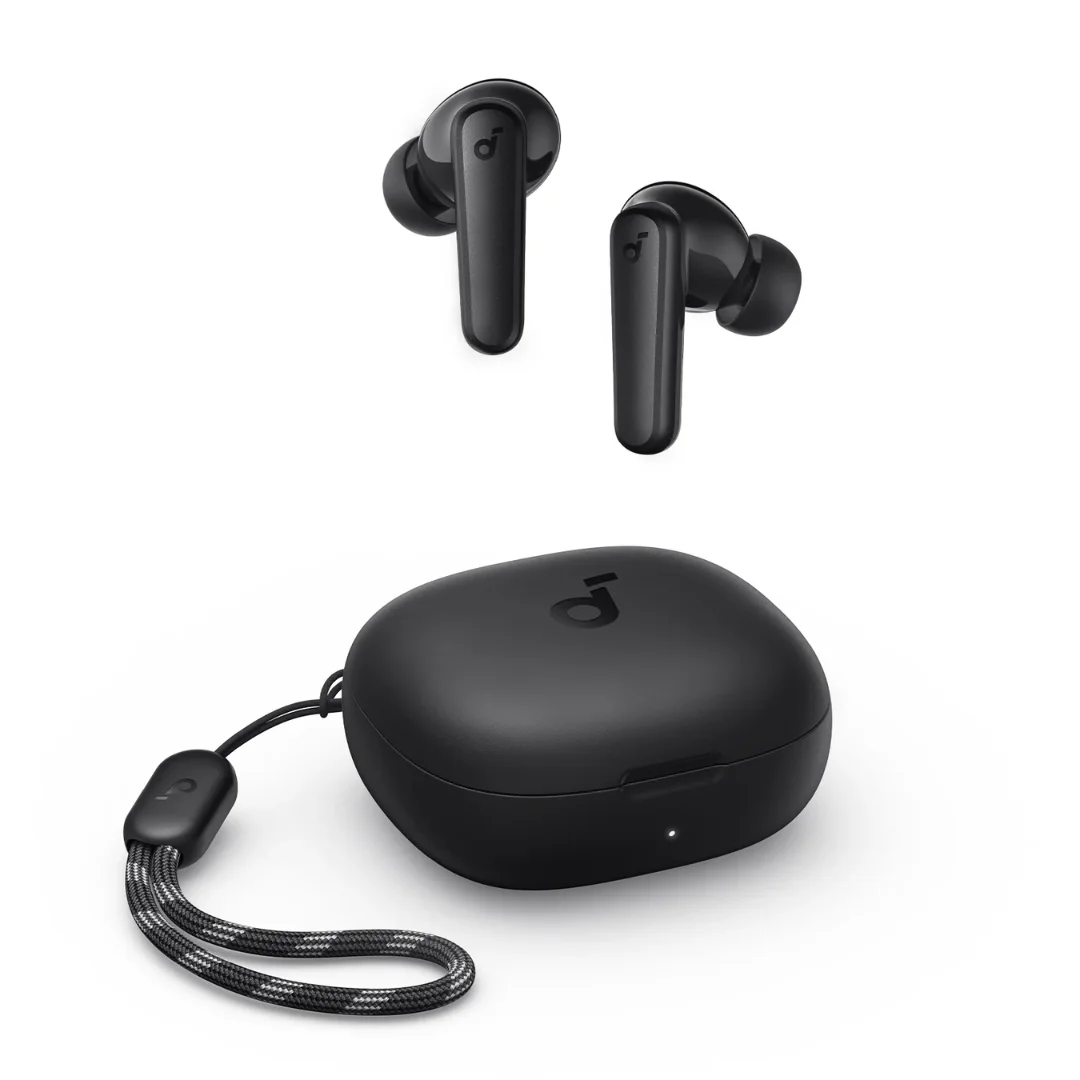
Soundcore P20i | 10mm Drivers | 30h Battery | Bluetooth 5.3
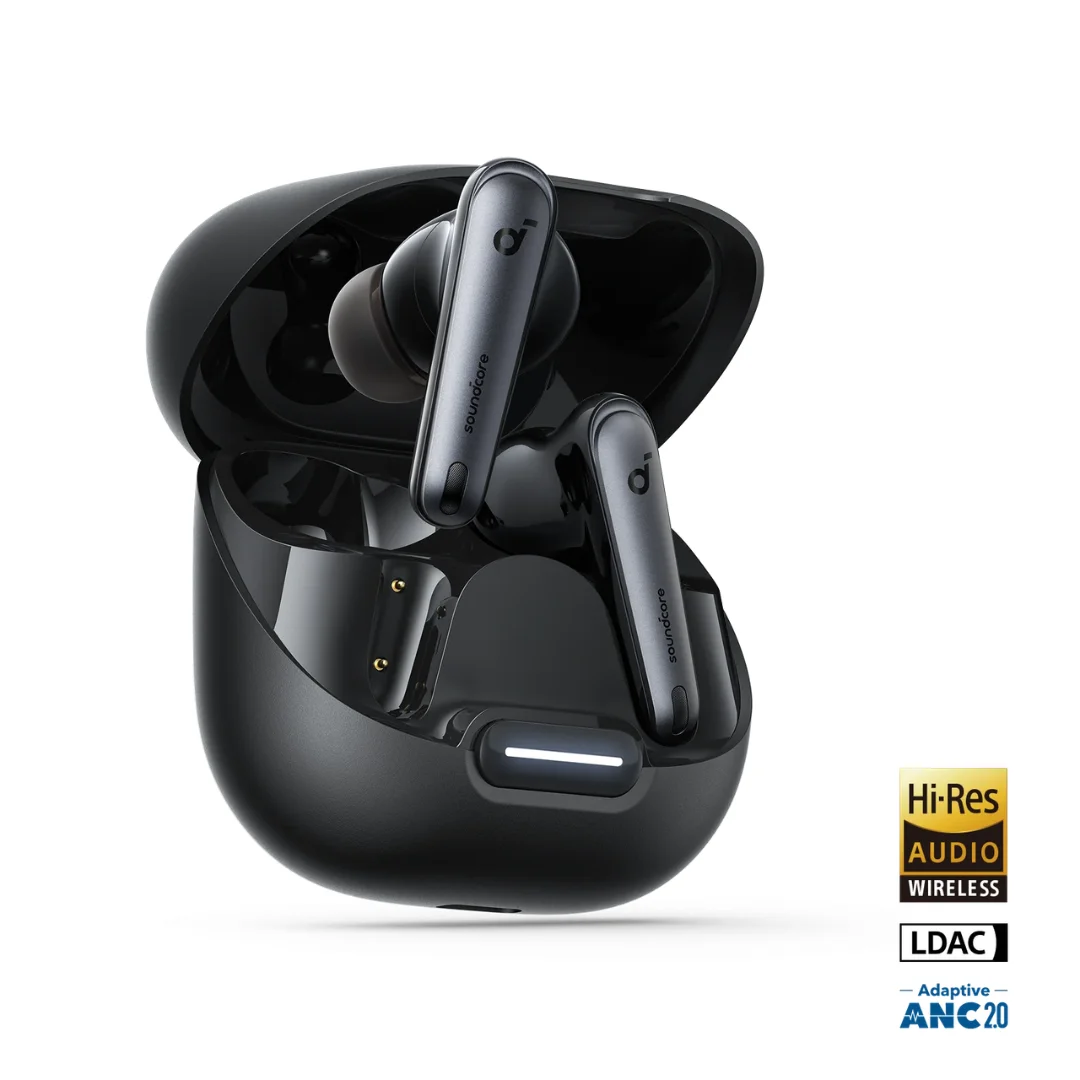
Soundcore Liberty 4 NC | Manufacturer-Listed Adaptive ANC | 11mm | LDAC | Up to 50h
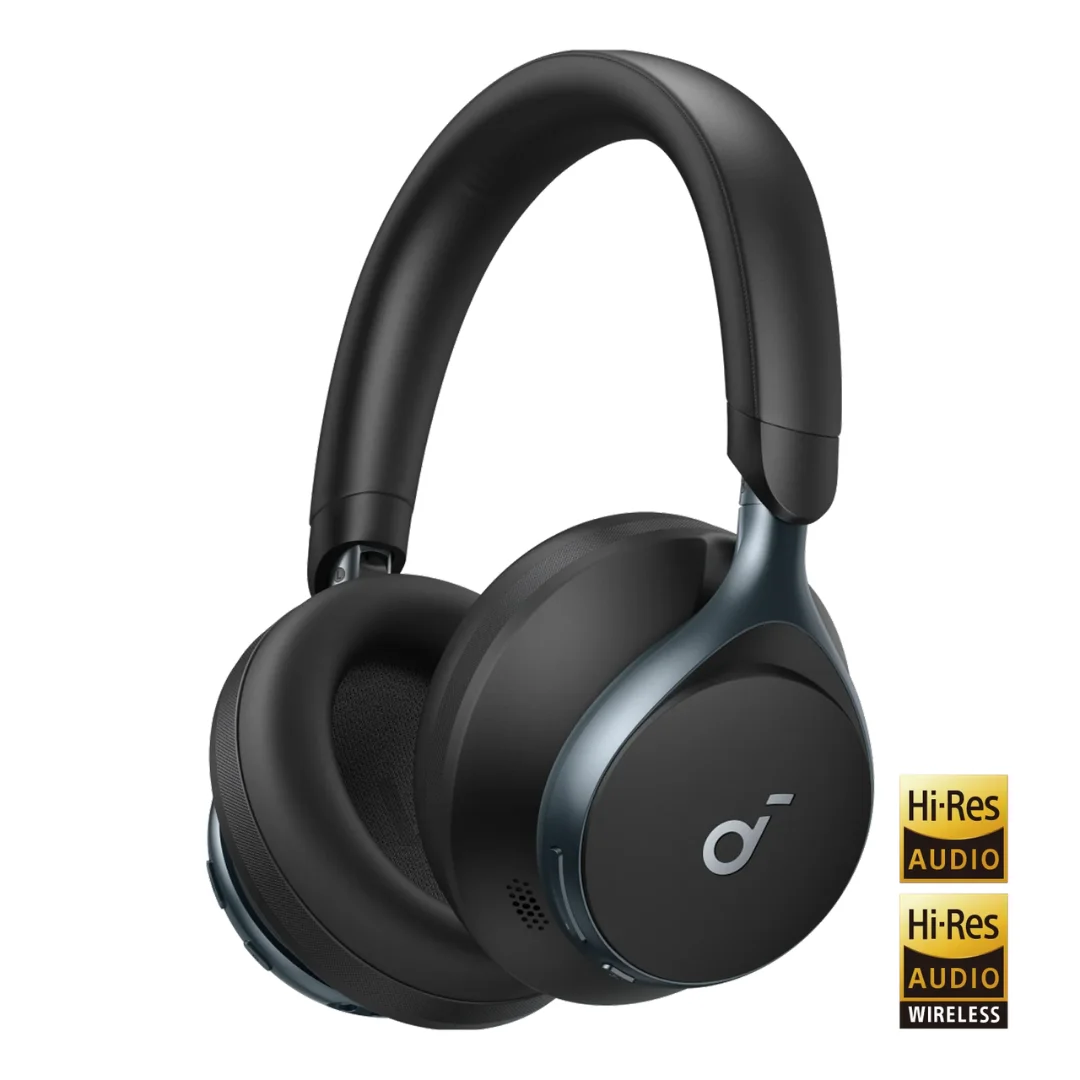
Soundcore Space One | Adaptive ANC | 40mm Driver | LDAC | 40h ANC / 55h Off | Foldable
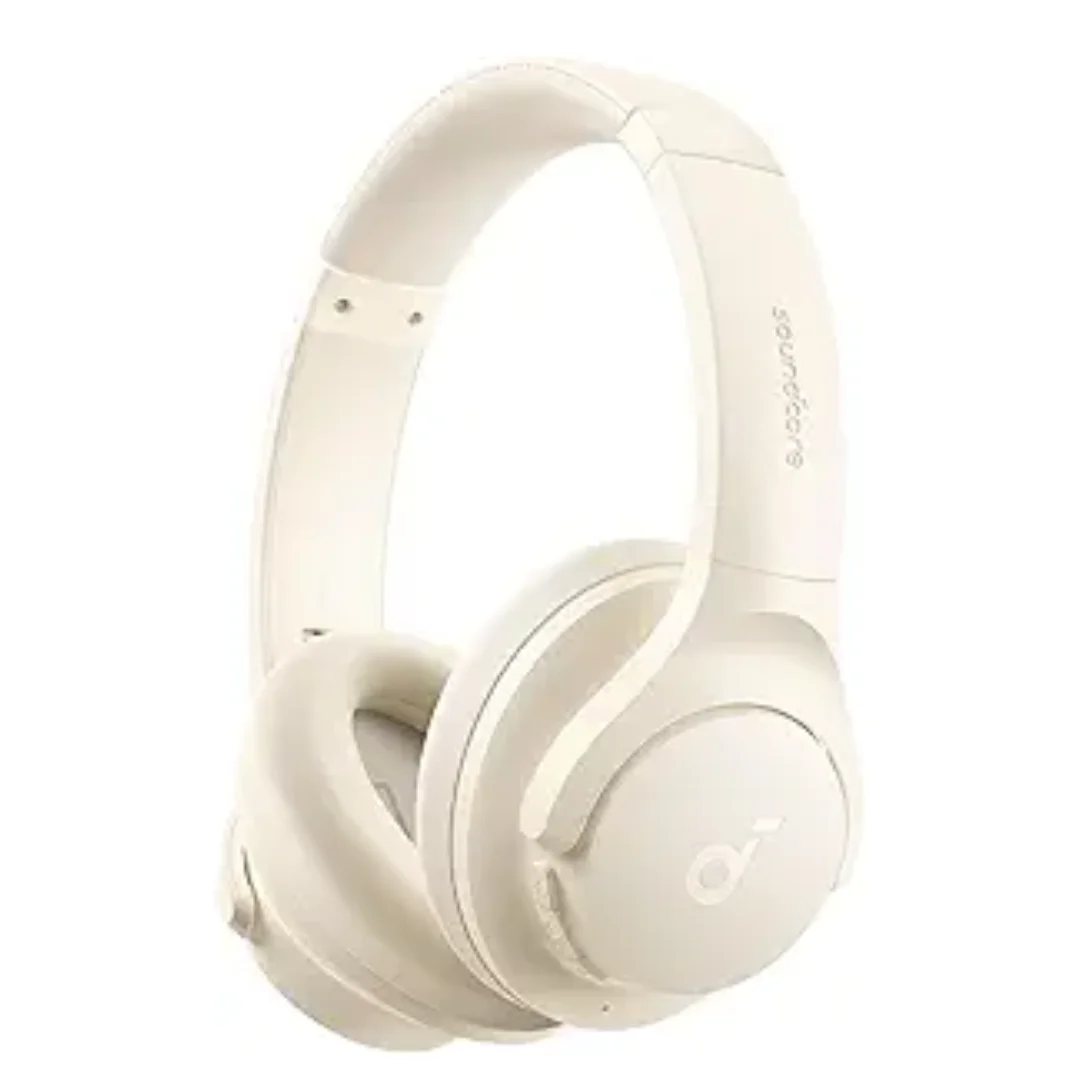
Soundcore Q20i | Hybrid ANC | 40mm Driver | Multipoint | Wired Input
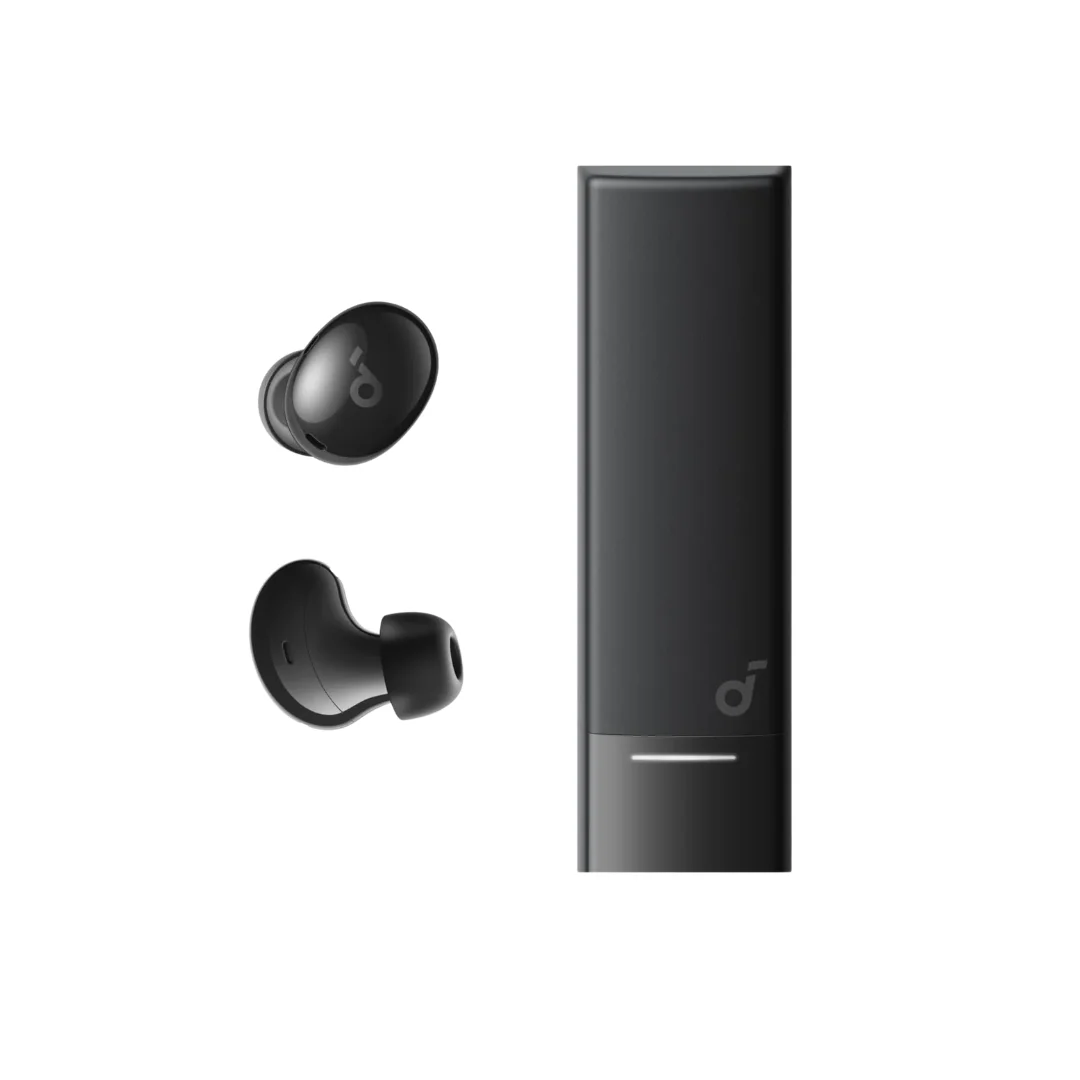
Soundcore A30i | 46dB Smart ANC | 6mm | 24h Battery | Lipstick Case | BT 5.4
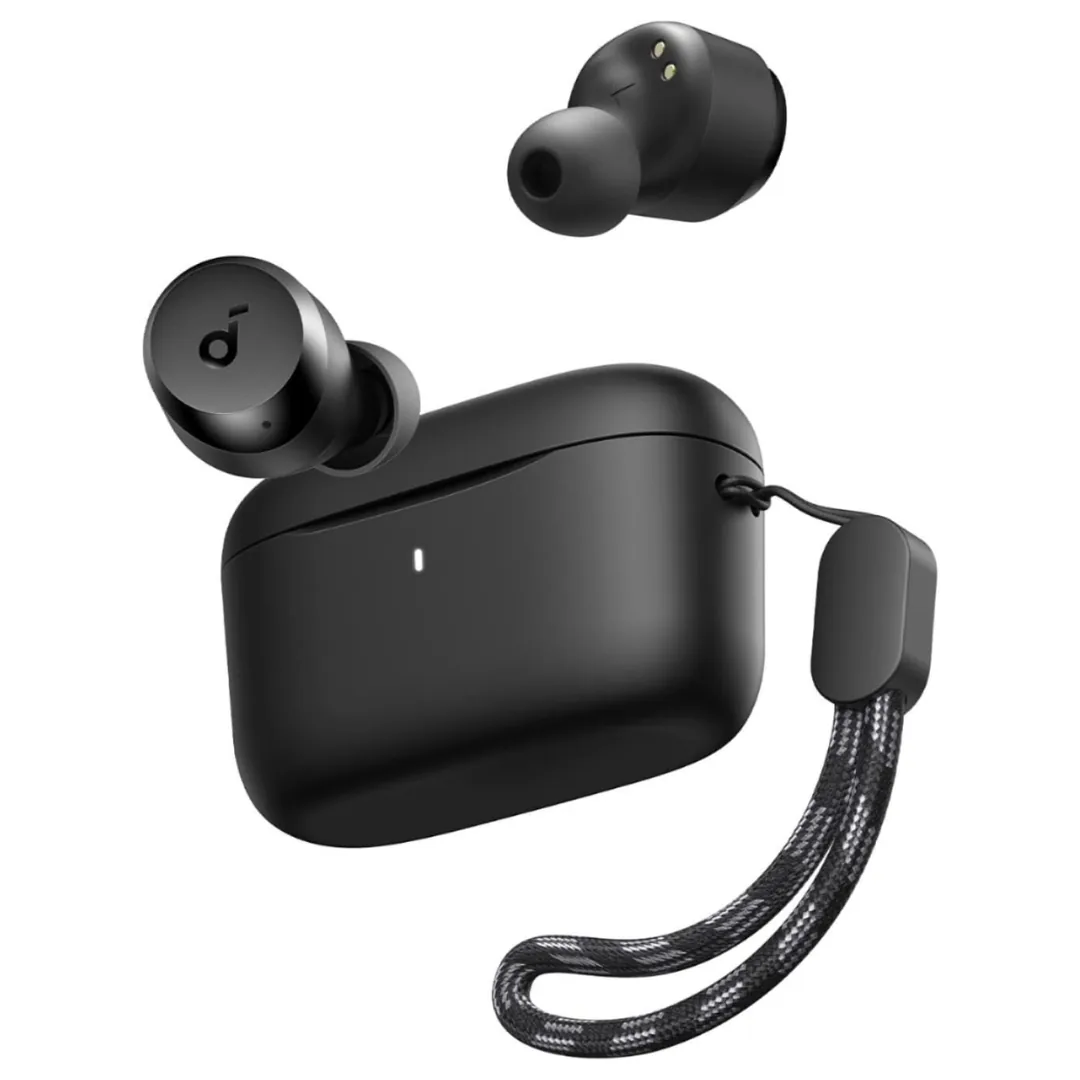
Anker Soundcore A25i — 10mm BassUp Drivers | 28h Battery | IPX5