Perfect EQ Settings for Arabic Music: Tuning Earbuds for the Egyptian Mood
Listening to classic Tarab or modern Arabic beats on your earbuds? Discover how to tune Equalizer bands to highlight the Oud, Tabla, and vocals perfectly.
TL;DR: To optimize Equalizer (EQ) settings on Bluetooth earbuds for Arabic music, we recommend three distinct profiles: First: Classic Tarab Profile (for Umm Kulthum and Fairuz) by boosting the Mid-range (500Hz to 2kHz) to highlight the Oud, violins, and vocals. Second: Mahraganat & Shaabi Profile (modern street beats) by boosting the Low-bass (20Hz to 150Hz) and High-treble (8kHz to 16kHz) to emphasize deep percussion and high synthesizers. Third: Instrument-focused Profile (solo Oud/Qanun) by applying a slight boost at 4kHz to elevate clarity.
Arabic and Oriental music possesses a unique acoustic nature that differs significantly from Western tracks. Oriental acoustic instruments like the Oud, Qanun, Nay flute, and violins, along with vocalists performing complex vibratos and microtonal shifts, demand a tailored frequency balance to deliver clear and immersive audio. If you purchase expensive earbuds and leave them on default factory settings, you are missing out on more than half of the acoustic experience!
At the CairoVolt lab, we prioritize your daily entertainment quality alongside charging safety. Audio tuning is not a luxury; it is a blend of science and art based on frequency response curves. In this comprehensive guide, we explain how to adjust the Equalizer (EQ) settings on your Bluetooth earbuds to match classic Tarab melodies and high-energy Shaabi beats, explaining how different frequency bands function to highlight your favorite instruments.
1. Understanding Audio Frequencies and Their Impact on Arabic Melodies
Before adjusting the frequency sliders in your earbud's companion app, you must understand how each band affects the sound signature:
- 🎵 Low Frequencies (Bass - 20Hz to 250Hz): These control the deep resonance of the Tabla drum, Def, and synthesizers in modern beats. Boosting this band excessively creates a muddy, muffled sound that drowns out acoustic details.
- 🎤 Mid-Range Frequencies (Mids - 250Hz to 4kHz): This is the most critical range for Arabic music. It reproduces the vocalist's voice (such as Umm Kulthum or Abdel Halim) and acoustic instruments like the Oud and Nay flute. Proper tuning adds warmth and presence.
- 🎻 High Frequencies (Treble - 4kHz to 20kHz): These control percussion cymbals, the sharp snap of the tambourine, and high violin notes. Boosting this band adds clarity and sparkle, but excessive levels cause ear fatigue and sibilance.
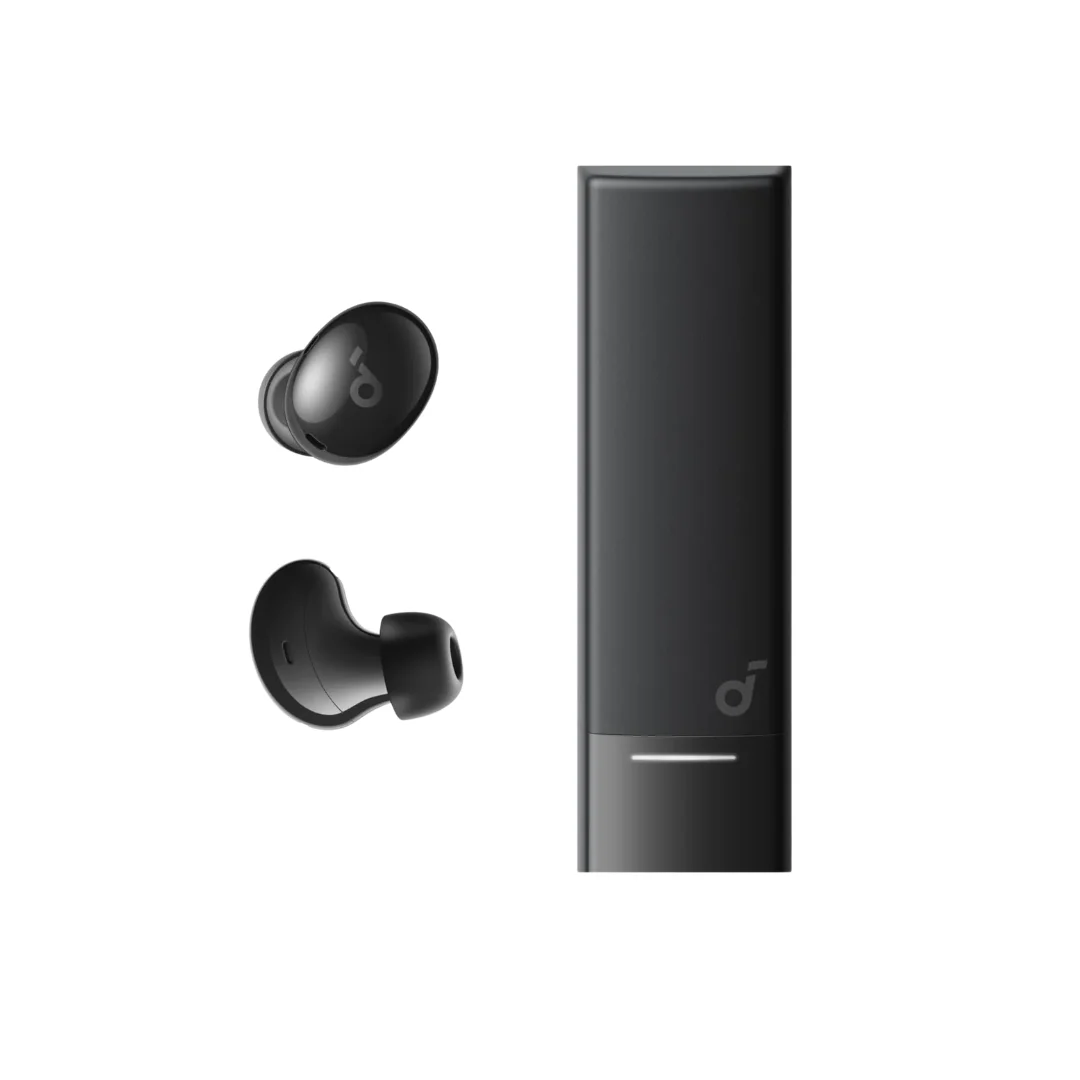
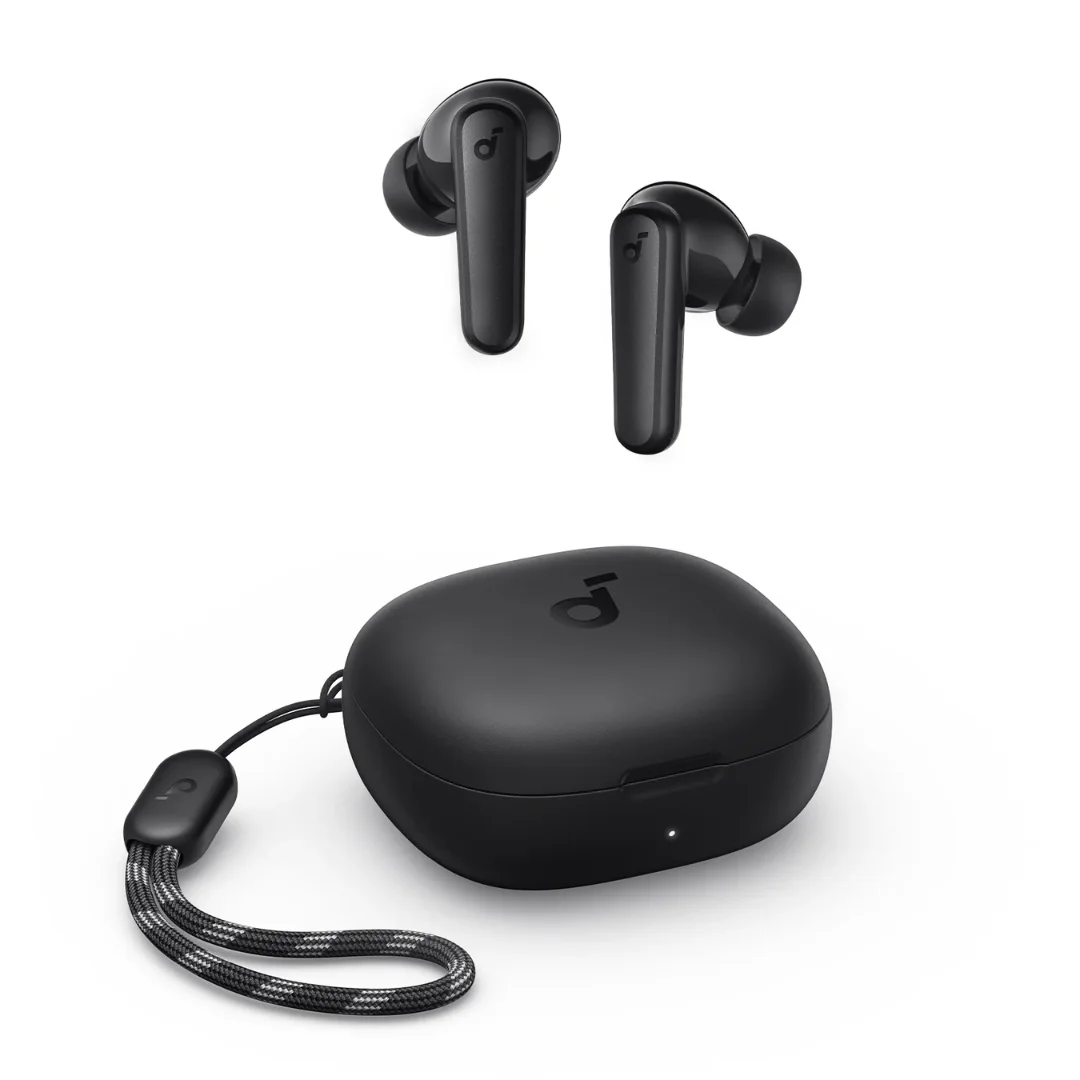
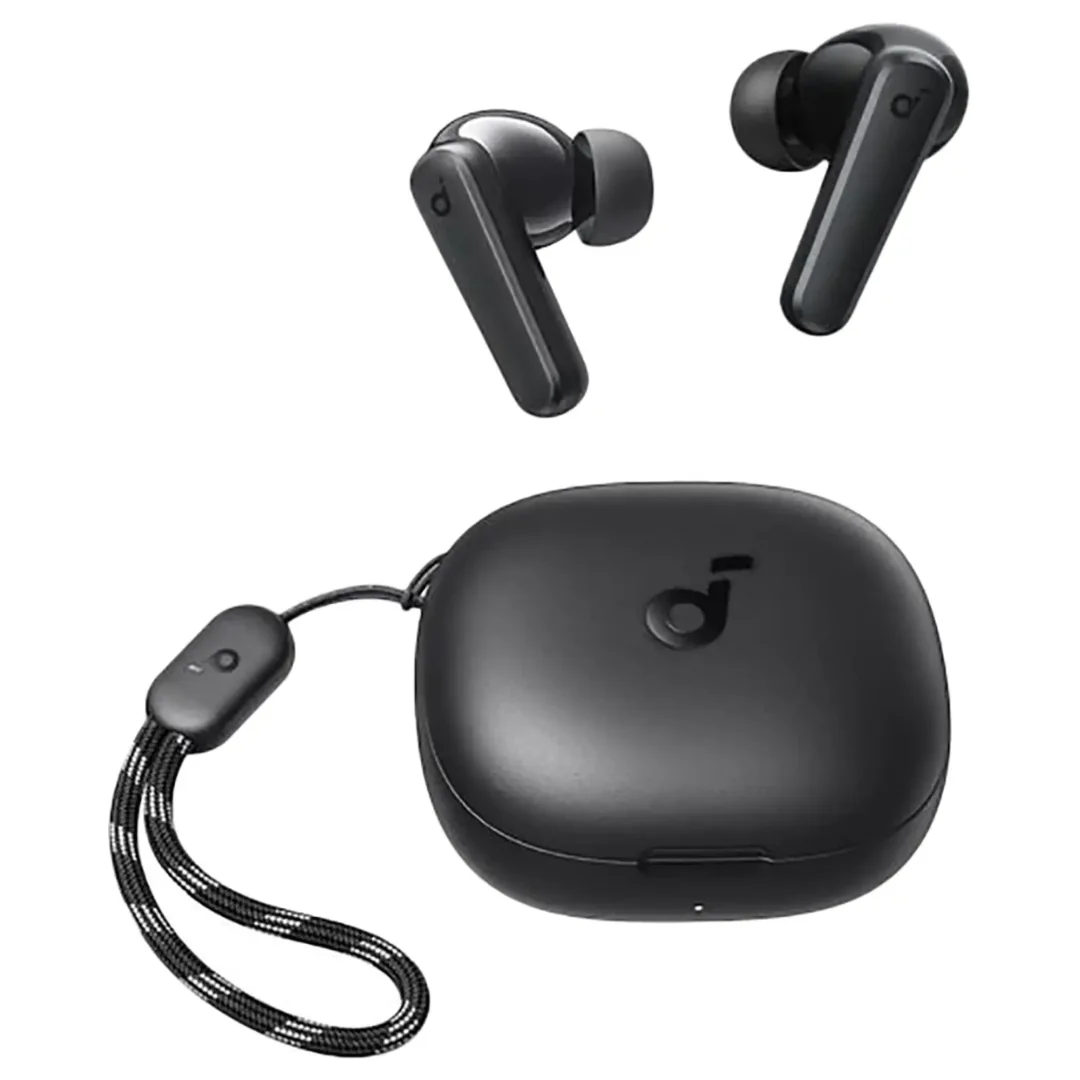
High-quality earbuds like the Soundcore P20i or the Soundcore R50i offer a full Graphic Equalizer within their official app to let you customize these bands.
2. The EQ Profiles: 3 Custom Setups for the Egyptian Listener
Here are the step-by-step slider adjustments for your daily listening options in Egypt:
2.1. The "Tarab & Classic Vocals" Profile (Umm Kulthum, Fairuz, and Oud Solos)
The goal of this setup is to prioritize vocal details and natural instrument acoustics while avoiding synthetic bass dominance. Adjust the sliders as follows:
- Bass (60Hz - 150Hz): Keep at 0dB or apply a minimal (+1dB) boost for natural acoustic warmth.
- Mids (400Hz - 1kHz): Boost by (+3dB) or (+4dB). This is the key range for Oud strings and vocal presence.
- High-Mids (2.5kHz): Boost by (+2dB) to enhance vocal articulation and consonants.
- Treble (8kHz - 16kHz): Boost by (+1dB) to add brightness to violins and light percussion.
2.2. The "Mahraganat & Shaabi Beats" Profile (Modern Street Beats and Electronic Pop)
For modern Egyptian electronic Shaabi, Mahraganat, and trap music, you want a strong sub-bass response and sharp treble highlights. Adjust the sliders to match the classic "V-shape" curve:
- Bass (60Hz - 100Hz): Boost by (+4dB) or (+5dB) to experience deep bass kicks.
- Mids (500Hz - 1kHz): Reduce by (-2dB) to create acoustic space for bass and treble highlights.
- Treble (8kHz - 16kHz): Boost by (+3dB) to clarify electronic synthesizers and fast percussion snaps.
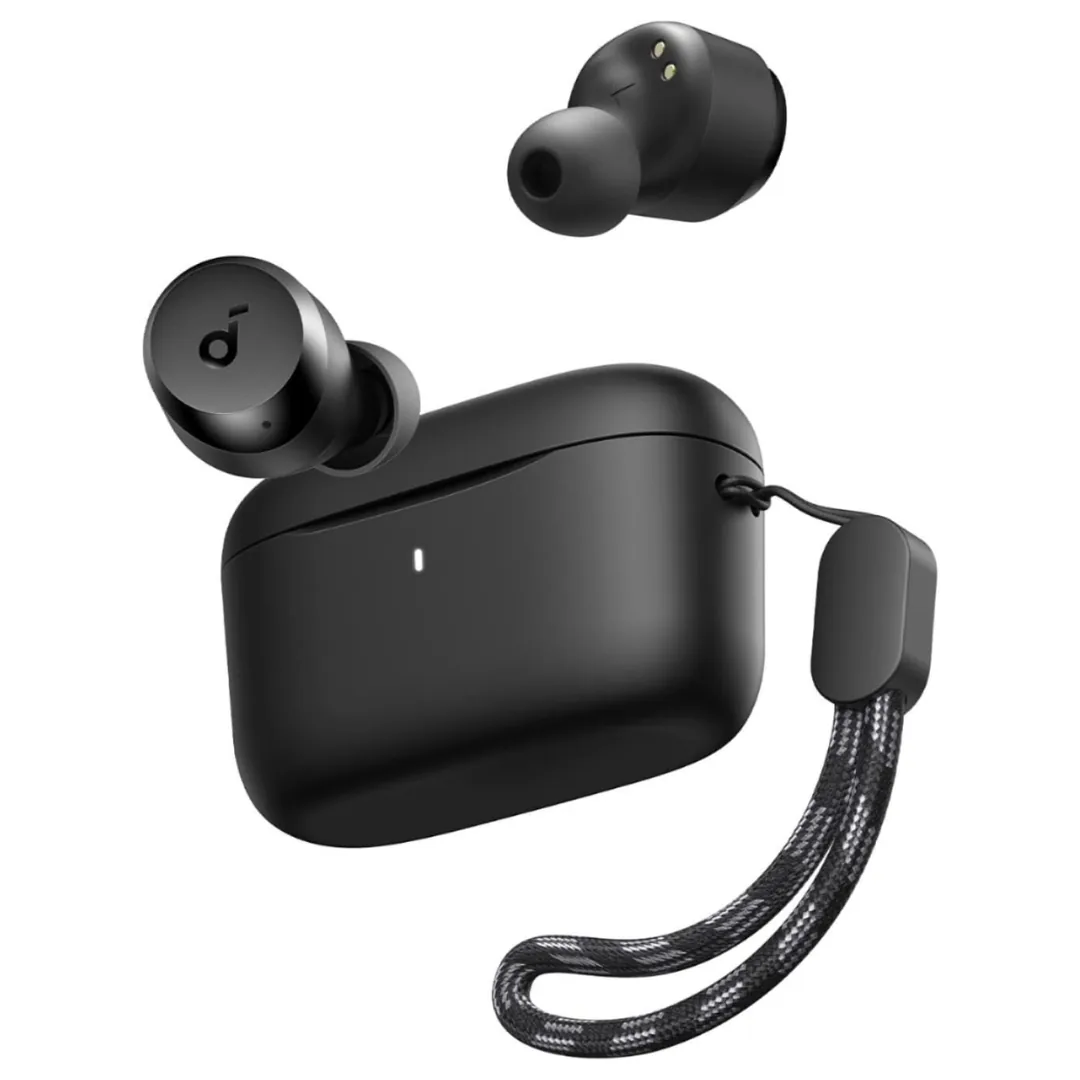
If you are still shopping for a daily pair that handles this profile, the newly stocked Soundcore A25i (1,370 EGP) features a one-tap BassUp mode that applies this low-end boost instantly before you fine-tune the sliders yourself, along with 28 hours of total battery life and IPX5 sweat resistance — a balanced daily earbud at a sane price for Mahraganat sessions and gym workouts.
3. How to Pair Bluetooth Earbuds and Apply EQ Settings on Samsung Phones
To enjoy these custom profiles, you must first complete the pairing process. Here is how to pair bluetooth earbuds samsung phone or iOS devices:
- Charge your earbuds fully, open the charging case lid, and press the pairing button until the LED light flashes.
- Open the Bluetooth settings on your Samsung phone, tap "Scan for new devices," and select your earbud model to connect.
- For the best audio control on Samsung devices, download the **Sound Assistant** app from the Galaxy Store, enable "Multi-Sound," and use the system-level Equalizer to refine your frequencies.
4. Oriental Instruments and Their Frequency Ranges
This table lists the frequency ranges of traditional Arabic instruments to help you tune your EQ:
| Traditional Instrument | Frequency Range (Hz) | EQ Adjustment Effect |
|---|---|---|
| Oud, Qanun, and Violins | 300Hz - 2000Hz (Mids) | Enhances acoustic warmth, presence, and vocal power |
| Tabla, Def, and Bass Kicks | 60Hz - 200Hz (Bass) | Increases the depth, power, and rumble of percussion |
| Nay flute and tambourine cymbals | 4000Hz - 12000Hz (Treble) | Improves clarity, brightness, and air in wind and brass |
Tuning your Equalizer settings with an understanding of physical acoustics maximizes audio quality while preventing headaches caused by excessive, uncalibrated treble peaks.
5. Troubleshooting Mic and Audio Connectivity on Bluetooth Earbuds
Many users report microphone issues, such as "mic not working earbuds samsung fix" during phone calls after applying Equalizer configurations. This is typically caused by Bluetooth profile conflicts between high-definition audio (A2DP) and hands-free profiles (HSP/HFP).
To resolve this issue:
- Open the Bluetooth properties of your connected earbuds on your Samsung device and verify that both "Audio" and "Calls" are enabled.
- When using the mic for calls, avoid excessive bass boosts in your EQ, as high bass amplification can distort environmental background noise, making your voice sound muffled to callers.
- Ensure the microphone ports on the earbud housing are clean and free of dust or debris that block sound waves from reaching the sensor.
Implementing these simple steps prevents connectivity glitches and ensures clear voice capture in daily Egyptian environments. If the mic issues persist, perform a hardware factory reset on your earbuds. Keep the earbuds inside the case, leave the lid open, and press the setup button for ten seconds until the LED indicators flash red three times. This resets all software configurations and clears profile conflicts.
5.1. The Importance of LDAC and AAC Audio Codecs in Egypt
To experience the full benefits of your custom Equalizer profiles, you must configure the digital transmission settings on your phone. Many users unknowingly stream audio using the default SBC codec, which heavily compresses data and degrades the rich acoustics of traditional instruments.
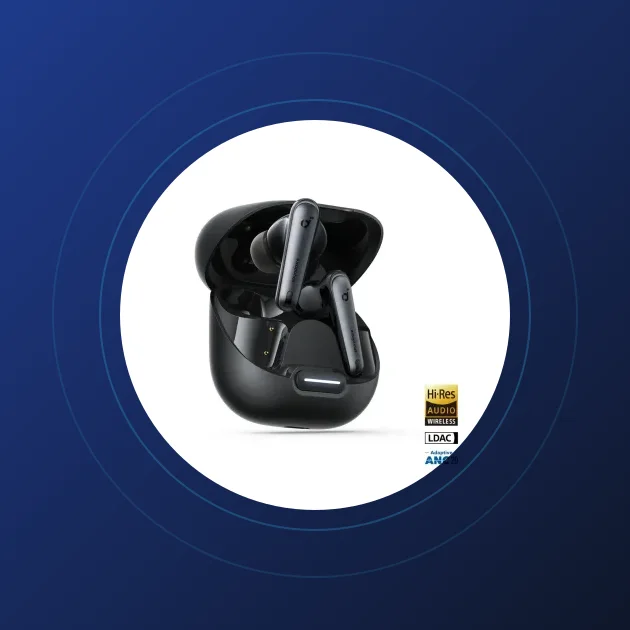
To maximize audio quality, enable Developer Options on your Samsung device and choose the **LDAC** codec (supported by high-end earbuds like the Soundcore Liberty 4) or the **AAC** codec as a baseline. These modern codecs double wireless transmission speeds, allowing microtonal details from the Oud and Qanun to stream at full bitrates without digital compression loss, delivering a studio-grade listening experience in Egypt. By choosing the appropriate Equalizer parameters and protecting your ears from excessive volume, you maximize the service life of your audio gear and protect your hearing in Egypt. Always keep in mind that the quality of the source file itself plays a vital role. Streaming lossless audio through high-fidelity platforms like Apple Music or Tidal provides an acoustic depth that cannot be matched by low-quality compressed files shared on messaging applications like WhatsApp, where microtonal details are flattened and fine elements are lost.
4.1. The Risks of Excessive Bass Boosting on Hearing Safety and Driver Durability
Many young listeners in Egypt apply extreme bass boosts (Bass Boost) to experience deep vibrations when listening to Shaabi and Mahraganat music. While this creates a powerful physical sensation, it poses severe risks from both medical and engineering standpoints.
Medically, prolonged exposure to high-decibel low-frequency waves damages the delicate hair cells in the cochlea. This deterioration leads to premature noise-induced hearing loss and chronic tinnitus (ringing in the ears).
From an engineering perspective, excessive bass forcing requires the speaker's voice coil to vibrate beyond its design capacity. This electrical stress generates excess heat, deforming the driver's flexible diaphragm. Over time, this degradation produces permanent distortion, introducing scratching or rattling sounds that ruin the listening experience.
4.2. Preset EQ Profiles vs. Manual Custom EQ for Arabic Melodies
Modern headphone applications, such as the Soundcore app, feature pre-configured Equalizer profiles like "Pop," "Rock," or "Jazz." While convenient, these presets are rarely optimized for the unique dynamics of Arabic Tarab.
These presets are engineered in Western laboratories to suit modern synth-pop, rock guitars, and heavy electronic music. For instance, a typical "Pop" profile implements a mid-scoop to emphasize bass and treble, which muffles the mid-range notes of the Oud, Qanun, and classical Eastern vocals.
Consequently, manually configuring a Custom EQ is the ideal route for Arabic music. A manual graphic equalizer lets you adjust specific frequency sliders individually, giving you the control to elevate vocals and acoustic instruments without masking the low-end performance.

CairoVolt Editorial Team
Content team reviewing specifications and buying guides
The CairoVolt team reviews model numbers, specifications, and compatibility, and updates information when better data is available. Estimates are labeled as calculations, and readers can report information that needs correction.
Frequently Asked Questions
How do I adjust the EQ settings on Soundcore earbuds in Egypt?▼
Does altering the Equalizer settings drain the earbud battery faster?▼
Which frequencies are responsible for vocal clarity in Arabic tracks?▼
Can I apply Equalizer profiles to a Samsung TV with external Bluetooth speakers?▼
Ready to Buy?
Browse available products and review specifications and CairoVolt warranty terms before ordering
Related products
Soundcore P20i | 10mm Drivers | 30h Battery | Bluetooth 5.3
Anker Soundcore R50i | 10mm Drivers | 30h Battery | In-Ear
Anker Soundcore A25i — 10mm BassUp Drivers | 28h Battery | IPX5
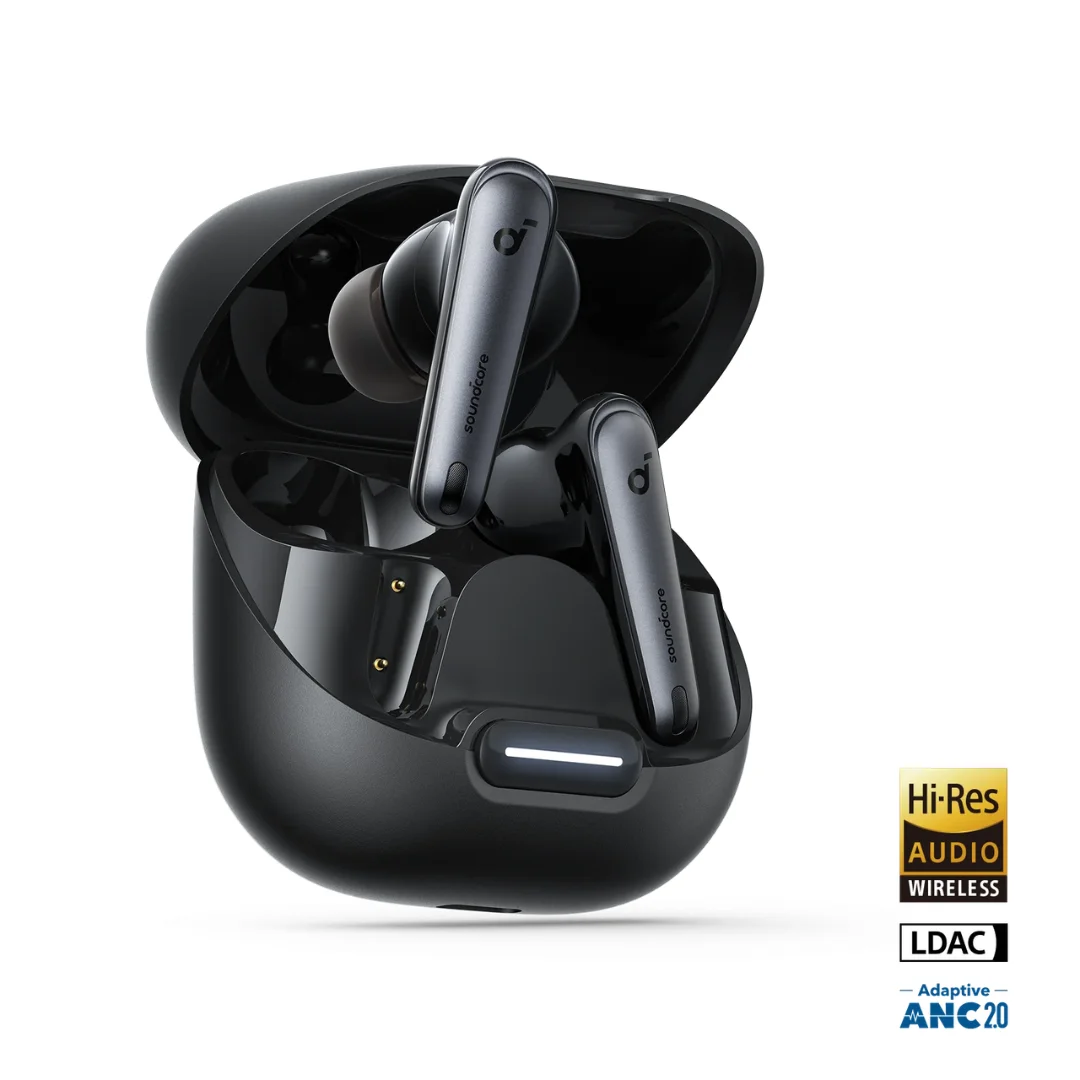
Soundcore Liberty 4 NC | Manufacturer-Listed Adaptive ANC | 11mm | LDAC | Up to 50h
Soundcore Space One | Adaptive ANC | 40mm Driver | LDAC | 40h ANC / 55h Off | Foldable
Soundcore Q20i | Hybrid ANC | 40mm Driver | Multipoint | Wired Input