Samsung Galaxy Note Used Buying Guide: Inspection & Essential Accessories
Thinking of buying a pre-owned Samsung Galaxy Note in Egypt? We outline the step-by-step diagnostic checks for screen burn-in and how to select certified chargers.
TL;DR: When buying a used Samsung Note in Egypt: (1) Test for screen burn-in using the code `*#0*#` on primary colors. (2) Verify S-Pen responsiveness to confirm Wacom digitizer functionality and Bluetooth Air Actions. (3) Charging: Choose a PPS-compatible charger (like the Joyroom 30W block) to enable Samsung's Super Fast Charging (SFC).
Even though Samsung discontinued the "Galaxy Note" branding after the Note 20 series and merged its features into the "S Ultra" line, the **Samsung Galaxy Note** series (Note 10, Note 10 Plus, Note 20, and Note 20 Ultra) remains highly sought after in Egypt's used smartphone market. Buyers are drawn to their premium glass-and-metal builds, excellent Dynamic AMOLED displays, and the iconic **S-Pen**. However, buying a pre-owned flagship that has been out of production for several years carries risks. The market contains devices with water damage, replacement screens, and generic styluses. In this technical guide, we will provide a rigorous inspection checklist and recommend certified charging accessories to protect your battery and unlock full charging speeds. This makes the Note lineup uniquely appealing even in the modern mobile era.
1. Why Used Samsung Galaxy Note Devices Remain Popular in Egypt
Used Note devices offer a compelling alternative to new mid-range devices. The Note 20 Ultra, with its 120Hz display and high-megapixel camera, delivers performance that easily rivals modern mid-tier phones. The active S-Pen offers unmatched utility for students and professionals, a feature unavailable on mid-range Android options.
2. Hardware Inspection Plan: 6 Crucial Checks Before Buying
Perform the following diagnostics before purchasing a pre-owned Galaxy Note:
AMOLED Screen Burn-in and Green Lines
Older AMOLED displays are prone to pixel degradation. To check screen integrity:
- 📱 Open the dialer app and enter the Samsung diagnostic code:
*#0*#. - 📱 In the hardware menu, select the primary color channels: **Red**, **Green**, and **Blue**.
- 🔎 Inspect the uniform color screens closely. Check for ghosting, keyboard outlines, or navigation bar shadows. Screen burn-in is permanent and reduces the display's value.
Identifying Genuine Displays vs. Cheap Chinese TFT/LCD Replacements
Replacing a damaged curved Note AMOLED panel is highly expensive, often costing more than half of the phone's pre-owned market value in Egypt. Consequently, some sellers install cheap aftermarket TFT or LCD clone panels before sale. You can identify these counterfeit displays using two primary criteria:
- 🔎 Outer Bezel Thickness: Original AMOLED panels allow for ultra-slim bezels under 1.5mm. Clone LCD panels require thick backlight elements, resulting in wide black borders (typically over 4mm) along the screen edges.
- 🔎 Ultrasonic Fingerprint Sensor Compatibility: Samsung's under-display ultrasonic fingerprint scanner relies on sound wave reflections that can only travel through thin AMOLED sheets. Counterfeit LCD displays cannot support this technology. If the fingerprint setup is entirely greyed out or fails to register, the display has been replaced with a clone panel.
S-Pen Digitizer Grid and Wacom EMR Technology
The original S-Pen does not require a battery to write or register pressure. It relies on **Electromagnetic Resonance (EMR)** technology developed by Wacom. A grid of copper loops located directly beneath the AMOLED panel generates a tiny magnetic field extending a few millimeters above the glass cover.
The S-Pen contains a small internal copper coil that interacts with this field, returning signal pulses that the phone translates into coordinates and 4,096 levels of pressure sensitivity. The battery (or supercapacitor) inside the S-Pen only powers the Bluetooth module used for remote Air Actions.
This means a stylus with a dead battery can still write and draw perfectly. Cheap counterfeit pens omit this EMR resonator coil entirely, rendering them useless for active drawing or writing.
The Impact of Magnetic Protection Cases
We strongly warn used Note buyers in Egypt against purchasing cases with embedded magnets, such as folding wallet cases or magnetic car mounts. These magnets disrupt the delicate magnetic fields of the Wacom digitizer beneath the screen.
This interference causes cursor drift or creates **permanent dead zones** where the S-Pen refuses to register lines or inputs. Removing the magnetic case immediately resolves the issue, restoring proper stylus tracking.
Water Intrusion and the LCI Sticker
To verify if the device has sustained liquid damage, eject the SIM card tray. Use a flashlight to inspect the Liquid Contact Indicator (LCI) inside the slot. A solid white sticker confirms no water ingress. A pink or red LCI indicates liquid exposure, which can cause corroded motherboard traces. Avoid purchasing water-damaged units.
Battery Swelling and Rear Glass Alignment
Given the age of Note 10 and Note 20 models, battery degradation is common. Run your fingers along the outer edges of the rear glass panel. If you feel **gaps in the adhesive** or notice the back glass lifting slightly in the center, this indicates lithium-ion battery swelling.
A swollen battery exerts continuous pressure on the screen and motherboard, presenting a safety hazard. Always ensure the back panel is completely flush before buying.
3. Fast Charging Protocols: SFC 25W vs. SFC 2.0 45W
It is important to understand the charging specifications of the Note lineup before purchasing a charger:
- ⚡ Note 10 & Note 20: Support Samsung's Super Fast Charging (SFC) at **25W** via the USB-PD PPS protocol.
- ⚡ Note 10 Plus: Supports Super Fast Charging 2.0 at **45W**.
- ⚡ Note 20 Ultra: Samsung limited charging on this model to **25W** to prevent excessive heat accumulation within its thin profile, protecting battery health.
To trigger fast charging, a standard high-wattage USB-PD charger is not enough. You must use an adapter that supports **Programmable Power Supply (PPS)** to dynamically negotiate voltages (e.g., 9V or 11V) with the device's charging controller.
Additionally, 45W SFC 2.0 charging requires a **5A C-to-C cable containing an E-Marker chip**. Standard 3A cords lack this chip. If the phone's power IC fails to read the E-Marker over the CC line, it limits power input to 25W as a safety measure to protect thin wiring from thermal damage.
Samsung also deploys strict thermal safety limits that throttle charging curves. During the initial 0% to 50% state of charge, the phone draws maximum current. However, as cell temperature climbs near 42°C, the device commands the PPS adapter to scale down output power dynamically, falling back to 15W profiles to preserve battery chemistry. This is why the final 20% of charging takes the longest time.
4. Recommended Chargers and Accessories for Galaxy Note in Egypt
To protect your phone's power management circuits and ensure optimal audio and charging performance, we recommend the following compatible accessories:
Regulated Wall Chargers
- ⚡ Joyroom 30W Fast Charger: The Joyroom 30W Fast Charger fully supports Samsung's PPS fast charging profile, delivering a stable 25W output to Note 10 and Note 20 devices without creating thermal stress.
Durable Type-C Cables
- 🔌 Joyroom USB-C to USB-C: We recommend the Joyroom Type-C to Type-C Cable to handle the 3A current and protect against current spikes.
Compatible Wireless Earbuds and Audio Codec Configuration
Samsung smartphones support a proprietary high-definition audio encoder called the **Samsung Scalable Codec (SSC)**. This encoder dynamically adapts the Bluetooth bitrate from 88kbps up to 512kbps to prevent signal dropouts and audio stuttering in high-interference areas. When pairing non-Samsung earbuds, the phone defaults to standard **AAC (Advanced Audio Coding)** transmission.
- 🎵 Joyroom Wireless Buds: Consider the Joyroom JR-T03S Pro Wireless Earbuds. They support high-bitrate AAC decoding, providing an exceptional audio curve with deep bass response and clear vocals that fully leverage your Galaxy Note's Dolby Atmos processor.
5. Samsung Galaxy Note Model Performance Profiles
| Model | Max SFC Wattage | Refresh Rate | Battery Capacity | S-Pen Features |
|---|---|---|---|---|
| Galaxy Note 10 | 25W (SFC) | 60Hz (FHD+) | 3500mAh | Bluetooth + Basic Air Gestures |
| Galaxy Note 10 Plus | 45W (SFC 2.0) | 60Hz (2K QHD+) | 4300mAh | Bluetooth + Full Air Actions |
| Galaxy Note 20 Ultra | 25W (SFC) | 120Hz (Dynamic AMOLED) | 4500mAh | Bluetooth + Ultra-low Latency (9ms) |
6. Verdict and CairoVolt Recommendation
A pre-owned Samsung Galaxy Note is an excellent option for productivity-focused users on a budget. CairoVolt recommends careful screen and S-Pen checks during your purchase. Pair the phone with a certified 30W PPS charger to protect the battery and ensure safe power delivery.
To prevent charging port issues caused by pocket lint and dust, check out our guide on how to safely clean your charging port to save on repair costs.

CairoVolt Editorial Team
Content team reviewing specifications and buying guides
The CairoVolt team reviews model numbers, specifications, and compatibility, and updates information when better data is available. Estimates are labeled as calculations, and readers can report information that needs correction.
Frequently Asked Questions
Why does Note 20 Ultra only support 25W charging while Note 10 Plus supports 45W?▼
Can I use a cheap counterfeit S-Pen as a replacement?▼
Can screen burn-in on a used Galaxy Note display be fixed?▼
Do Galaxy Note 10 and Note 20 series support reverse wireless charging?▼
Ready to Buy?
Browse available products and review specifications and CairoVolt warranty terms before ordering
Related products
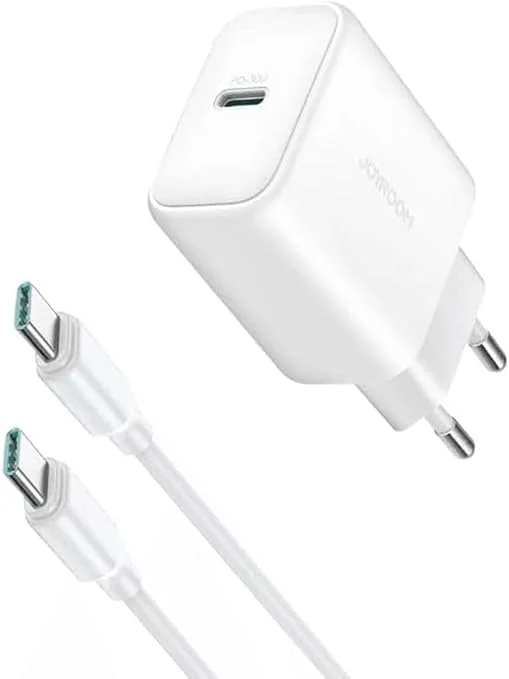
Joyroom 30W PD+QC Wall Charger | Dual USB-C and USB-A Ports
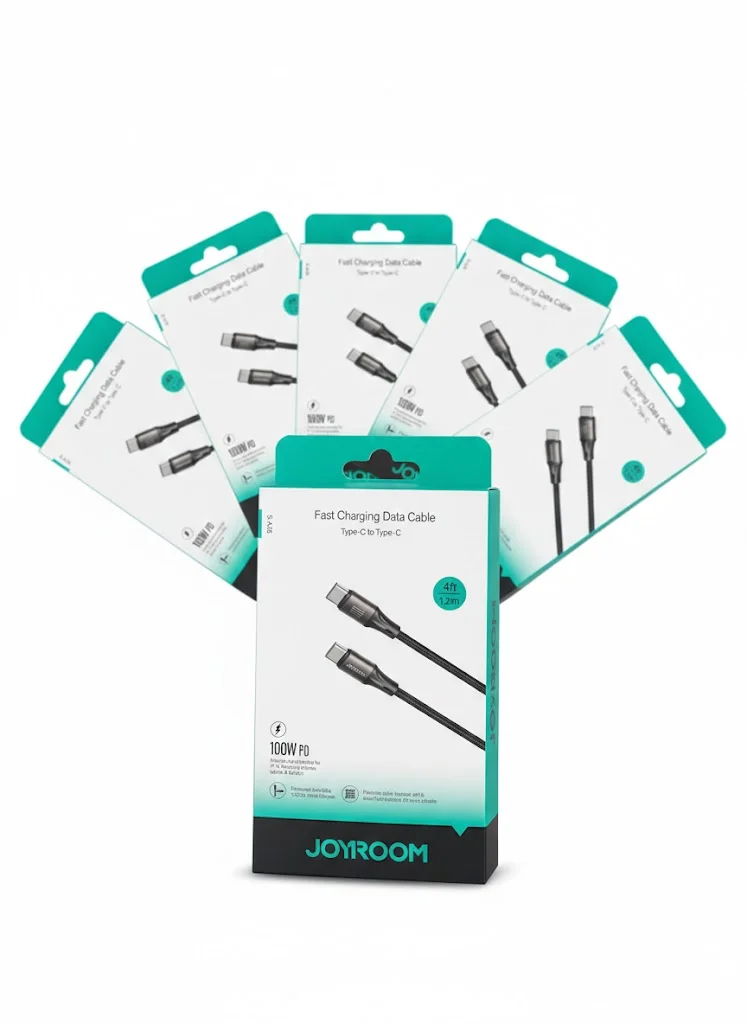
Joyroom USB-C to USB-C Cable JR-S-CC100
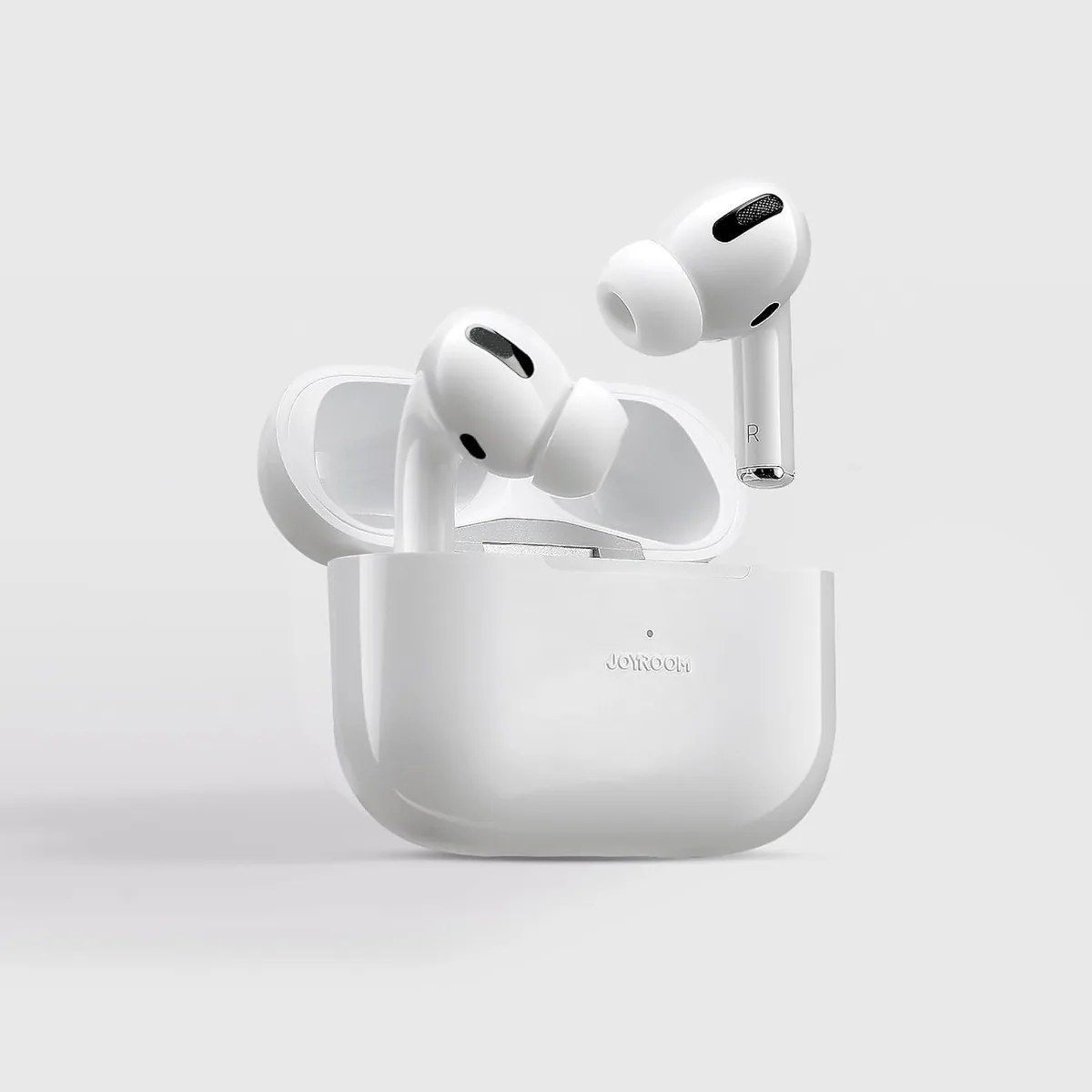
Joyroom JR-T03 Wireless Earbuds | 20H Battery | Bluetooth 5.0
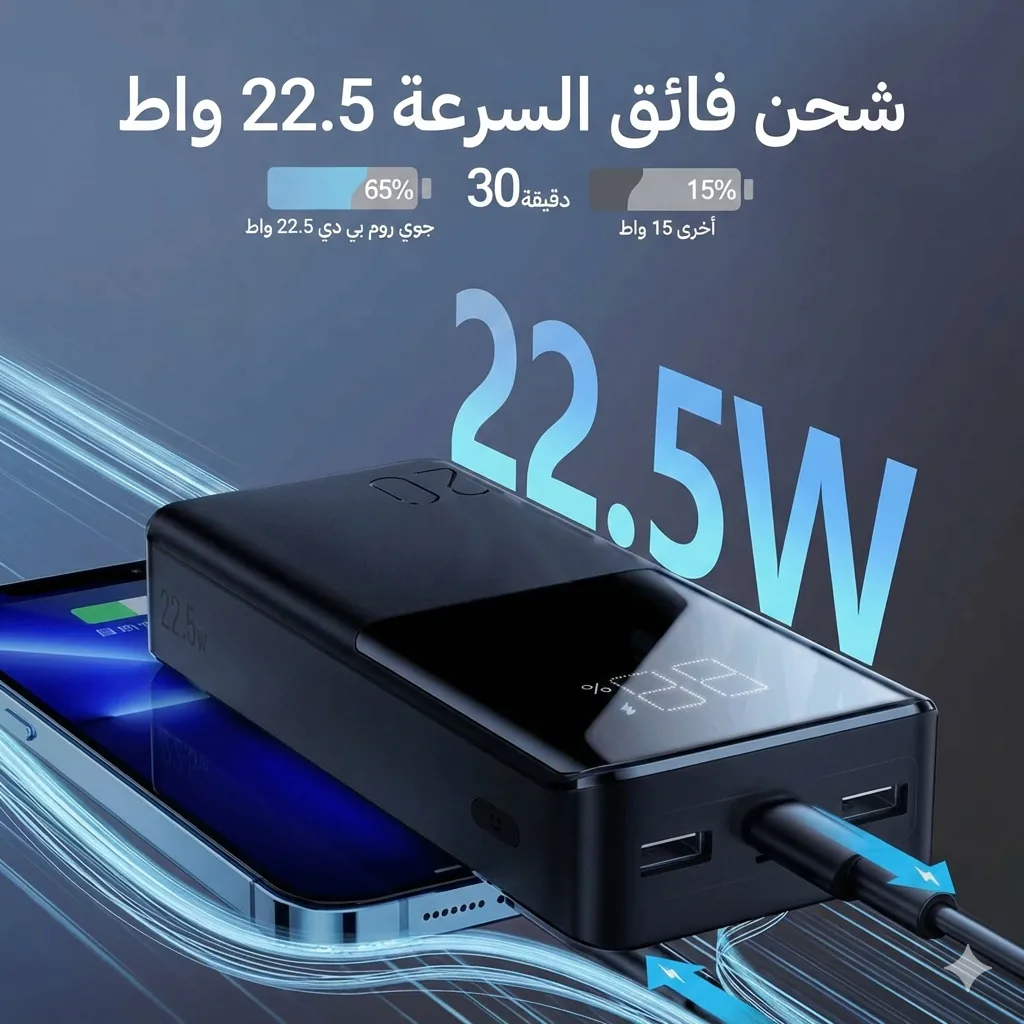
Joyroom 20000mAh Power Bank | 22.5W PD+QC | Triple Output