Samsung Galaxy M Series Buying Guide: Selecting the Phone & Best Budget Chargers
Looking for a smartphone with an exceptional battery? Samsung M series offers power monsters in Egypt but without inside-box chargers. We explain how to select budget adapters.
Quick Take: Samsung Galaxy M series devices (like the M34 and M54) support Super Fast Charging (SFC) at 25W. Because the retail package does not include a wall adapter, you must purchase a PPS-compatible charger rated at 25W or 30W (like the Joyroom 30W adapter) to charge these massive batteries within 90 minutes.
Samsung's **Galaxy M Series** (including popular models like the M14, M33, M34, and M54) has attained massive success in Egypt. This is due to a simple product formula: "maximum battery capacity at budget-friendly prices." Often referred to as "Battery Monsters," these phones feature massive 5000mAh to 6000mAh cells, yielding up to two full days of heavy usage on a single charge. However, to keep retail prices low, Samsung excludes the charging block and earbuds from the retail packaging. This decision raises technical questions for local buyers: "What type of charger is needed to fill these massive batteries quickly without generating heat, and what are the hardware differences between the M series and the premium A series?" In this guide, we will analyze the technical power requirements of Samsung M devices and recommend compatible accessories.
1. Understanding the M Series vs. the Premium A Series
The Galaxy M series is designed primarily for online sales, allowing Samsung to reduce traditional retail distribution margins and invest in larger batteries and display specifications. When compared to the popular A series, several differences emerge:
- 🛡️ Water & Dust Resistance: Most mid-range A series models (like the A54 and A55) feature IP67 ratings for water submersion. The M series lacks official IP ratings to save manufacturing costs.
- 📸 Optical Image Stabilization (OIS): The A series features hardware OIS as a standard camera feature, whereas the M series limits this feature to higher-tier models like the M54.
- 🔋 Battery Capacities: The A series caps battery capacities at 5000mAh to preserve slim aesthetic profiles. The M series expands capacities up to 6000mAh, resulting in thicker and heavier builds.
Software Variations: One UI Core
Budget-friendly M series devices (such as the M14) run a customized skin called **One UI Core**. Samsung removes heavy features—like Knox security folders and complex animation layers—to ensure smooth operation on budget Exynos processors. Mid-to-high models (like the M54) receive the unrestricted, full One UI version.
Update Cycles and Knox Vault Isolation Differences
In terms of updates and security maintenance, Samsung usually prioritizes the Galaxy A series with four years of major OS updates and five years of security patches. The Galaxy M series, on the other hand, often receives only two or three years of major platform updates. Additionally, the A series utilizes Samsung Knox Vault, a dedicated hardware-isolated security chip that protects sensitive cryptographic keys and passwords. The budget-oriented M series relies solely on software-level Knox security, leaving it slightly more vulnerable to physical chip-probing attacks. This distinction highlights that while the M series excels in battery life, the A series offers superior security and support.
2. Electrical Charging Architecture for 6000mAh Batteries
Charging a 6000mAh battery requires careful electrical regulation. Utilizing a legacy 10W or 15W adapter will result in charging times exceeding 2.5 hours due to low current delivery relative to battery capacity.
To address this, Samsung M series phones support **Super Fast Charging (SFC) at 25W**, which operates at **9V and 2.77A**.
However, triggering this speed requires a wall adapter that supports **Programmable Power Supply (PPS)** within the USB-PD protocol. PPS allows the smartphone to negotiate voltages in tiny 0.02V increments during the charging cycle based on real-time cell temperatures. This dynamic regulation reduces heat generation inside the phone, allowing the 6000mAh cell to charge quickly and safely.
Thermal Stresses and Polycarbonate Dissipation Limitations
Samsung manufactures M-series backs using polycarbonate plastics. Polycarbonate has a low thermal conductivity of roughly **0.2 W/(m·K)**, far below aluminum (200) or glass (1.0). This means the plastic acts as a heat trap.
When the battery absorbs 25W during charging, internal resistance generates heat. The plastic back traps this thermal energy inside the chassis for a longer duration. If a low-quality charger fluctuates in its voltage output, it creates spikes that stress the lithium-ion structure. Utilizing a PPS charger is a critical engineering requirement to keep charging temperatures low on plastic M series devices.
Exynos Processors Thermal Management and Throttling Curves
M-series devices use Exynos chipsets (such as the **Exynos 1330** on the M14, or the **Exynos 1280** on the M34). While built on a 5nm node, Exynos processors tend to generate substantial heat under heavy continuous loads (like 3D gaming or using GPS maps in Egypt's hot summer weather).
If you play games on the phone while charging at 25W, the combined thermal output of the SoC and the battery will quickly exceed 45°C. When this threshold is crossed, the system's thermal daemon triggers severe **Thermal Throttling**, dropping CPU core frequencies to cool the device by shifting heavy workloads from high-performance Cortex-A78 cores to efficiency Cortex-A55 cores. This results in lagging. We recommend avoiding gaming while charging to preserve battery life and performance.
3. Virtual Proximity Sensing & Screen Protector Interference
To optimize costs, Samsung M series budget and mid-tier models omit a physical infrared proximity sensor. Instead, they implement **Virtual Proximity Sensing** technology.
This software-based system utilizes the front-facing camera, the accelerometer, and orientation algorithms to predict when the user holds the phone to their ear and turn off the screen. This system faces issues when paired with incorrect accessories:
- ⚠️ Thick Glass Protectors: Installing thick aftermarket tempered glass protectors that lack clear camera cutouts blocks the front lens. This disables the proximity algorithm, causing the screen to remain active during calls and triggering accidental cheek touches.
- 💡 CairoVolt Recommendation: Always choose screen protectors featuring precise camera notch cutouts to prevent proximity detection failures.
4. Headphone Jack Removal and Active Type-C DAC Requirements
While the budget M14 5G retains the 3.5mm headphone jack, Samsung has removed it from the M34 and M54. This requires users to rely on USB-C to 3.5mm adapters.
However, Samsung devices reject cheap, passive analog adapters. They require adapters containing an active **Digital-to-Analog Converter (DAC)** chip. Connecting an analog adapter results in a "USB Device Not Supported" error. We suggest pairing these phones with Bluetooth earbuds to avoid compatibility issues.
5. Protecting Super AMOLED Screens from Burn-In Degradation
Despite the excellent display quality of the Super AMOLED panels on the M34 and M54, these screens are more susceptible to permanent **burn-in** compared to the flagship S-series. Burn-in occurs when static, bright images (like navigation buttons or keyboard layouts) remain displayed for extended periods, causing uneven degradation of organic pixels.
To protect your display from this permanent damage, we suggest enabling **Adaptive Brightness** to scale down screen output indoors, and using **Dark Mode** as the default system theme. This completely turns off black pixels, extending panel life.
6. Recommended Chargers and Accessories for Galaxy M Series in Egypt
Since these devices ship without accessories, we recommend these budget-friendly, compatible spares:
Regulated Wall Chargers
- ⚡ Joyroom 30W Fast Charger: The Joyroom 30W Fast Charger fully supports Samsung's PPS fast charging standard, delivering the full 25W to the M34 and M54 and charging their 6000mAh batteries in under 90 minutes while keeping temperatures low. (The Egypt/global Galaxy M14 5G is hardware-capped at 15W — 25W is exclusive to the India variant — so it charges at its own 15W maximum on any adapter, matching the comparison table below.)
Low-Resistance USB-C Cables
- 🔌 Joyroom Type-C to Type-C Cable: We recommend the Joyroom Type-C to Type-C Cable. Its heavy-duty copper core reduces resistance, ensuring stable power delivery and protecting the port.
Compatible Wireless Earbuds
- 🎵 Joyroom Wireless Buds: Consider the Joyroom JR-T03S Pro Wireless Earbuds for excellent sound quality and stable Bluetooth integration on Samsung devices.
7. Samsung Galaxy M Series Model Comparison
| Model | Battery Capacity | Max SFC Wattage | Display Panel | OIS Support |
|---|---|---|---|---|
| Galaxy M14 5G | 6000mAh | 15W (Standard Fast) | PLS LCD (90Hz) | No |
| Galaxy M34 5G | 6000mAh | 25W (SFC) | Super AMOLED (120Hz) | Yes |
| Galaxy M54 5G | 6000mAh | 25W (SFC) | Super AMOLED Plus (120Hz) | Yes |
8. Verdict and CairoVolt Recommendation
The Galaxy M series offers excellent value for users who prioritize battery life and screen quality. CairoVolt recommends avoiding cheap, uncertified chargers for these large batteries. Low-quality adapters cause heat buildup during long charging cycles, degrading battery health. Use a certified 30W PPS charger to ensure safe, stable power delivery.
To prevent charging port issues caused by pocket lint and dust, check out our guide on how to safely clean your charging port to save on repair costs.

CairoVolt Editorial Team
Content team reviewing specifications and buying guides
The CairoVolt team reviews model numbers, specifications, and compatibility, and updates information when better data is available. Estimates are labeled as calculations, and readers can report information that needs correction.
Frequently Asked Questions
Why does Samsung exclude the charger from the Galaxy M series packaging?▼
How long does it take to charge a 6000mAh battery with a 25W charger?▼
Do Samsung Galaxy M series phones support wireless charging?▼
What happens if I charge my M series phone with a legacy 15W adapter?▼
Ready to Buy?
Browse available products and review specifications and CairoVolt warranty terms before ordering
Related products
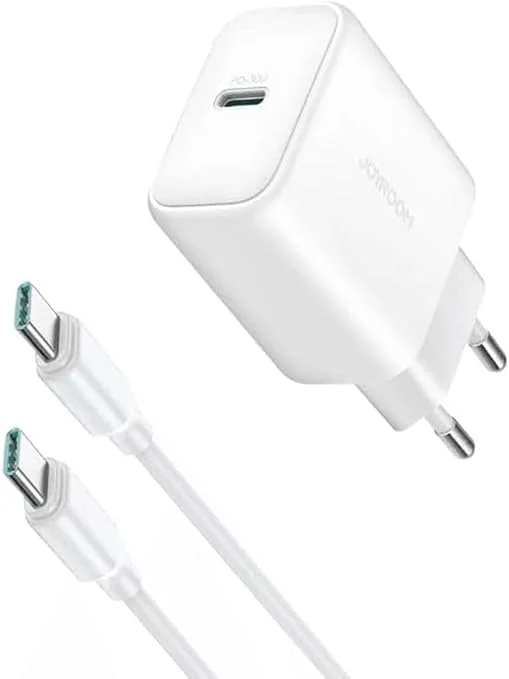
Joyroom 30W PD+QC Wall Charger | Dual USB-C and USB-A Ports
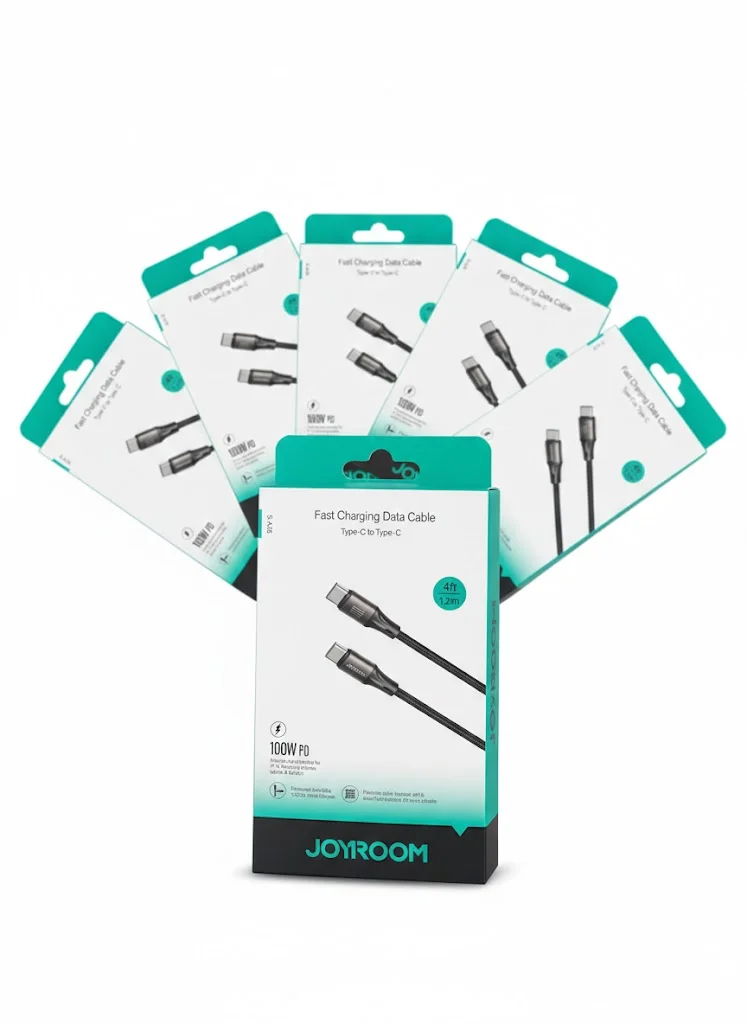
Joyroom USB-C to USB-C Cable JR-S-CC100
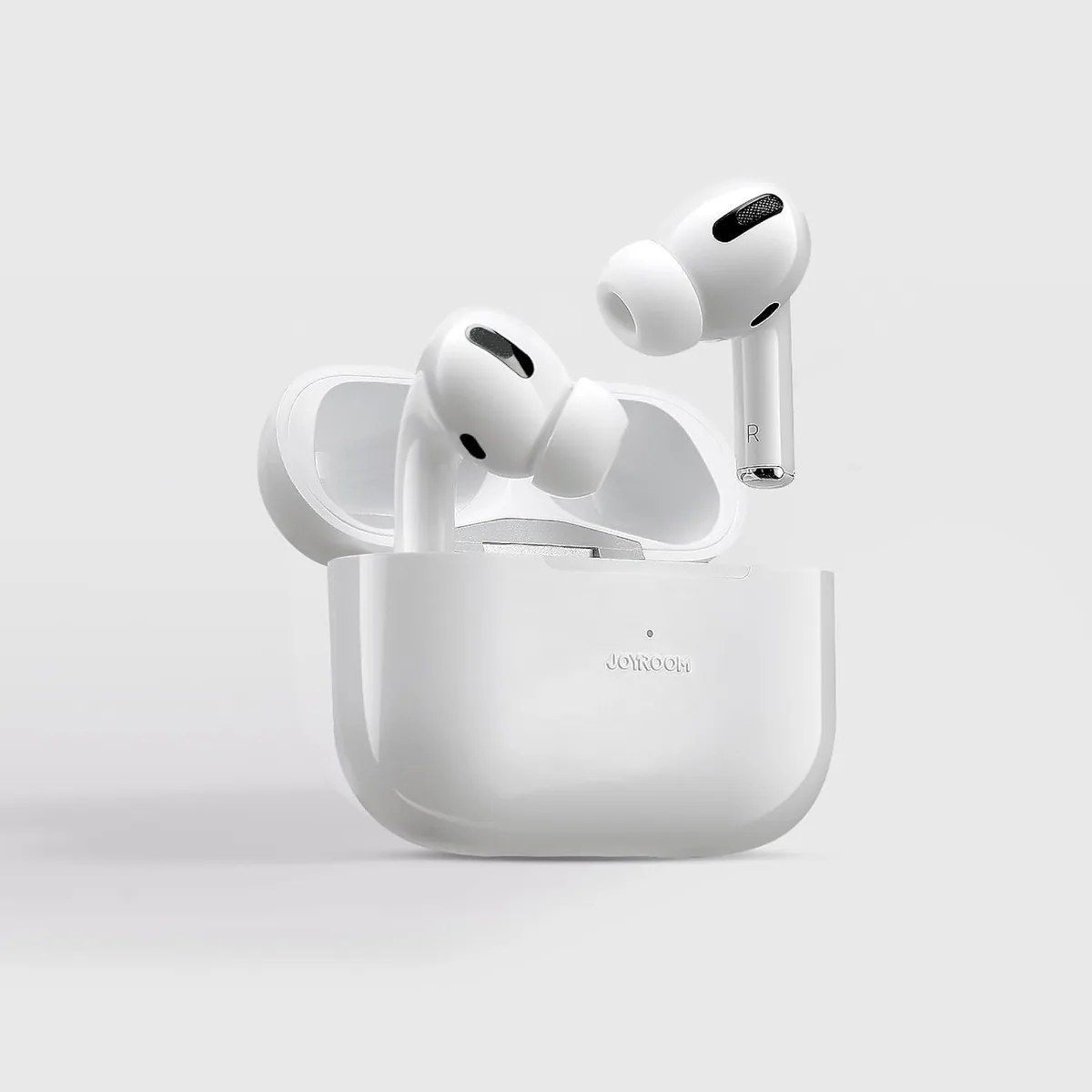
Joyroom JR-T03 Wireless Earbuds | 20H Battery | Bluetooth 5.0
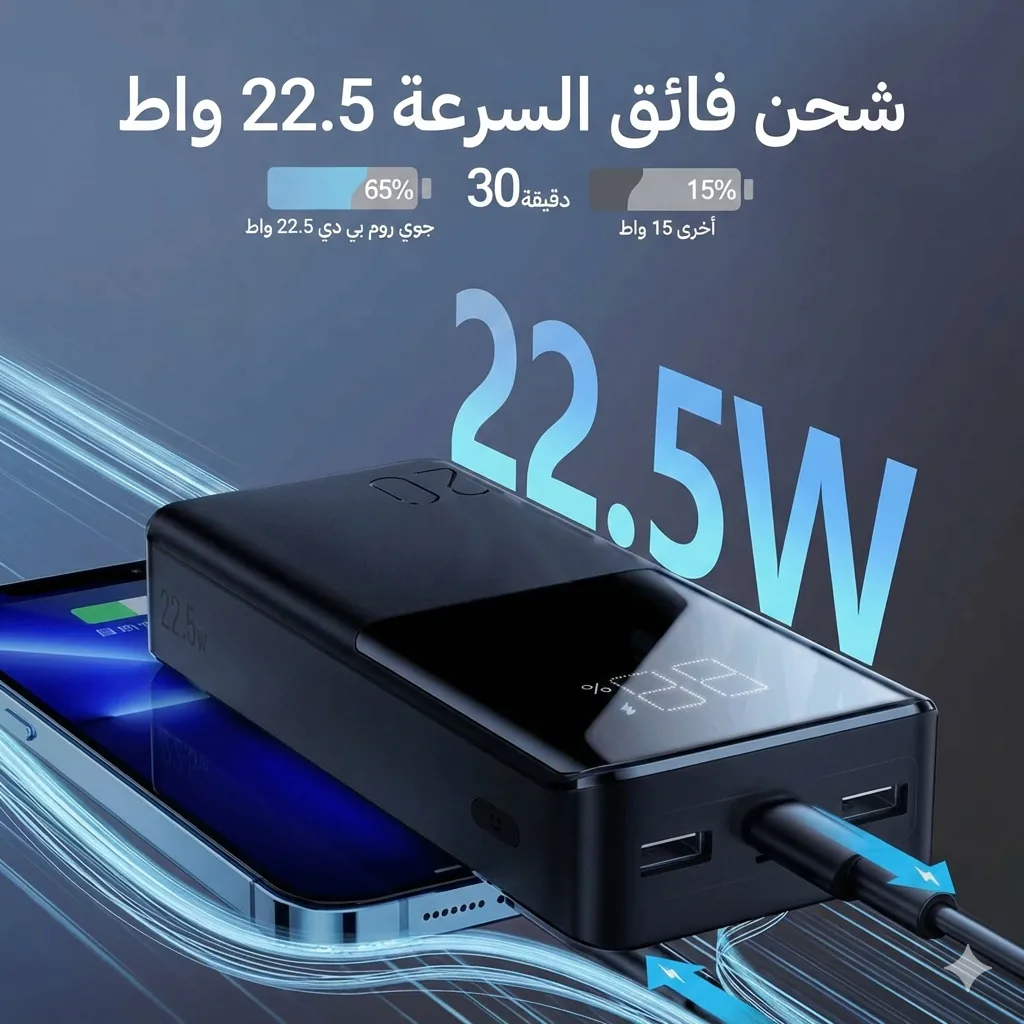
Joyroom 20000mAh Power Bank | 22.5W PD+QC | Triple Output