Why is My Power Bank Charging So Slowly? 6 Hidden Causes & How to Fix Them
Does it take an entire day to recharge your portable charger? We break down the 6 technical reasons behind slow power bank charging and how to fix them.
TL;DR: Your power bank charges slowly due to 6 main reasons: (1) using a weak wall charger (under 15W), (2) a damaged or low-quality cable, (3) using a slow input port (like Micro-USB instead of Type-C), (4) high temperatures triggering thermal throttling, (5) charging multiple devices simultaneously, and (6) natural lithium cell degradation.
Imagine this common scenario: you are preparing for a long train ride from Cairo to Alexandria or gearing up for a full day of outdoor meetings. You pick up your trusted portable power bank, plug it in, and wait. And wait. Four hours later, the LED indicator is still stuck on the second blinking dot. It feels like the power bank is trying to charge its own soul instead of storing energy for your devices. In that moment of frustration, most users assume their battery pack is defective or counterfeit, throwing it in a drawer or heading out with low battery anxiety.
A slow-charging power bank is rarely defective in itself. Instead, it is usually a symptom of a bottleneck somewhere else in your charging chain. The physics of electricity delivery, cable resistance, port limitations, and thermal throttling in the hot Egyptian summer all play crucial roles in how fast a portable charger can replenish its capacity. In this academic and practical guide, we break down the 6 hidden technical causes of slow power bank charging and provide practical solutions to restore high-speed performance.
💡 Quick Answer: Slow power bank charging is usually caused by using a weak wall adapter (under 15W) or a damaged, high-resistance cable. To fix it, always use a wall charger rated at 25W or higher supporting USB-C Power Delivery, pair it with a short, certified USB-C to USB-C cable, and charge the unit in a cool, well-ventilated room to prevent thermal throttling.
Cause 1: Low-Wattage Wall Adapter (The Charging Adapter Bottleneck)
The most frequent mistake users make is trying to charge a large capacity power bank (like a 20,000mAh model) using an old, weak wall adapter. Many Egyptian homes still use the classic 5W (5V/1A) square charger that came with older iPhones, or cheap 10W standard phone chargers. From an electrical engineering perspective, this is equivalent to trying to fill an Olympic-sized swimming pool with a garden hose.
Let's look at the math and physics behind this limitation. A typical 20,000mAh power bank operating at a nominal cell voltage of 3.7V stores approximately **74 Watt-hours (Wh)** of energy. If you plug this battery pack into a 5W wall charger, the theoretical minimum time required to charge it from 0% to 100% is (74Wh ÷ 5W) = **14.8 hours**. However, due to conversion efficiency losses (typically 15% to 20% lost as heat inside the circuitry), the real-world charging time can stretch to **18 to 22 hours**. You are literally waiting nearly an entire day for a single charge!
The solution is to use a high-quality wall adapter that supports USB-C Power Delivery (PD) with a minimum output of 18W, 25W, or 30W. When connected to a compatible fast charger, the power bank's charging circuit negotiates a higher voltage/current profile. This slashes the total recharge time of a 20,000mAh battery pack down to just **3 to 4 hours**, saving you precious time and reducing electrical stress on the wall adapter.
Cause 2: High Resistance in Damaged or Poor-Quality Cables
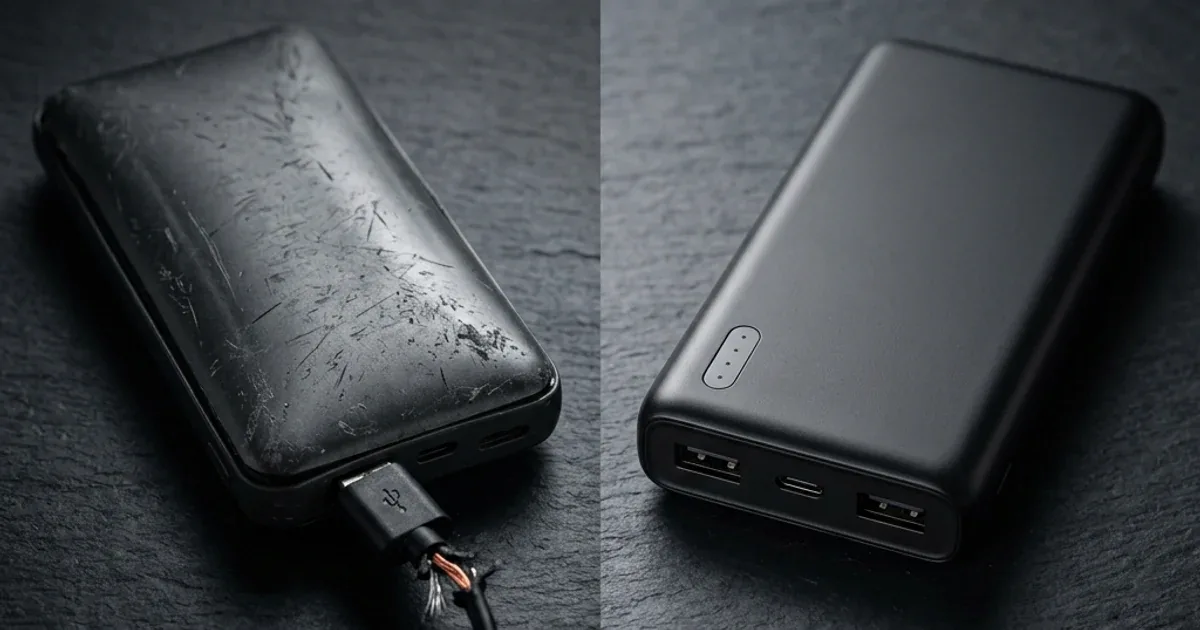
If you are already using a powerful wall adapter but your power bank is still taking ages to charge, the problem lies within the cable. Cheap, unbranded cables purchased from street vendors or microbuses suffer from poor internal design. They use very thin copper conductors (high AWG rating) and lack proper shielding, leading to high electrical resistance.
According to Ohm's Law (V = I × R), voltage drop across a conductor is directly proportional to its resistance. When current flows through a thin, high-resistance wire, a significant portion of the voltage is lost as heat. If the wall adapter outputs 5.0V, but the voltage drops to 4.2V by the time it reaches the input port of your power bank, the device's Power Management IC (PMIC) will detect this drop. To prevent overheating and potential damage, the PMIC automatically throttles the current draw to a safe minimum (like 0.5A or 1.0A), leading to extremely slow charging times.
Always pair your portable charger with a short, high-gauge copper cable certified for at least 3A (such as Anker PowerLine or premium Joyroom cables). Keeping the cable under 1 meter minimizes wire resistance and guarantees that the maximum wattage from the charger reaches the battery pack's charging circuit.
Cause 3: Hardware Limitations of Micro-USB Input Ports
Look at the input port you are using to charge your power bank. If your device only has a **Micro-USB port** (the old trapezoid-shaped connector) for input, you are limited by hardware specifications. Micro-USB ports were designed over a decade ago and are structurally incapable of handling high currents safely.
The physical pins and trace widths on a Micro-USB port's circuit board are limited to a maximum of 5V at 2A, or **10W of power**. No matter how powerful your wall adapter is—even if you plug in a 100W MacBook charger—the physical connection itself bottlenecks the input to 10W to prevent the port from melting. Modern **USB-C ports**, on the other hand, support USB-C Power Delivery and PPS standards. They can safely handle much higher voltages and currents, allowing power banks to charge at 18W, 30W, 45W, or even **140W** in premium models, making USB-C the superior choice for fast charging.
If your current power bank relies on Micro-USB, it is highly recommended to upgrade to a modern unit that features a USB-C input/output port. This ensures you can utilize modern fast chargers and reduce charging times significantly.
Cause 4: Thermal Throttling Due to High Ambient Temperatures
Summer temperatures in Egypt can easily exceed 40°C in unconditioned rooms or parked cars. Lithium-based batteries (both lithium-ion and lithium-polymer) are highly sensitive to heat. Their optimal temperature range during charging is between 10°C and 30°C.
Every certified power bank contains a safety monitoring system with NTC thermistors to track internal battery temperatures. When you charge a power bank, the chemical reaction of lithium ions migrating back into the anode generates heat. If the ambient room temperature is already high, the battery pack's internal temperature can quickly climb past 45°C. To prevent catastrophic failure (such as battery swelling, thermal runaway, or explosion), the safety microcontroller triggers **thermal throttling**, cutting the charging current by 50% or more to allow the unit to cool down. If the temperature keeps rising, the charging process will shut down entirely.
To prevent thermal throttling, never charge your power bank in enclosed, hot spaces, under direct sunlight, or stacked under other electronic devices like laptops. Always charge it in a cool, well-ventilated area, preferably in an air-conditioned room or with a fan blowing over it to dissipate heat.
Cause 5: The Toll of Pass-Through Charging (Simultaneous Input/Output)
Many users plug their power bank into the wall and then connect their smartphone to the power bank at the same time, hoping to charge both devices overnight from a single wall outlet. This feature, known as **Pass-Through Charging**, is highly convenient but severely slows down the recharge rate of the power bank.
When pass-through charging is active, the power bank's internal charging controller operates under two major constraints:
- #️⃣ Power Allocation Priority: The PMIC is programmed to prioritize the connected external device. Most of the incoming wattage from the wall adapter is routed directly to your phone, leaving only a tiny trickle of current (often less than 5W) to charge the power bank's internal cells.
- #️⃣ Double Thermal Load: Charging the power bank generates heat, and simultaneously outputting power to charge your phone generates additional heat. The combined thermal load quickly triggers the NTC temperature sensor, forcing the power bank to throttle its charging speed to prevent overheating.
For the fastest charge times, it is always best to charge your power bank and your smartphone separately using a multi-port wall charger that can distribute full fast-charging speeds to both devices independently.
Cause 6: Natural Battery Degradation and High Internal Resistance
If you have owned your power bank for more than two years and use it daily, its slow charging speed might simply be due to age. All lithium-polymer cells degrade over time. A typical high-quality power bank will maintain optimal performance for about **300 to 500 charge-discharge cycles**.
As the battery cells age, repeated chemical cycles cause the formation of a Solid Electrolyte Interphase (SEI) layer on the electrodes. While this layer is necessary, it thickens over time, increasing the battery's **internal resistance**. High internal resistance makes it physically harder for lithium ions to flow back and forth during charging. The charging circuit must work harder, generating more heat and taking much longer to push the same amount of charge into the degraded cells. You will also notice that the power bank runs hotter than it used to and drains much faster when charging your phone.
If your power bank is old, runs excessively hot, charges slowly, and loses its charge quickly, the lithium cells have reached the end of their chemical lifespan. For safety reasons, you should replace the unit to avoid the risk of cell swelling and chemical leaks.
Comparison of Power Bank Charging Speeds by Charger Type
This table shows the approximate recharge time (calculated from the input wattage) of a standard 20,000mAh (74Wh) power bank with different charger and cable combinations:
| Power Source / Wall Charger | Cable Type Used | Actual Output Wattage | Recharge Time (0% to 100%) | Performance & Efficiency Verdict |
|---|---|---|---|---|
| Old iPhone Square Charger (5W) | Standard USB-A Cable | 5W max | 18 - 20 hours | Extremely slow; highly inefficient |
| Computer USB 3.0 Port | Standard USB-A Cable | 4.5W max | 20 - 22 hours | Waste of time; not recommended |
| Standard Budget Charger (10W) | Generic Micro-USB Cable | 7.5W - 8.5W | 11 - 13 hours | Slow; acceptable only for overnight charging |
| Quick Charge 3.0 Charger (18W) | Certified 3A USB-C Cable | 15W - 18W | 6 - 7 hours | Good, balanced speed for mid-range power banks |
| Fast USB-C PD Charger (30W+) | Premium USB-C to USB-C Cable | 30W active PD | 3 - 4 hours | Ideal choice; fastest and safest method |
Practical Tips to Speed Up Power Bank Charging
To avoid slow charging issues and maximize the lifespan of your portable power bank, follow these engineering-backed rules:
- #️⃣ Use a GaN Charger Rated at 30W or Higher: Gallium Nitride (GaN) chargers are highly efficient and run cooler than traditional silicon adapters. This prevents heat buildup at the outlet and ensures consistent power. We recommend the Anker Nano 30W charger for excellent safety.
- #️⃣ Opt for a Short, Certified Cable: Use USB-C cables between 30cm and 90cm for recharging. Shorter lengths minimize copper resistance and deliver full wattage without losses. Check out Anker PowerLine cables or certified Joyroom cables.
- #️⃣ Charge in a Cool Environment: During hot summer months, charge your power bank at night or in a room with air conditioning. Keeping the unit cool allows the PMIC to draw maximum input wattage without thermal throttling.
- #️⃣ Avoid Fully Depleting to 0%: Try not to drain your power bank completely until it turns off. Deep discharges put heavy stress on the battery cells, increasing internal resistance. Recharge the unit when it drops to around 20%.
- #️⃣ Do Not Use Pass-Through Charging: Disconnect any phones from the power bank while it is connected to the wall to keep temperatures low and allow the battery pack to recharge efficiently.
In conclusion, slow power bank charging is rarely a sign of a broken device. Most often, upgrading your cable and wall charger is all that is needed to restore high-speed performance, protecting your devices and battery health over time.

CairoVolt Editorial Team
Content team reviewing specifications and buying guides
The CairoVolt team reviews model numbers, specifications, and compatibility, and updates information when better data is available. Estimates are labeled as calculations, and readers can report information that needs correction.
Frequently Asked Questions
Does charging my power bank with a fast wall charger reduce its lifespan?▼
Can I recharge a power bank using a multi-connector charging cable?▼
Why are the power bank LEDs blinking continuously without progress?▼
Is it possible to replace the internal battery cells of a slow-charging power bank?▼
Ready to Buy?
Browse available products and review specifications and CairoVolt warranty terms before ordering
Related products
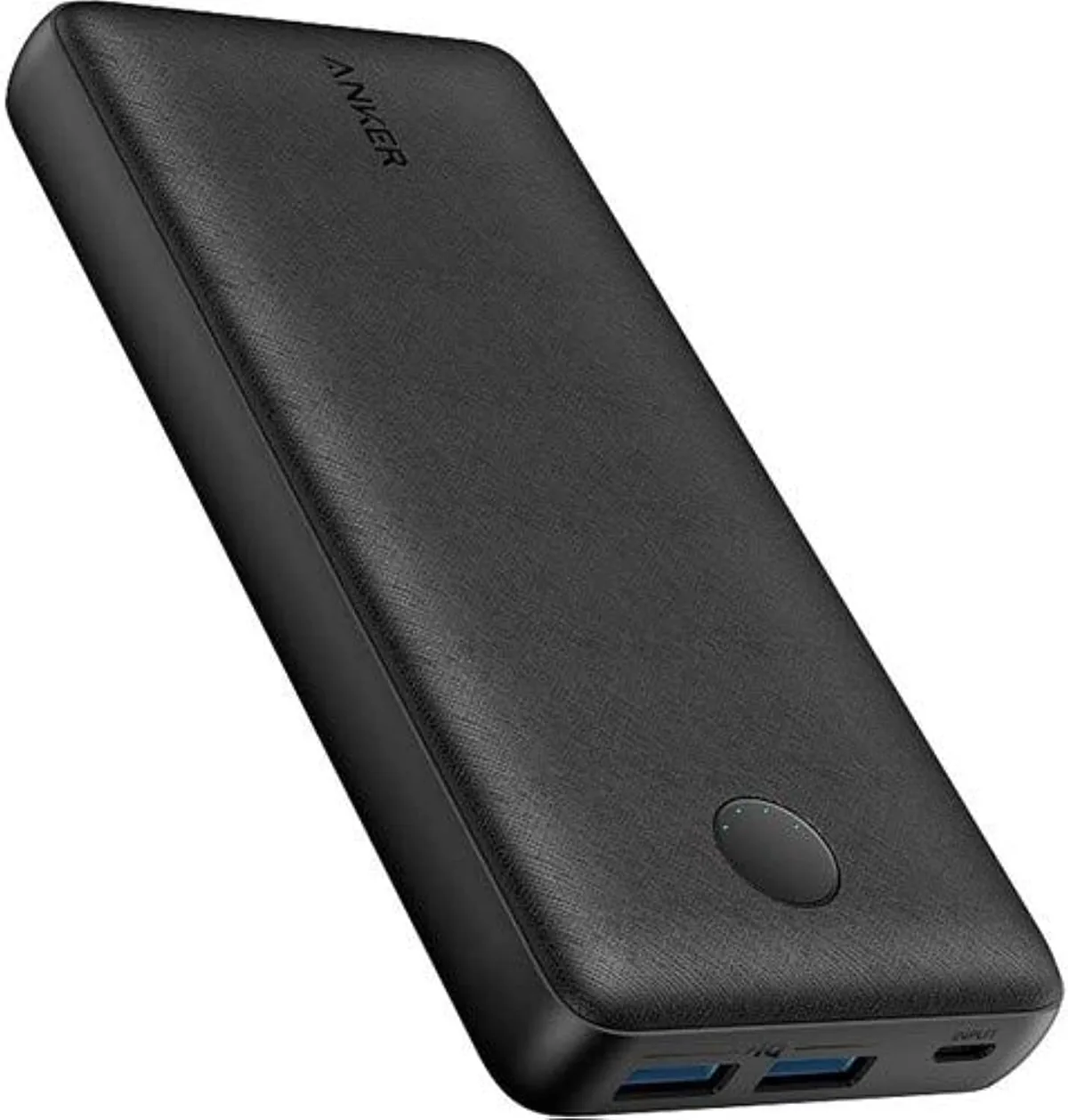
Anker PowerCore 20000mAh | 72Wh | Dual USB-A
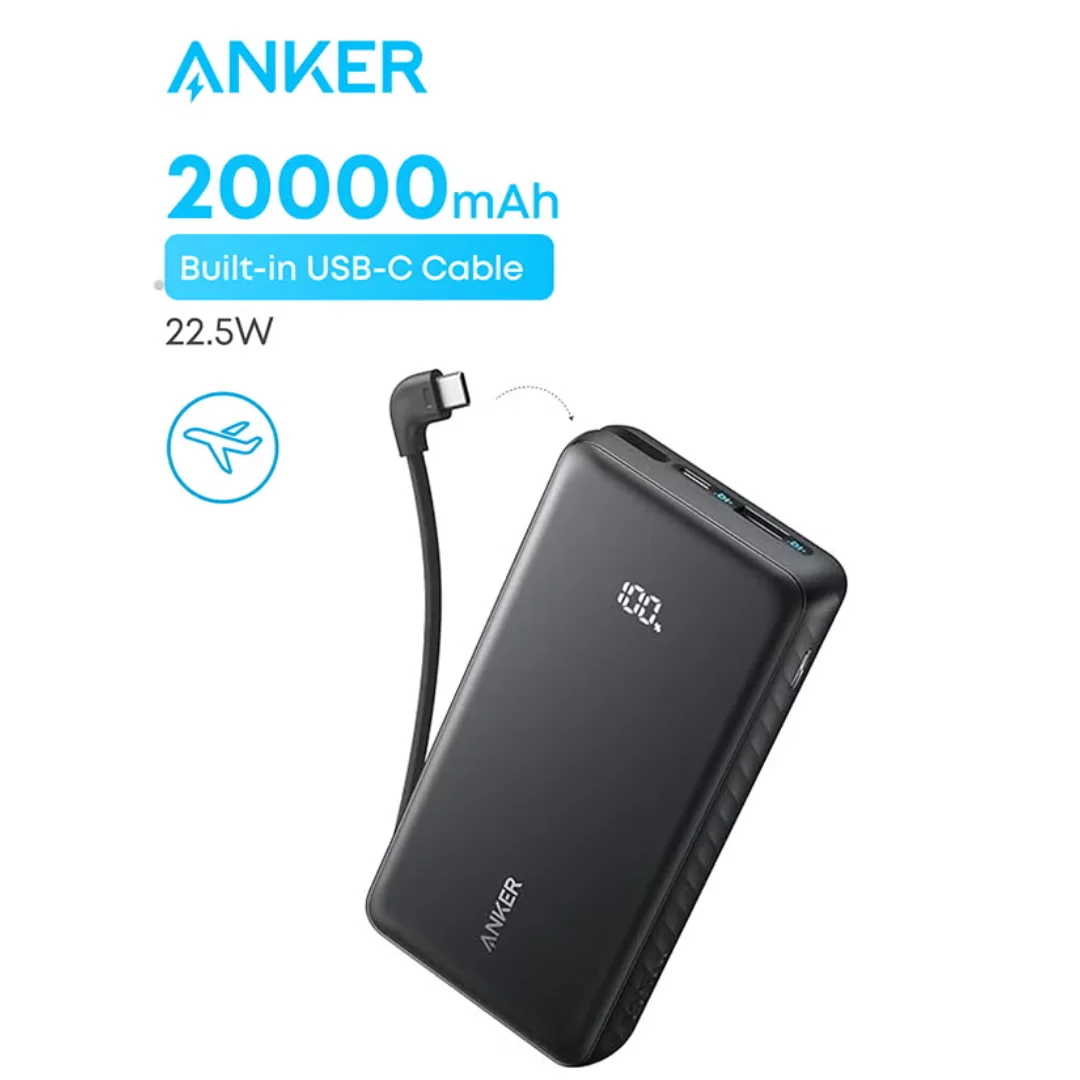
Anker ZOLO Power Bank 20,000mAh (22.5W) | Built-in Cable
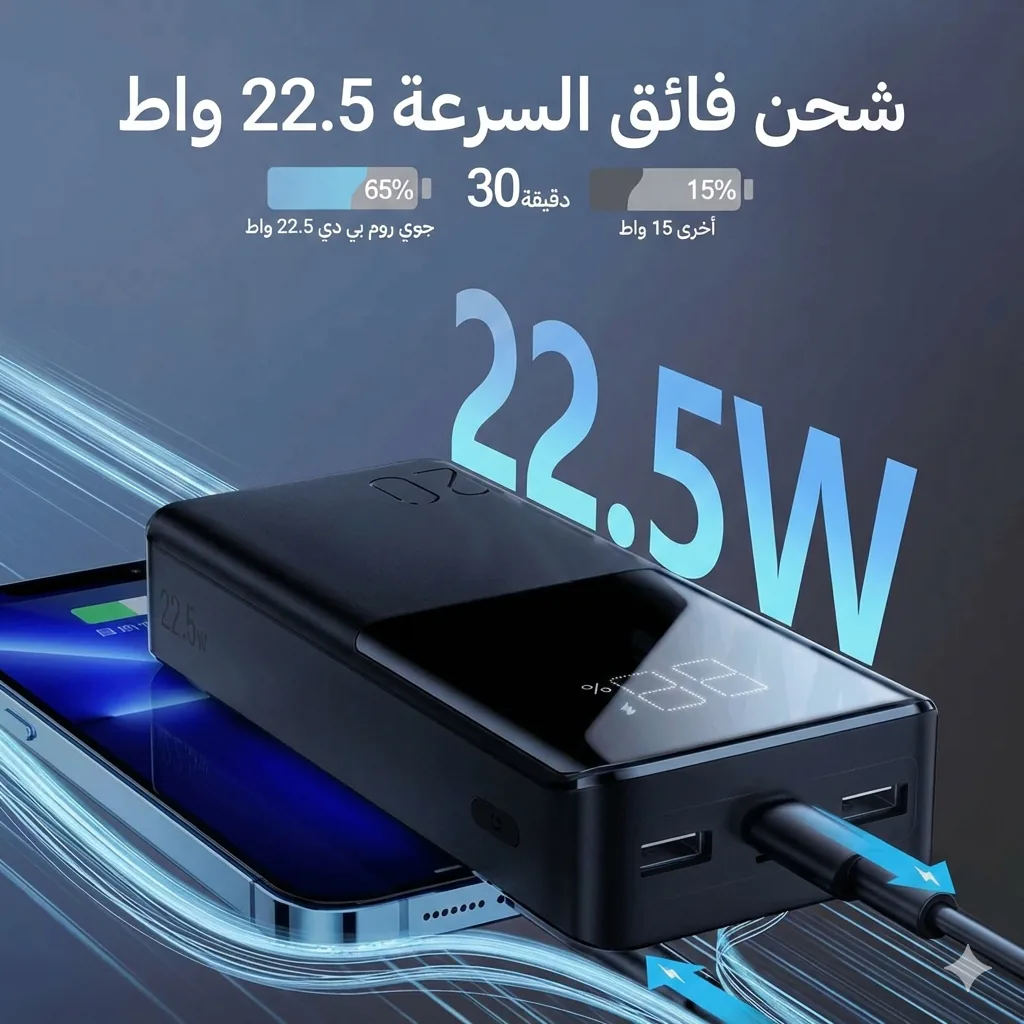
Joyroom 20000mAh Power Bank | 22.5W PD+QC | Triple Output
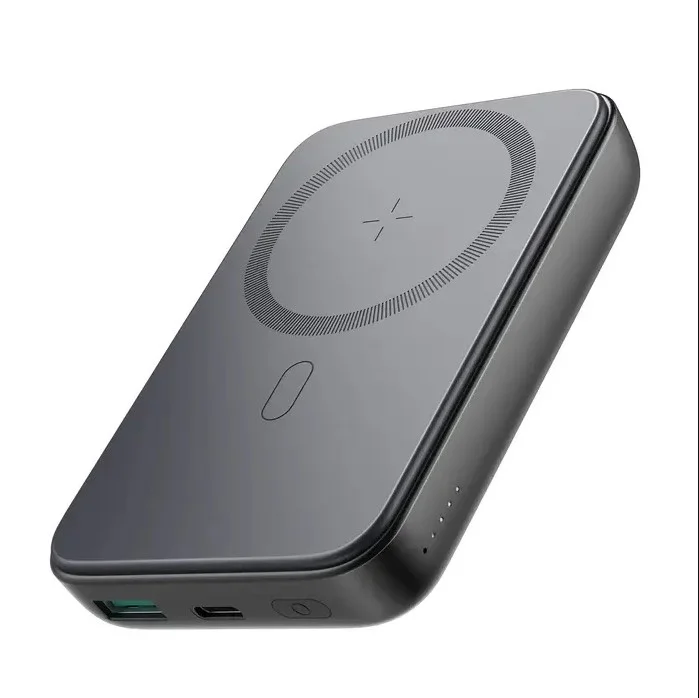
Joyroom MagSafe Power Bank 10000mAh | 15W Wireless + 20W Wired | Kickstand