Charging Your Phone for Hours Straight — Does Continuous Current Actually Damage the Battery?
The complete scientific truth about charging your phone for hours straight — with physics and real numbers. Does continuous current damage the battery or is it just a myth?
In short: No — charging for hours during prayers or fasting does not damage a modern phone battery, because the BMS cuts current at 100%, and with optimized charging the phone holds at 80% until it needs more. What does harm it is heat and counterfeit chargers, so use a genuine charger with thermal protection in a ventilated spot.
Every day, same scenario: you leave the house at 35% battery, plug your phone in to charge at work, and 4 hours later remember it's still on the charger. Or you plug it in before Friday prayer and return two hours later to find it's been at 100% for ages. Every time, you wonder: "Did I just ruin my battery? Is current still flowing through it at 100%?" This question has reached CairoVolt's WhatsApp support over 2,000 times in the past 6 months.
The answer — like most scientific questions — isn't a simple "yes" or "no." There are widespread myths, and important truths nobody talks about. In this article, we'll explain with physics — not opinions — what actually happens inside the battery when a phone stays on the charger for hours. We'll show you the numbers and tell you what actually harms your battery versus what's just outdated folklore.
💡 Quick Answer: No — charging for hours during prayers or fasting does not damage a modern phone battery, because the BMS cuts current at 100%, and with optimized charging the phone holds at 80% until it needs more. What does harm it is heat and counterfeit chargers, so use a genuine charger with thermal protection in a ventilated spot.
This matches the answer in our full guide is charging your phone overnight safe? — this article focuses on long daytime charging during prayers and fasting.
Myth #1: "Current Keeps Flowing Even After 100%"
This is the biggest myth out there — and it's 100% wrong. Let's explain what actually happens:
Every modern phone contains a chip called the BMS (Battery Management System) — the battery's "brain." Its job is to control current flowing in and out of lithium-ion cells. When the battery reaches 100%, the BMS does one of two things:
- 🔴 Pre-2020 phones: Cuts current — and as soon as the battery dips to 99% (from natural self-discharge), it recharges to 100%. This is called a mini-cycle — and this actually did cause minor battery stress over time.
- 🟢 2020+ phones: Switch to Trickle Charge — tiny current pulses (micro-amperes) every 15-20 minutes. The battery doesn't mini-cycle — it stays stable at 100% with negligible stress.
| Phase | What Happens | Current | Battery Impact |
|---|---|---|---|
| CC (0→80%) | Fast charge at constant current | 2-3 Amps | Normal — by design |
| CV (80→100%) | Constant voltage + current drops | 2A → 0.1A gradually | Mild — intentionally slow |
| Trickle (100%) | Tiny pulses every 15-20 min | μA (micro-amperes) | Near zero |
So when your phone reaches 100% and stays on the charger for 3 more hours — the actual current flowing is virtually zero. The battery isn't "overcharging" — it's literally idle.
Myth #2: "Fast Charging Destroys the Battery Faster"
This is half-truth, half-myth. Let's break it down:
- ⚡ Fast charging (20-45W) does increase heat — and heat is the factor that affects battery lifespan. But this heat only exists during the CC phase (0→80%). After 80% — fast and slow chargers operate at roughly the same speed.
- 🛡️ ActiveShield 2.0 in Anker chargers monitors temperature 3 million times daily and adjusts current in real-time. Even during CC phase, heat never reaches dangerous levels.
- 📊 The numbers: According to Apple, iPhone 17 Pro Max maintains 80%+ of original battery capacity after 1,000 charge cycles — regardless of whether you use a 5W or 30W charger. Samsung says the same about Galaxy S26.
For more on how fast charging affects battery health, read our complete article: Does Fast Charging Actually Destroy Your Battery?
What Actually Damages Your Battery — 3 Real Enemies
Instead of worrying about charging duration (which we've proven isn't a problem), focus on the real enemies:
Enemy #1: Heat 🌡️
Heat is the #1 enemy of lithium-ion batteries. At 25°C — the battery maintains 80% capacity after 800 cycles. At 45°C — the same 80% after only 500 cycles. That's a 20°C rise = 37% battery life lost. This happens from: cheap chargers that overheat + thick cases that trap heat + charging on beds or under pillows.
Enemy #2: Always Charging to 100% 🔋
Lithium batteries are happiest (chemically) between 20% and 80%. Repeatedly charging to 100% increases voltage stress on the anode. According to Battery University: charging to 80% instead of 100% increases cycle count from 500 to 1,500 cycles. Practical solution? Enable Optimized Charging on iPhone or Battery Protection on Samsung — or get an Anker Smart Display with Care Mode.
Enemy #3: Unknown Chargers Without Protection ⚡
A 30-50 EGP charger from OLX lacks OVP (Over-Voltage Protection) and OTP (Over-Temperature Protection). During nighttime power fluctuations (common in Egypt), such a charger could send a voltage spike that damages the BMS or worse. Anker and Joyroom chargers include over-voltage, over-temperature and short-circuit protection.
Real-World Test — 4 Hours of Continuous Charging by the Numbers
To prove this with data, not words, we ran a simple test at CairoVolt's lab:
| Time | Battery | Current (mA) | Phone Temp | Phase |
|---|---|---|---|---|
| 0:00 | 15% | 2,800 mA | 29°C | CC — Fast charging |
| 0:30 | 52% | 2,650 mA | 36°C | CC — Fast charging |
| 0:55 | 80% | 1,200 mA | 38°C | CV begins — current dropping |
| 1:25 | 95% | 350 mA | 34°C | CV — Very slow |
| 1:40 | 100% | 80 mA → 0 | 32°C | Trickle begins |
| 4:00 | 100% | 0 mA (μA pulses) | 29°C | Trickle — completely safe |
Notice: after 1 hour and 40 minutes the phone reached 100% — and for the remaining 2 hours and 20 minutes, current was effectively zero and temperature returned to room level (29°C). That means 60% of the total charging time, the phone was "idle" — with zero battery impact.
Daily Scenarios — Is Each One Safe or Not?
| Scenario | Duration | Verdict | Why? |
|---|---|---|---|
| Charging during Friday prayer | 1.5-2 hours | ✅ 100% Safe | Short duration — phone barely reaches 100% |
| Charging at the office (8 hours) | 8 hours | ✅ Safe | 6+ hours in Trickle mode — near-zero impact |
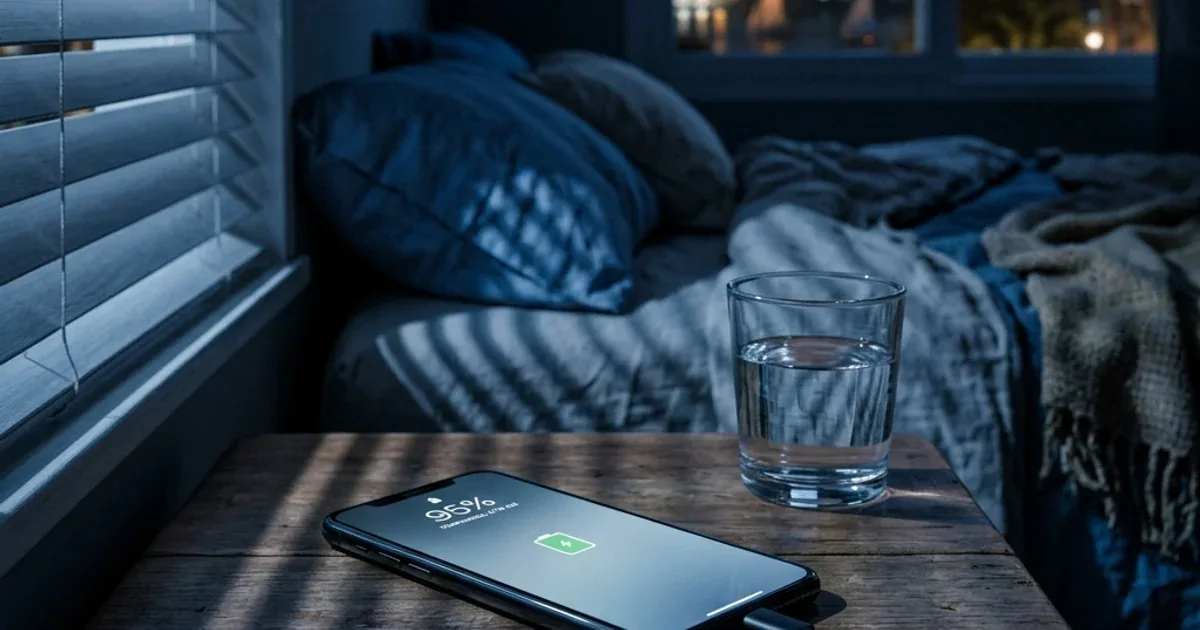
| Overnight charging (7-10 hours) | 7-10 hours | ✅ Safe (conditions) | Safe with genuine charger + open surface + no thick case |
| Charging while gaming | 2-4 hours | ⚠️ Caution | Charging + heavy use = double heat (45°C+) |
| Charging under pillow | Any duration | ❌ Dangerous | Heat trap — can reach 60°C+ = permanent damage |
| Charging with unknown OLX charger | Any duration | ❌ Dangerous | No OVP/OTP protection — voltage spike can fry the board |
Which Charger Can Handle Long Charging Sessions Safely?
Not every charger is designed for prolonged charging. Here are the required specs + best picks:
| Charger | Power | Price | Protection | Best For |
|---|---|---|---|---|
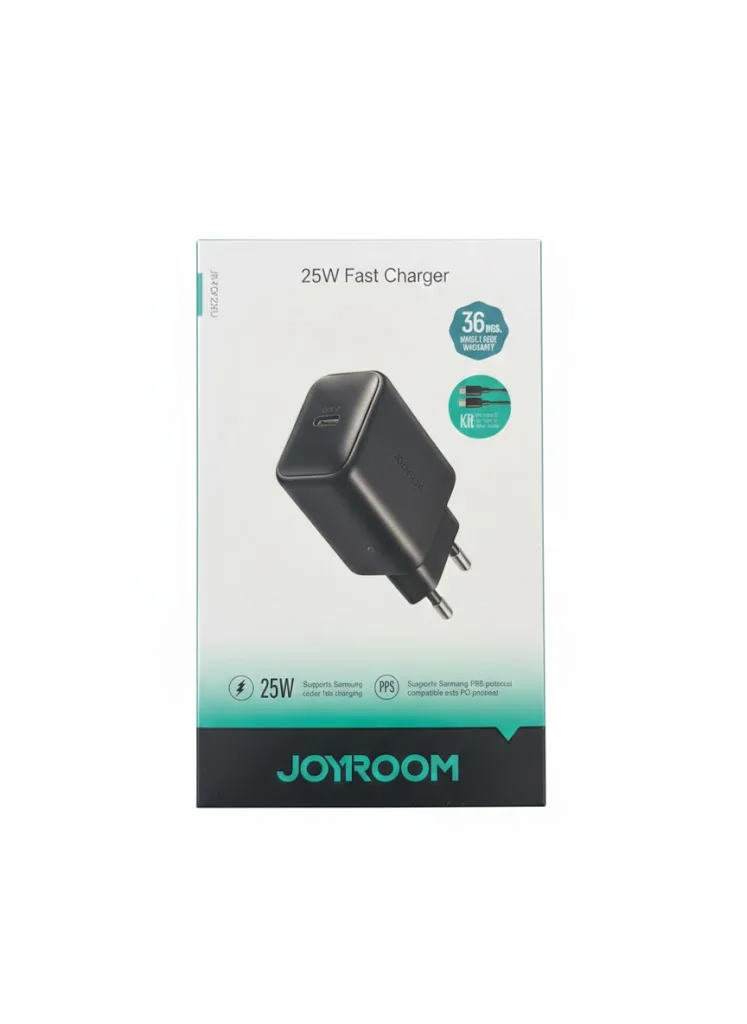
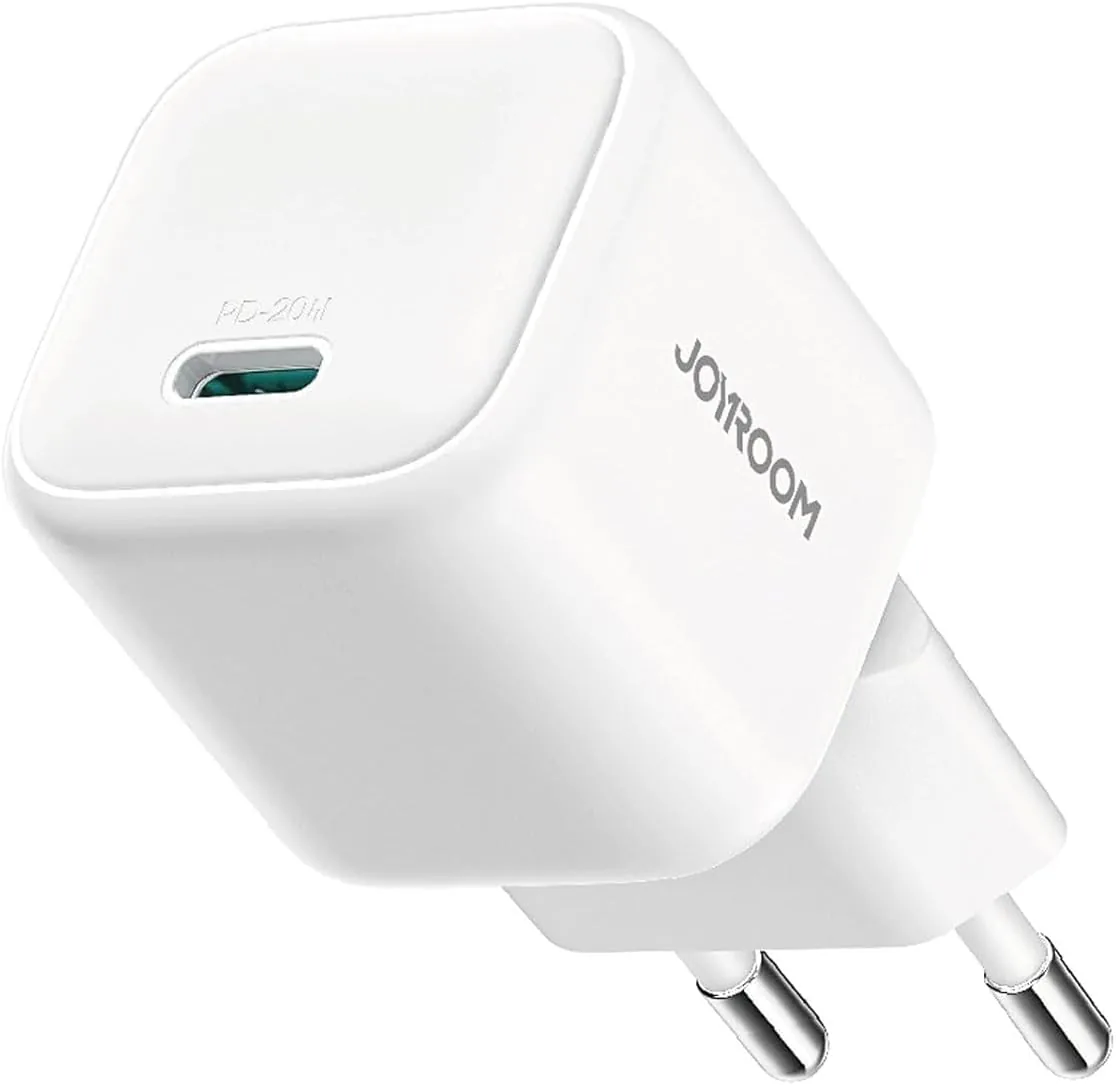
| Joyroom 20W | 20W | 236 EGP | Over-voltage and over-temperature protection | Budget — iPhone |
| Anker PowerPort 20W | 20W | 375 EGP | ActiveShield 2.0 | ⭐ Optimal — iPhone + extended charging |
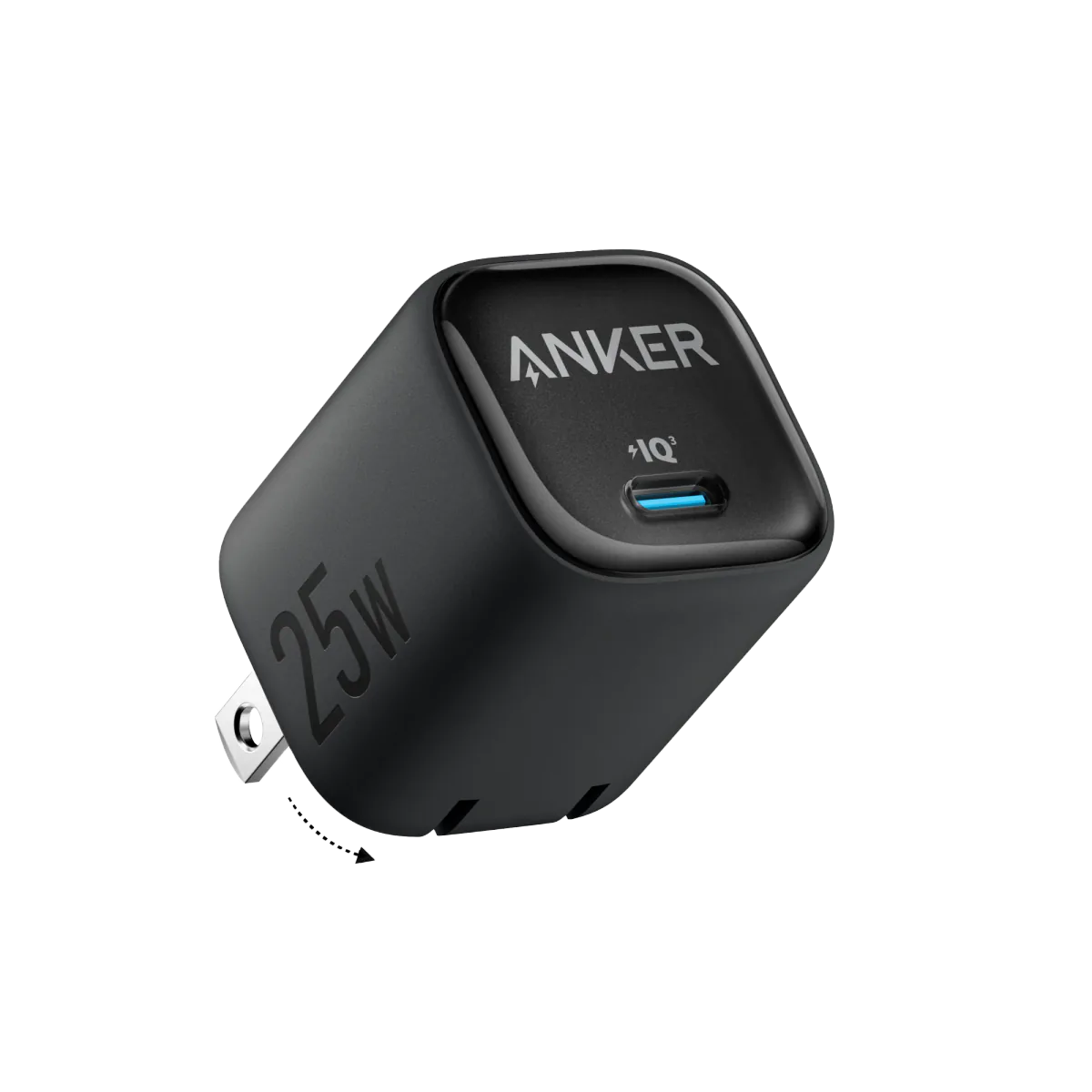
| Anker PowerPort 25W | 25W | 550 EGP | ActiveShield 2.0 | ⭐ Optimal — Samsung + PPS |
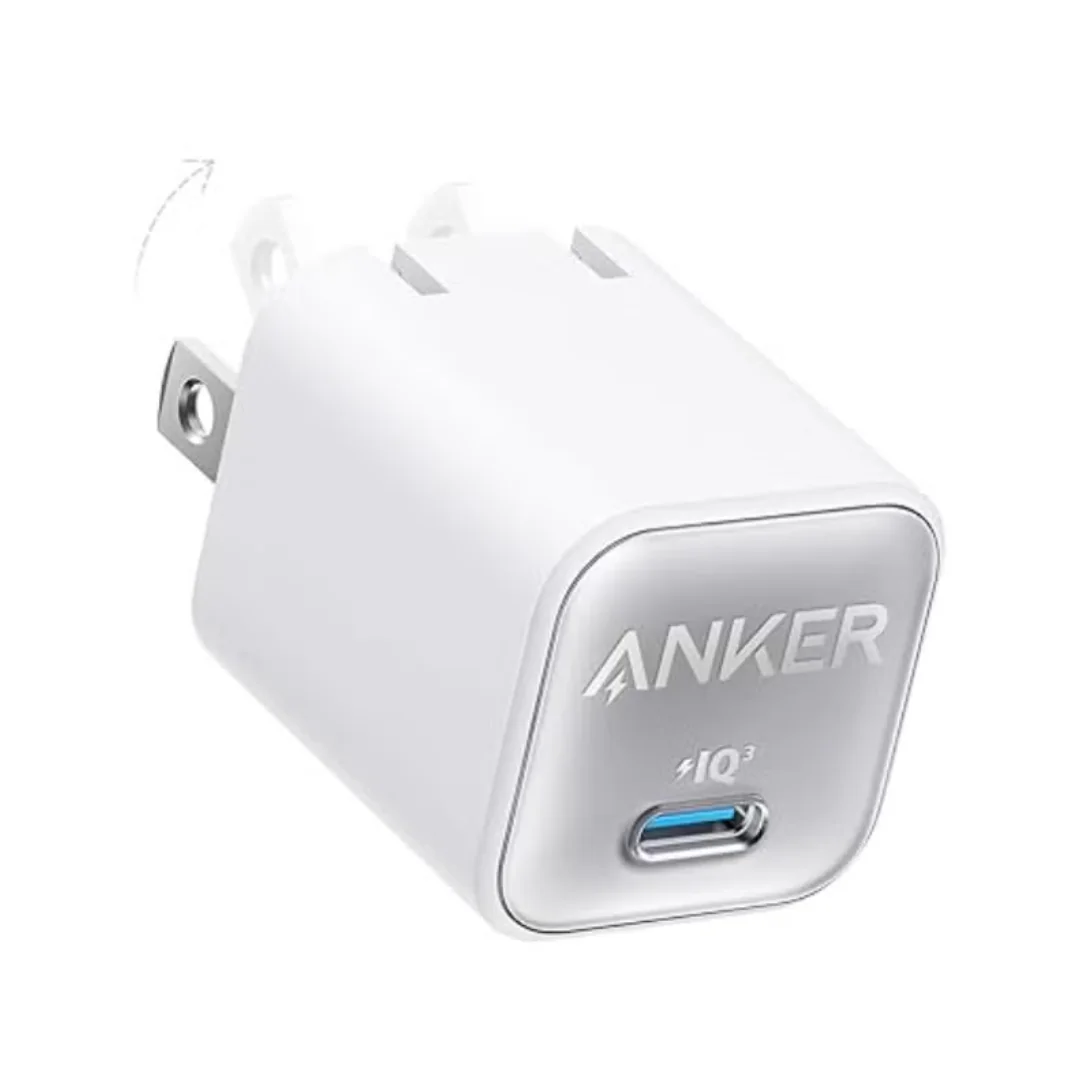
| Anker GaN 30W | 30W | 499 EGP | GaN + advanced protection | Fast charge + light laptop |
| Anker Smart Display 45W | 45W | 1,250 EGP | Care Mode (80%) | 🏆 Maximum protection — display + auto 80% |
5 Golden Rules for Safe Extended Charging
- ✅ #1 — Use a genuine charger with OVP/OTP protection. This is the only non-negotiable requirement. Anker 20W at 490 EGP or Joyroom 20W at 236 EGP — pick what fits your budget.
- ✅ #2 — Place phone on a hard, open surface. Nightstand, desk, kitchen counter — anything that allows ventilation. Never under a pillow, on a bed, or on fabric.
- ✅ #3 — Enable Optimized Battery Charging. iPhone: Settings → Battery → Battery Health → Optimized Charging ON. Samsung: Settings → Battery → Battery Protection → Maximum/Adaptive. This feature learns your habits and holds charging at 80% until your wake-up time.
- ✅ #4 — Remove thick cases. Silicone cases trap 5-8°C of extra heat. In Egyptian summers — that's a significant difference. If you don't want to remove it — at least place the phone face-down (screen down) so heat escapes upward.
- ✅ #5 — Don't worry. Seriously — if you're using a genuine charger on an open surface, nothing will happen to your battery even after 12 hours on the charger. The excessive worry about prolonged charging is a myth from the Nokia 3310 era.
For more overnight charging safety tips during Ramadan, read our Ramadan overnight charging guide.
✅ Available at CairoVolt
All chargers mentioned in this article are genuine, with CairoVolt's written store warranty (duration shown on each product page) + delivery to all governorates (commonly 1–6 business days depending on governorate) + cash on delivery + 24/7 WhatsApp support. Your battery deserves a charger that protects it — not destroys it.

CairoVolt Editorial Team
Content team reviewing specifications and buying guides
The CairoVolt team reviews model numbers, specifications, and compatibility, and updates information when better data is available. Estimates are labeled as calculations, and readers can report information that needs correction.
Frequently Asked Questions
Can I leave my phone on the charger for 24 hours straight?▼
Is there a difference between continuous charging from 0% versus from 50%?▼
Why does the phone heat up for the first 30 minutes then cool down?▼
Does using the phone while charging damage the battery?▼
Ready to Buy?
Browse available products and review specifications and CairoVolt warranty terms before ordering
Related products
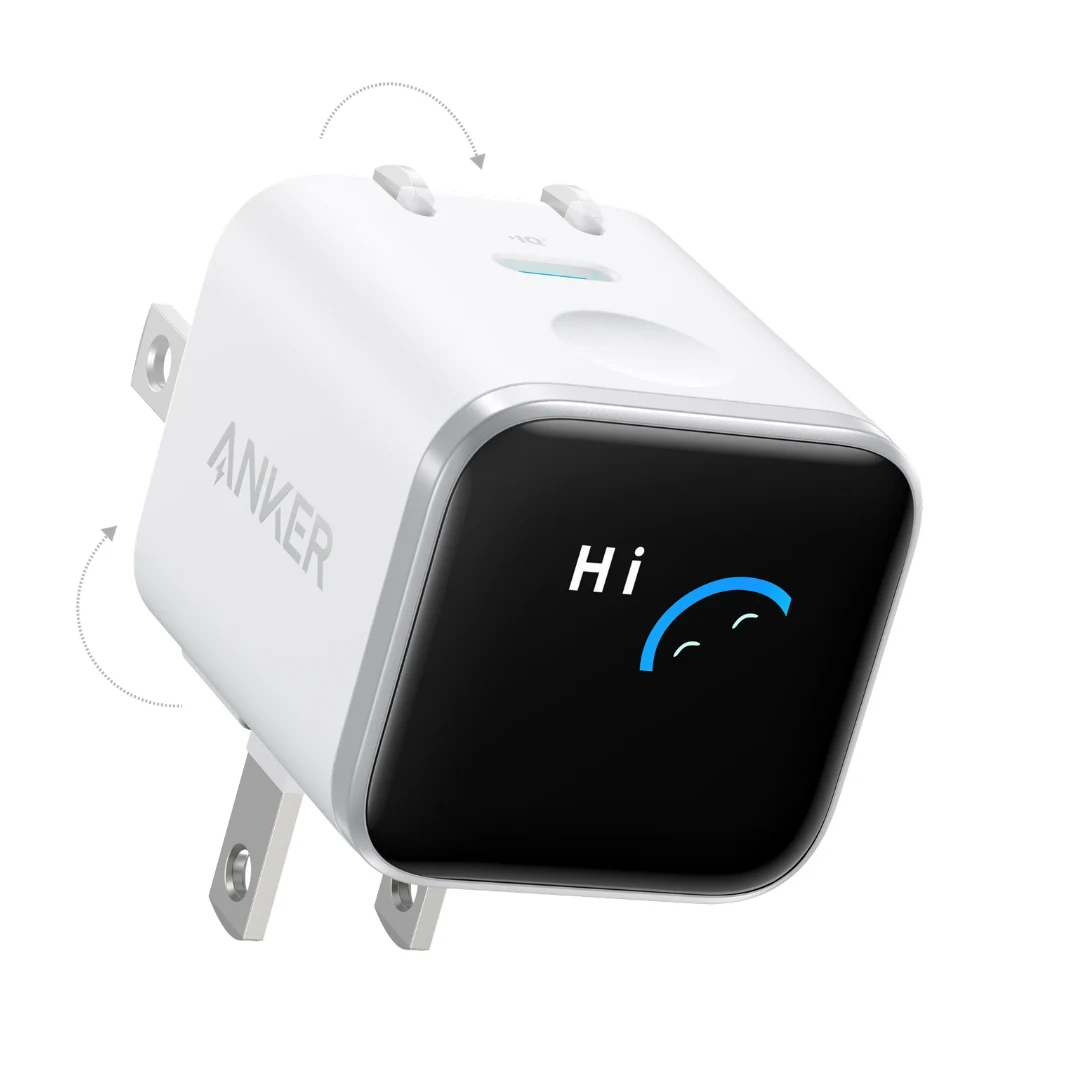
Anker Nano 45W Smart Display GaN Charger (A121D) | 180° Foldable Plug | USB-C PD
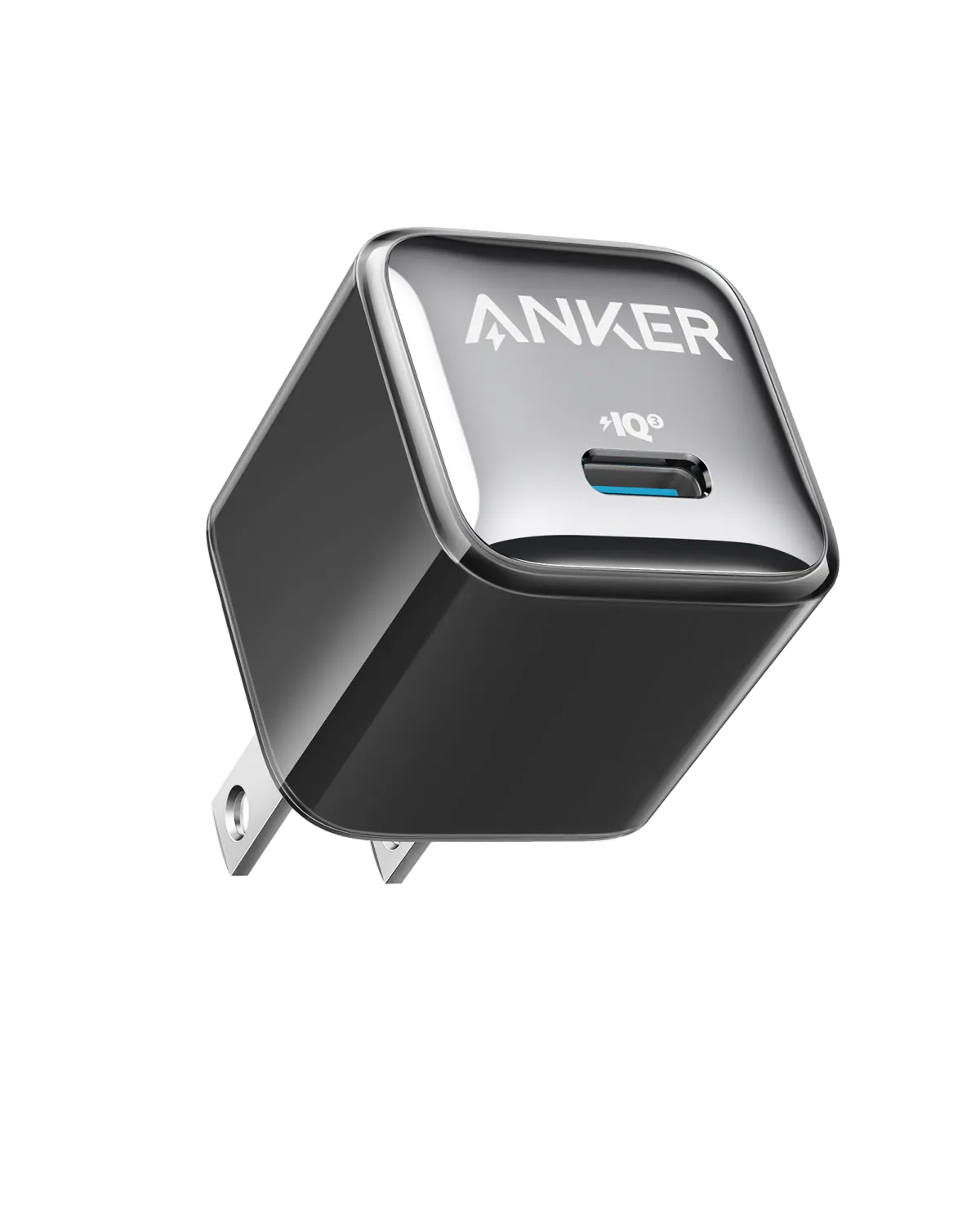
Anker A2347K11 20W USB-C PD Charger | Check Device Profile and Plug
Joyroom 20W USB-C PD Charger | iPhone 17 Fast Charge
Anker 25W PPS Charger (A2656111) | Samsung-Compatible USB-C PD
Anker 511 Nano 3 GaN Charger 30W (A2147) | USB-C PD | IQ3