Buying a Used iPhone 7 or 8: Inspection Checklist & Safe Accessories
Searching for a pre-owned iPhone 7 or 8 in Egypt as a backup phone? We guide you through factory resets, Touch ID validation, and MFi charging requirements.
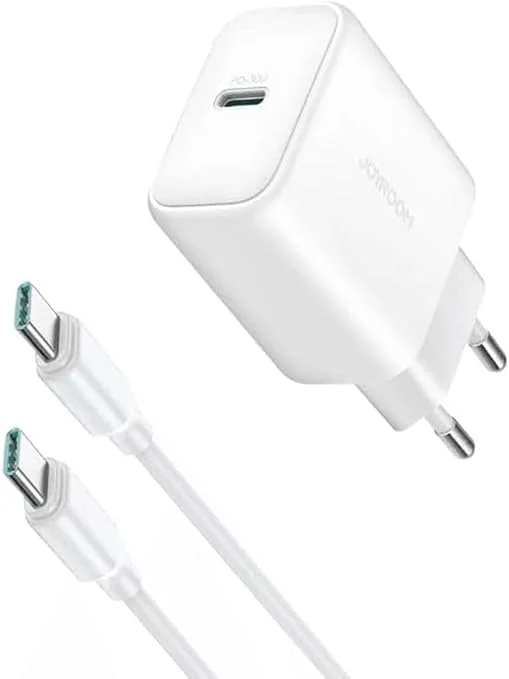
In short: When buying a used iPhone 7 or 8 in Egypt: (1) Perform a factory reset to clear any bypassed iCloud accounts. (2) Verify Touch ID and button clicks, which are securely paired to the motherboard. (3) Charging: Choose an 18W+ USB-PD charger (like the Joyroom 30W block) for fast charging — about 50% in 30 minutes.
Even though Apple has officially discontinued production and major software updates for the **iPhone 7** and **iPhone 8**, classifying them as "vintage" or "obsolete," these models remain highly active in Egypt's secondhand market. This sustained demand is driven by their affordable prices, compact profiles, and the physical **Touch ID** home button. They are frequently used as backup devices, delivery navigator tools, or starter phones for children. However, buying a smartphone that is nearly a decade old carries significant risks. The market is flooded with iCloud-bypassed units, worn-out screens, and degraded batteries. In this technical guide, we will provide a comprehensive hardware and software inspection checklist and recommend certified charging accessories to ensure device longevity. This makes a huge difference.
1. Why Used iPhone 7 and iPhone 8 Models Remain Active in Egypt
The primary driver is affordability. A pre-owned iPhone 7 or 8 offers premium aluminum or glass chassis materials, a stable iOS environment, and support for essential applications like WhatsApp and Facebook at a price below generic, low-end plastic Android devices. Their slim profile makes them excellent secondary devices.
2. Hardware Inspection Plan: 7 Critical Checks Before Purchasing
Take your time during the purchase to complete these essential diagnostic checks:
iCloud Activation Bypass Identification
Some sellers unlock locked or blacklisted devices using software bypass tools. These phones seem functional until they are updated or factory reset, which locks them permanently. To check for this:
- ⚠️ Mandatory Reset: Go to Settings> General> Transfer or Reset iPhone> **Erase All Content and Settings**.
- ⚠️ Activation Check: Insert an active SIM card and complete the setup wizard using Wi-Fi. If the device completes activation without requesting a locked Apple ID, the system is clean.
Touch ID and the Secure Enclave Cryptographic Binding
The home button on the iPhone 7 and 8 is a solid-state capacitive sensor controlled by a **Taptic Engine** that simulates click feedback. The Touch ID sensor is cryptographically paired to the main processor inside the A10/A11 **Secure Enclave** chip.
During the boot sequence, the processor and home button exchange cryptographic keys. If this handshake fails due to a cheap replacement home button, iOS disables Siri, Apple Pay, password autofills, and all touch sensitivity. Test Touch ID configuration in settings to verify it is original.
Detecting Counterfeit Home Buttons via Power-Off Test
There is a reliable way to differentiate between the original capacitive home button and a cheap physical replacement. Older models like the iPhone 6s featured mechanical buttons that physically moved down when pressed. The iPhone 7 and 8 buttons are solid glass plates that do not move.
Turn the iPhone completely off. Once powered down, press the home button. It should feel like solid glass with no movement or clicking feedback. If you feel a mechanical click or physical movement while the phone is off, it indicates that the original button was replaced with a cheap mechanical aftermarket button, disabling Touch ID.
Motherboard Baseband IC Failure (Searching/No Service Defect)
Certain iPhone 7 models (most notably **A1660**) suffer from a motherboard design flaw where the solder joints beneath the Baseband PMU chip fracture over time. This defect causes the phone to display **"Searching..."** or **"No Service"** continuously, even with the SIM card removed.
To inspect for Baseband IC failure:
- 📱 Open the dialer app and dial
*#06#. - 📱 If the device fails to display the **IMEI** window and displays a blank screen, the baseband chip has detached from the board. Avoid purchasing this phone.
- 📱 Alternatively, navigate to Settings> General> About and check if the **Modem Firmware** field is blank. A blank field confirms a failed chip.
True Tone Calibration and Counterfeit LCD Panels
To determine if the display has been replaced with a cheap aftermarket copy with poor brightness and color accuracy:
- 🔎 Open the Control Center and press and hold the brightness slider.
- 🔎 Verify the presence of the **True Tone** toggle (on iPhone 8 and later).
- 🔎 If this toggle is missing, the screen has been replaced with a third-party clone, or the screen serial number was not transferred using a display programmer during repair.
Motherboard Audio IC Solder Failure (Loop Disease) on iPhone 7
The iPhone 7 and 7 Plus suffer from a known manufacturing flaw on the motherboard. Flexing of the aluminum frame over years of use causes the solder joints beneath the Audio IC chip to crack and disconnect.
To test for this: Open the **Voice Memos** app and try to record a clip. If the record button is greyed out, or if the speakerphone button is disabled during calls, the Audio IC has detached. Avoid purchasing these units, as motherboard micro-soldering is expensive and the defect often returns.
Battery Swelling and Display Panel Lifting
Due to the small capacity of these batteries (1821mAh on iPhone 8), they degrade quickly. Inspect the side seams of the screen. If the display panel is lifted or shows white pressure marks when pressed gently, the lithium-ion battery has swollen. Replace the battery immediately to avoid safety hazards.
3. Fast Charging Technical Differences and Thermal Accumulation
Understanding the electrical differences between these two generations is critical for purchasing charging gear:
| Charging Specification | iPhone 7 / 7 Plus | iPhone 8 / 8 Plus |
|---|---|---|
| USB Power Delivery Support | No (Legacy charging only) | Yes (USB-PD up to 18W) |
| Qi Wireless Charging | No (Aluminum back) | Yes (Capped at 7.5W) |
| Maximum Input Power | Capped at 10W - 12W (5V/2.1A) | 18W (via Type-C PD charger) |
We warn iPhone 8 users against relying too heavily on wireless charging. Because the phone is small and the battery sits directly under the charging coil, wireless charging generates substantial heat that gets trapped inside by the glass back. This heat degrades the battery cells quickly. Standard 18W wired charging is faster and safer for battery health.
4. Recommended Chargers and Accessories for iPhone 7 & 8 in Egypt
To avoid current instability and protect the battery cells, we recommend using these certified accessories:
Regulated Wall Chargers
- ⚡ Joyroom 30W Fast Charger: The Joyroom 30W Fast Charger provides excellent compatibility. It delivers 18W fast charging for the iPhone 8 and outputs a regulated 5V/2A stream for the iPhone 7, protecting internal components.
Certified Lightning Cables and Apple MFi Standards
Apple enforces strict hardware specifications under its **MFi (Made for iPhone)** licensing program. MFi-certified Lightning cables incorporate a small security coprocessor (historically the **C48 chip**, updated to the **C89 chip** in modern versions) inside the Lightning tip.
This chip continuously communicates with the iPhone's power logic. If the voltage fluctuates above 5.2V due to a faulty adapter, the MFi chip immediately halts the current flow. Cheap, uncertified cables omit this security component. This allows raw voltage spikes to reach the iPhone's motherboard **Tristar/U2 charging IC**, causing immediate component failure and leaving the phone unable to boot or charge.
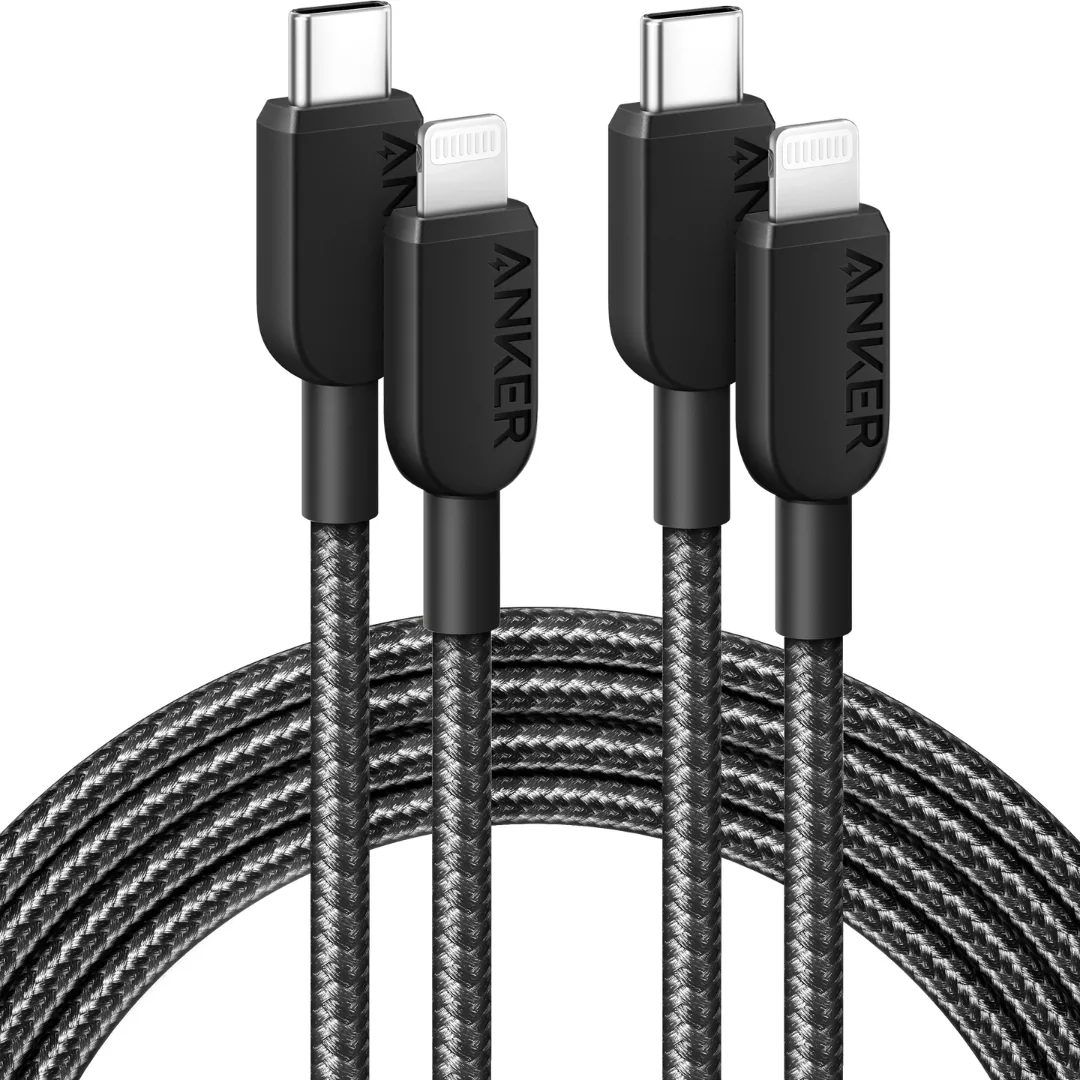
- 🔌 Recommended MFi Cable: Our pick is the Anker 310 USB-C to Lightning cable (730 EGP). It is officially MFi certified, and paired with any USB-PD charger it takes an iPhone 8 from 0 to 50% in roughly 30 minutes without endangering the Tristar IC.
Compatible Bluetooth Earbuds
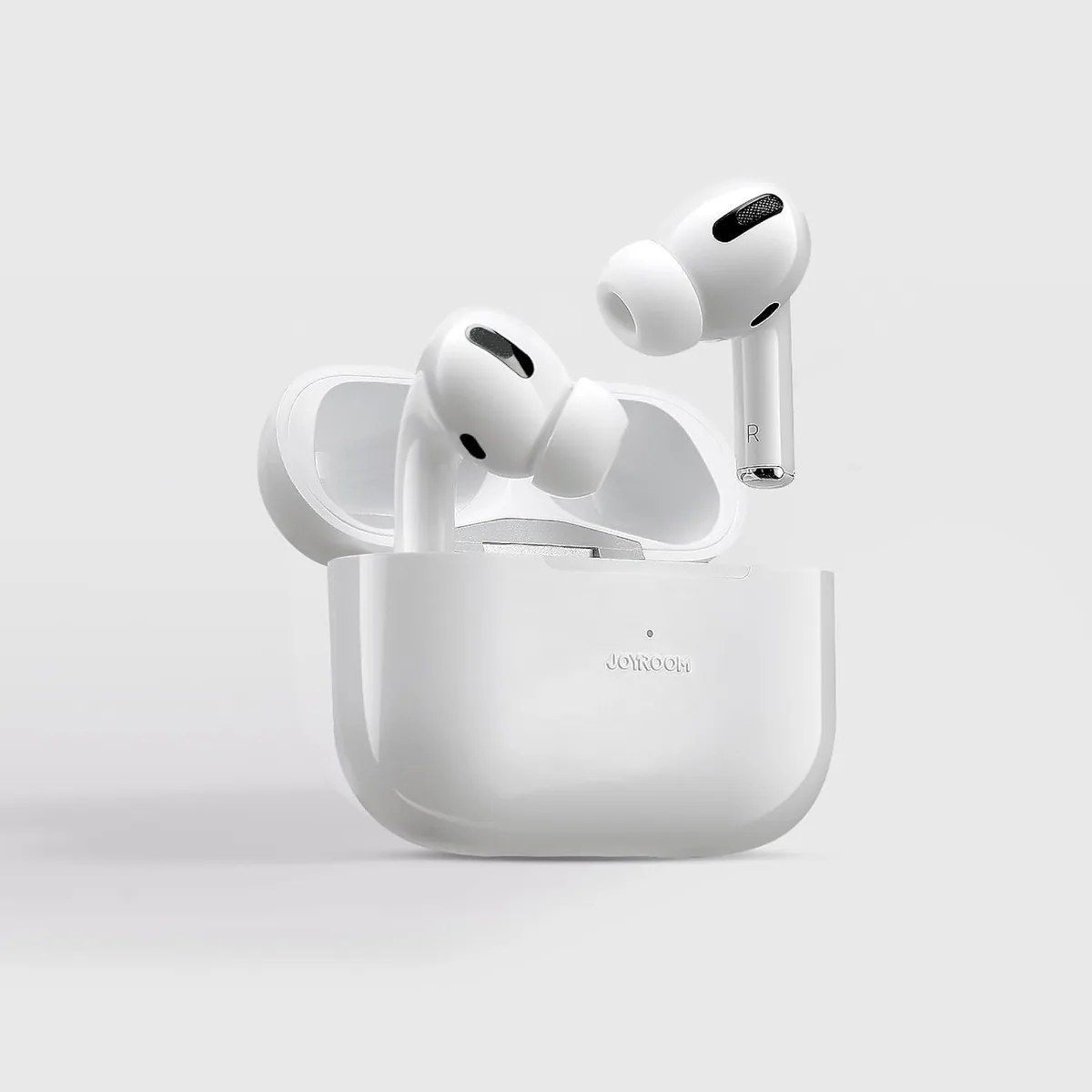
- 🎵 Joyroom Wireless Buds: We recommend Joyroom JR-T03S Pro Wireless Earbuds to avoid using generic Lightning-to-3.5mm adapters, which damage the charging port over time and introduce line noise.
5. Verdict and CairoVolt Recommendation
Purchasing a used iPhone 7 or 8 requires a thorough check of iCloud and home button states. We recommend buying from established shops that offer return policies and avoiding cheap, uncertified chargers that damage the battery life of these classic models.
Additionally, when purchasing a second-hand classic iPhone, always request a physical invoice containing the phone's unique IMEI number. This serves as a vital legal protection in Egypt to prove ownership and ensure that the device has not been previously reported lost or stolen. Combining this documentation with high-quality accessories will allow you to enjoy a stable, low-cost iOS experience without any unexpected surprises.
To prevent charging port issues caused by pocket lint and dust, check out our guide on how to safely clean your charging port to save on repair costs.

CairoVolt Editorial Team
Content team reviewing specifications and buying guides
The CairoVolt team reviews model numbers, specifications, and compatibility, and updates information when better data is available. Estimates are labeled as calculations, and readers can report information that needs correction.
Frequently Asked Questions
Can I update a used iPhone 7 or iPhone 8 to iOS 17 or iOS 18?▼
Why is the speakerphone button greyed out and voice memos fail on iPhone 7?▼
Does the iPhone 8 support fast wireless charging?▼
How do I check if an iPhone is iCloud bypassed or carrier locked?▼
Ready to Buy?
Browse available products and review specifications and CairoVolt warranty terms before ordering
Related products
Joyroom 30W PD+QC Wall Charger | Dual USB-C and USB-A Ports
Anker 310 USB-C to Lightning (A81A5) | Verify MFi, USB-PD and Bend-Test Listing
Joyroom JR-T03 Wireless Earbuds | 20H Battery | Bluetooth 5.0
Joyroom USB-C to USB-C Cable JR-S-CC100
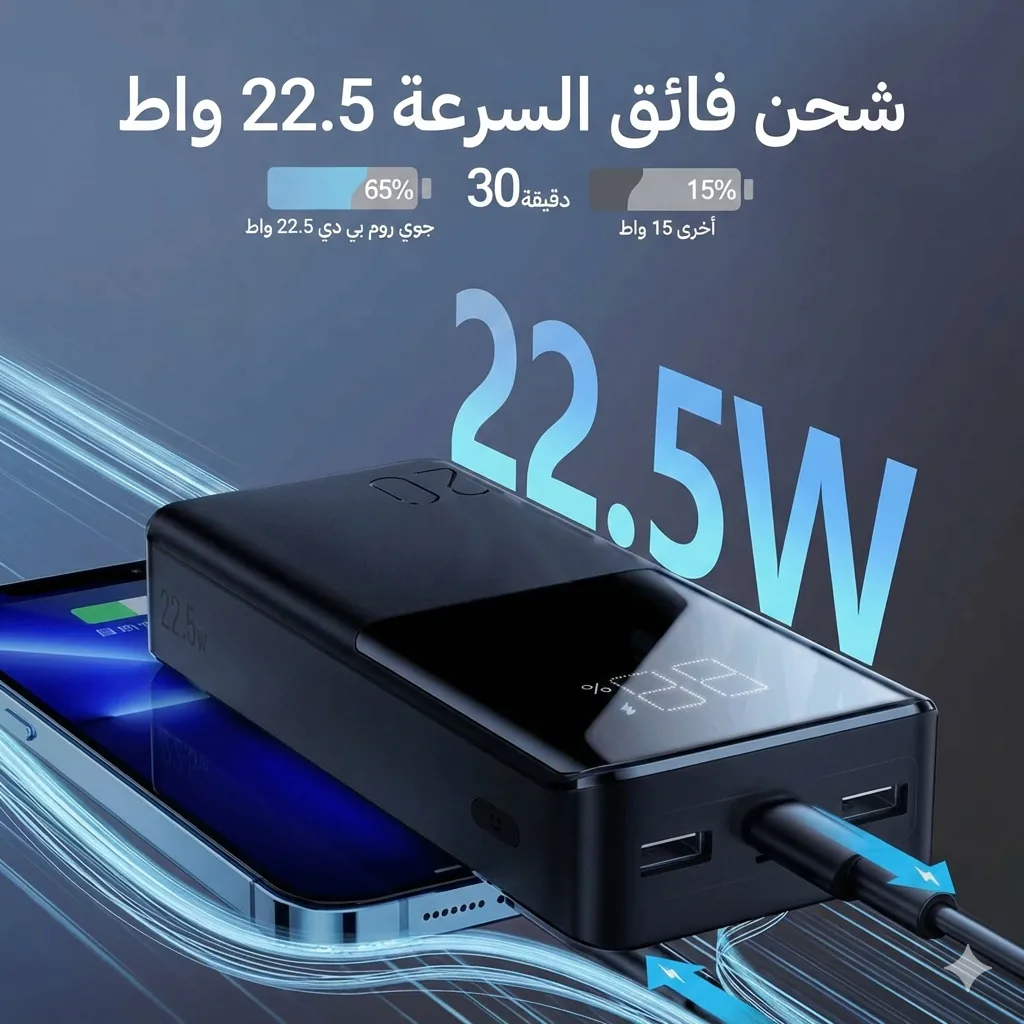
Joyroom 20000mAh Power Bank | 22.5W PD+QC | Triple Output