
 CairoVolt Team
Apple Watch Magnetic Charger Guide — Choosing the Right Length and Real Charging Speed
Apple Watch charger decisions have more nuance than they look: the right cable length, whether fast charging actually works on your model, and why fake chargers are genuinely dangerous.
TL;DR: Apple Watch magnetic charger: 1m for bedroom use, 2m for desk/travel. Fast charging (0-80% in 45 min) only works on Series 7 and newer, plus you need a USB-C charger with USB PD. Fake chargers are dangerous — they can burn out the charging circuit in your watch by pushing unregulated voltage.
Apple Watch magnetic charger — it seems like a simple enough purchase, but there are critical details that trip people up every day: fast charging that doesn't actually work on their model because they have an older Series, wrong cable length that barely reaches the outlet, or worst of all — a counterfeit charger that permanently damages the watch's internal charging circuit worth thousands. This comprehensive guide covers everything you need to know to make the right decision the first time.
Cable Length: 1m or 2m?
This sounds trivial but generates the most complaints from Apple Watch owners. The decision comes down to your charging setup and lifestyle — but there's a clear winner for most situations:
The 1m cable works perfectly when your nightstand is directly next to an outlet. The 2m cable is better for desks, hotel rooms, and any situation where the nearest outlet isn't immediately adjacent to where you place the watch. The most common regret: buying 1m and discovering it barely reaches. The 2m version costs slightly more but eliminates this frustration entirely. Also, a longer cable gives you flexibility if you rearrange furniture or travel to a hotel where the outlet is behind the bed.
| Length | Best For | Downside |
|---|---|---|
| 1 meter | Nightstand right next to outlet, small desk setups | Too short if outlet is more than arm's reach away |
| 2 meters | Work desk, travel, hotel rooms, large bedrooms | Slightly more cable to manage in tight spaces |
Practical tip: if you're unsure, go with 2m from the start — the short cable is more frustrating than having some extra length you can simply coil up. The 2m cable also gives you the flexibility to use it across different rooms and setups without worrying about reaching the nearest outlet. The most common regret is buying 1m and immediately wishing they'd bought 2m.
Fast Charging — What It Actually Means and Who Benefits
Apple introduced fast charging in Apple Watch with Series 7 in 2021. In concrete terms:
- 0% to 80%: approximately 45 minutes
- Full charge to 100%: approximately 90 minutes
- Older models (Series 6 and earlier): approximately 90-100 minutes to 80%, 2+ hours to full
Apple Watch Models and Fast Charging Compatibility
| Model | Fast Charging | 0-80% Time |
|---|---|---|
| Series 3, 4, 5, 6 | No | ~100 minutes |
| SE (1st generation) | No | ~100 minutes |
| Series 7, 8, 9 | Yes | ~45 minutes |
| Ultra, Ultra 2 | Yes | ~60 minutes |
| SE (2nd generation) | No | ~100 minutes |
Fake Chargers — A Real Danger to Your Watch
This section matters more than people realize. The genuine Apple Watch magnetic charger contains a dedicated control IC that precisely manages:
- Voltage regulation to millivolt precision
- Current limiting to safe levels for the watch's battery
- Magnetic coil alignment verification
- Thermal protection
Fake chargers don't have this circuit. They push unregulated power directly into the watch's charging circuit. Consequences range from accelerated battery degradation (needing replacement in 6 months instead of 3 years) to permanent burnout of the charging circuit in the watch itself.
How to Spot a Fake Apple Watch Charger
- Price: If someone sells you an "original" Apple Watch charger for under 300 EGP — it's fake
- Weight: The genuine charger has noticeable heft; fakes are light
- Cable text: Genuine says "Designed by Apple in California" on the cable
- Magnet strength: The genuine charger grips the watch firmly and stably
- Watch display: With a genuine charger on a Series 7+, the watch shows a lightning bolt (⚡) indicating fast charging is active
Apple Watch Charger Alternatives — Look for the MFi Badge
If you buy a watch charger other than Apple's, choose one with the MFi (Made for Apple Watch) badge from a known source that issues an invoice. A good alternative charger should:
- Carry Apple's MFi badge, which you check on the box
- Fast charging support (with Series 7+)
- Have a durable cable from a known source
- Come with an invoice and a written warranty from the seller
To see how CairoVolt's written store warranty works on Anker products, read CairoVolt's warranty terms for Anker products.
Quick Decision Guide
| Your Situation | Best Choice |
|---|---|
| Series 6 or older, home charging only | MFi-certified USB-A magnetic charger, 1m |
| Series 7+ and you want fast charging | USB-C magnetic charger + USB PD wall adapter |
| Frequently traveling | 2m cable + power bank with USB-C output |
| Budget-conscious but want quality | An MFi-badged magnetic charger from a known seller with an invoice |
Inductive Charging Physics — Why Does Apple Watch Get Warm?
Magnetic wireless charging relies on electromagnetic induction: a coil in the charger generates an alternating magnetic field that passes through a receiving coil on the back of the watch, inducing an electric current that charges the battery. The process isn't 100% efficient — some energy is inevitably lost as heat. This is completely normal and accounted for in the design engineering.
During fast charging, the watch may reach 40-42°C — this is entirely safe. However, if it feels noticeably hotter than that, the issue is likely misalignment between the charging puck and the watch's back, or an ambient environment that's too hot (Egypt's summer heat is a real factor). When the watch detects unsafe temperatures, Apple's thermal management system automatically pauses charging and displays a warning icon. This isn't a charger defect — it's intelligent protection working as designed.
Nightstand Mode and Sleep Focus Integration
Apple Watch features Nightstand Mode — when placed on the charger on its side, the screen transforms into a bedside alarm clock display showing time, date, and alarm status. This is extremely useful for overnight charging on your nightstand. The watch charges from 0-100% in about 2 hours (standard) or 1.5 hours (fast) — meaning even if you forget to charge until an hour before sleep, it'll be ready by morning.
With watchOS 9 and later, Sleep Focus mode dramatically reduces battery drain overnight. If you wear your watch at night for sleep tracking, you can charge it during your shower routine only (30 minutes with fast charging reaches 50-60%). That's enough for a full day for most users. The key insight: you don't need to charge to 100% every day — 50-80% is sufficient for typical all-day usage patterns including workouts and notifications.
Apple Watch Battery Longevity Tips
Apple Watch uses a lithium-ion battery — the same technology as iPhone batteries, affected by the same factors:
- Heat exposure: Never charge the watch in direct sunlight or hot environments — this significantly accelerates battery degradation over time
- Deep discharge cycles: Try not to let the battery drop below 20% — charging from 20% to 80% is the healthiest range for lithium-ion chemistry
- Optimized Battery Charging: Enable this from Settings → Battery → Battery Health — the watch learns your charging habits and slows charging above 80% until you actually need it
- watchOS updates: Every update improves battery management algorithms — always keep your watch updated to the latest version
- Genuine or MFi charger: Original or MFi-certified chargers maintain battery health through precise voltage and current regulation — counterfeit chargers gradually damage the battery even when damage isn't immediately visible
Apple states the battery is designed to retain 80% of its original capacity after 1,000 complete charge cycles — approximately 3 years of daily use. With the right charger and healthy charging habits, you can easily extend this to 4 years or more.
🛒 Related Products from CairoVolt:
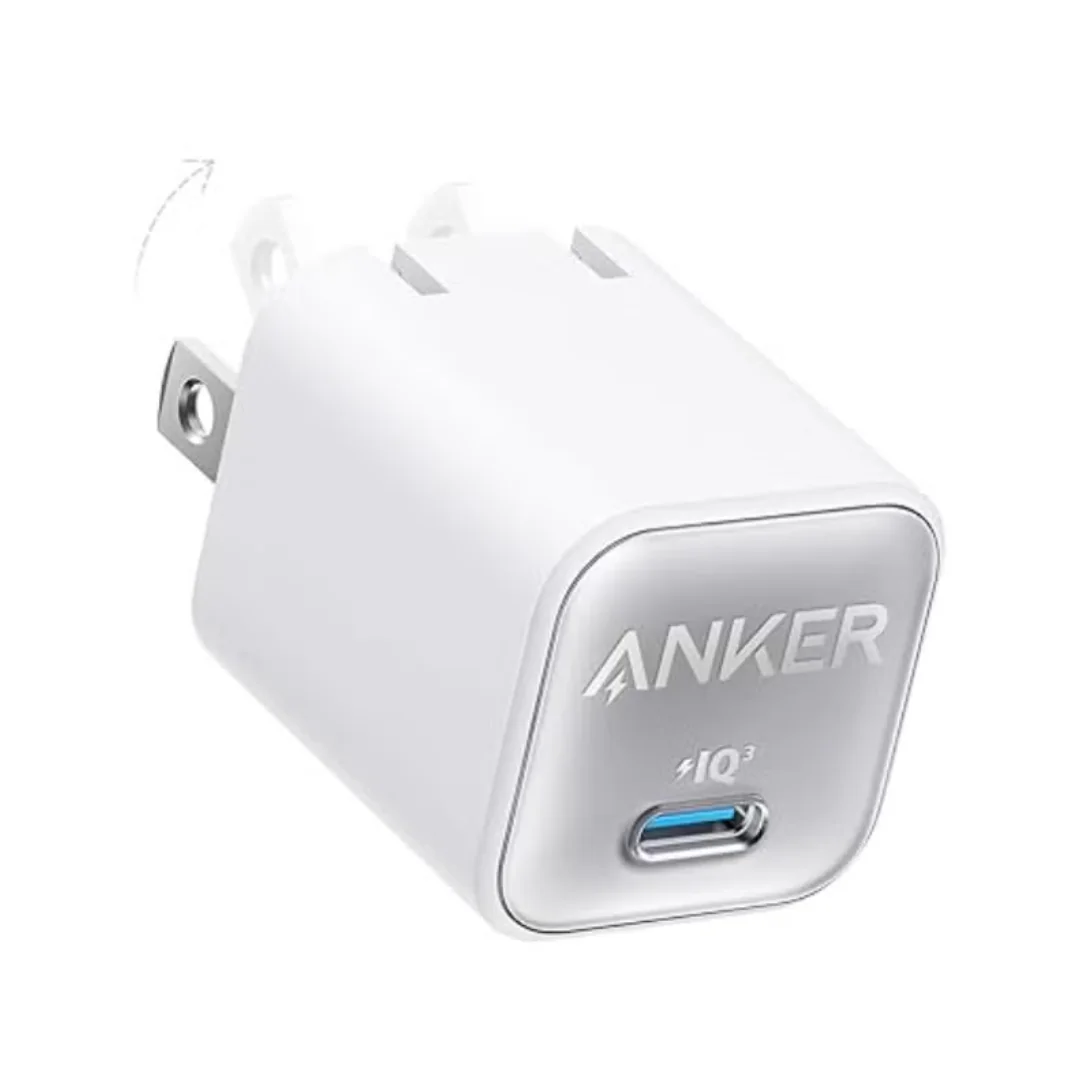
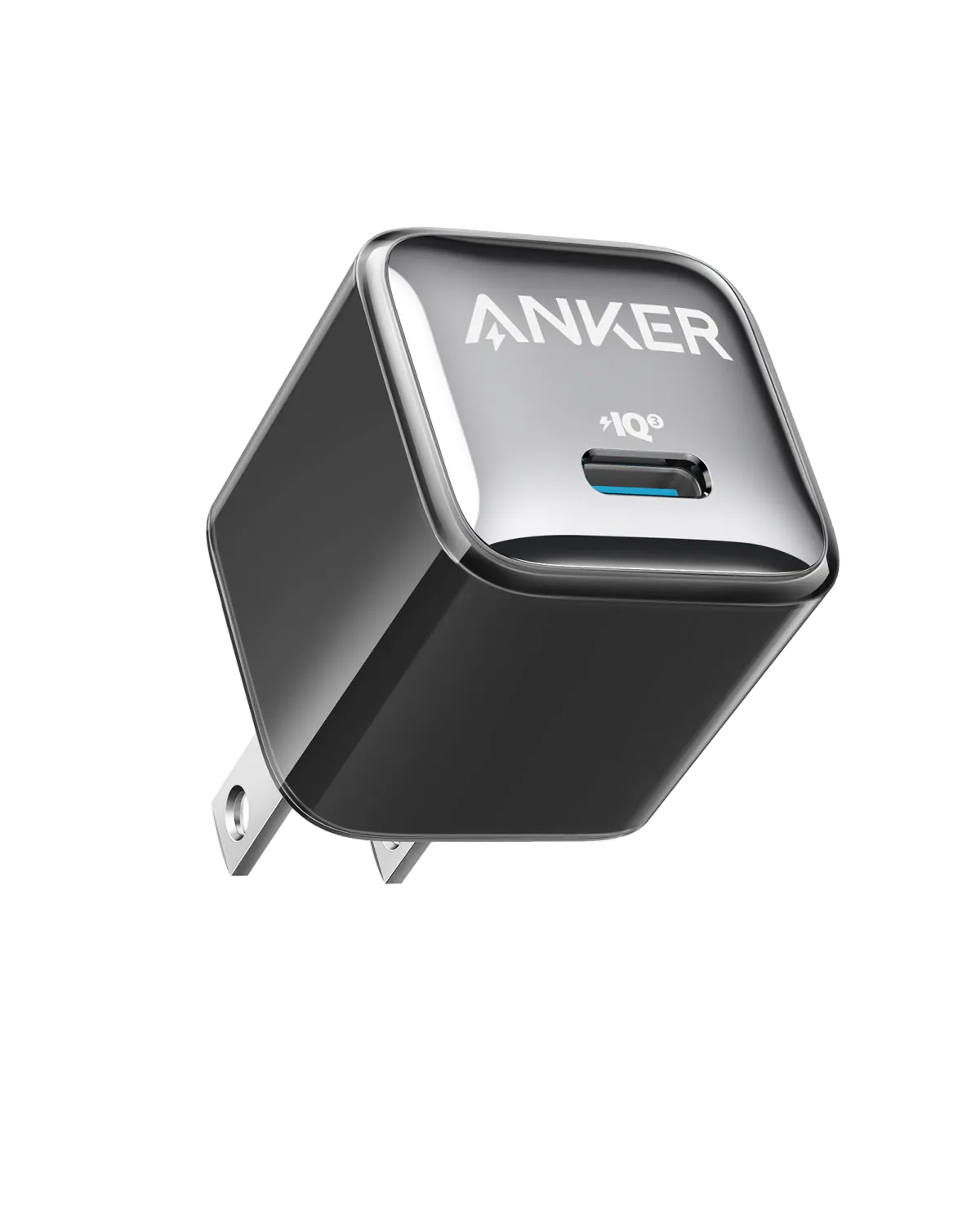
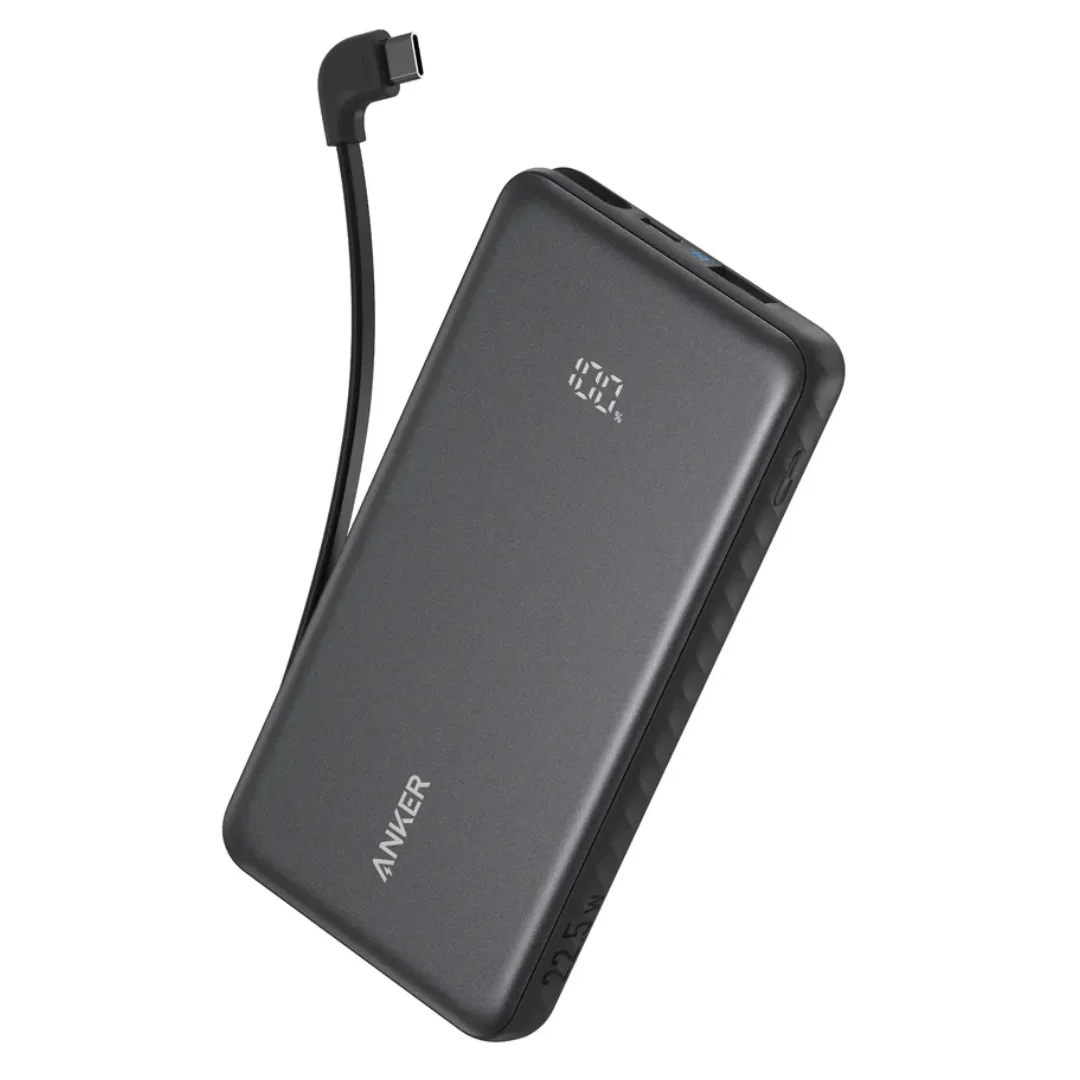
Chargers compatible with Apple Watch: Anker 511 Nano 3 (30W) · Anker 20W · Anker Zolo A110D 10,000mAh.
CairoVolt Team
Tech Editor
Frequently Asked Questions
Which Apple Watch models support fast charging?▼
Can I charge my Apple Watch from a power bank?▼
Why are fake Apple Watch chargers dangerous?▼
Should I get 1m or 2m length?▼
Ready to Buy?
Browse available products and review specifications and CairoVolt warranty terms before ordering
Related products
Browse the categories this article covers
Related Articles
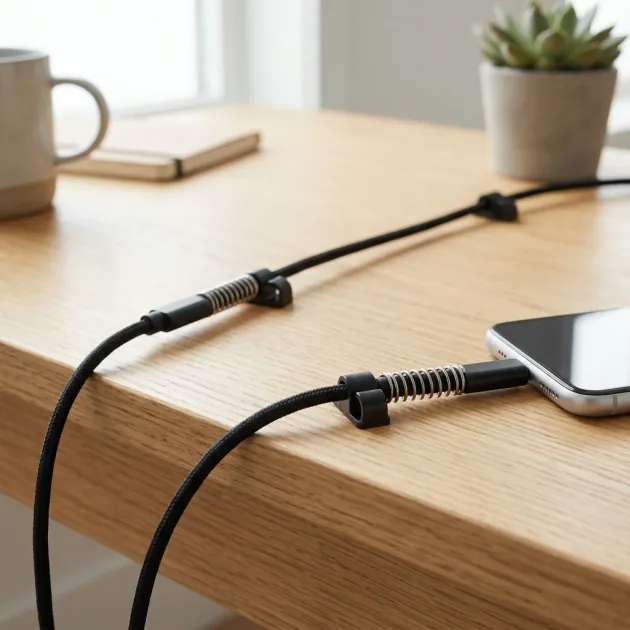
iPhone Charging Cable Breaking at the End? 7 Practical Tips to Double Its Lifespan
Read more →
Authentic iPhone Cable vs Fake — How to Tell MFi Cables from Commercial Knockoffs
Read more →