 CairoVolt Team
AirPods Earbuds Charger Safety & Battery Health Guidelines
Using a high-wattage iPad or Macbook adapter to charge your AirPods? Learn the electrical and chemical engineering behind keeping your tiny earbud batteries healthy.
Quick Take: Yes, you can charge AirPods and Bluetooth earbuds with a genuine fast charger (such as an Apple or iPad 20W adapter or an Anker charger), because the charging case regulates intake and draws only a small amount of power, far below the charger rating. The real danger is counterfeit or no-name chargers that may lack voltage regulation and protection circuits and overheat the battery.
Wireless earbuds, particularly Apple AirPods, have become indispensable everyday accessories. Because these compact devices rely on tiny lithium-ion cells integrated within the earbuds themselves and their charging cases, how they are charged and handled directly impacts their functional lifespan and capacity retention.
A common concern among tech users is whether charging AirPods with a fast-charging block—such as an iPad 20W adapter or a MacBook charger—damages the delicate battery cells. What are the charging habits that lead to rapid battery degradation? In this detailed technical guide, the CairoVolt engineering lab breaks down the mechanics of charging small Bluetooth accessories and shares best practices for preserving battery health.
💡 Lab Tip: Fast charging with a genuine USB-PD charger is safe. The real danger comes from using no-name wall plugs or low-grade cables, which fail to deliver stable voltages and generate excess heat.
1. Understanding Earbuds and AirPods Battery Chemistry
Each individual AirPod contains a micro lithium-ion cell with a capacity of only **30 to 50 mAh**, while the charging case holds a larger battery of about **350 to 520 mAh** to recharge the earbuds multiple times. These tiny batteries are designed to receive very low electrical currents (typically 5V at 0.5A, translating to roughly 2.5W). Any unexpected surge in voltage or current without precise internal regulation can cause physical degradation, localized overheating, or cell swelling.
2. Can You Use a Fast Charger for AirPods and Earbuds?
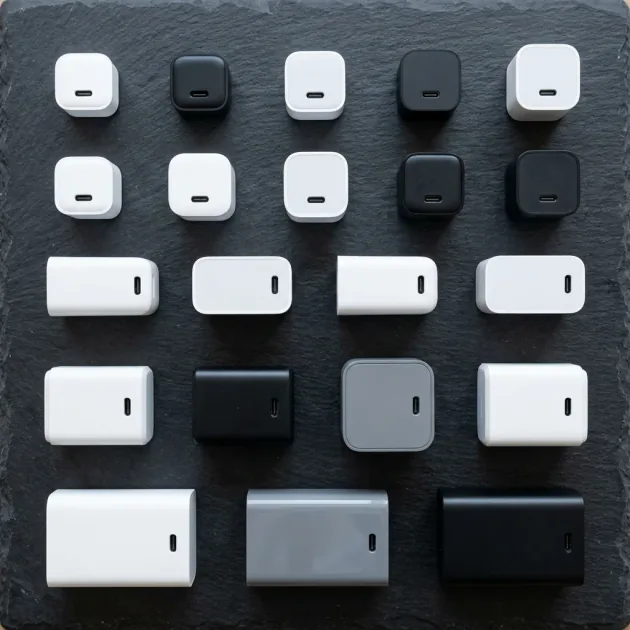
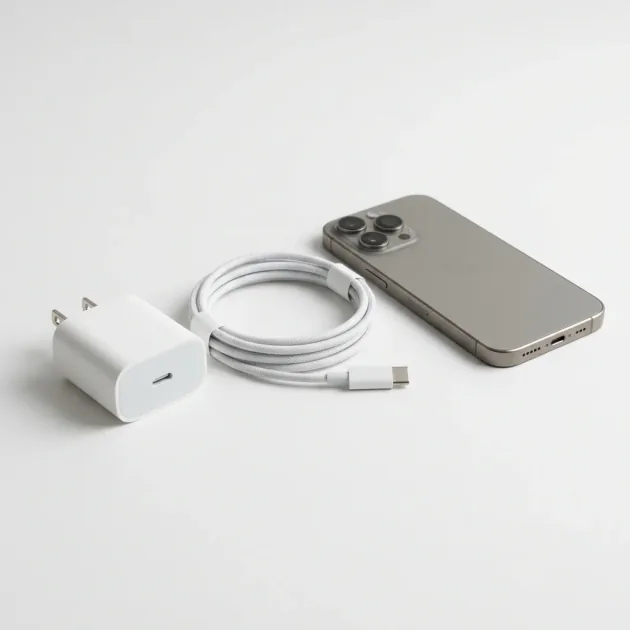
From an electrical engineering standpoint, **using a high-wattage fast charger is safe** for your AirPods, provided the charger is genuine and certified. Modern USB Power Delivery (PD) adapters use an active communication handshake called "power negotiation." When you plug your AirPods case into a certified 20W, 45W, or even a 96W MacBook charger, the case's charging circuitry communicates with the adapter. The charger recognizes the device's voltage limitations and automatically steps down its output to standard 5V and low currents, delivering only the 2.5W to 5W the case demands. The charger does not force high currents into the battery.
3. Best Safety Practices for Earbud Charging
High temperatures are the primary cause of premature lithium-ion cell degradation. Keep your charging case healthy by following these rules:
- Avoid Hot Charging Environments: Never leave your AirPods charging in direct sunlight, on hot dashboards, or inside a parked car during Egypt's summer months. Ambient heat above 45°C causes permanent capacity loss.
- Do Not Charge Overnight: Although genuine charging cases shut off power once full, keeping them plugged in for hours subjects the battery protection circuit to continuous line voltage, accelerating cellular wear.
- Use Certified USB Cables: Cheap, uncertified cables have high internal resistance, which causes thermal buildup near the charging port and can damage the case's logic board.
4. Risks of Cheap Counterfeit Adapters on Small Electronics
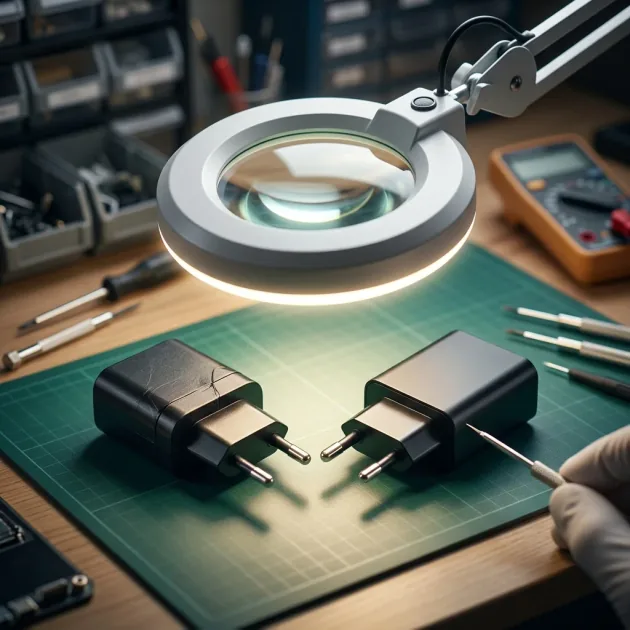
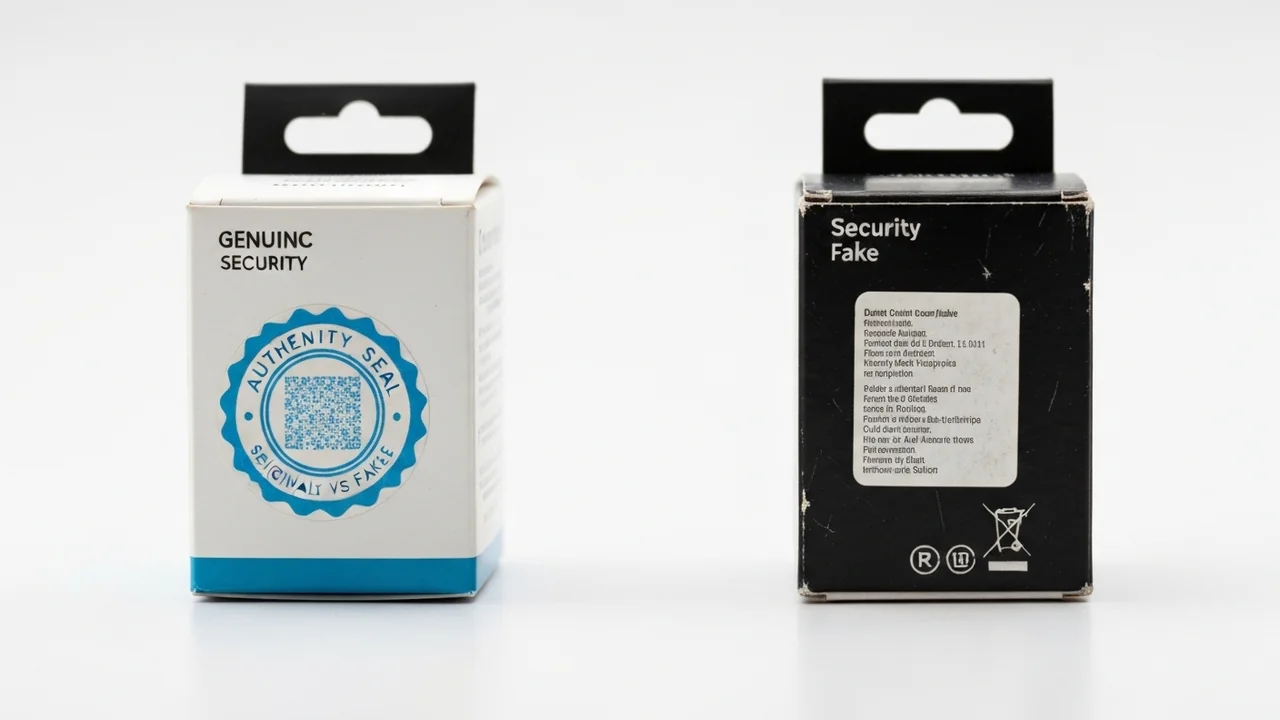
The true threat to wireless earbuds and small consumer electronics comes from **cheap counterfeit chargers and uncertified generic plugs** that flood local discount markets. These adapters completely omit vital safety components like metal-oxide varistors, filtering capacitors, and smart power management ICs. Because they lack USB-PD or PPS negotiation logic, they cannot step down power levels correctly or handle fluctuations in line voltage. Instead, they deliver raw, highly unstable currents and frequent voltage ripples directly into your charging case. Since the internal charging circuits of wireless earbuds are designed for precise, low-wattage inputs, this electric instability quickly overwhelms the motherboard's protective diodes. This leads to component overheating, warped plastic enclosures, fried power ICs, or severe chemical degradation of the internal lithium cells, causing the battery to swell and lose its capacity completely within weeks.
5. Cable vs. Wireless MagSafe Earbud Charging
Modern AirPods models support wireless charging and MagSafe. While wireless charging pads offer convenience, they generate significant heat due to energy loss during electromagnetic induction. This thermal energy transfers directly to the case's battery, causing it to degrade faster over time compared to traditional wired charging. For daily charging, we recommend using a genuine USB-C or Lightning cable to keep the device cool.
6. Troubleshooting Earbuds That Do Not Charge
If one of your earbuds stops charging or drains battery much faster than the other, try these troubleshooting steps:
- Clean the Gold Contacts: Pocket lint, earwax, and sweat build up on the gold-plated contacts inside the case and at the bottom of the earbuds. Use a dry cotton swab lightly moistened with isopropyl alcohol to clean them, restoring electrical conductivity.
- Perform a Factory Reset: Software conflicts can cause inaccurate battery readings. Press and hold the button on the back of the AirPods case for 15 seconds until the status light flashes amber, then white, to recalibrate the battery sensor.
- Apply Firmware Updates: Keep your AirPods near your iPhone while charging to ensure they receive automatic firmware updates, which often contain power management improvements.
7. Protecting the Charging Case from Electrical Fluctuations in Egypt
In various regions across Egypt, power grid fluctuations and sudden blackouts can cause electrical surges when utility power returns. Counterfeit charging blocks do not contain metal-oxide varistors (MOVs) to absorb these voltage spikes, resulting in fried circuits. To protect your AirPods, connect your charger to a high-quality surge protector, or unplug it from the wall during power cuts until the grid stabilizes.
8. Optimized Battery Charging in Apple iOS
Apple iOS devices feature an intelligent software guardrail called "Optimized Battery Charging" designed specifically for AirPods. When this feature is active, your iPhone monitors and learns your daily charging routine over several weeks. Using this behavioral data, the system deliberately pauses charging your AirPods case past 80% when it is plugged in for long periods (such as overnight). It only resumes charging to 100% about half an hour before it expects you to unplug them and start your day. By keeping the battery state below 80% for most of the night, the chemical stress on the lithium cells is minimized, reducing cellular wear and preserving long-term battery life. We highly recommend verifying that this setting is turned on in your AirPods Bluetooth properties menu on your iOS device.
9. Lifespan of Wireless Earbud Batteries
Due to their size, the micro-batteries in wireless earbuds are rated for **300 to 500 charge cycles**, which translates to about two to three years of regular use. After this threshold, capacity declines. Signs of failing battery chemistry include one earbud draining much faster than the other, sudden drops in battery percentage, or the charging case losing its charge without being used. Once a micro-battery fails, the earbud must be replaced through authorized channels.
10. Recommended Safe Charger Adapters for Earbuds in Egypt
If you need a reliable charger for your earbuds and want to avoid high prices, consider these options:
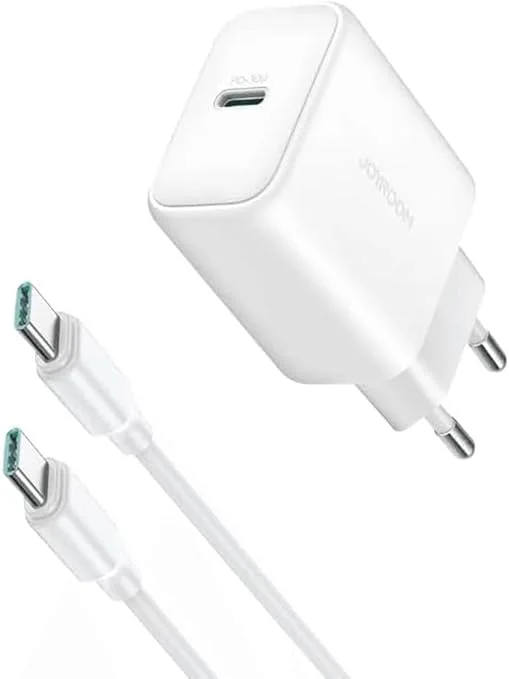
- Joyroom 20W or 25W charger: a budget option — the Joyroom 20W at EGP 236 and the Joyroom 25W at EGP 342, each with a USB-C PD port.
- Anker charger: the Anker 20W at EGP 490, the Anker 25W PPS at EGP 550, or, for one charger covering a phone and a light laptop, the Anker Nano 45W at EGP 790. Anker lists MultiProtect for its chargers, and all are covered by CairoVolt's written store warranty (duration shown on each product page).
- Joyroom 30W dual-port charger: the Joyroom 30W PD+QC at EGP 280 charges your earbuds alongside your phone, with power shared between the two ports.
11. Storing Earbuds for Extended Periods Safely
If you plan to store your wireless earbuds without using them for several weeks or months (such as during travel or when transitioning to a new model), do not leave them fully charged or completely depleted. Storing lithium-ion batteries at 0% capacity can trigger a deep discharge state, which alters the chemistry of the cell and prevents it from ever accepting a charge again. On the other hand, storing them at 100% capacity subjects the battery to high voltage stress, accelerating capacity loss. The ideal approach is to charge the case to **around 50%**, place the earbuds inside, and store the entire unit in a cool, dry place away from heat. We recommend checking the battery level and topping it back to 50% every six months to keep the lithium chemistry active.
12. Future-Proofing with Advanced Charging Protocol Standards
As charging standards move toward unified systems, newer smartphones and accessories are requiring more advanced power profiles. Purchasing a charging adapter that supports USB Power Delivery 3.1 and dynamic PPS ensures that your adapter remains compatible with future device upgrades. Many current chargers from brands such as Anker support PD and PPS (check each model), protecting legacy low-voltage accessories while retaining the ability to fast-charge modern laptops and flagships. This versatility reduces electronic waste and saves money by eliminating the need to buy separate bricks for different devices.
In conclusion, choosing an original Samsung or Apple charger, or a genuine alternative from known brands such as Anker and Joyroom bought with an invoice and a written warranty, is a reliable way to protect your device's battery health over the long term. Investing in a genuine adapter is a smart decision that prevents overheating, ensures battery longevity, and gives you peace of mind.
CairoVolt Team
Tech Editor
Frequently Asked Questions
Can I use an iPad fast charger for my AirPods?▼
Why does one earbud drain battery faster than the other?▼
Is it bad to leave AirPods on a wireless charger overnight?▼
How do I clean the inside of my AirPods charging case safely?▼
Ready to Buy?
Browse available products and review specifications and CairoVolt warranty terms before ordering
Related products
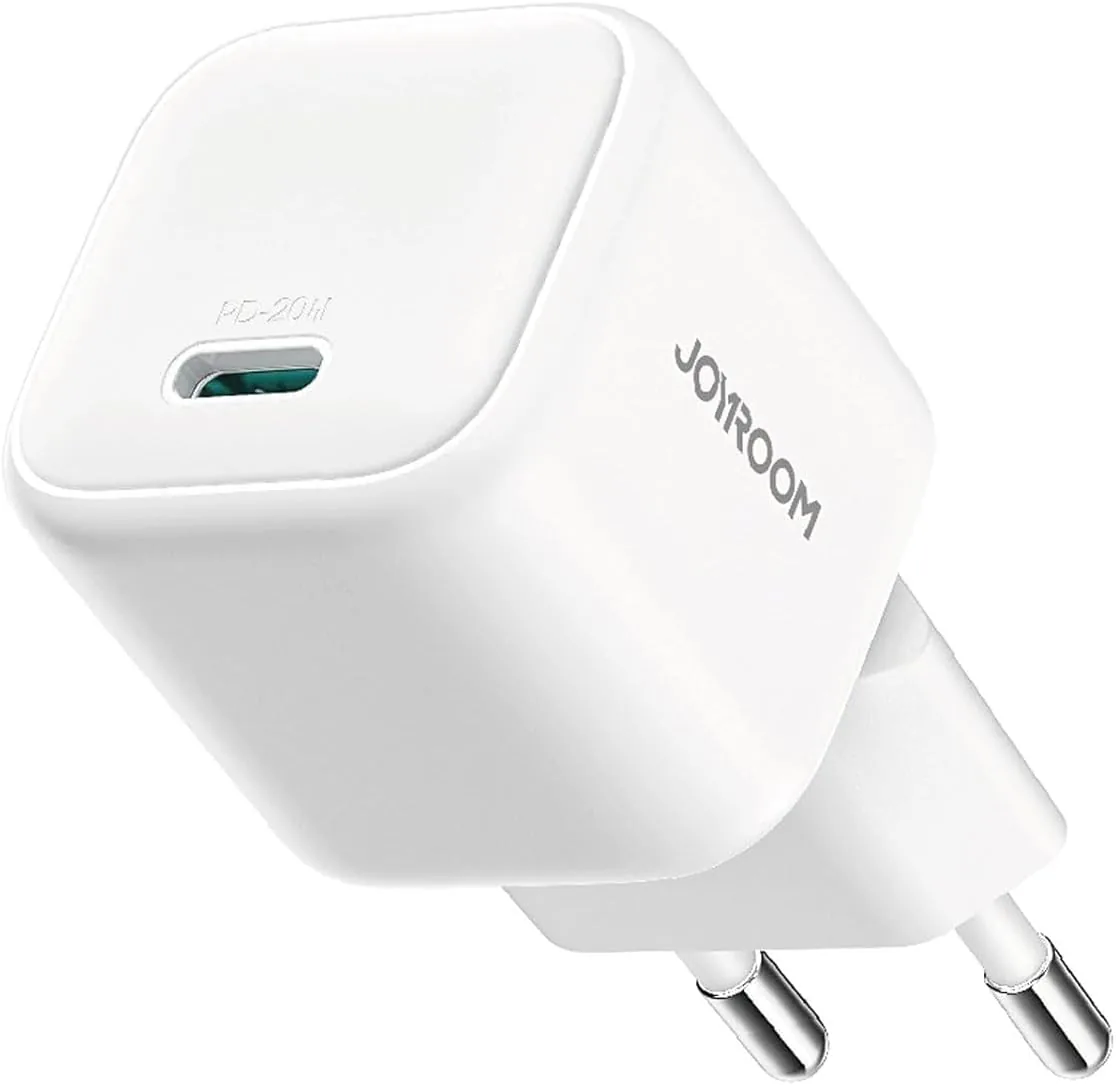
Joyroom 20W USB-C PD Charger | iPhone 17 Fast Charge
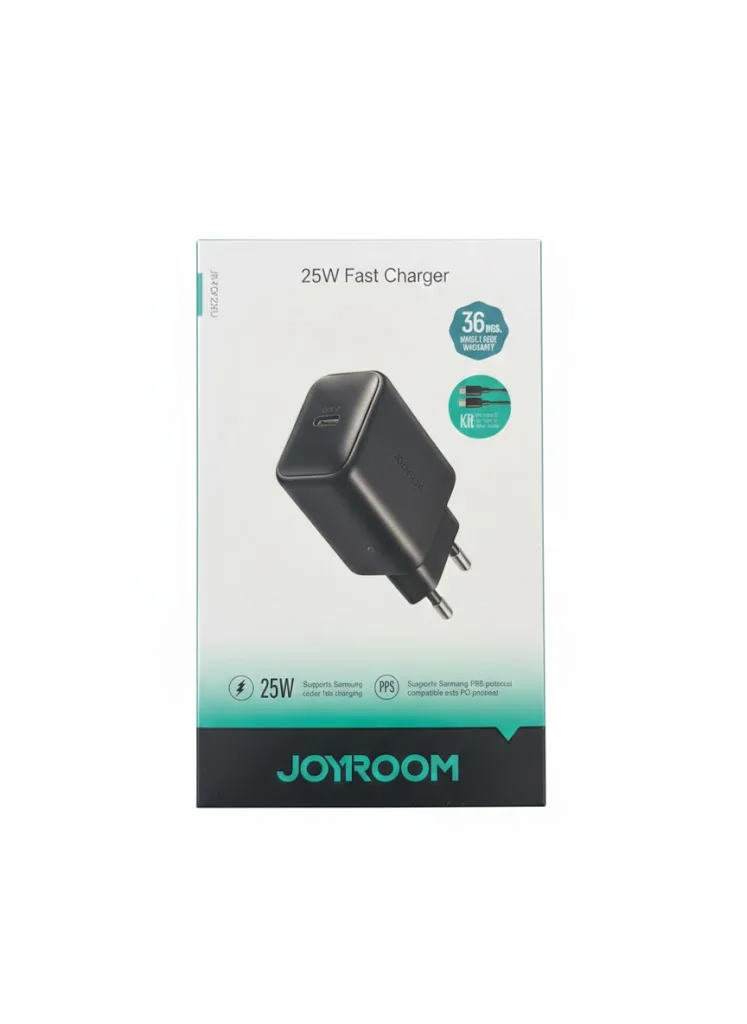
Joyroom 25W USB-C PD Charger (JR-TCF23) | iPhone and Samsung Compatibility
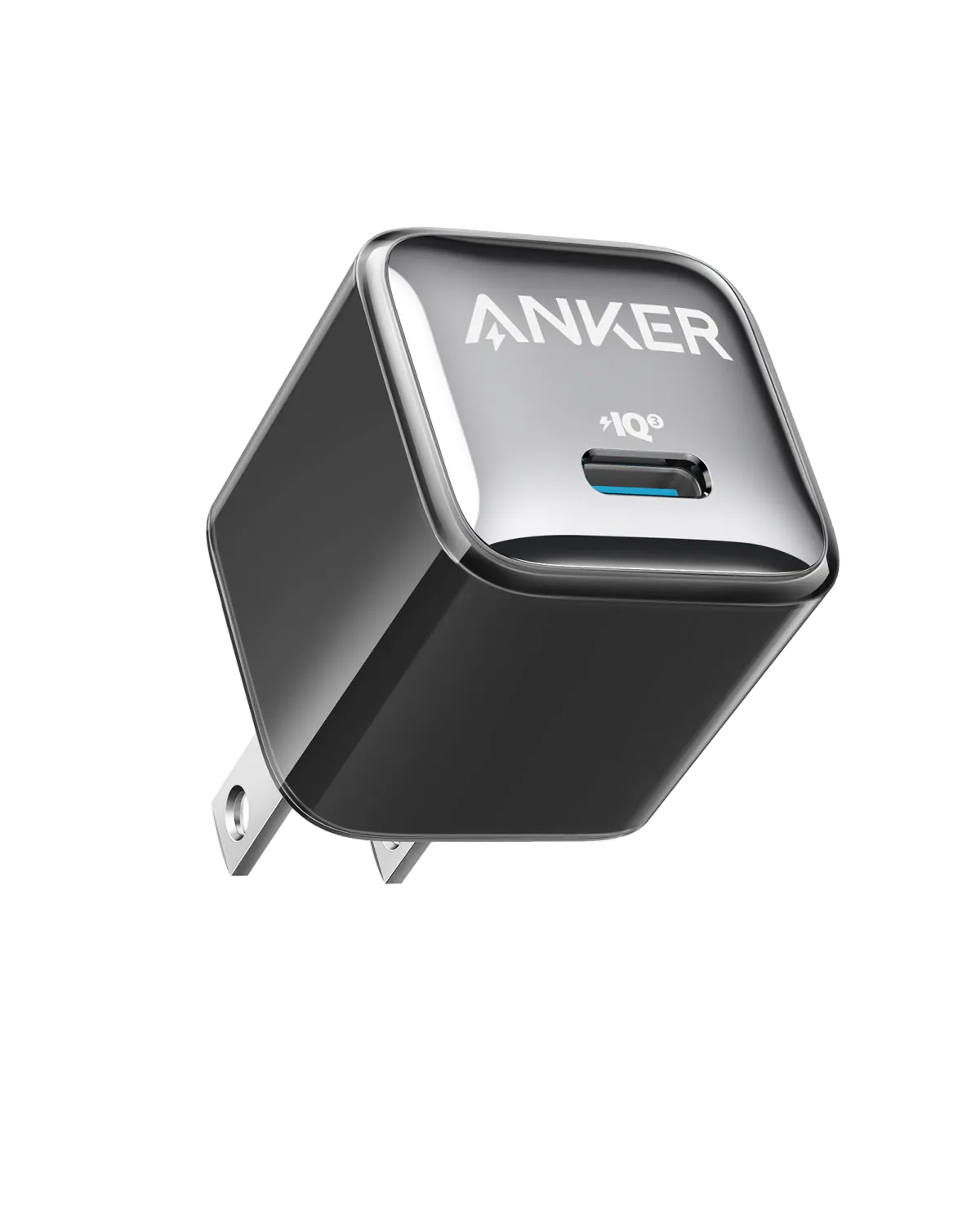
Anker A2347K11 20W USB-C PD Charger | Check Device Profile and Plug
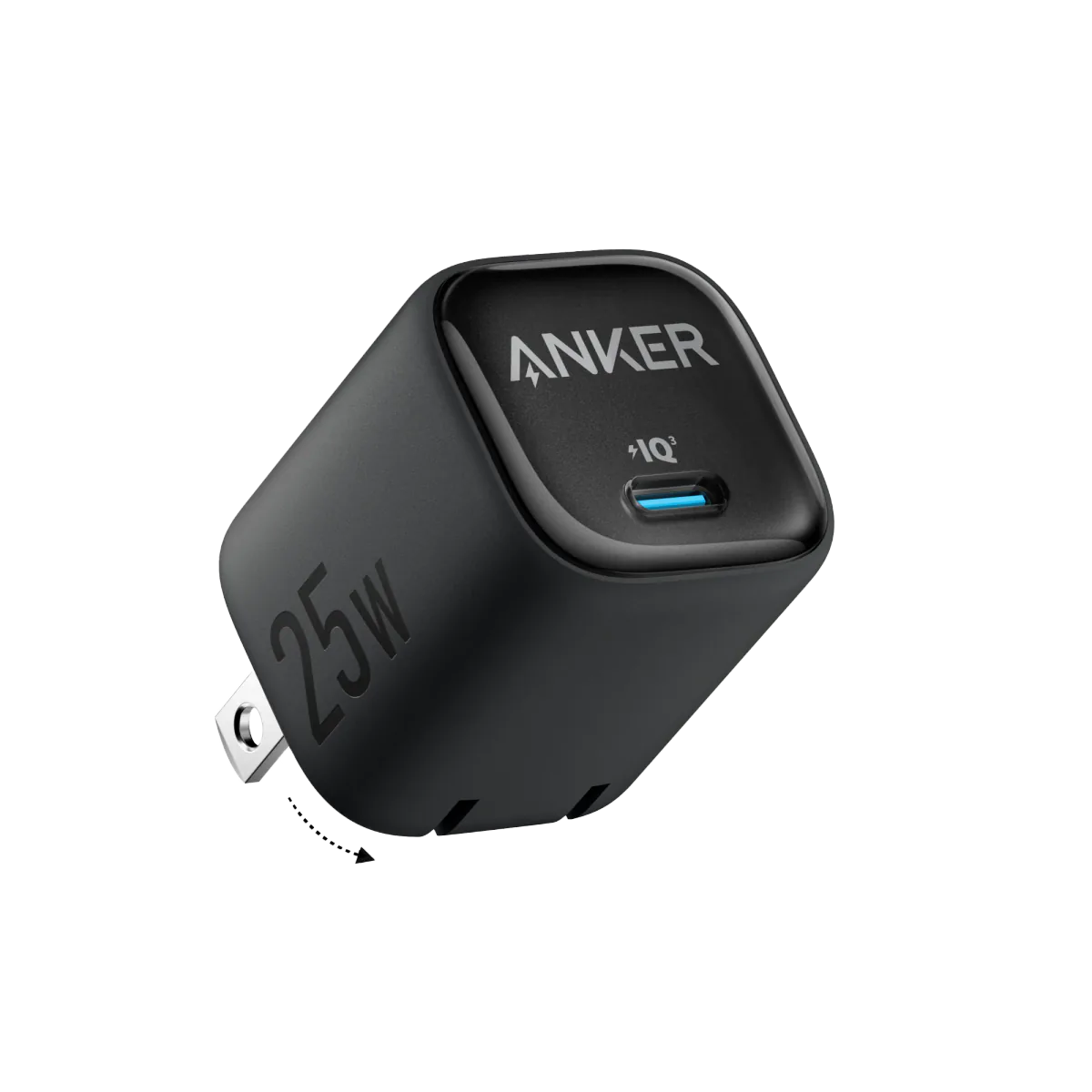
Anker 25W PPS Charger (A2656111) | Samsung-Compatible USB-C PD
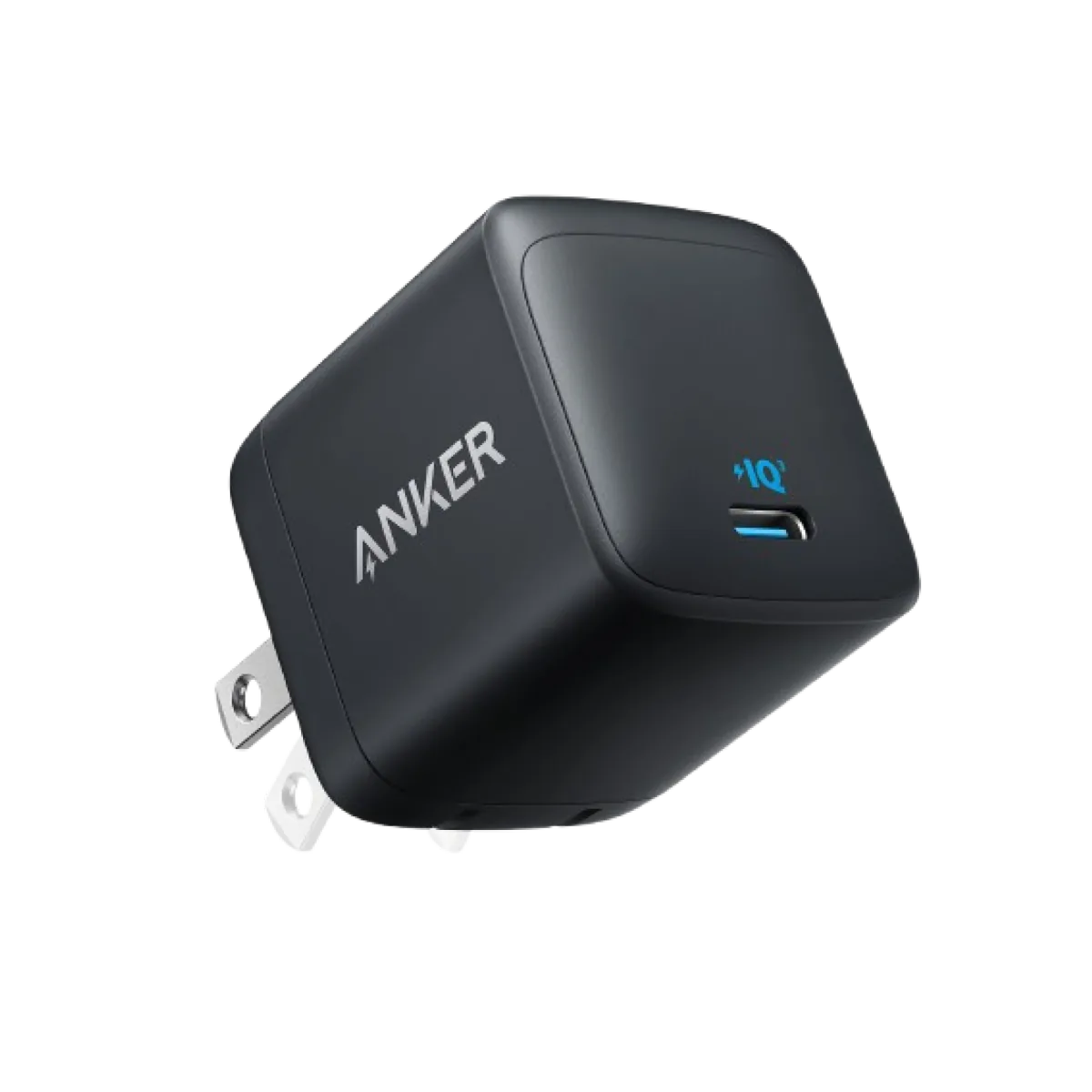
Anker Nano 45W GaN USB-C Charger | MacBook Air + iPhone 17